



SysAid Pricing: Is It Worth It In 2026?


SmartSuite provides work platform for standardizing workflows in the following areas:
-
Governance, Risk & Compliance
-
IT & Service Ops
-
Project / Portfolio Management
-
Business Operations

SysAid now publishes a starting price of $89 per agent per month for its Professional AI plan; this guide covers what that includes, what Enterprise AI adds, and whether the platform is worth the investment.
In this article, I’ll cover everything that is known about SysAid’s pricing, including how they calculate their pricing and reported numbers.
💡 I’ll also introduce you to a SysAid alternative that has a more affordable pricing structure, is quick to set up, and comes with premium customer support without paying 6 figures a year.
How Does SysAid Calculate Its Pricing?
SysAid calculates its pricing for its ITSM solution based on the following factors:
- The type of package that you’d choose.
- The number of Administrator Accounts (“admin” or “agent”), as each seat is billable.
- Your organization’s assets, such as workstations, servers, mobile devices, etc. that need to be managed by the system.
- A one-time professional onboarding fee that is not included in SysAid’s plans.
- Edition & Deployment Mode: Professional AI or Enterprise AI; Cloud vs. On-Prem.
- Add-On Modules, including Copilot GenAI, BI Analytics, Patch Management, Remote Control channels, Sandbox, etc
There are 2 plans that you can choose from:
- Professional AI: $89 per agent/month, including request, incident, change and problem management, asset management, a Copilot for agents and end users, pre-built AI agents, SLA management, dashboards, and BI analytics.
- Enterprise AI: Custom pricing from 20 agents, adding a sandbox environment, tailor-made AI agents, advanced BI analytics, and a Gold Service Package with P1 support.

Source: SysAid.
➡️ The platform can also be deployed on-premises or in the cloud:
- SysAid’s Cloud solution provides your team with weekly automatic updates, enterprise-grade security, and access to AI-powered features with minimal maintenance.
- SysAid’s on-premises solution includes SysAid’s core ITSM capabilities; however, many of SysAid’s advanced features and continuous updates are exclusive to the Cloud version.
Does SysAid Have A Free Plan Or A Free Trial?
SysAid does not offer a free plan.
However, according to SysAid themselves, there’s a free trial of the platform, where you’ll be able to get access to all SysAid features with no credit card or commitment required.

Source: SysAid.
How Much Does SysAid Really Cost?
SysAid now publishes its pricing: the Professional AI plan is $89 per agent per month, and Enterprise AI is custom-priced from 20 agents.
Older third-party estimates (SelectHub, below) put the former Help Desk plan at about $79 per user per month.

Source: SelectHub.
Enterprise AI pricing is only available by quote.
Is SysAid Worth The Cost?
There are dozens of satisfied users with SysAid’s solution, with some of them noting that they were able to integrate the platform with their monitoring tool, which helped them detect outages faster and ensure minimal disruption to critical systems.
That same user mentions that with the tool, they were able to see cost savings of over a million dollars.

‘’We were able to integrate SysAid with our monitoring tool which led to quicker detection of outages ensuring minimal disruption to critical systems. Our organization has made cost savings over $1 Million with this deployment.’’ – TrustRadius.
However, some users have been dissatisfied with the solution for several reasons:
- Occasional bugs that cause interruptions and delays for some users of the platform.
- Clunky and outdated interface, especially for first-time users.
- There’s a steep initial learning curve for the platform, as it takes users some time to set up the platform initially and understand it fully.

‘’While SysAid has been great overall, we found that some initial configurations took a bit of time to understand fully.’’ – G2 Review.
Are You Looking For a SysAid Alternative?
SmartSuite offers the best alternative to SysAid in 2026 for ITSM with our easy-to-use solution that helps IT teams streamline critical IT processes, organize projects, and remove traditional obstacles in the tech landscape.

Here’s a quick walkthrough of the platform and our solution for IT managers:
Let’s go over the features that make SmartSuite the best choice for small and large IT teams looking for a SysAid alternative: 👇
Comprehensive IT Service Management
SmartSuite helps IT teams manage their IT processes, projects, and assets all in one single solution.
Our no-code, easy-to-use platform lets you automate all technical processes with ease.
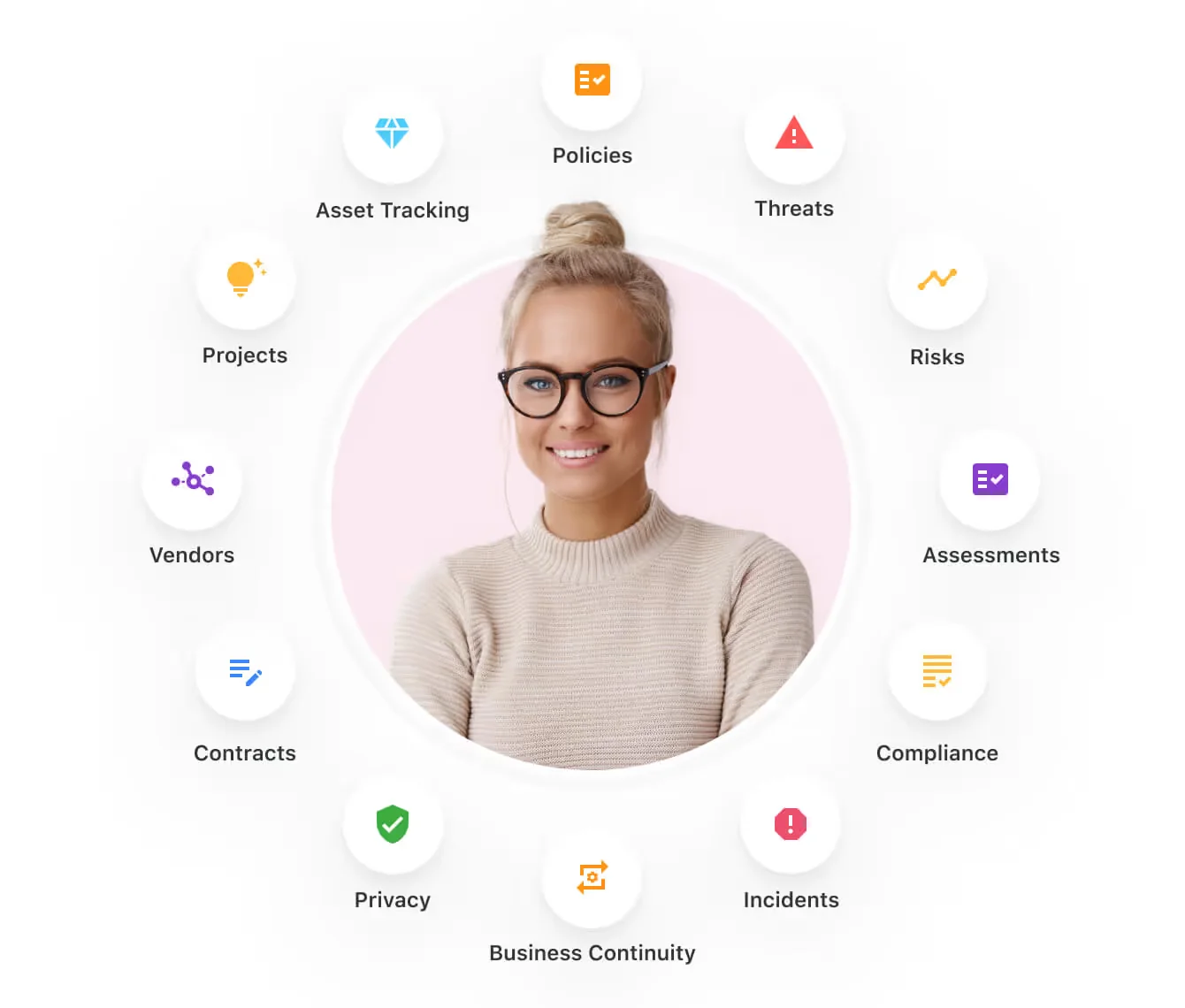
Here are the capabilities and use cases that your team will get with SmartSuite:
- Manage critical IT processes: Manage IT data and workflows in one place, from deploying help desk and issue management solutions to ensuring core business operations stay uninterrupted.

- Track tickets & issues: Deploy a help desk and issue management solutions to ensure your business operations are not interrupted.

- Manage your IT assets and licenses: Your team can track all of your IT assets, to whom they are deployed to and what software versions are deployed.

- Manage internal IT projects: Plan deployments, schedule your teams, and monitor progress to ensure you deliver on time and under budget.

- Integrate with your existing systems: Your team can integrate with existing systems and data to consolidate and centralize your data.

- Automate for accuracy and efficiency: Remove inefficiencies and the chance for human error by automating repeatable workflows.
- Monitor and report on your work with customizable IT dashboards: Your team can slice and dice data, track help tickets, work requests, and more in dynamic interactive dashboards.

Streamline Your Team’s IT Workflows
Your team can standardize your IT request workflow with a centralized work request process.
Our platform lets you prioritize tasks, assign IT staff and ensure that you achieve SLAs.

You can also monitor your team with flexible reports and dashboards that keep you updated in real-time.
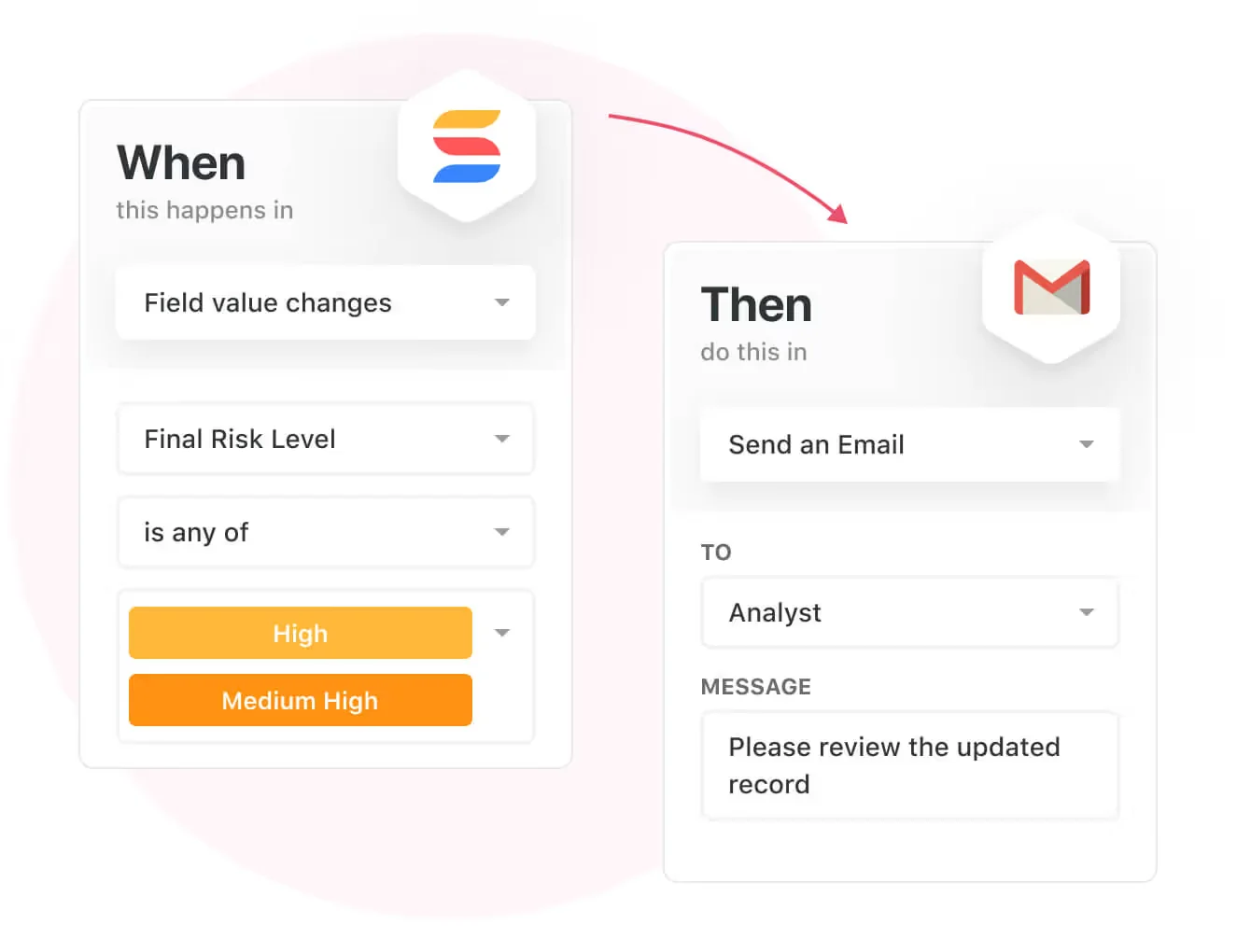
Apart from that, SmartSuite's no-code automation builder provides IT teams with a visual interface that makes it easy to respond to events and take action.
That means you can customize your ITSM workflows without technical resources.
💡 Working from mobile? Stay connected to critical IT information, tickets and device information with our native iOS and Android apps.
Your team can use our mobile apps to share files, images, updates and other feedback to resolve problems and close tickets.

Out-Of-The-Box ITSM Templates
Our team has prepared a few ITSM templates for IT teams looking to get started right away, instead of building everything from scratch, such as an IT Help Desk.

Our ITSM templates include:
- IT Service Request Management, where you can streamline work requests, automate repetitive tasks, and manage IT assets.

- IT Help Desk, which we built for internal IT departments looking to capture and resolve internal technology issues.

- IT Asset Tracker, where you can keep track of IT assets issued to employees or implemented in networks, facilities and workspaces.

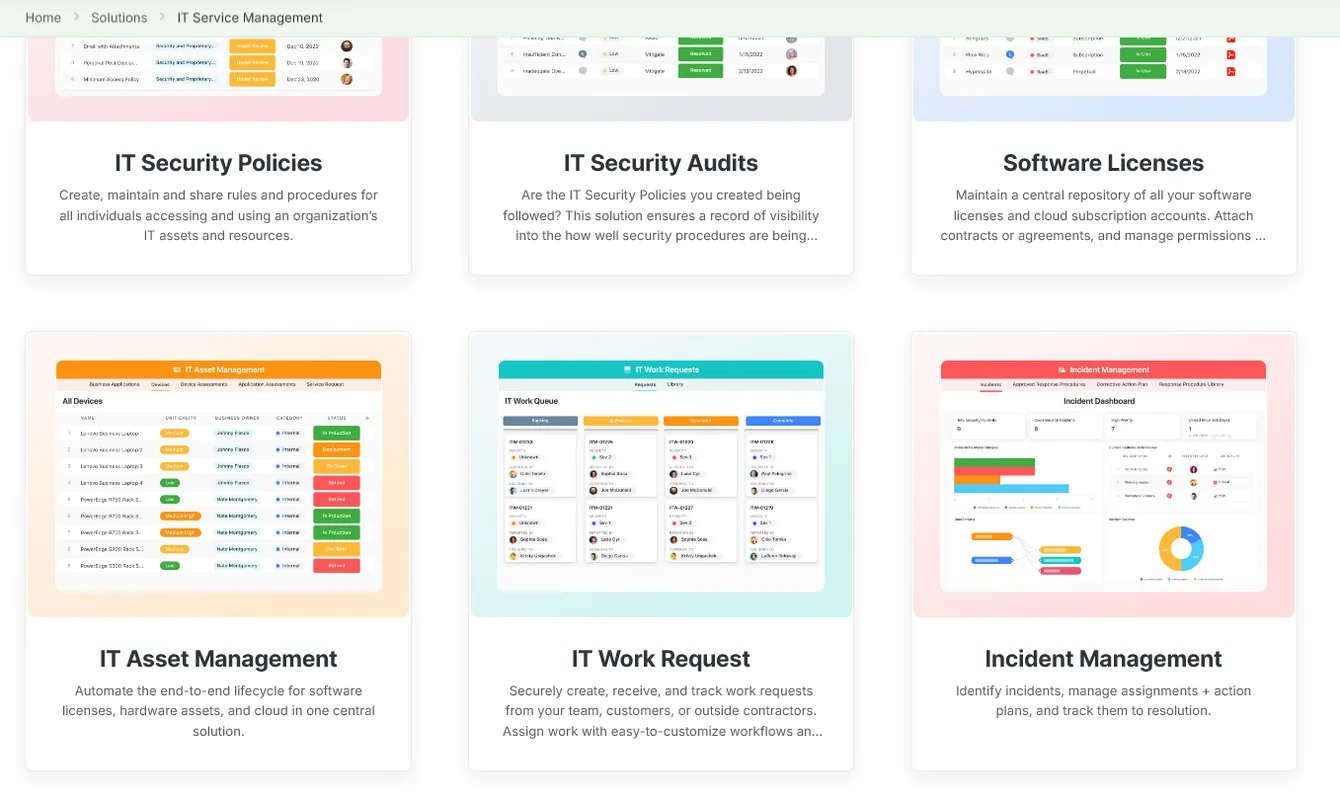
You can customize our ITSM management templates here for various use cases, such as IT Security Policies, IT Security Audits, and IT Work Requests.
How is SmartSuite different from SysAid?
Unlike SysAid, SmartSuite offers a platform with:
- A modern solution with an intuitive interface that does not confuse your IT team or require extensive training.
- A 14-day free trial to help you get started, as well as an Enterprise-grade fully custom plan.
- Automated workflows that can help you build multi-step automations to trigger actions at the right time.
- Customer support and account management will help you with setting up the automations inside the platform.
- Set-up that is not complex - you can get started right away and set up the platform in days, not months.
💡 Case Study: Learn how MediaLab transformed operations, minimized risk, and saved $40,000+ per year by cutting software costs.
How Is SmartSuite’s Pricing Different From SysAid’s?
Unlike SysAid, SmartSuite offers a 14-day free trial of its Professional plan (no credit card required), with automations, team collaboration, multi-dashboard views, and more.
There are three per-seat plans plus a per-solution Signature plan, all available through the 14-day free trial:
- Team: $15/user/month billed annually ($20 billed monthly, minimum 3 users), including 5,000 records per solution, 50GB of file storage, and 25,000 automation runs and API calls per month.
- Professional: $32/user/month billed annually ($36 billed monthly, minimum 5 users), adding 100,000 records per solution, 100GB of file storage, two-factor authentication, and Gmail & Outlook integrations.
- Enterprise: Custom pricing with no seat minimum, adding 400,000 records per solution, 500GB of file storage, audit logs, data loss prevention, SSO, and SCIM provisioning.
- Signature: A customized plan tailored to your organization’s needs and team size with no predefined limits.

Get Started With SmartSuite For Free & Set Up Your ITSM Workspace In Days
If you’re an IT leader looking to build IT service management workstreams, you can give SmartSuite a chance with our 14-day free trial and pre-built ITSM templates.
SmartSuite’s platform offers just the right customization, native collaboration capabilities and a library of 200+ project management templates to help teams create and maintain a project management workflow.
Here’s what's in it for your team when you try SmartSuite:
- A 14-day free trial of the Professional plan with multi-board views (Kanban, Chart, Map, Timeline, Card, and Calendar), automations, and 40+ field types, including formula and linked record fields.
- No-code automation builder to set up to 500,000 trigger/action workflows.
- Built-in productivity tools, including time tracking, status tracking, and checklists.
- Team collaboration and planning tools such as whiteboards and SmartSuite docs.
- Resource management across projects and teams.
- 40+ field types, including the option to add your custom fields.
Start a 14-day free trial to explore all its features.
Or, if you’d like to talk to our team of experts, schedule a demo.
⚠️ Disclaimer: Pricing details change; if any information here is out of date or misinterpreted, please contact us and we will fact-check it.
Read More






Put these ideas to work
Start a free trial, or book a demo and see how it runs in SmartSuite.

