Features Built for Connected Workflows

SmartSuite comes with hundreds of customer inspired features that can be customized to support any workflow process or project in your business.

Dashboards & Reporting

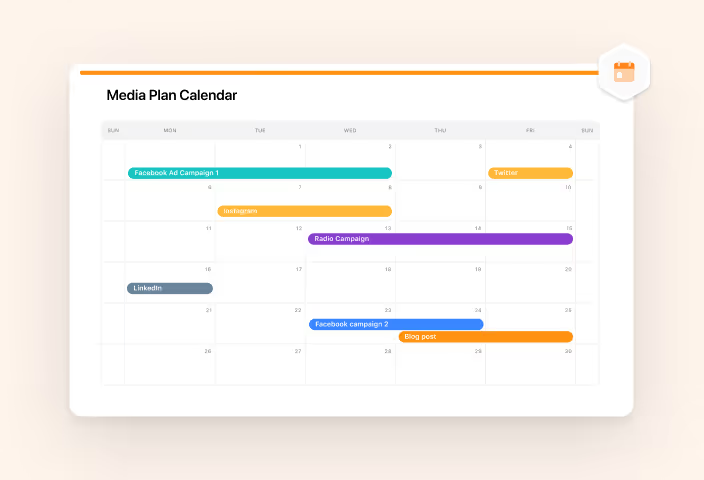
Calendar View

Display Records on an interactive calendar driven by their date Fields—consolidating schedules from multiple Tables into one color-coded view, and rescheduling work with a drag instead of a form.

Read more

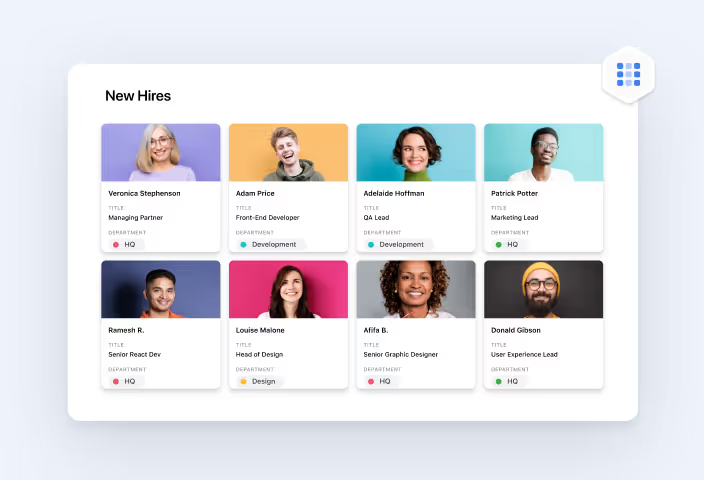
Card View

Display Records as a grid of visual cards led by cover images—previewing media in place, attaching files with a drag, and keeping the structured data one click away.

Read more

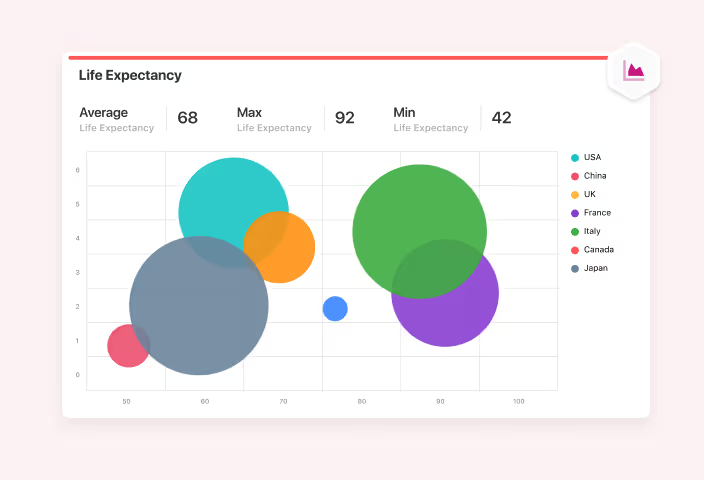
Chart View

Render live, interactive charts straight from a Table's Records—choosing from 10 chart types, drilling into any data point, and re-filtering without rebuilding the chart.

Read more

Customization

Configure Categories, default layouts, branding, and footer content at the workspace level—so the shared SmartSuite experience stays organized, on-brand, and consistent for every team.

Read more

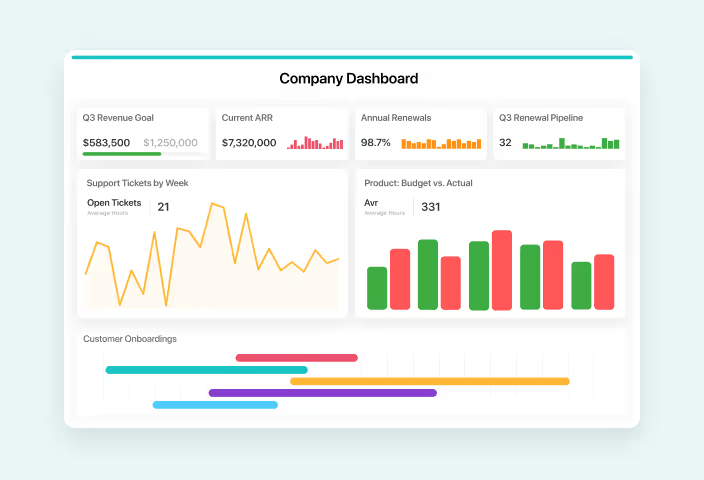
Dashboards

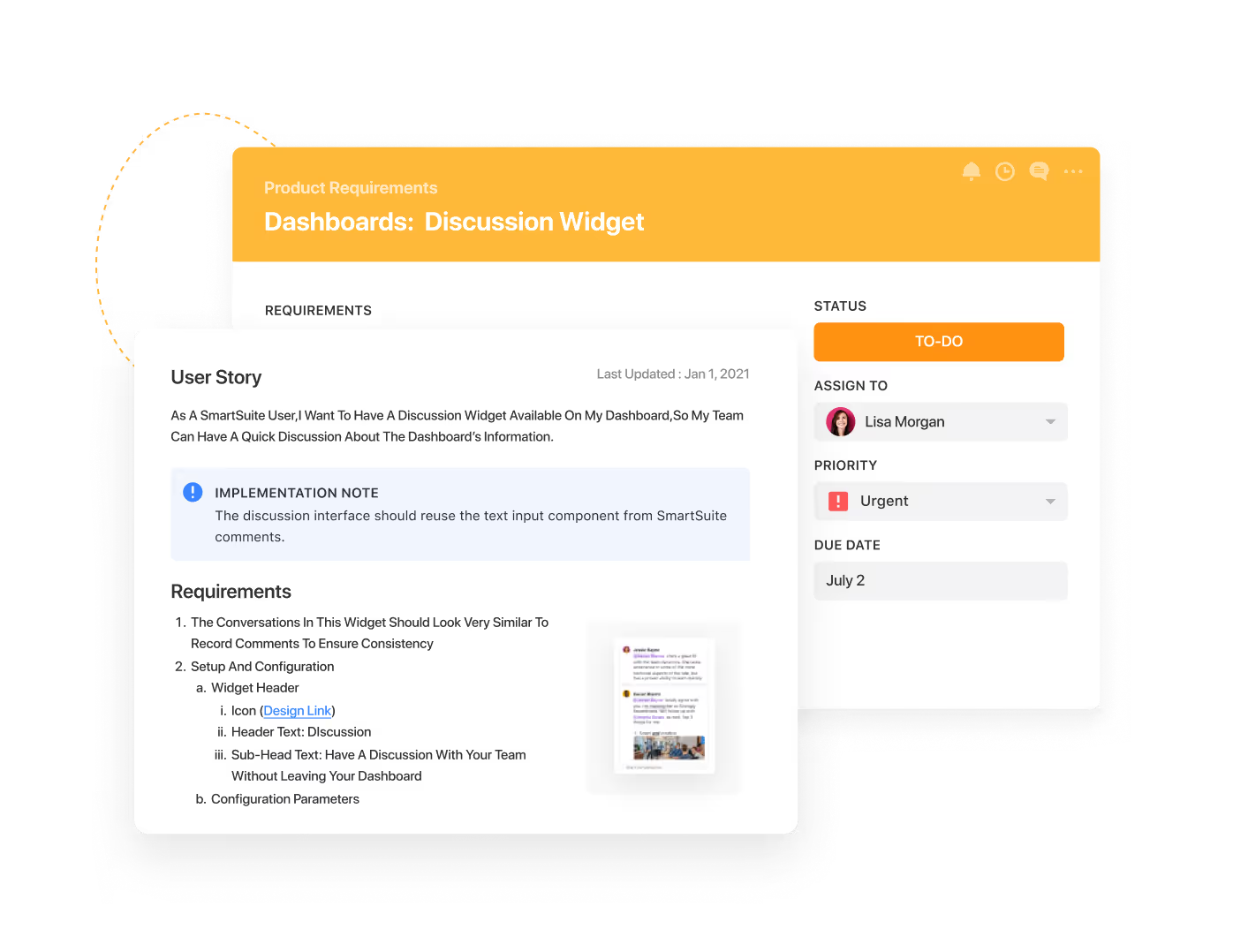
Assemble metrics, charts, embedded Views, and interactive widgets from any Table in your workspace—giving every team real-time visibility, executives one source of truth, and external stakeholders a governed window into progress.

Read more

Document View

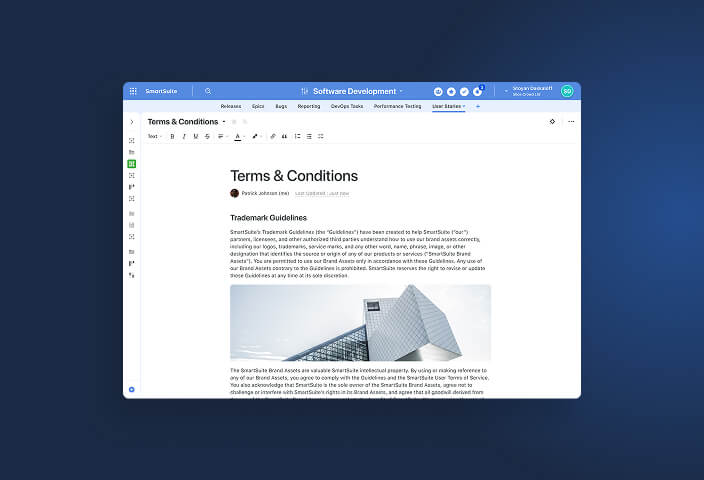
Give any Table a shared, collaborative document canvas built on the SmartDoc editor—guides, meeting notes, and SOPs living beside the Records they describe, with comments, permissions, and version history.

Read more

Folders

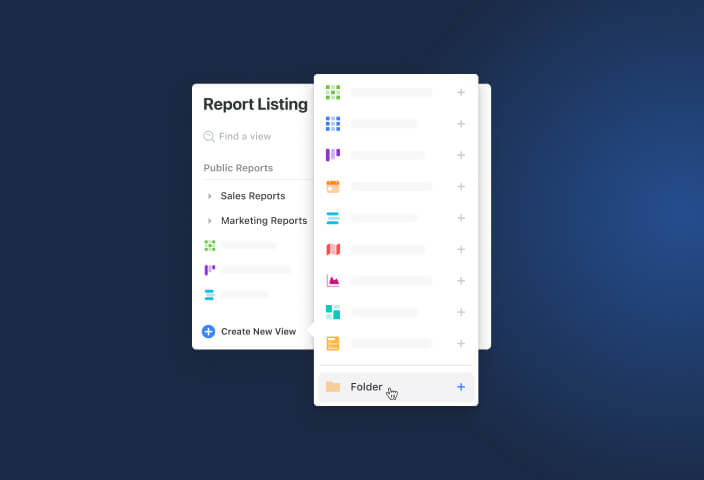
Group related Saved Views into named folders in the Views Sidebar—keeping busy Tables navigable, and controlling which Members, Teams, and roles see each folder's views.

Read more

Gantt Charts

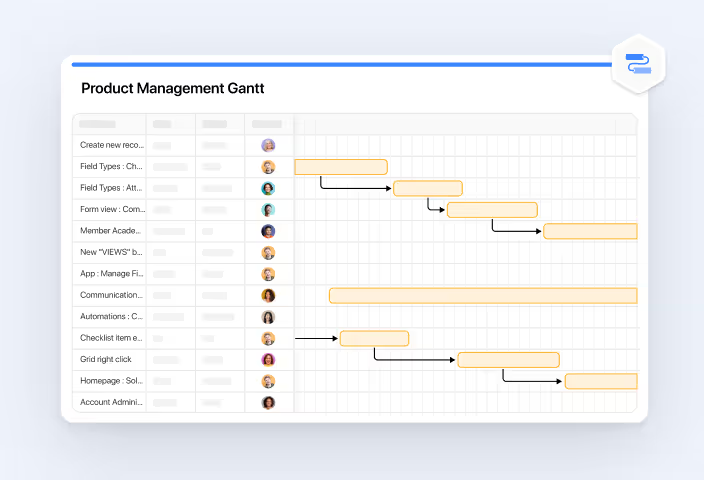
Track tasks, dependencies, and milestones on a combined grid-plus-timeline chart—auto-scheduling downstream work when one task moves, and highlighting the critical path that decides your delivery date.

Read more

Grid View

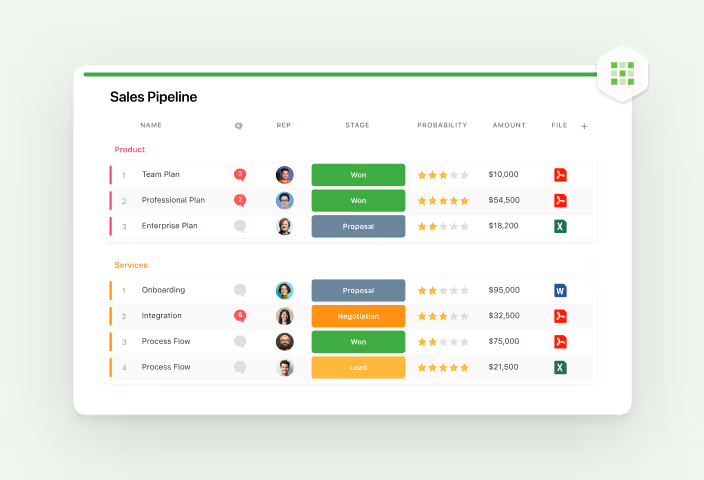
Work with Records in an interactive data grid that behaves like the spreadsheet your team already knows—editing inline, grouping and totaling on the fly, and keeping every change inside your permission model.

Read more

Homepage

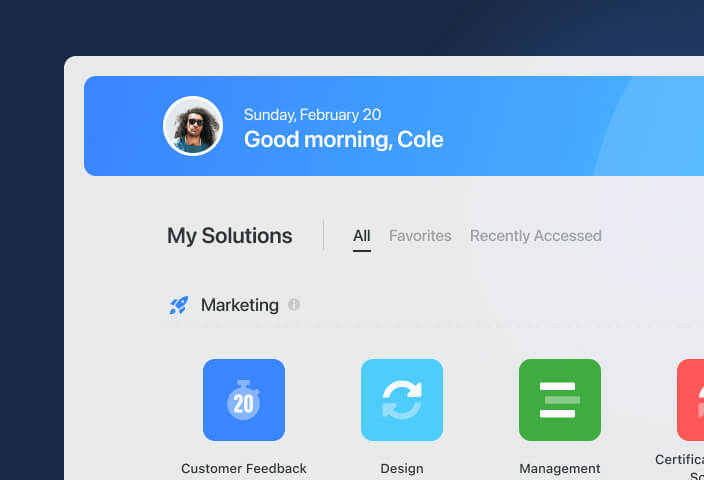
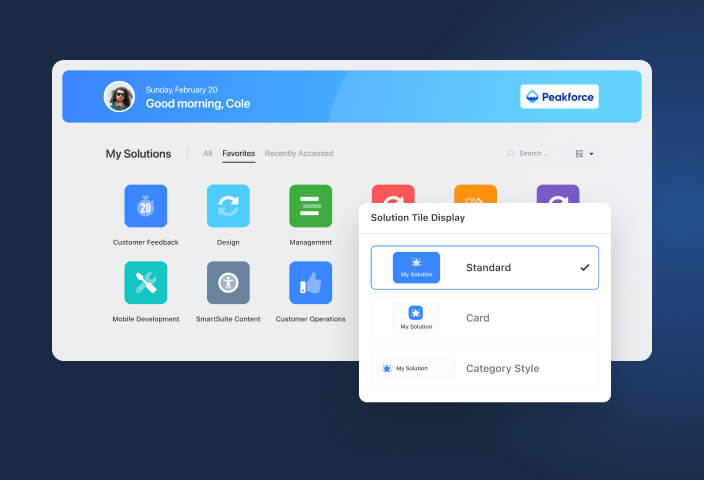
Every member lands on one organized page of the Solutions they can access—grouped into Categories, branded to your organization, and personalized to how each person works.

Read more

Kanban View

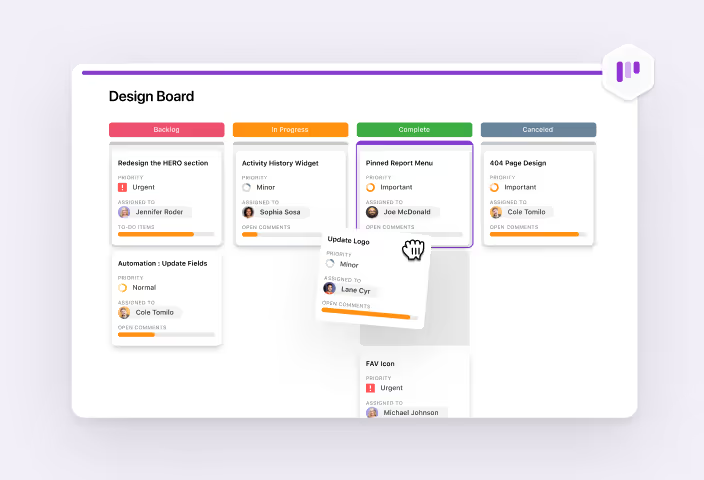
Organize Records into visual board columns that mirror your workflow stages—dragging cards to update status, spotting bottlenecks at a glance, and balancing workload across the team.

Read more

Map View

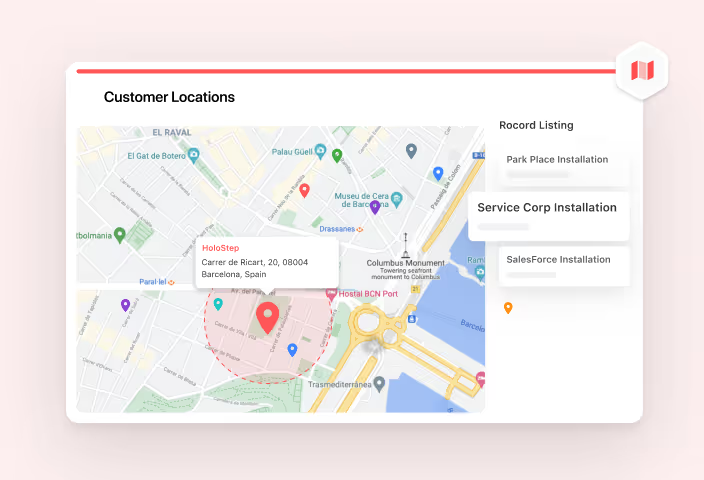
Plot Records with Address Fields as pins on an interactive map—clustering dense areas, drawing radius zones for territories, and dropping into Street View without leaving your data.

Read more

Member Directory

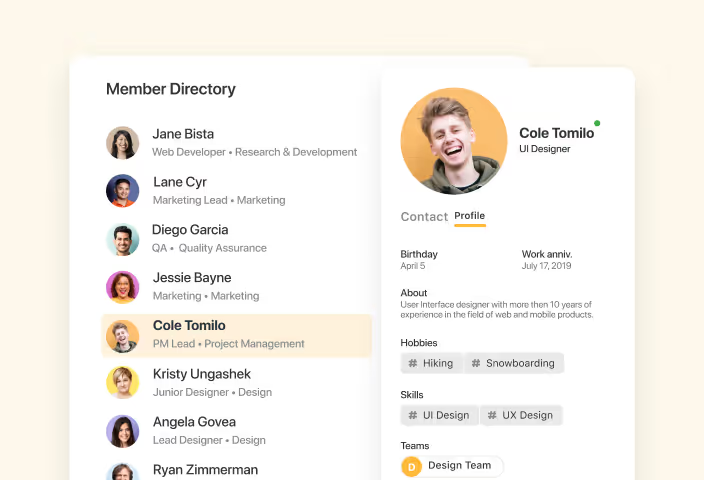
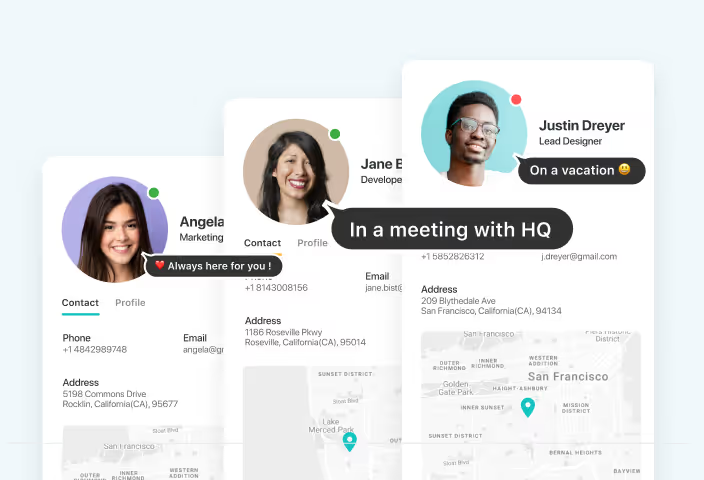
A workspace-wide directory of every member—titles, departments, contact details, and availability—so teams find the right person without leaving their work.

Read more

Personalization

Choose your own Homepage layout, pin favorites, and jump back to recent work—personal preferences SmartSuite remembers for you, without changing what anyone else sees.

Read more

Power Search

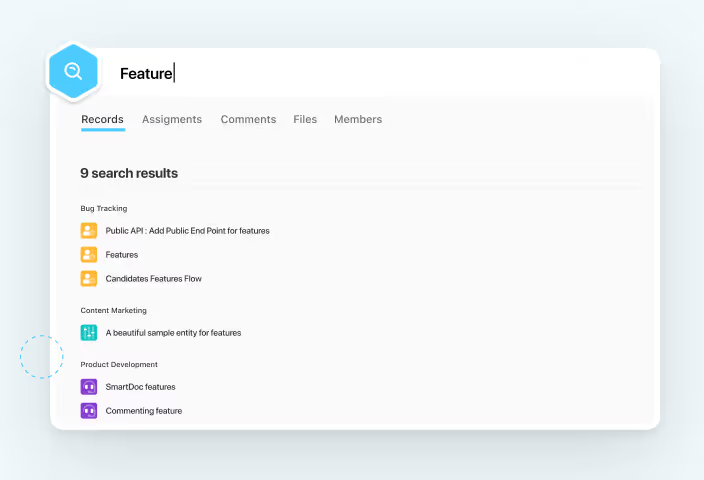
Search records, comments, files, and team members from any page—one query surfaces everything you can access, grouped by Solution and ranked the way you choose.

Read more

Report Toolbar

Shape how any Saved View displays its Records—sorting, filtering, grouping, spotlighting, and choosing Fields from one consistent toolbar that works the same way on every View type.

Read more

Shared Views

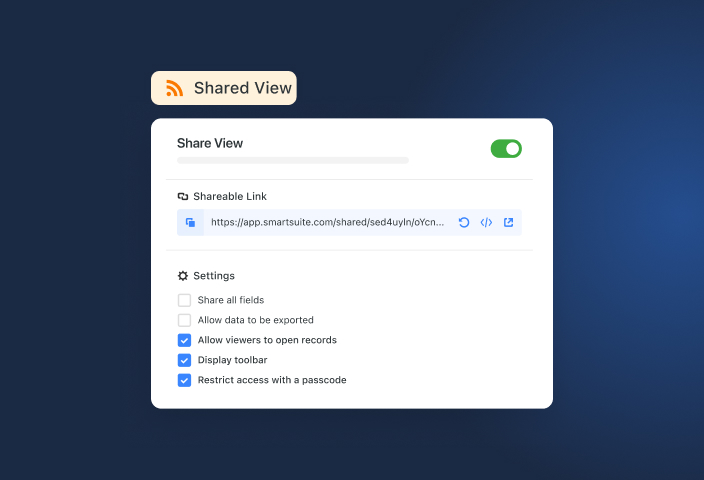
Turn a saved View into a read-only link or embed that always shows current data—giving auditors, vendors, and executives exactly the visibility they need without adding licenses or opening your Workspace.

Read more

Solution Display Types

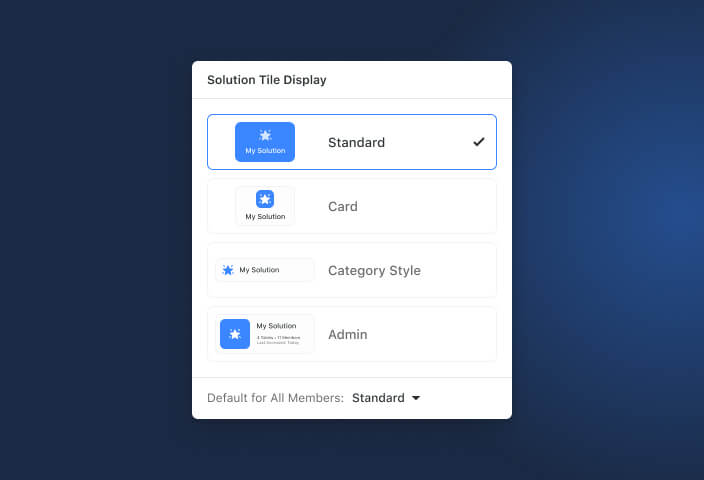
Icon, Card, Pill, and Admin layouts change how Solutions display on the Homepage—from a categorized grid to a metadata-rich admin table, each member picks what fits.

Read more

Starred Items

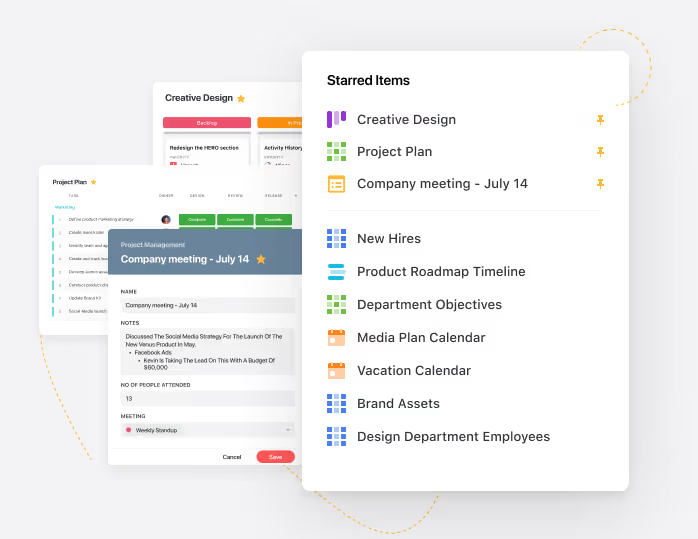
Star the Solutions, views, and records you use most—they surface in a personal Starred Items panel and a My Favorites section, without changing what teammates see.

Read more

Timeline View

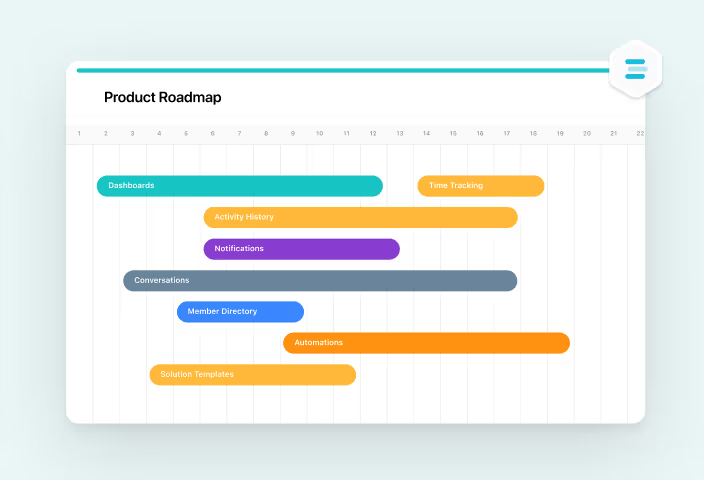
Plot Records chronologically across a zoomable time axis—seeing how schedules overlap, grouping workstreams into lanes, and rewriting dates by dragging a bar instead of editing a form.

Read more

Views Sidebar

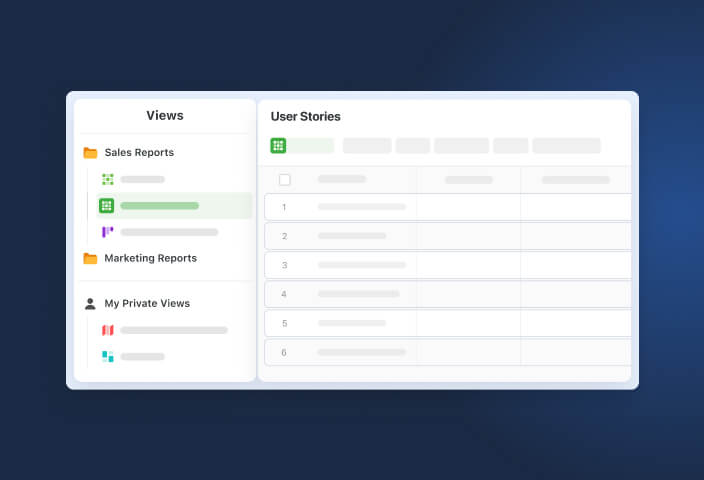
Navigate all of a Table's Views and Folders from one left-hand panel—favorites pinned on top, private views kept personal, and locked views protecting the reports that matter.

Read more

Workspace Branding

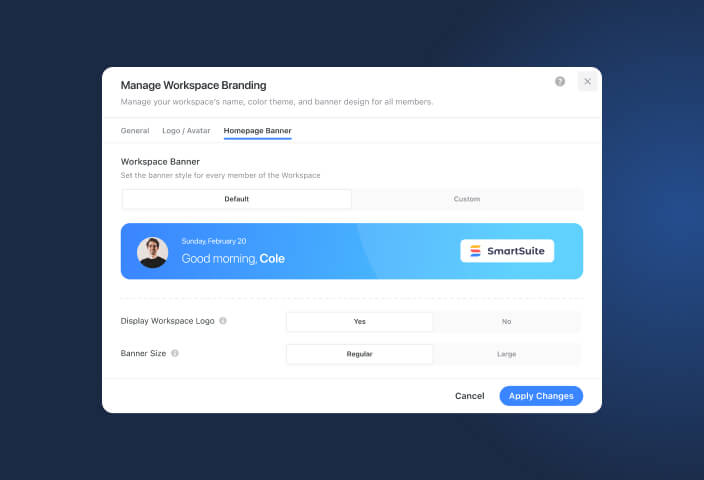
Apply your logo, favicon, color theme, and a custom welcome banner across the workspace—so every member works in an environment that carries your identity, not a generic tool.

Read more

Workflow Orchestration

AI Solution Builder

Type what your process needs to do and SmartSuite generates the Solution—linked Tables, Fields, and relationships—in about a minute, giving teams a structured starting point instead of a blank page.

Read more

Conditional Display Logic

Show or hide fields, sections, and tabs dynamically based on record values—so every record page and form presents only what the current stage of the process requires.

Read more

Forms

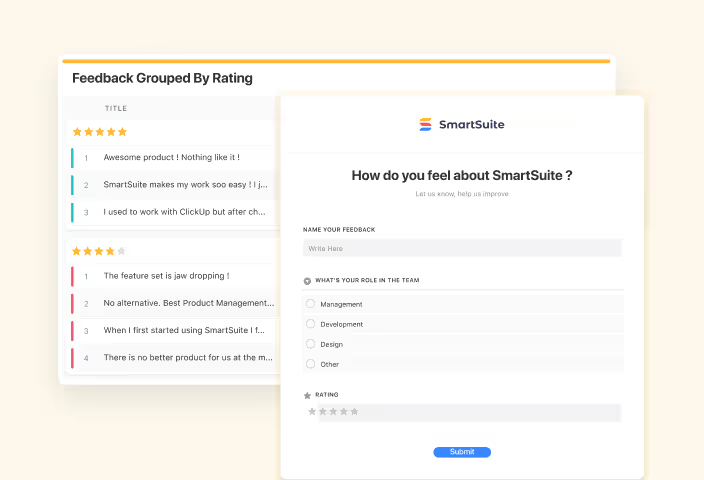
Collect requests, attestations, and intake data from anyone through customizable, shareable forms—every submission lands as a structured Record, triggers your workflows, and never touches a spreadsheet.

Read more

Page Designer

Arrange fields, sections, and content on every record page with no-code, drag-and-drop layouts—so each workflow presents exactly the information its users need, on desktop, tablet, and mobile.

Read more

SmartSuite Studio

Build the data model, business logic, permissions, and user experience of any workflow in one unified no-code environment—so business teams ship working Solutions fast and IT keeps full control.

Read more

Solution Templates

Add a complete, working Solution to your workspace in one click—pre-built Tables, Fields, and demo data for hundreds of workflows—so teams evaluate, customize, and launch instead of building from zero.

Read more

Automation

Automations

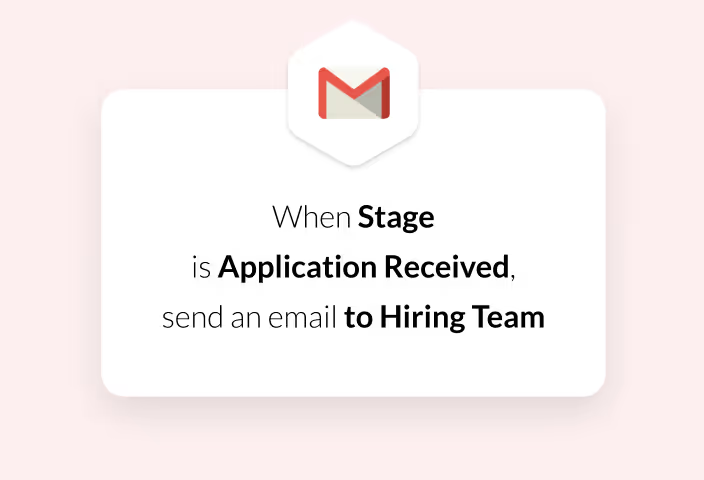
Build trigger-and-action workflows in a drag-and-drop, no-code builder—routing approvals, escalating overdue work, and syncing external tools automatically, with every run logged for full accountability.

Read more

Run History

See every automation run as it happens—status, duration, and actions executed—so your team verifies that workflows fired, pinpoints failures fast, and keeps an execution record auditors can trust.

Read more

Artificial Intelligence

AI Center

Set up an AI provider once, decide exactly where it can be used, and audit every call—so builders get AI capability and admins keep control.

Read more

AI Field Agents

Give any supported Field its own AI agent—generating, analyzing, and enriching Record data from a prompt you control, with every change tracked in the audit trail.

Read more

AI Workflow Agent

Add a prompt-driven AI step to any automation—reading Record data and attachments, returning structured output, and handing results to every downstream action, all inside your governance.

Read more

SmartDoc AI Copilot

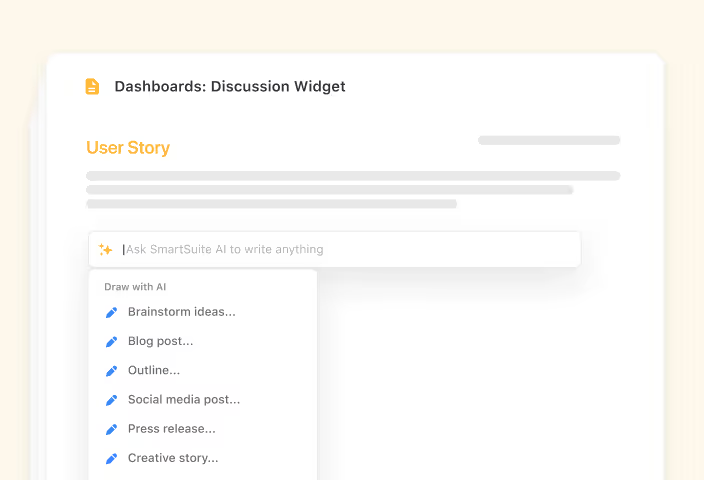
Open the AI assistant inside any SmartDoc field to generate drafts, refine existing text, and pull in live Record data—keeping documents moving without leaving the Record.

Read more

Integrations & Developer

App Integrations

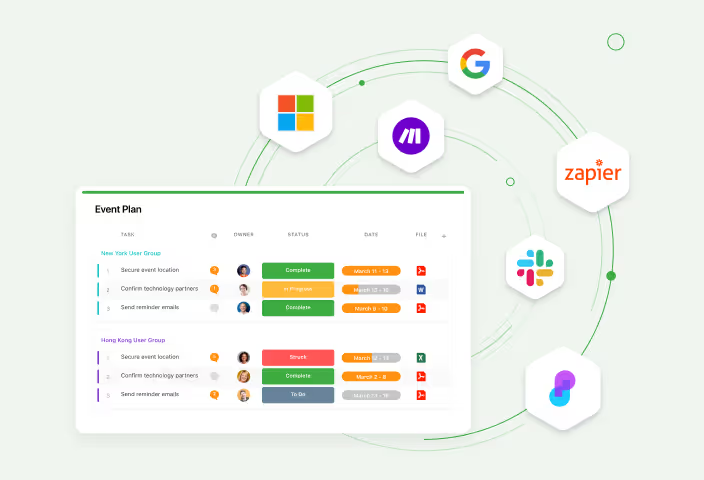
Link SmartSuite to Slack, Google Workspace, Microsoft 365, Salesforce, and 6,000+ other products through native connections, connector platforms, and the REST API—eliminating swivel-chair work, closing data gaps, and keeping every system in sync.

Read more

Developer Docs & SDKs

Scope, build, and ship against SmartSuite with the dedicated developer portal at developers.smartsuite.com—per-endpoint REST API references, the in-app Scripting API, and authentication and rate-limit documentation in one place.

Read more

MCP Server

Connect Claude, ChatGPT, and any MCP-compatible agent to your SmartSuite data through the Model Context Protocol—so agents can query Records, explore schemas, and take action inside the same guardrails that govern your teams.

Read more

REST API

Read and write Solutions, Tables, Records, and Members through standards-based JSON endpoints—connecting internal systems, automating administration, and extending SmartSuite anywhere pre-built connectors don't reach.

Read more

Script Management

Build calculators, custom reports, and external data pulls with the Scripting Widget—JavaScript running against your live Records, created and controlled by the Solution Managers you designate.

Read more

Service Accounts

Run integrations, scripts, and agents under dedicated API identities with scoped, auditable access—so automated work survives personnel changes, carries only the access it needs, and stays visible to administrators.

Read more

Webhooks

Subscribe external systems to record created, updated, and deleted events—or fire outbound HTTP requests from any Automation—keeping downstream tools current without polling, delays, or duplicate data entry.

Read more

Workspace Secrets

Keep OpenAI, Anthropic, and other AI provider credentials in the AI Control Center—entered once by an administrator, scoped to the Solutions and features that need them, and never re-typed or exposed at the point of use.

Read more

Secure Collaboration

Activity History

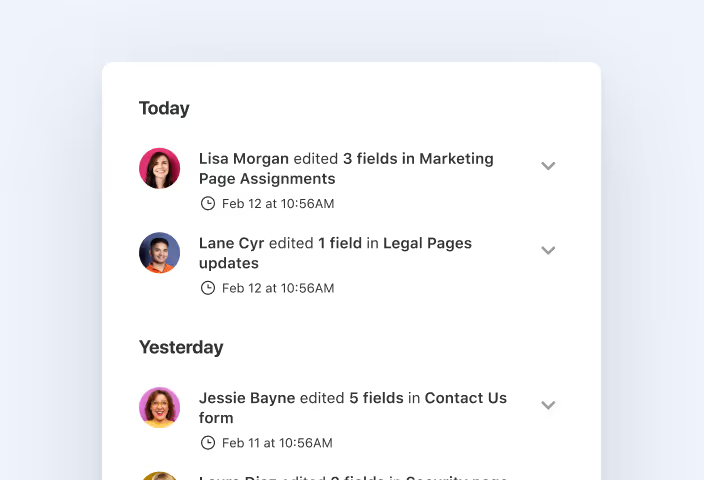
Every field edit, automation change, and communication is logged automatically on the Record—giving teams a searchable audit trail without setup, spreadsheet exports, or asking around.

Read more

Availability Status

Set online, occupied, or away—with a custom emoji, message, and auto-clear timer—so teammates know whether to expect a reply before they ask.

Read more

Comments & @Mentions

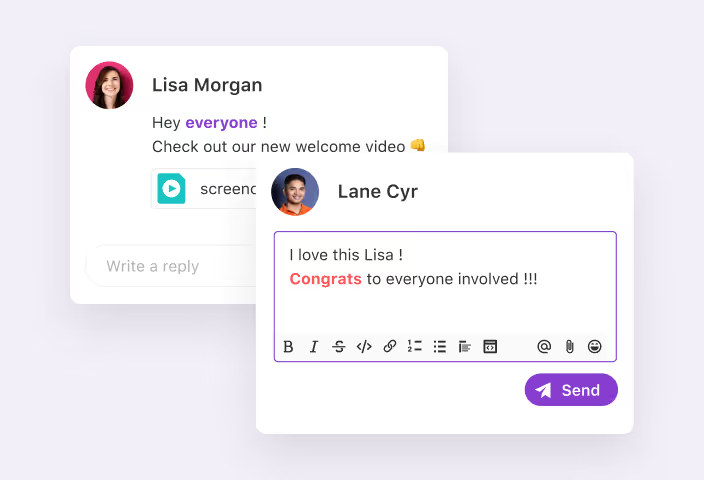
Comment on any Record, tag Members or entire Teams with @, and turn feedback into assignable follow-ups—replacing scattered email threads with discussion that stays in context, notifies the right people, and resolves on the Record.

Read more

Notification Center

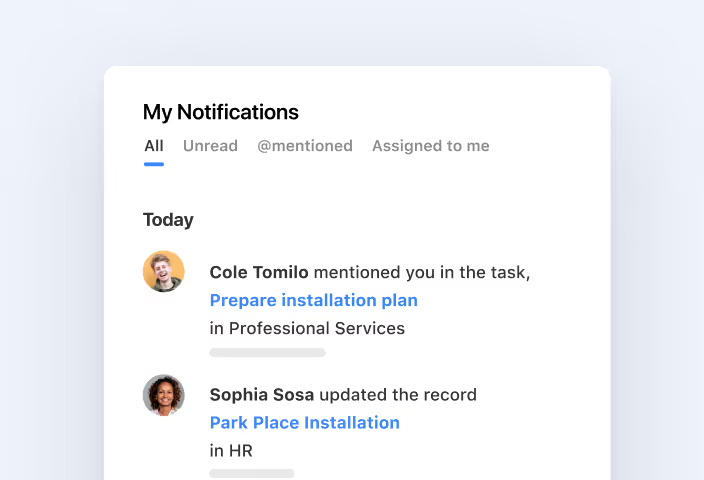
Mentions, assignments, followed Records, and account events from every Solution land in one real-time hub—so your team sees what changed, filters to what they must act on, and jumps straight to the work.

Read more

Real-Time Updates

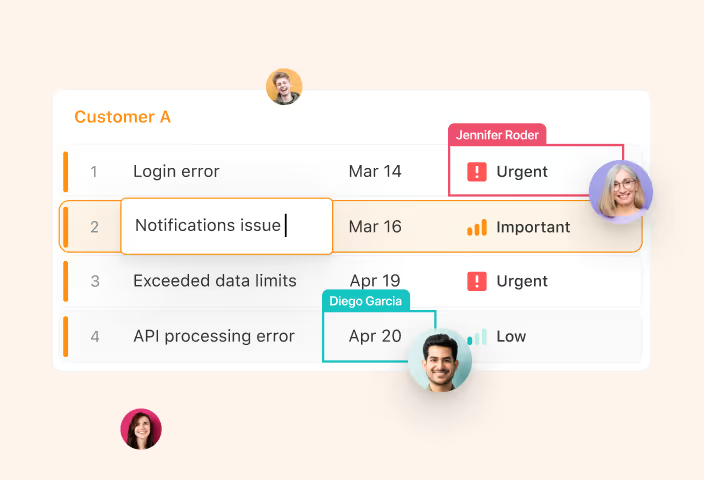
Edits, comments, and status changes sync to every viewer's screen the moment they happen—no refreshing, no conflicting copies, no wondering which version is right.

Read more

Team Collaboration

Organize Members into named Teams and assign permissions, @mentions, and work to the whole group at once—new teammates inherit the right access on day one, and nothing depends on person-by-person setup.

Read more

Work & Task Management

Mobile App

Native iOS and Android apps bring your Solutions with you—view and update Records, capture photos straight into Fields, check Dashboards, and log time from wherever the work actually happens.

Read more

My Work

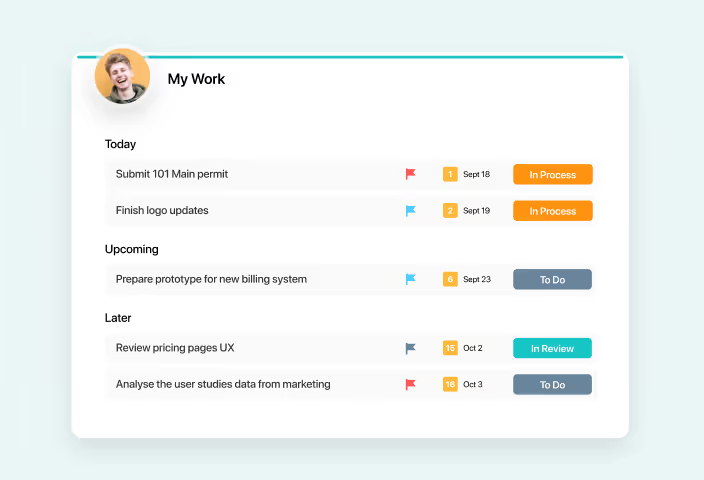
My Work gathers every record assignment, checklist item, sub-item, and assigned comment you own into a single personal hub—so you triage by due date, update status inline, and never hunt across Solutions to find what you owe.

Read more

Task Management

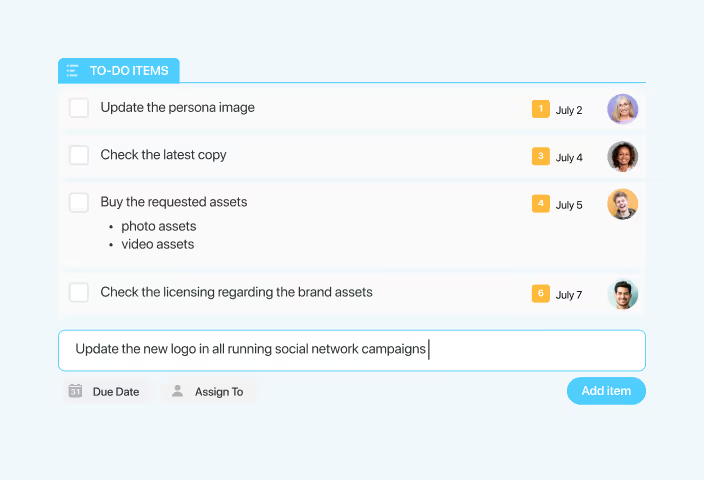
Purpose-built Assigned To, Status, Due Date, and Checklist Fields combine on any Table to make Records behave like tasks—routed to the right person's My Work, tracked against deadlines, and visible in every planning view.

Read more

Time Tracking

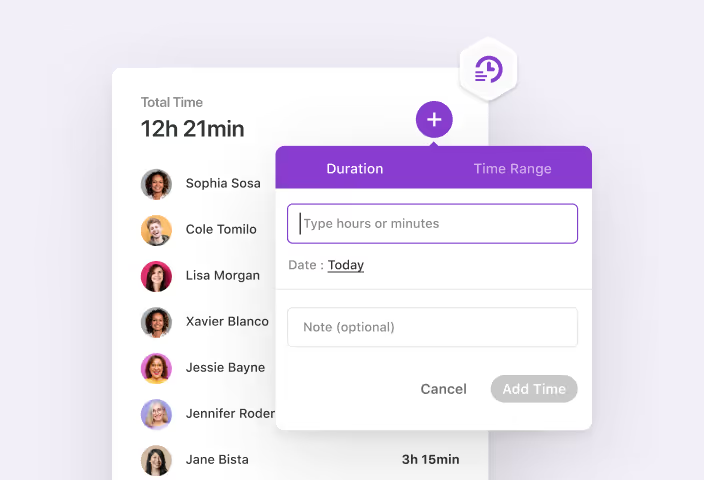
The Time Tracking Log Field records time against any Record—by timer or manual entry—capturing who worked, for how long, and on what, then rolling every entry into totals your reports and formulas can use.

Read more

Data Architecture

Airtable Import

Connect your Airtable account, choose a base, and SmartSuite creates a new Solution from it—structure and records migrated into relational Tables ready for views, permissions, and reporting.

Read more

Button Field

Put the next step on the Record itself—open a dynamic link, run an Automation, create a pre-filled Record, or launch a form—so work moves forward without hunting through menus.

Read more

Cross-Solution Linkage

Connect Records in different Solutions with Linked Record Fields—so risks reference controls, controls reference policies, and every team works from linked data instead of duplicated copies.

Read more

Data Export

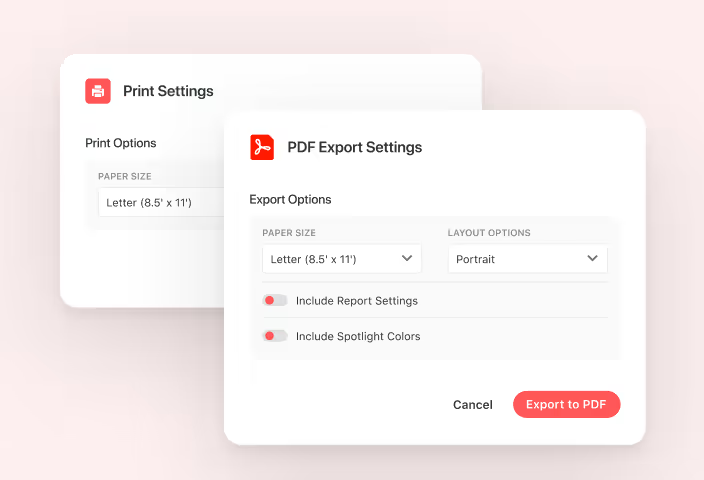
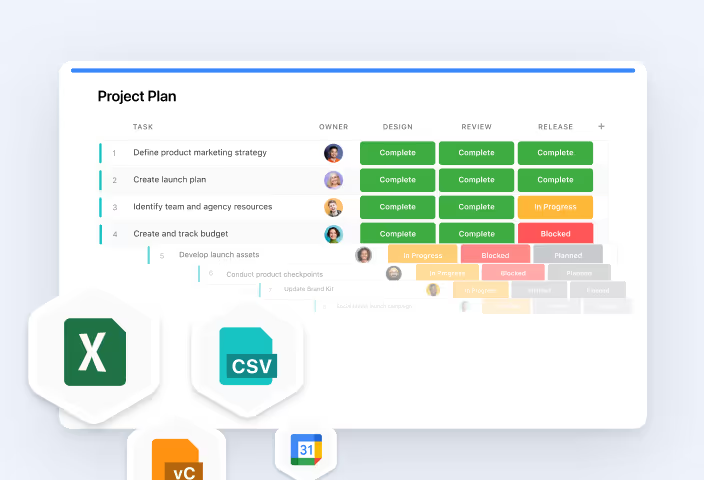
Export any Record or saved View to PDF, Excel, Google Sheets, or CSV in a click—filter-aware, print-ready output for reports, audits, and downstream tools, with no lock-in.

Read more

Data Import

Upload CSV, Excel, calendar, or contact files and map them to structured, relational Tables—eliminating manual re-entry, catching errors before they land, and keeping Records current with every re-import.

Read more

Fields

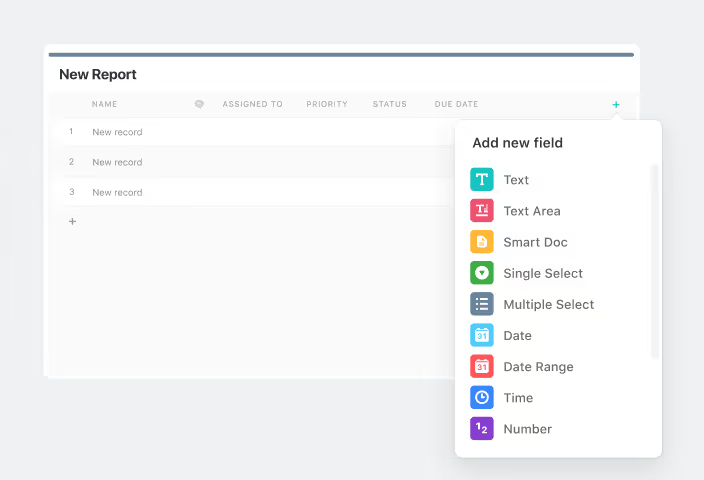
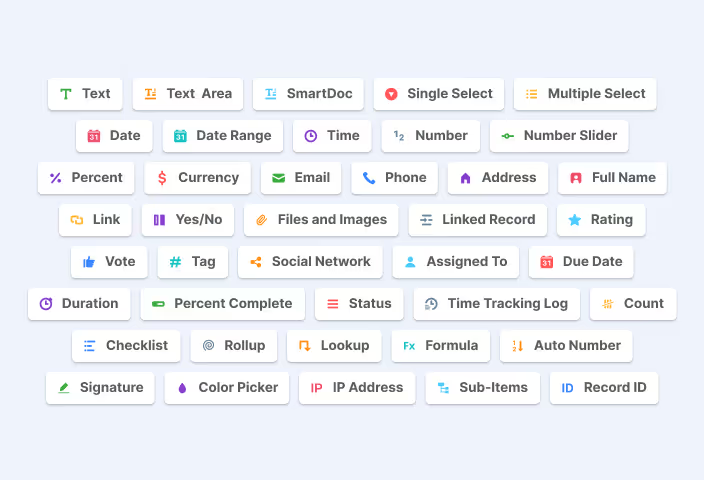
Define exactly what every Record holds with 44 field types—text, dates, currencies, files, formulas, and relationships—so data lands validated, formatted, and ready to report on.

Read more

Formulas

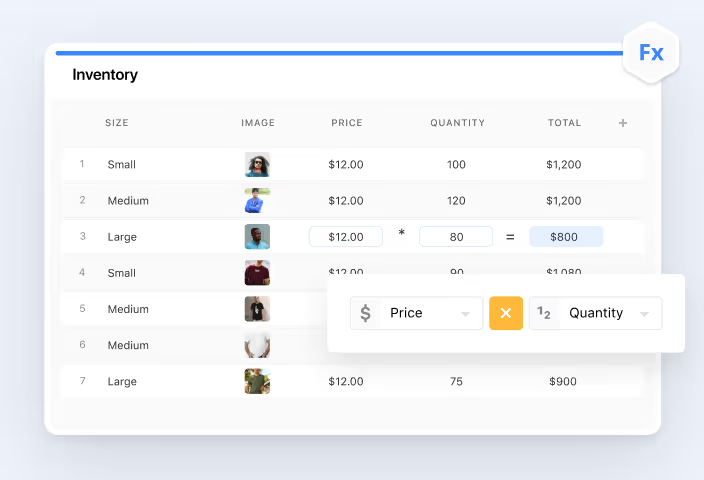
Compute values from other fields with functions and operators that recalculate in real time—risk scores, days to deadline, and contract totals that are never stale.

Read more

Linked Records

Link Records between Tables—within a Solution or across Solutions—with automatic two-way relationships, so shared data lives once and shows up everywhere it matters.

Read more

Lookup & Rollup Fields

Pull values from linked Records with Lookups and aggregate them with Rollups—totals, averages, and source data appearing right on the Record, with nothing re-entered.

Read more

Records

Give each task, control, incident, and asset one structured home—field data, comments, files, and a searchable activity history together—so decisions happen where the work lives.

Read more

Solution Packaging

Bundle one or several Solutions—structure, Records, Views, Dashboards, and Automations—into a published snapshot you can install across Workspaces, environments, and regions with relational integrity intact.

Read more

Solutions

Group the Tables, Records, Views, Dashboards, and Automations behind a workflow into one governed Solution—so every process runs as a connected system, not a scatter of disconnected tools.

Read more

Sub-Items

Nest subtasks, line items, and child records under their parents using linked child Tables—full field support, dependable formulas, and structure that scales with your Solution.

Read more

Tables

Organize projects, controls, assets, and requests as Records in structured Tables—each with its own Fields, Views, and relationships, all connected inside one governed Solution.

Read more

Views

Present the same Table as a Grid, Kanban board, Calendar, Timeline, Gantt chart, Map, Chart, or Form—filtered and saved per audience—so every team reads the work its own way while the data stays one source of truth.

Read more

Documents & Content

Asset Library

Centralize brand imagery, solution assets, and stock photography in one governed library—so every Dashboard, Form, and logo draws from the same approved set.

Read more

Document Designer

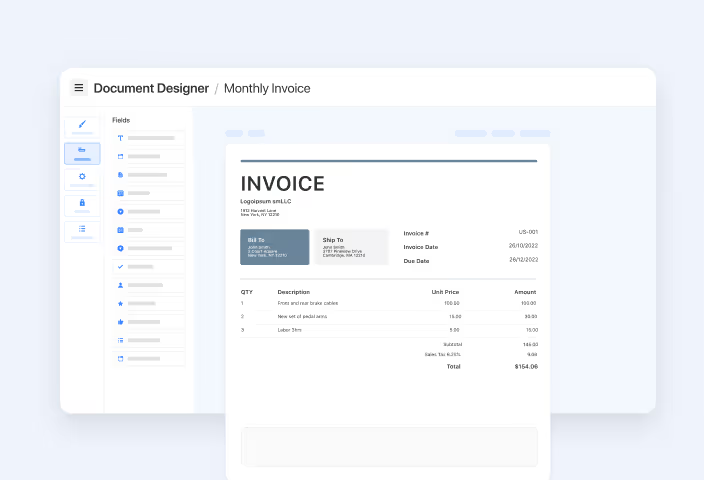
Design a template once with drag-and-drop elements and live Record Fields—then generate proposals, invoices, contracts, and reports as formatted PDFs, on demand or by Automation.

Read more

File Management

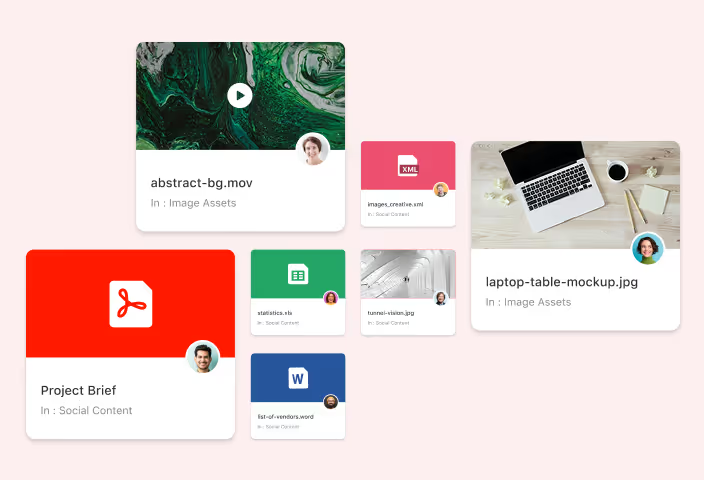
Attach files from your device, Google Drive, Dropbox, Box, or OneDrive straight onto Records—previewed, organized, and governed by the same access model as the work itself.

Read more

SmartDoc Collaboration

Collaborative Mode activates the moment a second editor opens a SmartDoc—syncing every edit instantly, showing each contributor's cursor, and protecting unsaved work.

Read more

SmartDocs

Write policies, runbooks, briefs, and knowledge articles in a block-based editor built into every Record—structured with headings and embeds, co-edited in real time, and exported to clean PDFs.

Read more

Security & Governance

Advanced Permissions

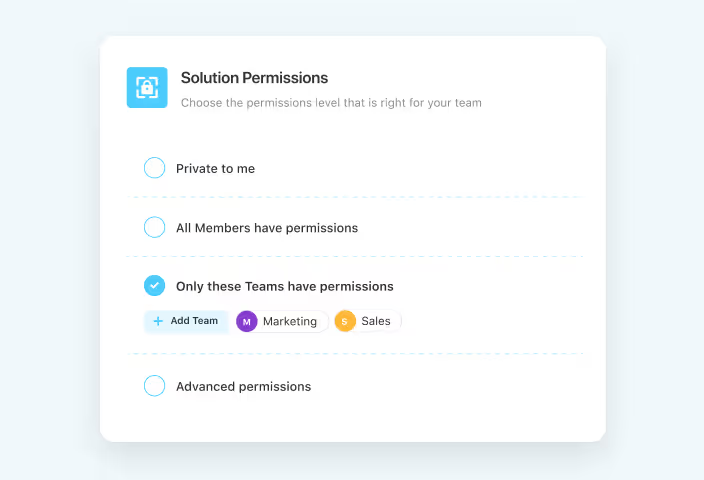
Assign access at the Solution, Table, Field, and record level—so every Member sees exactly what their role requires, sensitive data stays protected, and administrators keep full oversight.

Read more

Audit Logs

Track changes to workspace structure and content along with login activity—giving security and compliance teams the trail they need for investigations, access reviews, and audit evidence.

Read more

Compliance Certifications

SmartSuite holds SOC 2 Type II, ISO 27001, ISO 27701, GDPR, and HIPAA certifications and attestations—published through its security page and Trust Center, so vendor due diligence starts with evidence, not questionnaires.

Read more

Data Loss Prevention

Connect the DLP and monitoring tools your security team already runs through SmartSuite's API infrastructure—watching sensitive data move in and out of the platform under your existing policies.

Read more

European Data Residency

Host your SmartSuite workspace in the European Union instead of the United States—supporting data-sovereignty requirements, GDPR-aligned practices, and the residency commitments your customers expect.

Read more

IP Address Restrictions

Allowlist specific IP addresses and CIDR ranges so only approved networks can access SmartSuite—blocking untrusted connections, enforcing VPN policy, and adding a network layer to your access controls.

Read more

Manage Teams

Create Teams, assign owners, and manage membership from Workspace Administration—so permissions, assignments, and @mentions stay accurate as your organization changes.

Read more

Recycle Bin

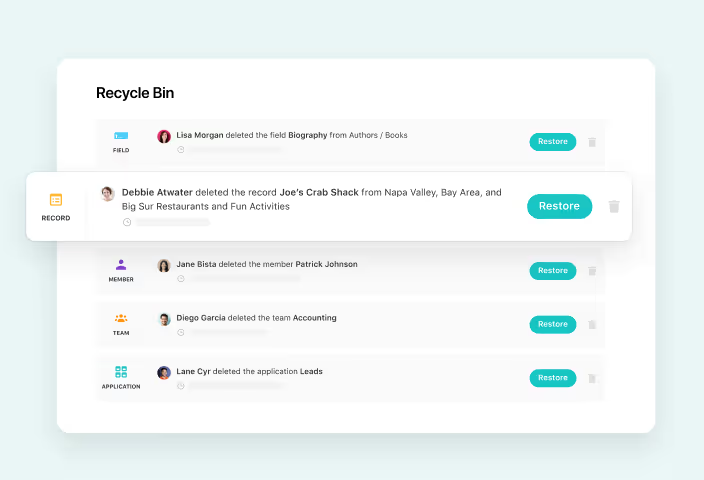
Recover deleted records, Fields, Tables, and entire Solutions within your plan's retention window—so an accidental delete is a quick restore, not a data-loss incident.

Read more

SCIM Provisioning

Provision accounts, map roles, and assign Teams automatically from your identity provider—eliminating manual user administration, closing offboarding gaps, and keeping access aligned with your directory.

Read more

Session Timeout Settings

Review every active login's browser, device, location, and IP—and terminate sessions on demand, so a forgotten laptop, a departing employee, or a compromised device never keeps quiet access to your work.

Read more

Single Sign-On (SSO)
Authenticate SmartSuite through your own identity provider using SAML or OpenID Connect—centralizing login policy, retiring standalone passwords, and keeping access under IT control.

Read more

Two-Factor Authentication

Add a time-based one-time password step to SmartSuite login and enforce it across the workspace—protecting accounts from credential theft, satisfying security policy, and keeping enforcement in admin hands.

Read more
}) })