Fields — 44 Ways to Structure Your Data
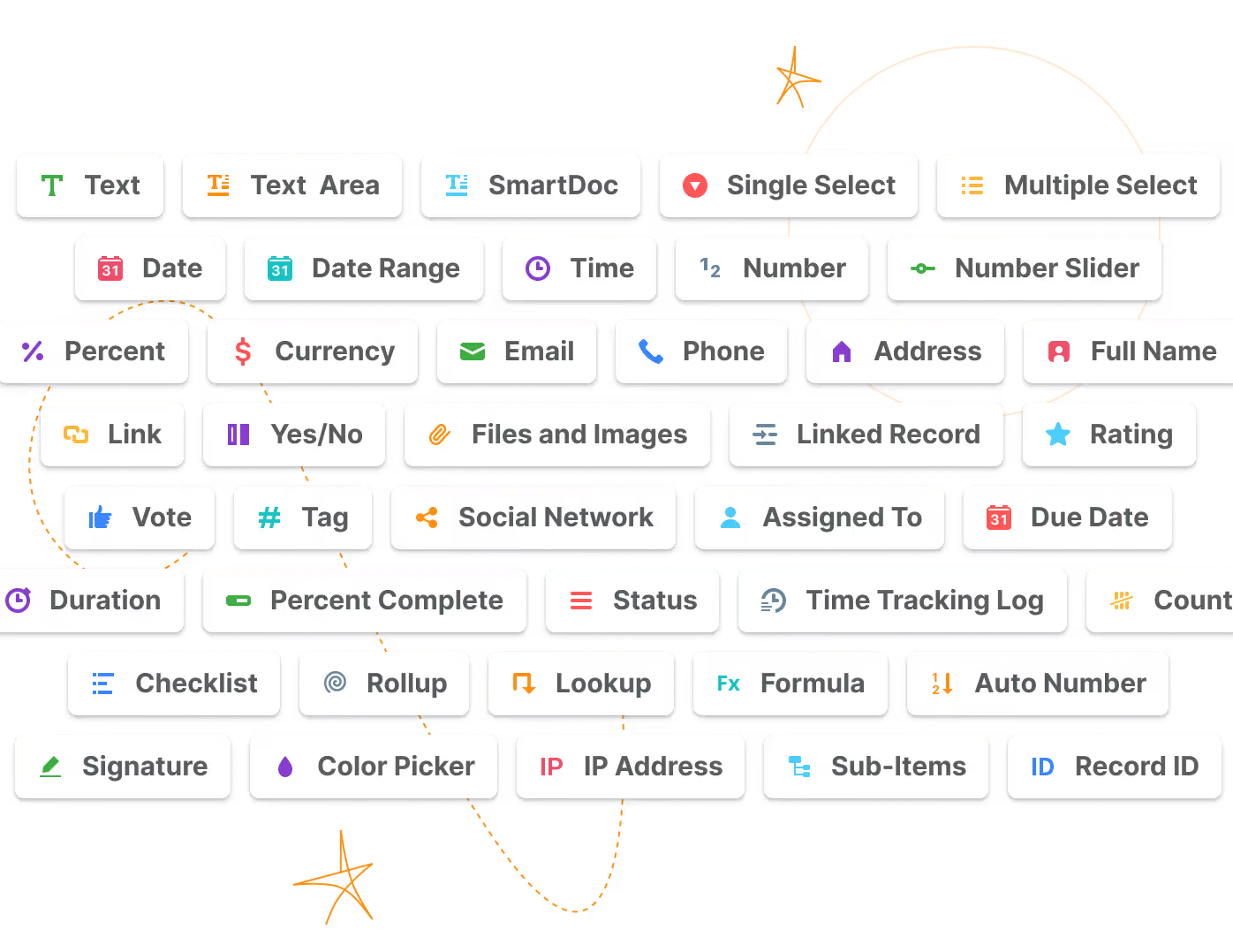
Define exactly what every Record holds with 44 field types—text, dates, currencies, files, formulas, and relationships—so data lands validated, formatted, and ready to report on.

What Is Fields?
Fields are customizable data containers within a SmartSuite Table that define what type of information a Record holds—text, numbers, dates, files, relationships, formulas, and more, across 44 field types. Fields help GRC, IT, project, and business operations teams capture data in the right format the first time—validated on entry, consistently formatted, and ready for sorting, filtering, and reporting. The full field-type library is available on every SmartSuite plan as part of the platform's data architecture.
Field-Type Library
Choose From 44 Field Types Across Every Category
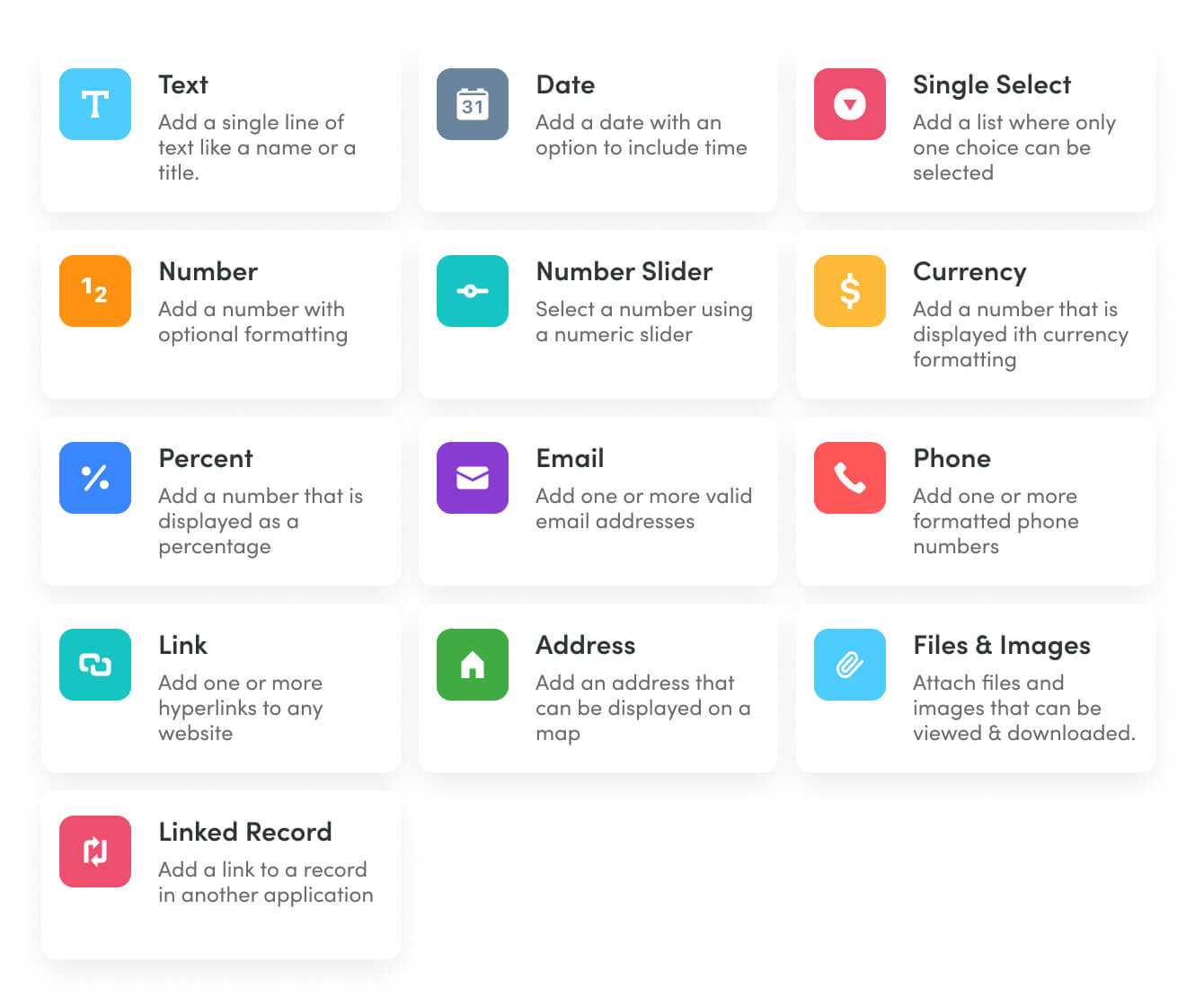
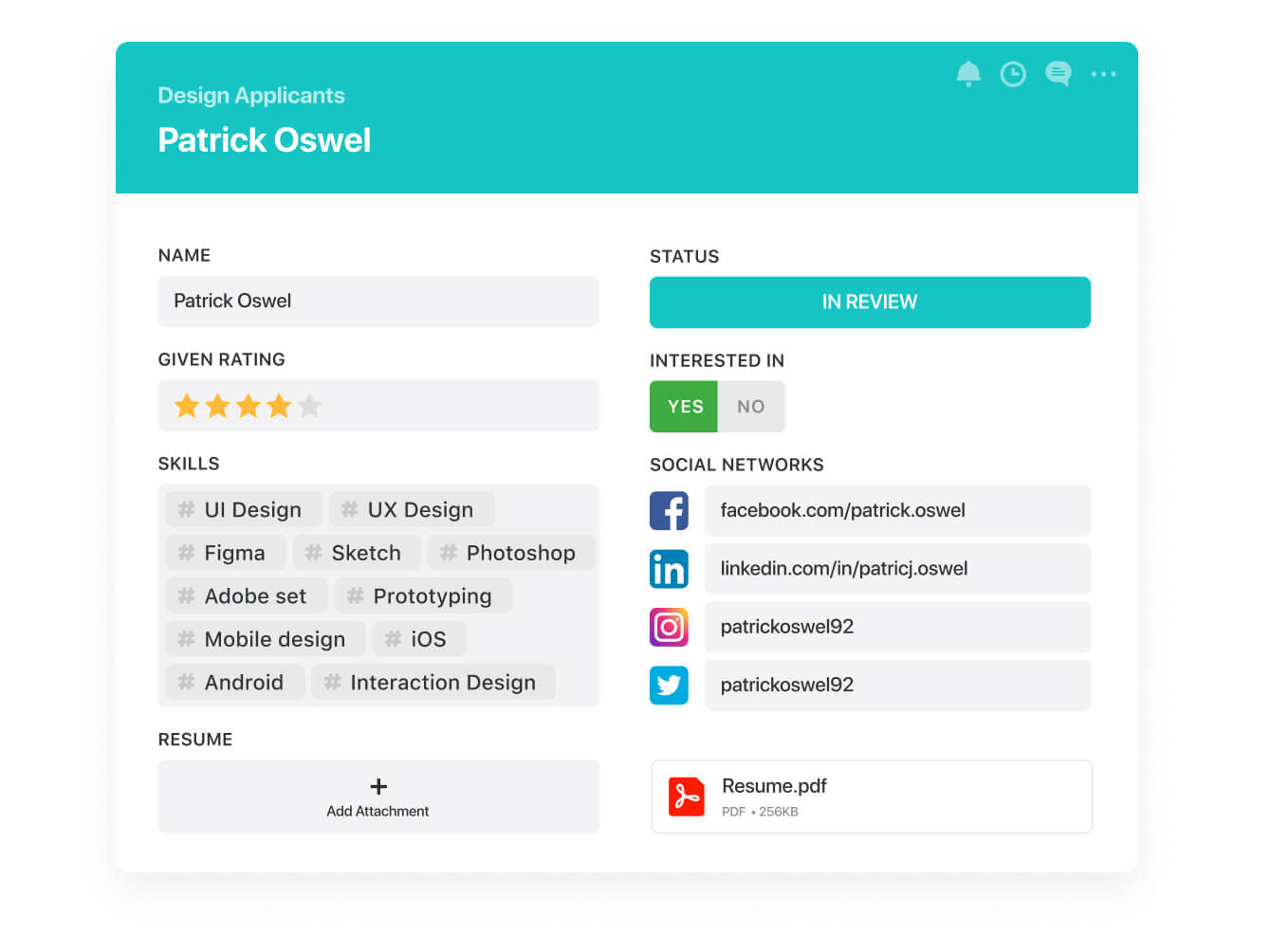
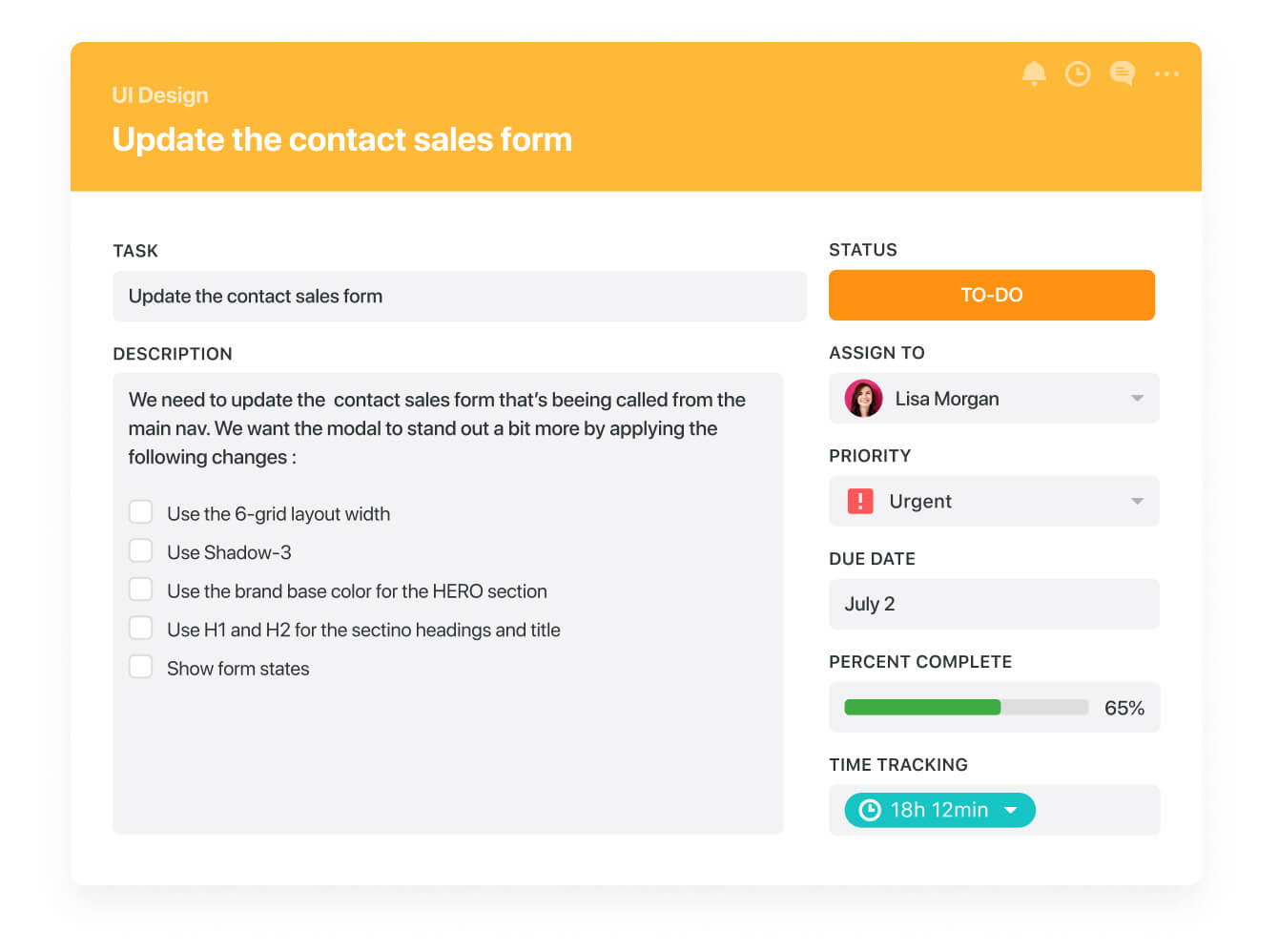
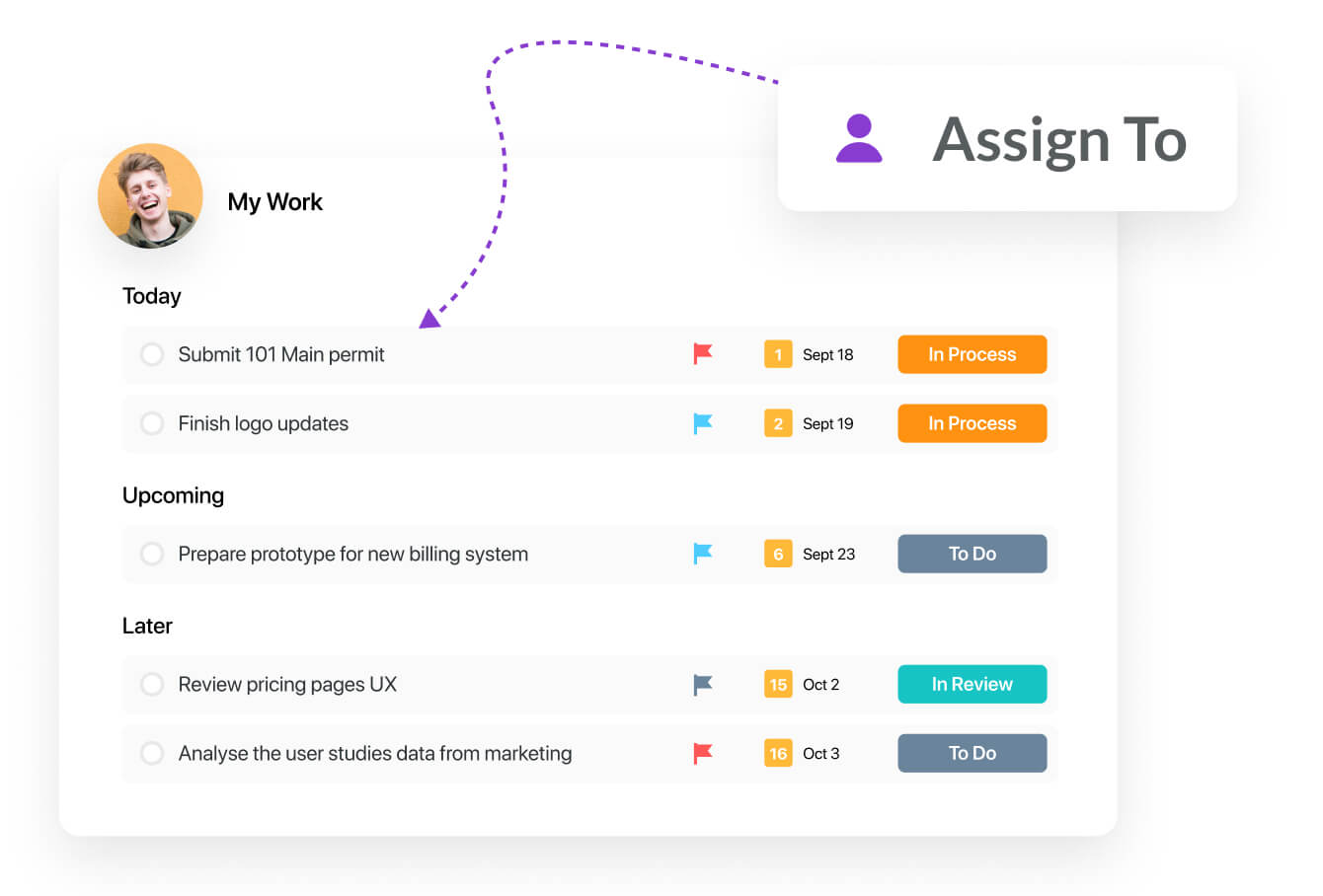
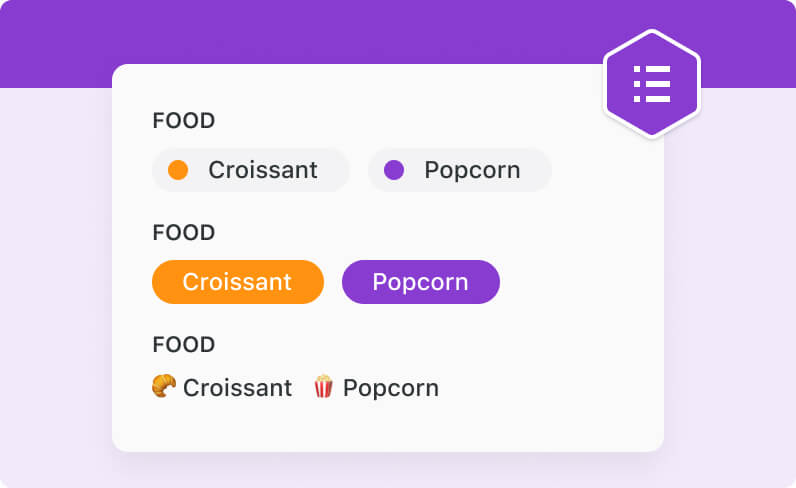
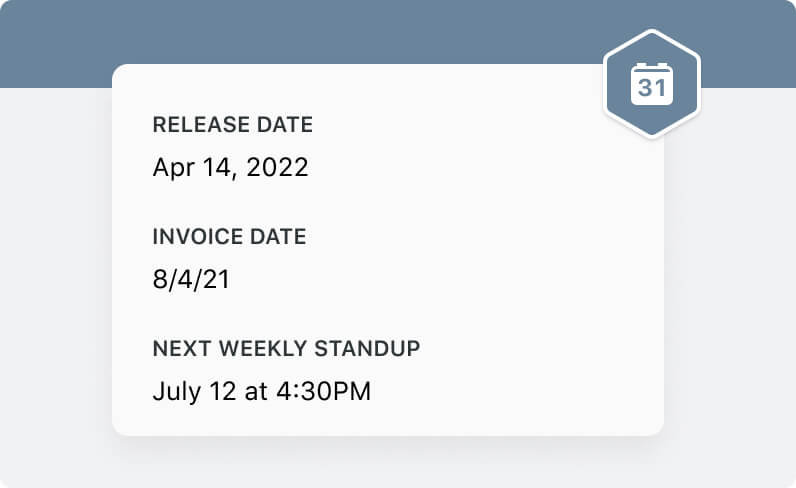
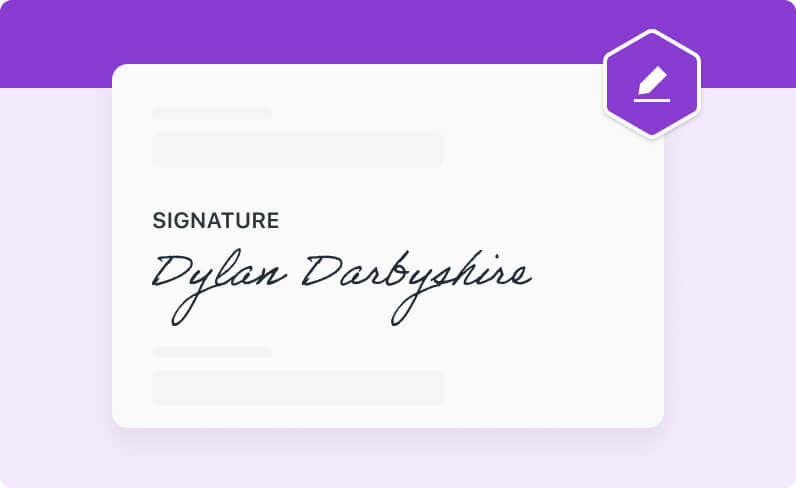
SmartSuite's field library spans text fields like Email, Phone, Address, and SmartDoc; date fields like Due Date, Duration, and Time Tracking; number fields like Currency, Percent, and Rating; and list fields like Status, Single Select, and Tag. Reference and file fields—Assigned To, Button, Linked Record, Files and Images, and Signature—round out the set.
Where traditional tools force everything into text columns, every value here gets a type built for it.
Built-In Validation
Capture Clean Data With Type-Enforced Fields
Each field type enforces its own format—a Currency field takes amounts, an Email field takes addresses, a Single Select takes one of the options you define. Display formats, default values, and configurable help text guide every Member to enter data the same way.
Consistent capture up front means trustworthy filters, charts, and reports downstream.
Computed & Connected
Calculate and Relate Data With Advanced Fields
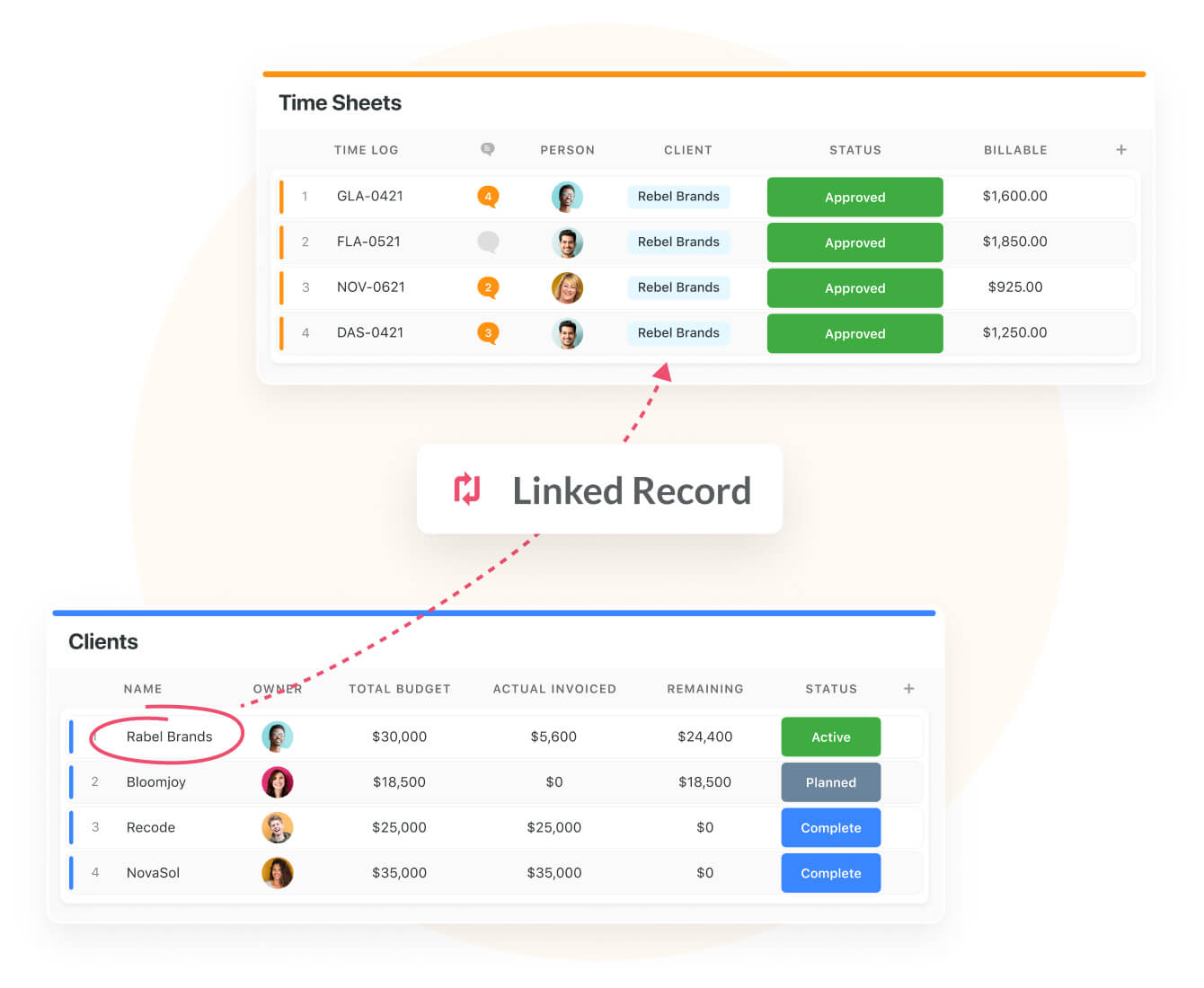
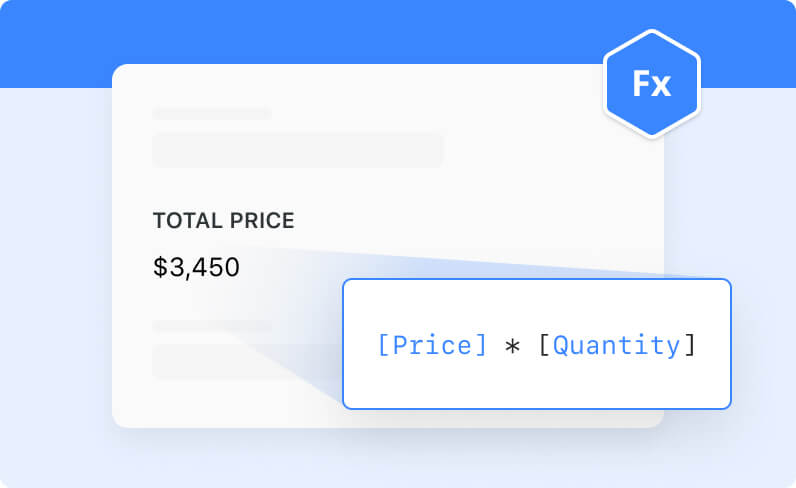
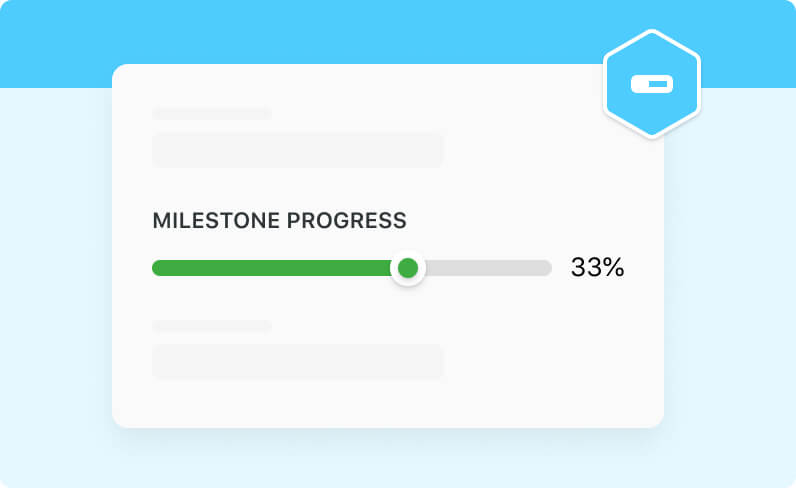
Formula fields compute values from other fields in real time. Lookup and Rollup fields pull and aggregate data from Linked Records in other Tables—a total deal value on an account, an average completion rate on a project.
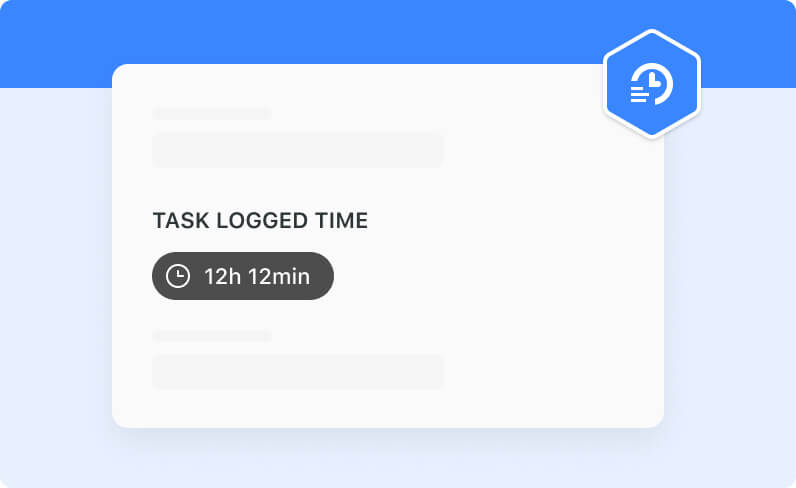
Relationship fields connect Records across Tables, turning isolated lists into one relational work graph.
System Fields
Track Every Record Automatically With System Fields
Every Table carries required System Fields that maintain themselves: Auto Number, First Created, Last Updated, and Open Comments, plus a mandatory Record Title field that anchors each Record. They cannot be removed, so creation and update metadata is always there.
That built-in trail supports reporting and review without anyone maintaining it by hand.
Field Management
Rename, Retype, and Reorganize Fields Under Governance
Fields support custom naming, type changes, display-format customization, duplication with or without existing content, and deletion with Recycle Bin recovery. Permission to add, remove, or retype Fields is limited to Administrators, Solution Managers, and Creators—General Access users sort, filter, and group with the Fields they are given.
Structure evolves deliberately, and everyday work never breaks it by accident.
Fields
Governed data starts at the Field level—typed, validated, and consistent across every Record a team touches.
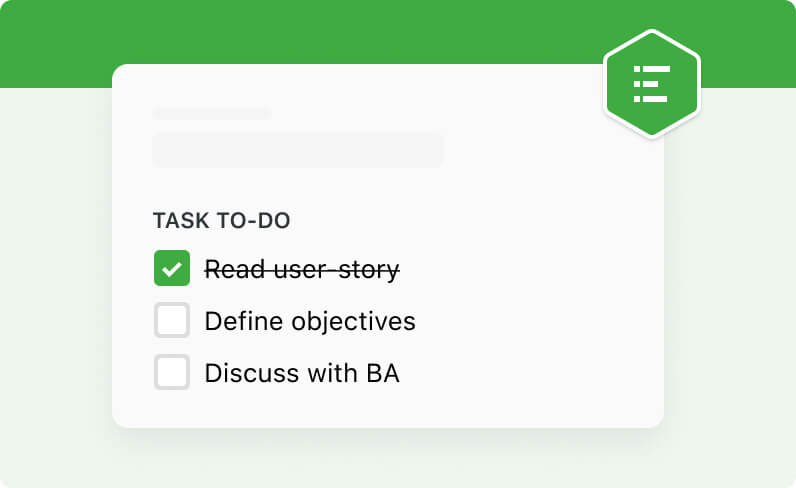
Model controls with Status, Single Select framework mappings, Due Date test schedules, and Files and Images evidence attachments—every control captured the same way, ready for audit review.
Combine Number fields for likelihood and impact with a Formula field that computes the risk score in real time, and a Rating field for residual-risk judgment calls.
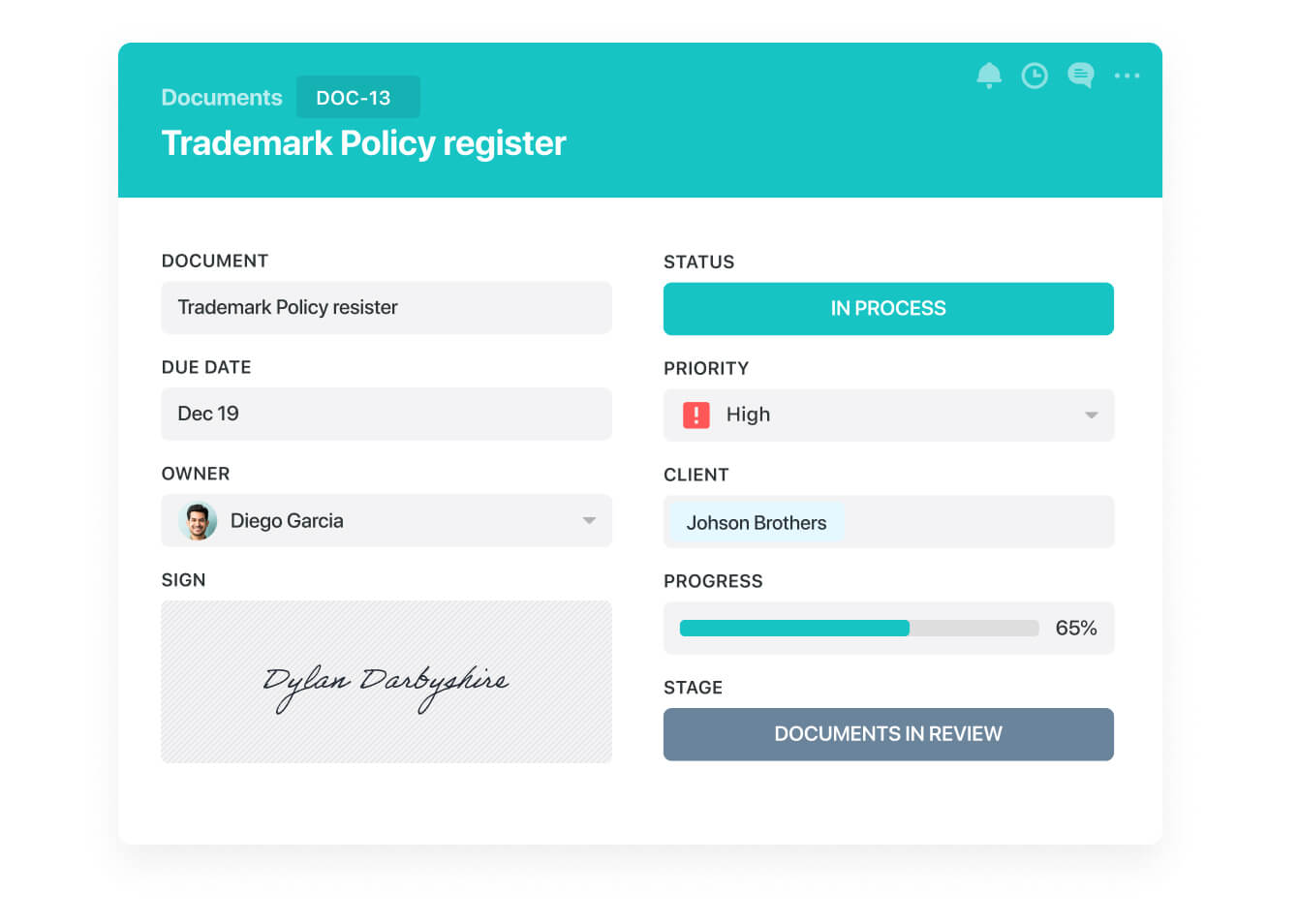
Manage policies with Status stages from draft to published, Due Date review cycles, Assigned To owners, and Single Select classifications—typed fields keep the policy register filterable and reviews on schedule.
Track third parties with Currency contract values, Date renewal deadlines, and validated Email and Address contacts—each value captured in the right format on entry, ready for due-diligence review.
Pair Fields with Linked Records to connect Tables, then add Lookup and Rollup fields that surface related data—totals and source values with no duplicate entry.
Use the SmartDoc field alongside structured Fields to hold control narratives, procedures, and assessment notes directly on the Record—the story and the structured data stay together.
Features that work alongside this one.
A Field is a customizable data container—a column—within a Table that defines what type of information Records hold. Every Table is built from user-defined Fields plus required System Fields that SmartSuite maintains automatically.
SmartSuite offers 44 field types, spanning text, date, number, list, reference, and file categories—plus advanced types like Formula, Lookup, Rollup, and Linked Record. Traditional work management tools typically offer far fewer.
Yes. The full field-type library is available on all SmartSuite plan types, with no per-plan field-type gating. Calculated fields such as Formula, Lookup, and Rollup have per-Table count limits that scale by plan.
Yes. Fields support renaming, type changes, display-format customization, default values, and help text. Changing structure requires Administrator, Solution Manager, or Creator permissions.
System Fields are required fields present on every Table automatically: Auto Number, First Created, Last Updated, and Open Comments, plus the mandatory Record Title field. They cannot be removed, so every Record carries its own creation and update metadata.
Deleted Fields can be recovered from the Recycle Bin. Retention varies by plan—30 days on Team, 45 on Professional, and 60 on Enterprise—so an accidental deletion is reversible.
Typed fields validate data on entry, System Fields stamp every Record with creation and update metadata, and field-level permissions keep structural changes with designated roles—consistent, reviewable data that helps GRC teams stay audit-ready.

Structure Your Data Right the First Time
Pick from 44 field types and capture every value validated, formatted, and ready to report on.