











Work Management For The Enterprise

Modernize your workflows with a single platform that lowers costs, increases productivity and provides the resilience your organization demands.

HIPAA compliance mark
GDPR compliance mark
AICPA SOC 2 compliance mark
ISO 27001 compliance mark

Trusted by Over 2,000 Organizations Worldwide

Transform the Way Your Organization Works

Enable teams, functions and departments to better connect to the work they do in a way that promotes transparency, collaboration and empowerment across your organization.

Linked records connecting a failed control, the related incident and the remediation project
Slider Arrow Icon
Arrow Right

Four Solution Pillars, One Platform

GRC & Resilience, IT Service Delivery, Project & Portfolio Management and Business Operations run on the same platform. Each pillar has its own solutions, and any solution can reference data in another, within each user's permissions.

Teams configure their own workflows in a visual builder while administrators control access to each one. Local teams keep their flexibility and the organization keeps central control.

Solution builder configuring tables, fields and views for an internal audit workflow
Slider Arrow Icon
Arrow Right

Let Teams Build While IT Keeps Control

Replace the spreadsheets, documents, inboxes and point tools that hold critical processes today. Teams start from more than 200 templates or build without code, and AI can generate tables, fields and views from a plain-language description.

The people closest to the work decide how it runs, inside guardrails that administrators set.

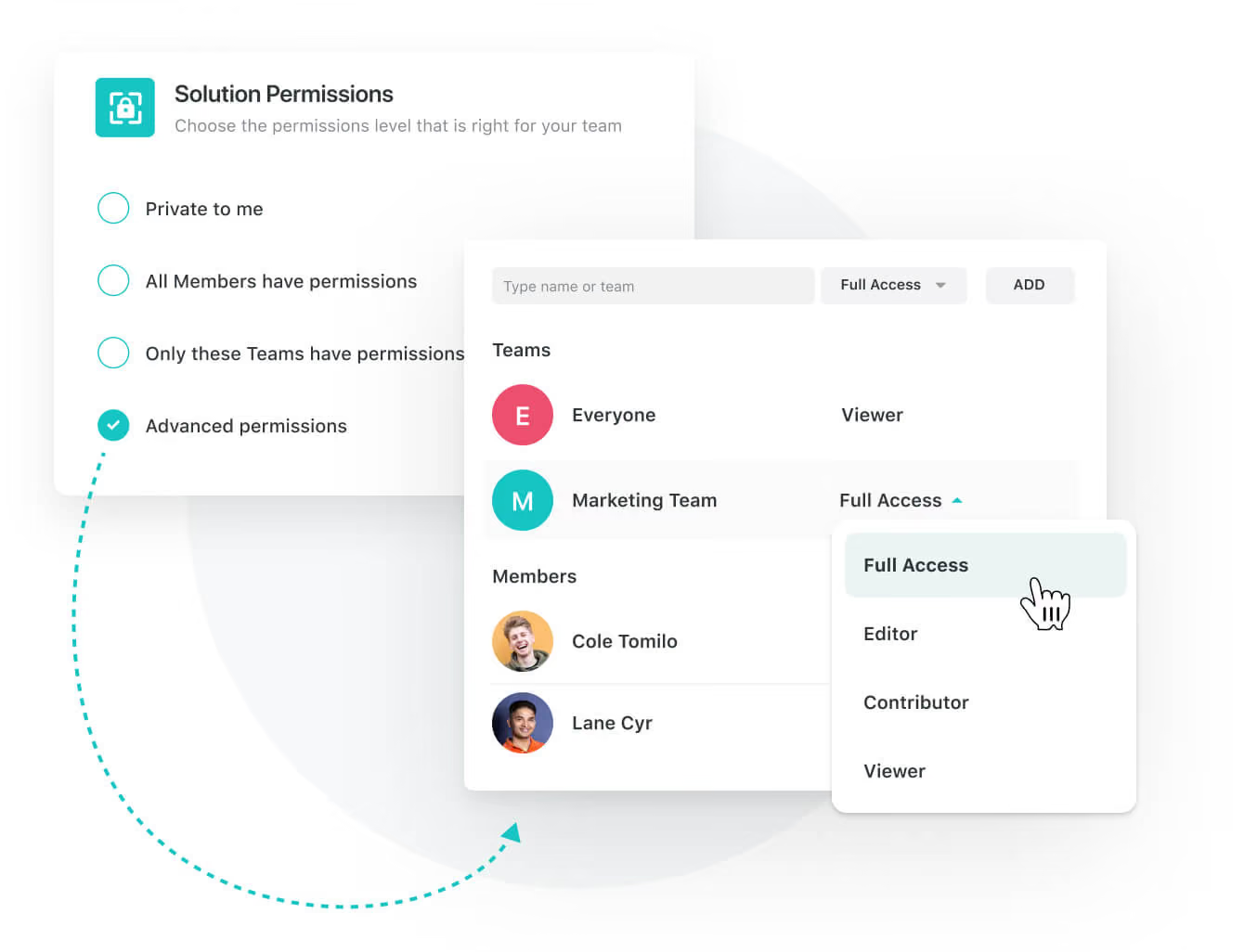
Solution permission settings with roles that can view, edit or administer
Slider Arrow Icon
Arrow Right

Set Permissions Down to the Field

Permissions apply at workspace, solution, record and field level. Dynamic record permissions grant or restrict access based on field values, and separate controls decide who can build integrations and automations.

Portfolio goals with linked programs, owners and progress against each objective
Slider Arrow Icon
Arrow Right

Align Portfolios to Strategy

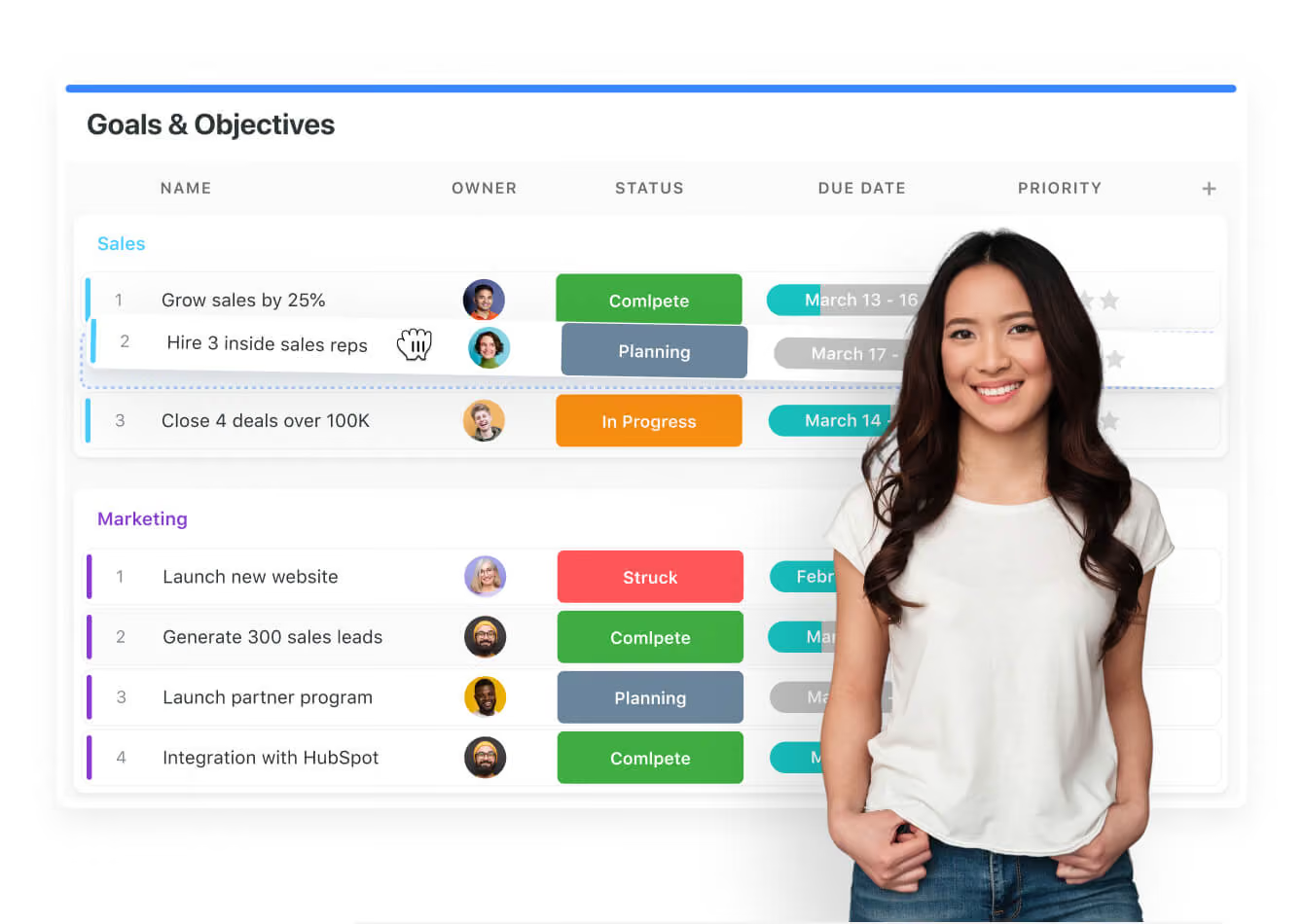
Link programs, projects and tasks to department and enterprise goals. Leaders see which work moves each objective and which work can stop.

Record with a threaded discussion, @mentions and a live editing indicator
Slider Arrow Icon
Arrow Right

Keep Decisions Next to the Work

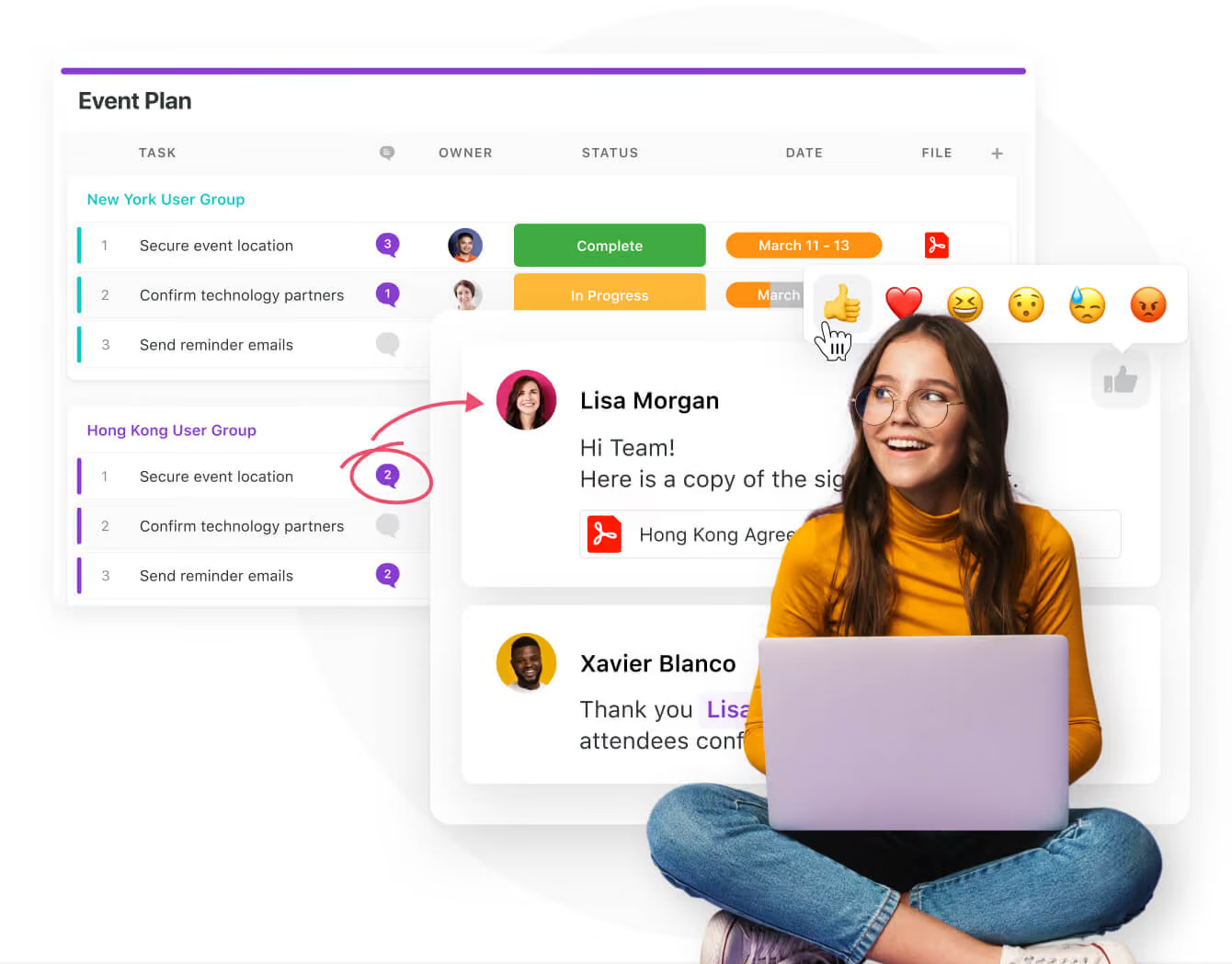
Comments, @mentions, notifications and live editing sit on each record. Decisions stay with their context, which helps when an auditor or a new owner asks why something changed.

Executive dashboard with portfolio status, open risks and service desk volume
Slider Arrow Icon
Arrow Right

Give Executives One View of Work in Progress

Dashboards draw on live records across programs, projects, people, risks and service queues. Executives see the current position without waiting for a status report.

Every team keeps its data current in the same platform, so cross-department reporting needs no manual consolidation.

Workspace administration settings for SSO, user provisioning and audit logs
Slider Arrow Icon
Arrow Right

What the Enterprise Plan Includes

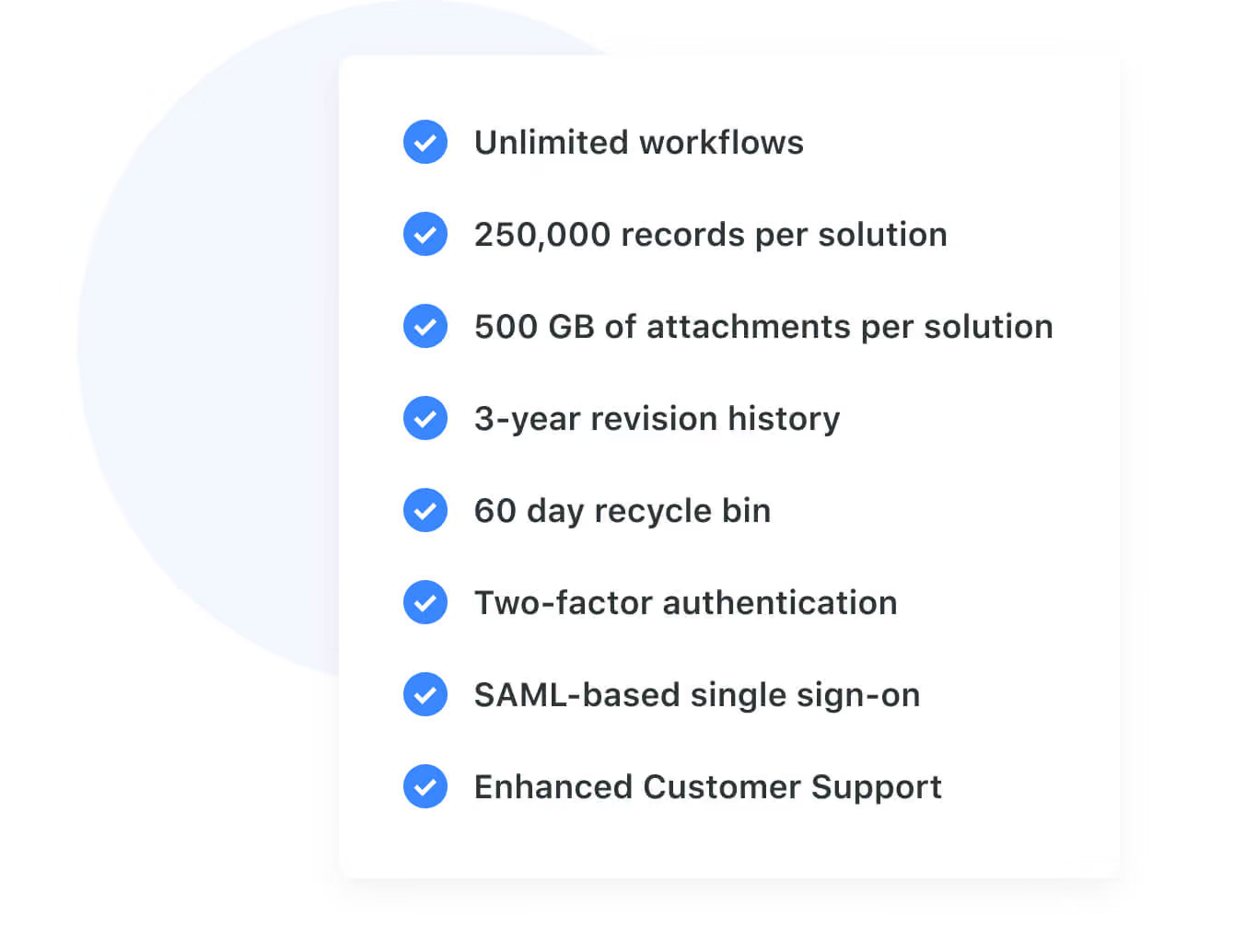
Everything in Professional, plus SAML-based SSO, SCIM user provisioning and synced user groups, audit logs, IP address restrictions, data loss prevention and European data residency. Each solution holds up to 400,000 records, with 500GB of file storage.

Enterprise plans include a named customer success manager and access to Professional Services for implementation. A HIPAA Business Associate Agreement is available on Enterprise only.

Integration catalog with connected apps and REST API access settings
Slider Arrow Icon
Arrow Right

Connect Existing Systems and Data

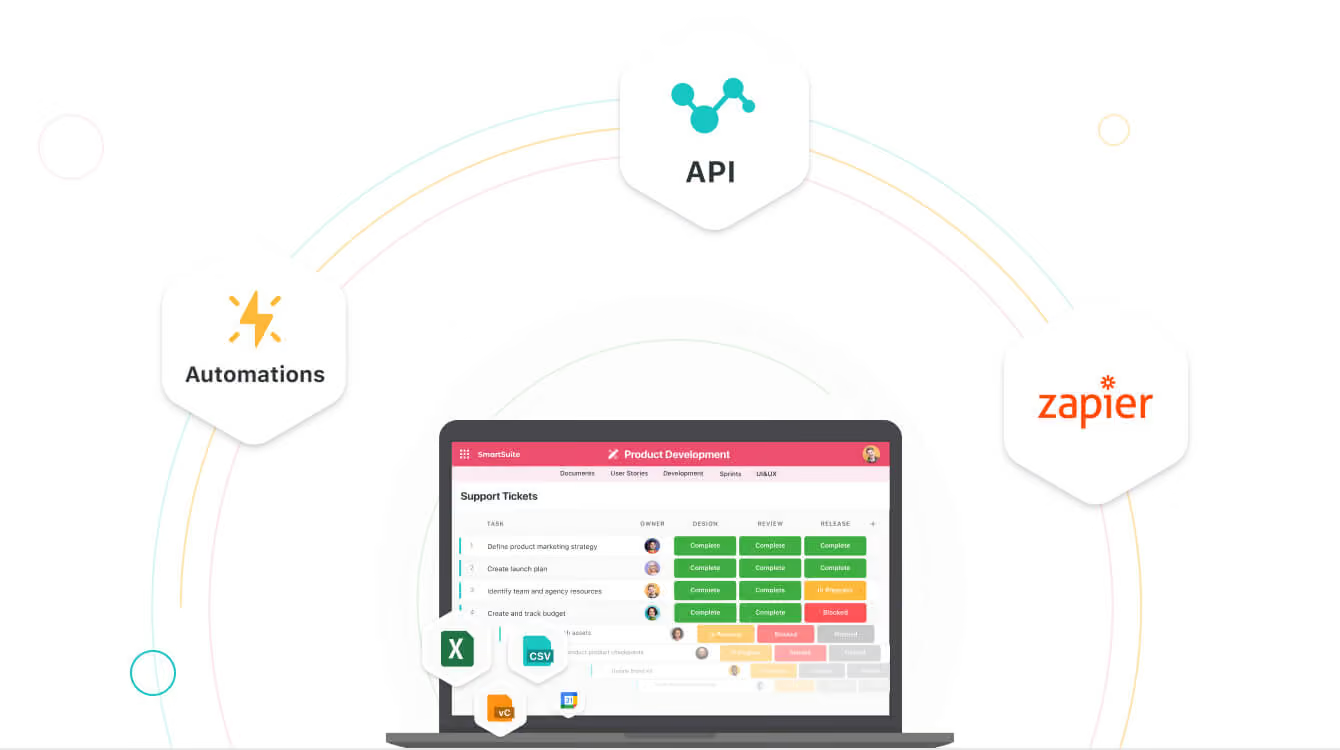
Automations, native integrations, Zapier and Make connect the platform to the tools already in place, and the REST API handles custom work. A hosted MCP server gives approved AI clients governed access to data and actions.

Automations · Integrations · REST API · MCP server

SmartSuite ISO and SOC-2 certification
Slider Arrow Icon
Arrow Right

Our Commitment to Security and Privacy

SmartSuite underscores its dedication to security and privacy through its attainment of ISO 27001 and SOC-1 certifications. These certifications reflect our steadfast commitment to implementing comprehensive data protection measures and stringent security and privacy controls.

Read the blog post

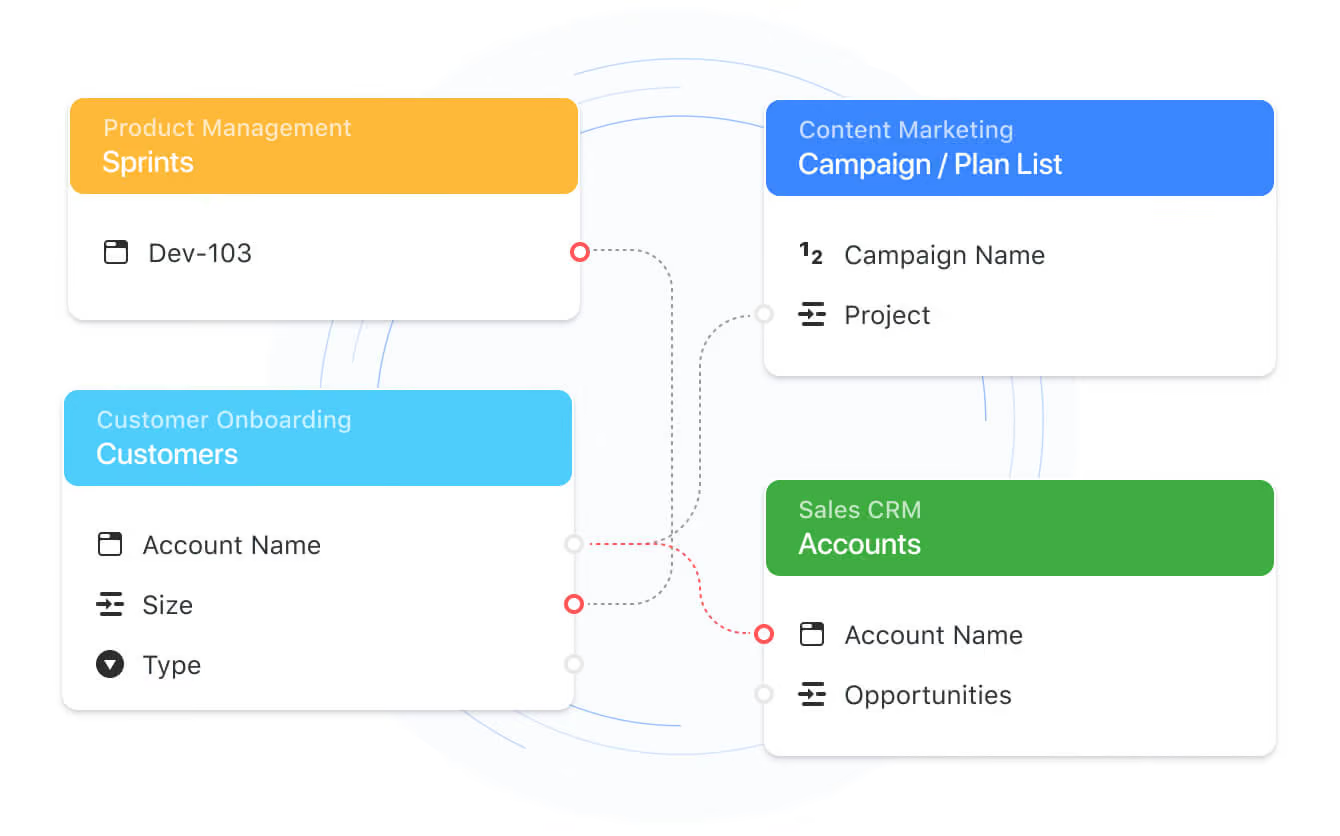
Connected solutions map showing how sales, product, service and risk tables link
Slider Arrow Icon
Arrow Right

Connected Workflows Across Departments

Solutions and tables link across departments, so sales, product, customer success, IT and risk teams work from shared data instead of copies. Owners decide exactly who can see or change shared records.

More Reasons
To Love SmartSuite

Arrow LeftArrow Right

Next-Gen Documents

SmartSuite offers a new way of working with docs and the freedom to ditch file folders, shared drives and disconnected workflows.
‍
The SmartDoc field breaks the historic separation between documents and the project or process management systems that track them. SmartDocs allow you to document anything with rich text and next-generation doc features directly where work is being done.

Explore SmartDoc
Arrow RIght
SmartDoc can handle your most complex documents

Like A Spreadsheet, But Easier.

Formula fields allow you to calculate values and metrics for any business need. It has all the functions you’ll find in a spreadsheet (more, actually), while making calculations easier.
‍
Use the Simple Formula Builder to perform commonly used calculations with an intuitive formula builder. When business needs require it, the Advanced Formula Builder is there to help with more complex calculations.

Explore formulas
Arrow RIght
Use powerful formulas to calculate values dynamically

Always Be in the Know

Working smarter includes putting the ability to see what’s happened with work since you last checked in - instantly. That’s what Activity History does, and it’s integrated into the fabric of SmartSuite.
‍
See when a status field value was changed from In Process to Complete - and who changed it. Or zoom out to view changes at the solution level, meaning entire projects or processes to stay across the bigger picture.

Explore activity history
Arrow RIght
See activity history for every update

Work In Real Time

You and your teams work in real-time, so we built SmartSuite to do the same. Instantly see when important updates have been made to items, conversations, tasks and more.
‍
Visually see teammates working on items simultaneously, or check your personal notification center to stay across activities as they occur - you’ll know in real-time when something changes that you care about.

Explore real-time updates
Arrow RIght
Real-time updates ensure your data is always fresh

The Next Evolution in File Management

Traditionally, teams shift between the systems where the work is being managed and the folders storing the work products.
‍
SmartSuite provides organizations the freedom to shift to a new way of working with files. Files are stored directly in the project and process records, removing all the friction of sharing and collaborating. Your teams can add any file type, images or videos up to 1GB in size.

Explore file management
Arrow RIght
Stop searching for files and consolidate in one place

Enterprise Grade Security

Protect your information with SmartSuite’s trusted cloud environment to keep your critical business services running securely. SmartSuite is an enterprise-class platform, designed to support industry and regulatory requirements for compliance, data privacy, and information security.  

The SmartSuite platform provides role-based security to ensure people have the information and tools they need to get work done, while keeping your intellectual capital safe.

See how we secure your data
Arrow RIght
Shield Icon

Roles And Permissions

User access controls control system modification and data access rights

Shield Icon

Activity History

Changes to SmartSuite structure and content are logged with user and date

Shield Icon

Recycle Bin

All deleted files and structures (such as fields) can be restored from the recycle bin

Shield Icon

Login History

User logins are stored, including source IP address and times stamp

Shield Icon

Active Sessions

Admins can view active sessions and length, and can terminate sessions

Shield Icon

AWS Environment

SmartSuite runs on the AWS cloud platform for the best in security and availability

Enterprise Workflow Templates

Allow your teams to choose from over 200 self-serve templates that can be tailored to your exact needs.

No items found.
left arrow icon
right arrow icon
Explore all templates
Arrow Right

Create New Workflows With No Coding Required

SmartSuite provides teams the ability to build robust workflows without writing a line of code, all through a visual interface that takes just a few minutes to learn.

Create new solutions with no coding required

Committed to Your Success

We are committed to making your SmartSuite experience a success, and our customer care team is here to lead the way in ensuring you are setup for long term success.

Priority Support

Enterprise customers receive prioritized access to support to ensure that your mission-critical workflows are never interrupted and that you maximize the value you receive from SmartSuite.

Priority supportbrand elementsbrand elementsbrand elementsbrand elements

Customer Success Manager

A named customer success manager is assigned to every Enterprise account, giving you a consistent point of contact for all inquiries and ensuring that you’re always talking with someone who knows your business and unique needs.

Customer success managerbrand elementsbrand elementsbrand elementsbrand elementsbrand elements

Remove Obstacles to Working Your Way

Arthur G

Time is a big theme for us. We’ve developed an operating rhythm to working across oceans and time zones. Our teams have an hour here or there for live conversations, but the rest of our work lives digitally. Email volumes became brutal. We started adding tools to “help”, but they just added to the noise and couldn’t fit our global needs. SmartSuite is the system that fits the way we work, where we work.

Quotation Mark Symbol
Learn More
Arrow Right

Arthur G

CTO

Simplify Workflows

Joe S

We work with patients to build customized dietary plans to address chronic health problems. Our team converted all of our paper-based recipes and nutrition information into a custom Health and Nutrition solution we built. We were able to instantly build plans for patients and track their progress during the course of service. It’s been a game changer for us, in every country we operate in.

Quotation Mark Symbol
Learn More
Arrow Right

Joe S

Nutritionist

Manage Remote Work

Theresa L.

I won’t lie. I had a hard time converting my management style to this remote work world. My team “gently” informed me that I was driving them crazy. Our work depends on getting the details right and I was barraging them with well-intentioned texts, Slacks and emails...that were actually sensory overload. I was so used to the easy chats that come with working in the same room. We implemented SmartSuite for our case management processes - just seeing all the data and being able to ask questions and add comments was a game-changer...and made my team MUCH happier.

Quotation Mark Symbol
Learn More
Arrow Right

Theresa L.

Nurse Practitioner, Clinical Trial Manager

Streamlining Sales
Processes

Brian Z

We picked the market leader when choosing a CRM system, yet we never felt like we were getting the most out of our implementation. It was complicated and it’s not like we had dedicated sales ops resources sitting around, so we scrapped it. SmartSuite gave us a refreshing combo of simplicity and sophistication - plus we know it can adapt as our team grows and changes.

Quotation Mark Symbol
Learn More
Arrow Right

Brian Z

VP of Sales

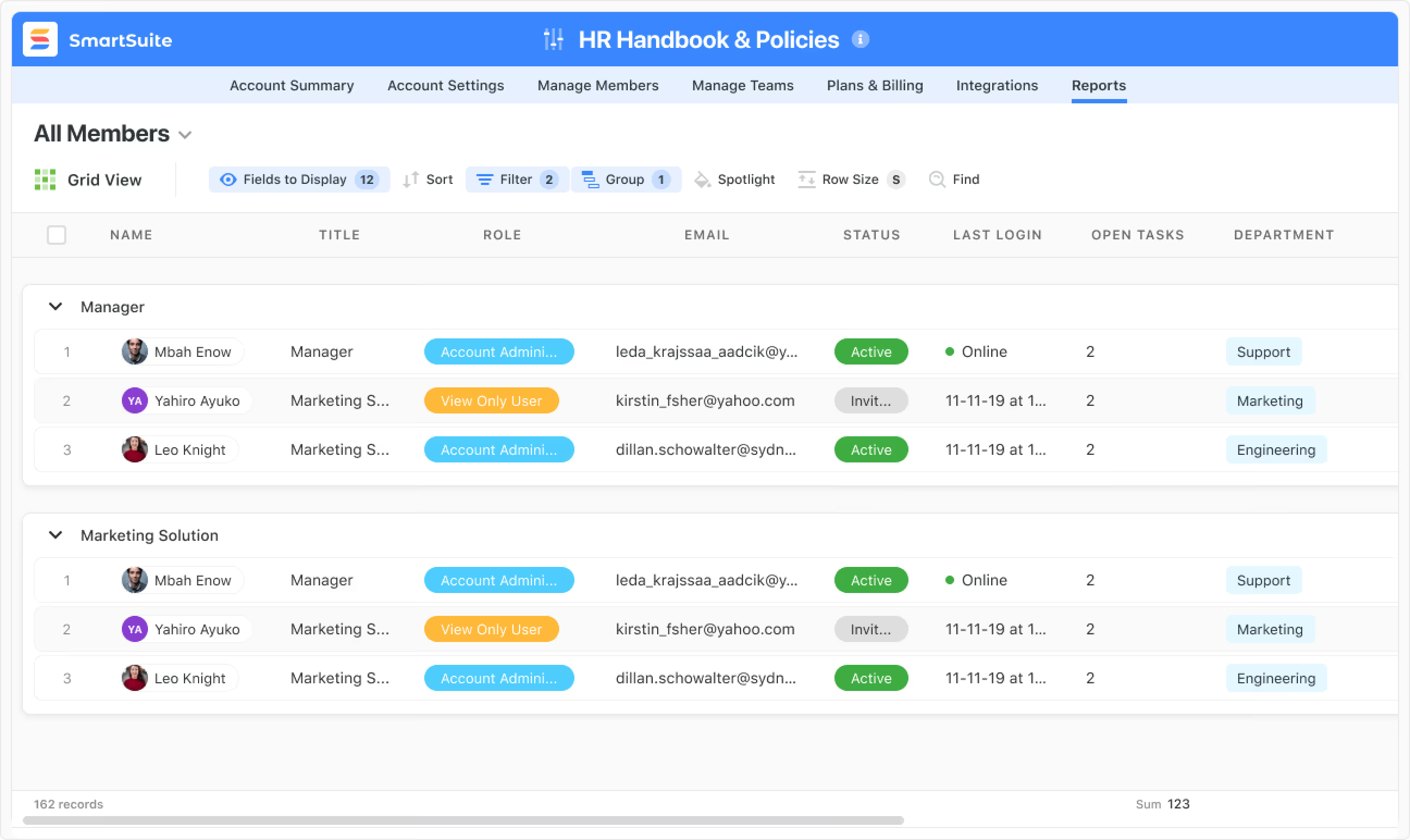
SmartSuite HR handbook and policies grid listing team members by role