



Integrations — Connect SmartSuite to the Tools That Run Your Business
Link SmartSuite to Slack, Google Workspace, Microsoft 365, Salesforce, and thousands of other products through native connections, connector platforms, and the REST API—eliminating swivel-chair work, closing data gaps, and keeping every system in sync.
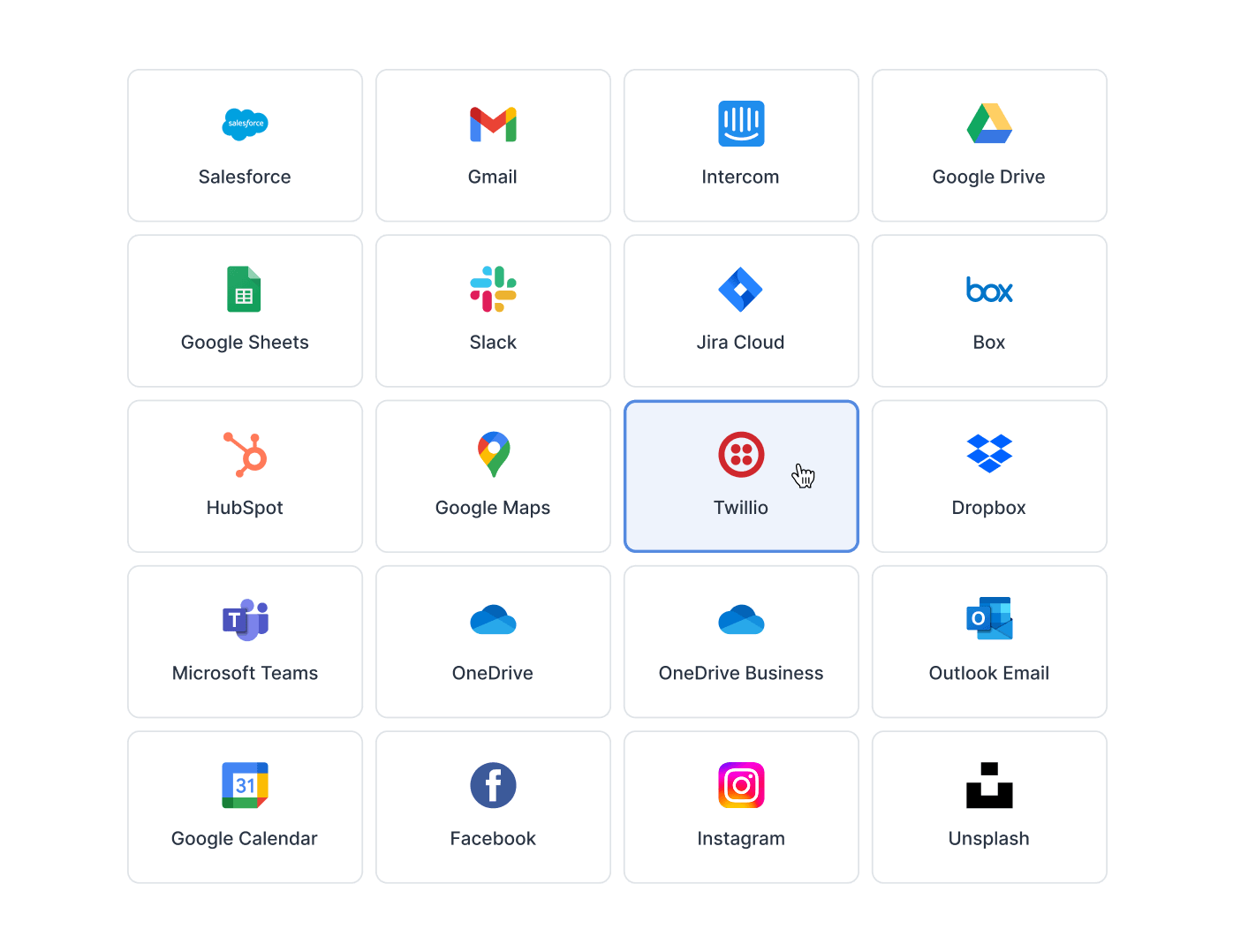
- The integrations directory lists 16 native integrations, including Slack, Microsoft Teams, Gmail, Outlook, Google Drive, Sheets and Calendar, Salesforce, HubSpot, Intercom, Jira Cloud and Twilio.
- Zapier and Make connect the platform to thousands of other apps on every plan; Ply, Relay, Bardeen and Integrately are listed too.
- The REST API retrieves, creates, updates and deletes records at 5 requests per second per user; API calls per month: 25,000 Team, 100,000 Professional, 500,000 Enterprise.
- Webhooks on every plan: an automation can start from an incoming webhook and send a webhook request.
- Gmail and Outlook email integration is on Professional and Enterprise; a native app for Microsoft 365 deploys into Teams.
What Are Integrations?
Integrations is the SmartSuite capability that connects your Workspace to external tools and data sources through four channels: native app connections, no-code Automations, connector platforms like Zapier and Make, and the REST API with webhooks. It helps GRC, IT, project, and business operations teams keep SmartSuite and the rest of their stack in sync—reducing tool sprawl, manual re-entry, and blind spots between systems. Browse every native connection in the integrations directory.
Native Connections
Connect Slack, Google Workspace, Microsoft 365, Salesforce, and More
SmartSuite ships native connections across the categories your teams already work in: communication tools like Slack, Microsoft Teams, and Outlook; file sharing with Google Drive, Box, Dropbox, and OneDrive; CRM systems including Salesforce and HubSpot; and productivity staples like Google Sheets, Docs, and Calendar.
Each connection is configured without code, so a workflow owner—not a developer—decides what flows between systems.
Connector Platforms
Reach Thousands of Apps Through Zapier, Make, and Other Connector Platforms
For tools without a native connection, SmartSuite works with connector platforms—Zapier, Make, Integrately, Ply, and Relay—that extend your reach to thousands of additional apps. Combined with native connections, that puts thousands of products and tools within reach.
Build a Zap or Make scenario once and records, statuses, and notifications move between SmartSuite and the rest of your stack automatically.
Automation-Powered
Trigger Cross-Tool Workflows With No-Code Automations
Native integrations run inside SmartSuite's Automation builder: when a Record changes, a date arrives, or a form is submitted, an Automation can post to Slack or Teams, send an Outlook email, update a Google Sheet, or fire a webhook request at any external endpoint.
Trigger-and-action logic keeps handoffs between systems governed, visible, and repeatable—no scripts to maintain.
GRC Ecosystem
Feed Risk and Compliance Workflows With Vertical GRC Integrations
SmartSuite's GRC integration category connects governance workflows to specialist data sources—Netskope, Regology, Ascent, RapidRatings, and SecurityScorecard—so vendor ratings, regulatory content, and security signals land directly in the registers your teams govern.
Risk scores and third-party intelligence stay current in the same platform where controls, evidence, and remediation already live.
Developer Channel
Integrate Custom and Internal Systems Through the REST API
When a system has no connector at all—an internal tool, a data warehouse, a homegrown portal—teams build directly against SmartSuite's REST API and webhooks. Read and write Solutions, Tables, and Records over HTTPS, and subscribe to record events for near real-time sync.
The same governed data model serves both no-code connections and full custom integration work.
App Integrations
Governed work rarely lives in one tool. Integrations keep risk registers, controls, evidence, and vendor records in sync with the communication, security, and document systems around them—without sacrificing oversight.
Sync SecurityScorecard and RapidRatings data into a third-party risk register so vendor scores update alongside contracts, assessments, and remediation tasks—no manual re-keying before quarterly reviews.
Connect Google Drive, Box, or OneDrive so policy documents and audit evidence attach to control records directly from the storage your teams already use.
Post to the right Slack or Microsoft Teams channel the moment a control test fails, a policy exception is approved, or a risk breaches appetite. Owners see what needs attention where they already work—without watching the register all day.
Link audit findings to Jira Cloud so remediation work owned by engineering flows into the development backlog—and completion status flows back to the finding record. Issue closure stays evidenced in one governed place.
Pair Integrations with the REST API to connect governance systems no connector covers—sync a compliance data warehouse, a regulatory intelligence feed, or a homegrown attestation portal on your own schedule.
SmartSuite offers native connections across communication (Slack, Microsoft Teams, Outlook), file sharing (Google Drive, Box, Dropbox, OneDrive), CRM (Salesforce, HubSpot), productivity (Google Sheets, Docs, Calendar), and GRC (Netskope, Regology, Ascent, RapidRatings, SecurityScorecard)—plus connector platforms and a REST API. In total, SmartSuite can be integrated with over 6,000 products and tools.
Yes. Zapier and Make are supported on all current plans, alongside other connector platforms like Integrately, Ply, and Relay. They extend SmartSuite's reach to thousands of apps that don't have a native connection.
No. Native connections and connector-platform workflows are configured without code, and most run through SmartSuite's no-code Automation builder. Code enters the picture only when you choose to build against the REST API for custom or internal systems.
Use the REST API and webhooks. The API reads and writes Solutions, Tables, and Records over HTTPS with JSON, and webhooks notify your systems when records change—so custom sync doesn't depend on a pre-built connector.
Integrations are available on all current SmartSuite plans, including Zapier and Make. The Gmail and Outlook integrations require the Professional or Enterprise plan, per the pricing page.
Integrated data lands in permission-aware Tables, so the same role-based access, Field Permissions, and Activity History that govern manual work apply to synced records. That keeps externally sourced data—vendor scores, tickets, CRM records—inside your oversight model and helps teams stay audit-ready.
Yes. Automations can post messages to Slack or Teams, send emails, and fire a Send Webhook Request action at any HTTP endpoint when records change—and the Webhooks API lets developers subscribe to record created, updated, and deleted events programmatically.
Connect Your Stack in Days, Not Months
Start with the tools your teams already use—native connections, Zapier, Make, and the REST API bring them into one governed platform.