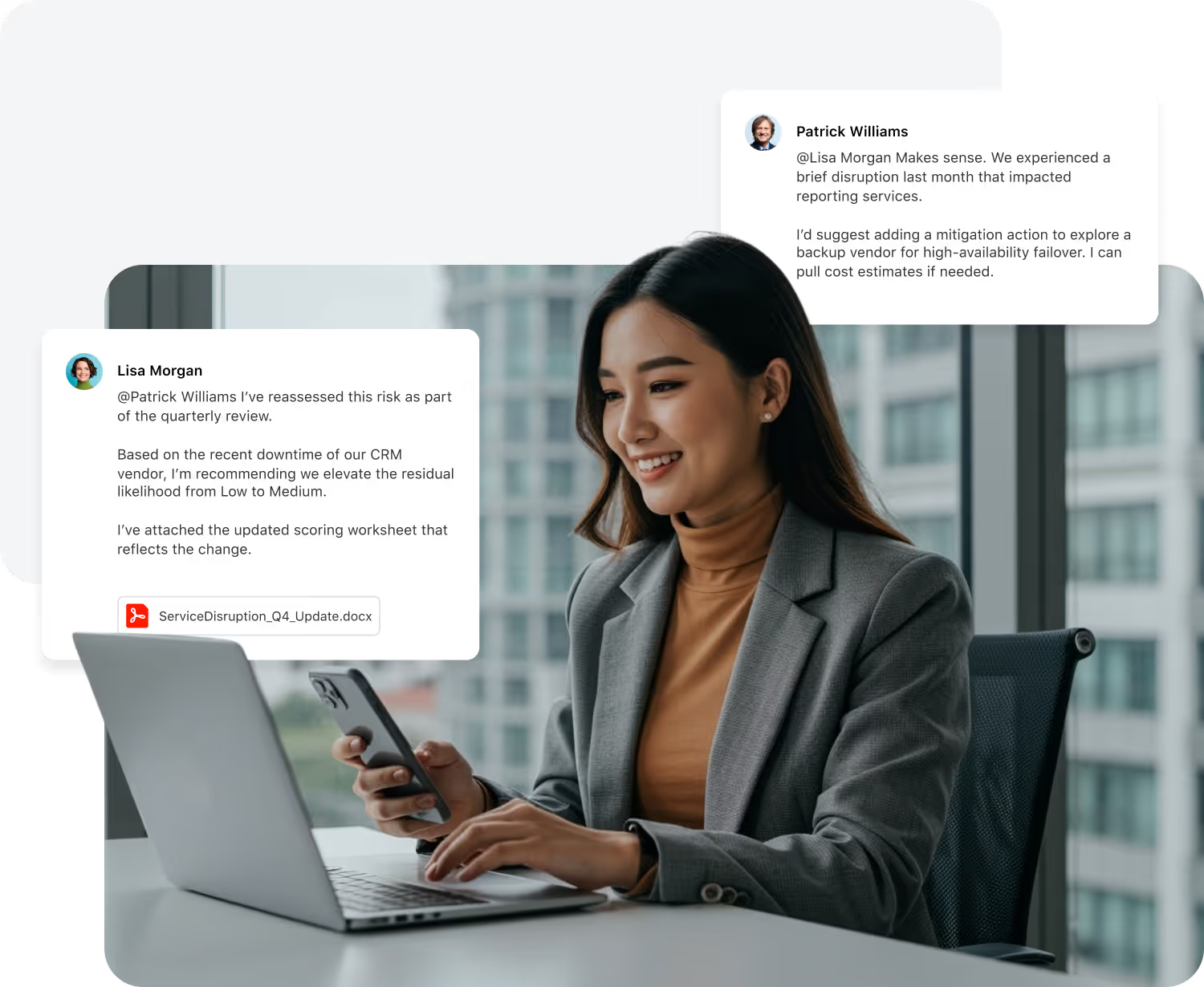
Collaboration in SmartSuite happens inside the record: conversations, contextual email, a member directory, activity history and notifications, with the same model in every solution.
Key takeaways
- Conversations, email threads, the member directory, activity history and notifications live inside each record.
- The same collaboration model applies in every solution, so teams work one way across the organization.
- Collaboration respects the permission model: people see only the records and fields their role allows.
- Automation and AI can act on collaboration events, such as a comment or a new email.
How do teams collaborate in SmartSuite?
Teams collaborate in SmartSuite inside the record itself: conversations, email threads, the member directory, activity history and notifications are attached to the work, not kept in a separate tool. The same model applies in every solution and follows the permission model, so people see only what their role allows.
What does collaboration look like inside a workflow?
Collaboration in SmartSuite isn’t an add-on, it’s built into the way work happens. Every message, update, and decision is right where it belongs: in context, in one place, and always up to date.
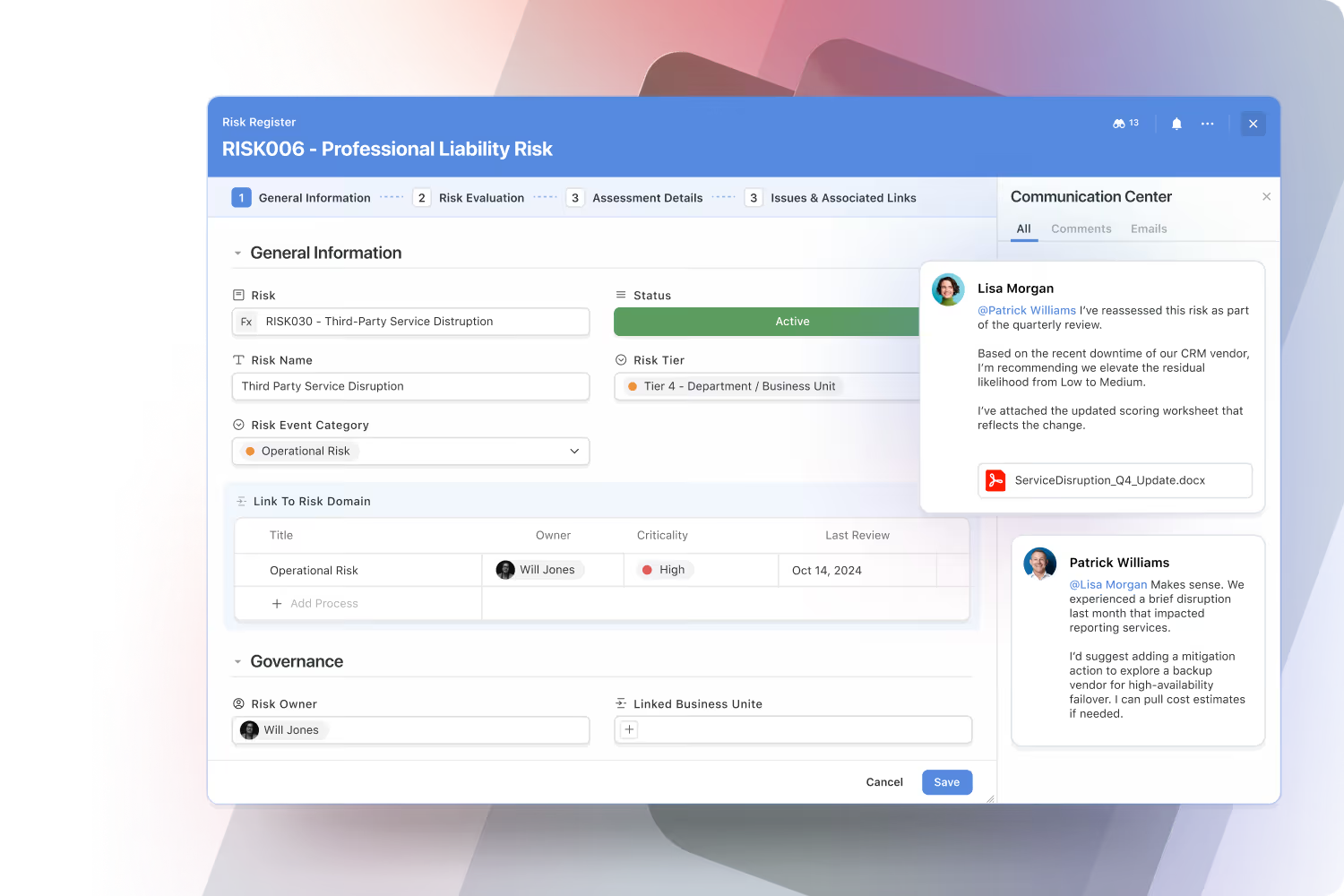
Have real-time conversations where the work happens.
Start discussions, @mention teammates, and share files directly inside records, tasks, or projects. Every conversation stays linked to its context, so updates are clear, decisions are faster, and you never lose track of critical information in external chat apps or meetings.
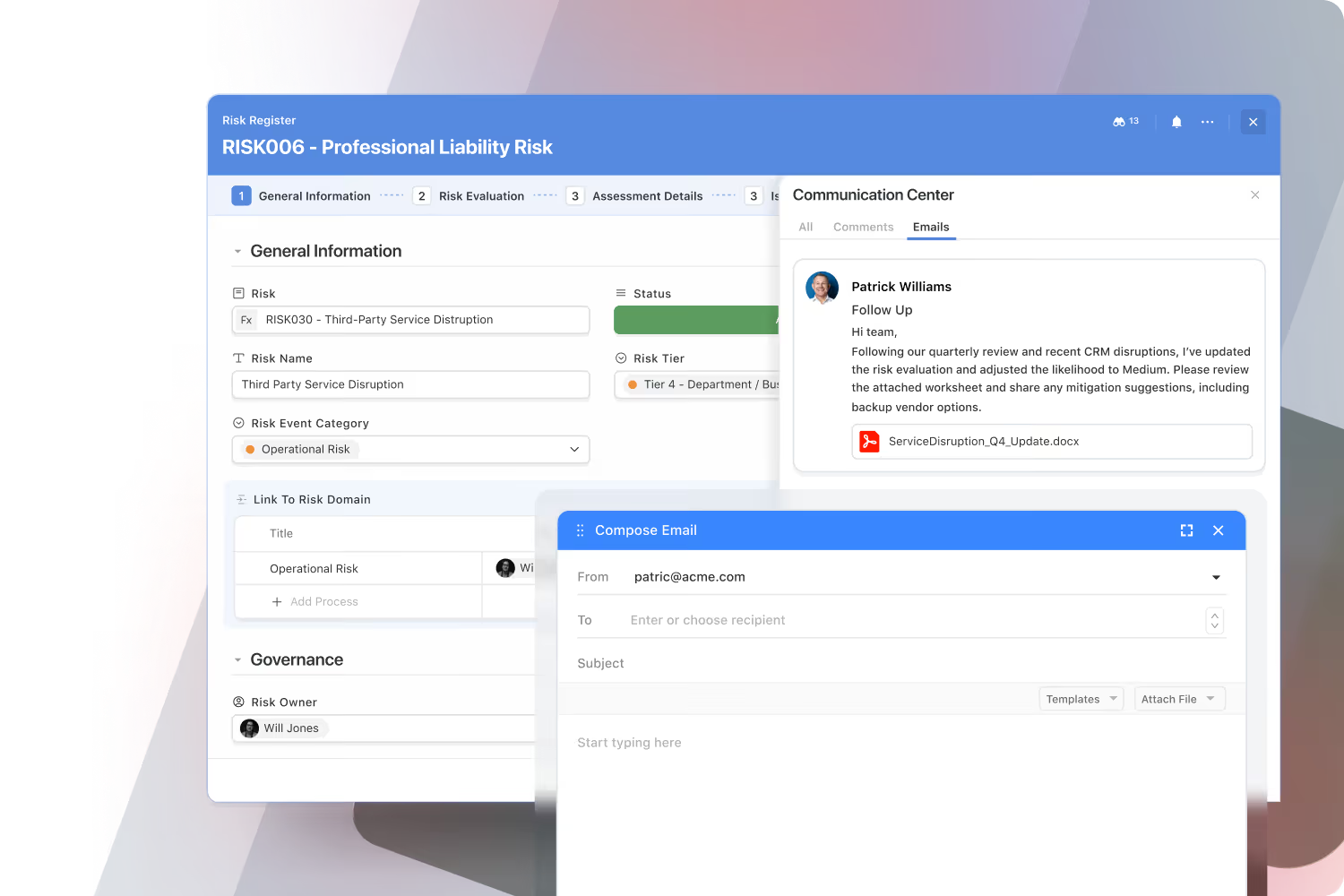
Bring email directly into your workflows.
Send and receive emails from within SmartSuite, fully synced with Gmail, Outlook, and other providers. Every thread stays connected to its related record, keeping vendor, customer, and partner communication visible to your team. No forwarding, no missing context, just seamless communication without leaving the platform.
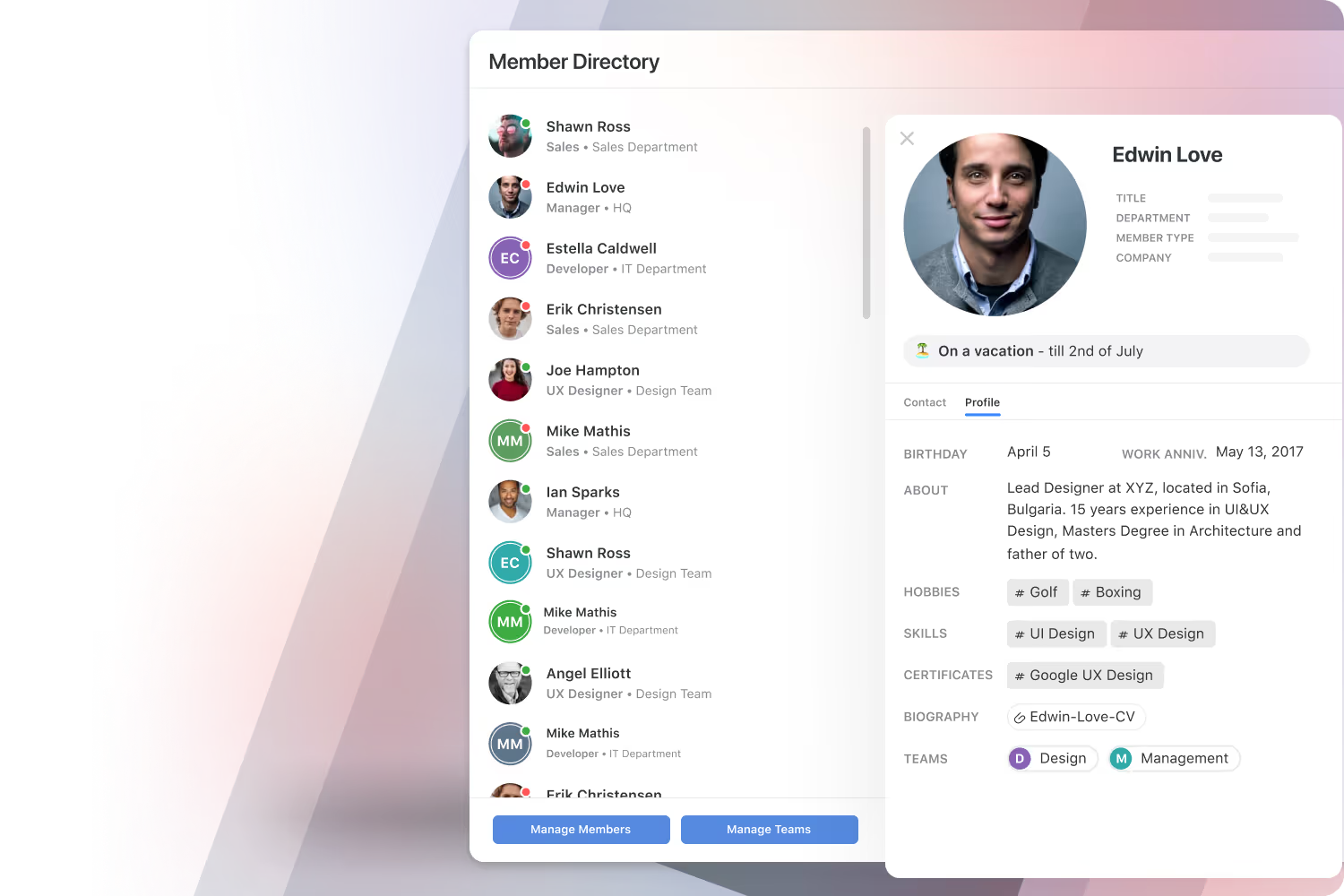
Find, connect, and collaborate across your organization.
SmartSuite’s dynamic Member Directory brings people together with rich profiles that include roles, skills, departments, and contact information. Presence indicators show who’s available, making it easy to reach out, share context, and strengthen team culture in the flow of work.
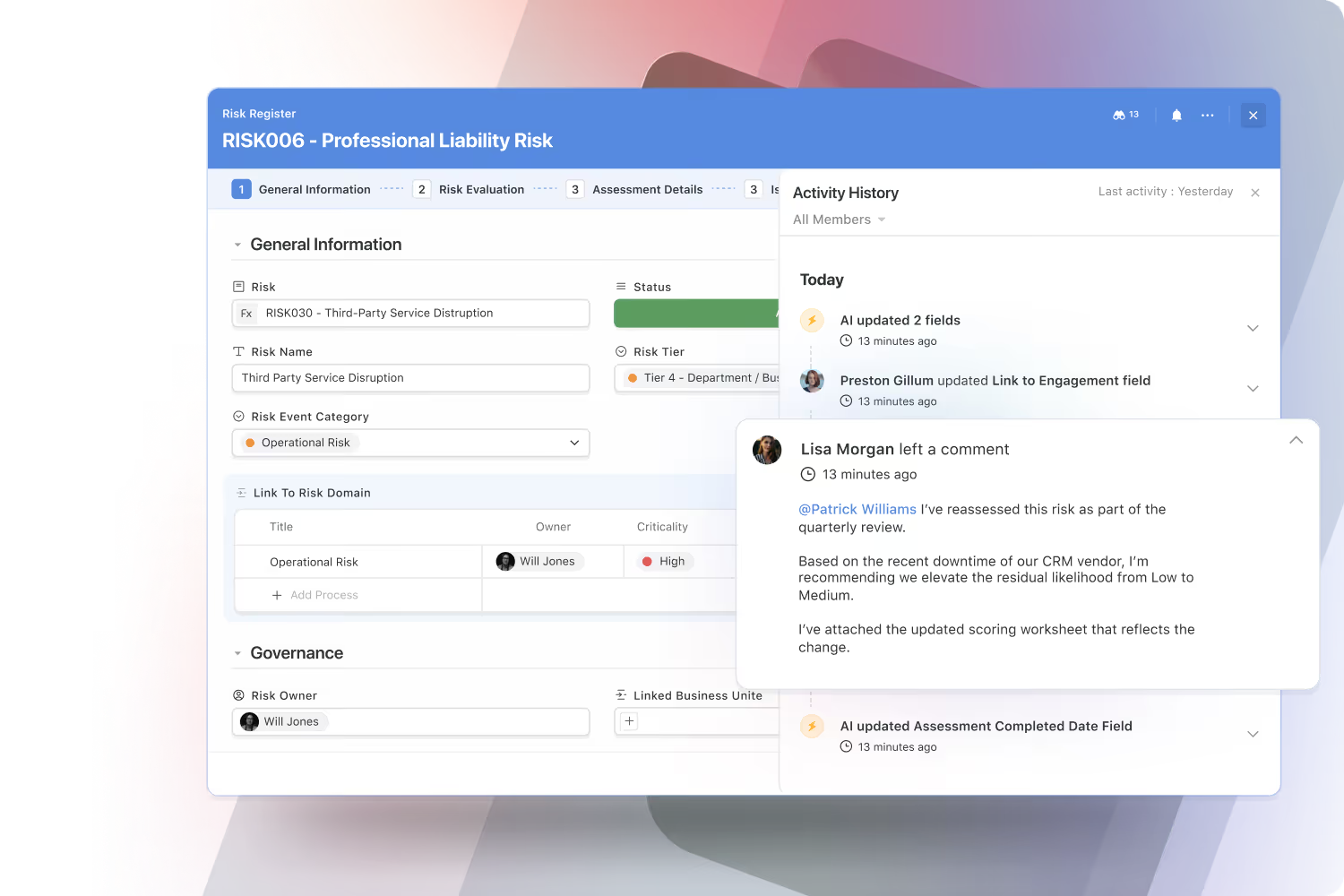
See the work as it happens, with complete transparency.
SmartSuite automatically tracks every change across records, tasks, and projects, giving teams and auditors a full view of what’s been updated, when, and by whom. These live activity streams build trust, support compliance, and eliminate the need for status meetings or guesswork.
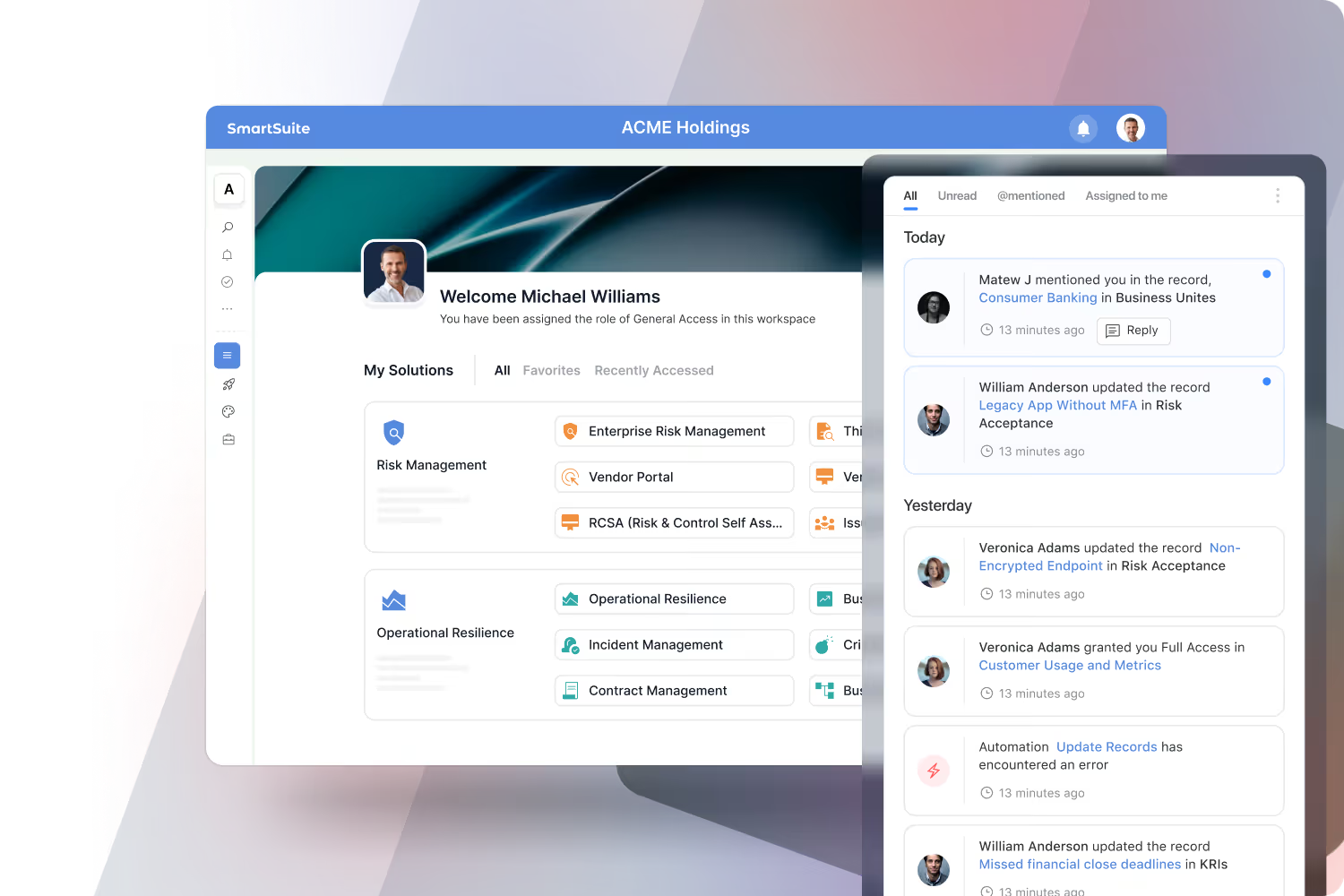
Your personalized command center for work.
SmartSuite’s notification center consolidates updates from across the platform, including new assignments, @mentions, comments, and permission changes. Delivered in-app and by email, notifications help you stay focused on what matters most without chasing updates or checking multiple systems.
Collaboration That Moves Work Forward
Most tools separate where you talk about work from where you track it. SmartSuite brings them together, so every conversation has context and every decision has a clear next step.
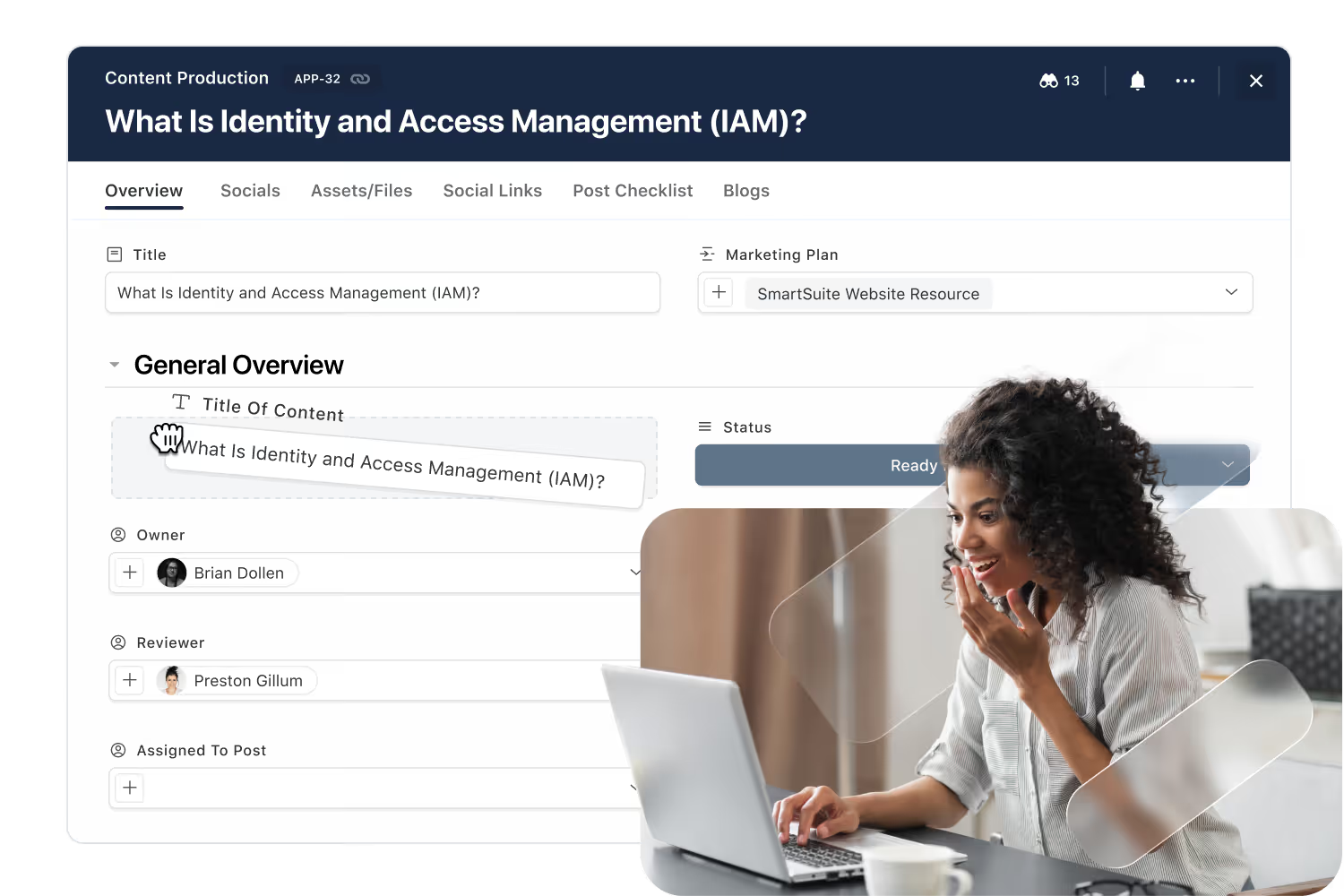
Every discussion lives inside the record it belongs to, so decisions never lose their trail and handoffs stay clean.
Go from comment to task, approval, and workflow change in a click. SmartSuite turns talk into trackable progress.
The same collaboration patterns power GRC, IT Service Delivery, projects, CRM, and more, reducing training time and improving consistency.

Have The Conversation Right Where The Work Lives
Start discussions, mention teammates, share files, and log approvals directly inside records, tasks, and projects. Every comment is anchored to context, no screenshots of Slack, no forwarded email chains.
- Threaded comments and @mentions on any record.
- Attach files and links where they'll be used.
- Convert comments into tasks or approvals in one click.
Keep Email Threads Where They Belong: In The Record
Customer, vendor, and stakeholder emails no longer sit in individual inboxes. SmartSuite routes them straight into the records they belong to, so context and commitments stay visible to the whole team.
- Send and receive emails directly from any records.
- Auto-thread messages to the right account or project.
- Keep attachments and approvals tied to the work, not buried in inboxes.

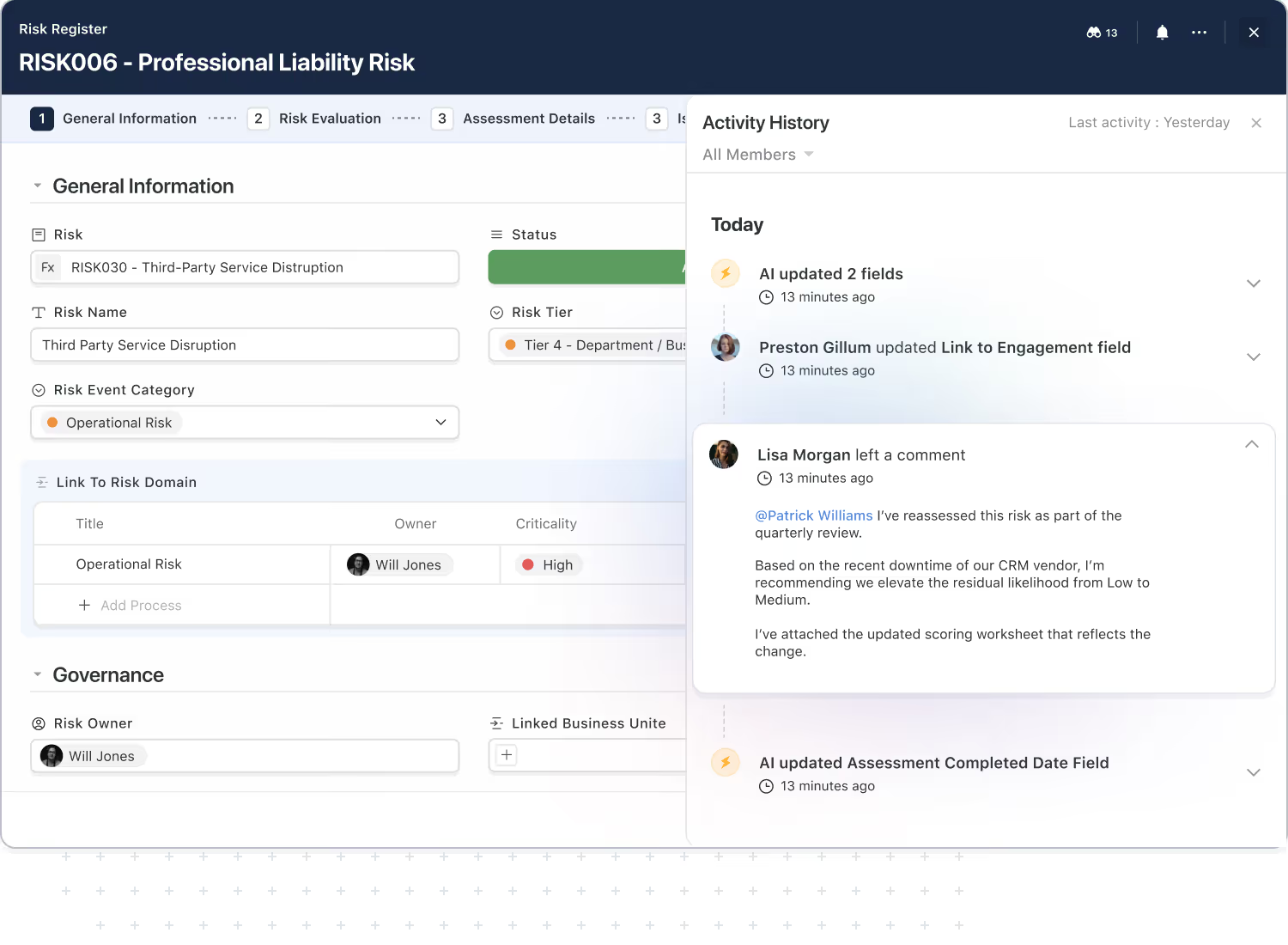
Know Exactly How Work Evolved Over Time
SmartSuite captures a complete activity history for each record so you can always answer simple but critical questions: who changed this, when, and why?
- Track comments, edits, and status changes in one timeline.
- Onboard new team members faster by showing them the full story.
- Support internal reviews and audits with clear evidence of collaboration and approvals.
Stay In The Loop Without Drowning In Alerts
SmartSuite notifications keep you updated on the work that matters most, mentions, assignments, approvals, and critical changes, while giving you the control to dial back the noise.
- Fine-tune notifications by solution, record type, or role.
- Use digests for leaders who need signal, not streams.
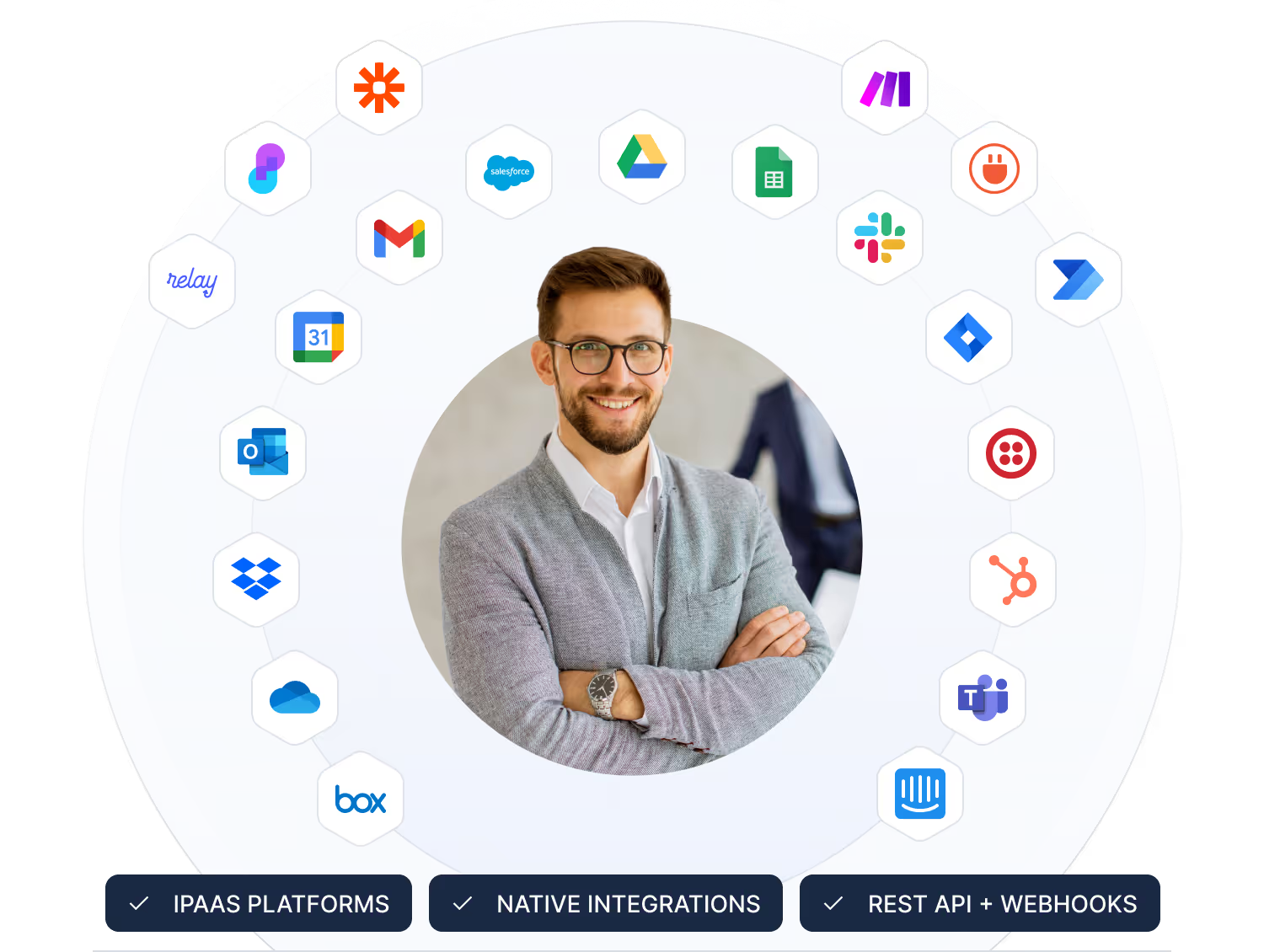
- Integrate Slack and Teams while keeping SmartSuite as the source of truth.

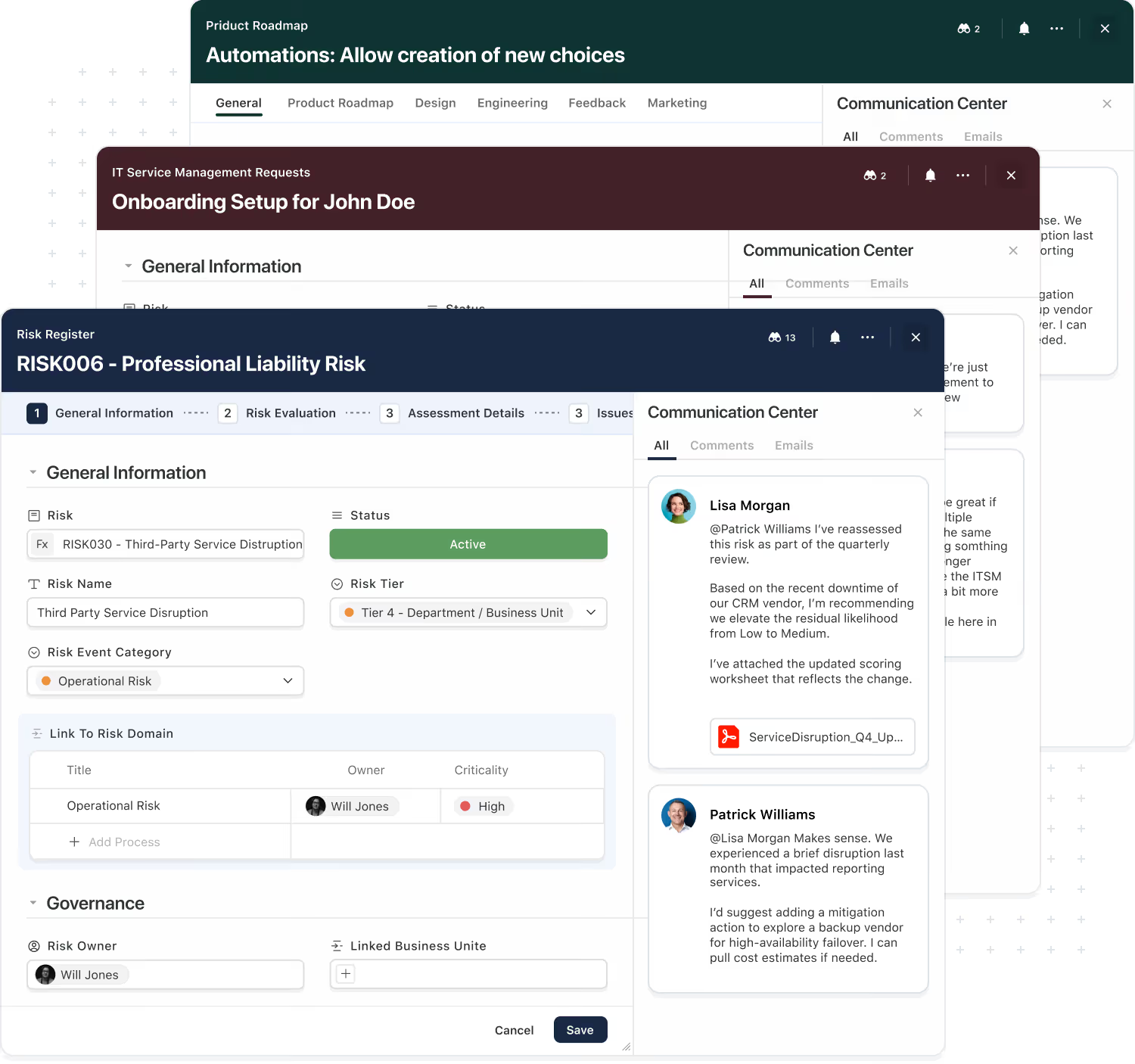
The Same Collaboration Model Across Every Solution.
Teams shouldn't have to learn a new way of collaborating every time they touch a different system. SmartSuite gives you one consistent collaboration model that works across GRC, ITSM, projects, CRM, and more.
- Use the same comments, tasks, and approvals everywhere.
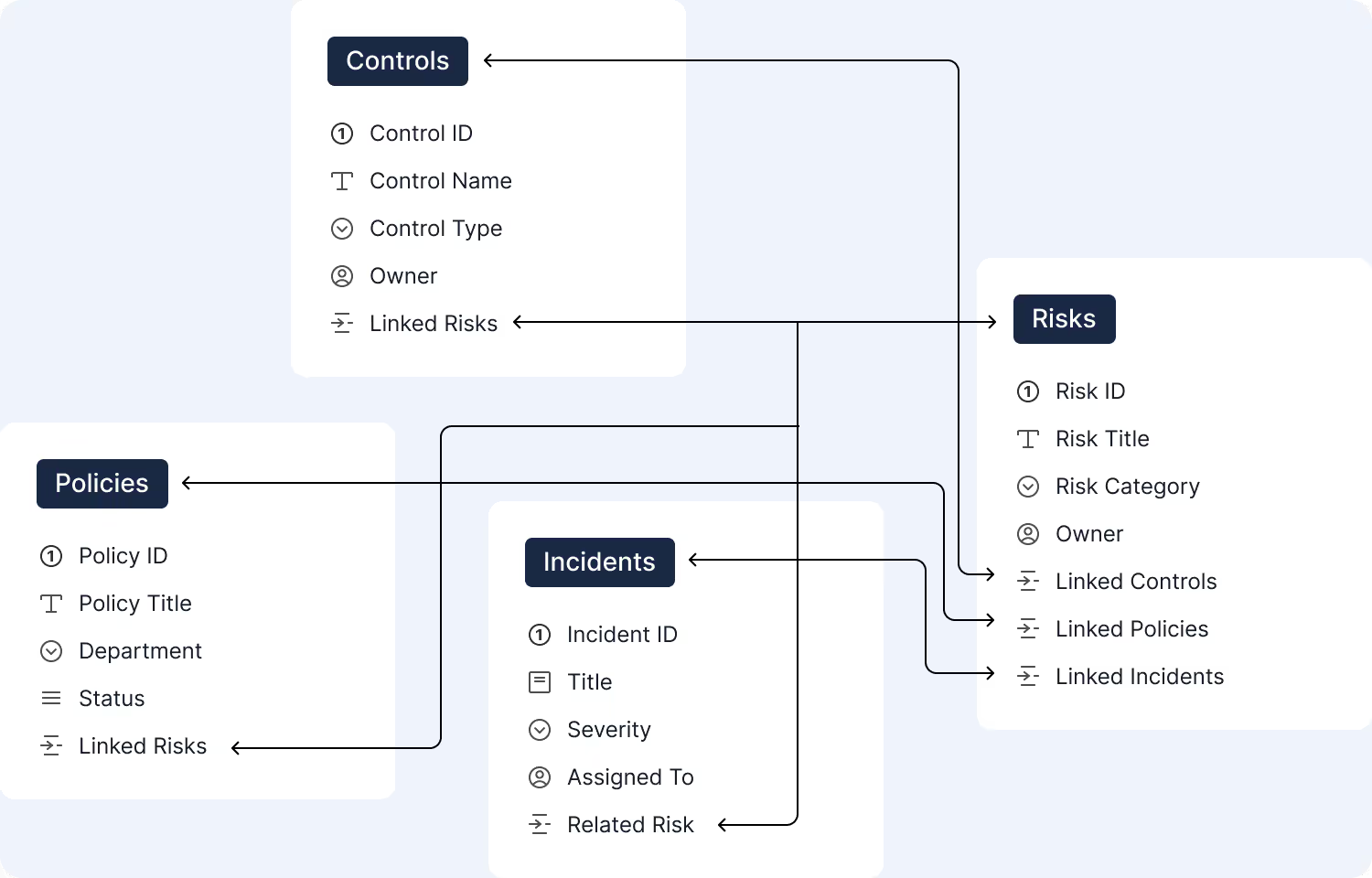
- Connect conversations across related records and solutions.
- Reduce tool sprawl by bringing more work into one platform.
Automation & AI
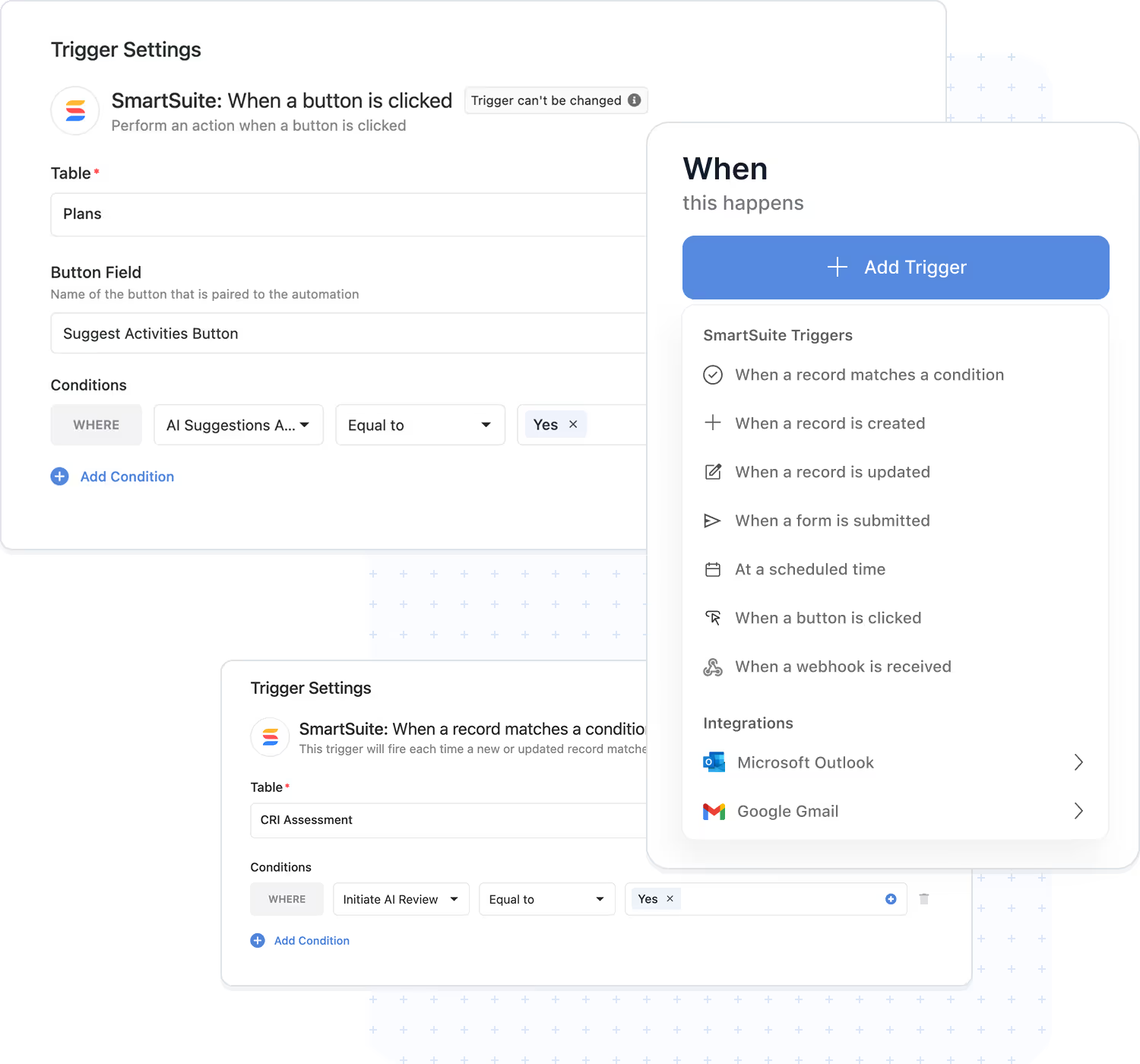
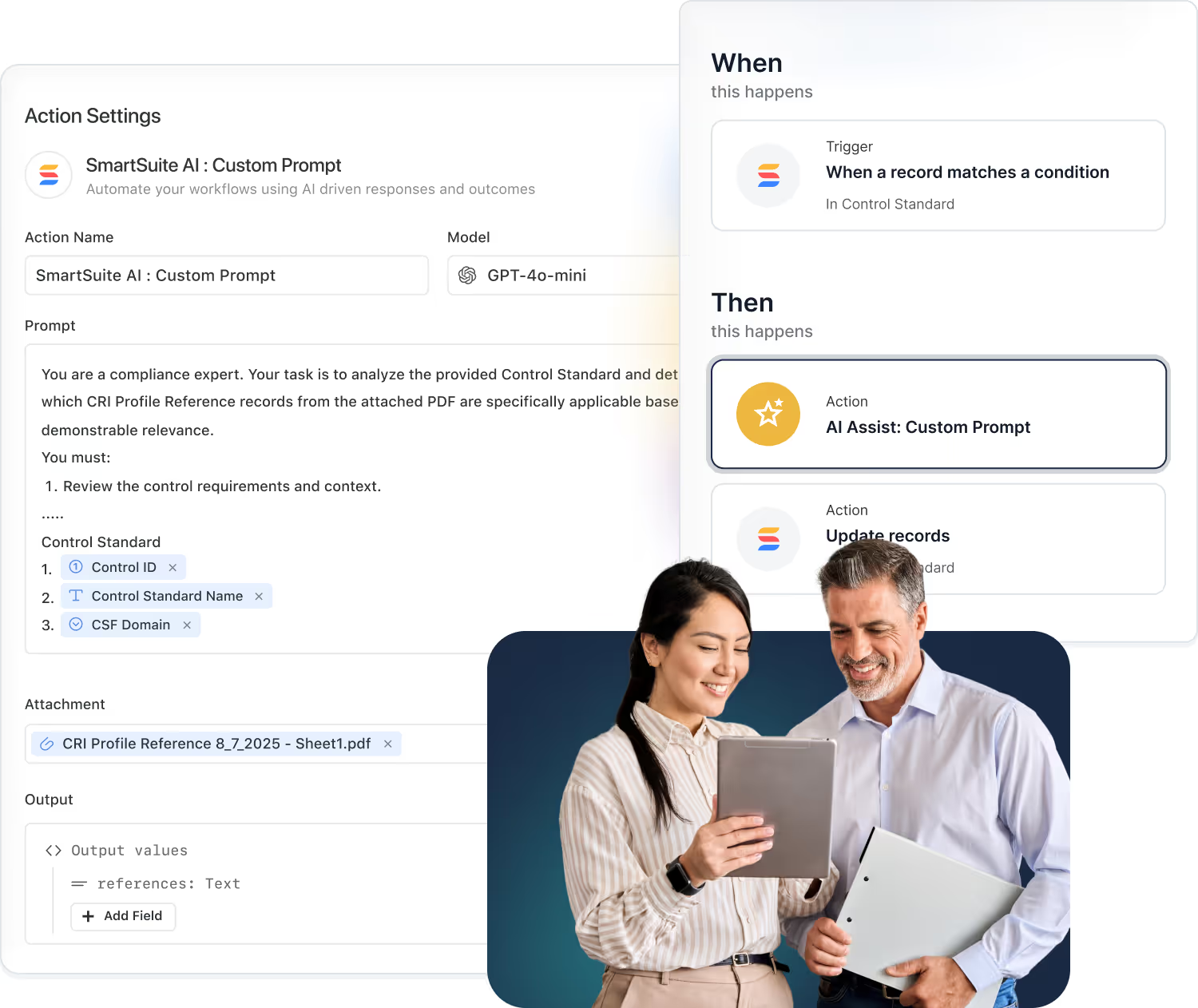
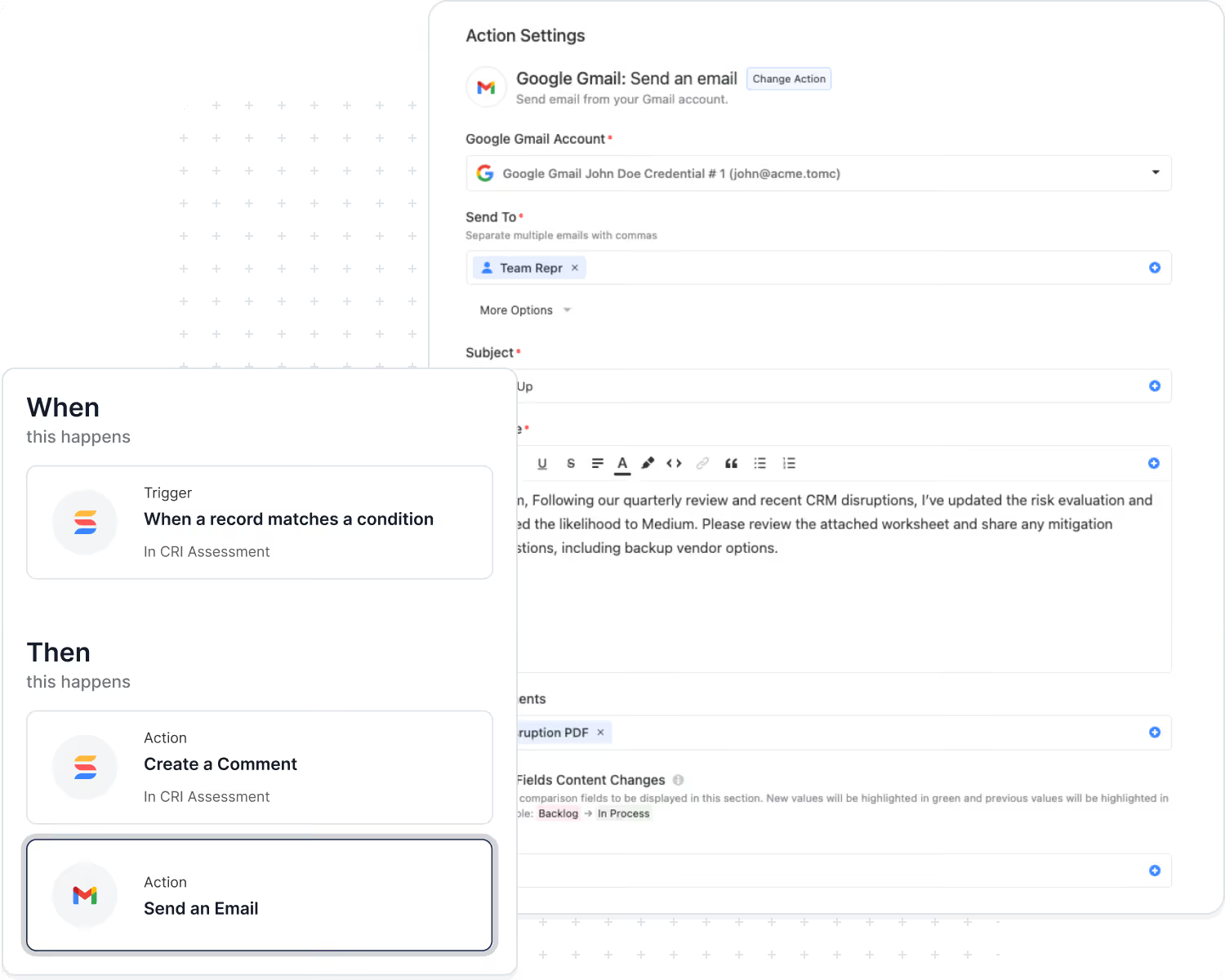
In SmartSuite, collaboration doesn't end with a thumbs-up on a comment. Automations and AI can watch for approvals, mentions, and key phrases, and then move work forward automatically.
- Trigger workflows when comments or approvals meet certain criteria.
- Use AI to summarize long threads into a single, readable decision log.
- Automatically create tasks and reminders based on what was discussed.
Collaboration That Respects Your Governance Model
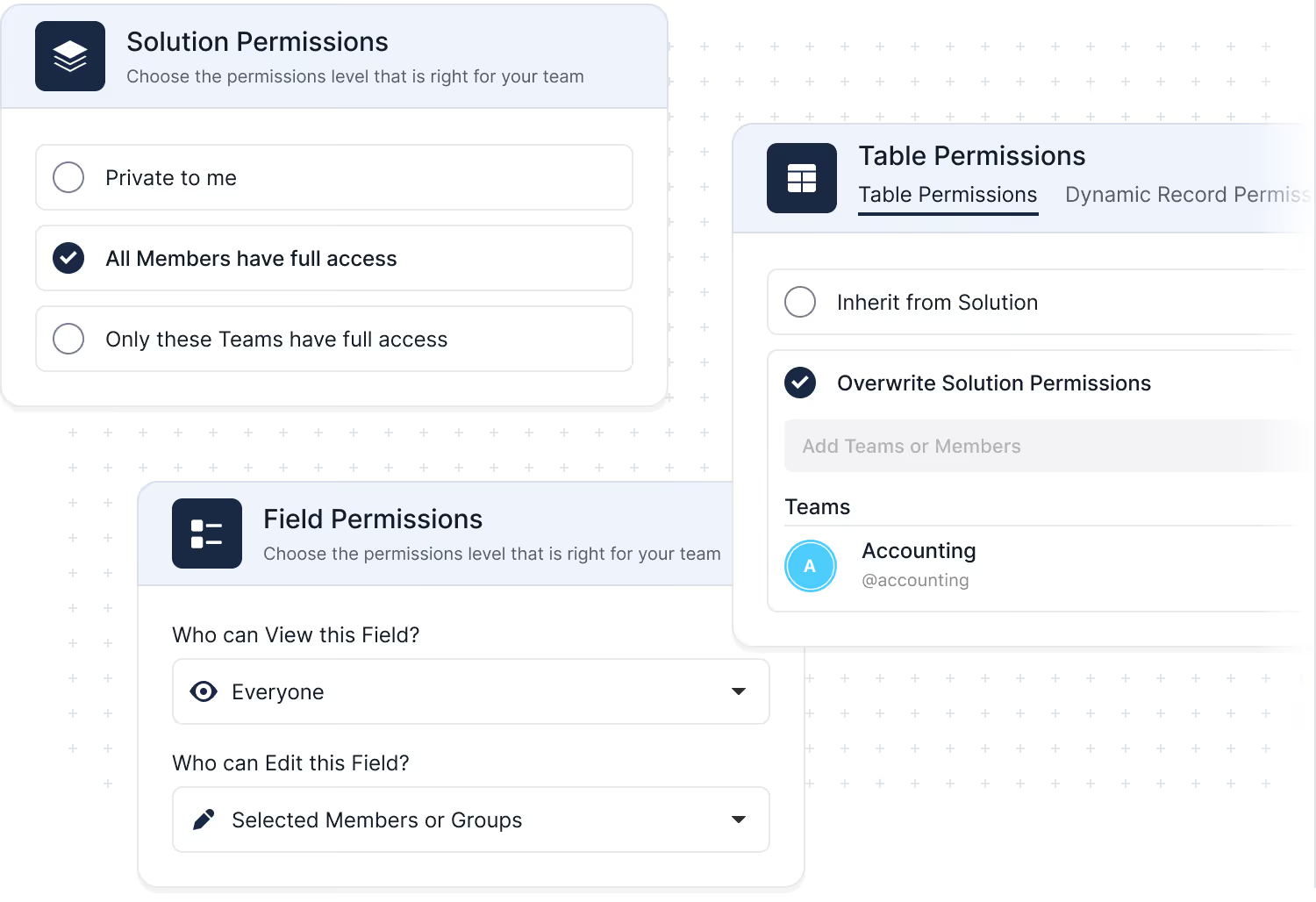
SmartSuite was built for teams that need both openness and control. Role-based access, record-level permissions, and field-level rules ensure that people can contribute without overstepping what they should see or change.
- Define who can view, comment, and edit at every level.
- Use field-level visibility to protect sensitive data inside shared records.
- Rely on activity history and logs for audit and compliance reviews.
Frequently Asked Questions About Working Together in SmartSuite
SmartSuite allows multiple users to work on the same record simultaneously, with instant updates, in-line comments, mentions, and activity tracking. Every change is visible in real time, ensuring teams stay aligned without version conflicts.
Each record includes a threaded comment system, @mentions, attachments, reactions, and activity history. This keeps discussions tied to the work itself—no more searching through email or chat to find context.
Yes. SmartSuite supports Guest Users who can be granted access to specific Views, Dashboards, and Interfaces. They can update assigned tasks and interact with permitted content without accessing the full workspace.
Teams can use Views, Folders, and Dashboards to centralize the discussion around projects, risks, incidents, requests, tickets, or any workflow. Permissions ensure each group sees only what’s relevant to their responsibilities.
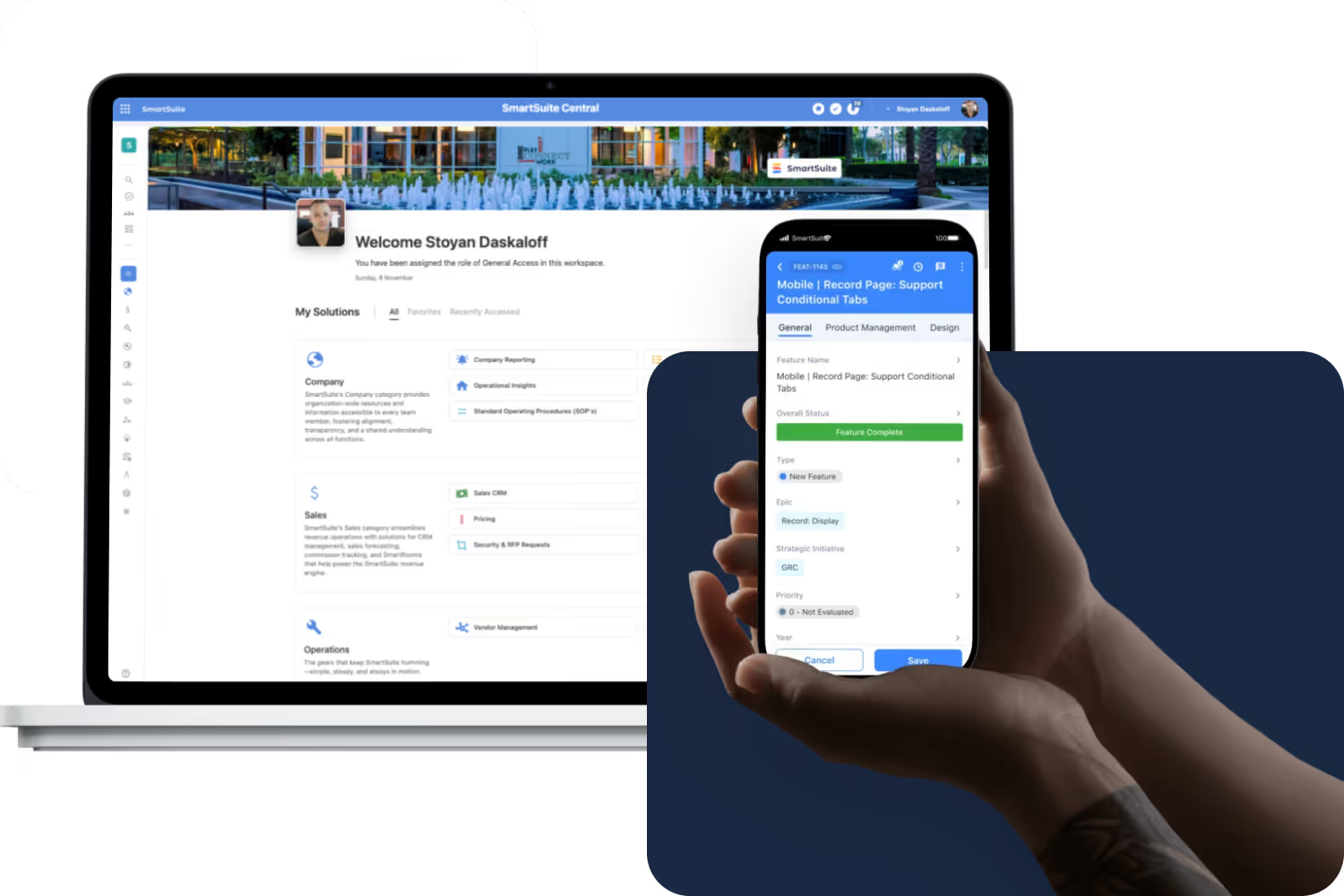
SmartSuite provides in-app notifications, email alerts, mobile push notifications, and automated reminders. Notifications trigger when users are mentioned, assigned tasks, or workflows reach key stages—keeping everything on track.
Yes. Automations can assign tasks, notify channels, trigger approvals, generate documents, distribute updates, and sync changes to Slack, Teams, or other collaboration tools. This reduces manual follow-up and accelerates handoffs.
Record Activity History logs every change—including who made it, when, and what the previous value was—for up to three years (depending on the plan). Comments, attachments, and workflow actions are all captured to maintain a complete audit trail.
SmartSuite separates responsibilities through role-based permissions, Interface-level access, organized Views, and clear ownership fields. Shared workflows remain structured and governed, even when multiple departments contribute.

Written by
SmartSuite Staff
· Reviewed
October 17, 2026
Explore the platform
The ten capabilities of the SmartSuite platform, each on its own page.