SmartSuite's data architecture is relational: tables, fields, records and views that stay connected within and across solutions, so every workflow runs on data the organization trusts.
Key takeaways
- Tables, fields, records and views are the four building blocks of every SmartSuite solution.
- Relationships work within a solution and across solutions, so data is entered once and reused everywhere.
- Field types validate data as it is captured; views turn the same records into grids, boards, calendars and dashboards.
- Data integrity, permissions and audit history are part of the model, not add-ons.
What is SmartSuite's data architecture?
SmartSuite's data architecture is a relational model: solutions hold tables, tables hold fields and records, and views present those records for each role. Relationships work within a solution and across solutions, so a record is entered once and reused wherever the work needs it.
A Relational Architecture for Connected Workflows
Build connected workflows on a secure, relational data foundation. SmartSuite connects data across Solutions so every workflow shares a trusted, permission-aware source of truth. Structure, validation, and governance are built in, so information flows securely wherever it’s needed.
What are the building blocks of SmartSuite data?
Solutions. A secure workspace for a business process, tables, automations, and permissions live here.
Solutions.
Tables. A structured dataset that defines the shape of information inside a Solution.
Tables.
Fields. Attributes of your data, typed, validated, and governable.
Fields.
Records. A single item that blends data, collaboration, and activity history.
Records.
Views. A lens for action, grid, board, calendar, timeline, or chart.
Views.
And Also.
Relational Design, Within and Across Solutions
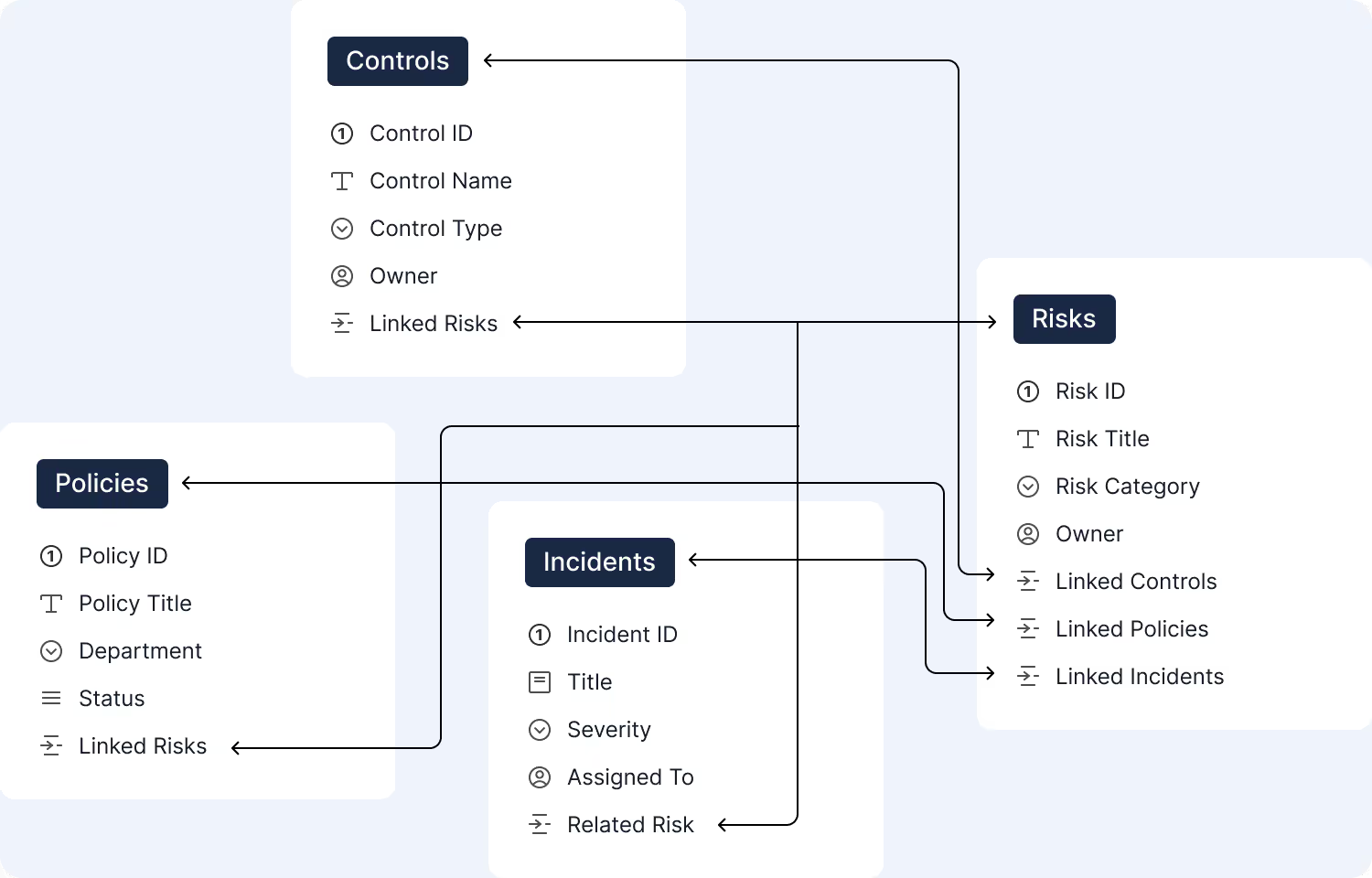
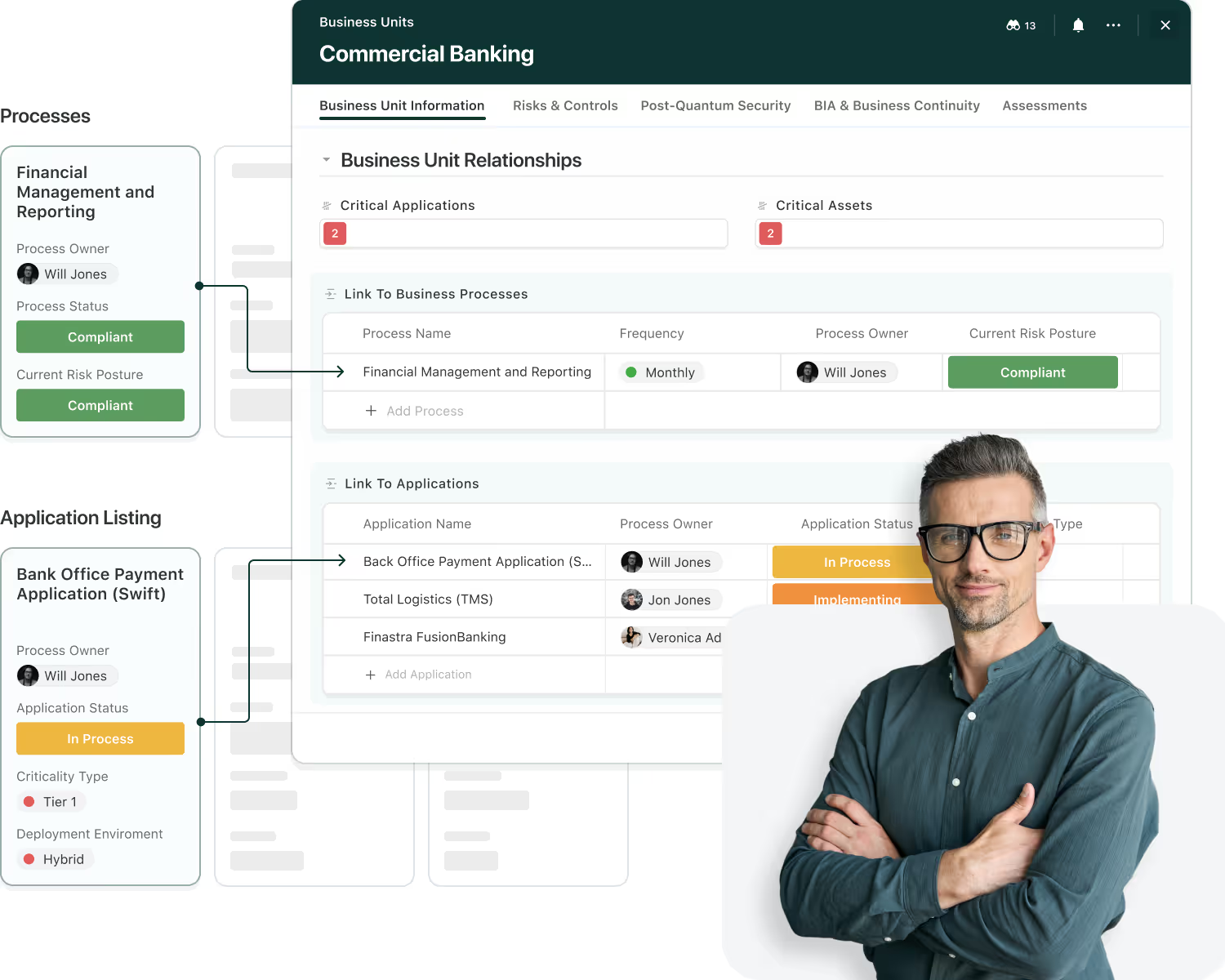
SmartSuite is relational at its core, making it easy to link records within a Solution or across multiple Solutions without duplicating data. Relationships flow naturally through your workflows, preserving permissions and keeping context intact wherever it’s needed.
Connect related data across tables and Solutions.
Share context across Solutions while preserving each Solution’s security model.
Surface related values without copying data.
Reference once, reuse everywhere.
Links inherit field and Solution permissions.
Model parent-child relationships to organize data across multiple levels without duplication or loss of context.
Tables, Structured Datasets for Every Workflow
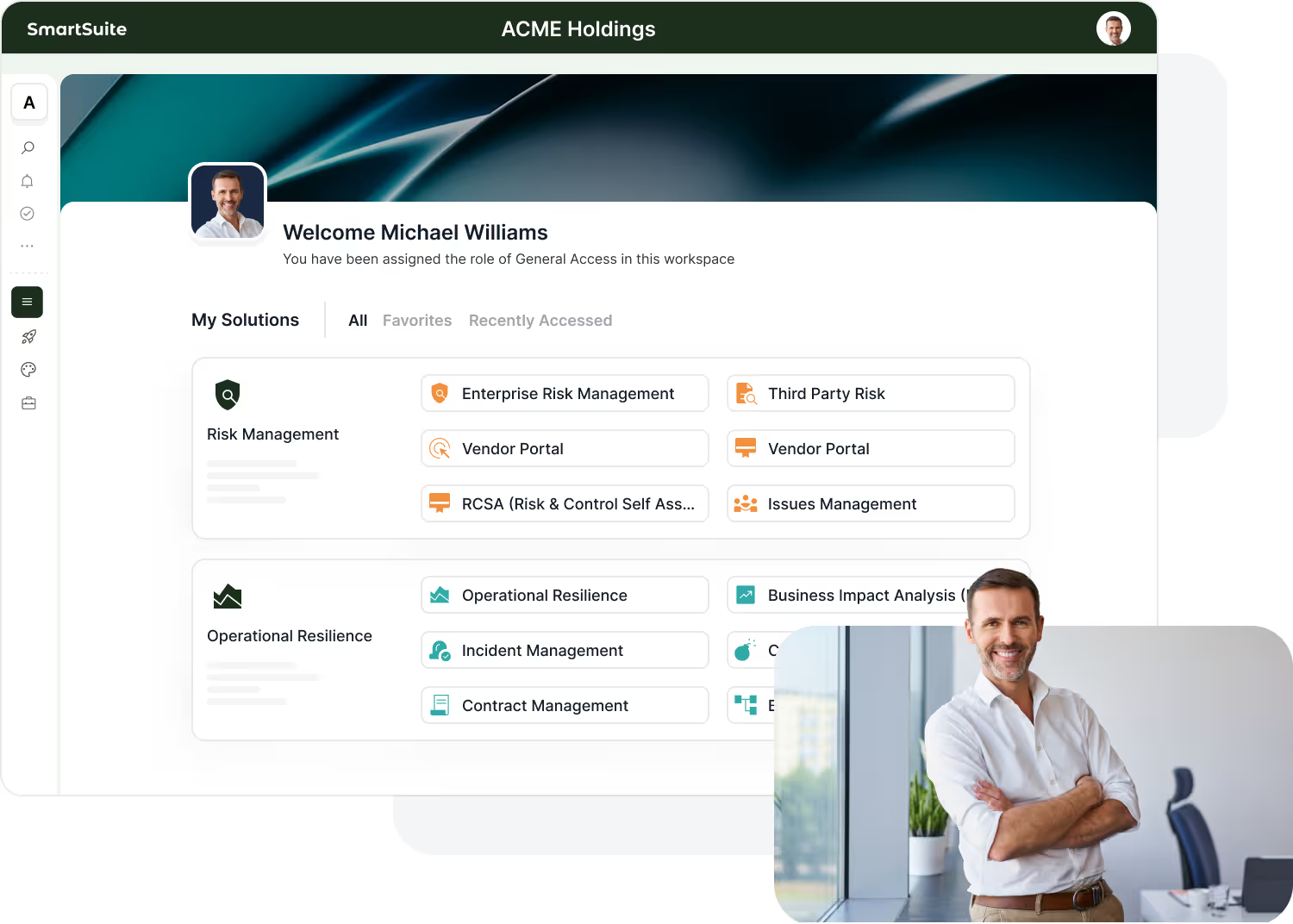
Tables define the core objects in your workflow, storing structured fields, relationships, and records that evolve as your processes grow. SmartSuite’s table model makes it simple to represent any business entity while keeping data consistent, connected, and permission-aware.
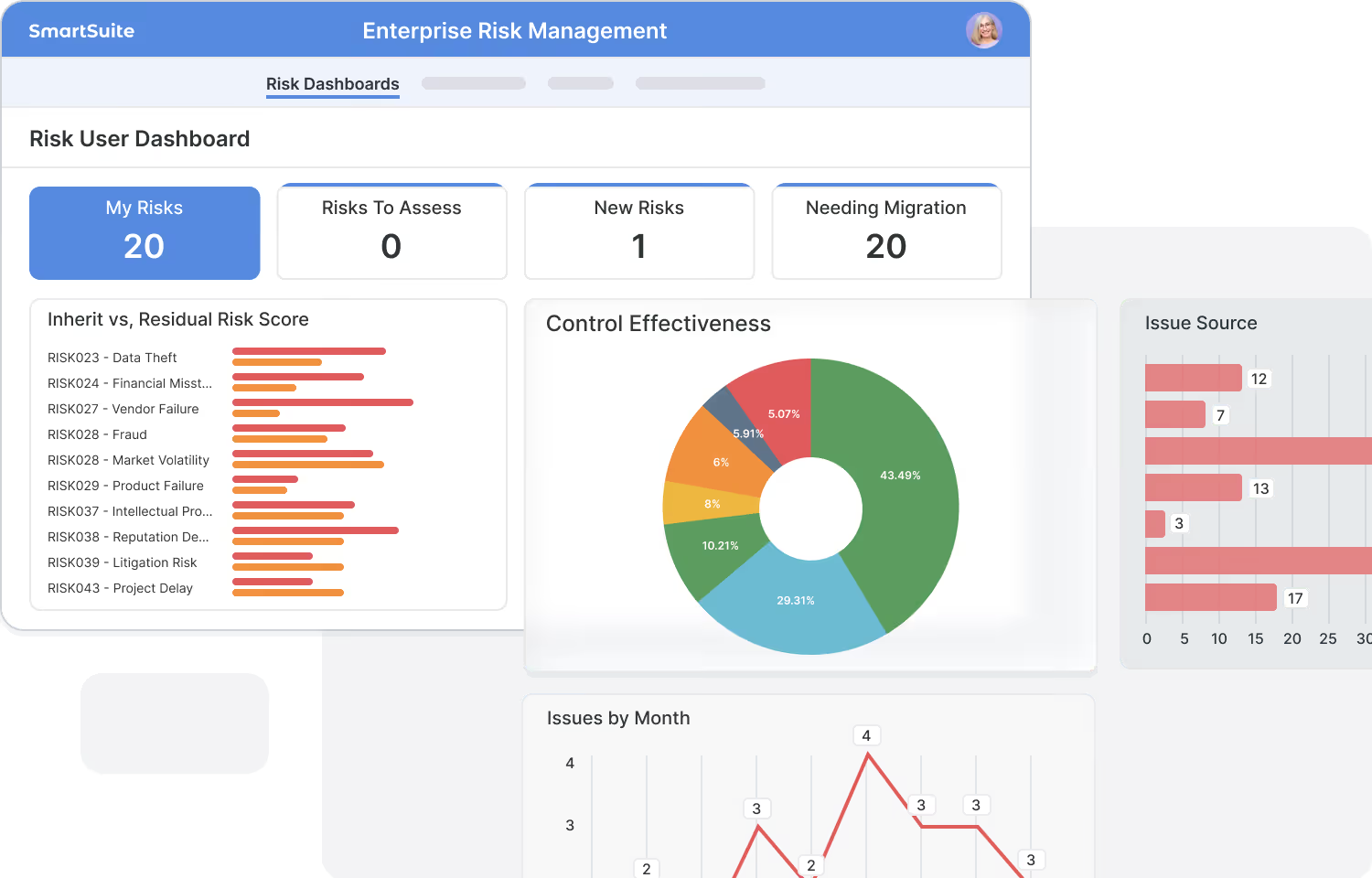
Tables define the key objects in your workflow, from risks to policies and projects.
Each table contains fields that shape your data, text, dates, lookups, formulas, and more.
Link tables to share context across your workflow without duplicating information.
Tables inherit Solution-level governance, ensuring every row and field stays secure.
Tables evolve with your process, easily cloned, adapted, and expanded without breaking your underlying architecture.
Field types, validation rules, and required inputs ensure every row in every table remains accurate and compliant.
Fields, Capturing and Validating Every Detail
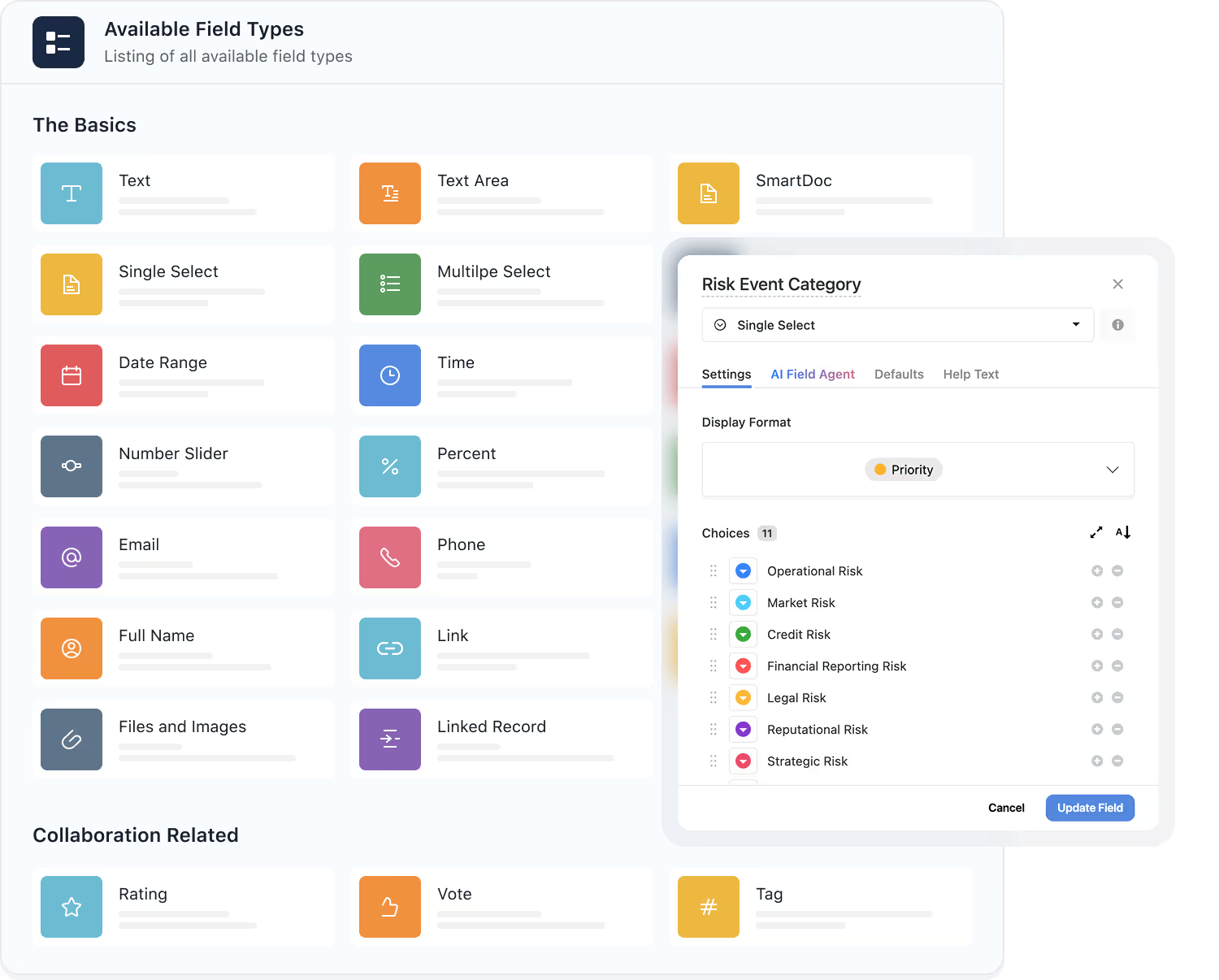
Fields define the attributes of your data model. Every field in SmartSuite is designed with validation built in, so accuracy and consistency come standard, without custom code.
Each field type automatically enforces format and consistency.
Text, numbers, dates, attachments, formulas, lookups, rollups, and over 35 additional field types to choose from.
Required fields, default values, and formatting ensure every entry meets standards.
Linked and lookup fields bring related data into view without duplication.
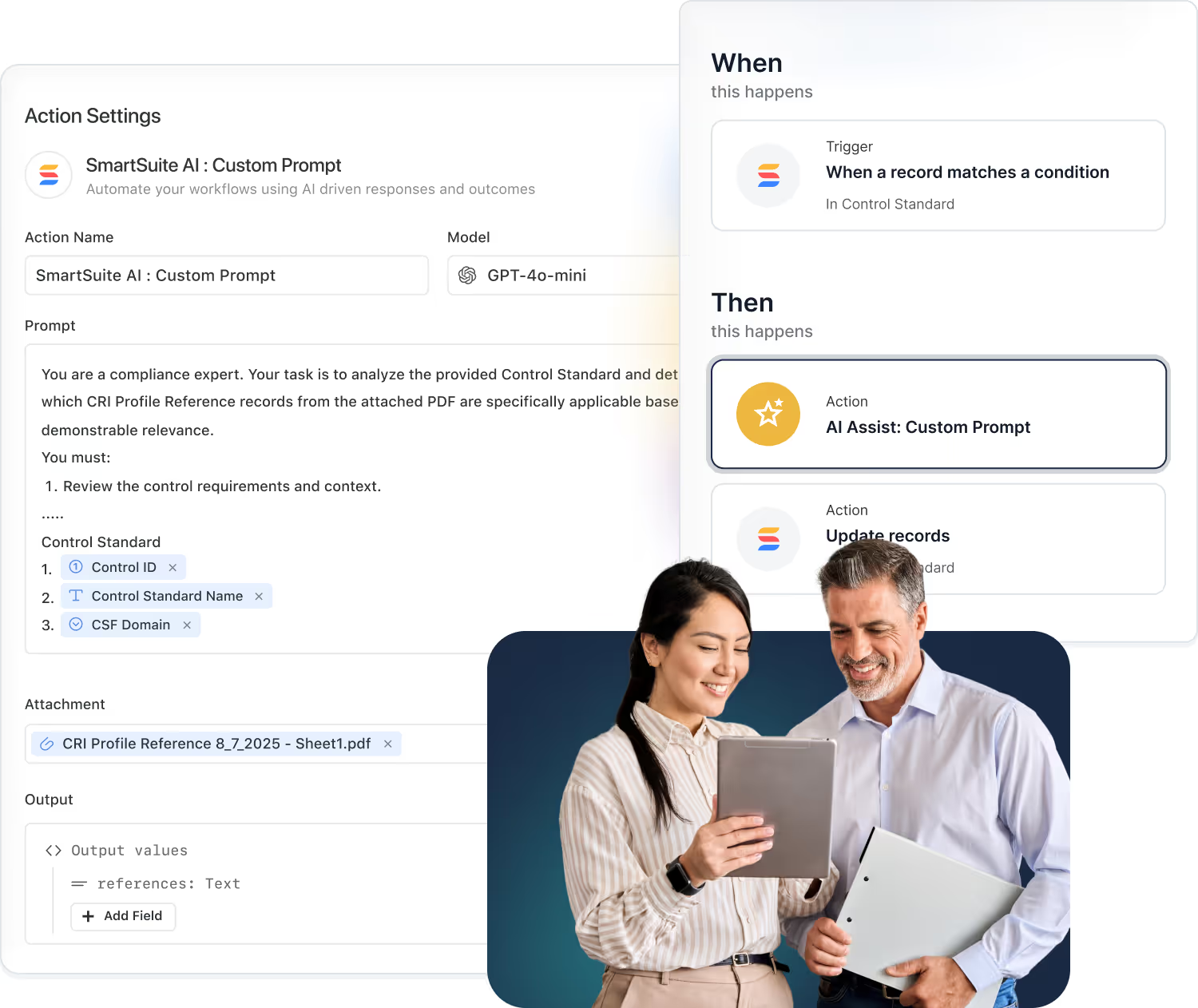
Use AI Field Agents to classify, summarize, or enrich field values, bringing intelligence to your structured data model.
Create formulas that derive values automatically, powering metrics, scores, and business logic directly inside your data model.
Records, Where Structure Meets Action
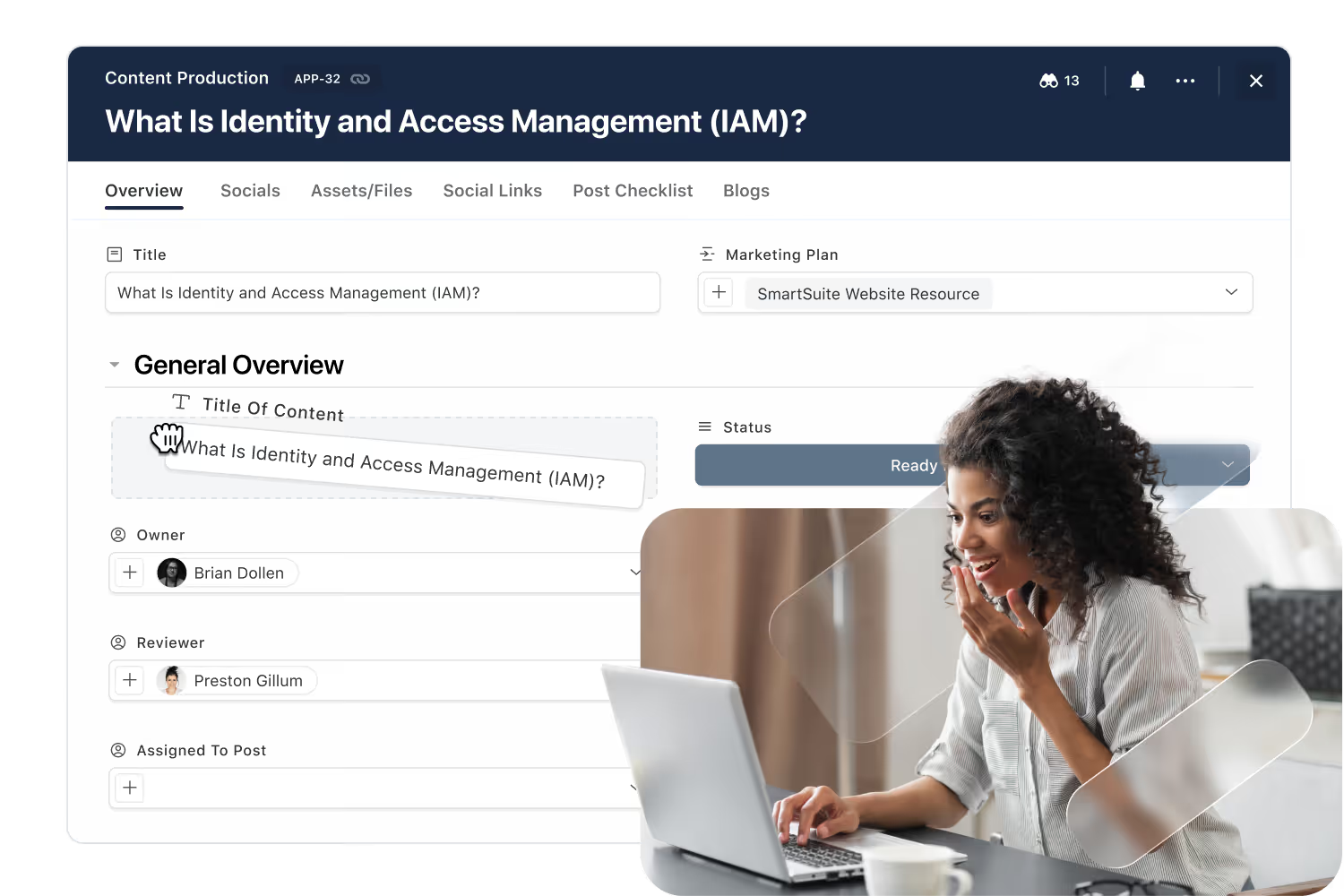
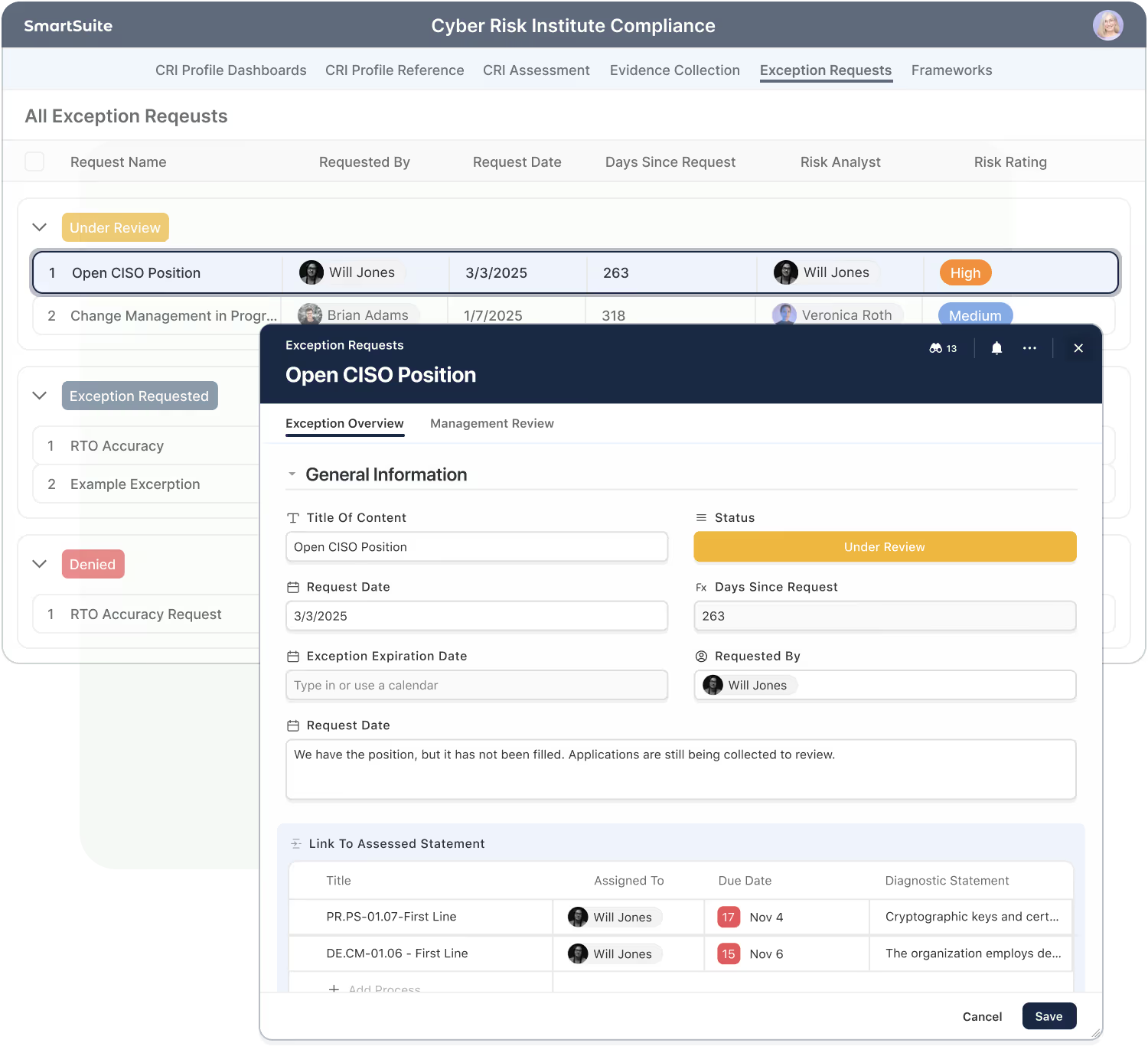
A record represents a single item, policy, task, risk, or project. It combines structured data with collaboration, automation, and history in one place.
Mix structured field types with unstructured field types, like documents - to create enriched data sets.
Comments, mentions and files live in the context of a record.
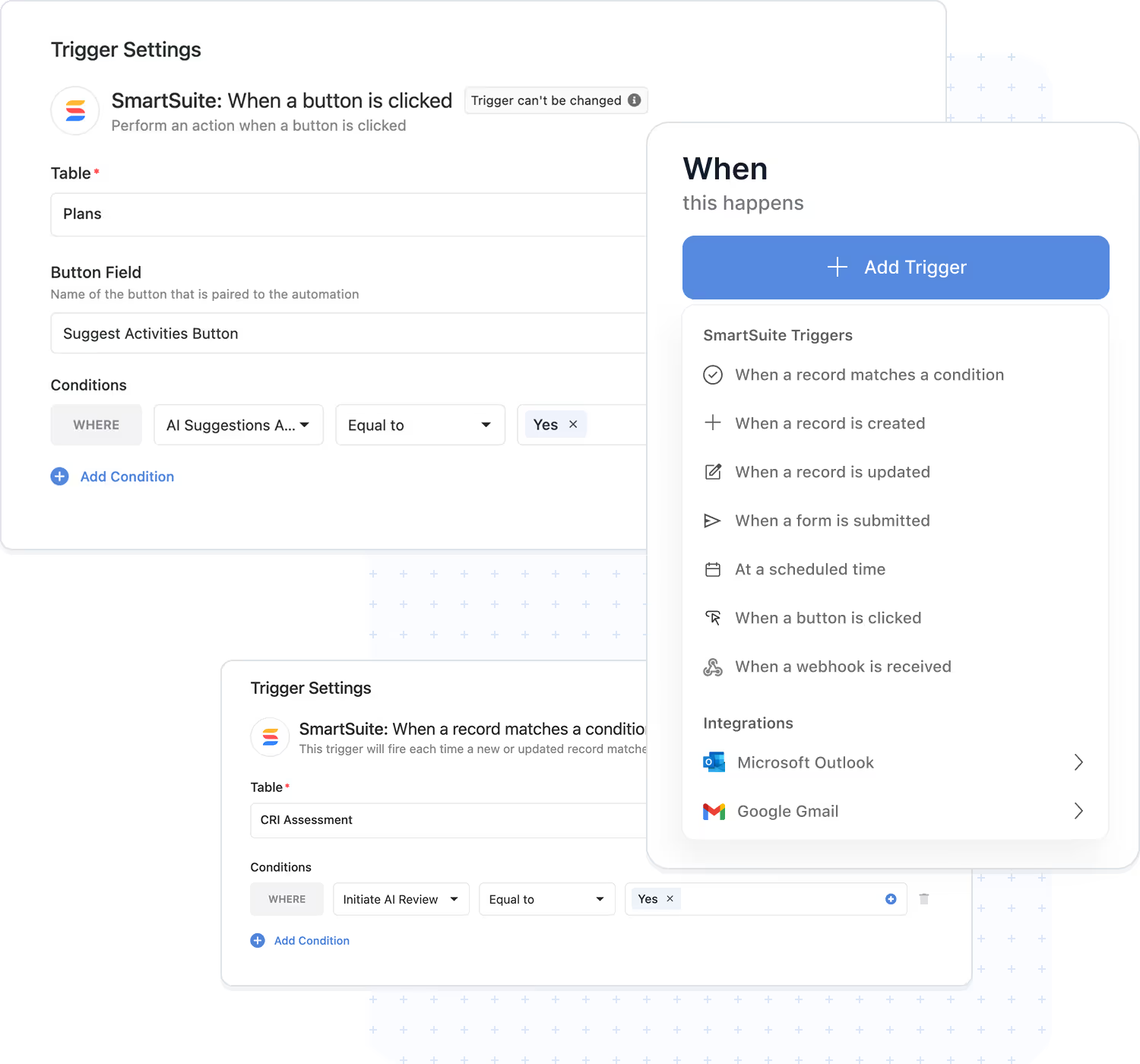
Records can trigger or respond to workflows automatically.
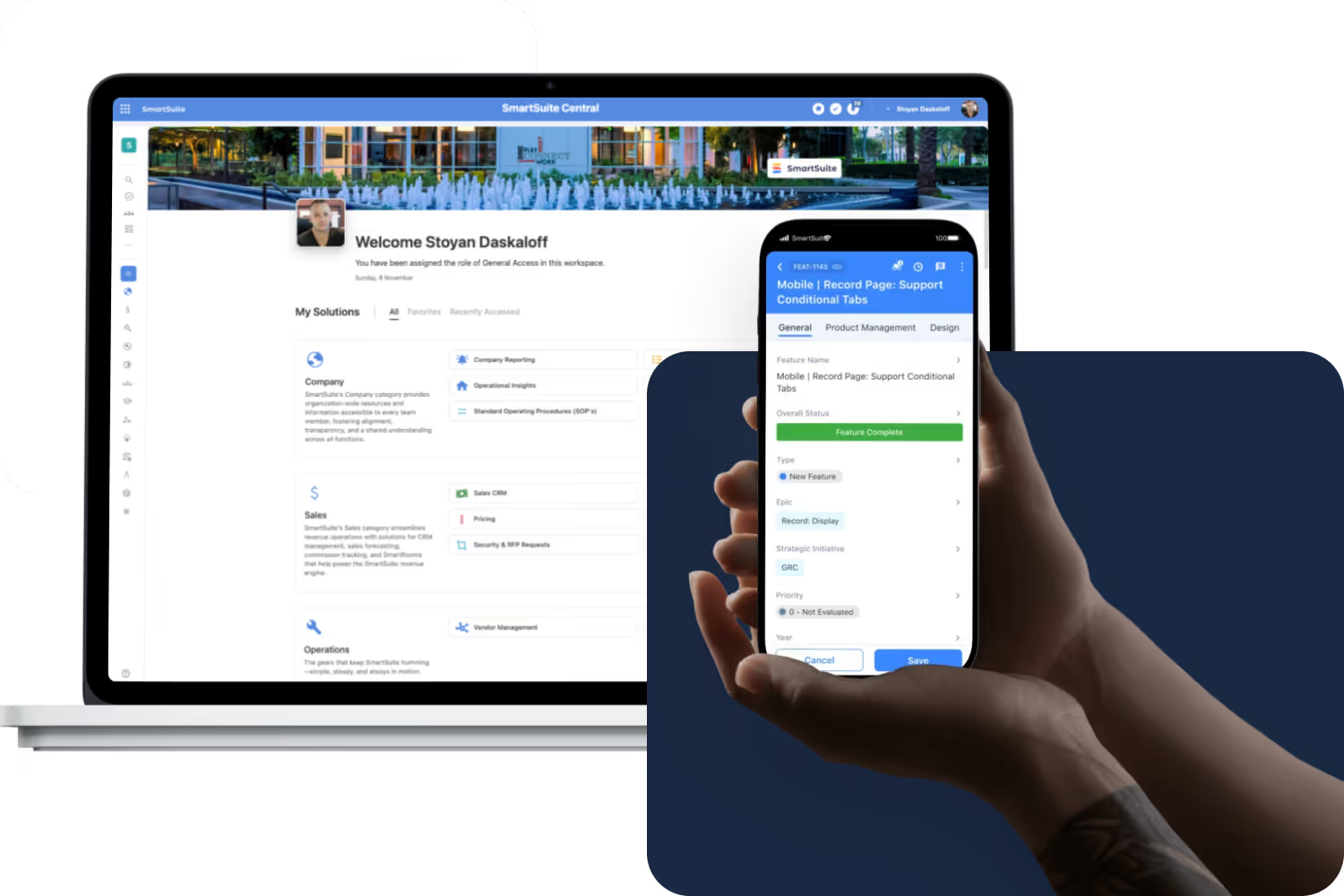
Users see only the records and fields they’re authorized to access.
Activity history captures every edit for transparency.
Organize record content with tabs, sections, and conditional display rules that adapt to each workflow’s needs.
Views, Turning Data Into Insight
Views organize and visualize the same underlying records in the format that fits your work, grid, board, calendar, timeline, or chart, always respecting permissions.
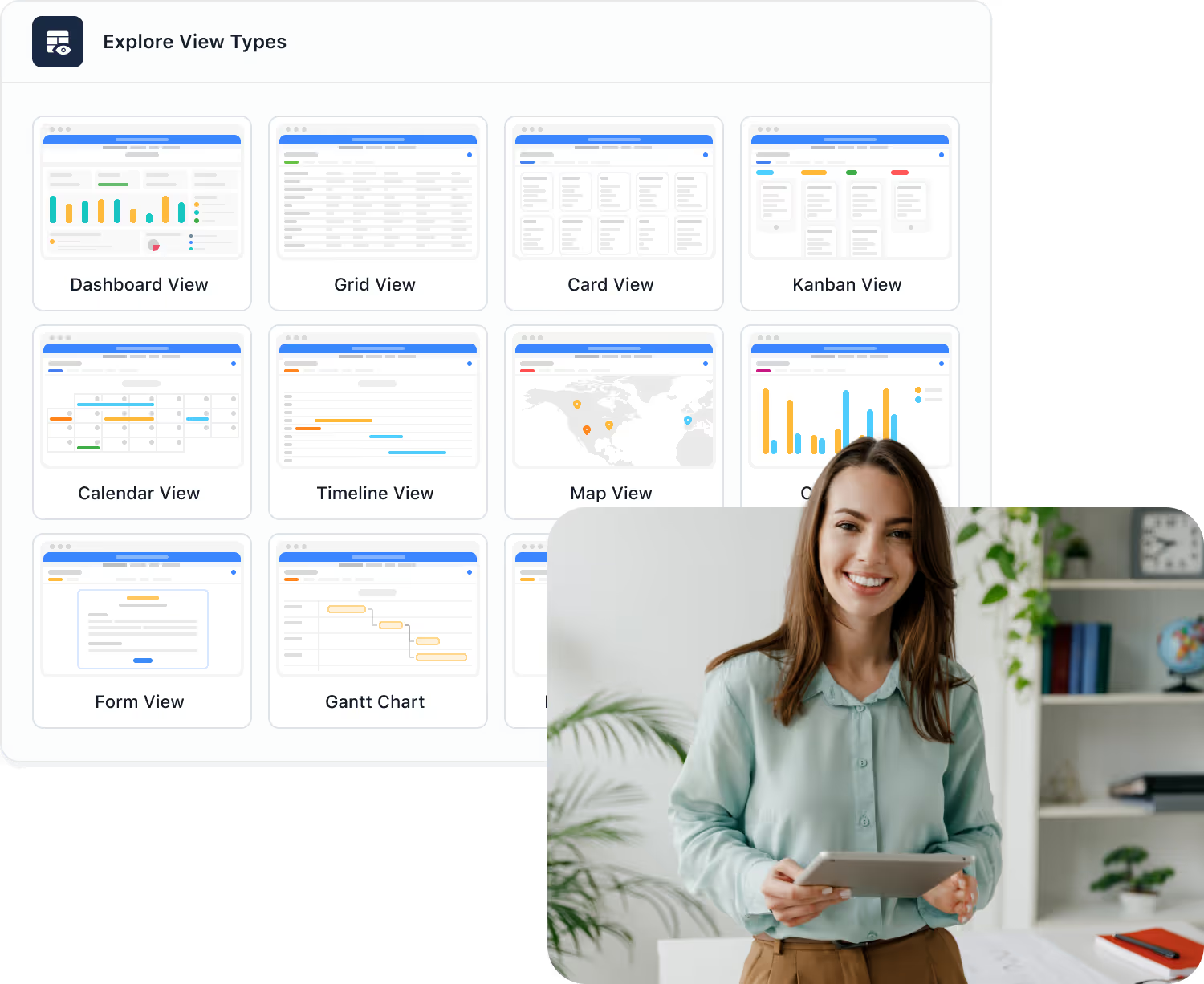
Switch between grid, card, calendar, timeline, and chart views.
Focus on just the data you need - using filtering, grouping, sorting, or spotlighting features.
Maintain record and field security across all content views.
Share or embed views safely with internal or external stakeholders.
Edits in any view update the same data model.
Create and save personalized views for each team or role, keeping everyone focused on the information that matters most.
Data Integrity & Governance
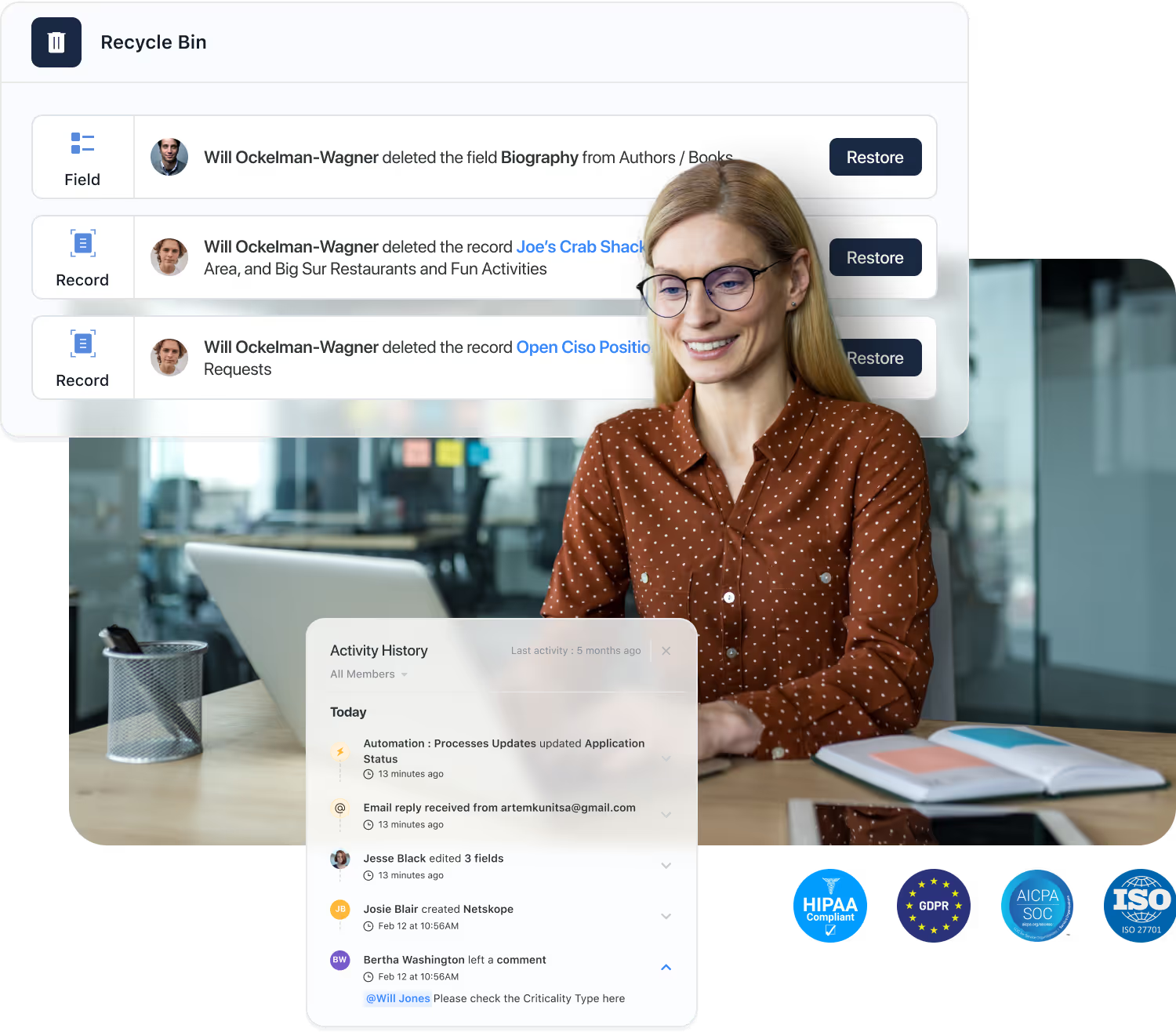
Integrity is woven into every field, record, and relationship, so your data stays accurate, validated, and auditable at scale.
Each data type enforces proper input and structure.
Track every change at the field and record level.
Recover deleted records, fields, or tables.
Configure archival and deletion policies.
Aligned with SOC 2, ISO 27001, and GDPR.
Scoped access by workspace, Solution, table, record and field.
Scalability & Architecture Resilience
SmartSuite’s cloud-native engine scales from small teams to large enterprises, balancing performance and governance automatically.

Reliability, security, and continuous monitoring.
Fast filtering and relational lookups at scale.
Maintain data security while maintaining enterprise-grade performance.
High uptime, real-time sync, and protection.
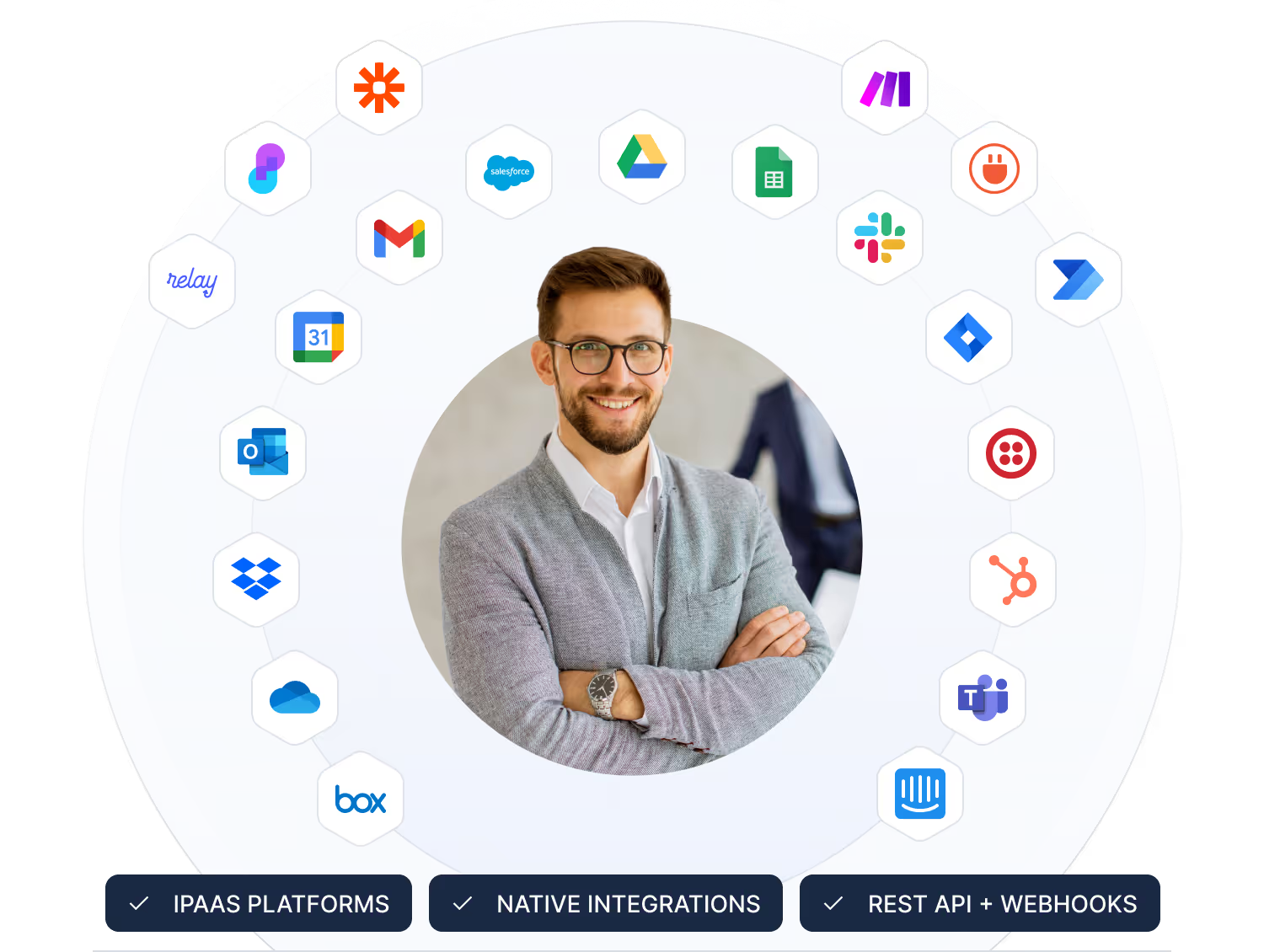
Built for integrations and API-driven extensibility.
Redundant infrastructure, backups, and disaster recovery ensure continuity even during unexpected failures or regional disruptions.
Frequently Asked Questions About Building Solutions in SmartSuite
Data Architecture refers to how information is structured, related, secured, and governed across SmartSuite. It includes Solutions, Tables, Fields, Linked Relationships, Permissions, and Views that together form your organization’s unified data model.
Solutions represent business workflows. Tables organize data within those workflows. Fields define the type of information stored. Together, they form a flexible, relational structure that is easy to configure without code.
Yes. SmartSuite provides relational capabilities similar to a traditional database—supporting linked records, lookup fields, rollups, reference integrity, and cross-solution connections—while keeping it all accessible through a no-code interface.
Absolutely. Linked Records allow data to move across Solutions, making it easy to create relationships like Accounts → Contacts → Opportunities or Risks → Controls → Tests. This enables cross-department workflows while preserving security boundaries.
SmartSuite encourages structured, reusable data models with shared tables, linked references, calculated fields, automations, and consistent naming conventions—reducing duplication and making your organization’s information architecture scalable and manageable.
Administrators and builders can use permissions, validation rules, required fields, activity history, field-level access, table-level access, and automations to enforce quality, consistency, and governance across all Solutions.
When fields, relationships, or workflows change, SmartSuite maintains data integrity through validation, linked record consistency, dependency checks, and formula recalculation—ensuring your data stays trustworthy even as processes grow more sophisticated.
Yes. SmartSuite is designed for organizations with large, interconnected data structures. Features like field-level permissions, throttled APIs, structured relationships, audit logs, optimized queries, and multi-region data centers in the United States and the European Union enable enterprise-level scale.

Written by
SmartSuite Staff
· Reviewed
October 17, 2026
Explore the platform
The ten capabilities of the SmartSuite platform, each on its own page.