SmartSuite's integration layer connects workflows to the rest of the stack: native integrations, iPaaS connectors such as Make and Zapier, a REST API and webhooks, with governance and monitoring.
Key takeaways
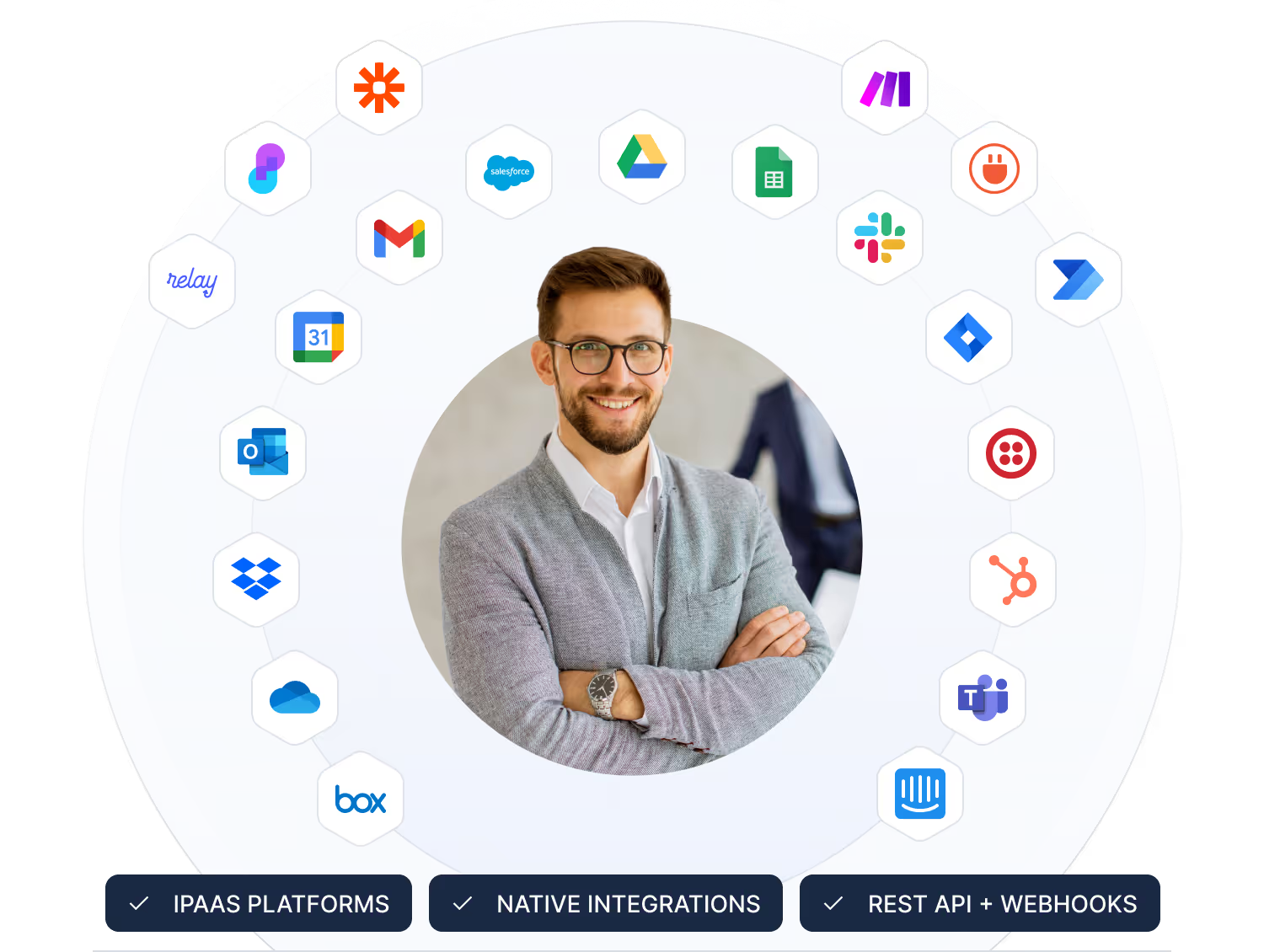
- Native integrations cover Salesforce, Slack, Microsoft Teams, Jira, HubSpot, Google Workspace, Microsoft 365 and more.
- iPaaS platforms such as Make and Zapier connect thousands of additional applications.
- The REST API and webhooks support custom, two-way integrations.
- Governance and monitoring show every connection and what it is allowed to do.
How does SmartSuite integrate with other systems?
SmartSuite integrates in three ways: native integrations with systems such as Salesforce, Slack, Microsoft Teams, Jira, HubSpot, Google Workspace and Microsoft 365; iPaaS platforms such as Make and Zapier for thousands more; and a REST API with webhooks for custom, two-way connections. Governance and monitoring show every connection and what it may do.
An Integration Layer That Powers End-to-End Workflows
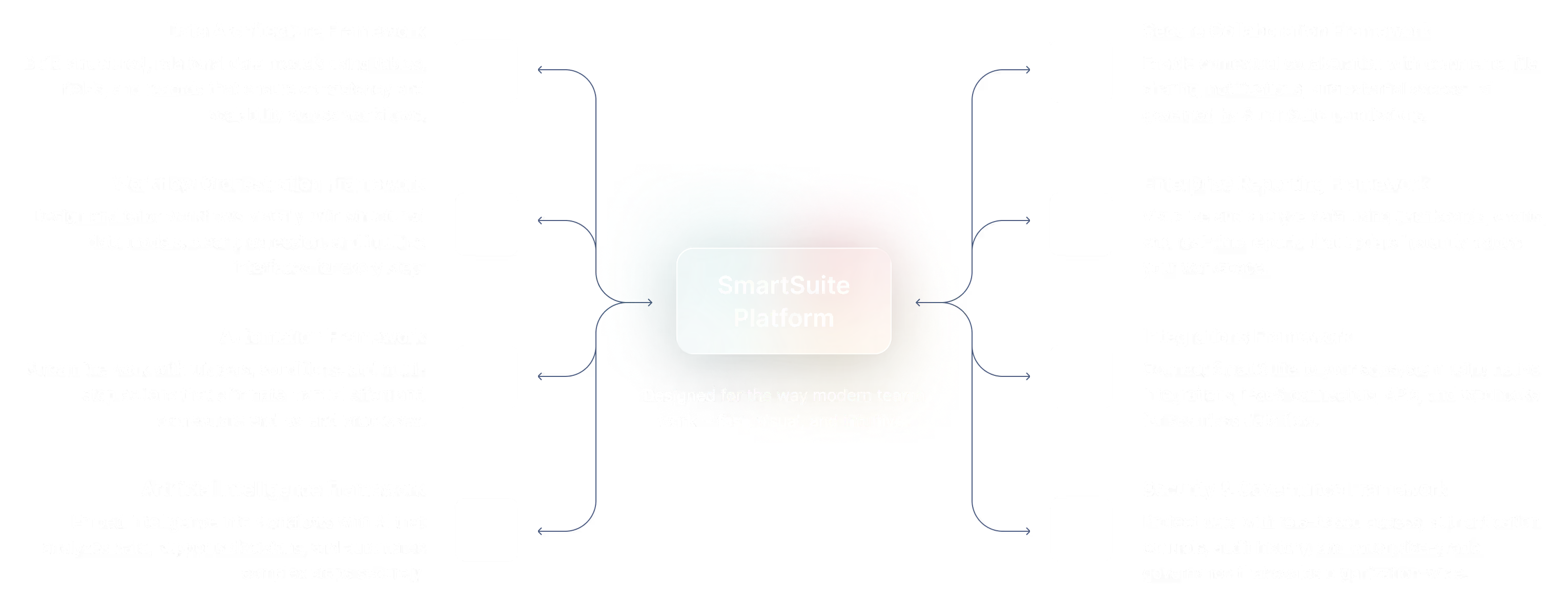
Connect SmartSuite with your existing business systems. SmartSuite connects to your business systems with native actions, iPaaS platforms, APIs, and webhooks that power end-to-end workflows across your organization. From automating updates to integrating external apps or building custom connections, SmartSuite ensures information flows securely and consistently wherever work happens.
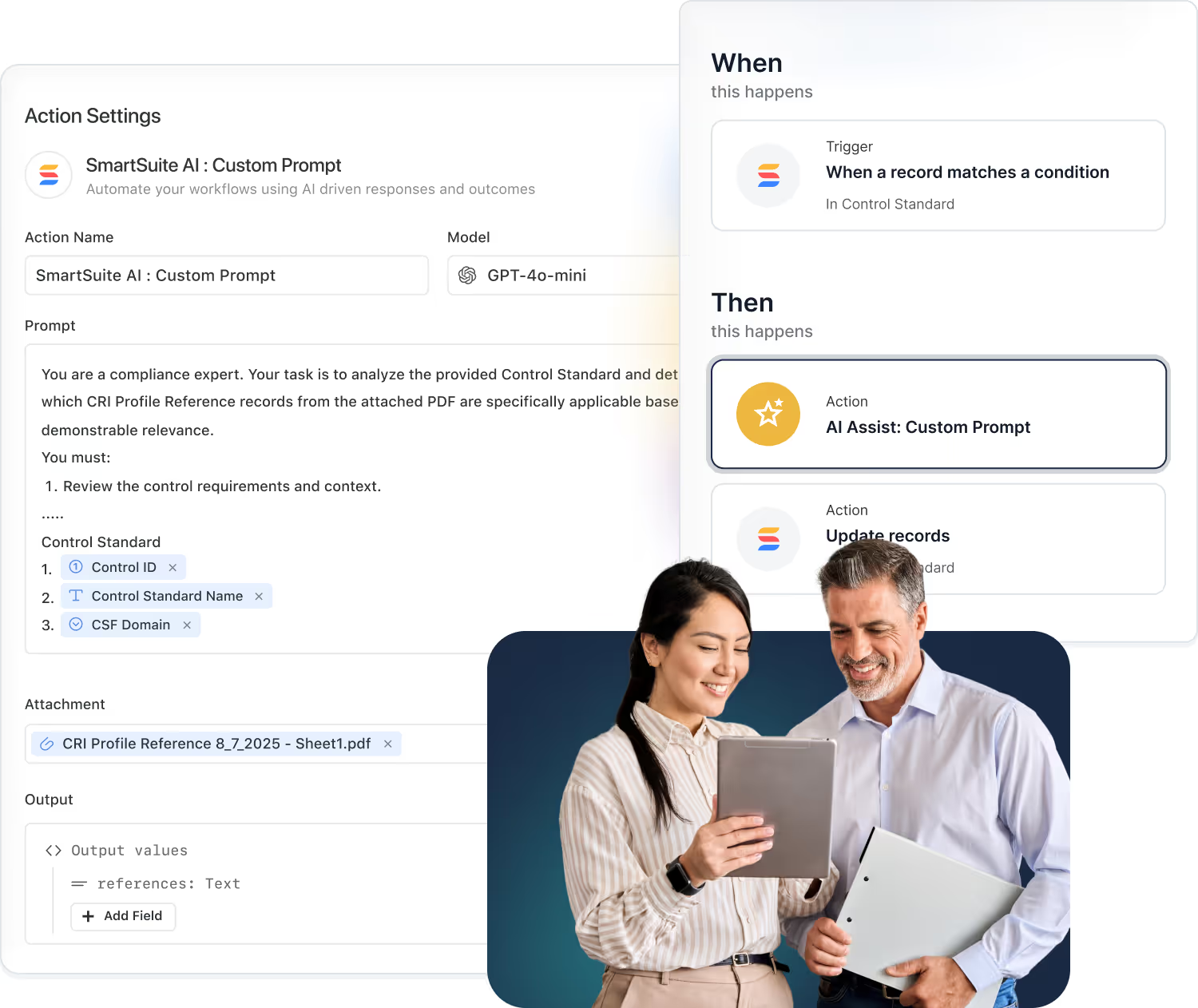
Native Integrations. Use built-in actions to send updates to tools like Slack, Teams, Google, and Salesforce.
- Send notifications to Slack or Microsoft Teams.
- Create events in Google or Outlook calendars.
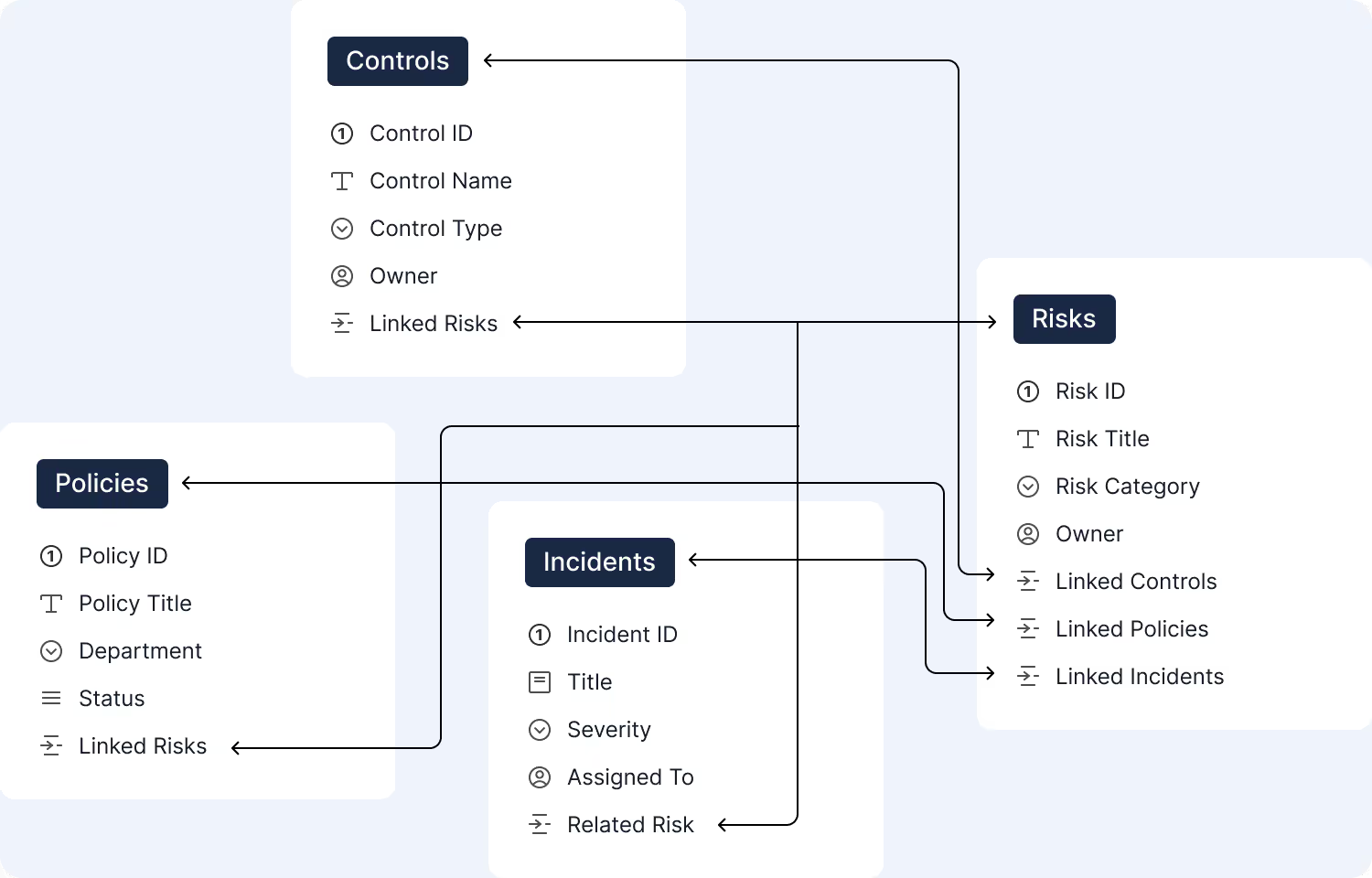
- Keep CRM and service tools in sync.
iPaaS & Connectors. Use platforms like Make, Zapier, Power Automate, and others to orchestrate complex flows.
- Connect SmartSuite with thousands of SaaS apps.
- Chain multi-step workflows across systems.
- Use visual builders your teams already know.
REST API & Webhooks. Use our API and webhooks to build custom integrations or embed SmartSuite into your apps.
- Read and write records programmatically.
- React to events with inbound webhooks.
- Embed SmartSuite data into internal tools.

Which native integrations does SmartSuite offer?
SmartSuite includes a growing library of native actions that allow teams to trigger updates across tools you use every day. Keep conversations aligned, calendars in sync, and customer data unified without writing a single line of code.
- Send notifications to Slack or Microsoft Teams.
- Create events in Google or Outlook calendars.
- Keep CRM and service tools up to date through automated actions.
iPaaS & Connectors
For organizations that rely on orchestration platforms, SmartSuite works with the leading iPaaS tools. Build cross-system workflows, sync multi-step processes, and orchestrate logic without custom engineering.
- Connect SmartSuite with thousands of SaaS platforms.
- Build complex multi-step workflows with Make, Zapier, Microsoft Power Automate, Relay, and more.
- Use visual builders your teams already know.


REST API & Webhooks
SmartSuite’s API gives engineering teams full control to integrate deeply with existing systems, build custom applications, or embed SmartSuite into your internal tools.
- Read and write SmartSuite records programmatically.
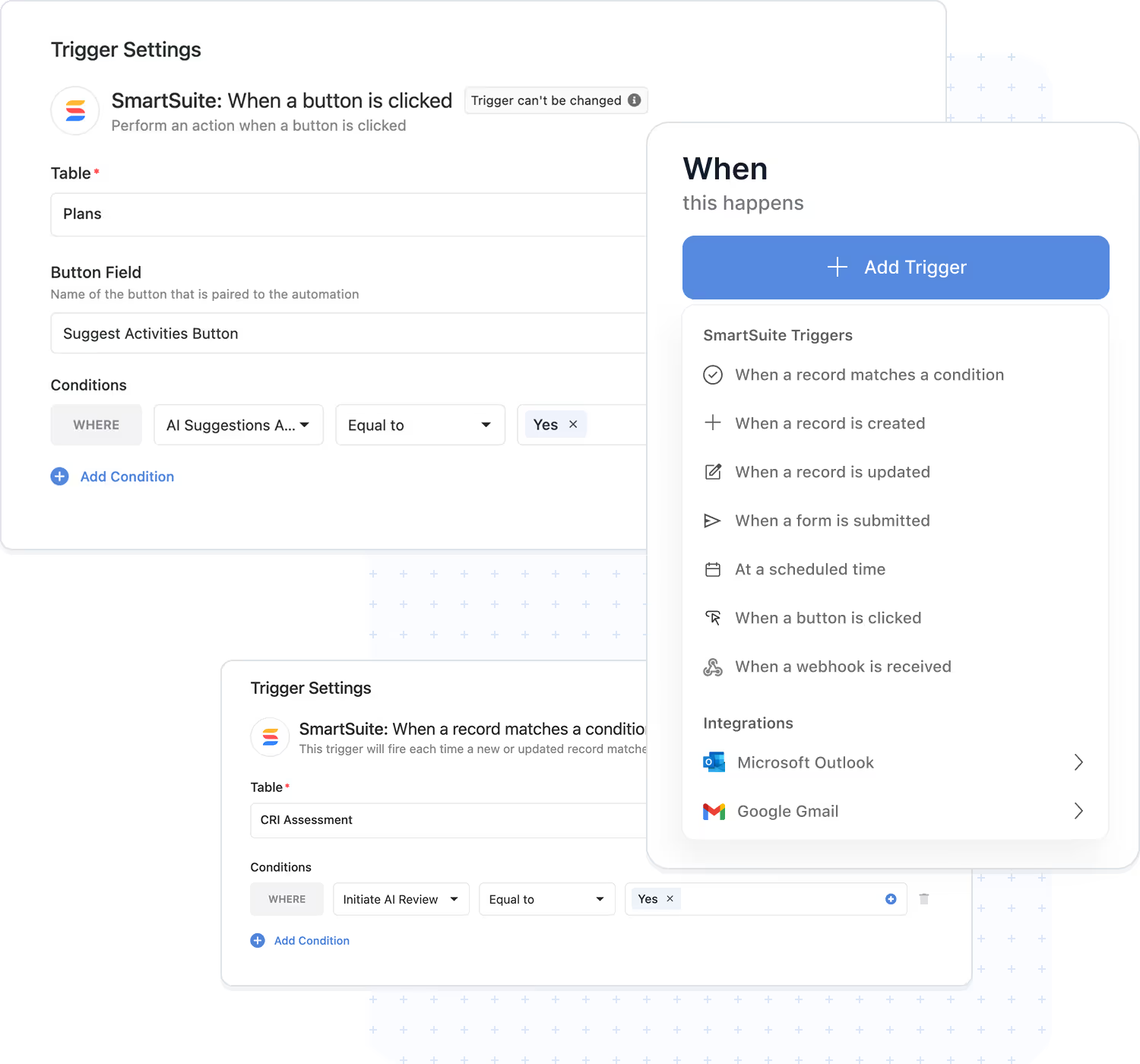
- Trigger automations or downstream systems with outbound webhooks.
- React to SmartSuite events such as updates, new records, and data changes.
Governance & Monitoring
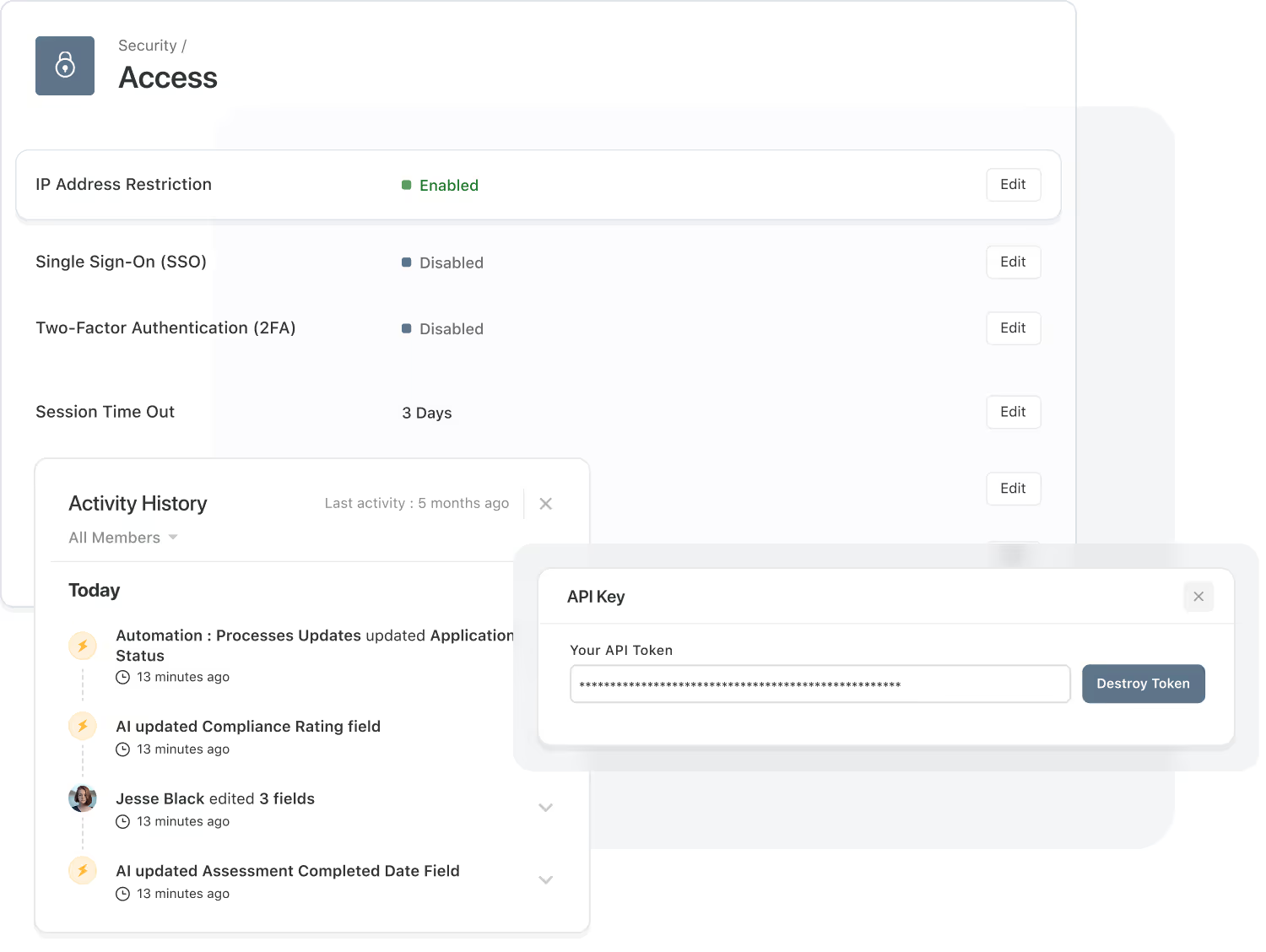
Governance is built into every integration. SmartSuite provides centralized controls, full auditability, and enterprise‑grade security so your data flows safely across every connected system.
- Admin Controls: Manage API keys, iPaaS connections, and native integration actions.
- Audit Trails: Track every integration event for compliance, troubleshooting, and observability.
- Security Enforcement: Permissions, roles, IP restrictions, and authentication rules apply globally.
Frequently Asked Questions About Connecting SmartSuite to Your Tech Stack
SmartSuite provides multiple ways to connect with external systems, including native integration actions, webhook triggers, webhook actions, iPaaS partners (Make, Zapier, Relay, Workato, Bardeen, Integrately), and a fully documented REST API. This ensures compatibility with nearly any modern SaaS platform.
Native integration actions are built directly into SmartSuite and allow you to send messages, post updates, create files, schedule events, and sync data without additional tools. They are ideal for high-volume, low-latency workflows where reliability and simplicity are critical.
iPaaS tools like Make, Zapier, Relay, Workato, and others act as orchestration layers between SmartSuite and external systems. They enable multi-step logic, branching, transformations, batch processing, and complex enterprise integrations, all without writing code.
Webhooks allow SmartSuite to receive data from external systems (triggers) or send structured payloads out to other systems (actions). This is ideal for real-time events like ticket creation, risk updates, deployments, approvals, or third-party alerts.
Yes. SmartSuite offers a secure, well-documented REST API that enables developers to retrieve, create, update, and manage data programmatically. The API supports large-scale integrations, system migrations, custom applications, and embedded platform use cases.
API usage and automation runs include plan-based limits designed to ensure system performance and workspace stability. SmartSuite includes throttling, run monitoring, and alerts to help teams manage usage at enterprise scale.
SmartSuite uses encrypted communication, OAuth-based authentication (when supported), IP allowlists, granular permissions, audit logs, and token-based access controls. Integrations follow the same security standards that protect the SmartSuite platform itself.
Often, yes. Teams frequently consolidate project tools, ticketing systems, reporting tools, spreadsheets, and form builders into SmartSuite—while still integrating with mission-critical systems like cloud storage, messaging platforms, CRMs, IDPs, and service desks.

Written by
SmartSuite Staff
· Reviewed
October 17, 2026
Explore the platform
The ten capabilities of the SmartSuite platform, each on its own page.