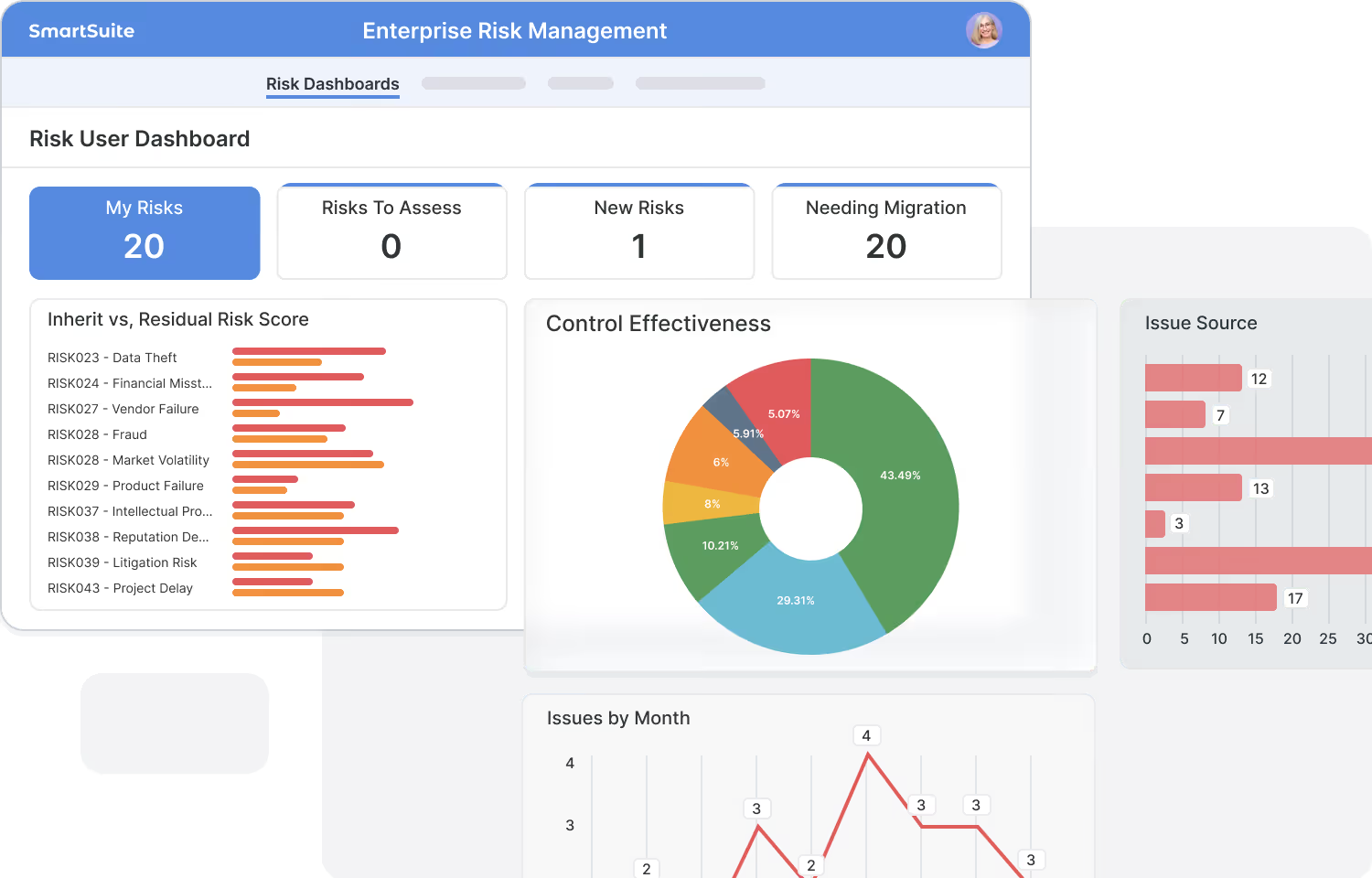
The SmartSuite platform is an AI-native enterprise work platform: one relational foundation for workflows, data, automation, AI, permissions, integrations and reporting, shared by every solution suite.
Key takeaways
- Every SmartSuite solution suite runs on one platform: the same data model, automation, AI, permissions, integrations and reporting.
- Eight frameworks make up the platform: orchestration, data architecture, automation, AI, security and governance, integration, collaboration and reporting.
- Business data is a connected work graph that links records, processes, teams and permissions across the organization.
- Each framework has its own page in this series; the links below go deeper.
What is the SmartSuite Platform?
An AI-native enterprise work platform. The SmartSuite Platform is an AI-native enterprise work platform that helps organizations design, automate, manage, and scale the workflows that run the business. Every SmartSuite Solution Suite runs on this common foundation, giving teams a unified environment to deploy purpose-built solutions, tailor them to their operating model, and extend them with new connected workflows.
Built on a relational database foundation, the platform structures business data as a connected work graph, linking records, processes, teams, permissions, automation, integrations, and reporting across the organization. SmartSuite brings together AI, governed no-code configuration, automation, permissions, integrations, and analytics in one environment.
The SmartSuite Platform gives organizations a more scalable way to standardize workflows, reduce fragmentation across enterprise applications, and maintain visibility and control as business requirements evolve.

Unified Cloud Platform. One enterprise foundation for workflows, data, AI, permissions, integrations, and reporting.
Relational Data Foundation. Connect workflows through a shared relational database architecture that keeps data aligned across processes.
Governed No-Code. Tailor Solution Suites and build new workflows without custom development, while maintaining structure and control.
AI in the Flow of Work. Apply AI directly within workflows to accelerate execution, improve decisions, and reduce manual effort.
Connected Workflows. Keep handoffs, dependencies, and outcomes linked across teams, functions, and solution areas.
Enterprise Governance. Maintain consistent permissions, auditability, and oversight across every workflow.
Open Integration Architecture. Connect SmartSuite with the systems already used across the enterprise.
Built to Scale. Start with one solution area and expand on the same platform as workflows connect across the business.
Why is this important?
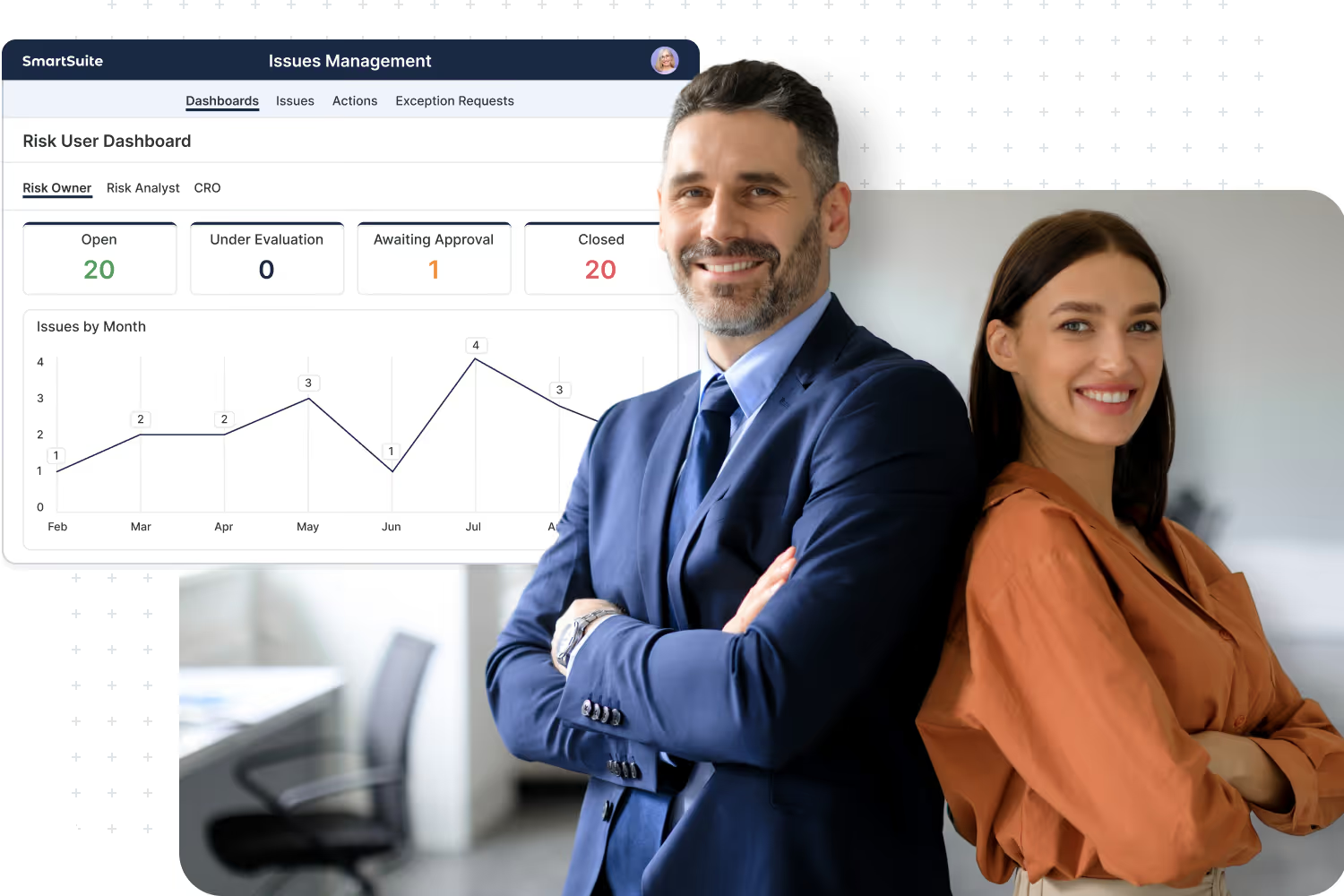
As organizations scale, critical workflows often end up spread across fragmented applications, separate data models, disconnected reporting layers, and inconsistent security models. That complexity slows execution, increases administrative overhead, and makes it harder to maintain a clear view of how work is actually running across the business.
SmartSuite replaces that fragmentation with one connected enterprise platform. It gives organizations a consistent way to design, govern, automate, and scale workflows, so teams can move faster, data stays connected, and the business gains a stronger foundation for control, visibility, and continuous improvement.
The SmartSuite Platform: Powered by Eight Interconnected Frameworks
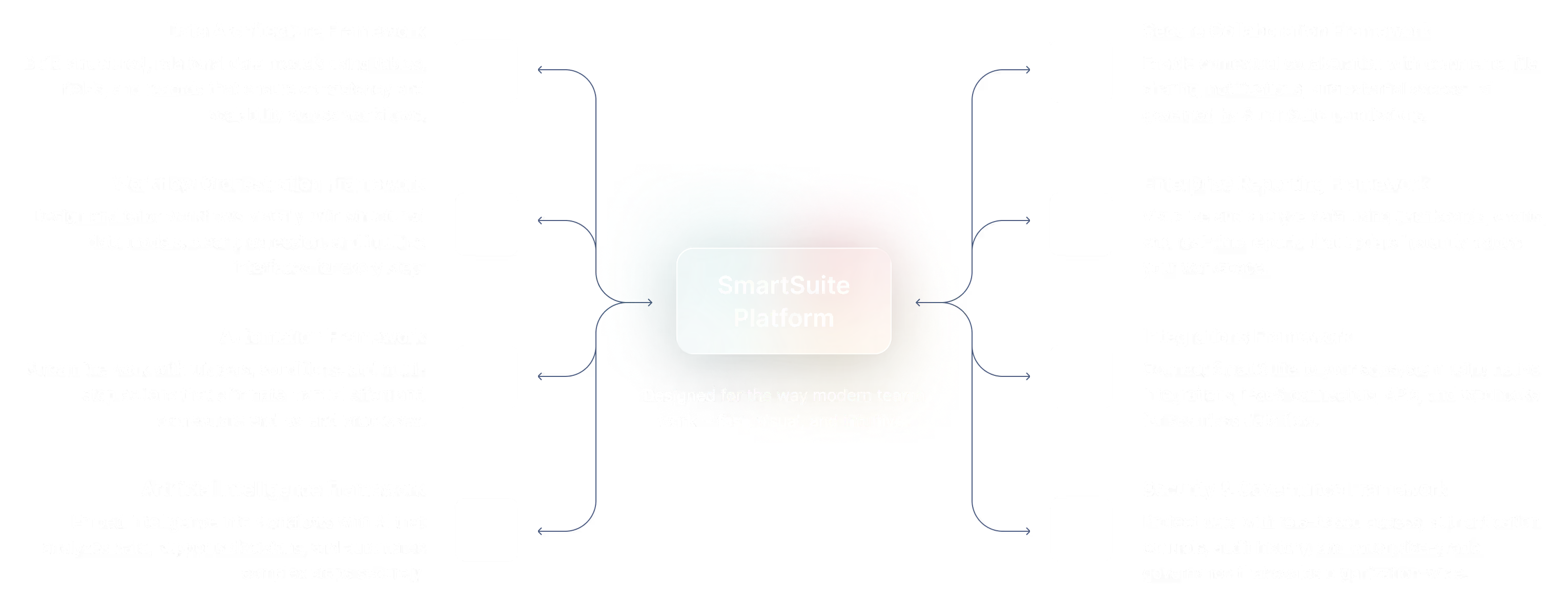
The SmartSuite Platform consists of eight interconnected frameworks that provide a foundation for designing, automating, analyzing, and governing connected workflows.
Data Architecture Framework.
Workflow Orchestration Framework.
Automation Framework.
Artificial Intelligence Framework.
Secure Collaboration Framework.
Enterprise Reporting Framework.
Integrations Framework.
Security & Governance Framework.
Workflow Orchestration Framework
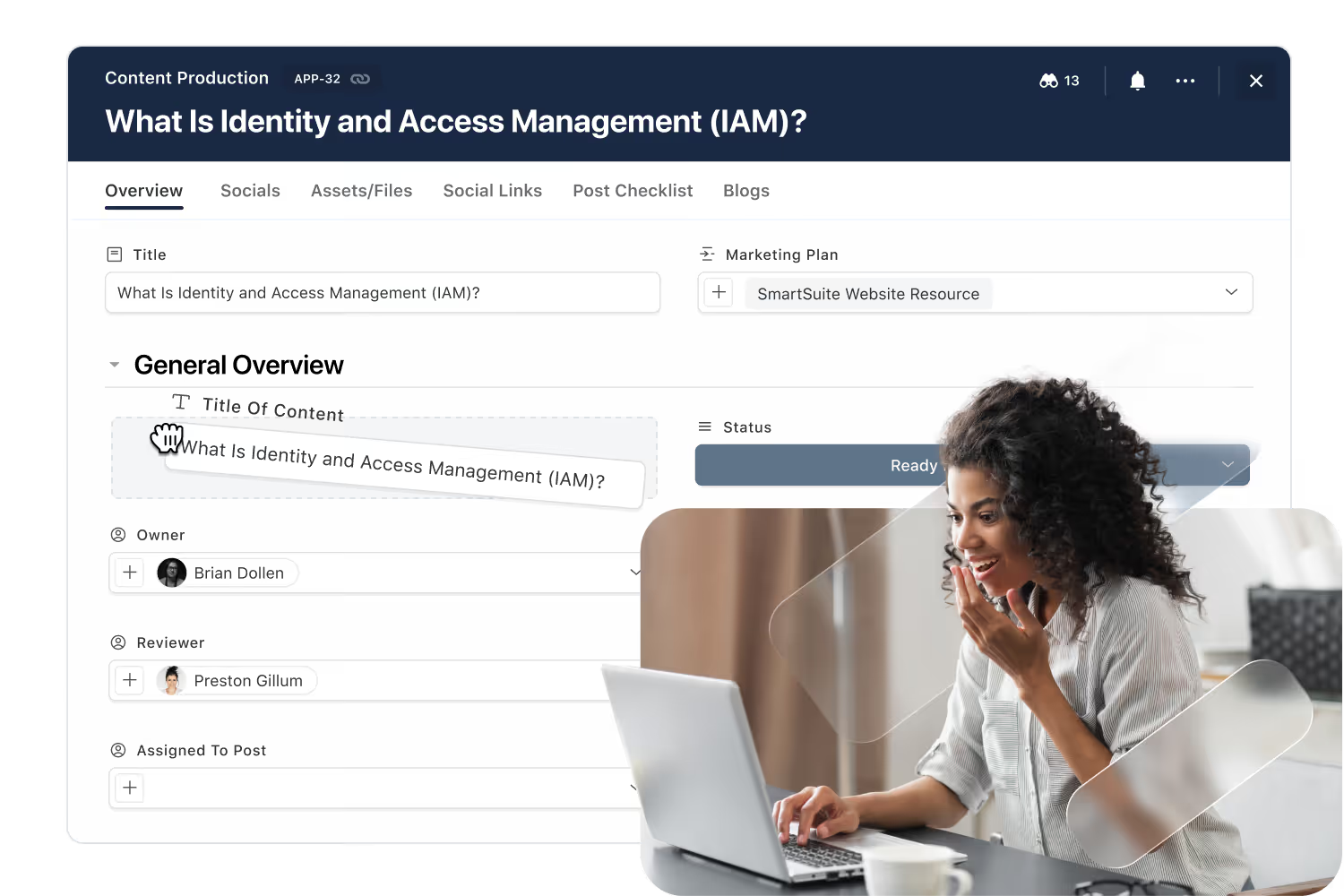
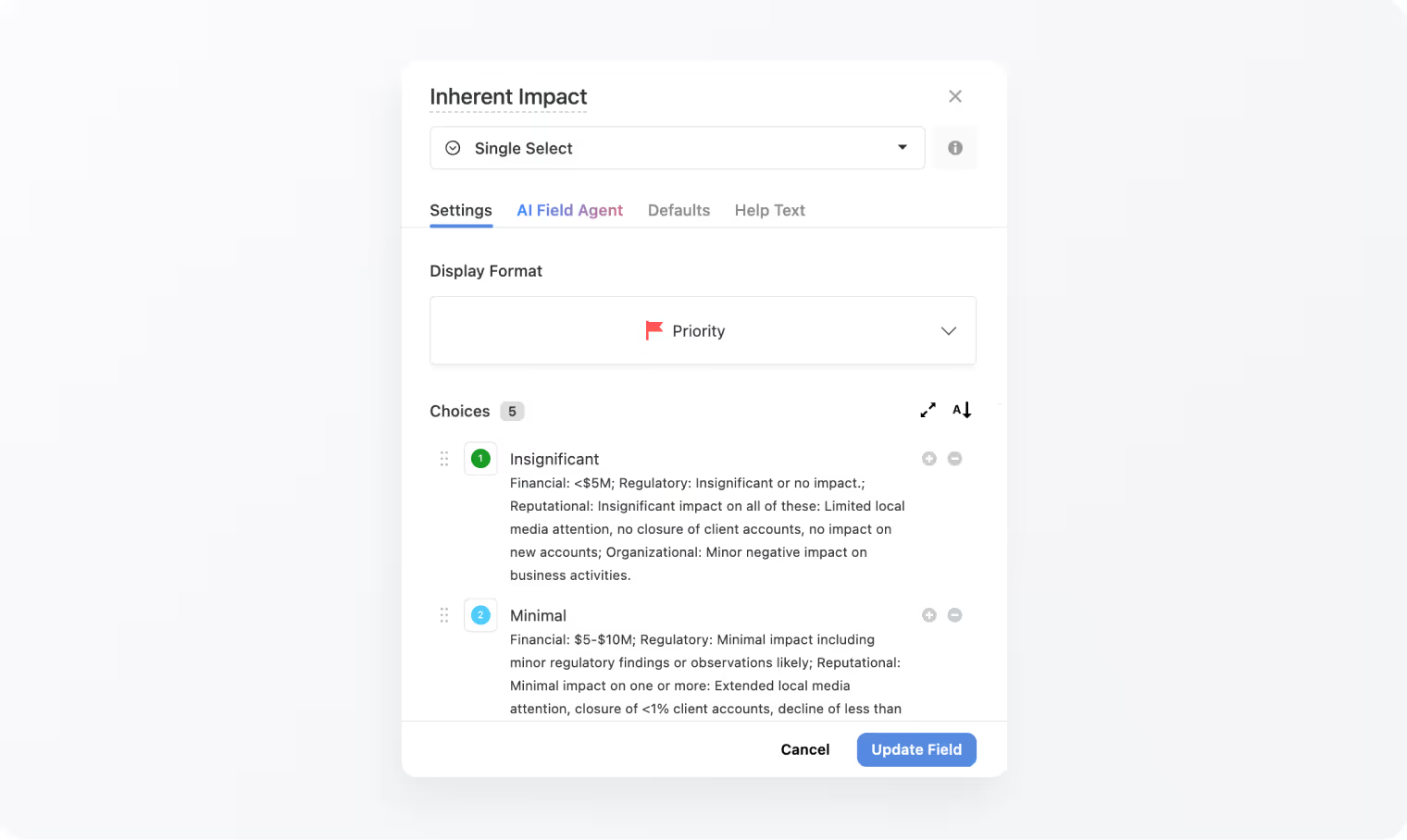
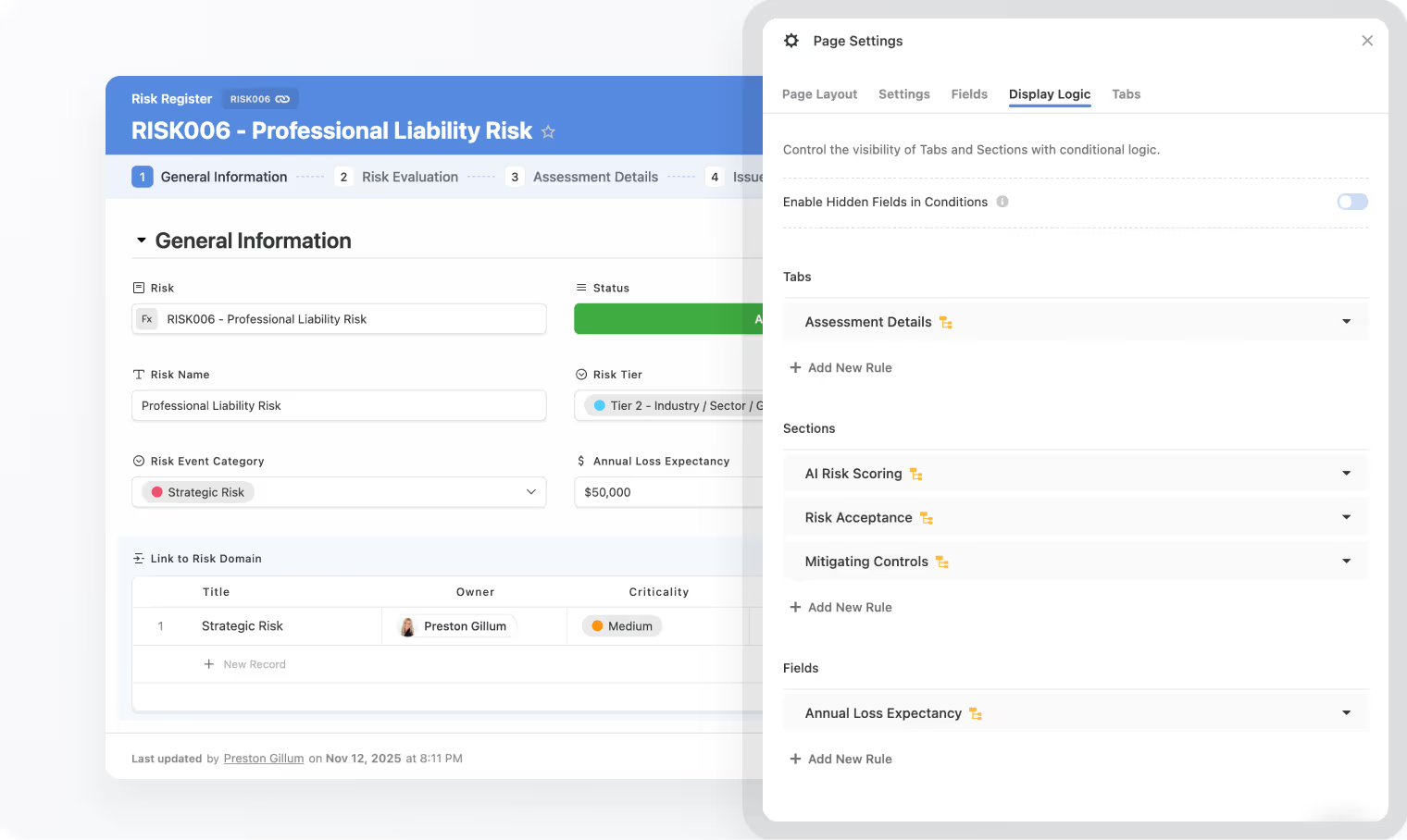
Design and tailor workflows visually in SmartSuite Studio. Model your data, define stages and status logic, and compose the exact UI your teams need, all without code. Orchestration in SmartSuite is about structure: clear data models, guided progression, and purpose‑built interfaces that make every step intuitive.
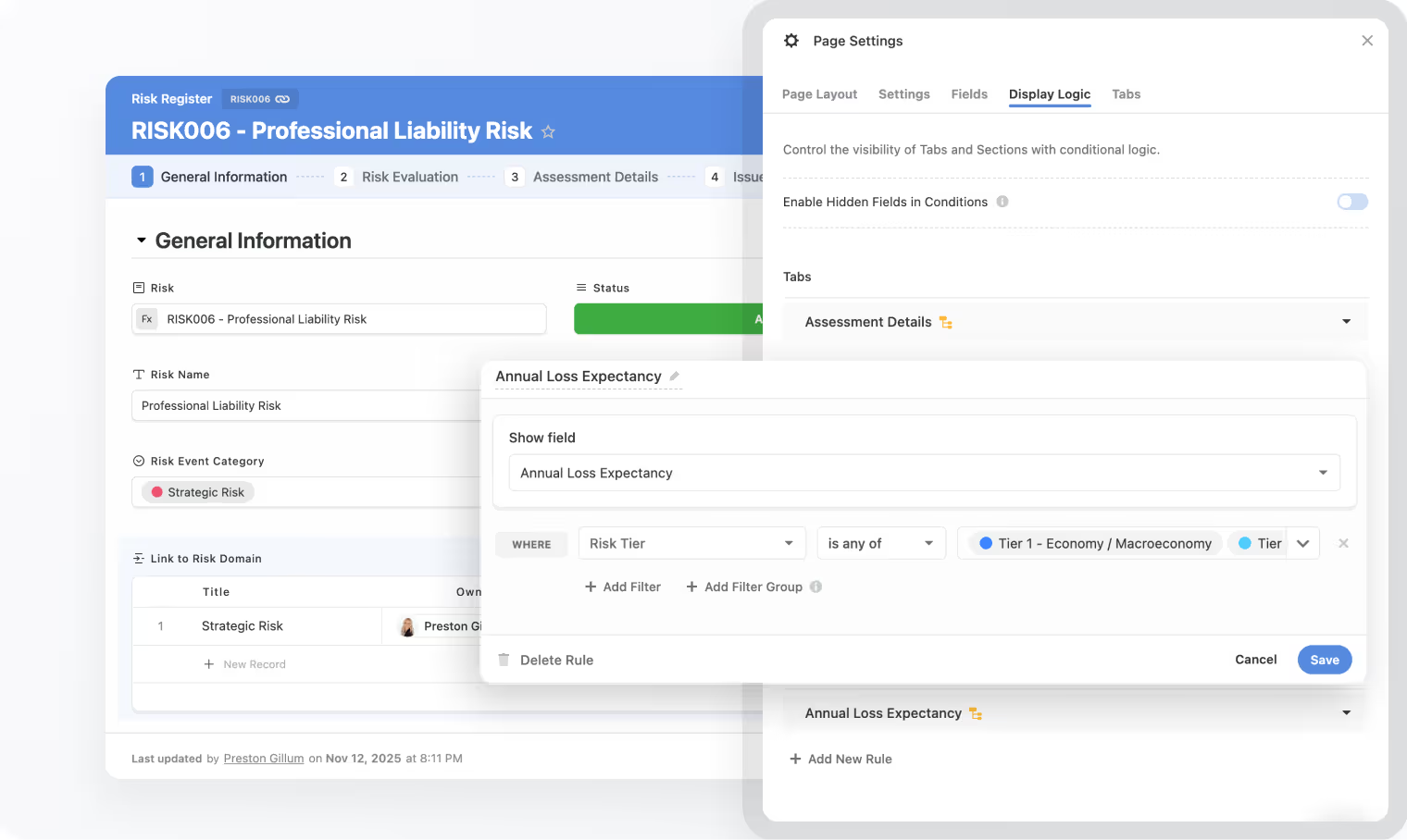
Use Studio to define tables, fields, linked records, sections, and conditional display visually.
Records move through your workflow in a predictable, auditable way.
Compose pages, record layouts, and dashboards for each role.
Start from Accelerators or prior solutions, then adapt to your process.
Required fields, formats, and dependencies for quality data.
Link multiple processes across Solutions to share data securely while maintaining each workflow’s structure and permissions.
Data Architecture Framework
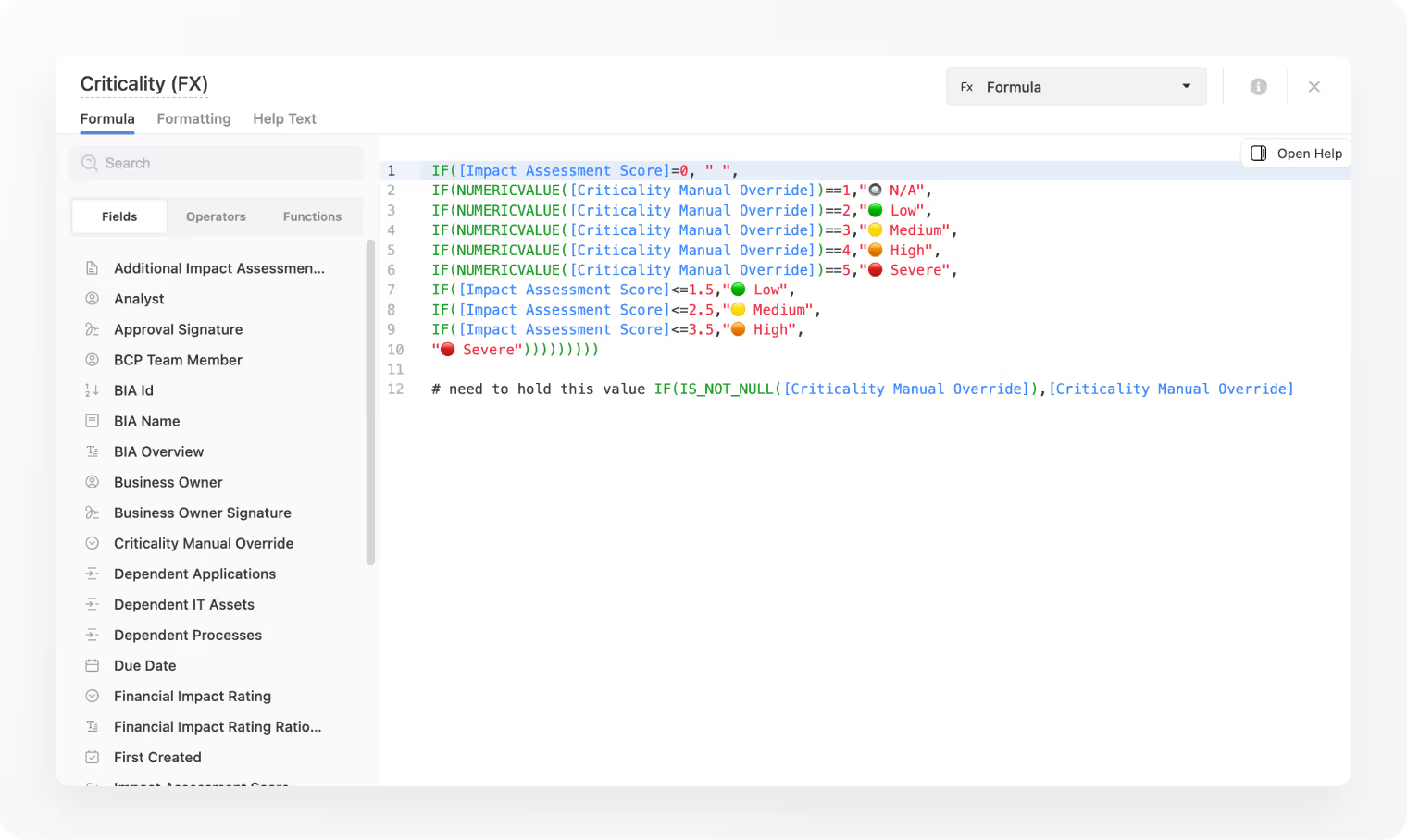
Data Architecture is where the magic of SmartSuite happens. Every workflow is powered by structured data, modeled through Tables and Fields. With 44 versatile field types, teams can structure solutions that range from simple trackers to sophisticated relational systems spanning multiple departments. SmartSuite’s standards‑based, relationship‑driven model brings consistency, scalability, and structure to every workflow you build.
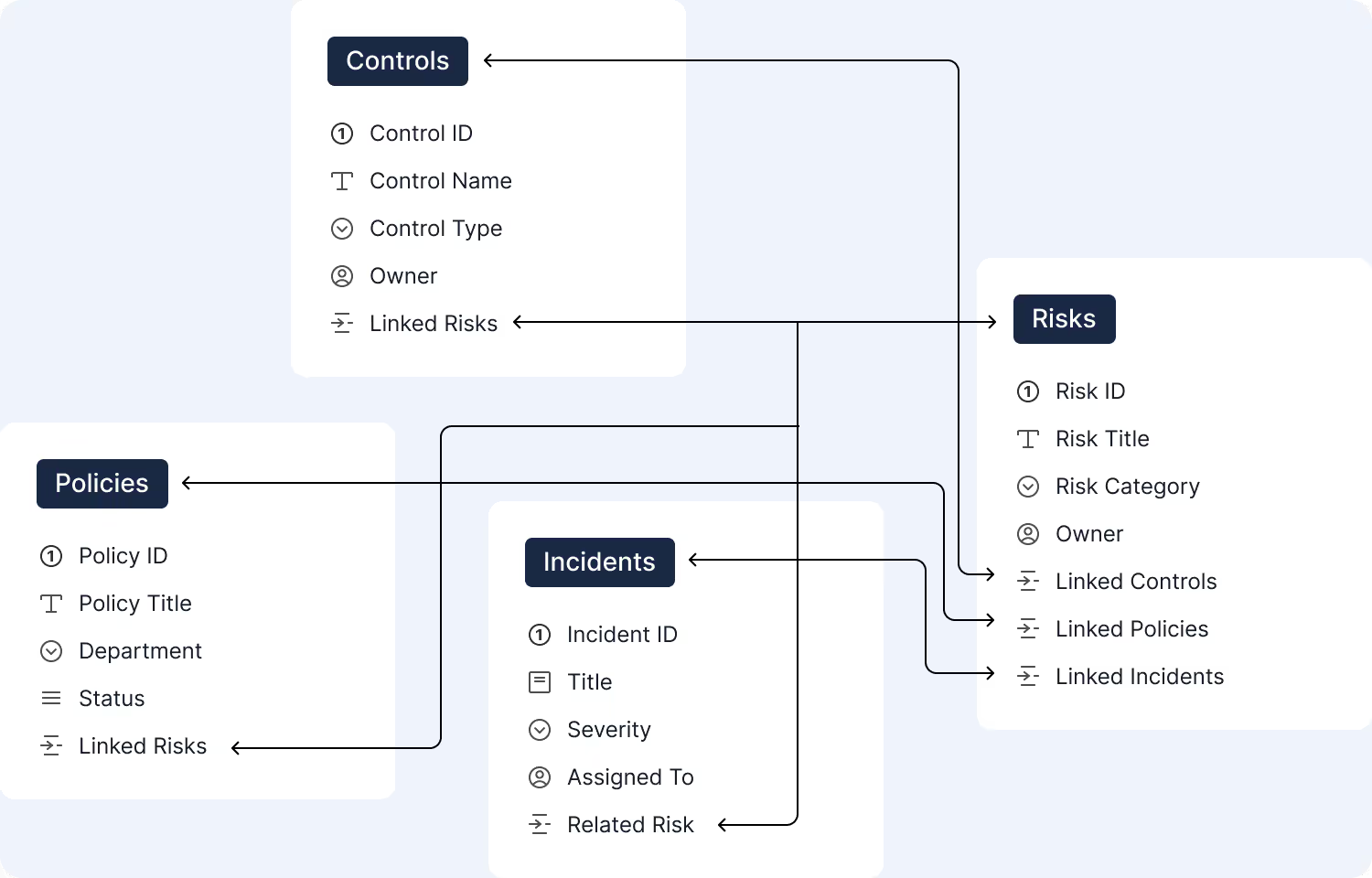
Solutions group your tables, views, automations, and permissions into self-contained workflows that mirror real-world business operations.
Tables are where your data model lives, each one defining an entity like Risks, Controls, Incidents, or Projects, with fields that shape the data inside it.
44 field types to choose from. Fields bring precision and meaning to your table, from text and dates to lookups, formulas, attachments, relationships, and more.
Records blend structured data with collaboration, assignments, comments, and activity history, the unit where real work happens.
Grid, Kanban, Calendar, Timeline, Chart, Map, every view presents your records in a way that fits the task at hand.
Dashboards allow you to display data from any solution or table across your entire workspace.
Automation Framework
The SmartSuite Automation Engine transforms how work gets done -connecting actions, systems and data without a single line of code. Our engine handles simple record updates and multi‑step processes that trigger events inside and outside of SmartSuite. It provides a structured, consistent approach that reduces reliance on custom development while empowering teams to automate with confidence.
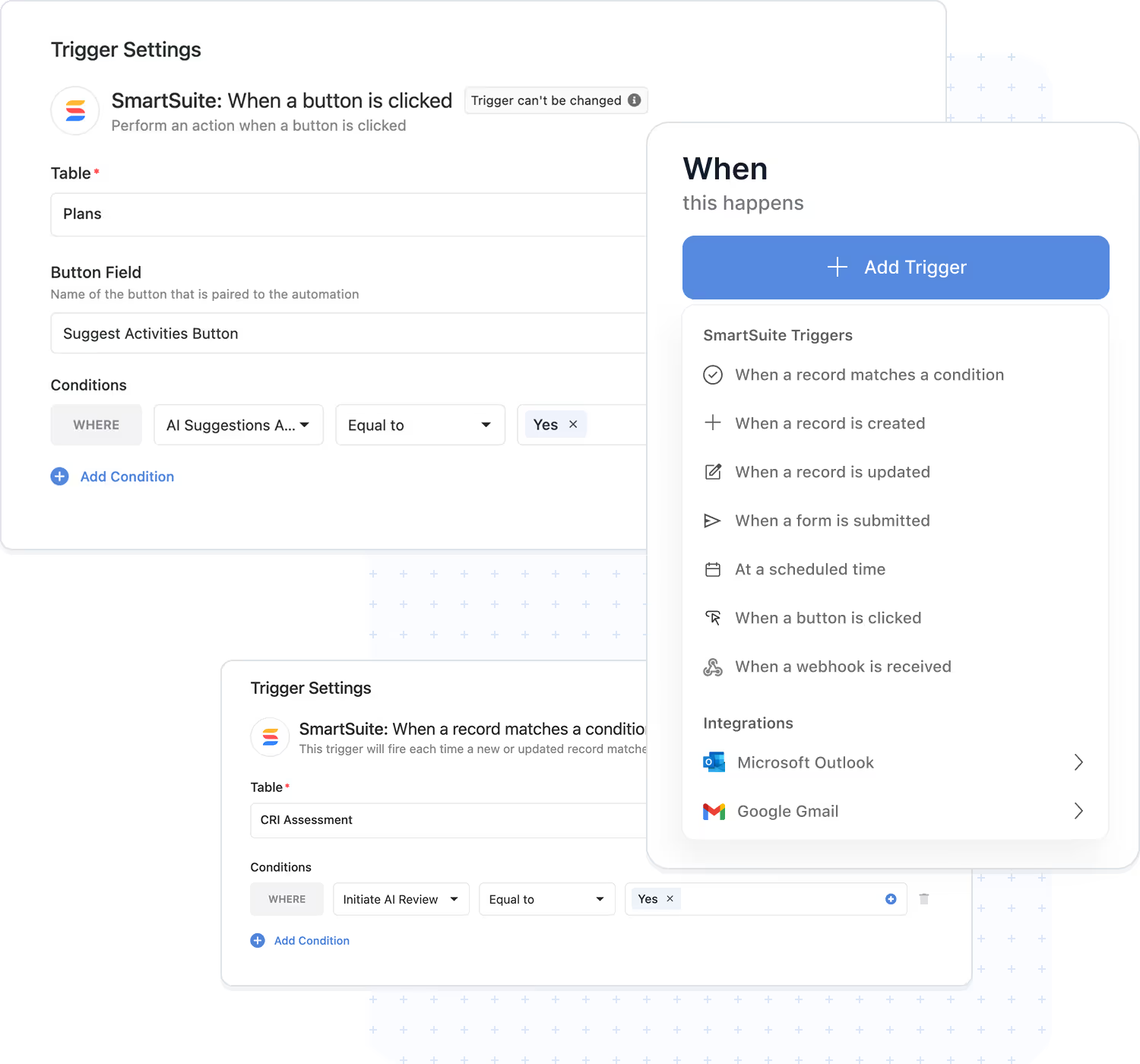
Build automations visually using triggers, filters, and actions.
Update records, notify people, or connect external systems.
Use either to trigger or perform actions.
Chain steps and control execution order clearly.
Built-in logging, monitoring, and error tracking and recovery.
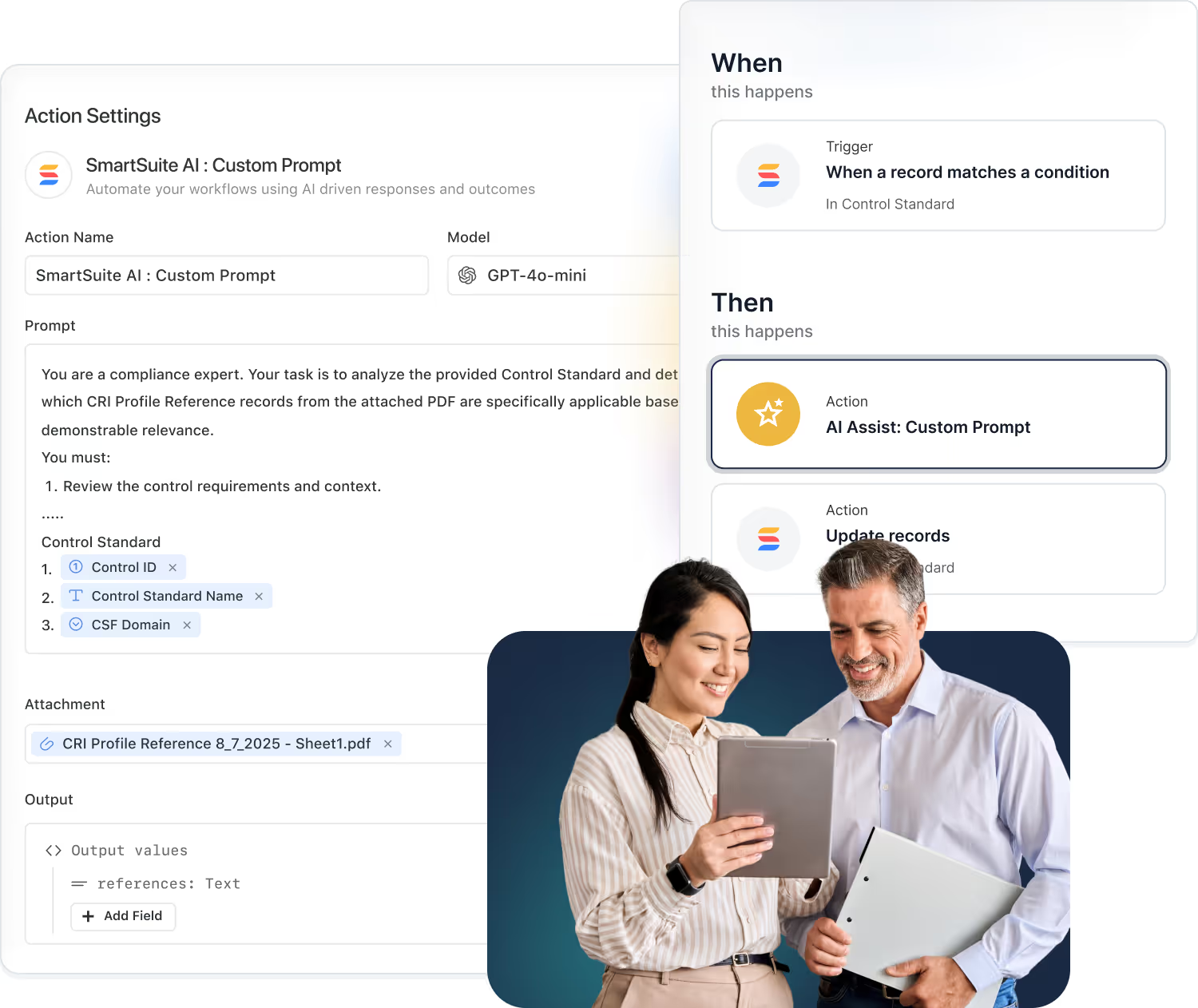
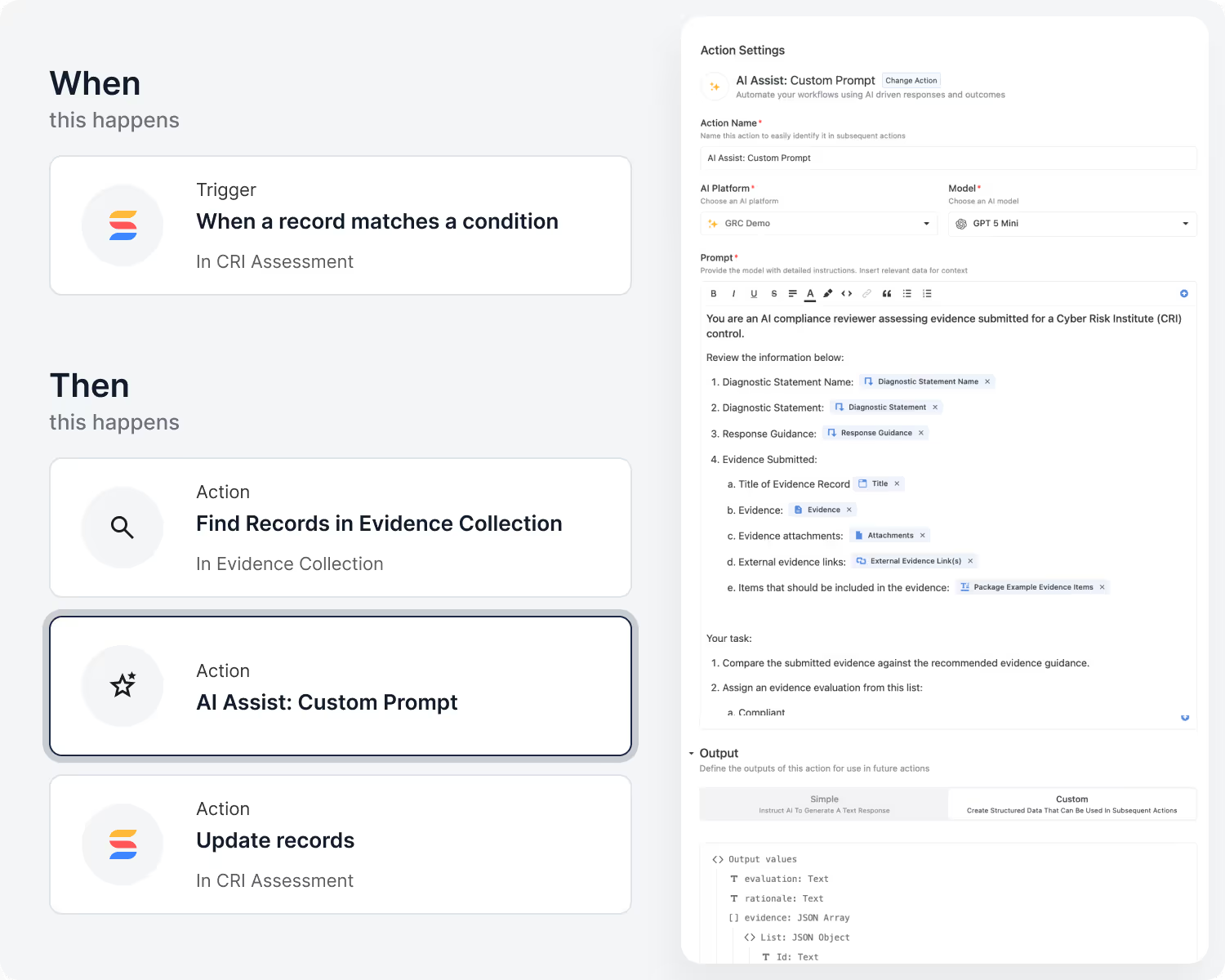
Use AI to summarize, classify, or generate content automatically as automations run.
Artificial Intelligence Framework
AI is embedded into the core of the SmartSuite Platform, not bolted on. From content creation to workflow execution, SmartSuite brings intelligence into every layer. Enterprises can select their preferred LLM and provide their own authentication to maintain control over data, privacy, and cost.
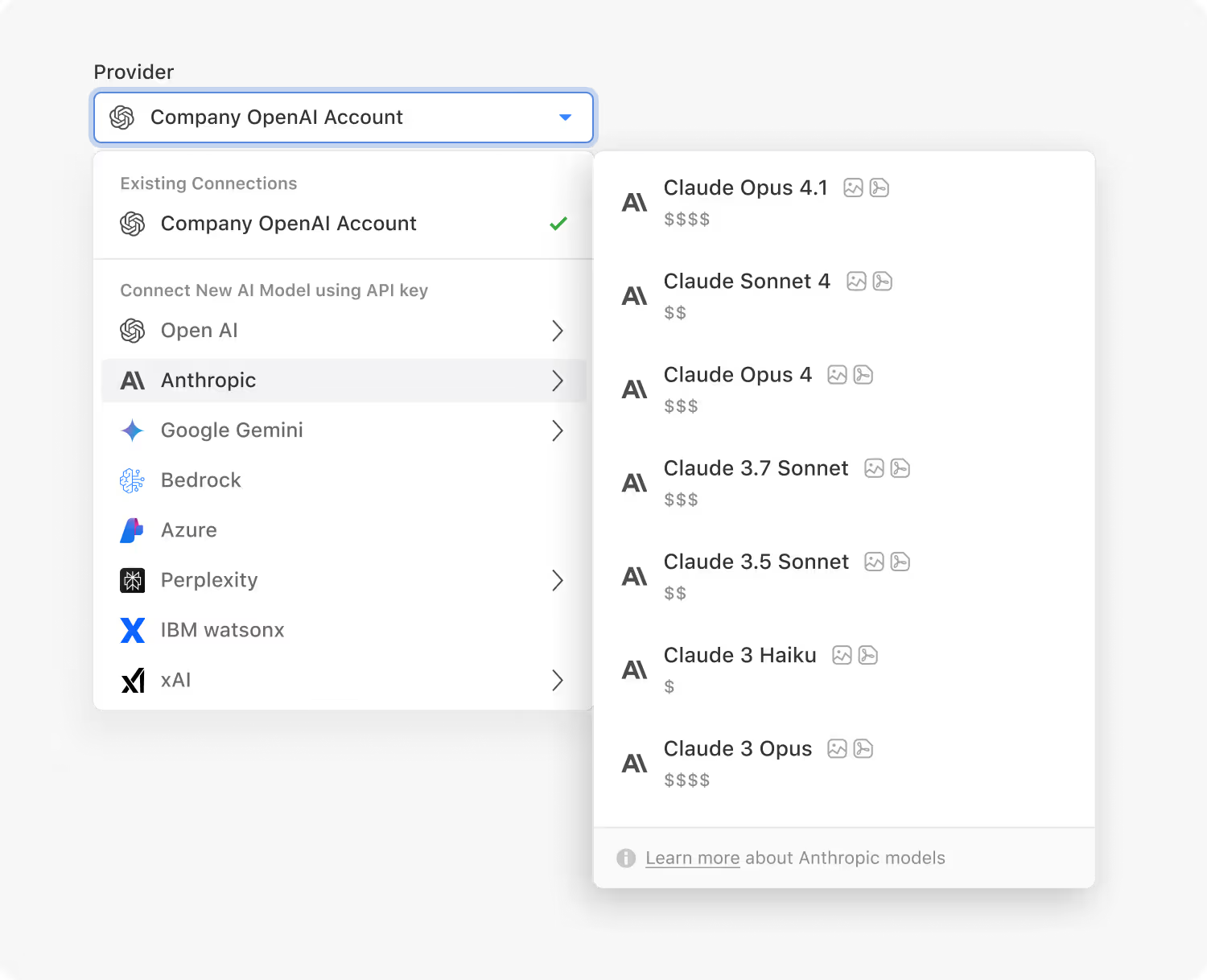
OpenAI, Anthropic, Google Gemini, xAI, Perplexity and IBM, with the current model list in the help center.
Classify/summarize/generate (incl. attachments) and feed results to later steps.
Generate, enhance, summarize, and refine text directly within records.
Record‑level assistants that analyze data and propose actions.
AI actions follow your governance and are fully logged.
Track model usage, review AI actions, and ensure outputs follow your organization’s policies and controls.
Security and Governance Framework
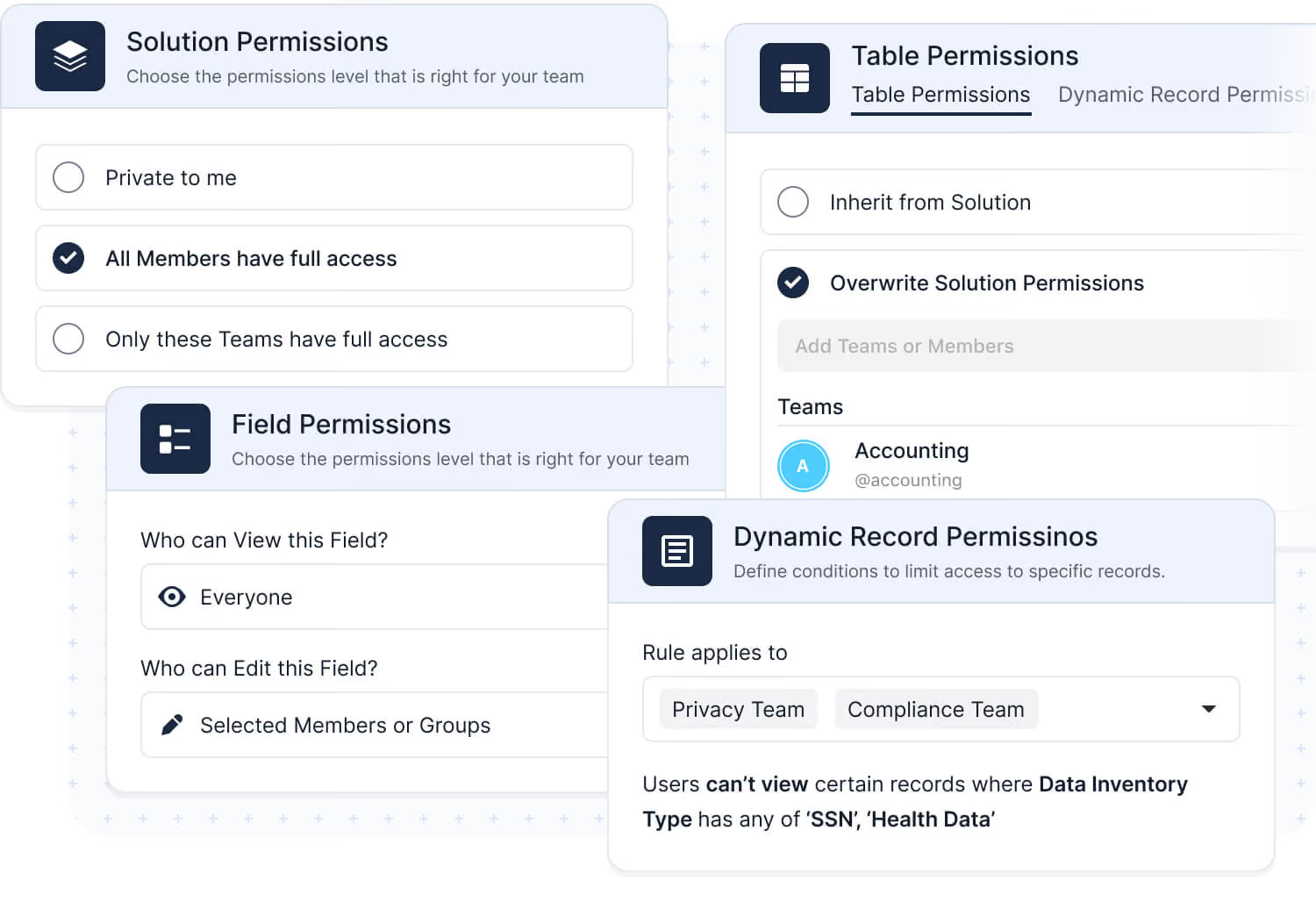
SmartSuite provides fine‑grained, role‑based permissions that protect data without slowing innovation. Control access at every level, from workspace and solution permissions down to table permissions, record permissions, and field permissions, while managing teams and enforcing policies for authentication, IP restrictions, and auditability.
Assign by user or team, designating granular view, edit, and admin permissions.
SSO, MFA/2FA, SCIM, session policies.
Limit access to approved network ranges.
Track data changes and configuration updates for multiple years.
Supports SOC 2 Type II and GDPR-aligned practices.
Organize users into teams and apply consistent access policies across your organization.
Integration Framework
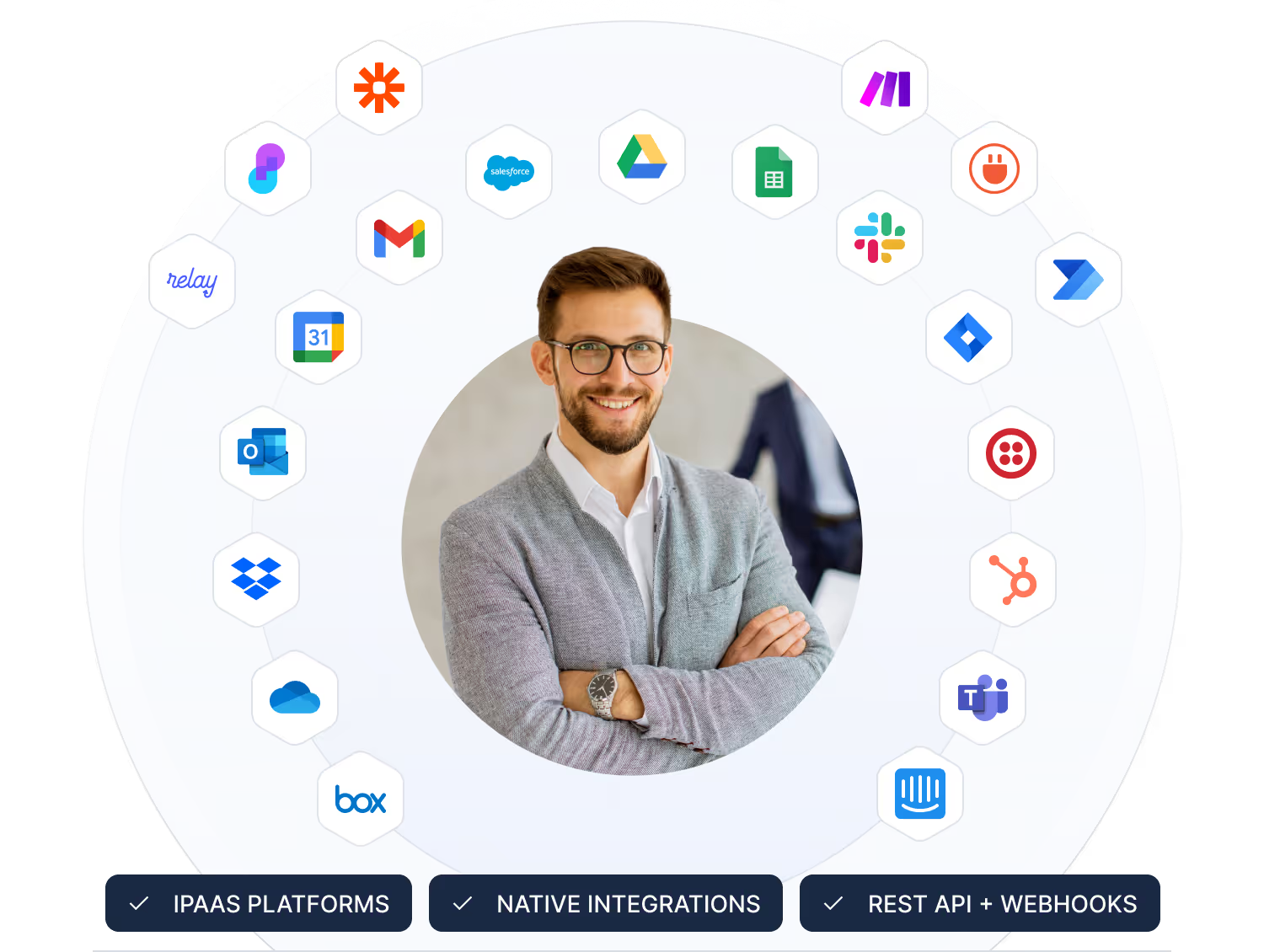
SmartSuite is designed to connect with the tools, systems, and data sources your teams already rely on. Our enterprise‑grade integration framework provides APIs, webhooks, and native connectors to extend SmartSuite or embed it within larger ecosystems.
SmartSuite.
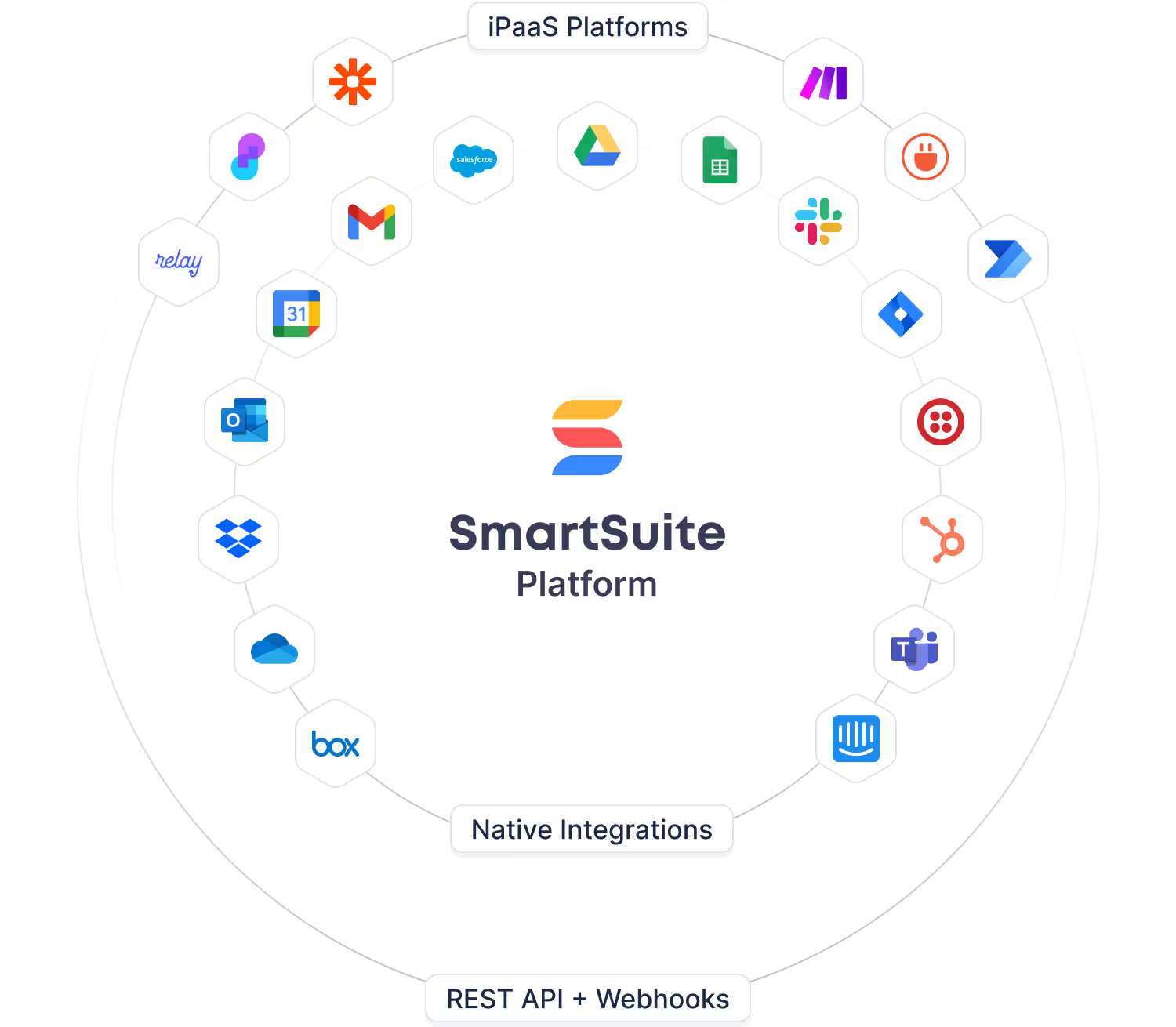
Google Workspace, Microsoft 365, Slack, Salesforce, and more.
CRUD endpoints with authentication and pagination.
Real‑time inbound/outbound events for sync and automation.
Make, Zapier, Workato, and more.
API references, auth guides, sample code.
Manage access, versioning, and usage.
Secure Collaboration Framework
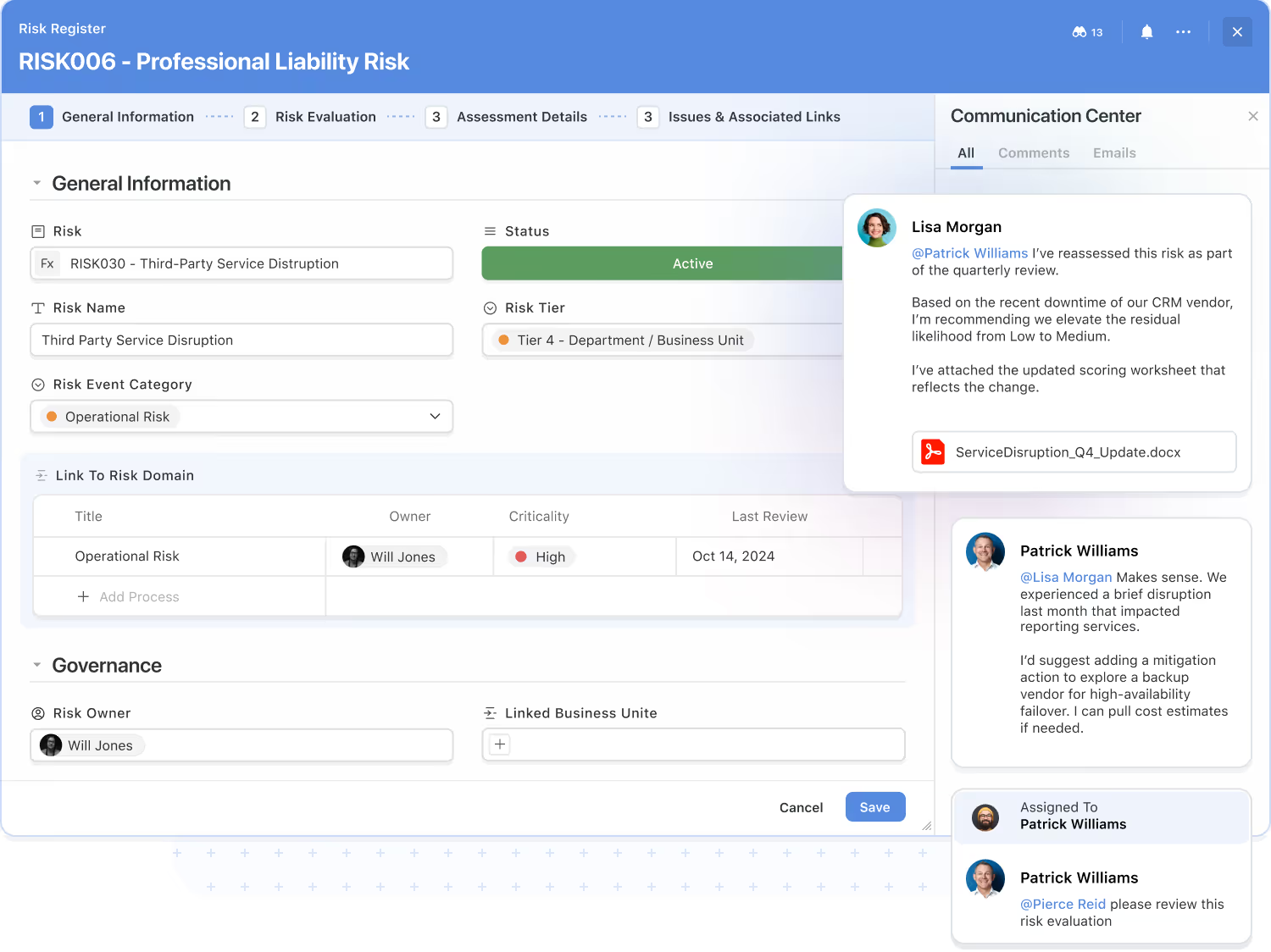
Secure collaboration is a core capability of the platform. Teams communicate, share context, and make decisions directly within the workflows where work happens, reducing the noise of scattered tools. SmartSuite supports in‑platform collaboration and threaded conversations with approved external participants, all governed by your access controls.
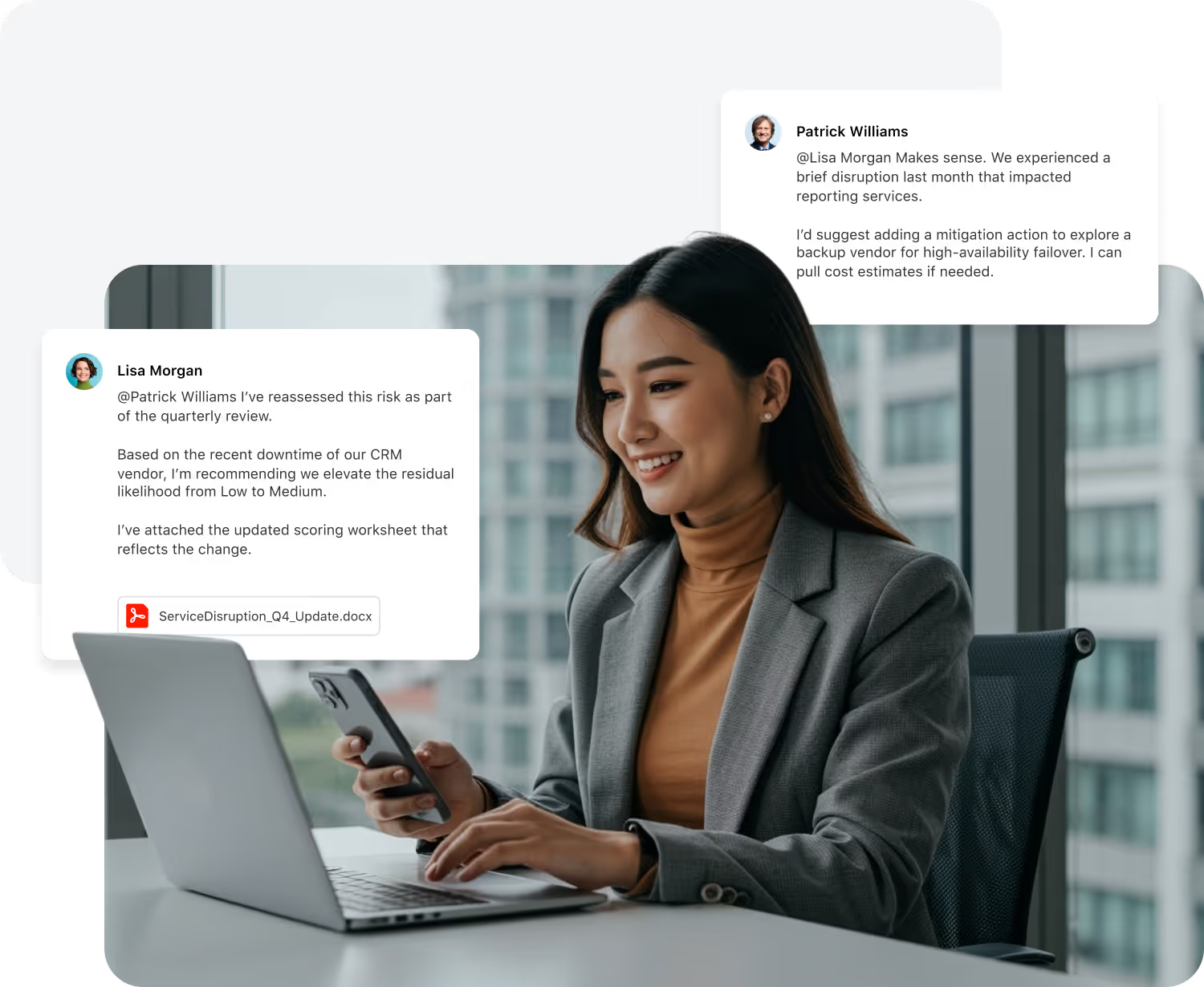
Comment threads and @mentions tied to records.
Attach files, images, and links; collect feedback in context.
Real‑time alerts and scheduled summaries.
Every comment, update, and file change is logged for transparency.
Enable threaded conversations with approved external participants.
Assign work, manage handoffs, and collaborate directly within your workflow records.
Enterprise Reporting Framework
Dashboard and Reporting deliver enterprise‑grade analytics built right into SmartSuite. The reporting engine pulls data from any solution or table across your workspace, honoring every layer of access control so users only see authorized data. Teams can visualize, analyze, and act in real time, without relying on external BI tools.
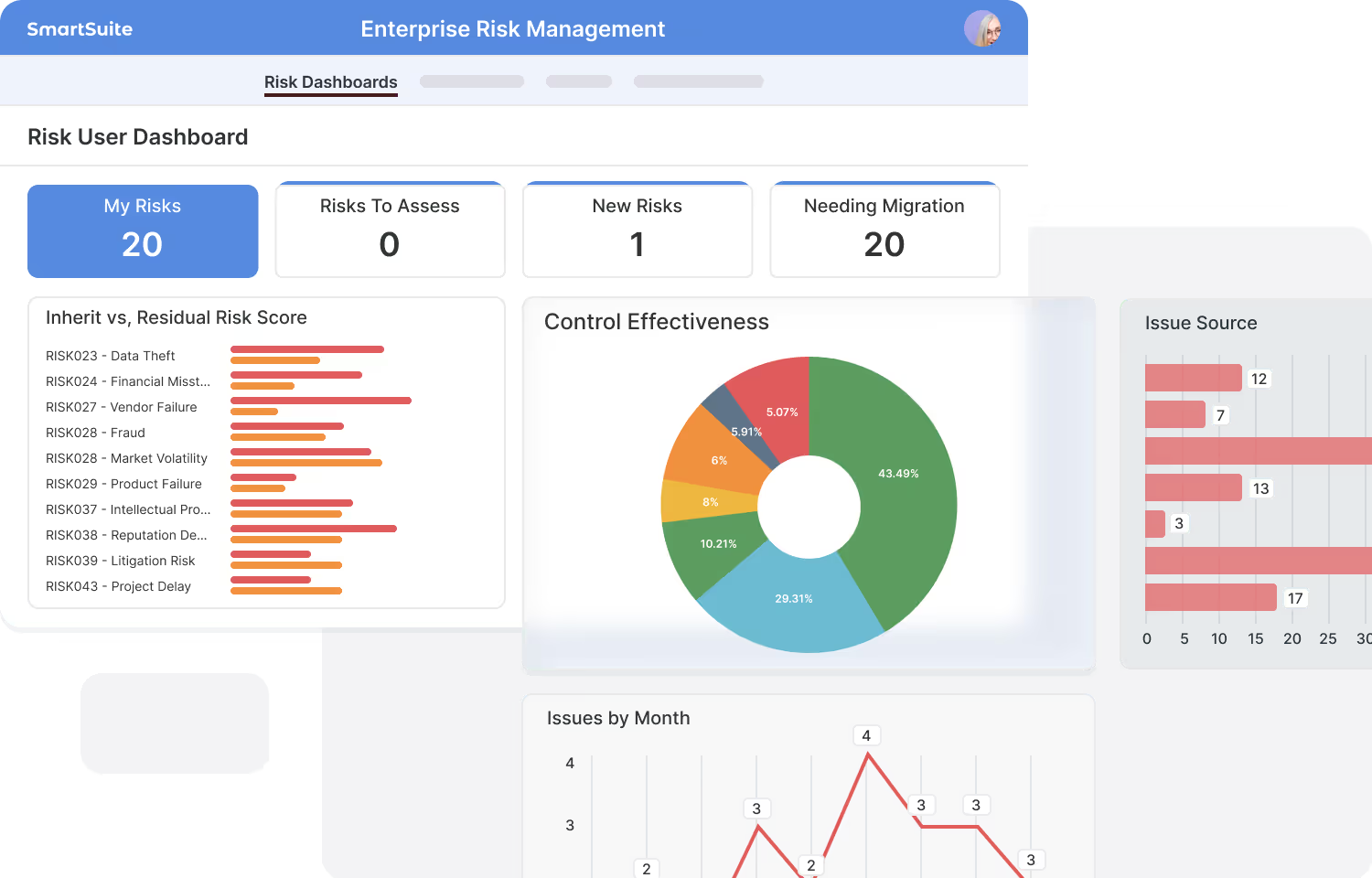
Combine data from multiple workflows into unified dashboards and reports.
Respect record and field‑level permissions.
Bar, line, pie, scatter, kanban, calendar, pivot, and more.
Filters, grouping, sorting, spotlights; drill into live data.
Replace Power BI and similar products with integrated, secure reporting.
Dashboards and reports update instantly as records change, ensuring every insight reflects the latest information.
Work In Your Native Language
SmartSuite is built for global teams, fully localized and translated into 16 languages so your people can collaborate, automate, and innovate without barriers.
A Unified Platform for People, Processes, and AI
SmartSuite unites people, data, AI, and systems on one open platform, designed to integrate with anything, secure everything, and adapt to any business process. From industry-specific workflows to enterprise integrations, SmartSuite gives every team the flexibility to work smarter together.
Any Industry. AI-native solutions, purpose built for any industry, delivered on a single platform.
Any Process. A single platform that powers every process to become smarter, faster and more connected.
Any AI. Your control tower to select, govern, and monitor any AI model used in SmartSuite, ensuring visibility, compliance, and security across every workflow.
Any Integration. Connect SmartSuite to any system or data source with enterprise-grade security and governance.
Work Anytime, Anywhere, on Any Device
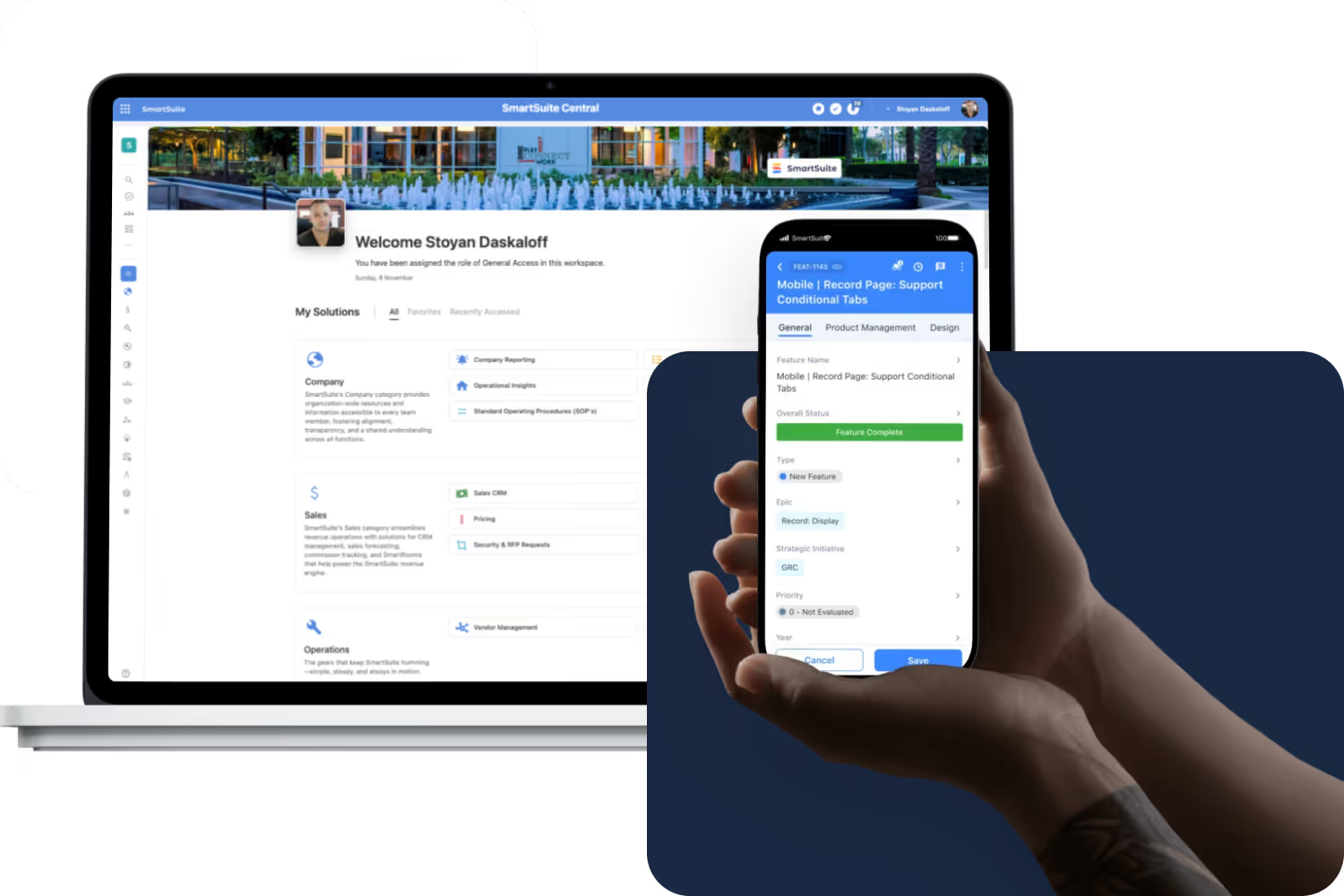
Stay connected and productive wherever you are. SmartSuite works across web, tablet, and mobile, so your team can manage projects, collaborate, and automate workflows in real time, whether in the office, remote, or on the go.
Frequently Asked Questions About the SmartSuite Platform
SmartSuite is a modern work management platform that lets teams design, automate, and run any workflow—without needing to write code. It centralizes work, data, and collaboration into a single, consistent experience across your organization.
Most tools focus on a single use case. SmartSuite is a platform designed to support every business process—projects, GRC, ITSM, onboarding, CRM, operational workflows, and more—using a unified data model, shared automations, and consistent permissions.
SmartSuite supports 35+ business process categories and is used across Financial Services, Healthcare, Insurance, Technology, Professional Services, Manufacturing, Life Sciences, and more. Companies often start with one workflow and expand to run multiple departments on the platform.
Every Solution, Table, Field, View, Automation, Dashboard, Form, and Interface can be configured without code. You can start with templates or build from scratch using drag-and-drop tools.
Yes. SmartSuite includes enterprise-grade permissions, SSO, audit logs, advanced automations, API access, granular security, and a choice of United States or European Union data center on Enterprise and Signature plans, making it suitable for global organizations and regulated environments.
SmartSuite offers native integrations, iPaaS support (Zapier/Make/Workato/Relay/Microsoft Power Automate/etc.), webhooks, and a robust REST API. This allows teams to connect SmartSuite to existing systems and prevent data silos.
Most teams begin building workflows on Day 1. SmartSuite also offers onboarding assistance, solution templates, in-app guidance, help center content, live support, and optional Admin on Demand services for more complex implementations.
SmartSuite follows established security standards, including SOC 2, encryption at rest and in transit, IP allowlists, audit logs, granular permissions, and strong authentication options.
Yes. SmartSuite is designed to support separate teams and departments through Solution-level structure, Table permissions, Record permissions, Folder visibility, and Field-level restrictions.
In most cases, yes. SmartSuite consolidates project tools, task trackers, spreadsheets, wikis, forms, automations, reporting tools, and departmental apps—reducing cost and complexity while improving cross-team collaboration.

Written by
SmartSuite Staff
· Reviewed
October 17, 2026
Explore the platform
The ten capabilities of the SmartSuite platform, each on its own page.