
Are you looking for regulatory change management software to stay ahead of evolving laws, reduce compliance risk, and keep your organization audit-ready?
A strong regulatory change management platform can help you centralize regulatory updates, automate impact assessments, assign actions to stakeholders, track remediation, and generate compliance reports for your leadership team.
In this guide, I’ll cover the 10 best regulatory change management tools that can help you streamline compliance workflows, cut down on manual monitoring, and ensure your enterprise remains aligned with changing regulatory requirements.
Key takeaways
- SmartSuite offers the best regulatory change management software with its no-code, easy-to-use platform for detecting and logging regulatory updates, automated impact assessments & remediation workflows, and evidence-first reporting with executive dashboards.
- Audit and reporting tools like AuditBoard and Workiva are ideal for enterprise audit, compliance, and reporting teams that need to tie regulatory changes directly to controls, audits, and external disclosures.
- On the other hand, there are tools like LogicGate and OneTrust that can help you automate obligation monitoring, impact assessments, evidence collection, and privacy workflows.
Before we start, I wanted to go over some of the factors to consider when you’re buying regulatory change management solutions:
What to consider when evaluating regulatory change management software
The factors to consider when buying regulatory change management tools are the breadth of regulatory coverage and mapping, the level of automation across the change lifecycle, auditability and reporting capabilities, and the range of integrations.
Let’s go over each one: ⬇️
#1: How broad and accurate is the regulatory coverage and mapping?
You want a tool that knows which regulations and jurisdictions matter to you and can map those requirements to policies, controls, and processes.
If I were you, I’d check whether it supports your industry frameworks (e.g., financial services), handles multi-jurisdiction tracking, and records regulatory versions and amendment history.
💡 Pro Tip: You can also look for built-in libraries or the ability to import regulatory texts and link them to internal policies.
#2: What level of automation and workflow orchestration does it provide?
Regulatory change management is a process.
Automation can help you reduce delay and human error during impact assessment, approvals, and implementation.
You should evaluate automated capabilities, such as:
- Automatic change alerts.
- Configurable impact assessments.
- Task routing and ownership.
- Approval gates.
- Reminders.
#3: Does it provide audit trails, evidence management, and reporting?
Regulators and auditors expect clear, evident trails showing when a rule changed, who assessed the impact, what decisions were made, and what evidence supports implementation.
The tool should capture timestamped logs, versioned documents, attachments (e.g., emails, screenshots), and produce exportable reports that meet audit requirements.
➡️ If I had to choose a tool, I’d prefer tools with immutable logs, configurable report templates, and export formats your auditors accept.
#4: How well does it integrate, scale, and fit your governance model?
Take it from me: a regulatory tool that sits in isolation creates too much manual work.
You’ll want APIs or prebuilt connectors to GRC systems, policy libraries, HR platforms, ticketing systems, and ERPs so changes propagate cleanly.
➡️ Also evaluate SSO support, multi-entity or multi-subsidiary scalability, onboarding complexity, and whether the vendor provides SLAs, training, and a realistic product roadmap.
What are the best regulatory change management tools on the market in 2026?
The best regulatory change management tools on the market include SmartSuite with its automated impact assessments, remediation workflows, and custom dashboards, AuditBoard, and ServiceNow.
Here’s a breakdown of all the tools I shortlisted: ⬇️
#1: SmartSuite: Best for banks and credit unions that need to centralize regulatory updates, map impacts to policies and controls, automate remediation workflows, and produce audit-ready evidence.
#2: AuditBoard: Best for enterprise audit, compliance, and risk teams that want a connected platform that links regulatory change to audit and controls.
#3: ServiceNow: Best for organizations already on ServiceNow that want to operationalize regulatory change across IT, security, and enterprise workflows.
#4: IBM OpenPages: Best for global enterprises needing a highly configurable, AI-powered enterprise GRC engine.
#5: LogicGate: Best for teams wanting fast time-to-value with no-code customization and automation for regulatory workflows.
#6: MetricStream: Best for enterprises seeking an integrated enterprise GRC suite with strong regulatory content and obligation lifecycle management.
#7: SAI360: Best for enterprises in regulated industries that want pre-configured industry playbooks.
#8: Diligent: Best for organizations that want alignment between board governance, ESG reporting, and regulatory compliance.
#9: Workiva: Best for companies where regulatory change directly affects reporting, audit and external disclosures.
#10: OneTrust: Best for privacy teams that need broad regulatory research plus automation for privacy, security, and tech risk.
#1: SmartSuite
SmartSuite offers the best regulatory change management software with our no-code, easy-to-use platform that helps compliance teams detect regulatory updates, map impact to policies and controls, and remain audit-ready.
Our solution turns fragmented referrals and adhoc spreadsheets into a single source of truth with custom dashboards and evidence-first reporting.
We know that regulatory change management isn’t just about tracking citations - it’s about turning new rules into accountable, auditable action across policy, IT, vendors and operations.
Yet I’ve seen teams struggle to answer “which policies reference this clause?” or “who’s responsible for remediating this control?”
For that, SmartSuite brings clarity and control by unifying the entire regulatory change lifecycle.
With SmartSuite, you can capture regulatory notices and CRI mappings in a central register, link each change to affected policies, controls, assets and vendors, then spin up automated impact assessments, approvals, and remediation workflows with no developers required.
Learn more about SmartSuite’s automated regulatory compliance and CISO-as-a-service:
💡 Our team has recently partnered with the Cyber Risk Institute to deliver a CRI profile for U.S. Banks' compliance needs.
Let’s go over the functionality that makes SmartSuite the best choice for teams looking for a regulatory change management solution: 👇
All-In-One Regulatory Change Management Software
SmartSuite empowers compliance managers, CISOs and risk teams to automate the entire regulatory change management lifecycle (from detection to evidence) without developers or wrestling with multiple point solutions.
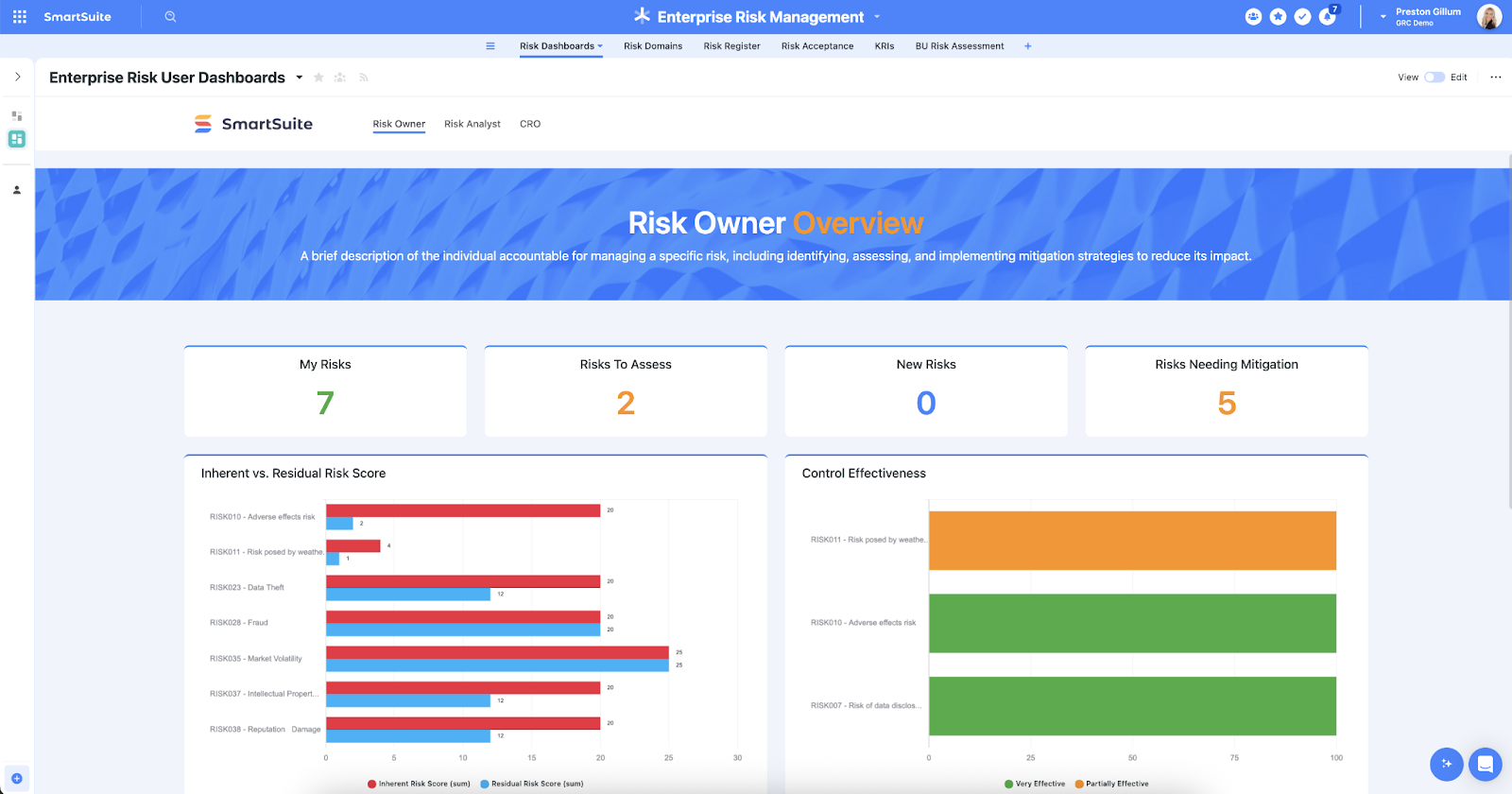
Here are the regulatory change use cases you’ll get with SmartSuite:
- Detect & log regulatory changes: Capture regulation updates, advisories, and CRI profile mappings in a centralized register so nothing slips through the cracks.
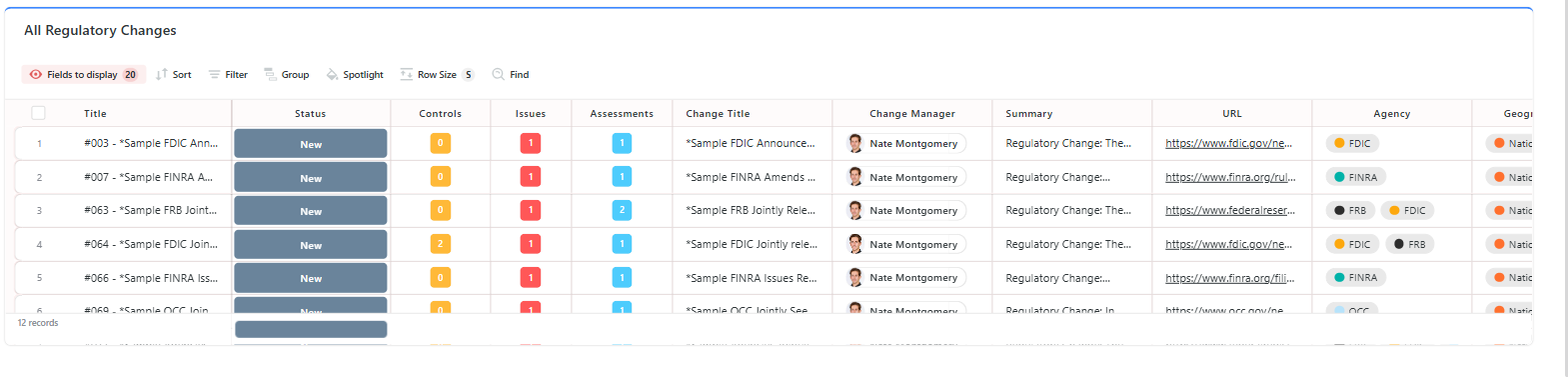
- Map regulation, policy, control, and evidence: Link each regulatory item to affected policies, controls, assets and vendor contracts so you can trace impact end-to-end.
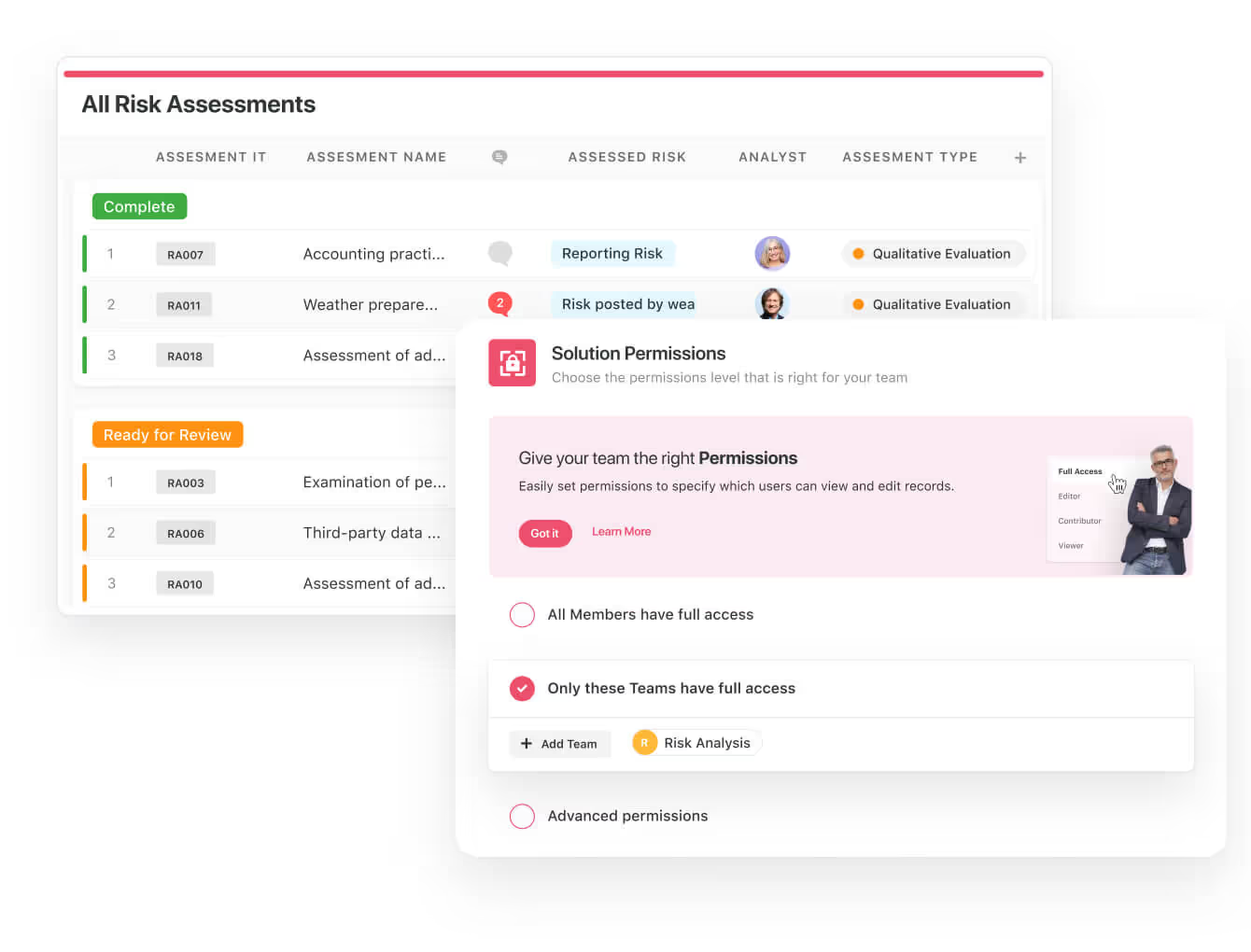
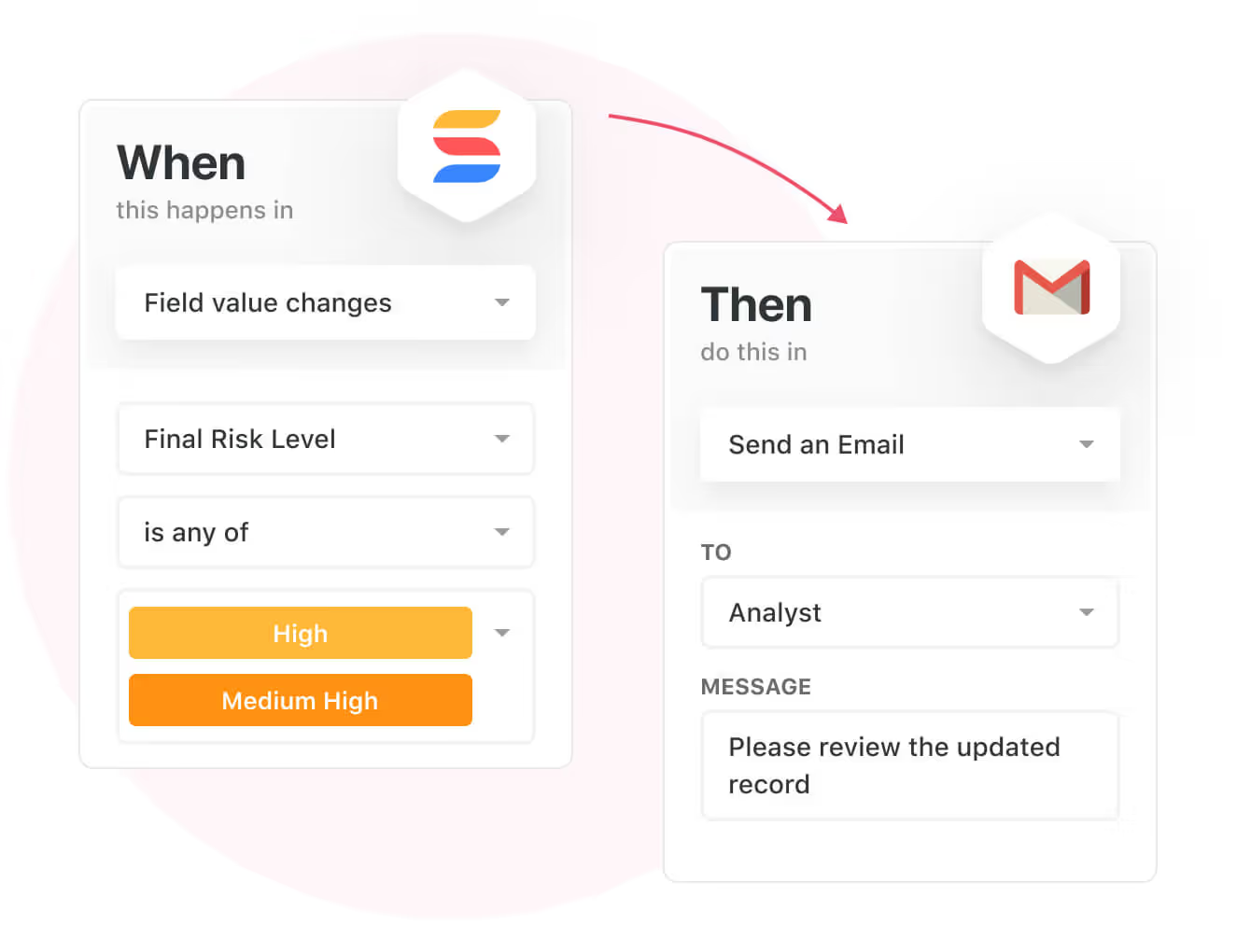
- Automate impact assessments & workstreams: Use SmartSuite’s visual automation builder to spawn assessment tasks, route edits through review stages, and automatically escalate overdue remediation items.
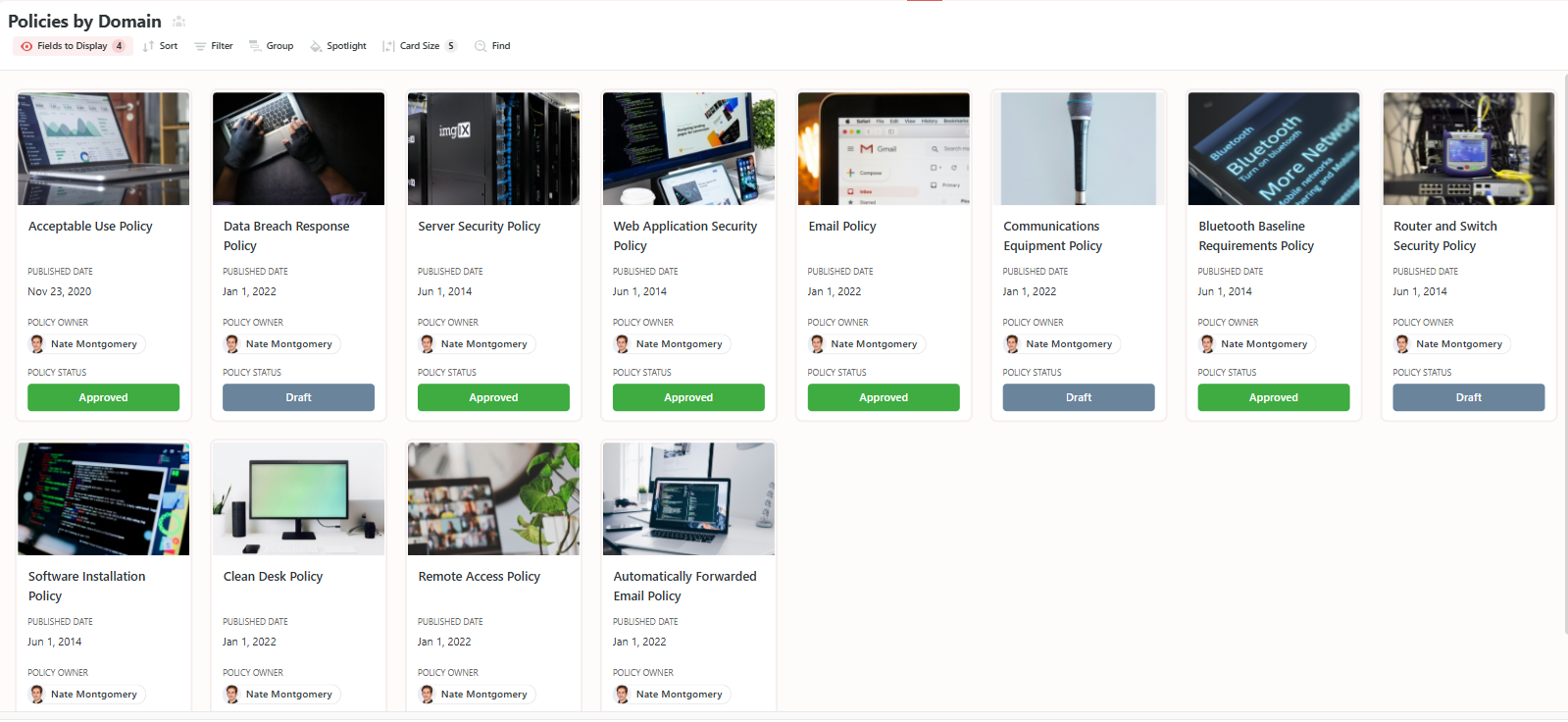
- Policy lifecycle management: Author, revise, assign ownership, publish and preserve versions with built-in approval workflows and audit trails.
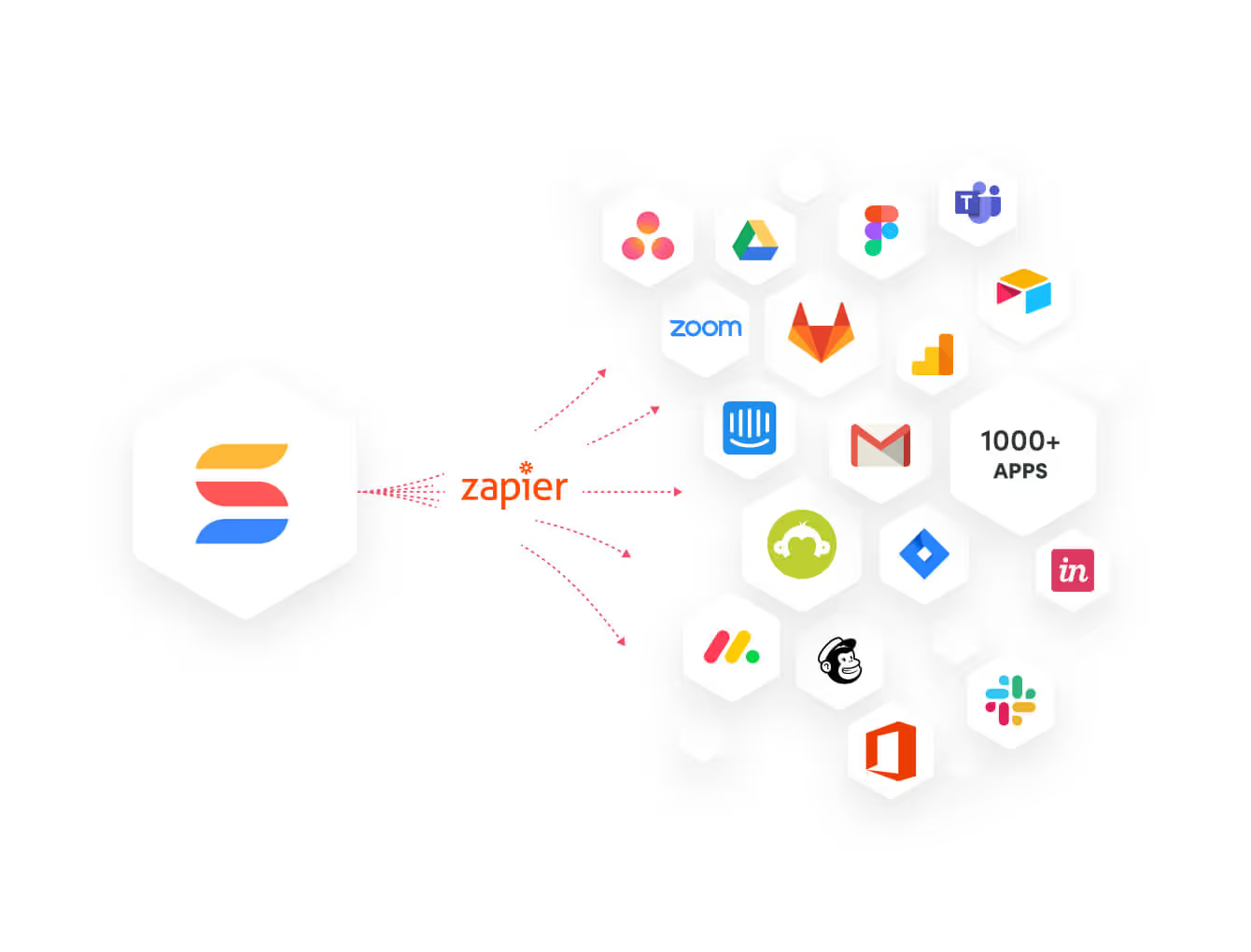
- Integrate with operational systems: Connect ticketing, identity, procurement and CMDBs to pull vendor contracts, push remediation tickets, sync asset inventories, and ingest telemetry so risk assessments reflect reality.
➡️ For example, you can automatically attach incident telemetry to vendor records to trigger a reclassification of vendor risk.
- Monitor, measure & score: Build risk calculations and KPIs, then display them in executive dashboards and roll-up reports to show regulatory readiness and remediation progress at a glance.
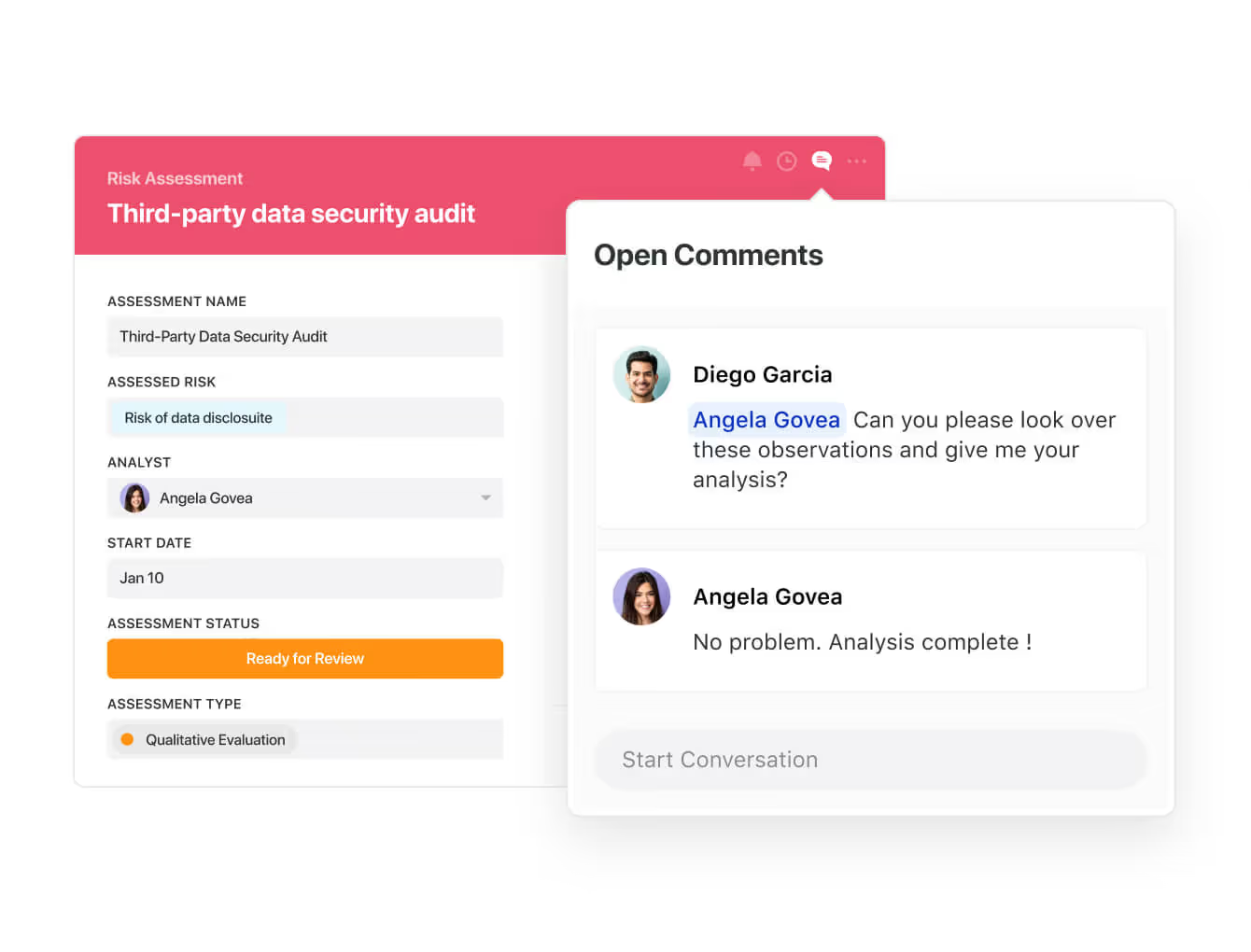
- Collaborate and respond in real-time: Assign tasks, share evidence, and receive instant notifications when critical events occur.
Prioritize & Mitigate Regulatory Change Risks
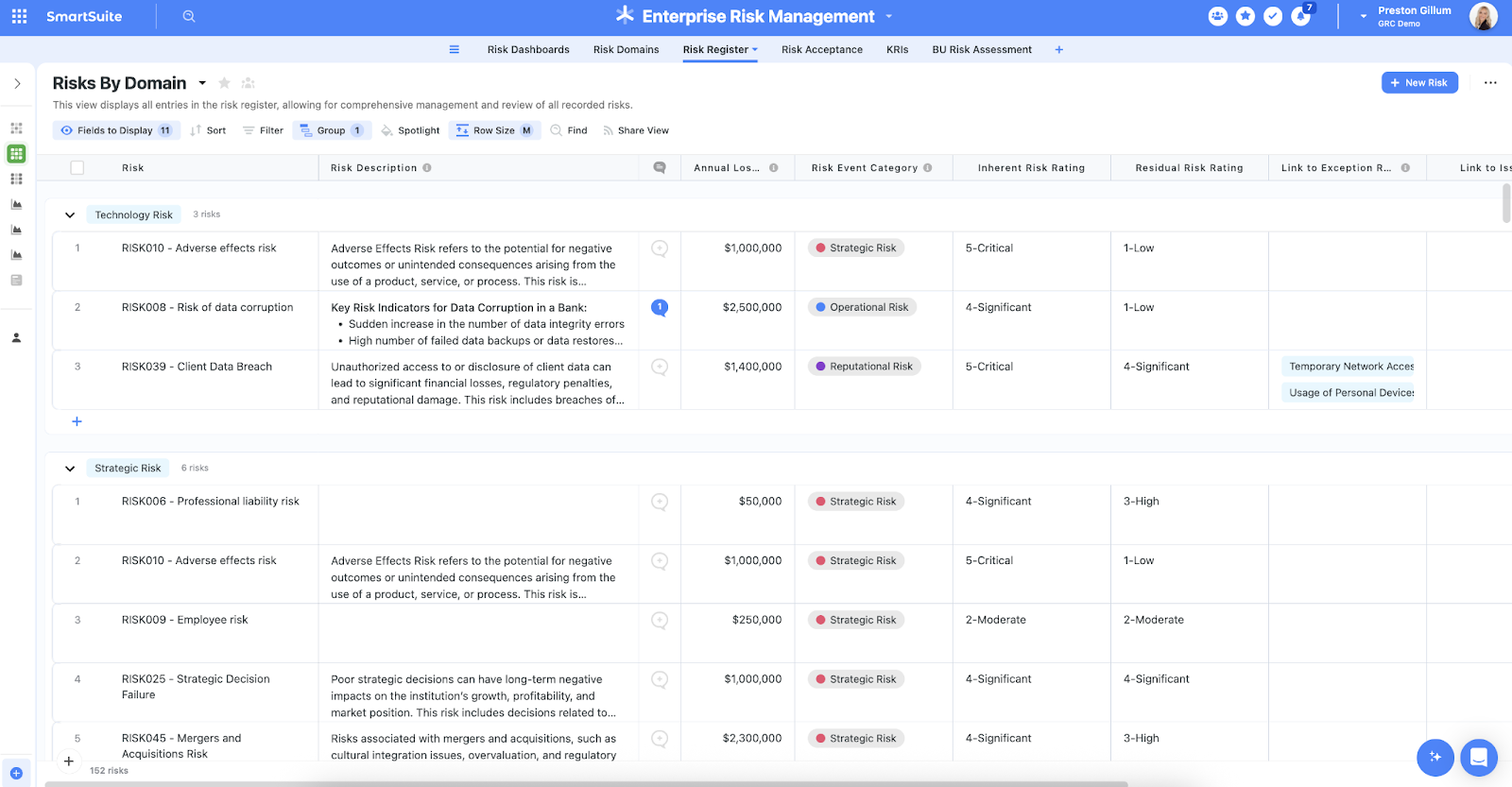
With SmartSuite, you can create a centralized regulatory register to effectively capture, track, and prioritize changes in laws, guidance, and supervisory expectations that affect your organization.
Your team will be able to quickly assess impact across policies, controls, assets, business units, and third parties and then establish targeted mitigation plans and owners directly inside SmartSuite.
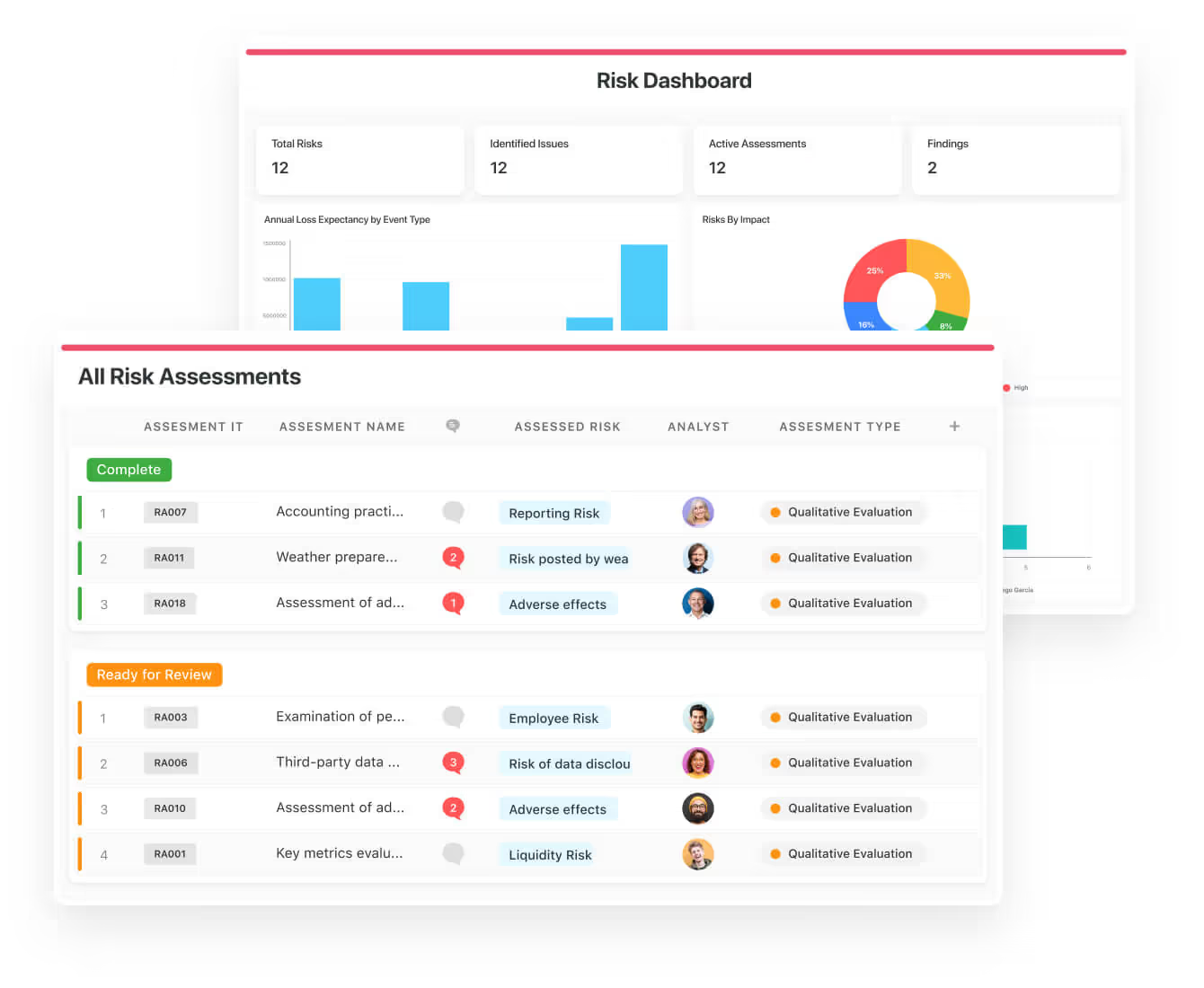
You can ensure the right controls are in place and measure their effectiveness by calculating risk indicators and surfacing results in SmartSuite’s roll-up reports and executive dashboards.
These visual summaries make it easy to see which regulatory changes pose the greatest exposure and which remediation efforts need resources now.
💡 Pro Tip: Teams that use our platform use automation to move tasks through defined workflow stages that comply with their policies and procedures.
We know regulatory change often requires fast, cross-functional action and that incidents can create compliance fallout.
SmartSuite centralizes incident response and regulatory remediation by linking regulatory items to assets, controls, vendor records, and organizational data
➡️ Your team can use the no-code Automation Builder to spawn assessment tasks, route policy updates for review and approval, and automatically escalate critical regulatory events (e.g., a supervisory notice).
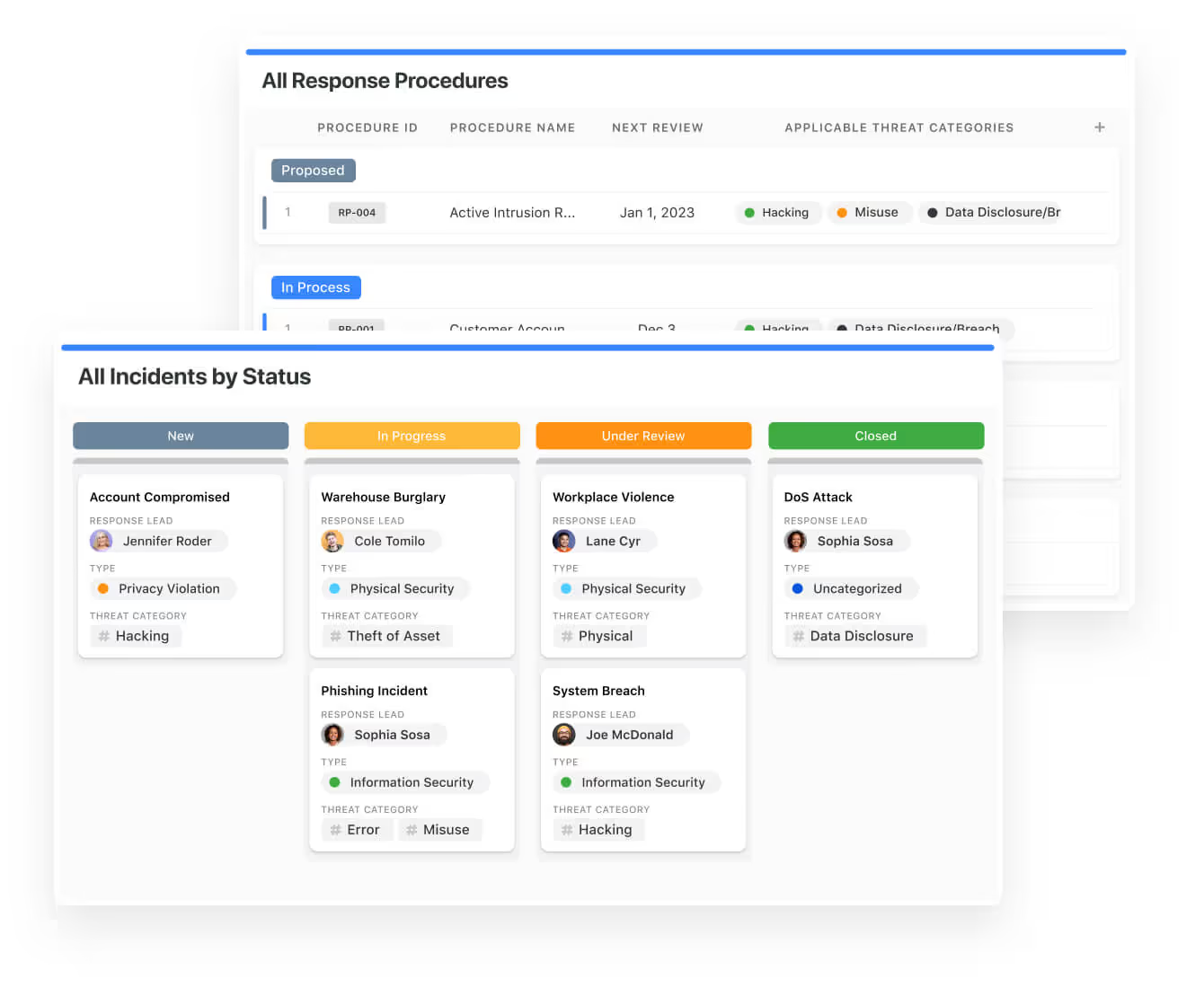
Ready-To-Use Regulatory Change Management Template
We have prepared a regulatory change management template so that your team can get started right away, instead of building everything from scratch.
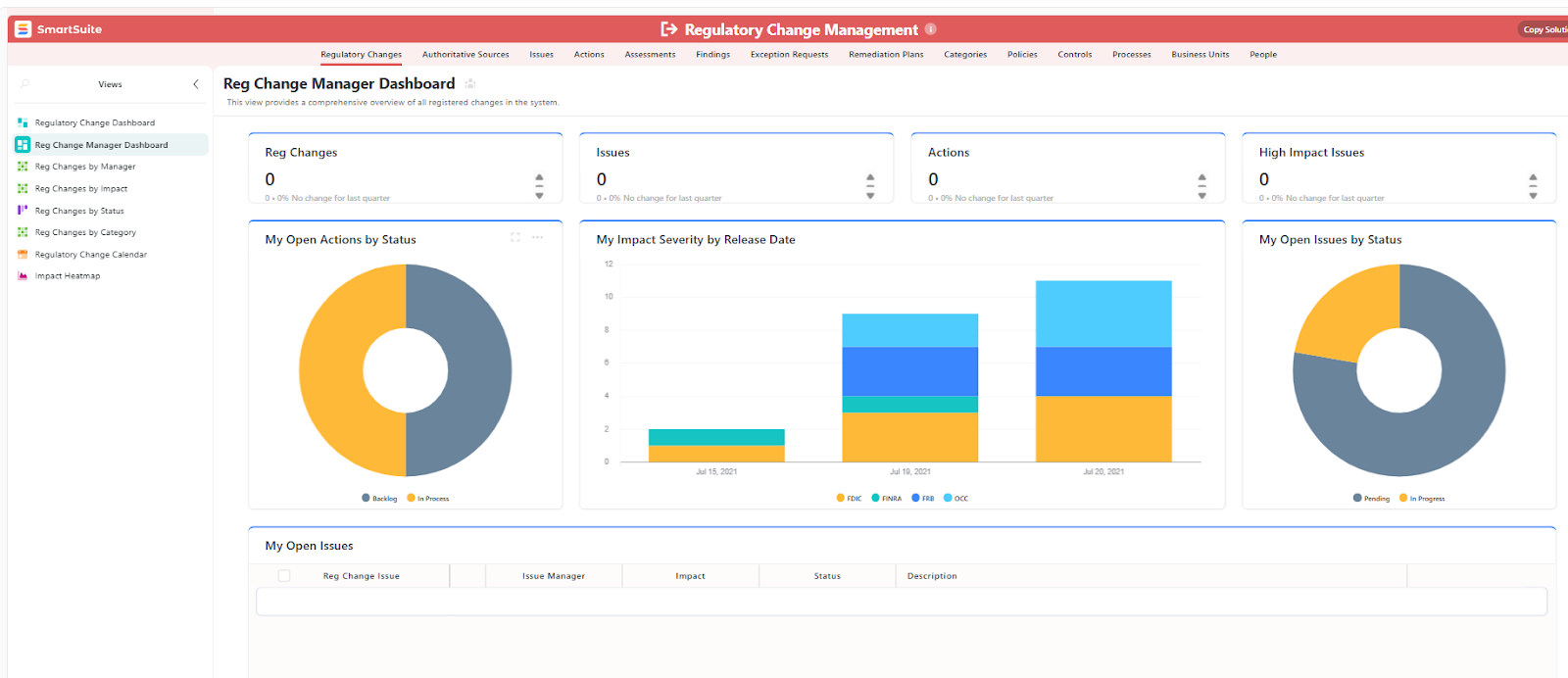
Our regulatory change management template includes:
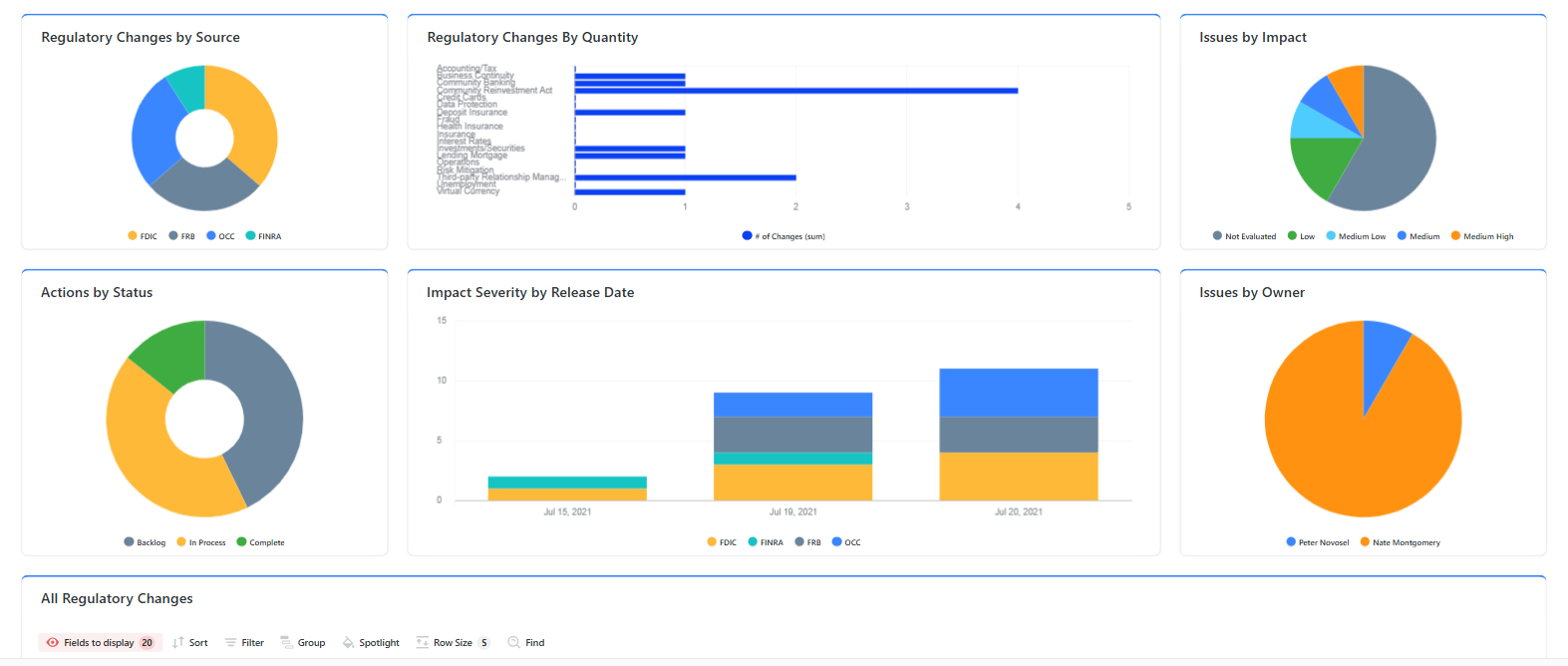
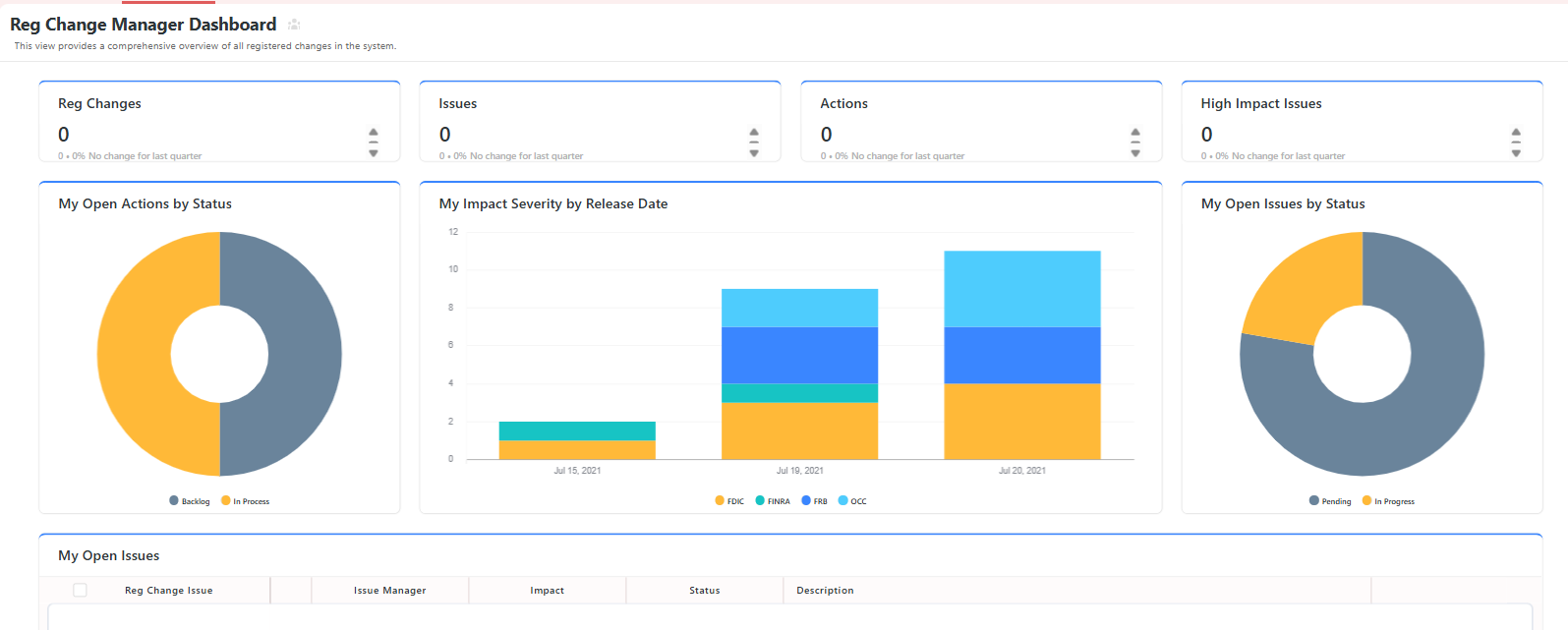
- A regulatory change manager dashboard, where you can see your open actions by status, issues, regulatory changes, and open issues.
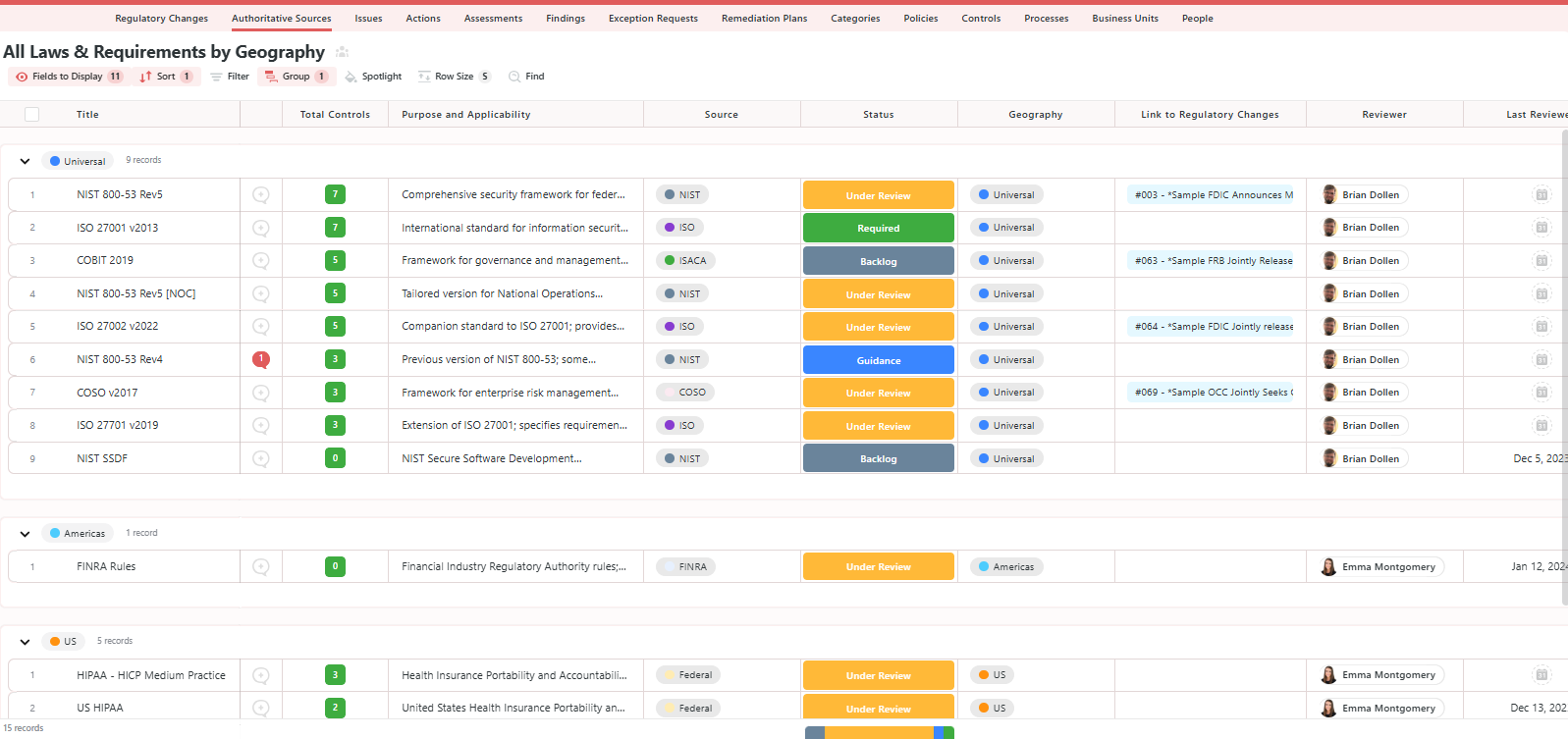
- All laws and requirements listed by geography, with fields for total controls, purpose, source, status, link to regulatory changes, and reviewer.
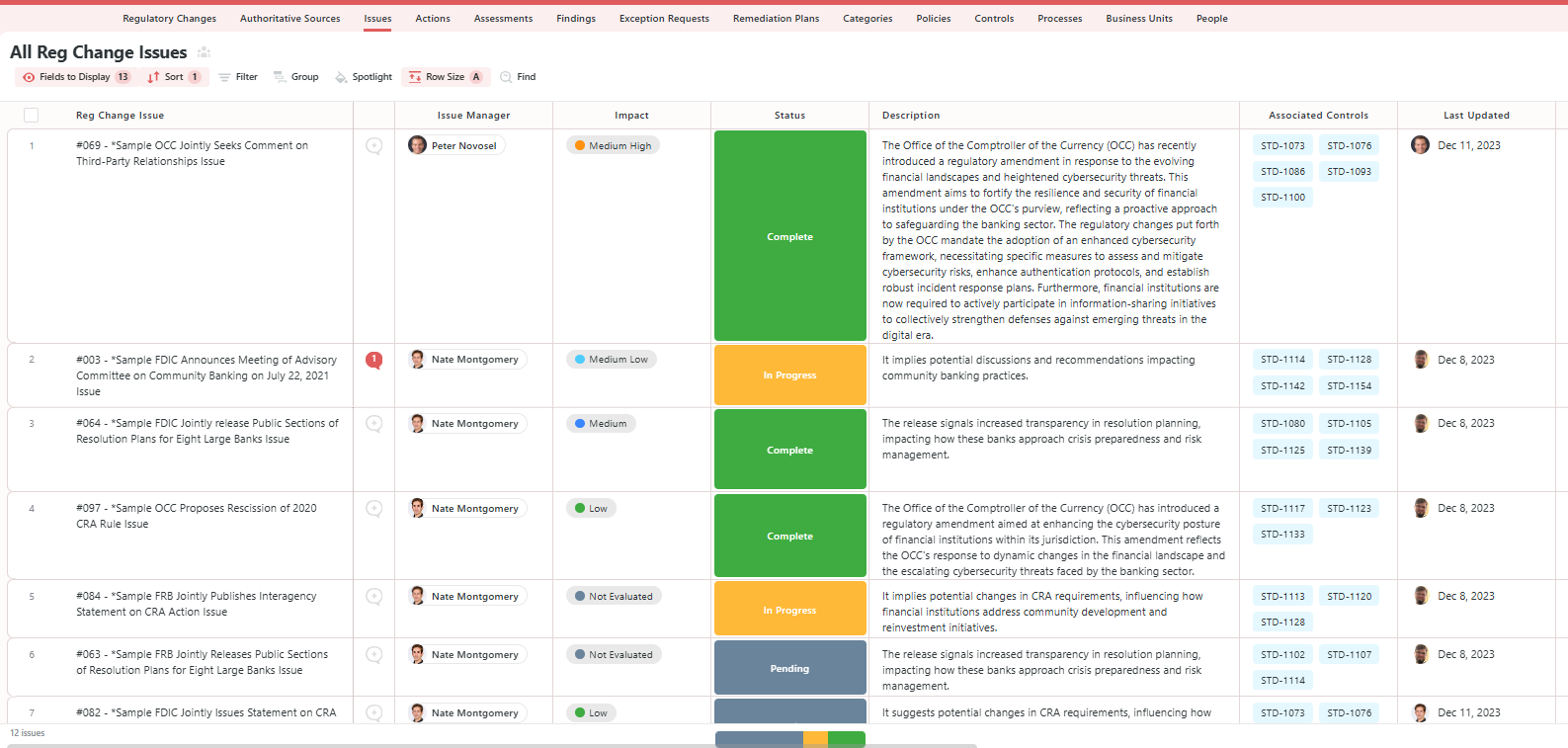
- All reg changes, where you will be able to see the different reg change issues, the issue manager, impact, status, description, and associated controls.
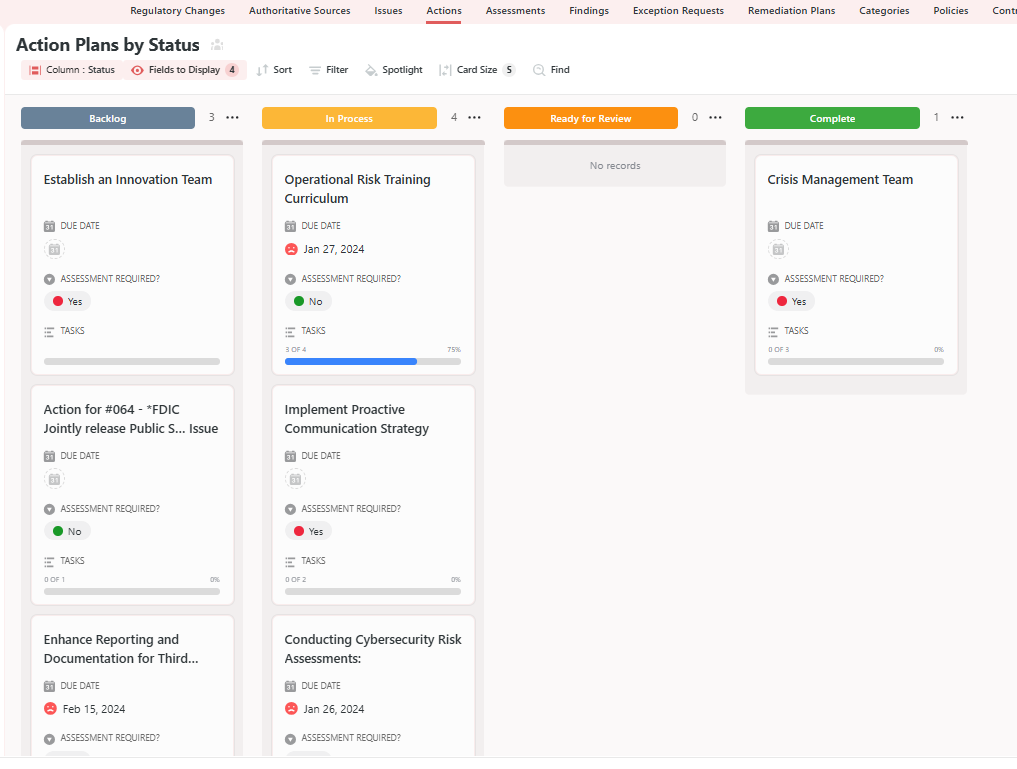
- All action plans will provide you with a list of actions to do, the action owner, status, action plan description, supporting files, and a link to findings.
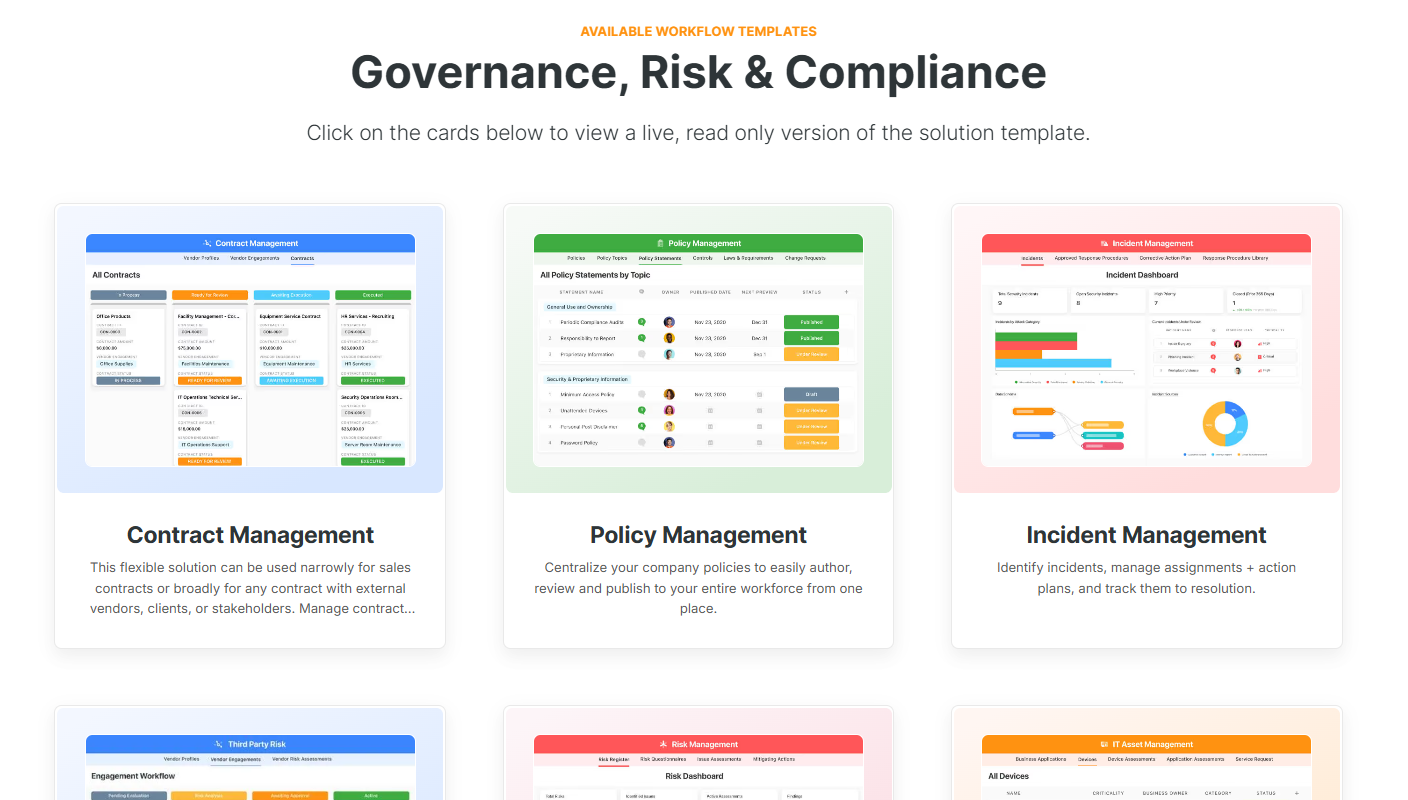
Alternatively, check out and customize our 14 other risk management templates for various use cases, such as contract management, policy management, and incident management.
Pricing
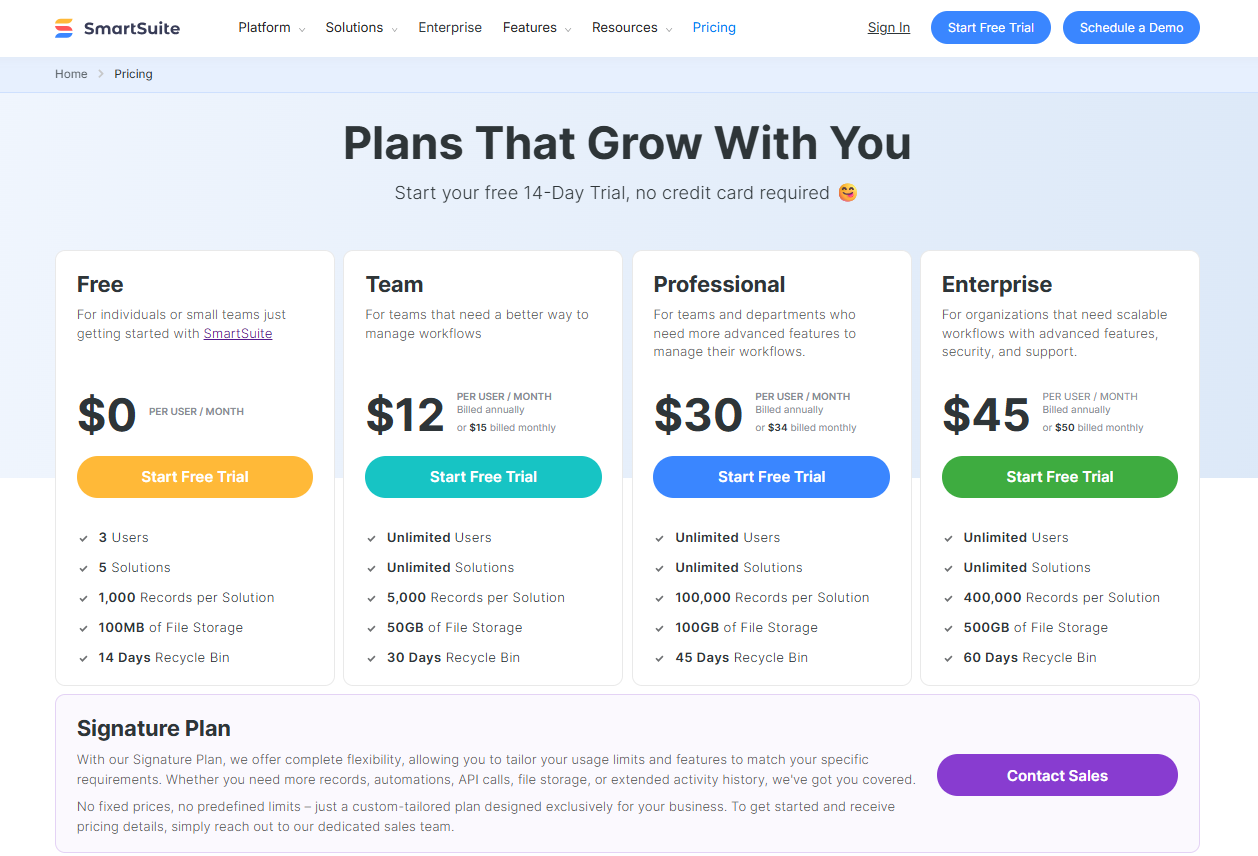
SmartSuite offers a free-forever plan with access to 250+ automation actions, team collaboration, multi-dashboard views, and more.
There are four paid plans with a 14-day free trial (no CC required):
- Team: Starts at $12/user per month, including Gantt charts, timeline views, 5000 automation runs, and native time tracking.
- Professional: Starts at $30/user per month and adds two-factor authentication, Gmail & Outlook integrations, and unlimited editors.
- Enterprise: Starts at $45/user/month and includes access to audit logs, data loss prevention, and 50,000 monthly API calls.
- Signature: A custom plan tailored to your needs and team size with no predefined limits.
Pros & Cons
✅ A free-forever plan that includes access to advanced features of the tool for up to 5 solutions.
✅ Pre-built regulatory change management template so you can start right away.
✅ Dynamic dashboards and reports that are easy to build and navigate, unlike some alternatives that require you to hire consultants to do it.
✅ Audit-ready reporting & dashboards.
✅ Automate risk scoring, compliance tracking, audits, and vendor reviews.
✅ Policy lifecycle & versioning, as you can assign owners, manage revisions and preserve history for examiners.
❌ If you rely heavily on very specific prebuilt connectors, you may find gaps.
#2: AuditBoard
Best for: Enterprise audit, compliance, and risk teams that want a connected platform that links regulatory change to audit and controls.
Similar to: Diligent.
AuditBoard stands out for regulatory change management as it centralizes regulatory obligations and ties them directly to controls, risks, and audit workflows so changes become actionable across the business.
The platform’s recent RegComply and Regulatory Compliance offer better automation and continuous monitoring to help you respond to changes faster.
Features
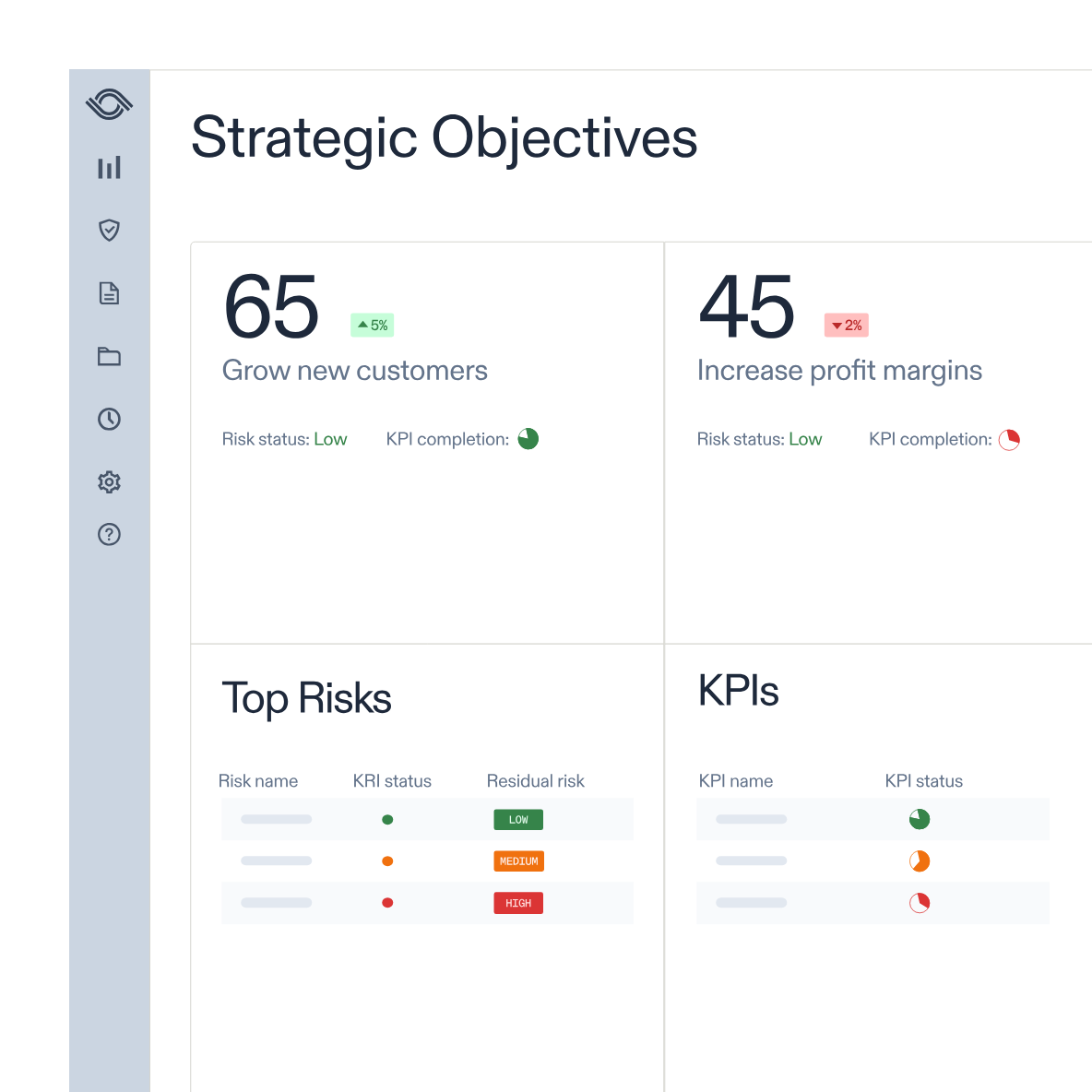
- Automated mapping of regulatory obligations to controls and remediation tasks, with continuous monitoring and built-in audit trails.
- Custom reports and pre-built dashboards that can help your compliance team uncover insights, track trends, and support data-driven decisions.
- Integrated workflows and APIs that help your team streamline data collection and task management through integrations.
Standout Feature: Pre-Built 30+ Frameworks
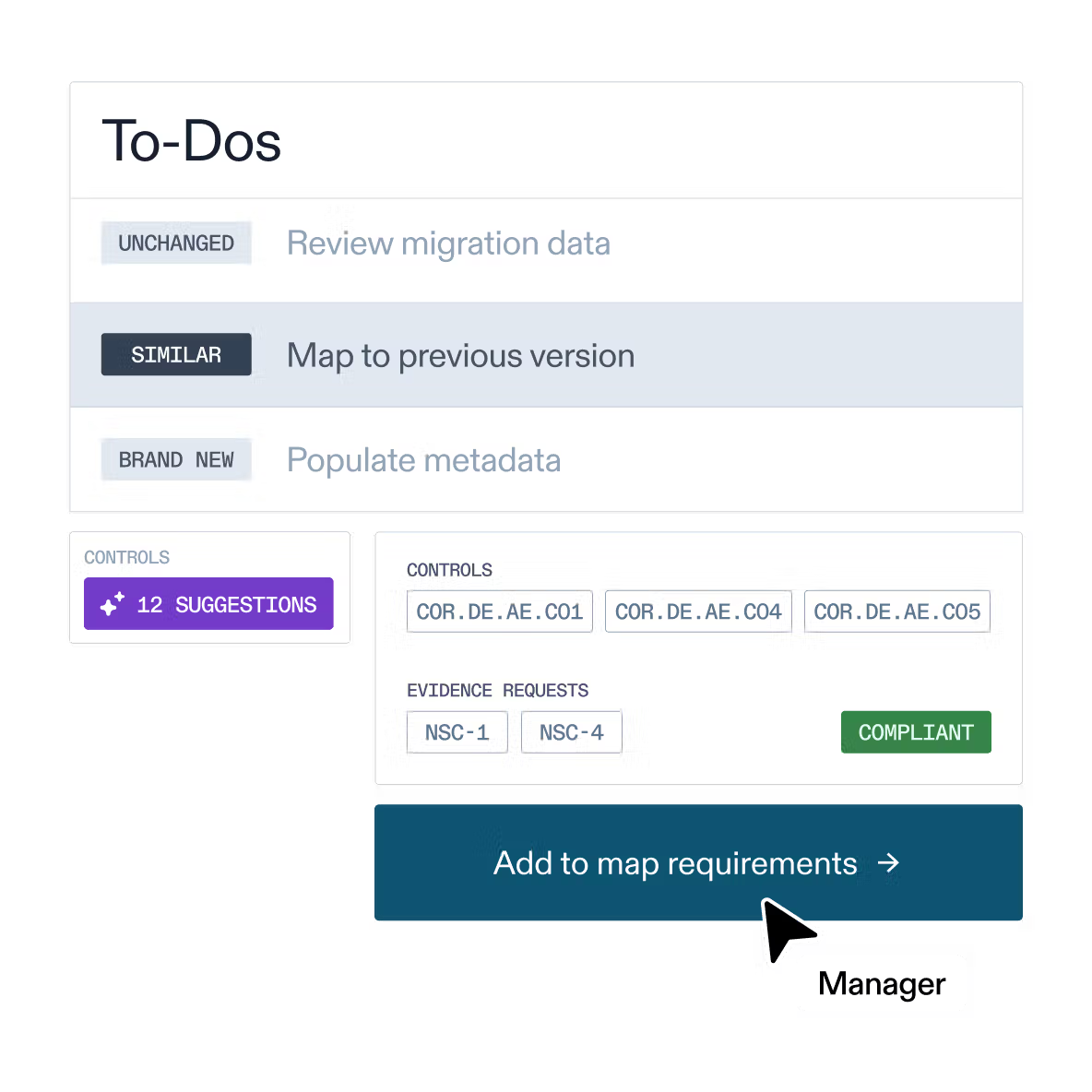
AuditBoard stood out to me with its preloaded library of 30+ frameworks (including SOC 2, ISO 27001, and GDPR) to help your organization stay audit-ready.
Pricing
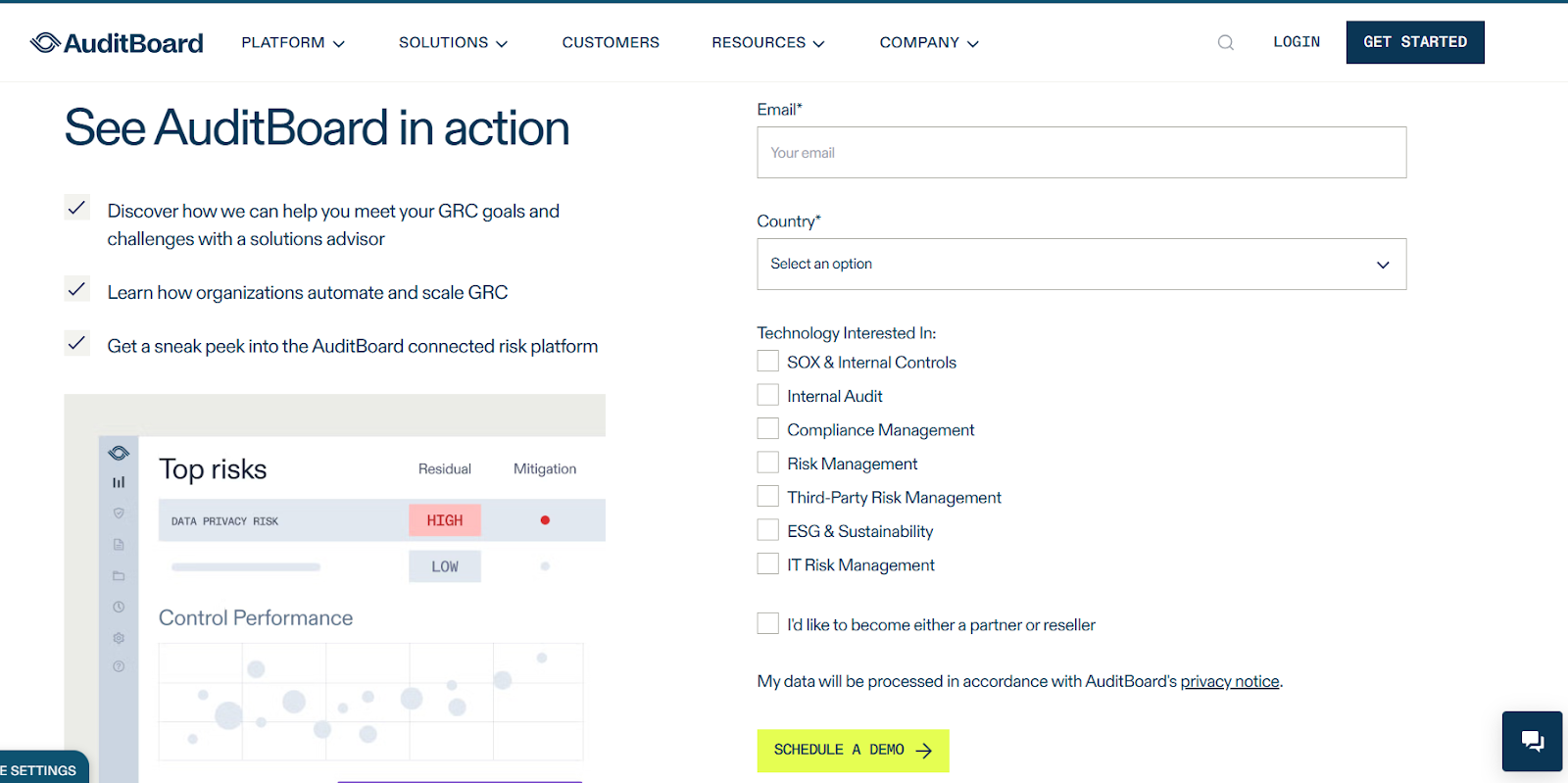
AuditBoard has not yet disclosed its pricing, so you’d have to contact them to book a demo and get a quote.
Pros & Cons
✅ You can monitor and manage programs with dynamic, connected workflows.
✅ Comes with a modern interface with good AI capabilities.
✅ Get access to a preloaded library of 30+ frameworks to help you stay ready for audits.
❌ The average contract value of the tool is around $42,775/year, according to insiders, which is why some people have been looking for AuditBoard alternatives.
❌ Some users of the platform find it difficult to use.
#3: ServiceNow
Best for: Organizations already on ServiceNow that want to operationalize regulatory change across IT, security, and enterprise workflows.
Similar to: SAI360.
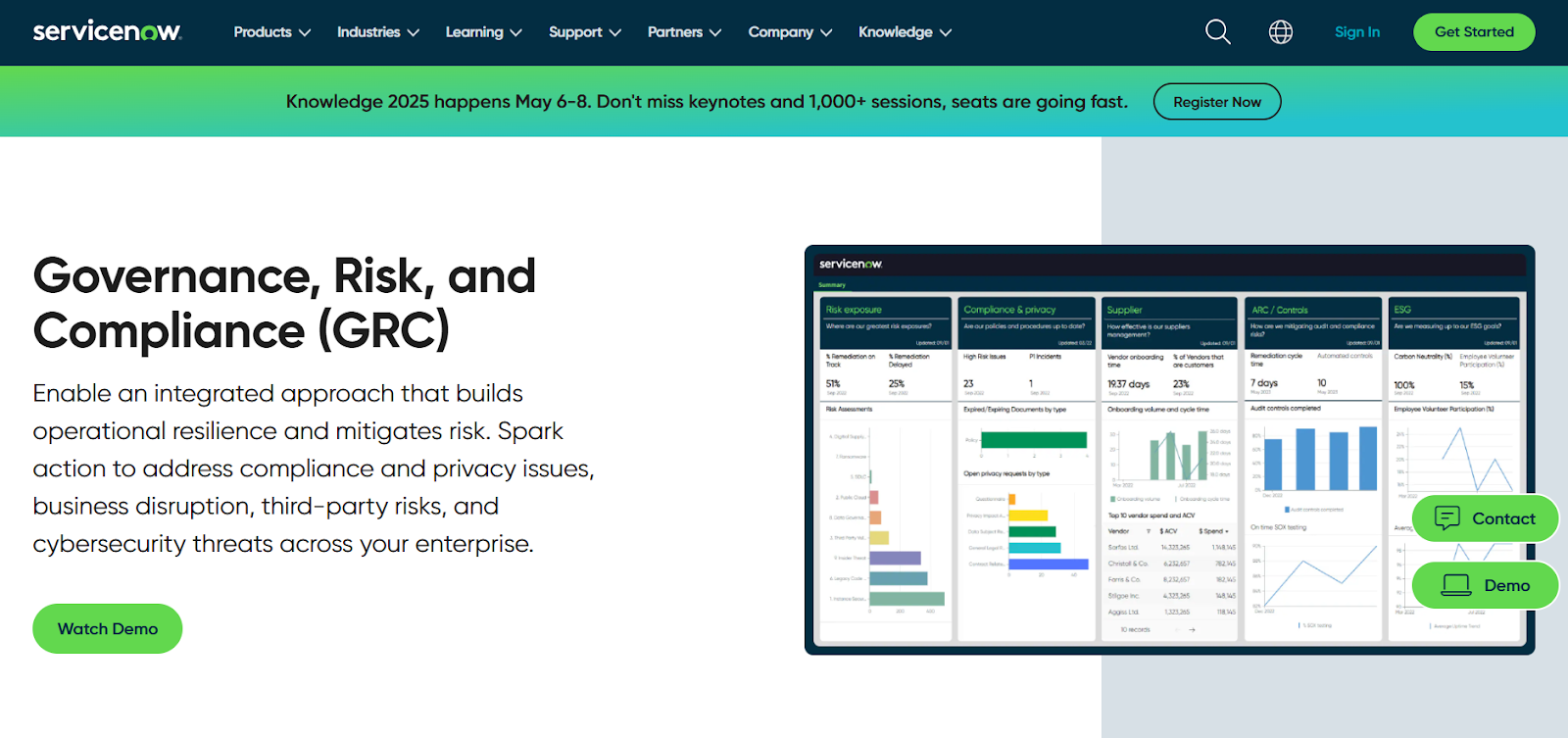
ServiceNow’s Regulatory Change Management leverages the Now Platform to route regulatory alerts into standardized taxonomies, automated impact assessments, and task orchestration.
Because it sits on the broader ServiceNow ecosystem, the tool makes it easy to operationalize regulatory updates across ITSM, security, and risk workflows.
Features
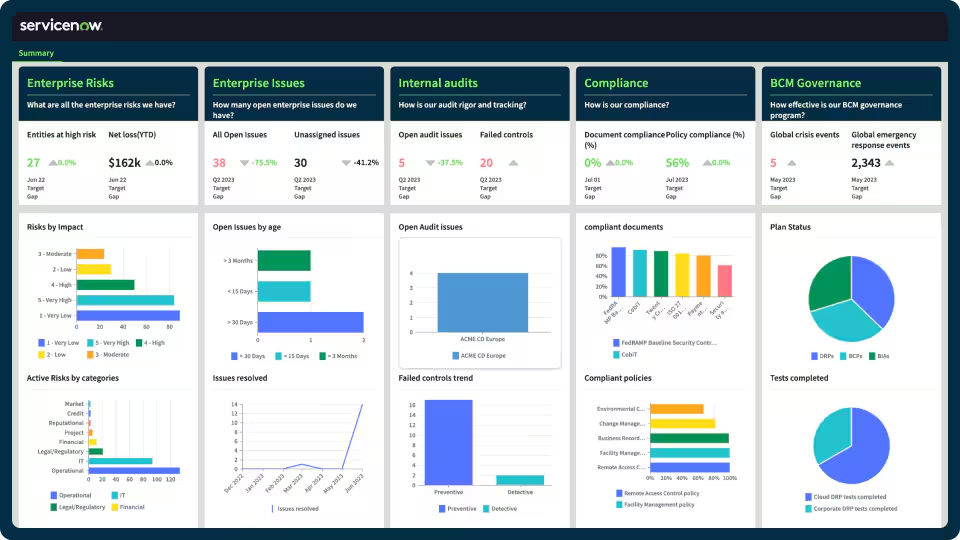
- Centralized regulatory feed and workflow automation that updates policies, tasks, and risk objects across the ServiceNow GRC taxonomy.
- Get access to no-code workflow automation that enables cross-functional risk response and compliance management.
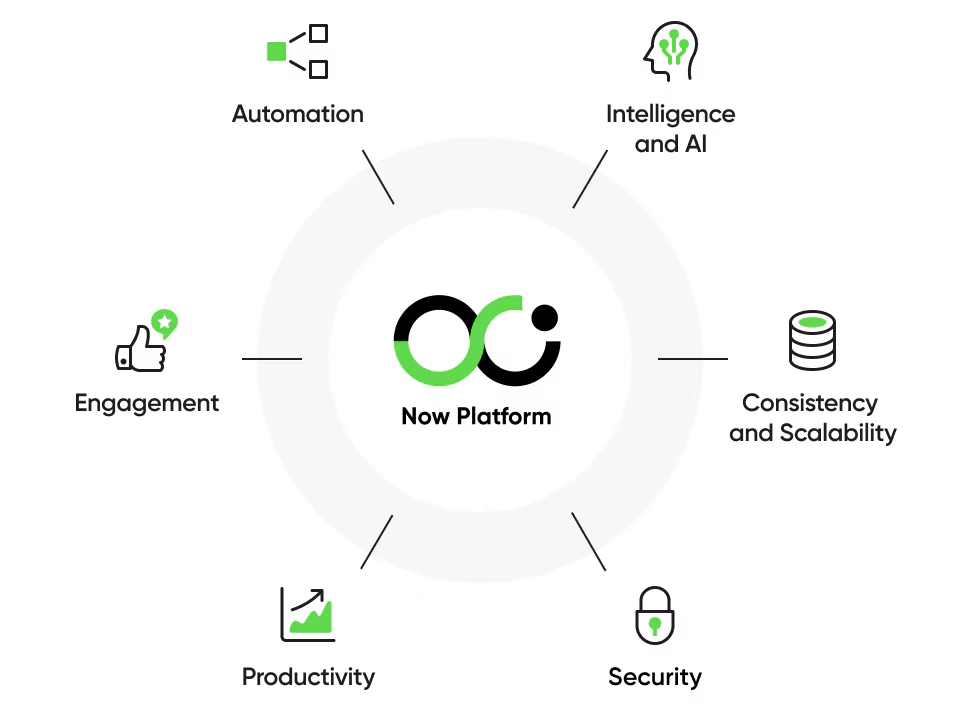
- The GRC solution operates on ServiceNow’s Now Platform, which enables seamless data sharing and real-time collaboration across all GRC products.
➡️ Learn more about ServiceNow in our in-depth ServiceNow review.
Standout Feature: AI-Powered Actionable Insights
ServiceNow stands out to me with its AI-powered actionable insights that help you accelerate decision-making with predictive analytics and process optimization.
Pricing
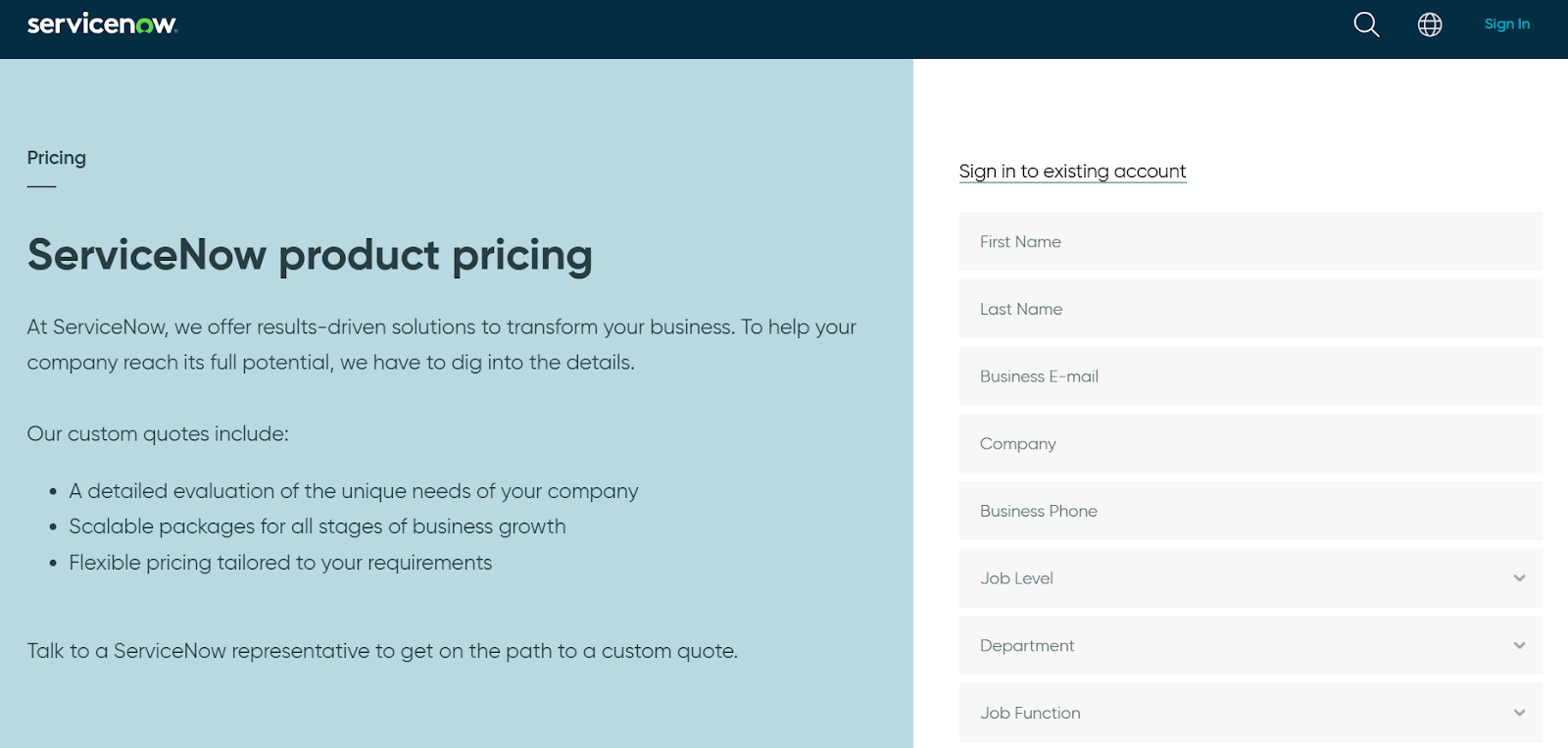
ServiceNow’s pricing is not disclosed, so you’d have to book a demo with their team.
We found ServiceNow customer and public reviews, which show that the average cost of ServiceNow contracts can range between $50,000 and $500,000 annually.
The pricing structure depends on the number of licenses, features, and other configuration requirements.
Pros & Cons
✅ AI-powered actionable insights.
✅ Real-time risk monitoring and prioritization.
✅ Strong workflow automation and cross-product integrations.
❌ Comes with a steep learning curve and complexity, unlike some ServiceNow alternatives.
❌ Requires significant investment and expertise, and the implementation can be complex.
#4: IBM OpenPages
Best for: Large global enterprises needing a highly configurable, AI-powered enterprise GRC engine.
Similar to: SAI360.
IBM OpenPages is built for enterprise complexity: it breaks regulations into catalogs of requirements, assesses business impact, and creates actionable remediation.
The platform’s strength is depth and configurability for large regulated firms that need a centralized GRC data model.
Features
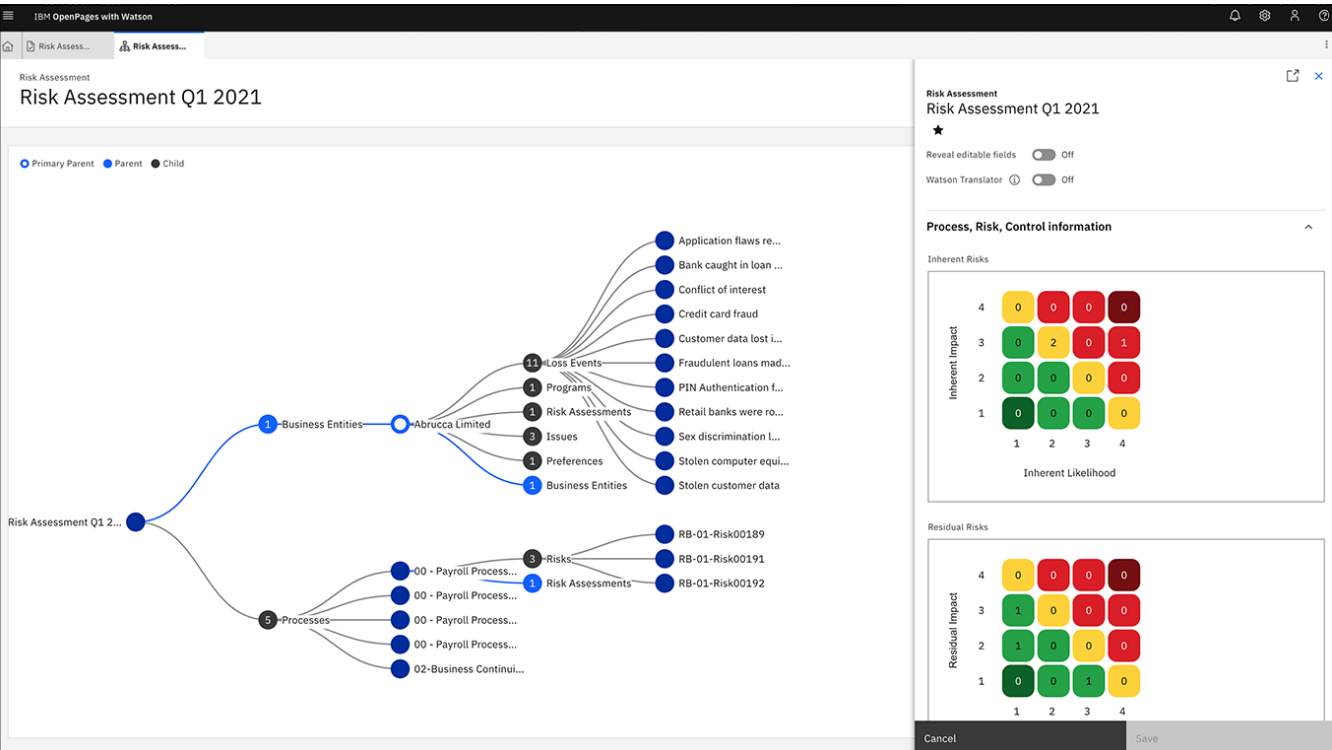
- Regulatory catalogs and impact analysis that turn regulatory text into mapped requirements, tasks, and control assessments.
- Utilizes IBM Watson to provide predictive analytics and automate classifications.
- Features a drag-and-drop workflow editor that helps you automate GRC processes to improve time-to-value and reduce manual effort.
Standout Feature: IBM Cognos Analytics
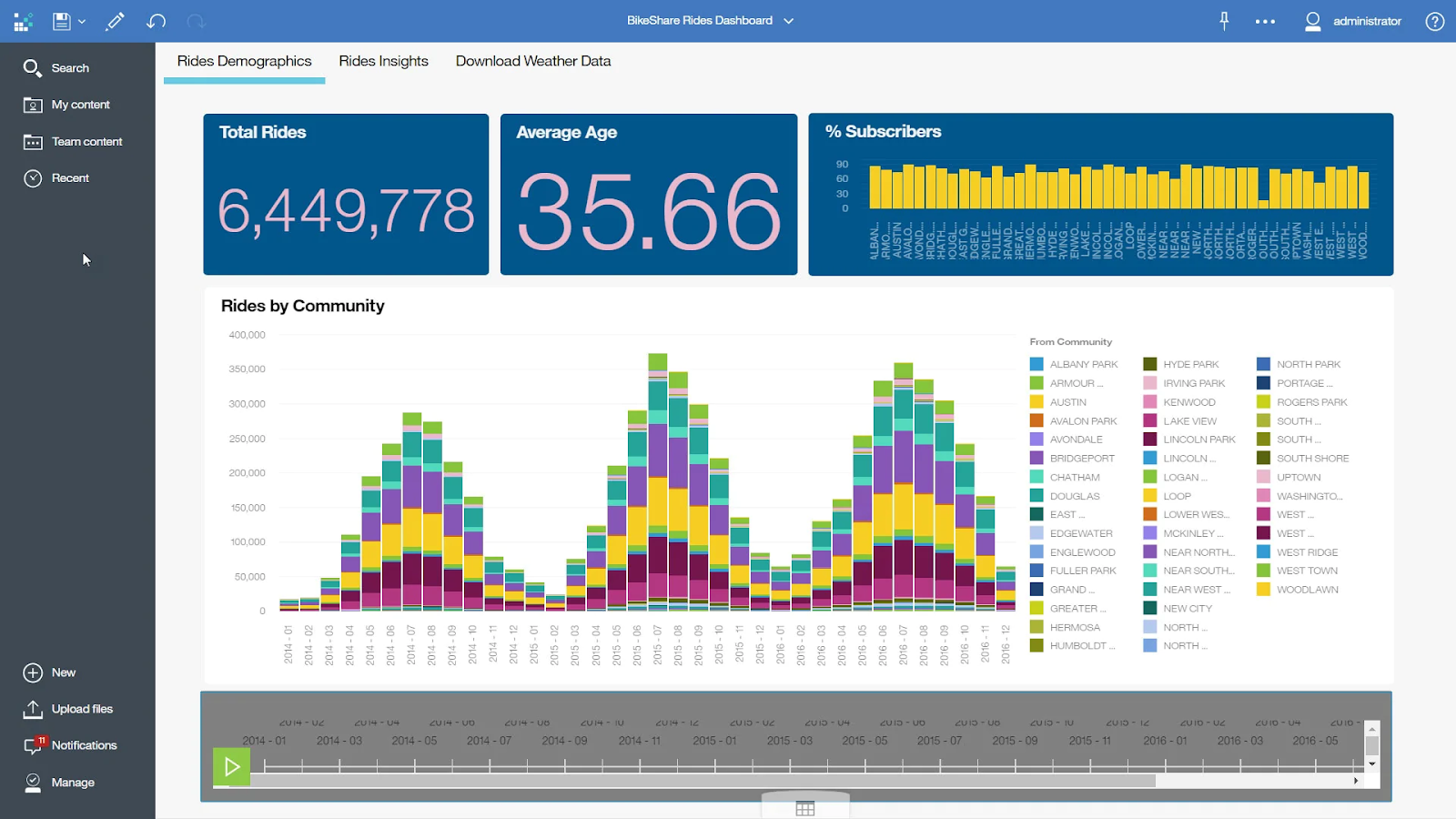
IBM OpenPages offers valuable insights into the state of risk across the organization due to its IBM Cognos Analytics for self-service data exploration.
Pricing
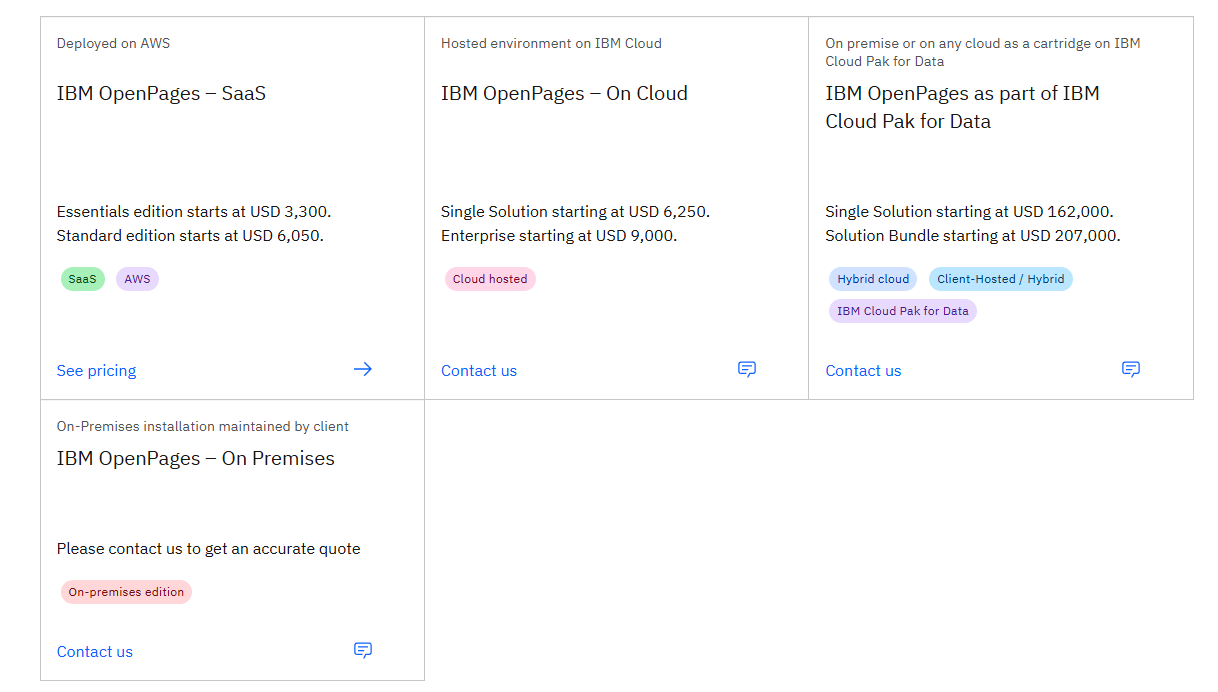
IBM OpenPage’s pricing can be a little confusing at first, but there are 4 ways to purchase the solution:
- As a SaaS solution: Essentials Edition starts at $3,300, and the Standard one starts at $6,050.
- As an On-cloud solution: the Single Solution starts at $6,250, and the Enterprise one starts at $9,000.
- As part of IBM Cloud Pak for Data: the Single Solution starts at $162,000, and the Solution Bundle starts at $207,000.
- As On-Premises: You need to contact their team for a quote.
Regardless of which package you choose, each one will include a core set of IBM OpenPages features, such as its AI features, workflow automation, and integrated reports.
Pros & Cons
✅ Extremely scalable and configurable for large, multi-jurisdiction programs.
✅ Enhances efficiency and accuracy through bespoke AI models and automated processes.
✅ Get valuable insights into the state of risk across the organization with its IBM Cognos Analytics.
❌ Can be heavyweight and require significant configuration.
❌ There are reported to be limited customization options, which is why some users have been looking for IBM OpenPages alternatives.
#5: LogicGate
Best for: Teams wanting fast time-to-value with no-code customization and automation for regulatory workflows.
Similar to: ServiceNow GRC.
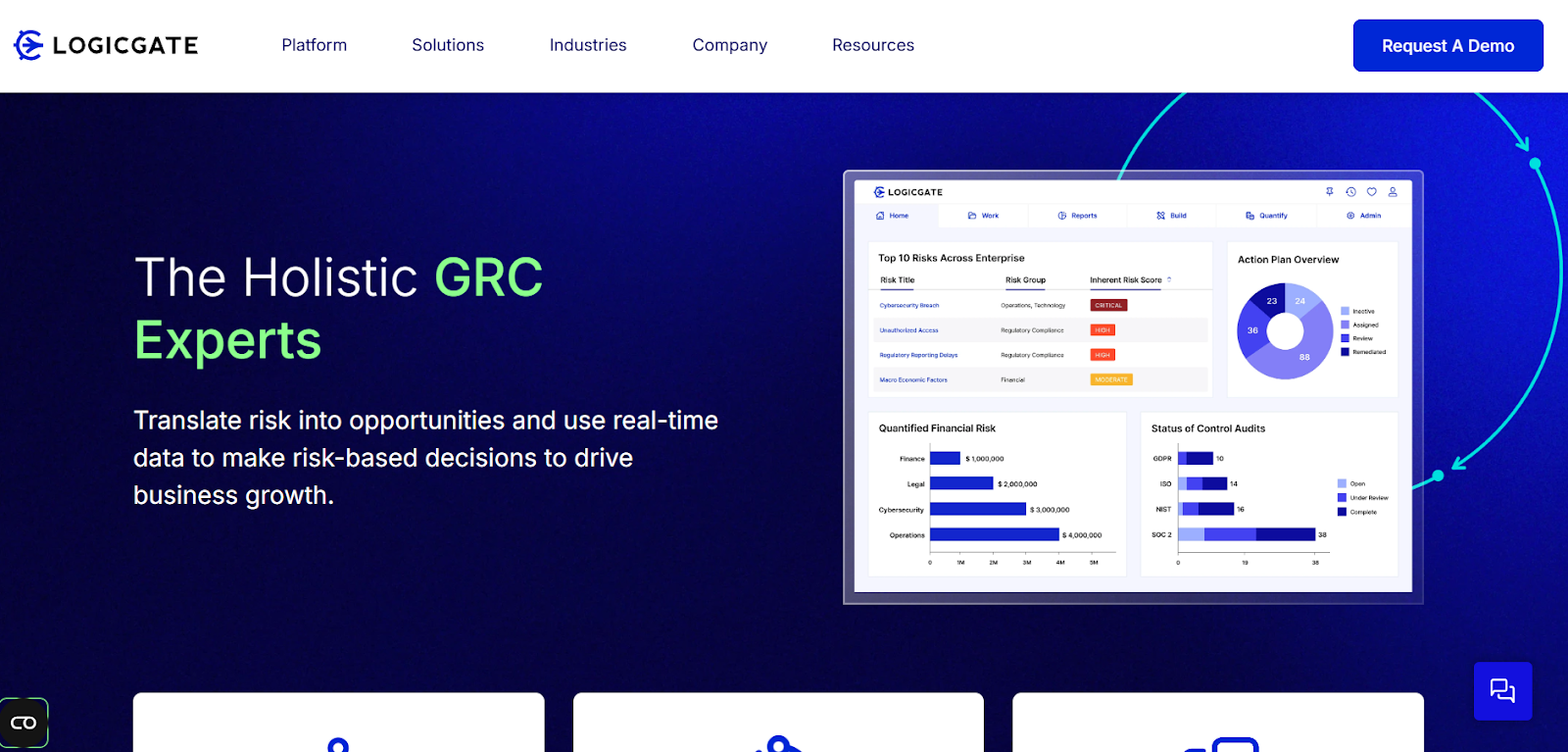
LogicGate’s Risk Cloud offers no-code configurability and a marketplace of prebuilt apps (including regulatory compliance solutions) that let you automate obligation monitoring, evidence collection, and remediation.
The reason why I included this tool is that it’s flexible for industries that want to pair regulatory feeds with custom workflows.
Features

- No-code regulatory workflows and connectors to regulatory feeds (e.g., Ascent, LexisNexis) for automated obligation alerts and tasking.
- Centralized risk repository for visibility across governance, compliance, and third-party risks.
- Pre-built GRC templates that your team can start with to automate compliance reporting, as well as audit trails.
Standout Feature: Spark AI
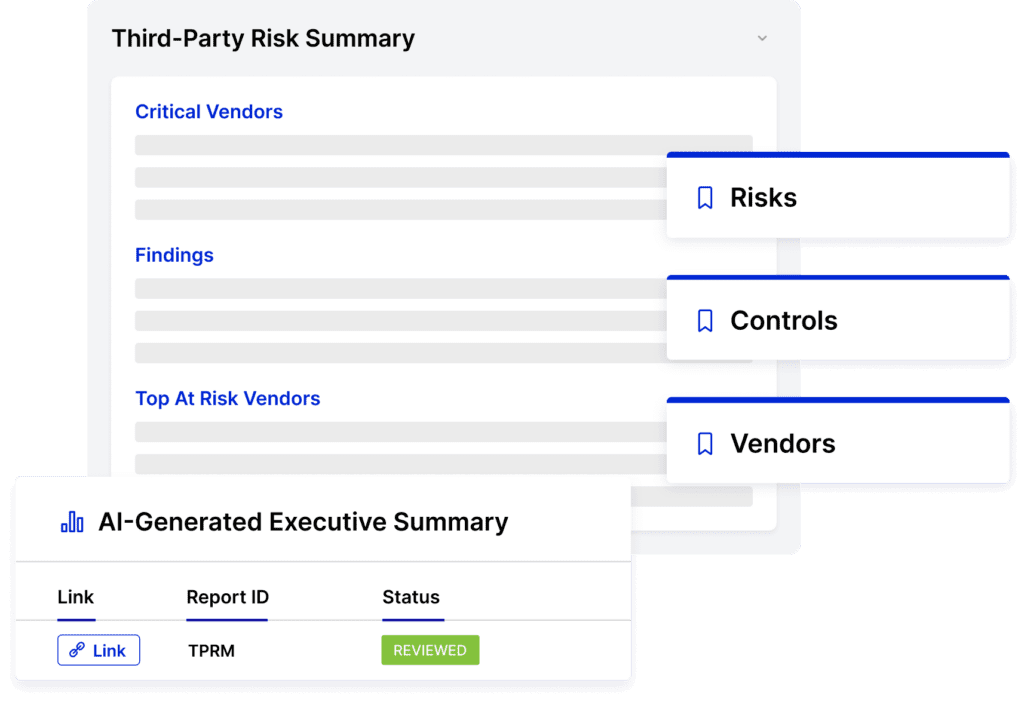
LogicGate stands out to me with its AI-powered insights that help your team predict risk and support your decision-making.
➡️ Spark AI also helps you generate executive summaries, which are ideal for busy CEOs looking for a quick update.
Pricing
LogicGate does not publicly disclose its pricing, so you’d have to book a demo with its team to get a quote.
➡️ Take a look at our LogicGate pricing review, where we found some reported numbers and also discuss whether it has good value for money.
Pros & Cons
✅ AI-driven insights that help you predict risk and support your decision-making.
✅ LogicGate Risk Cloud automates control follow-up tasks.
✅ Very flexible and quick to adapt using no-code builders.
❌ May need integrations for the more comprehensive regulatory intelligence.
❌ The reporting features come with limitations, which is why some users have been looking for LogicGate alternatives.
#6: MetricStream
Best for: Enterprises seeking an integrated enterprise GRC suite with strong regulatory content and obligation lifecycle management.
Similar to: LogicGate, SAP GRC.
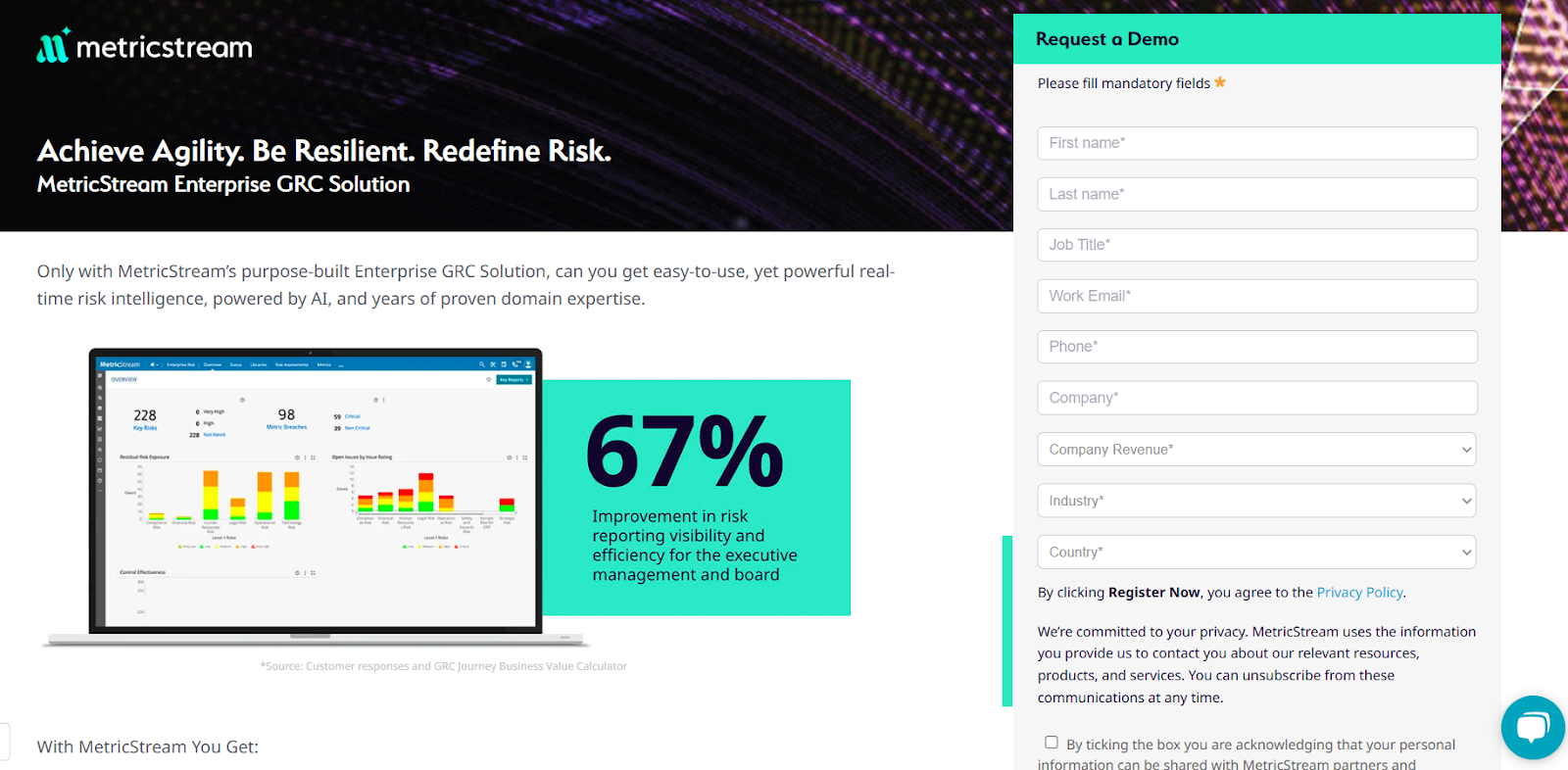
MetricStream aggregates multiple regulatory sources, automates curation and extraction of obligations, and ties them to controls and workflows across the enterprise.
The platform is designed for organizations that need a centralized, consistent approach to regulatory content and impact assessment.
Features
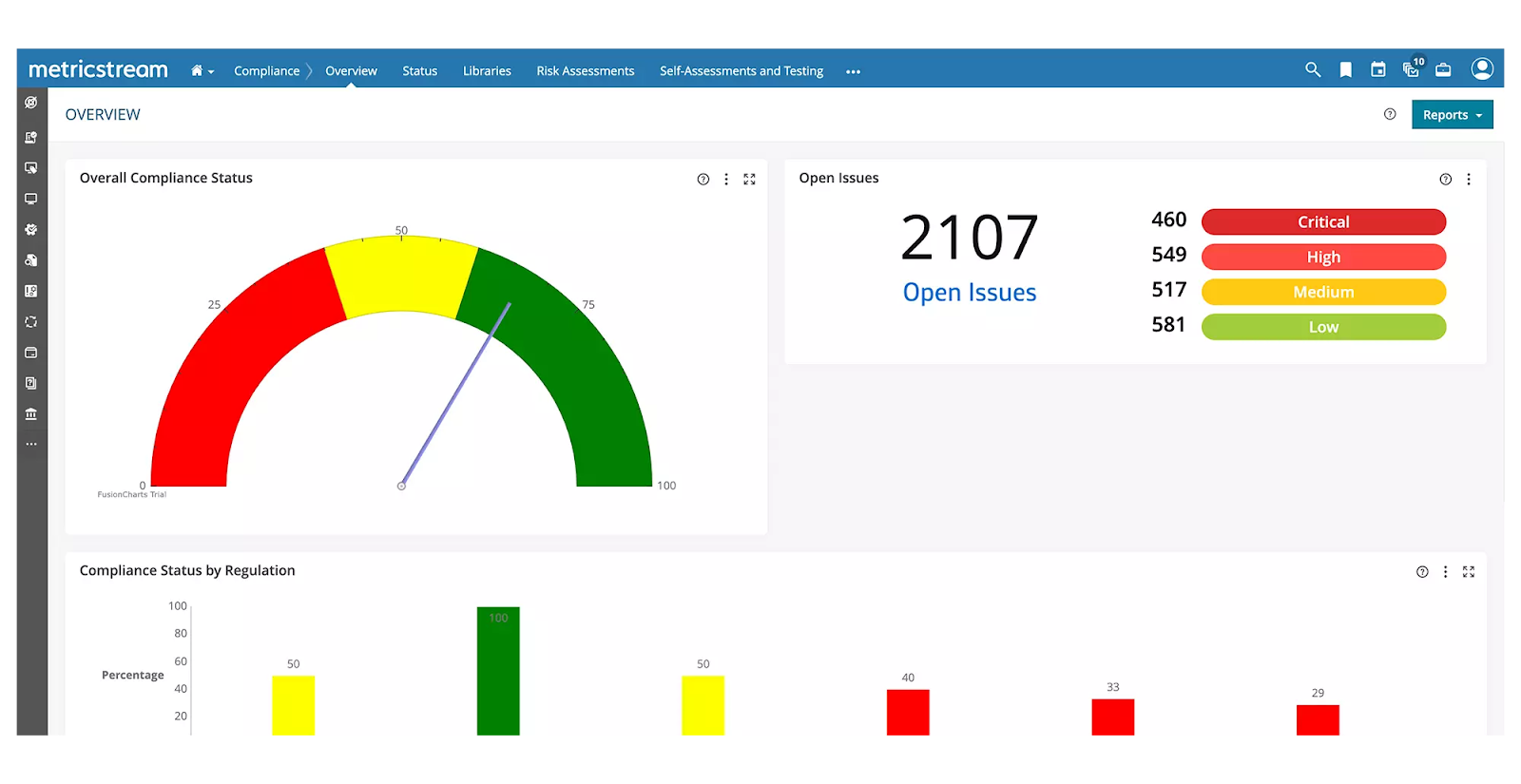
- Consolidated regulatory content ingestion and automated extraction of applicable obligations with end-to-end tracking to remediation.
- Cyber risk intelligence and unified IT risk management to proactively address threats and ensure regulatory compliance.
- Centralized third-party risk management, including performance tracking and business continuity risk assessment.
Standout Feature: AI-powered insights (AiSPIRE)
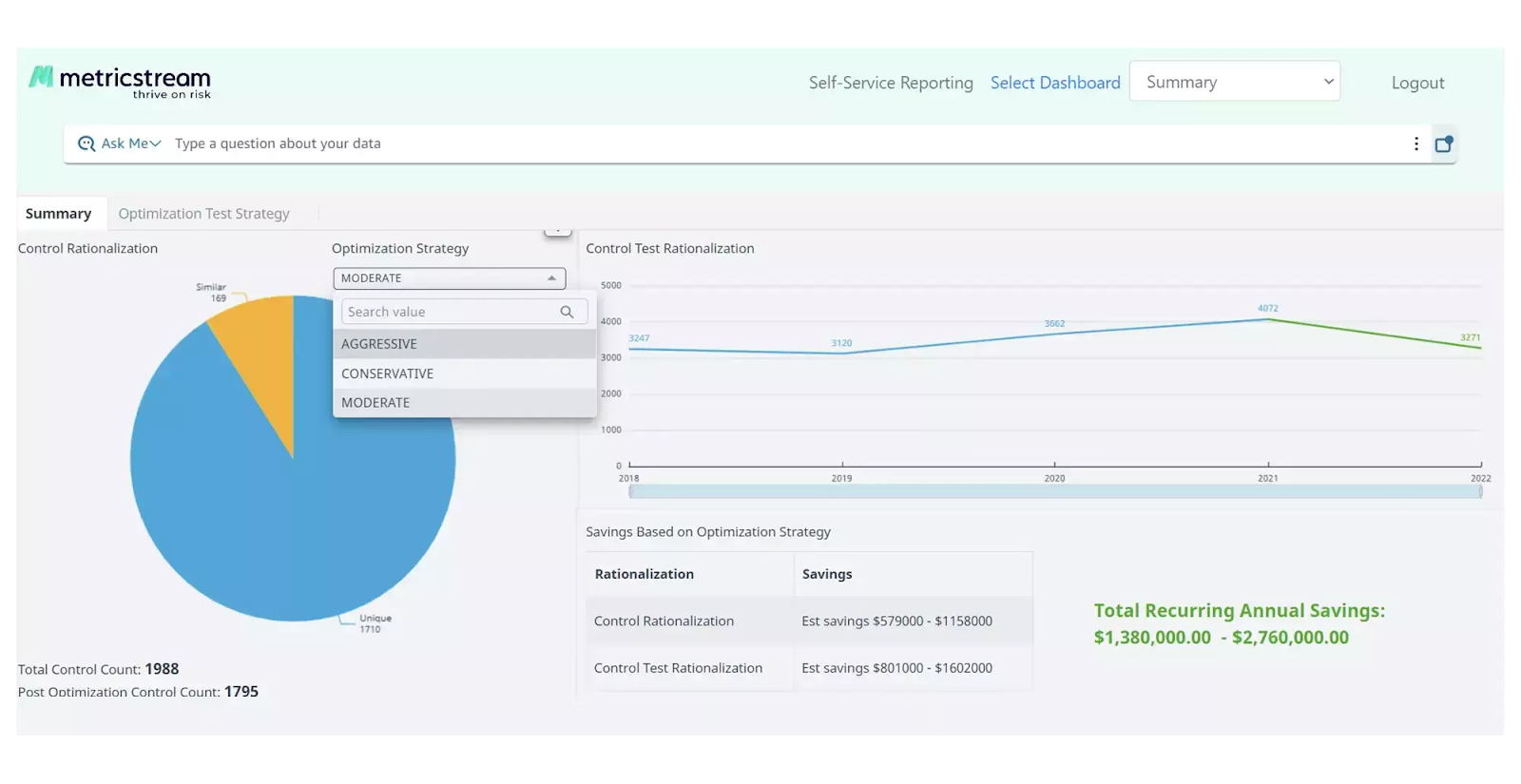
MetricStream stood out to me with its AI-powered insights solution, AiSPIRE, which can be used for predictive risk identification for vendors, duplicate control detection, and cognitive recommendations.
Pricing
MetricStream does not disclose its pricing structure, so you’d have to contact them to get a product demo and a quote.
However, our team did some digging and created a MetricStream pricing guide, where I found some reported numbers:
- Small enterprise deployment costs between $75,000 - $150,000 per year.
- Medium enterprise deployment costs between $250,000 - $500,000 per year.
- Large enterprise deployment can cost between $750,000 - $1,000,000 per year.
Pros & Cons
✅ Strong at consolidating and curating regulatory content across jurisdictions
✅ Advanced analytics alongside real-time reporting.
✅ An AI-powered insights tool, AiSPIRE, that you can use for predictive risk identification.
❌ Implementation and licensing can be substantial for smaller teams.
❌ The UI can be hard to navigate, which is why some users look for MetricStream alternatives.
#7: SAI360
Best for: Enterprises in regulated industries that want pre-configured industry playbooks.
Similar to: ServiceNow.
SAI360 combines regulatory monitoring, policy mapping, and configurable workflows so you can move from regulatory change detection to risk assessment and actioning.
The platform’s domain expertise and preconfigured solutions (especially for financial services) speed adoption in regulated industries.
Features
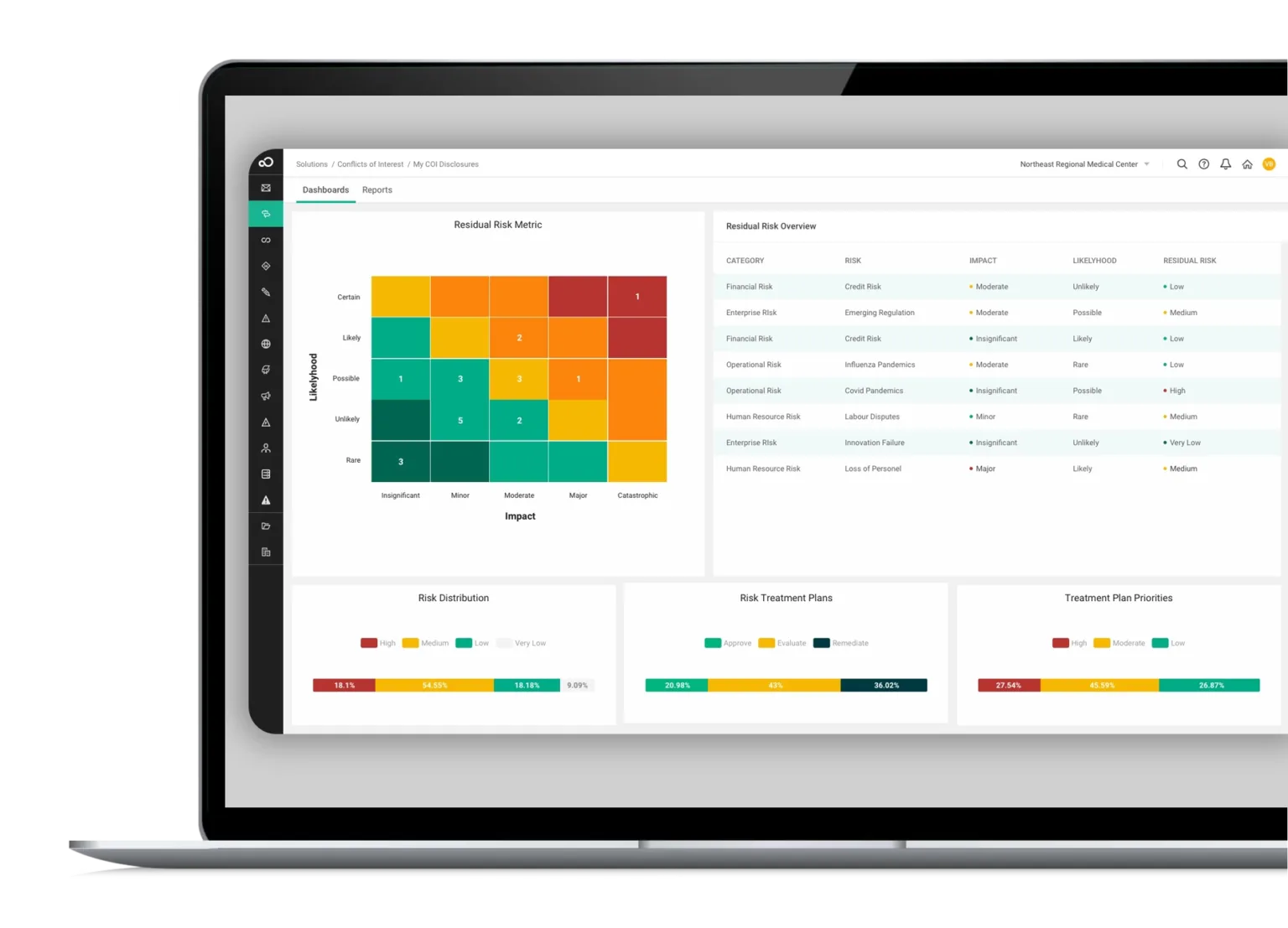
- Automated regulatory monitoring and pre-configured regulatory change playbooks that integrate policy, training, and control adjustments.
- Use AI to improve reporting, risk assessment, and operational efficiency.
- Pre-mapped frameworks and controls aligned with global regulations for faster deployment and easier compliance.
Standout Feature: Integrated GRC from Every Angle
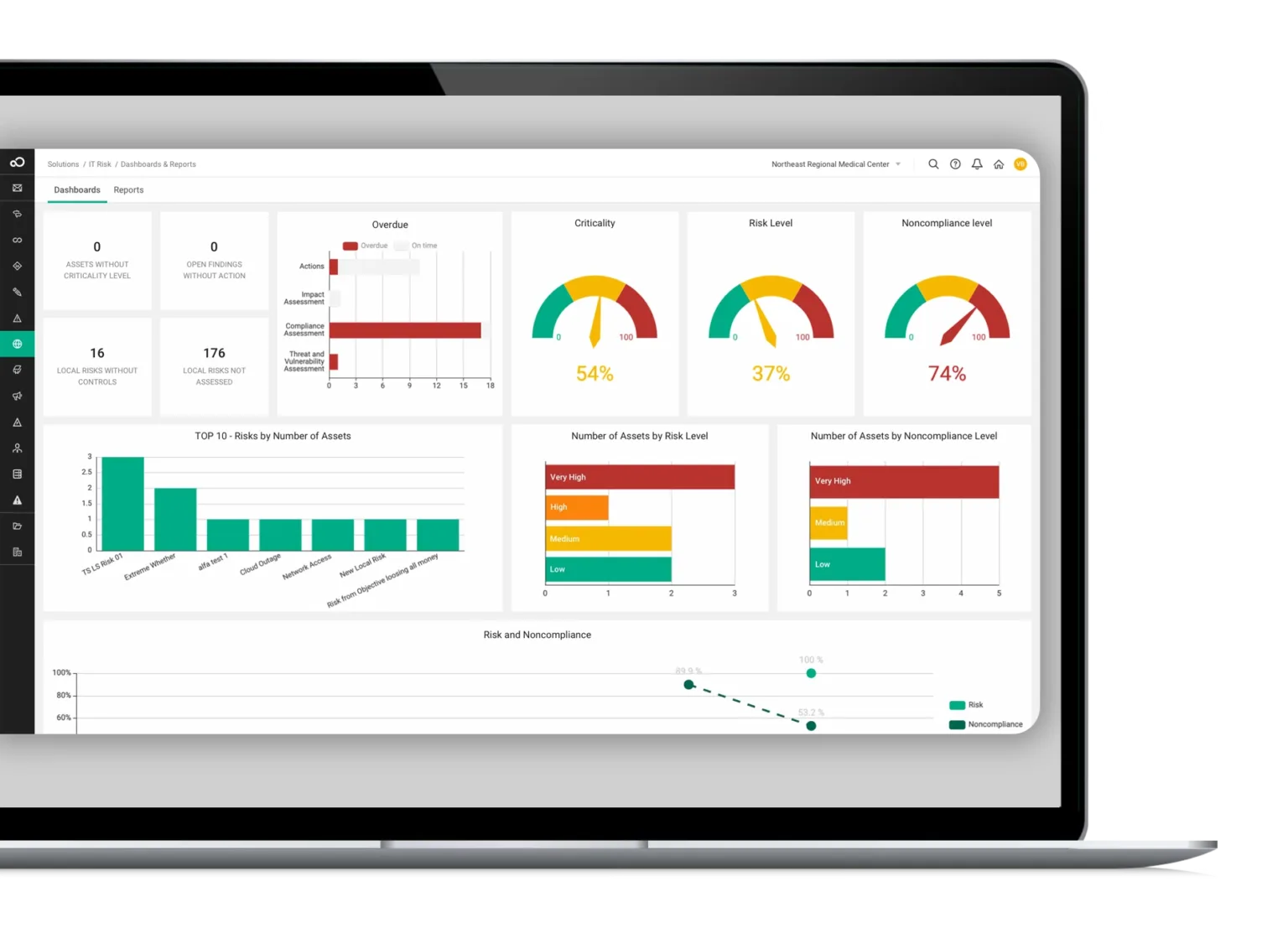
What stood out to me about SAI360 is that it offers a holistic, enterprise-wide approach that can help you unify risk, compliance, and ethics management into one customizable system.
Pricing
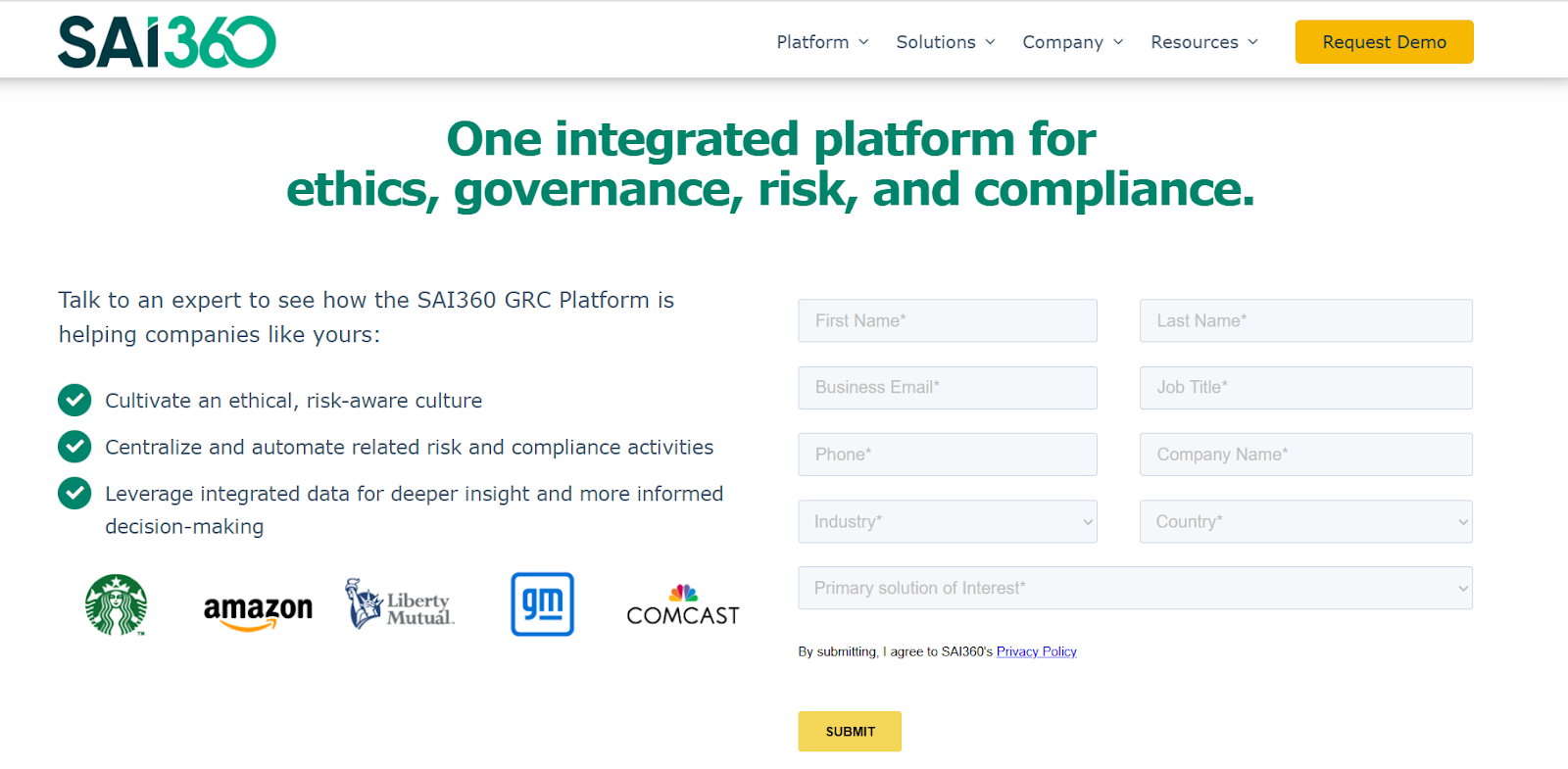
SAI360 does not currently disclose its pricing, so you’d have to contact them to get a product demo and a quote.
However, we researched SAI360’s pricing and found some reported numbers, so do check out our guide on it.
Pros & Cons
✅ Good prebuilt templates and industry playbooks that reduce implementation time.
✅ A holistic approach that helps your team unify risk, compliance, and ethics management.
✅ 20+ ready-to-use GRC modules that you can get started with without having to set up the platform for months.
❌ The platform is described as outdated and difficult to manage by users, which is why some customers have been looking for SAI360 alternatives.
❌ Some customers find customization and modern UX less polished than newer vendors on the market.
#8: Diligent
Best for: Organizations that want alignment between board governance, ESG reporting, and regulatory compliance.
Similar to: Onspring, ArcherIRM.
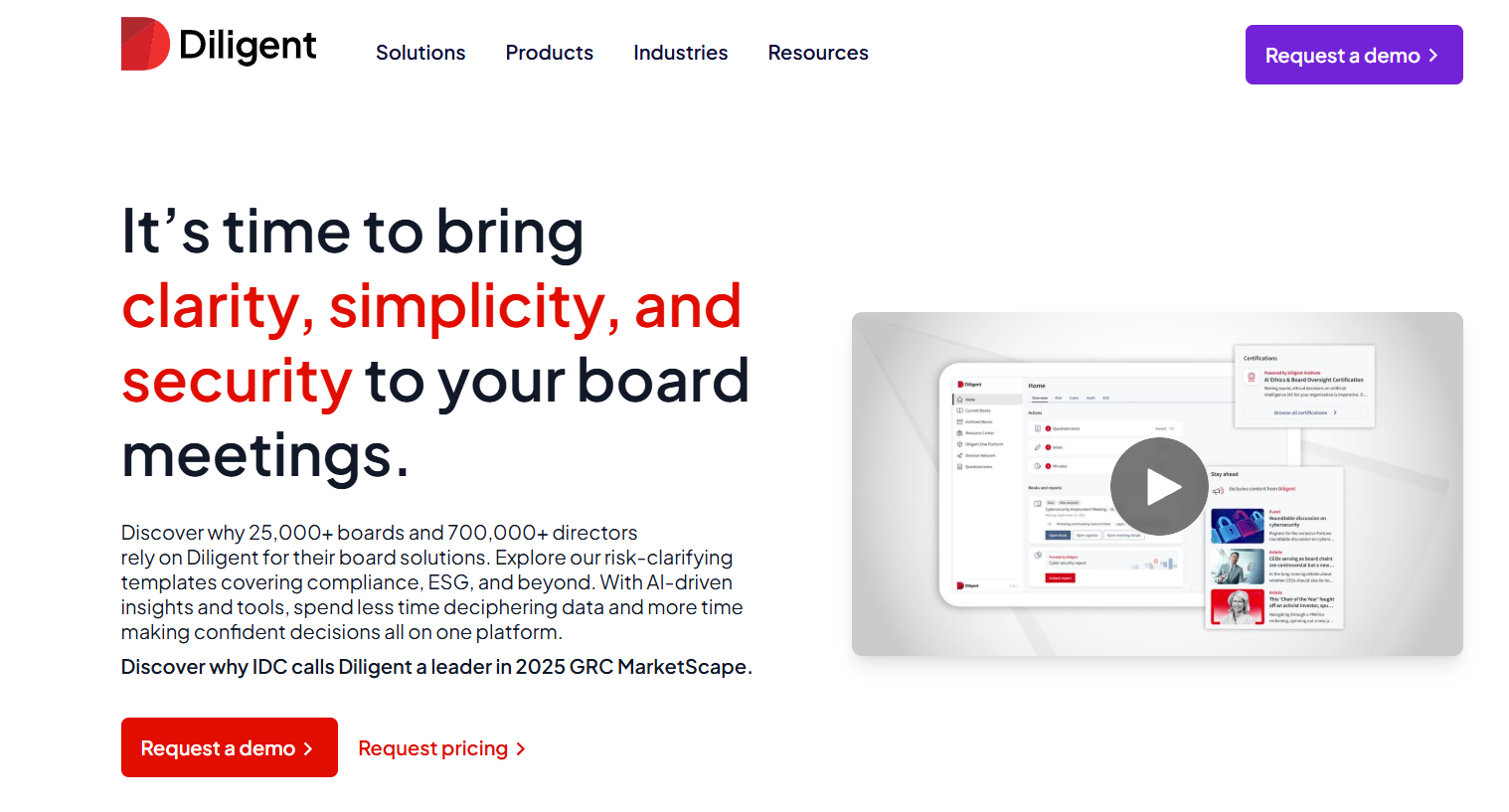
Diligent focuses on unifying board governance, ESG, and GRC so regulatory changes are surfaced to leadership with context.
I think the platform’s strength is in governance traceability and board-level reporting tied to compliance activities.
Features
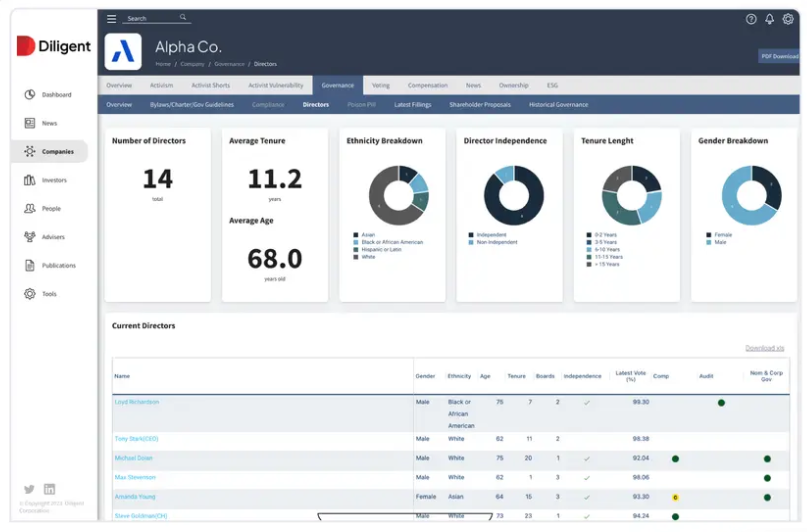
- Centralized governance and compliance dashboards that map regulatory obligations to board reporting and policy ownership.
- You’ll be able to configure ongoing data tests and automate business process monitoring to detect anomalies and maintain compliance in real-time.
- Your devs can use scripted tasks in Python or ACL to automate data aggregation, testing, and remediation notifications.
Standout Feature: Diligent AI
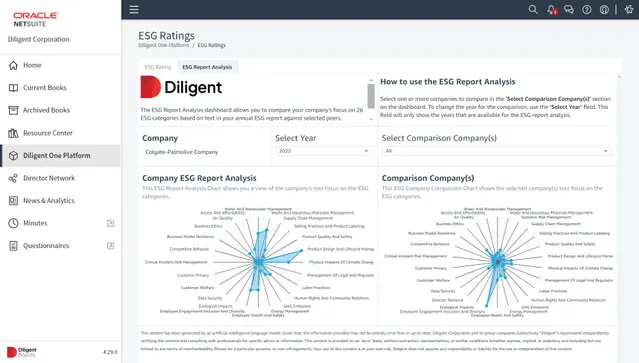
Diligent offers an AI assistant that helps you anticipate risk and stay compliant by generating summaries, mapping out regulatory requirements, and automatically benchmarking ESG and risk in real-time.
Pricing
There’s no official data on Diligent’s pricing plans; however, we were able to find some reported numbers.
According to 3rd-party data from Vendr, the median buyer of Diligent spends $23,800/year for its solution, with the tool going up to $45,792/year.
Pros & Cons
✅ Strong governance and reporting capabilities.
✅ Integration-rich, allowing users to create seamless workflows between tools.
✅ An AI-powered assistant that can help you boost productivity.
❌ A steep learning curve and long initial setup and onboarding times, according to G2 reviews.
❌ The platform’s pricing can get expensive for smaller teams.
#9: Workiva
Best for: Companies where regulatory change directly affects reporting, audit and external disclosures.
Similar to: AuditBoard, LogicGate.
Workiva excels at turning regulatory change into auditable, connected reporting, as it links data, controls, disclosures, and remediation so you can update filings and reports with traceable change history.
I think of the platform as particularly strong where regulatory change directly affects reporting, audit and external disclosures.
Features
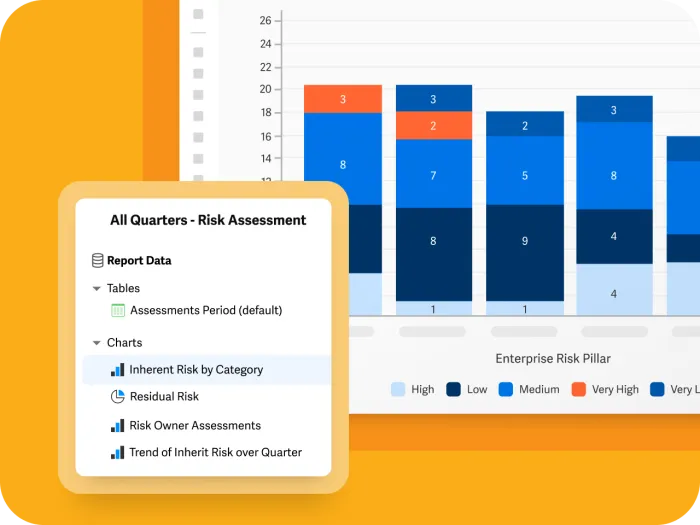
- Connected reporting and traceable change-management that updates reports, controls, and disclosures from a single data model.
- Leverage built‑in AI workflows to automate repetitive tasks like testing, evidence requests, reporting, and risk assessments.
- You’ll be able to map risks, controls, and policies to major standards (e.g., COSO, NIST, CMMC) directly in the platform for coverage tracking.
Standout Feature: Native AI Companion
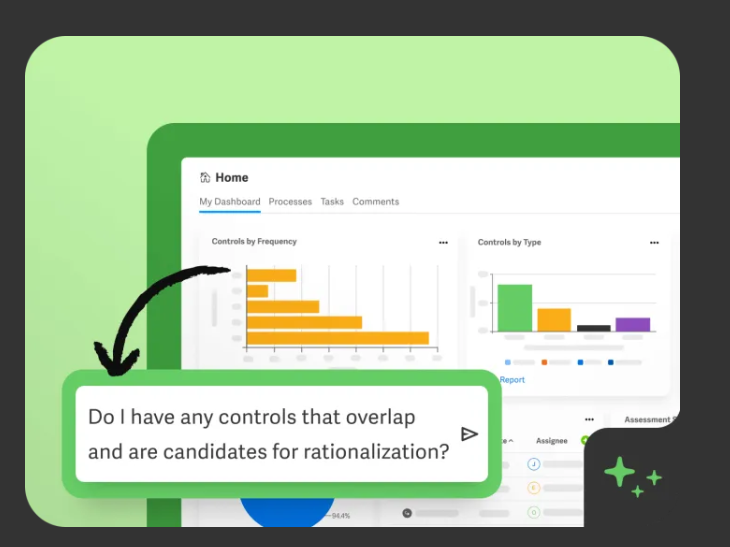
Workiva offers an AI assistant that helps you uncover hidden risks, rationalise overlapping controls, and provide actionable insights in real time.
The secure, fit‑for‑purpose assistant lets audit and risk teams query their own data conversationally and elevate risk management from reactive to proactive.
Pricing
Workiva does not currently disclose its pricing, so you’d have to get in touch with them to request a demo so you can get a custom quote.
Pros & Cons
✅ Excellent for connected reporting and audit trails across disclosures.
✅ Built-in AI workflows.
✅ You can invite unlimited users with advanced role‑based permissions and live dashboards for status, issues, and tasks.
❌ May be overkill if your primary need is basic regulatory monitoring.
❌ Customer service is not as proactive as you’d expect.
#10: OneTrust
Best for: Privacy teams that need broad regulatory research plus automation for privacy, security, and tech risk.
Similar to: ServiceNow.
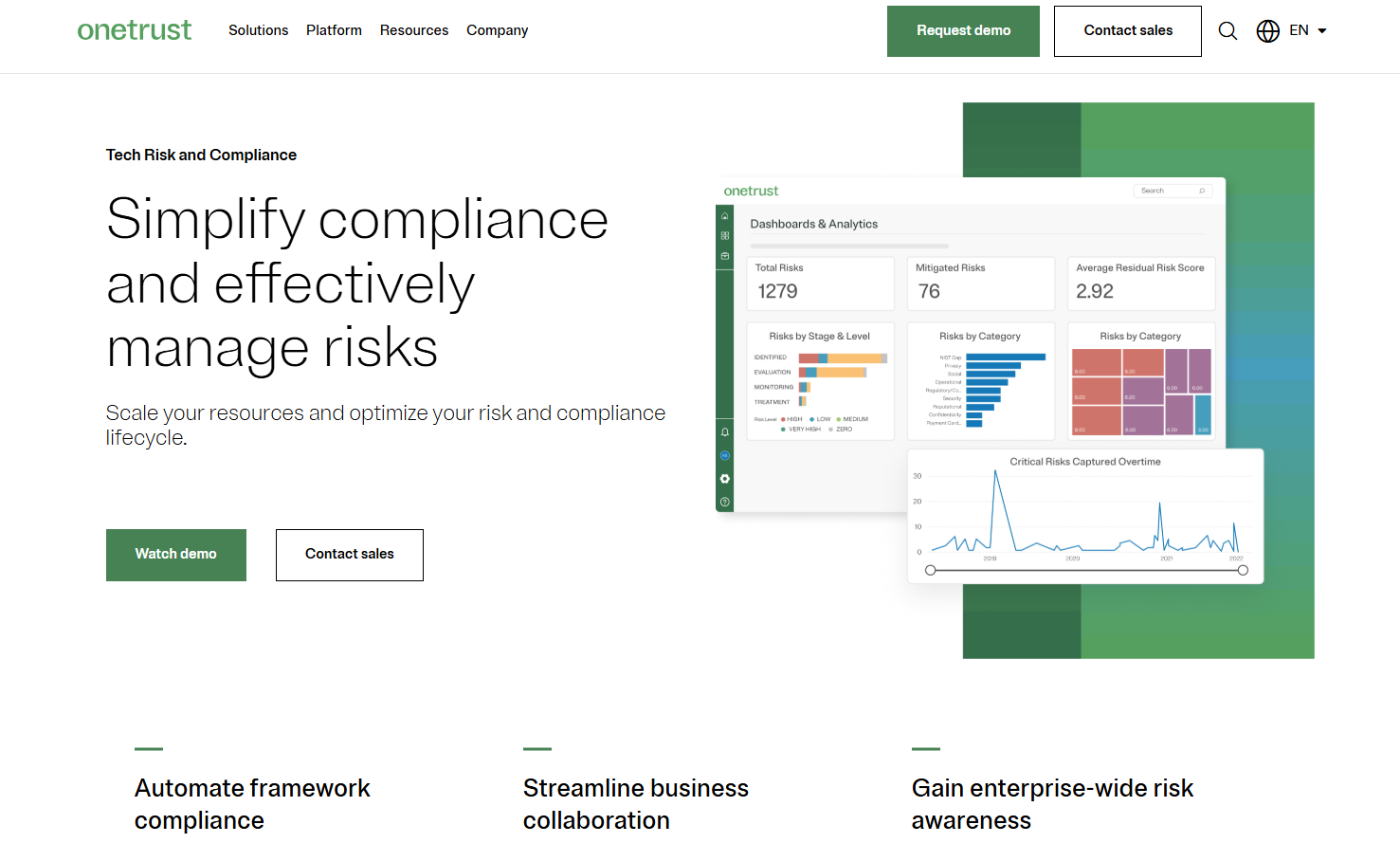
OneTrust blends regulatory intelligence, automation frameworks, and compliance automation to translate regulatory change into tasks, controls, and evidence collection.
The solution’s automation capabilities can help you reduce the time from research to remediation across many jurisdictions.
Features
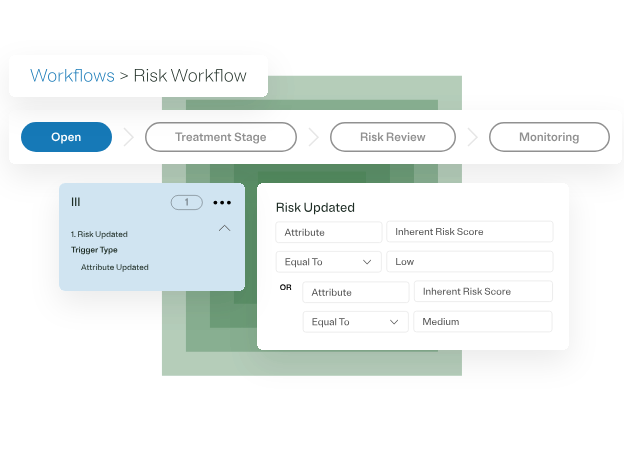
- Integrated regulatory research and compliance automation that breaks rules into actionable controls, tasks, and evidence workflows.
- You’ll be able to map systems, data, and risks in one unified view to prioritize action with dynamic scoring and strategic impact insights.
- Automatically generate the required controls and evidence tasks.
Standout Feature: Proprietary Shared Evidence Framework
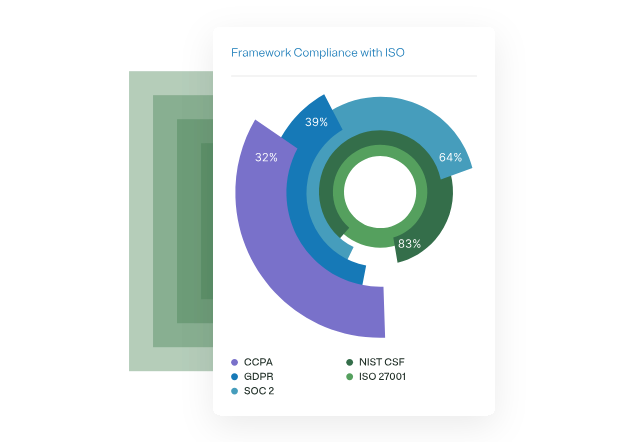
OneTrust lets you collect evidence once and comply across 50+ frameworks with OneTrust’s shared evidence framework to help you eliminate duplicate data requests.
Pricing
OneTrust has different pricing plans for its 5 product lines, all of which have custom pricing:
- Consent & Preferences: Capture and activate consent, preferences, and first-party data across your user touchpoints.
- Privacy Automation: Simplify compliance, improve operational efficiency, and help your business better use personal data.
- Third-Party Management: Third-party risk management and the ability to fully manage your third-party lifecycle.
- Tech Risk & Compliance: Scale governance, risk, and compliance, and mature your risk program.
- AI Governance: Gain visibility and control over your AI technology and empower risk-based decisions.
➡️ You can review our OneTrust pricing guide, where I go over how much the tool costs.

Pros & Cons
✅ Collect evidence and comply across 50+ frameworks with OneTrust’s shared evidence framework.
✅ Regulatory content and strong automation for compliance programs.
✅ Monitor and manage your program with dynamic dashboards.
❌ The cost can be a problem for smaller companies, which is why some people have been looking for OneTrust alternatives.
❌ The UI has been described as outdated and not user-friendly by G2 reviews.
Next steps: Get started with SmartSuite & our pre-built regulatory change management template for free
That was it from our list of the 10 best regulatory change management tools on the market in 2026 for compliance teams looking for a solution.
SmartSuite helps you move faster, manage regulatory change smarter, and show regulators the lifecycle of every change: all from a single, integrated platform that reduces manual work.
If you are a credit union or a bank looking to build regulatory change workstreams and effectively prioritize and mitigate risks, give SmartSuite a chance with our free plan and out-of-the-box GRC templates.
SmartSuite’s tool offers just the right customization, native collaboration capabilities and a library of 200+ project management templates to help compliance teams create and maintain a project management workflow.
Here’s what's in it for your team when you try SmartSuite:
- Access to a generous free plan with features including multi-board views (Kanban, Chart, Map, Timeline, Card, and Calendar), 100 automations/month, and 40+ field types, including formula and linked record fields.
- No-code automation builder to set up to 500,000 trigger/action workflows.
- Built-in productivity tools, including time tracking, status tracking, and checklists.
- Team collaboration and planning tools such as whiteboards and SmartSuite docs.
- Resource management across projects and teams.
- 40+ field types, including the option to add your custom fields.
Sign up for a free plan to test the water or get a 14-day free trial to explore all its amazing features.
Or, if you’d like to talk to our team of experts, schedule a demo.
Read more
- 10 Best Hyperproof Alternatives For GRC
- Hyperproof Pricing: Is It Worth It?
- 10 Best Riskonnect Alternatives For GRC
- Riskonnect Pricing: Is It Worth It?
- Top 10 Compliance AI Alternatives & Competitors
- Compliance AI Pricing: Is It Worth It?

SmartSuite provides work platform for standardizing workflows in the following areas:
- Governance, Risk & Compliance
- IT & Service Ops
- Project / Portfolio Management
- Business Operations