


July 2026 Product Updates
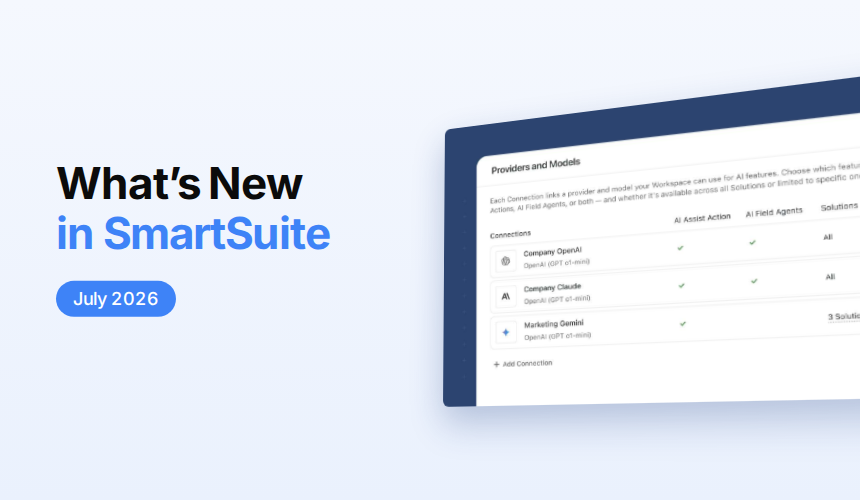
SmartSuite’s July 2026 updates bring expanded AI model support and centralized AI management, along with improved automation visibility and access controls. New enhancements to linked records, mobile dashboards, conditional fields, and forms make it easier to build connected, flexible, and efficient workflows.
AI Center: Support for New Models

The AI Center now supports the latest flagship models from Anthropic, OpenAI, and Google Gemini, organizes every model into four clear price tiers, and retires deprecated model IDs. Cost-optimizing existing automations and upgrading to flagship reasoning for complex work both get a lot easier.
Learn More | Watch Product Video
Linked Record: Default Value Support
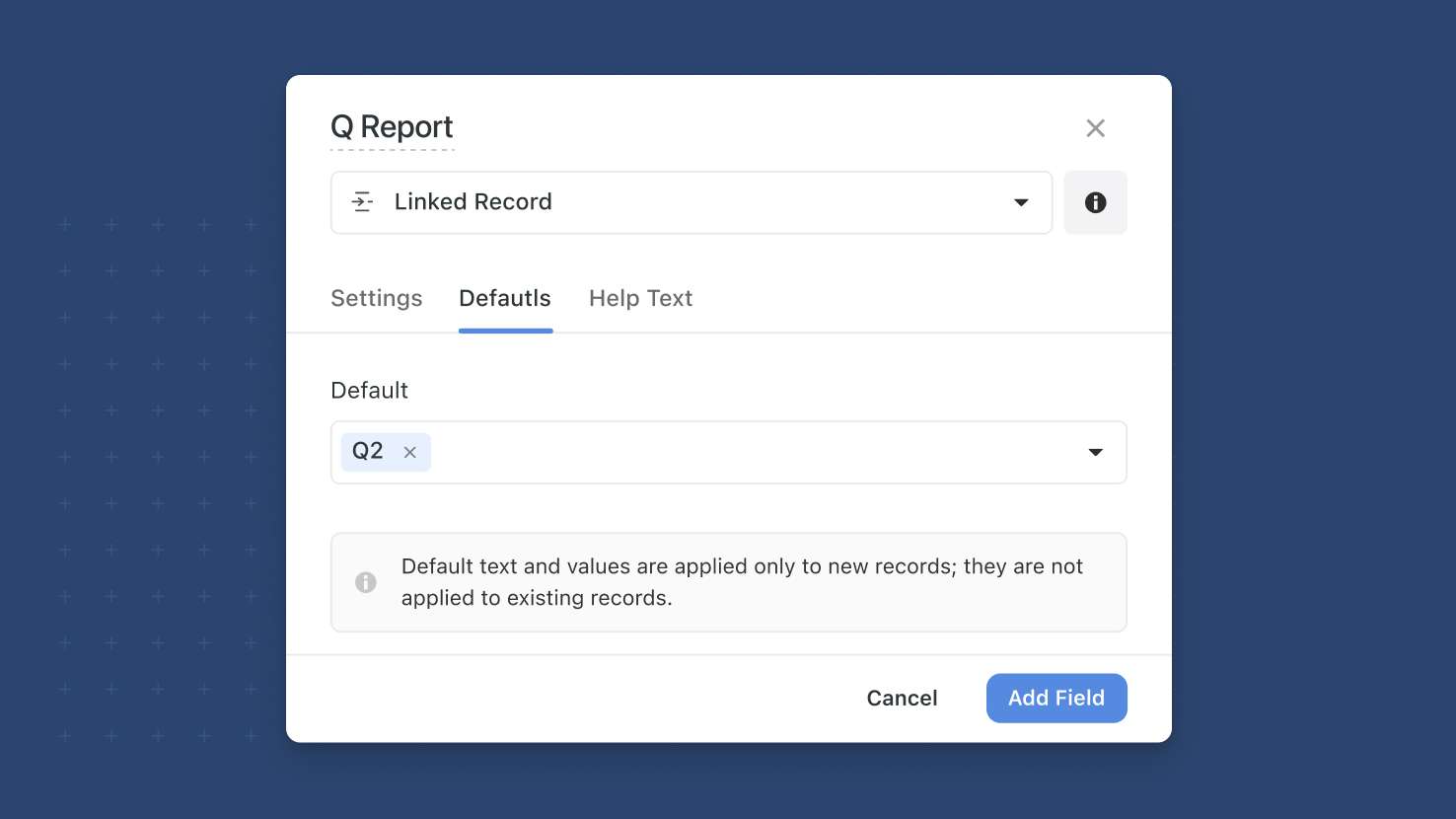
Linked Record fields now support default values on the field, on Create-a-Record button actions, and on forms. Pre-populate the most common relationship so new records start with the right connections in place; multi-link fields can carry multiple defaults. Service desks routing new tickets to a default queue, GRC programs attaching new findings to a default control area, and PMO templates pre-populating a linked Sprint all benefit.
Learn More | Watch Product Video
Automations: Run Links In Activity History
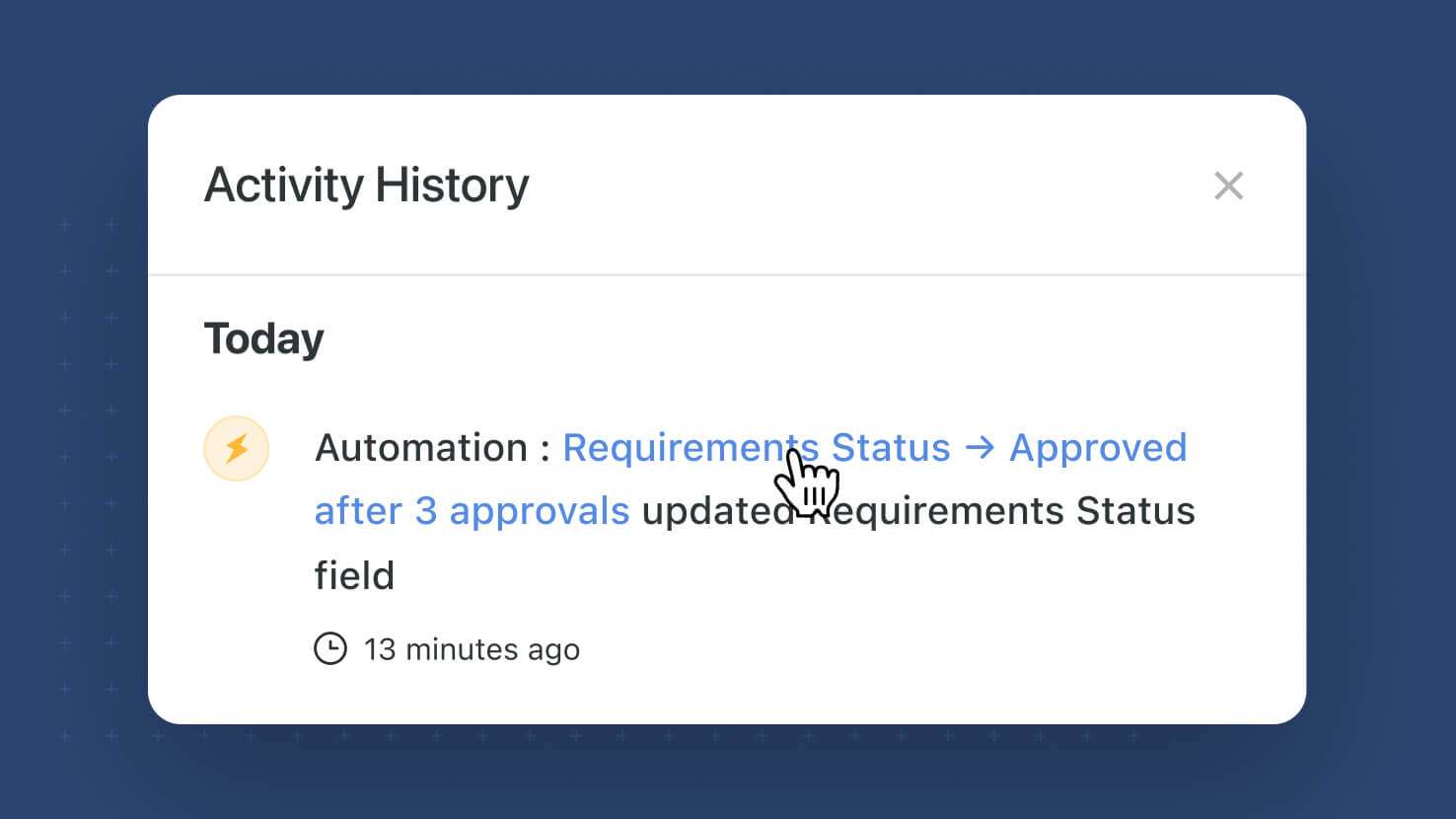
Every automation-driven change on a record now includes a direct link to the specific automation run that made it, embedded in the record's Activity History. Change managers investigating an unexpected update, GRC auditors tracing per-record data changes to their source, and anyone debugging an automation outcome can now hop straight from the affected record to the run that touched it, instead of scrolling through the automation's run history one-by-one.
Learn More | Watch Product Video
Forms: Configurable Footer
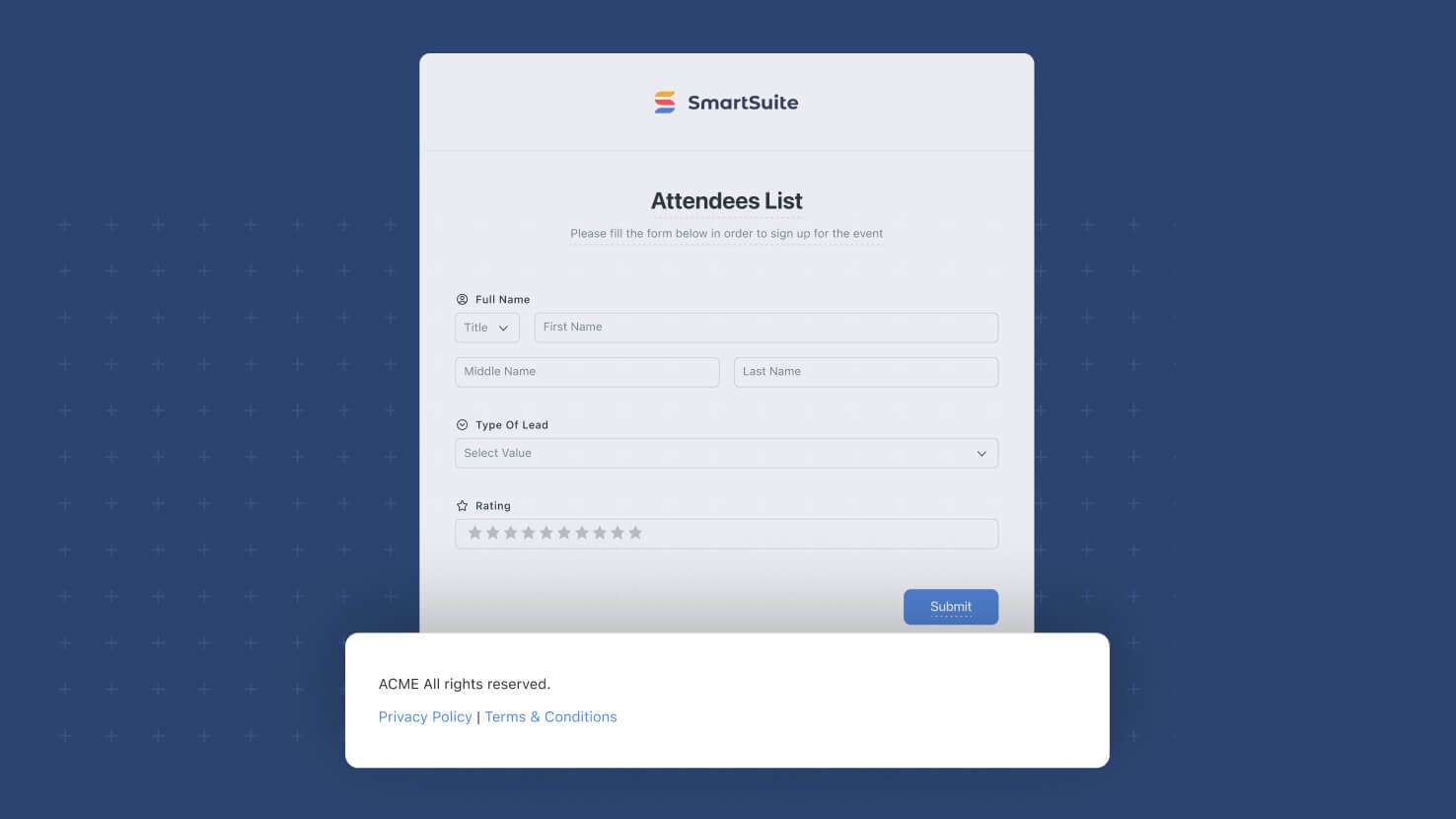
Forms now support a configurable Footer on the Style tab, giving form builders visual control at the bottom of the form to match what the Layout and Appearance sections provided at the top. Service desk intake forms with contact info and SLA reminders, GRC attestation forms with compliance boilerplate, and customer-facing forms with company brand messaging all now have a proper footer surface without leaving the form designer.
Learn More | Watch Product Video
Filter Widget: Support for Lookup Fields
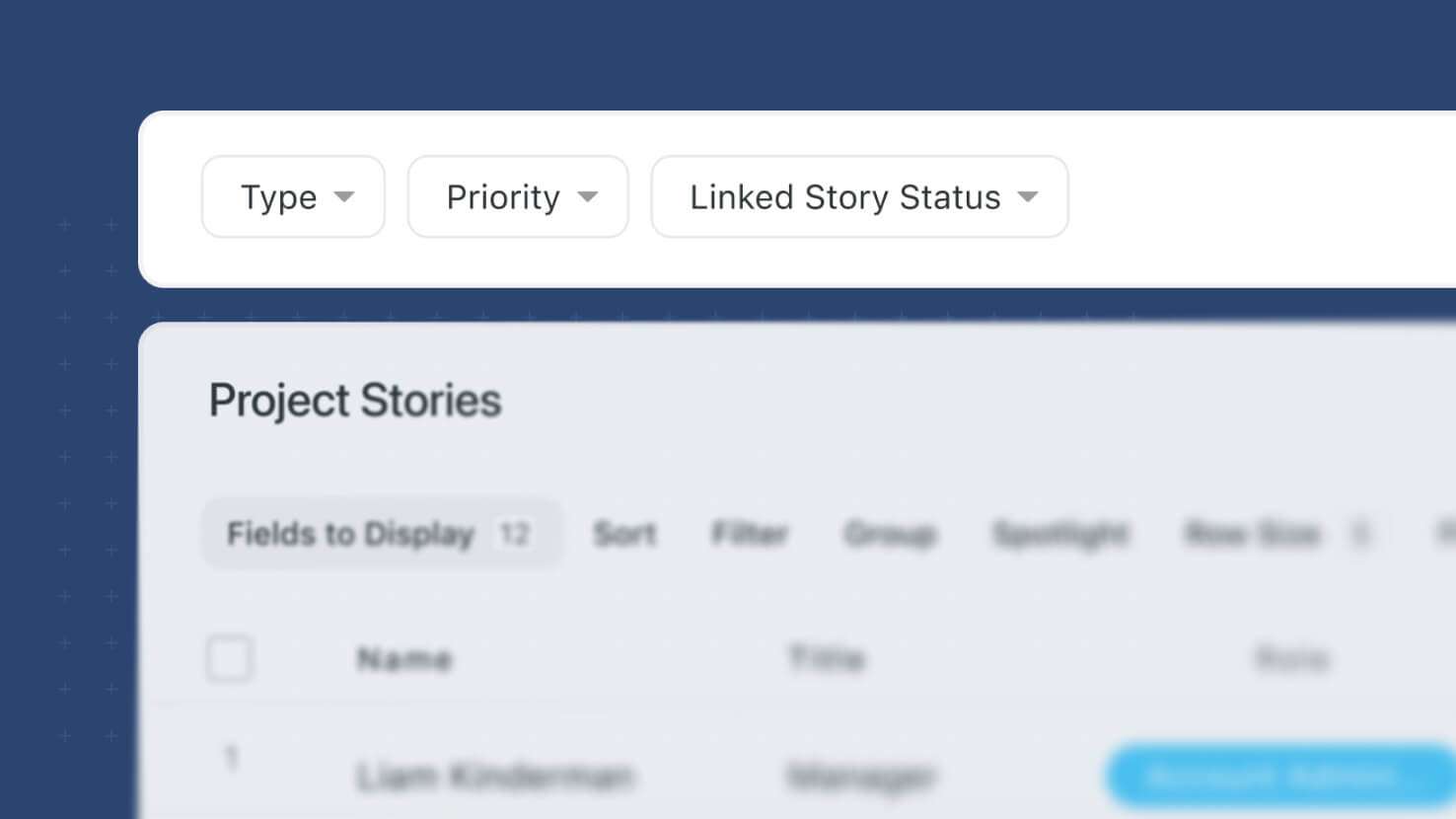
Dynamic Filter Widgets on dashboards can now filter by Lookup fields. ITSM service desks filtering a Tickets widget by the linked Change Request's Priority, GRC dashboards filtering a Findings widget by the linked Control's Status, and PMO dashboards filtering a Tasks widget by the linked Sprint's Owner all get filter behavior that reaches through the relationship instead of only working with the direct record's own fields.
Learn More| Watch Product Video
SmartSuite AI: Managed Connections
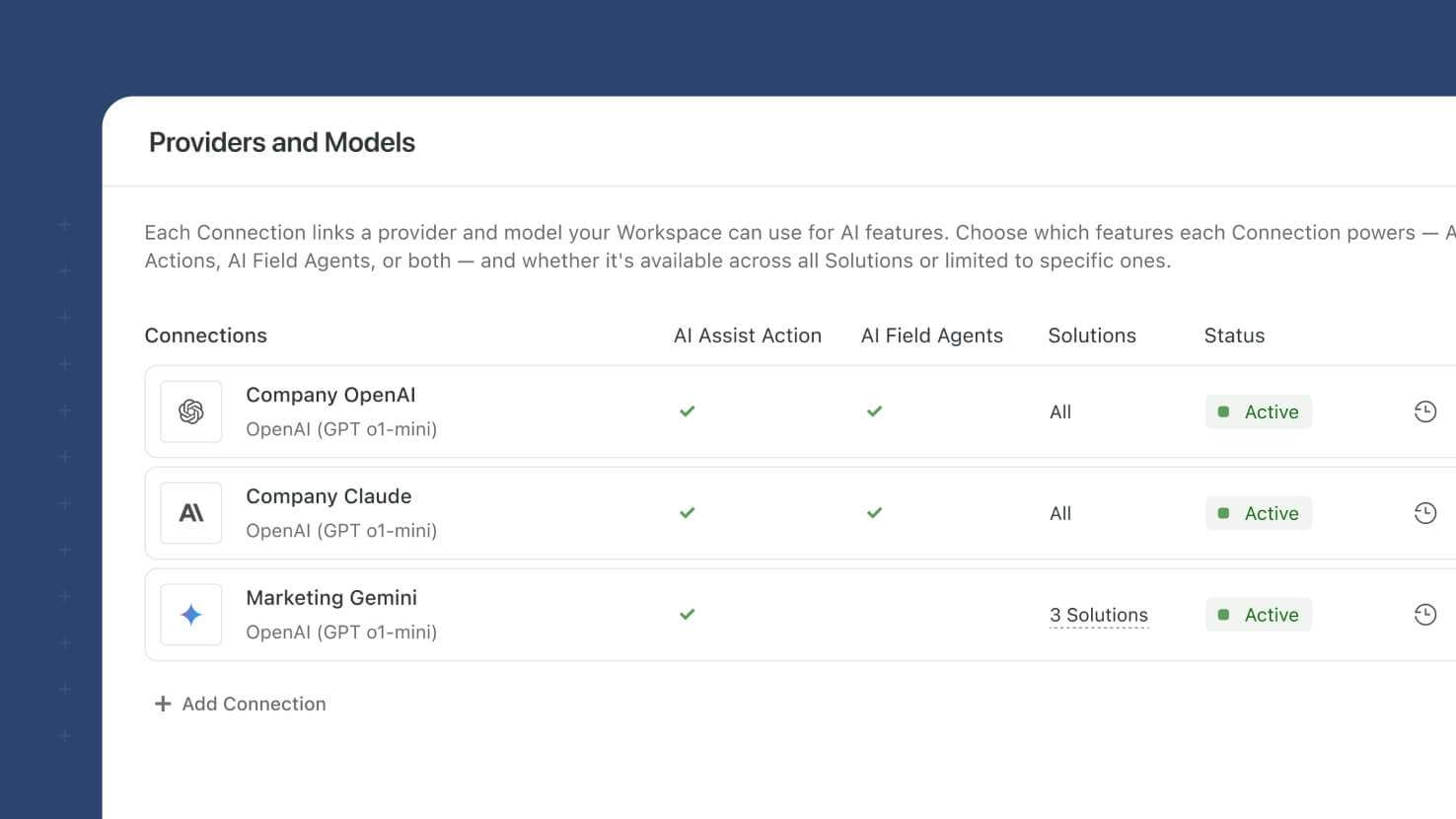
SmartSuite AI now centralizes LLM provider connections in a new AI Control Center under Workspace Administration. Workspace admins configure a provider key once, scope it to specific solutions and features, and reuse it across AI Workflow Agent actions and AI Field Agents. Existing configurations migrate automatically; new workspaces get a pre-configured Trial Connection with 100 free requests. Compliance-conscious ITSM teams, GRC programs enforcing model governance, and any organization scaling AI across multiple solutions get the configuration surface that production AI use warrants.
Learn More | Watch Product Video
Manage Members: Access Level Overview
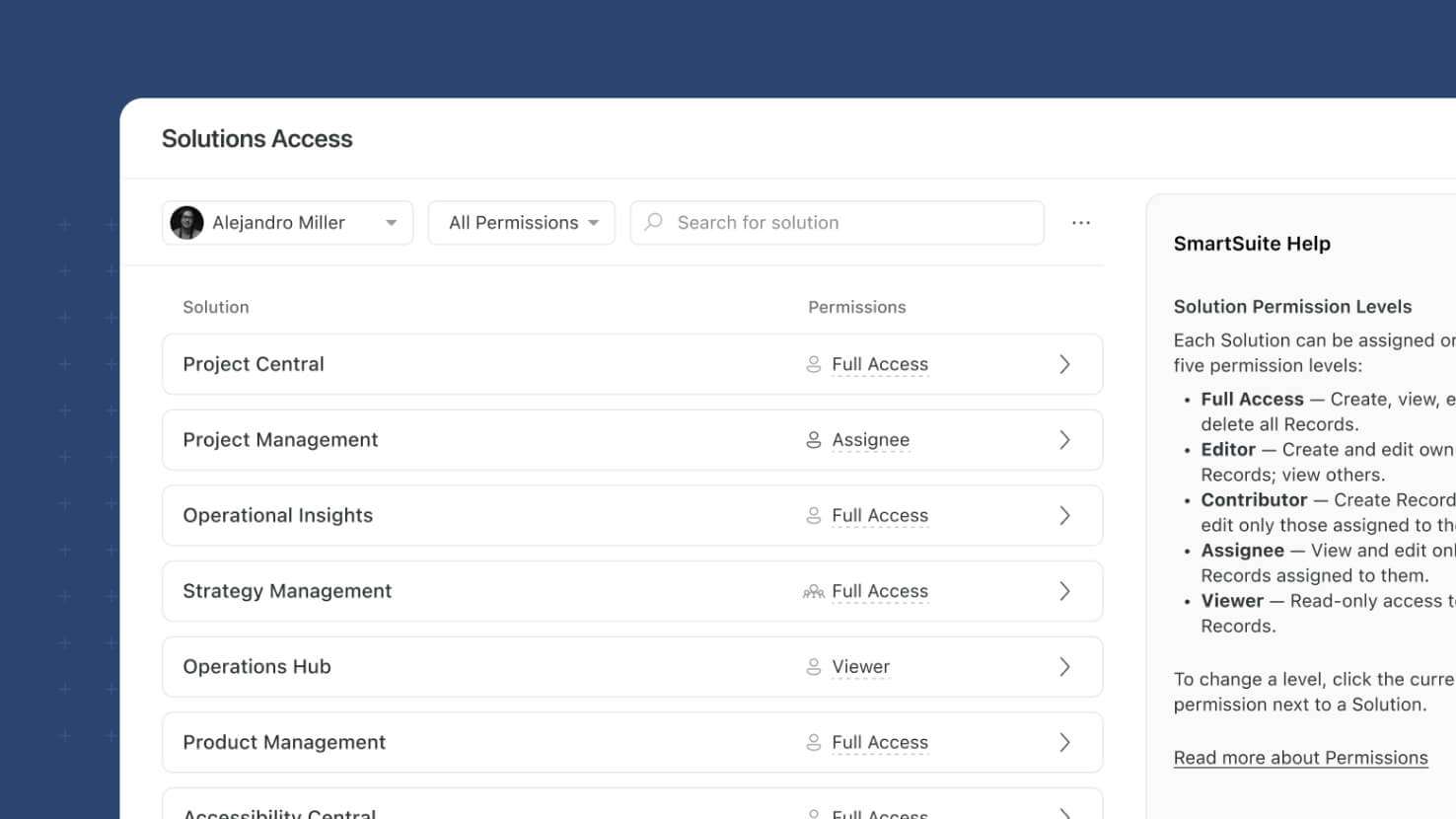
The Manage Members page adds a new Solution Access modal that gives Workspace Admins a full access map for any user in the workspace. Open a member's three-dot menu, pick Solution Access, and see every Solution they can reach with the highest combined personal-and-team permission for each — drill into a Solution to see its Tables, filter, search, and export to CSV. ITSM operators reviewing who can access the Incident Management solution, GRC compliance teams verifying auditor scope before a SOC 2 review, and Workspace Admins running quarterly access reviews all get member-level visibility from a single pane.
Learn More | Watch Product Video
Record Page: Conditional Required Fields
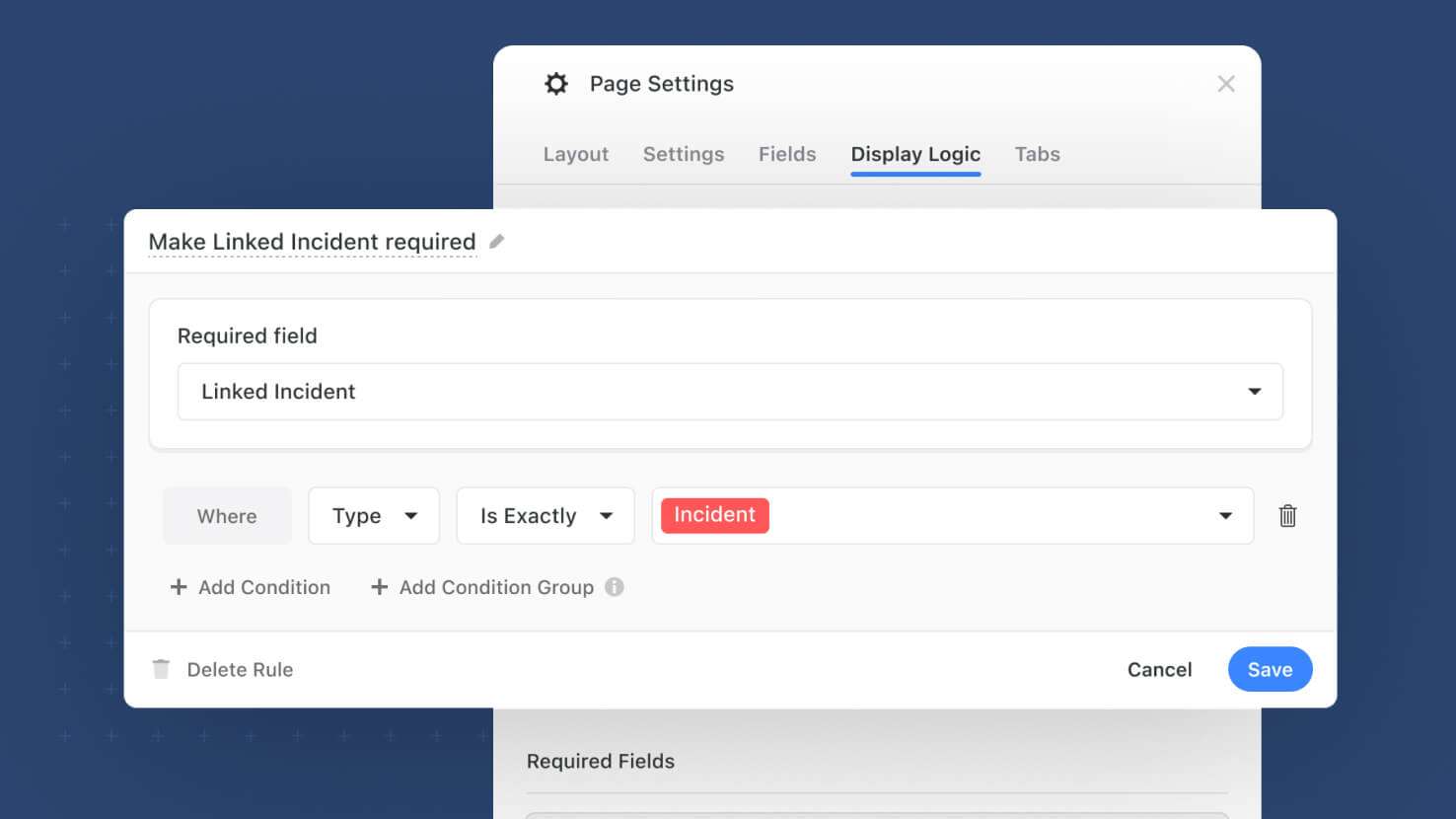
The Record Page now supports Conditional Required Fields. Solution admins define per-field rules on the Display Logic tab that make a field mandatory when other field values dictate it, and the rule fires immediately as users edit the record — no save-time surprise. ITSM incident forms requiring a resolution note only when Status equals Resolved, GRC attestation records requiring an evidence link only when Result equals Pass, and PMO project intakes requiring an executive sponsor only when Priority equals Critical all get conditional validation at the right moment.
Learn More | Watch Product Video
Mobile Dashboards: Calendar and Card View Widgets
Calendar View and Card View widgets are now supported on mobile Dashboards. Field service techs checking today's assigned work on a mobile Calendar widget, sales reps scrolling through a Card View of open opportunities between meetings, and PMO leads sharing status dashboards that work across every device all get two more layouts that render properly on phone and tablet.
Linked Records: Grouping for Record Selector
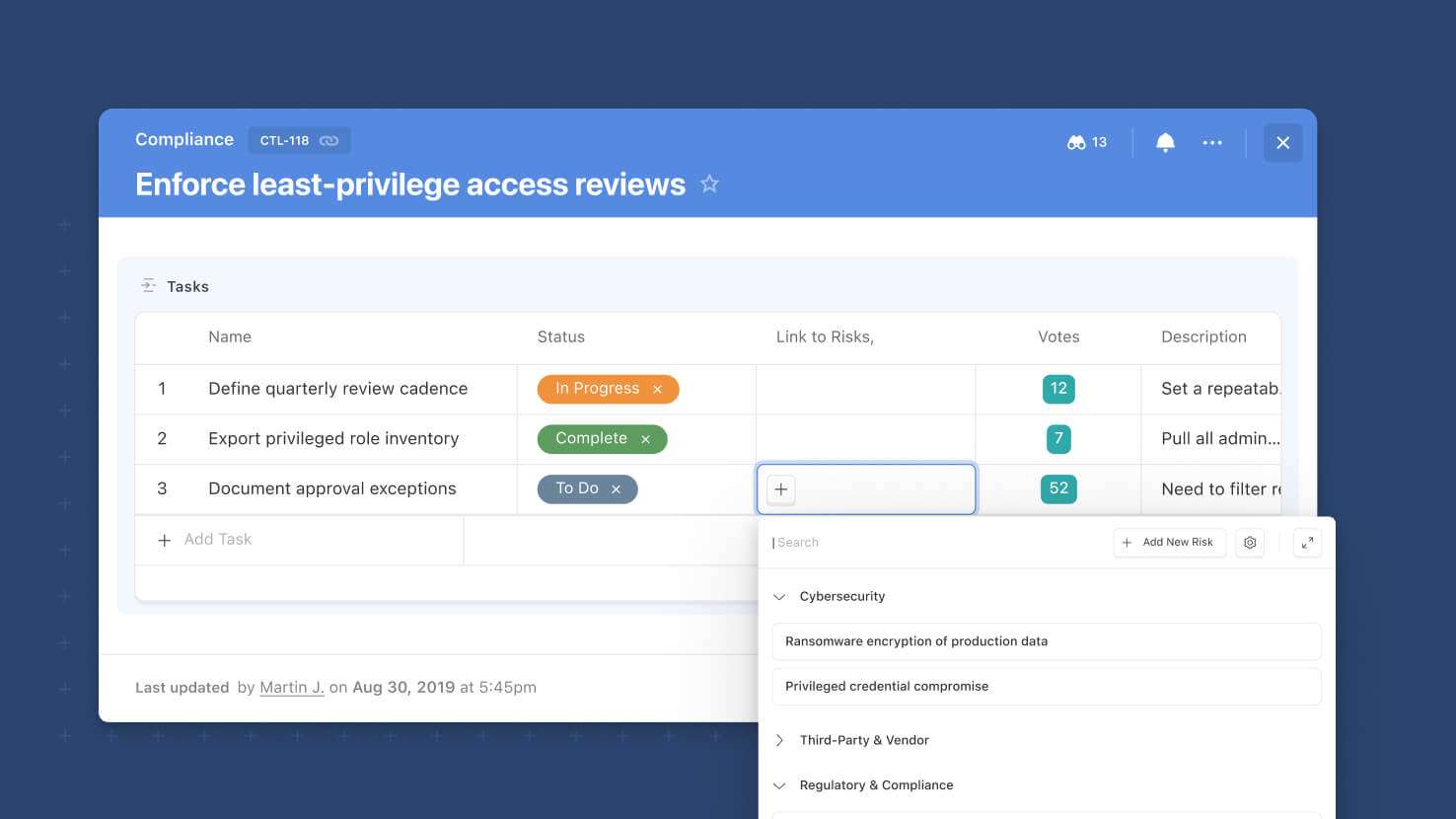
The Record Selector on Linked Records now supports Grouping alongside the existing Fields, Sort, and Filter controls. Solution Managers configure which field records get grouped by, group ordering, and whether groups default to collapsed or expanded — regular users see a grouped selector with search that auto-expands matching groups. Service desks grouping ticket links by Priority, GRC teams grouping controls by Framework, and PMO leads grouping sprint records by Owner all get a more navigable Record Selector.
Learn More | Watch Product Video
Linked Records: Sticky Add New Button
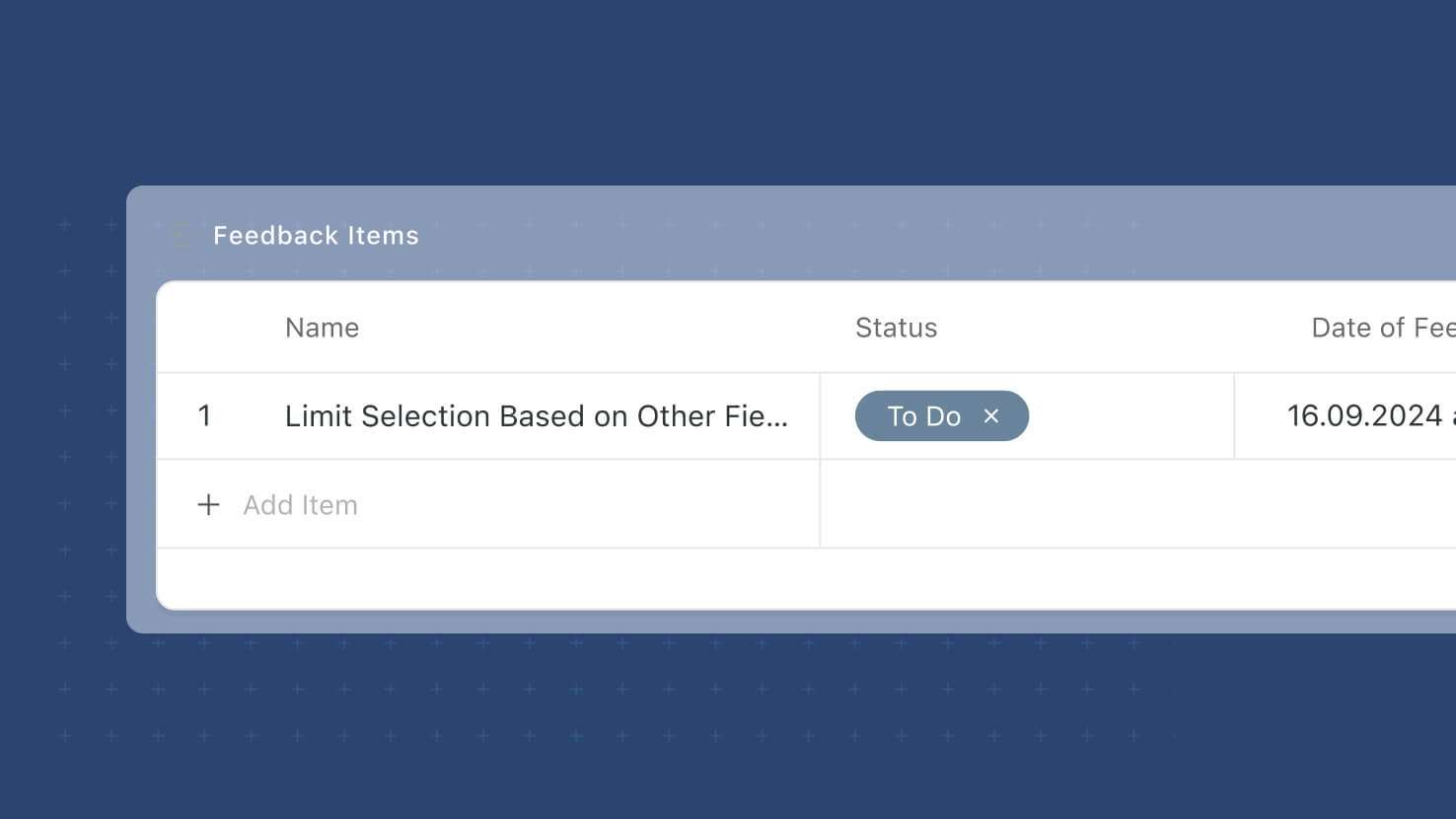
The Add New button in inline-editable Linked Records grids is now sticky to the grid's footer, so it stays visible no matter how long the linked-record list gets or how the grid is grouped. Service desks adding tickets to a Change Request's linked grid, PMO leads adding deliverables to a Sprint's linked grid, and any workflow using inline Linked Record editing on the Record Page all get a more reliable path to Add New.
Learn More | Watch Product Video
Forms: Support for Date Range Field
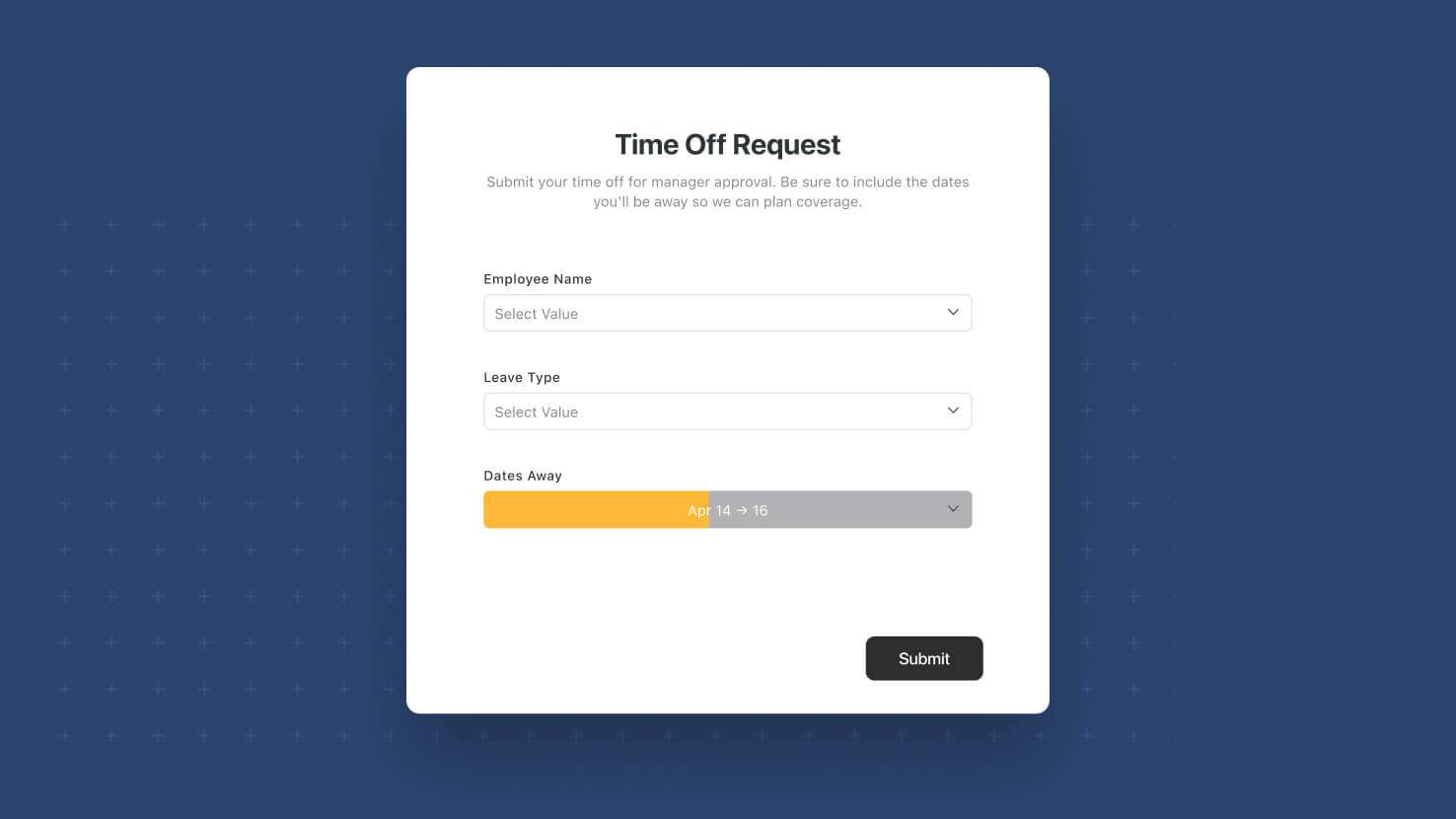
Forms now support the Date Range field. Respondents can submit both a start date and end date in a single form field, using whichever Display Format (Compact, Standard, Long, or Pill) the underlying field is configured with. Event teams collecting session times, PMO leads gathering project phase start and end dates, and HR teams scheduling interview windows all get a native single-field control instead of composing two separate date fields.
Learn More | Watch Product Video
Visit the What's New page for a complete list of enhancements, and subscribe to stay up to date on future releases.

SmartSuite provides work platform for standardizing workflows in the following areas:
- Governance, Risk & Compliance
- IT & Service Ops
- Project / Portfolio Management
- Business Operations