

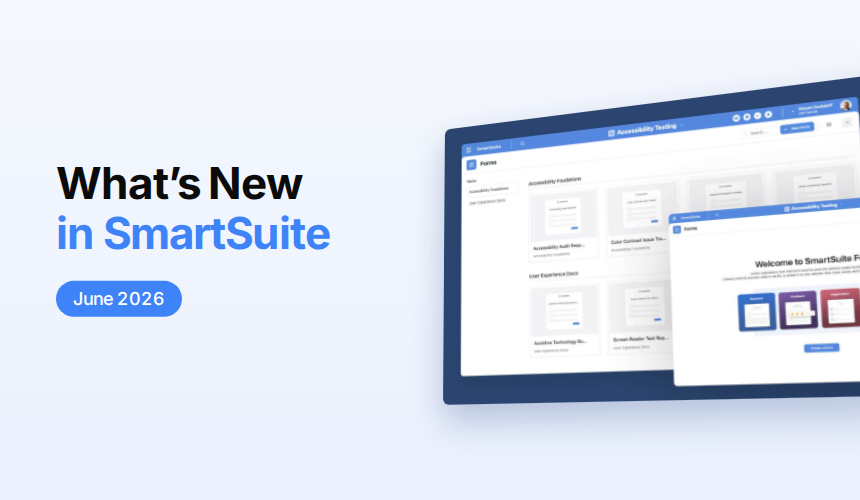

June 2026 Product Updates
SmartSuite’s June 2026 product updates introduce enhanced mobile and dashboard Kanban views, more powerful forms and record actions, AI-powered issue trend analysis, dynamic record permissions, and customizable email layouts. The release also adds an open-source local MCP server and several form improvements designed to make workflows more flexible, secure, and user-friendly.
Mobile: Kanban View
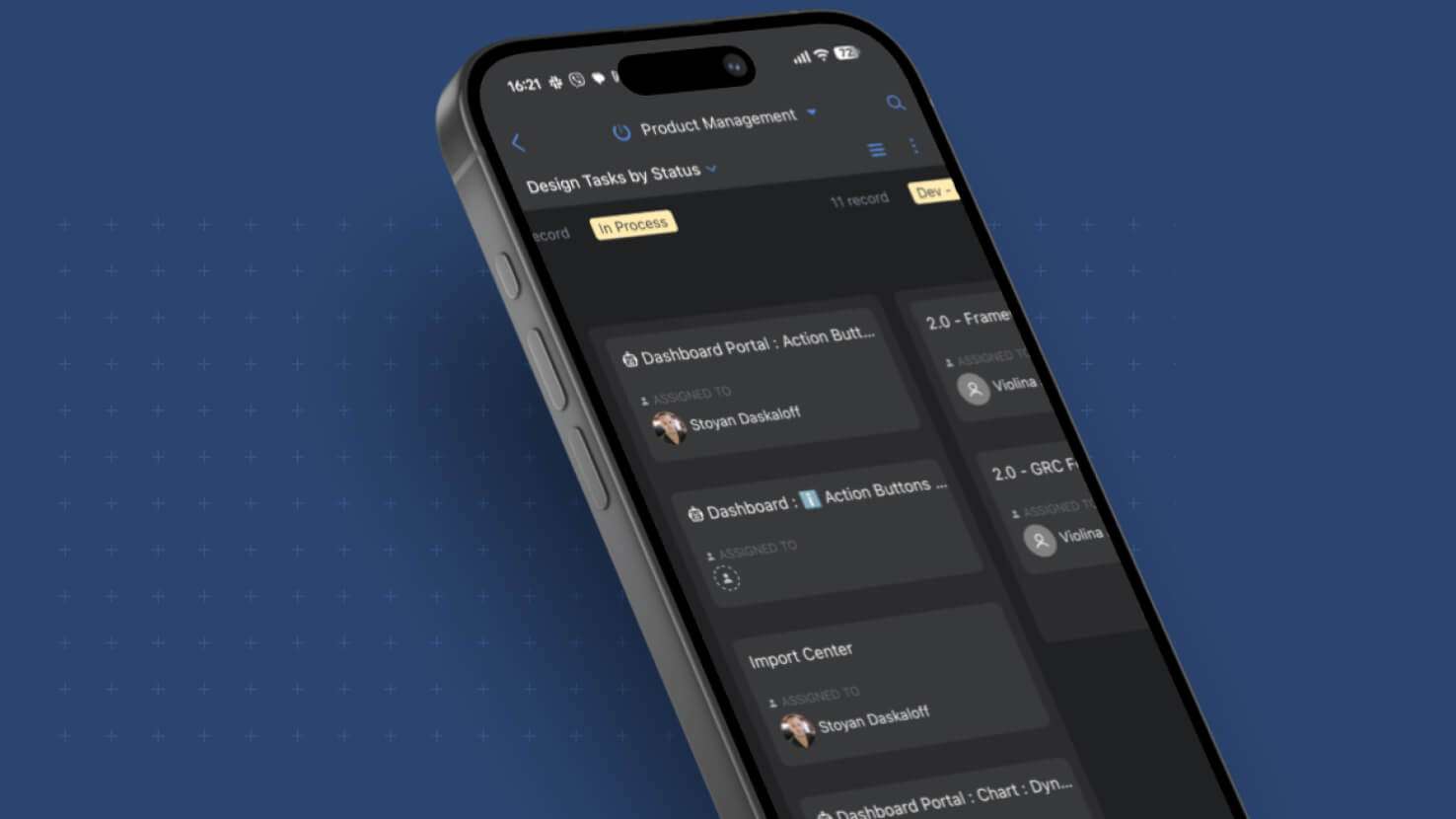
Kanban views now render on the SmartSuite mobile app with the same layout, controls, and drag-and-drop behavior as the desktop version. Field service technicians clearing tickets between site visits, change managers approving on the move, and PMOs ticking sprint work from anywhere can pick up cards and advance them through their lifecycle without opening a laptop.
Button Field: Create Record and Open Form Action
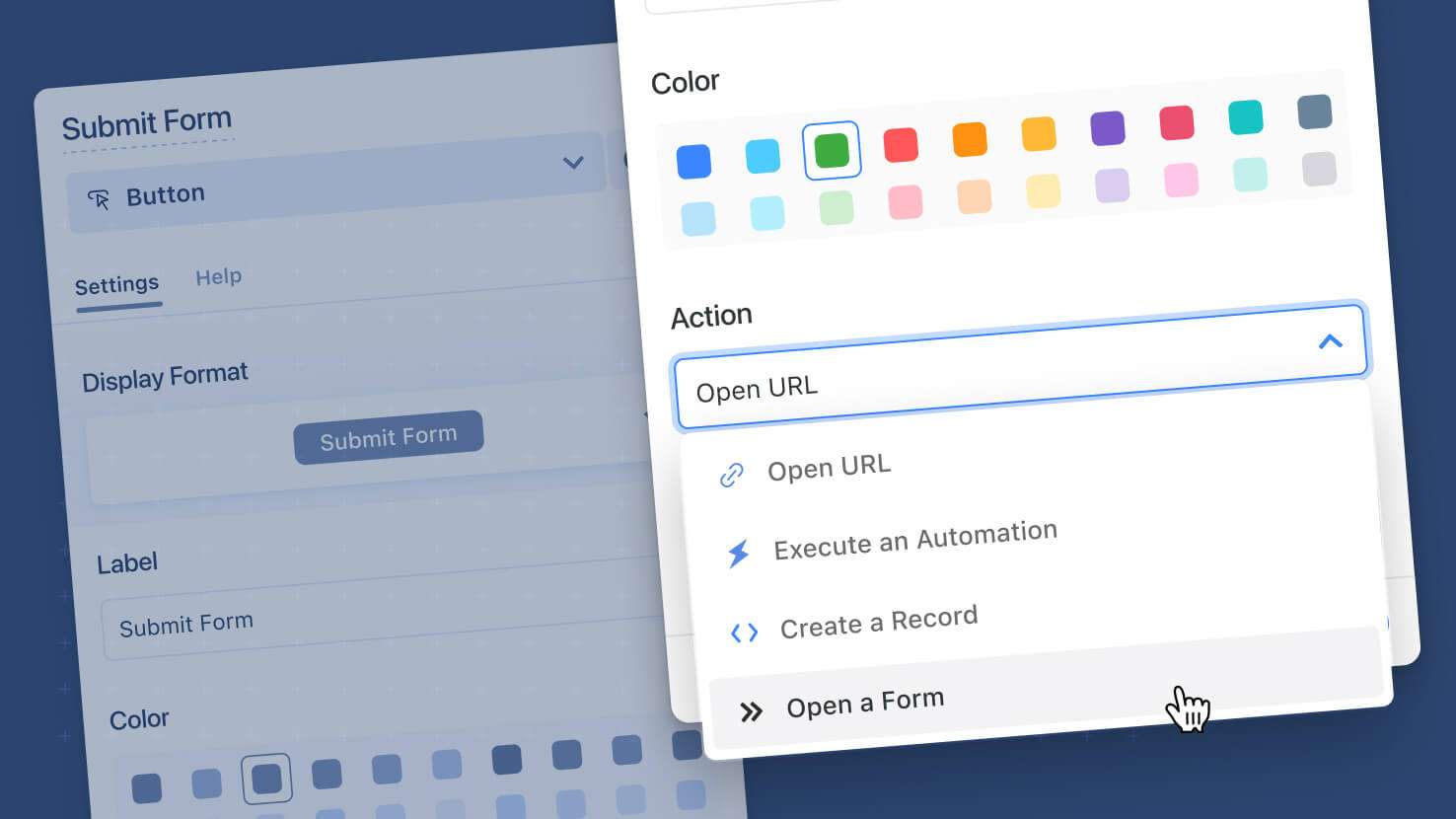
The Button field on a record now supports Create a Record and Open a Form actions, matching what Button widgets on dashboards have offered. Service desks placing a 'Create Follow-Up Ticket' button on every incident, change boards launching a CAB approval form from a record, and GRC programs offering one-click attestation submissions can now wire the action directly onto a record without leaving it.
Learn More | Watch Feature Video
Forms: Enhanced Submission Page
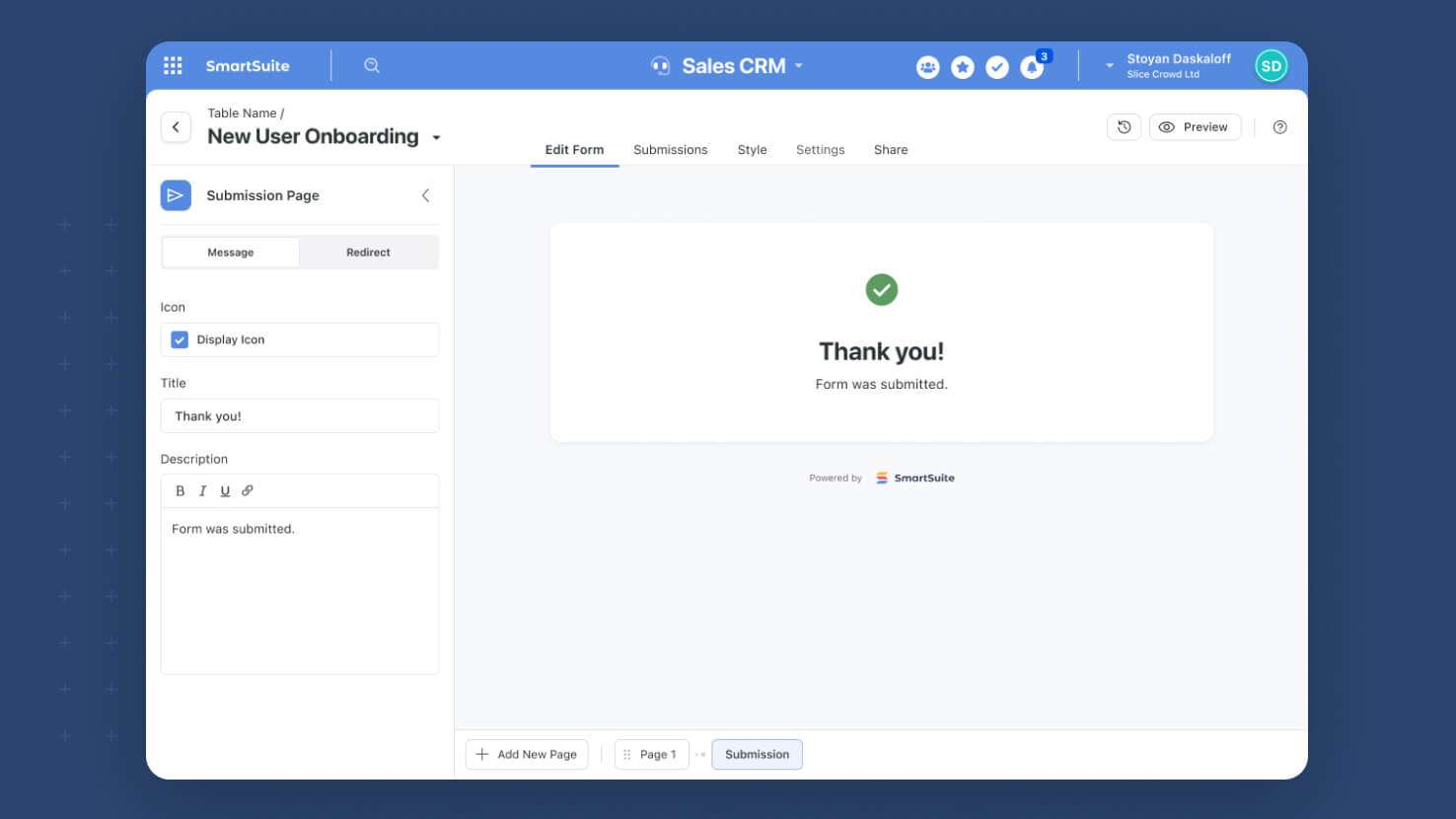
Publicly shared SmartSuite forms now have a fully configurable Submission Page. Service desk intake forms, GRC attestation flows, and any customer-facing form can show a polished Thank You message or redirect submitters directly to a follow-up URL of your choosing.
Learn More | Watch Feature Video
Dashboards: Kanban Widget
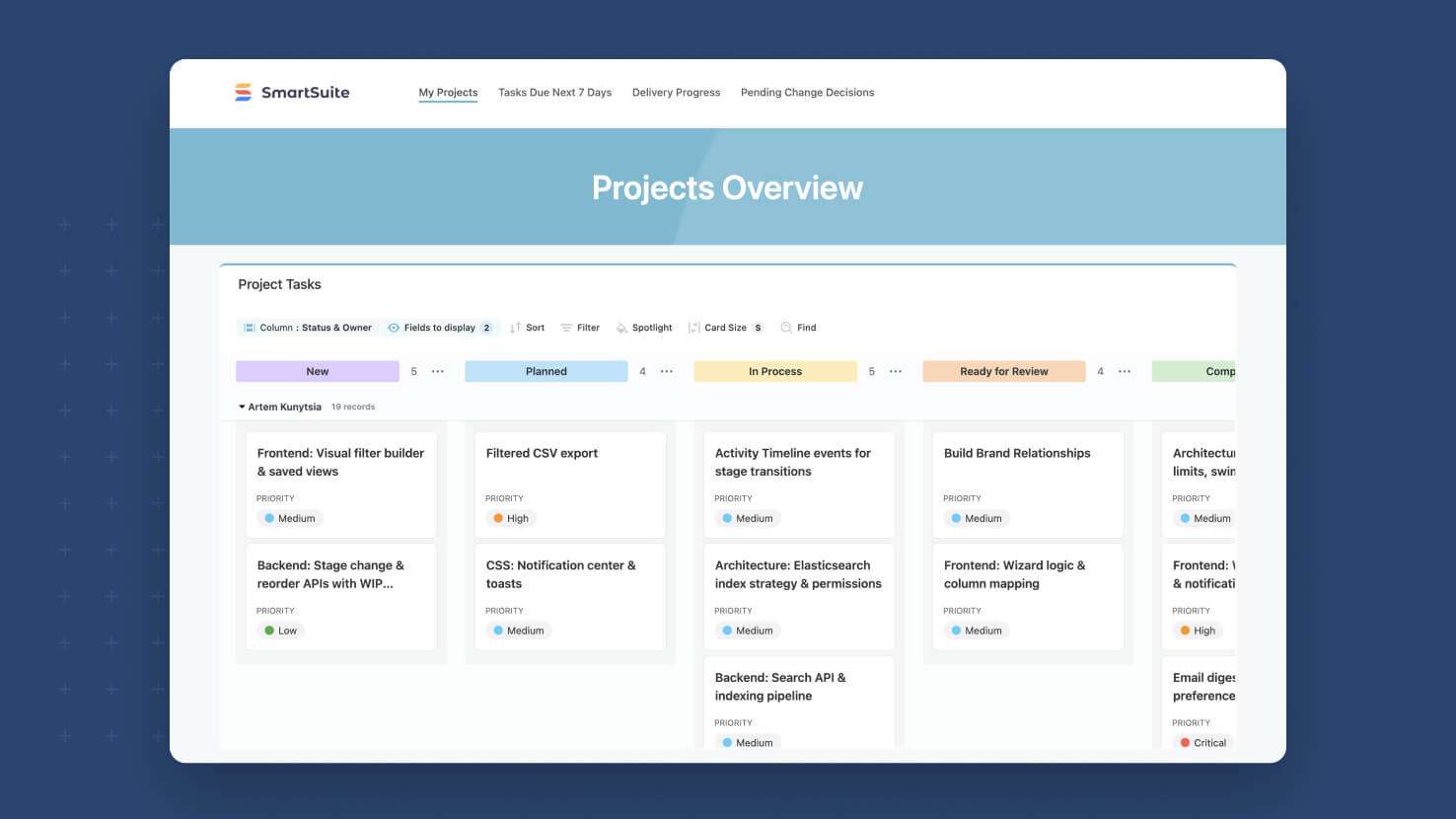
Kanban now works as a widget on any SmartSuite dashboard. Service desks rendering a ticket board inside a wider operations dashboard, PMOs visualizing sprint work next to their burndown chart, and GRC programs tracking control status alongside KPI tiles can all drop a Kanban directly onto the canvas, no separate view required.
Learn More | Watch Feature Video
Issues Management: AI-Powered Trend Analysis
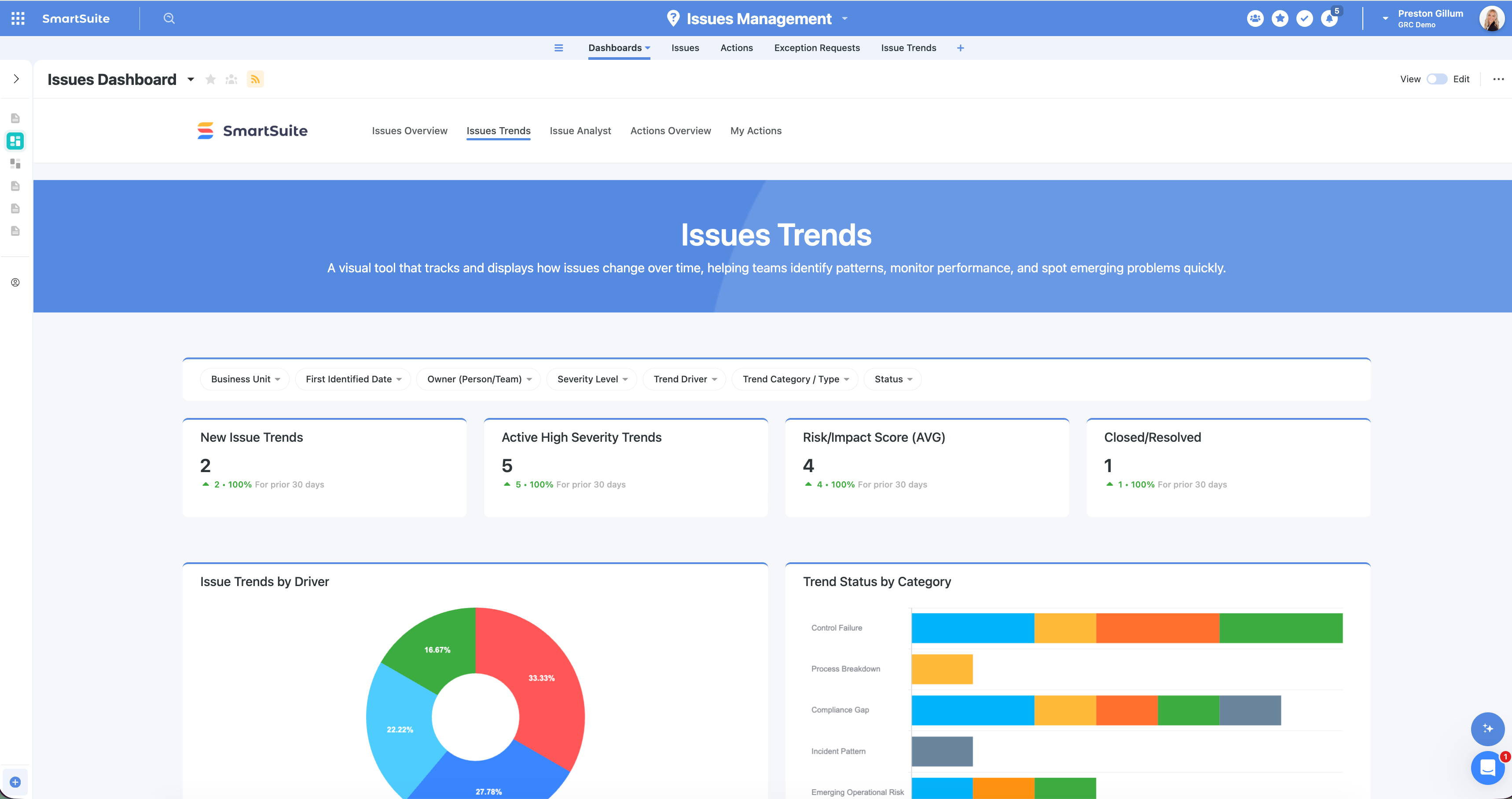
Issues Management now includes AI-powered trend analysis that scans your entire active issues library — across every type, source, and business unit — and surfaces meaningful trends automatically.
Learn More | Watch Product Video
Email Layouts
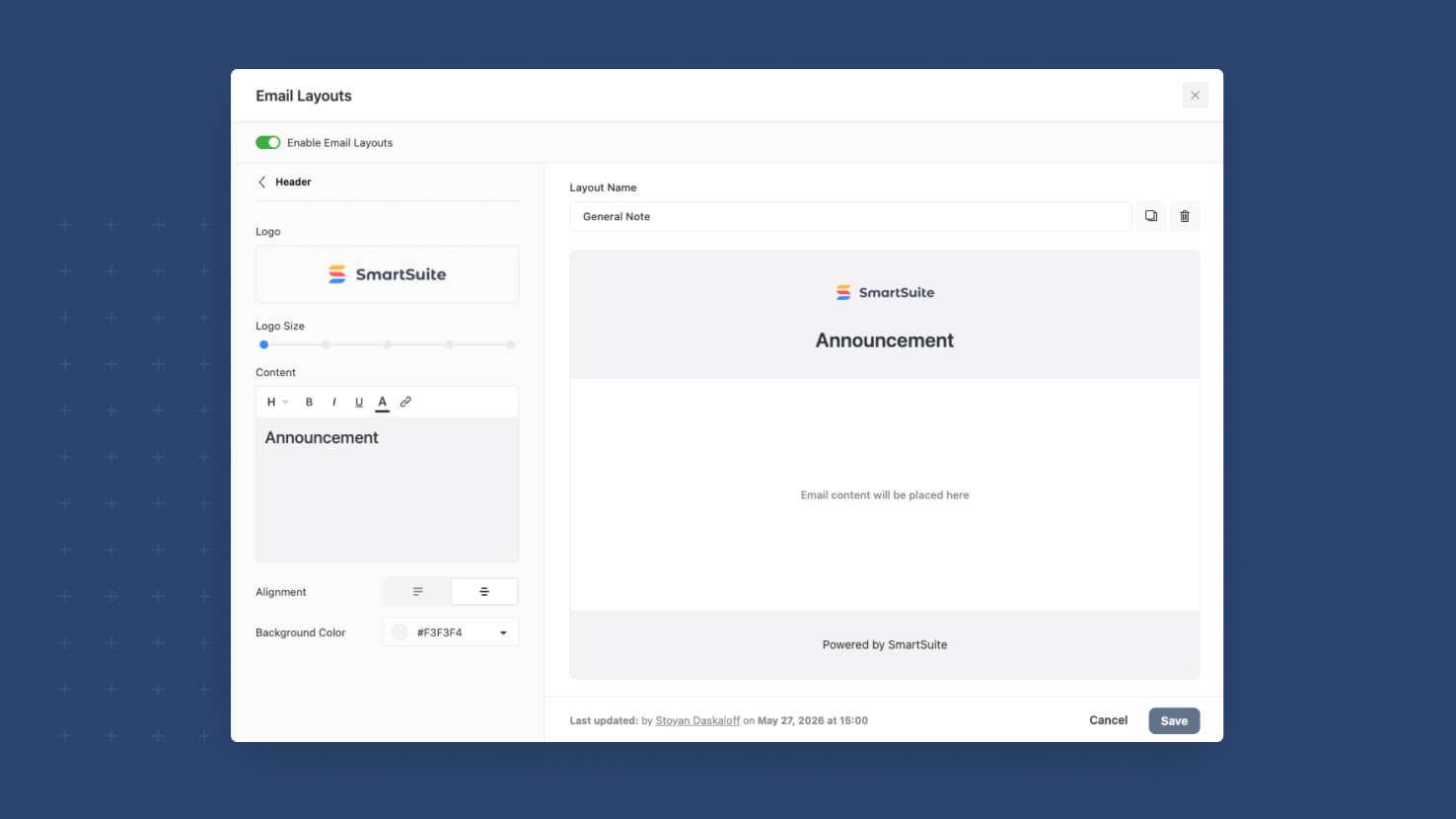
SmartSuite emails can now carry a configurable header and footer designed by your Workspace Admin. ITSM service desk notifications wearing corporate branding, GRC compliance emails with consistent legal footers, and Communication Center messages with on-brand design all become trivial to standardize from a single setting in Workspace Administration.
Learn More | Watch Feature Video
SmartSuite Local MCP Server (Open Source)
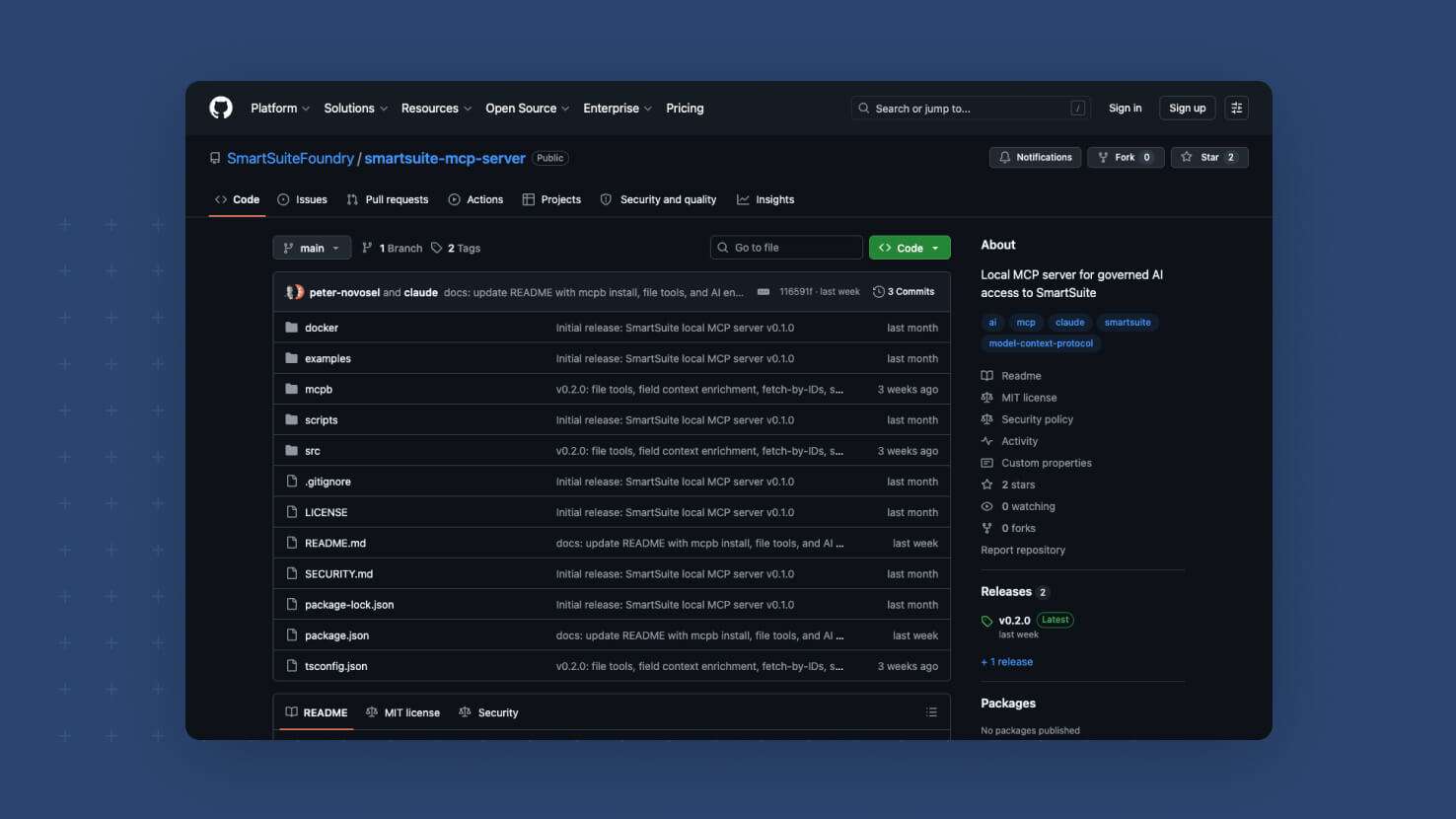
SmartSuite Foundry has shipped an open-source Model Context Protocol (MCP) server that runs locally and exposes SmartSuite data to MCP-compatible AI clients. Builders, integrators, and Foundry community members can install it today via npm, Docker, or a packaged Claude Desktop extension and start scripting SmartSuite from the AI tools they already use.
Internal Form View
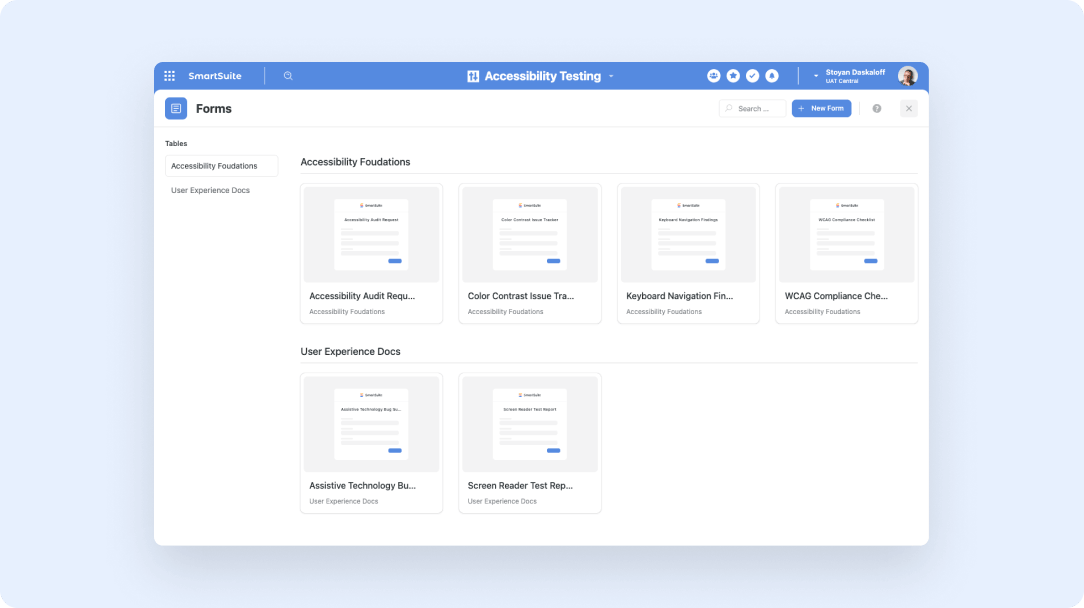
The Form View has been redefined. It is now a view type linked to an underlying source form, rendered in ready-to-fill state for any table member with view access. Service desks placing an intake form in every team's view panel, HR teams attaching onboarding forms to people tables, and GRC programs putting attestation forms next to control records all get a one-click submission surface inside the work they already do.
Learn More | Watch Product Video
Forms: Support for Multiple Pages
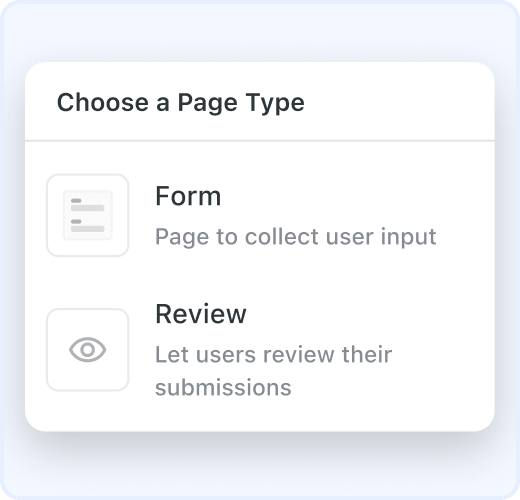
SmartSuite Forms now support multiple pages. Group fields into logical pages, add a review step, and configure what users see after submitting, all with the new Pages control on the form canvas. Build up to 10 pages per form with Next and Back navigation and a configurable Submission page.
Forms: The New Forms Page
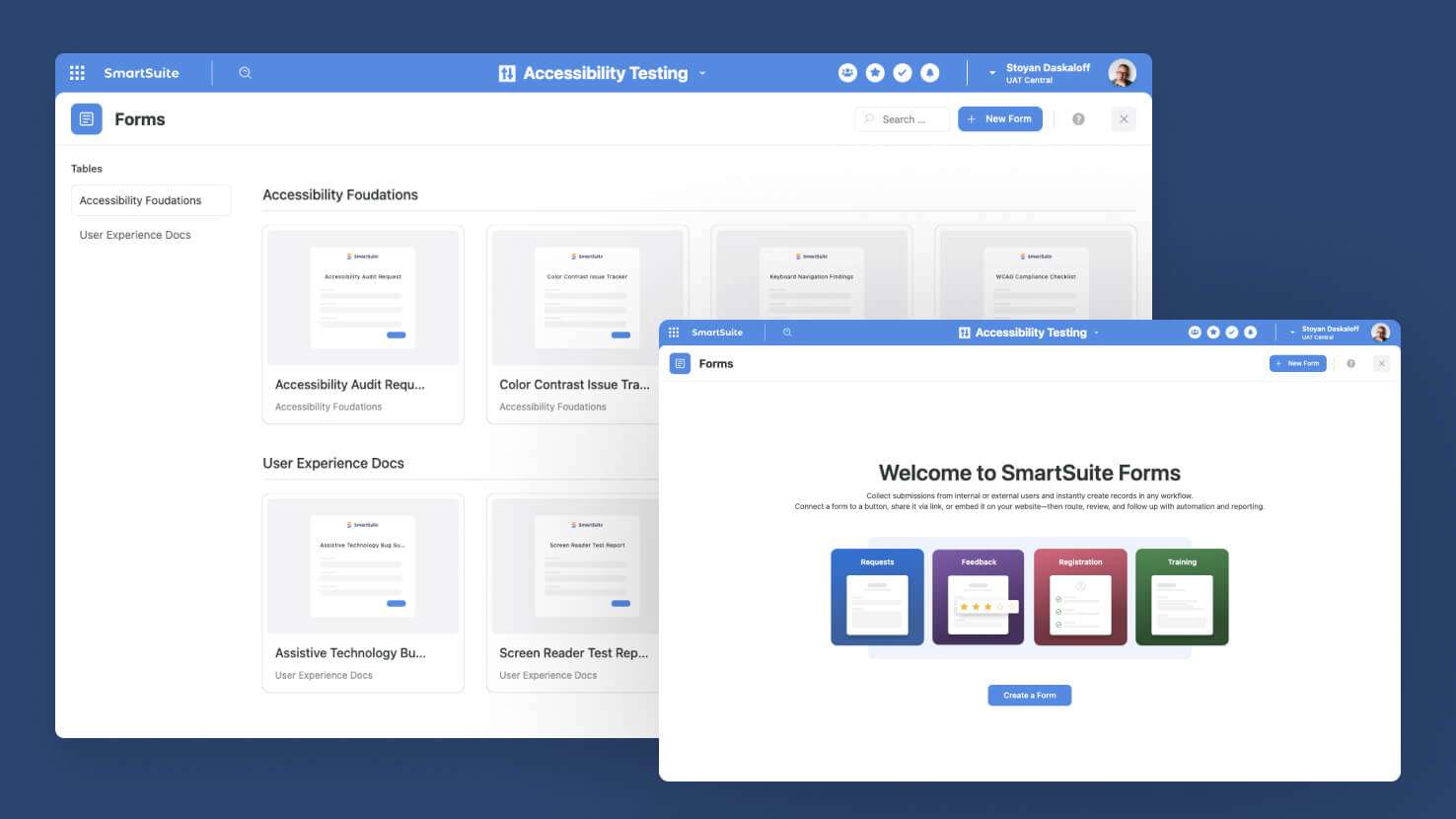
Solutions now have a dedicated Forms page in the Solution menu that shows every form in the solution as a tile, grouped by its target table. Service desks running multiple intake forms, GRC teams maintaining attestation forms across control areas, and HR programs juggling onboarding, leave, and exit forms can all manage their forms from a single operational hub instead of hunting through individual tables.
Learn More | Watch Product Video
Dynamic Record Permissions
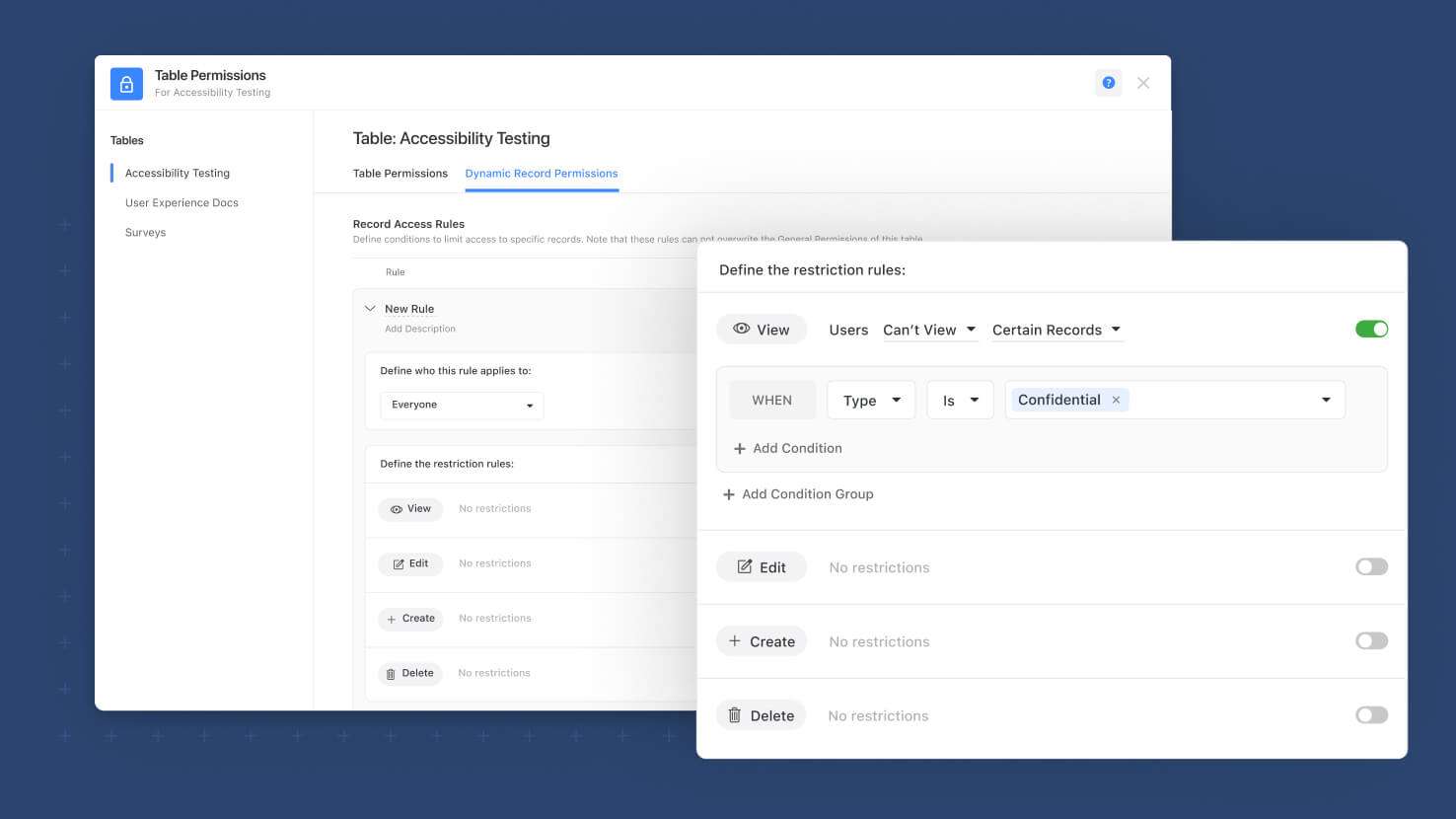
Dynamic Record Permissions is now generally available. Solution Managers can build table-level rules that restrict who can View, Edit, Create, or Delete records, with scope down to individual tabs and sections and conditions tied to field values. GRC programs locking completed policies, audit programs making engagements read-only on completion, and security teams walling off sensitive records all now have a control surface that matches how their governance actually works.
Learn More | Watch Product Video
Forms: Select Field Display Types
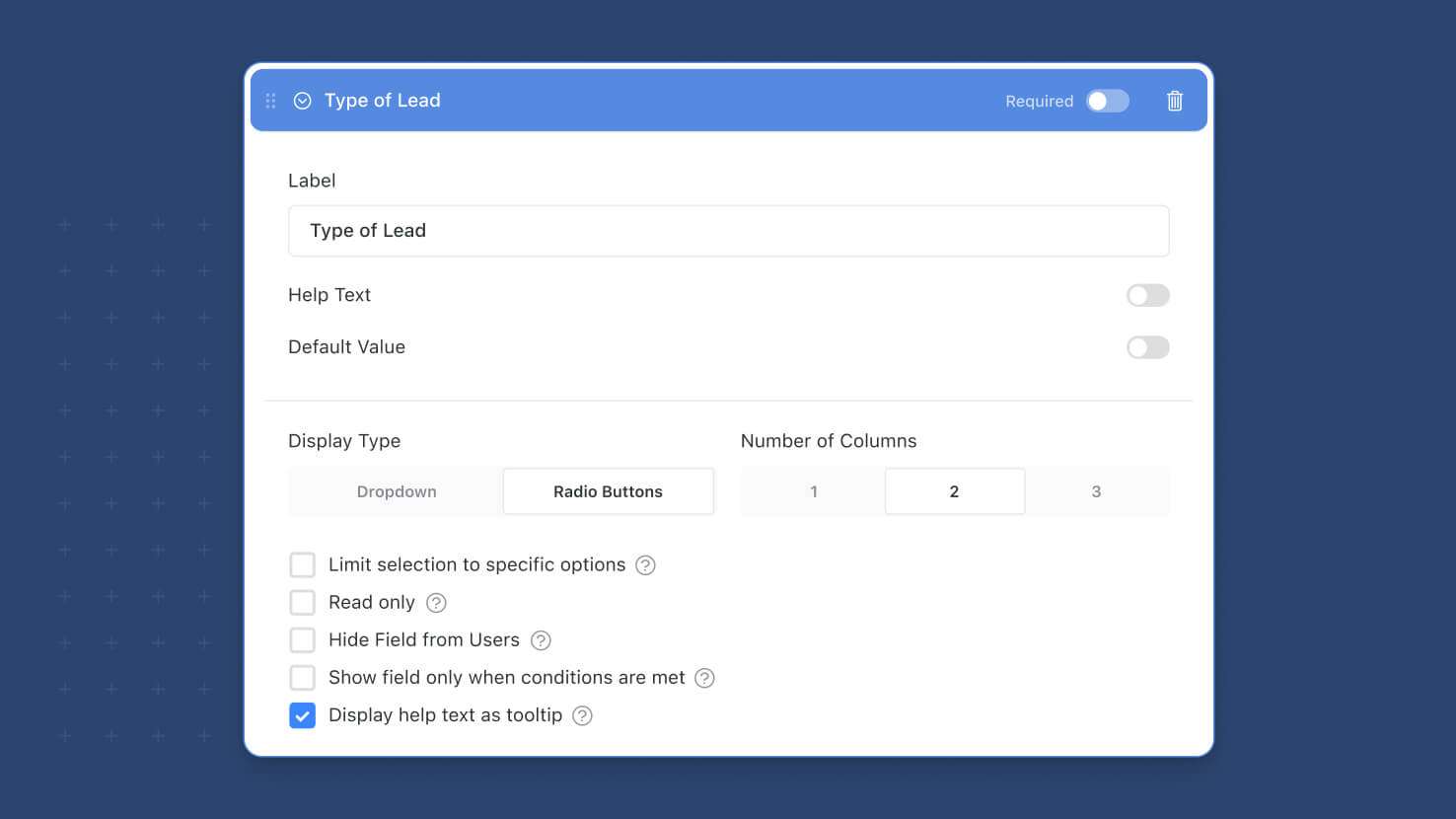
Single Select, Multiple Select, and Status fields can now render on forms as Radio Buttons or Checkboxes instead of the dropdown default, with a configurable 1, 2, or 3-column layout. Service desk forms exposing all priority options at once, GRC attestation forms showing every compliance answer side by side, and HR forms surfacing role choices without a dropdown click all benefit from a more scannable submission experience.
Learn More | Watch Product Video
Visit the What's New page for a complete list of enhancements, and subscribe to stay up to date on future releases.

SmartSuite provides work platform for standardizing workflows in the following areas:
- Governance, Risk & Compliance
- IT & Service Ops
- Project / Portfolio Management
- Business Operations