



May 2026 Product Updates
Last month's releases focused on helping enterprise teams manage service delivery, governance workflows, and operational processes with greater structure and speed. The new Team field brings first-class support for assigning work to service teams, approval boards, and shared ownership groups, while a deep set of Forms enhancements gives teams more flexibility when building intake, attestation, and approval workflows. Microsoft Teams Automations v2 adds Actionable Notifications, and additional platform upgrades round out the release.
Automations: Dynamic Values in URLs
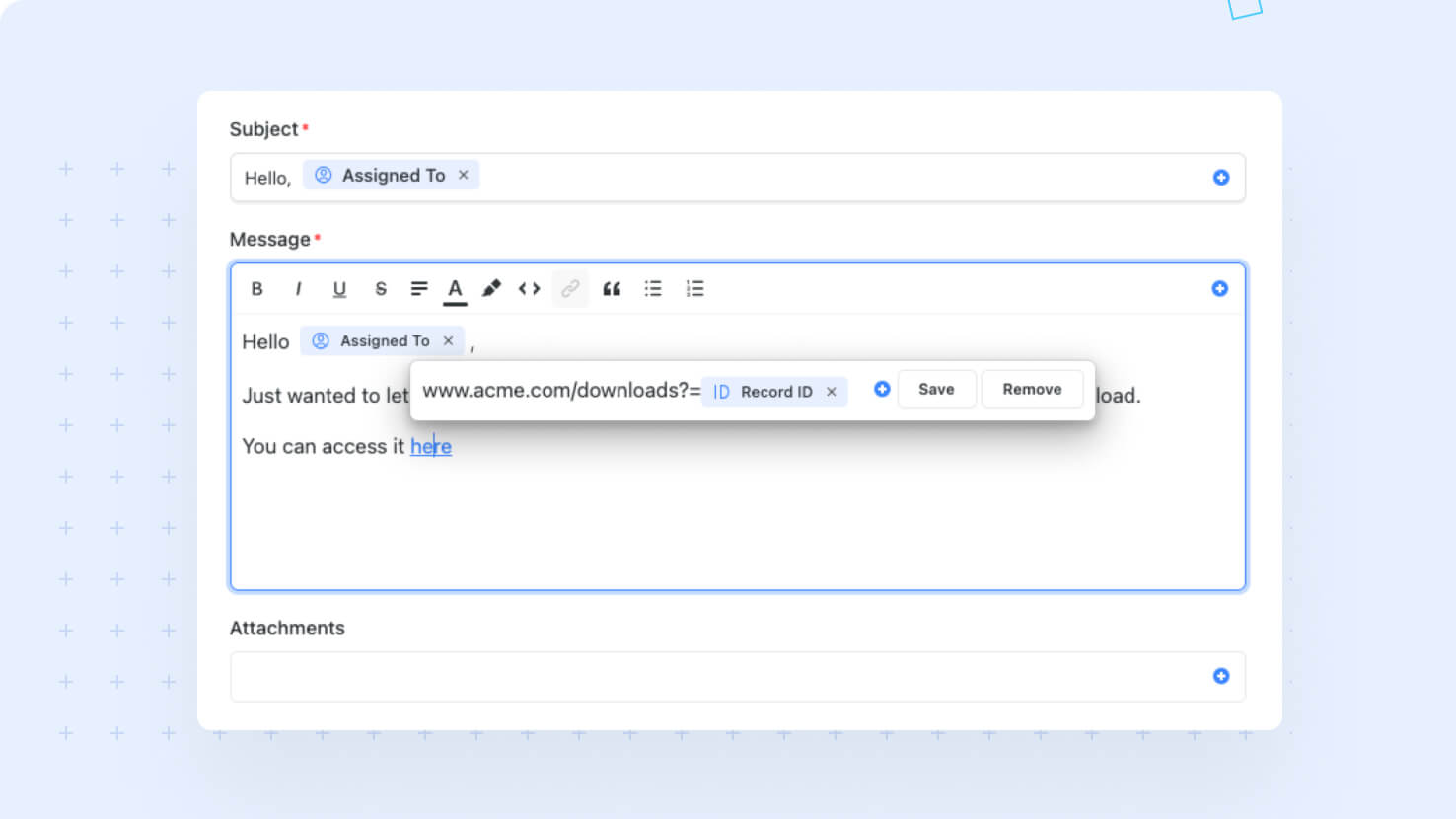
The Rich Text URL control now accepts dynamic field values across SmartDoc, automation messages, and any rich text input that supports embedded links. Compose URLs that resolve to the right record at runtime using the same field picker SmartSuite uses everywhere. This unlocks ITSM workflows, such as Microsoft Teams Actionable Notifications, that need to link directly to the relevant ticket.
Introducing the Team Field
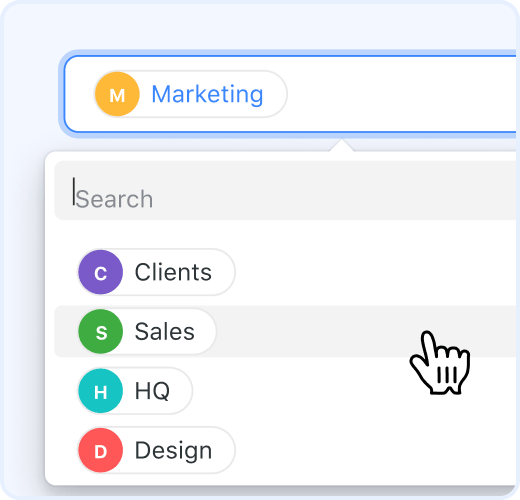
A new Team field type lets you assign work to entire teams the same way you assign to individuals. Service desks routing tickets to a service team, change-approval boards routing to an oversight team, and PMO leaders allocating work across squads can now use Team as a first-class field type with full permission integration.
Automations: Support for the Team Field
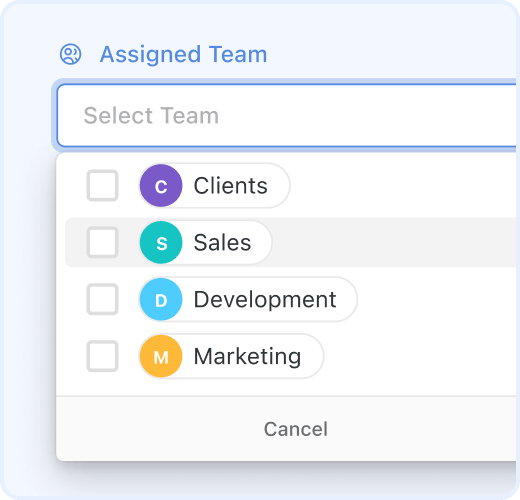
Automations now natively support the Team field. Set team values from any text source, route emails to team email addresses or all members with smart deduplication, and trigger notifications to entire teams from automation actions, all without custom workarounds.
Calendar View: Support for Cross-Solution Calendars
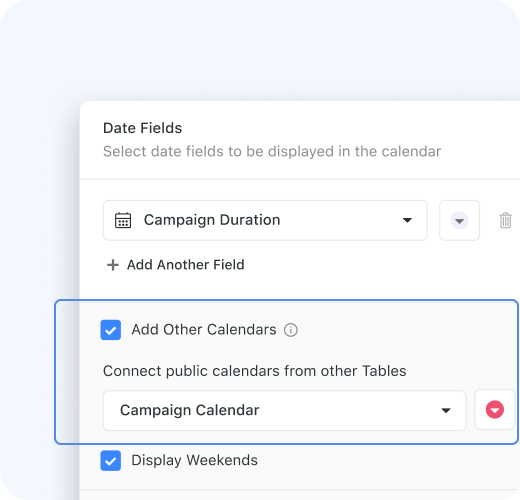
Calendar View can now roll up public calendars from across multiple Solutions into a single primary calendar. PMO leaders coordinating cross-team schedules and operations leads building unified availability views can stop maintaining duplicate calendars.
Internal Forms

Forms can now run in Internal mode, designed for authenticated in-app submissions. Service desk intake, compliance attestations, and any workflow where you need to know who is filling out the form just got dramatically easier to build, with full member context, permission-aware field visibility, and submitter attribution captured directly on the record.
Restore Solutions from the Recycle Bin
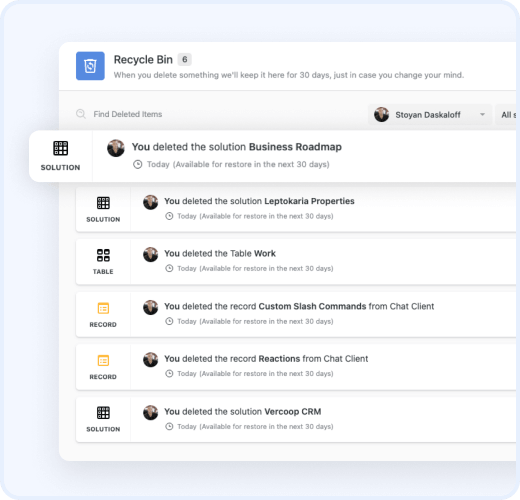
Solution Managers can now restore deleted Solutions from the Recycle Bin, complete with all child applications, automations, reports, records, fields, and dashboard widgets. Solutions deleted in error no longer require a from-scratch rebuild.
Forms: Linked Record Table Display
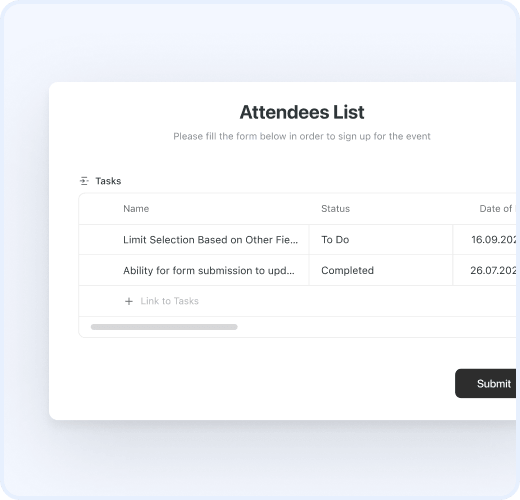
Linked Record fields on forms now support a Table display format. Each linked record renders as a row in an inline table with configurable columns showing fields from the linked record's table. Submitters link records via the standard picker modal, and the table populates inline as they add or remove rows.
Forms: Review Page
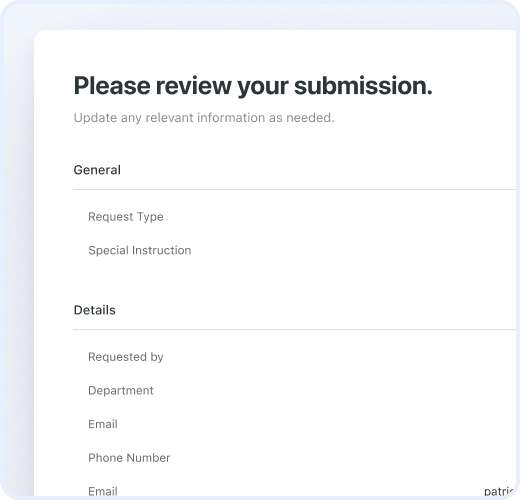
Forms now support a Review Page where users see all their answers grouped by page before submitting. Customize the title, description, and which fields appear, and let users click Edit next to any page to jump back and adjust their input.
Forms: Support for Multiple Pages
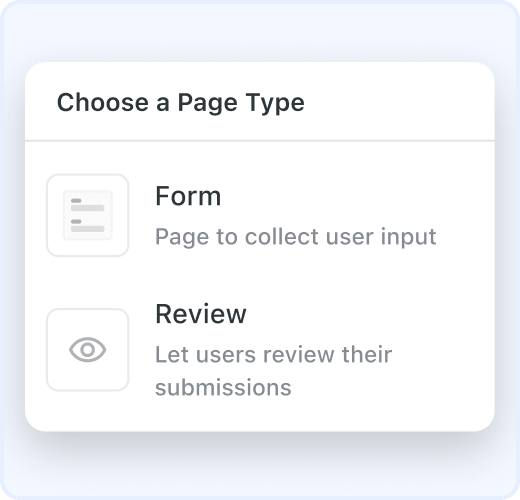
SmartSuite Forms now support multiple pages. Group fields into logical pages, add a review step, and configure what users see after submitting, all with the new Pages control on the form canvas. Build up to 10 pages per form with Next and Back navigation and a configurable Submission page.
Automations: Loop Over Field Values
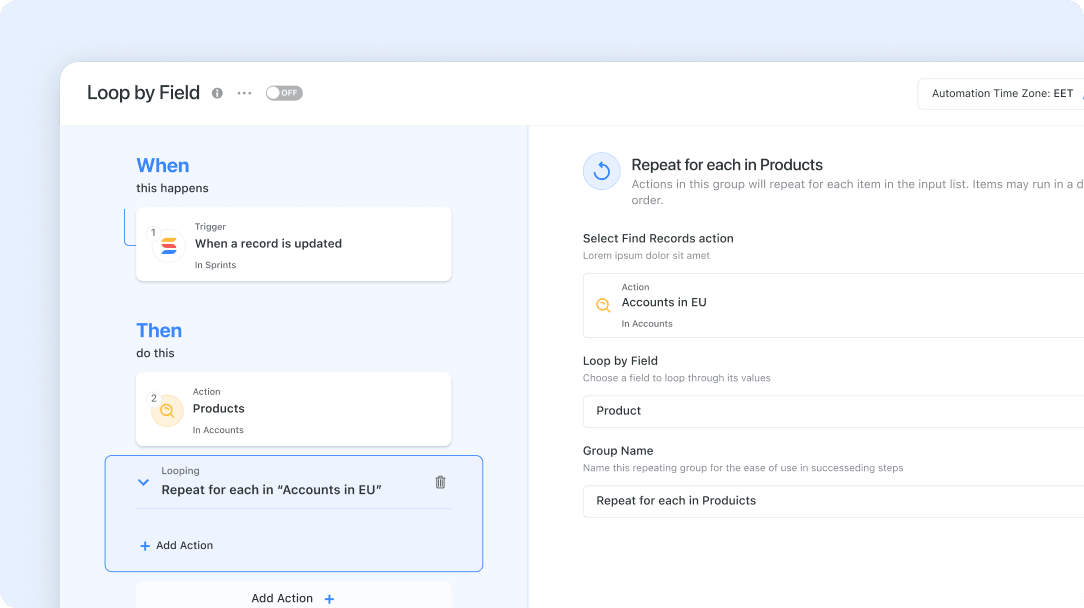
Loop actions in automations can now loop over the values in a list-style field on a single record. Run an action once per Assigned To member, Linked Record, Multiple Select value, Tag, or Team, with full source record context available in every cycle.
Forms: Progress Bar
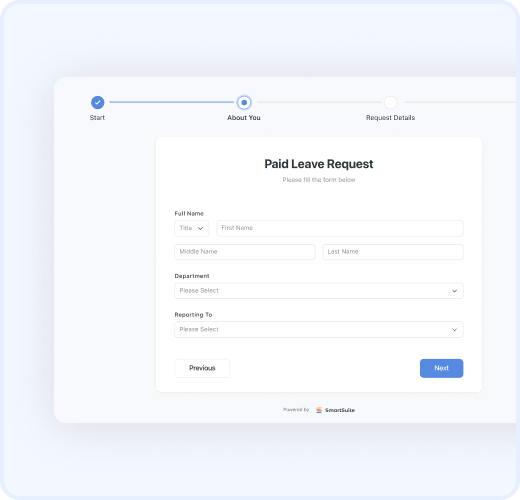
Multi-page forms can now show a progress bar at the top, with a selectable style (Dot or Numbers) and optional page names. Submitters always know where they are in a long form, and they can jump back to any completed page with a single click.
Microsoft Teams Automations v2: Actionable Notifications

Send interactive Microsoft Teams notifications with clickable action buttons that update SmartSuite records automatically. The new action runs through a simpler O365 integration that requires fewer Azure permissions and faster admin setup.
Visit the What's New page for a complete list of enhancements, and subscribe to stay up to date on future releases.

SmartSuite provides work platform for standardizing workflows in the following areas:
- Governance, Risk & Compliance
- IT & Service Ops
- Project / Portfolio Management
- Business Operations







