


September 2026 Product Updates
SmartSuite's September 2026 updates bring dynamic and static filters plus advanced settings to Linked Records, along with calendar periods and custom units for date filters on desktop and mobile. New enhancements to dashboard view widgets, forms, mobile search, webhooks, the API, and sign-up data regions make it easier to build focused, well-governed workflows.
Webhook Trigger: Optional and Required Fields
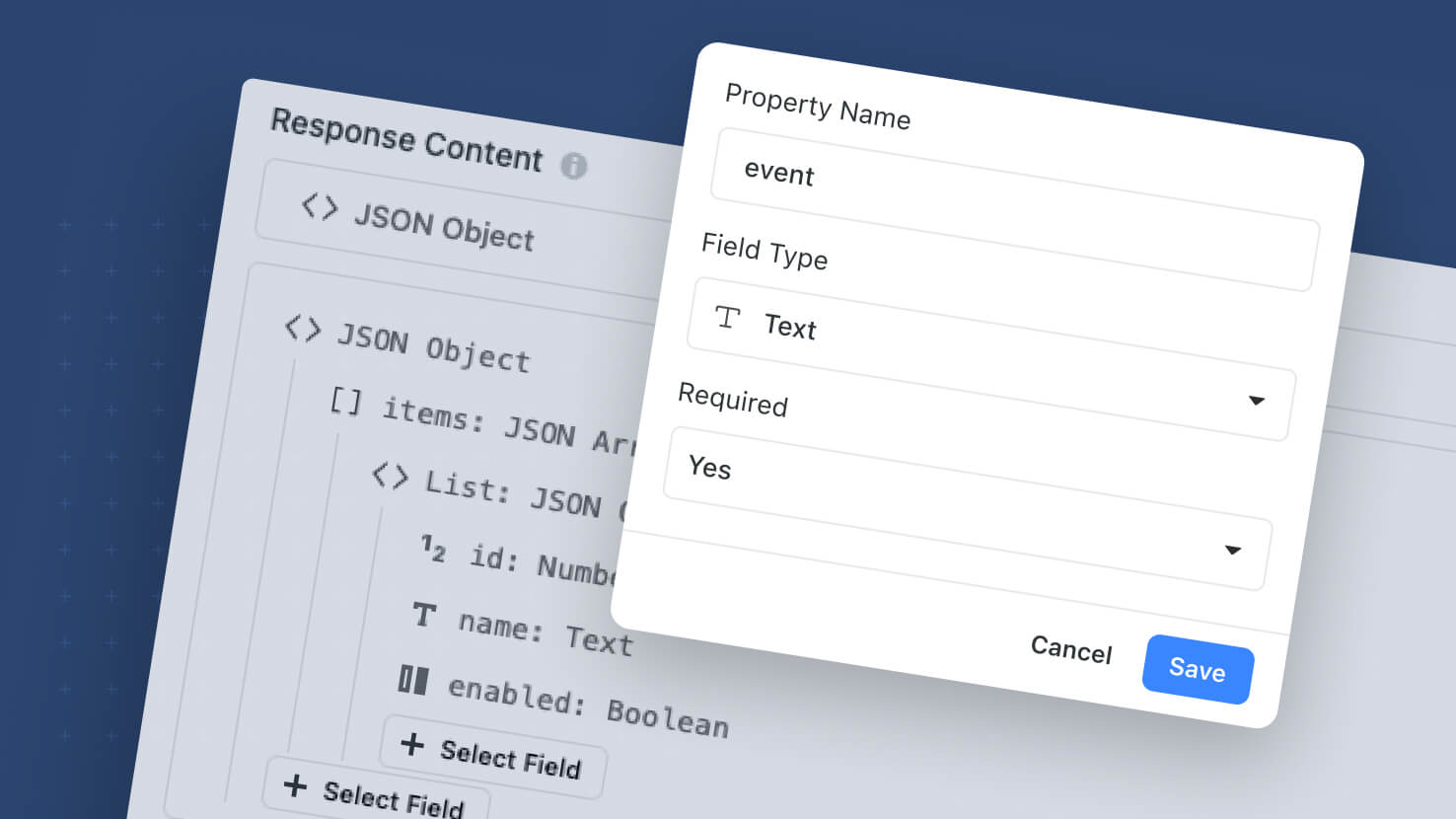
The Webhook Received automation trigger picks up per-field Required controls and a distinct Rejected run-history status. All fields in the webhook structure are non-required by default; toggle Required on the fields that truly matter, and requests that arrive without one of those fields return HTTP 400 to the caller (naming the offending field) plus a Rejected run in history — separate from Failed and Error. Non-required fields no longer break the whole run when missing. Incoming webhook payloads are now captured in Run History as an expandable tree (parsed and raw) for every run, including rejected ones.
Learn More | Watch Product Video
Mobile: Power Search
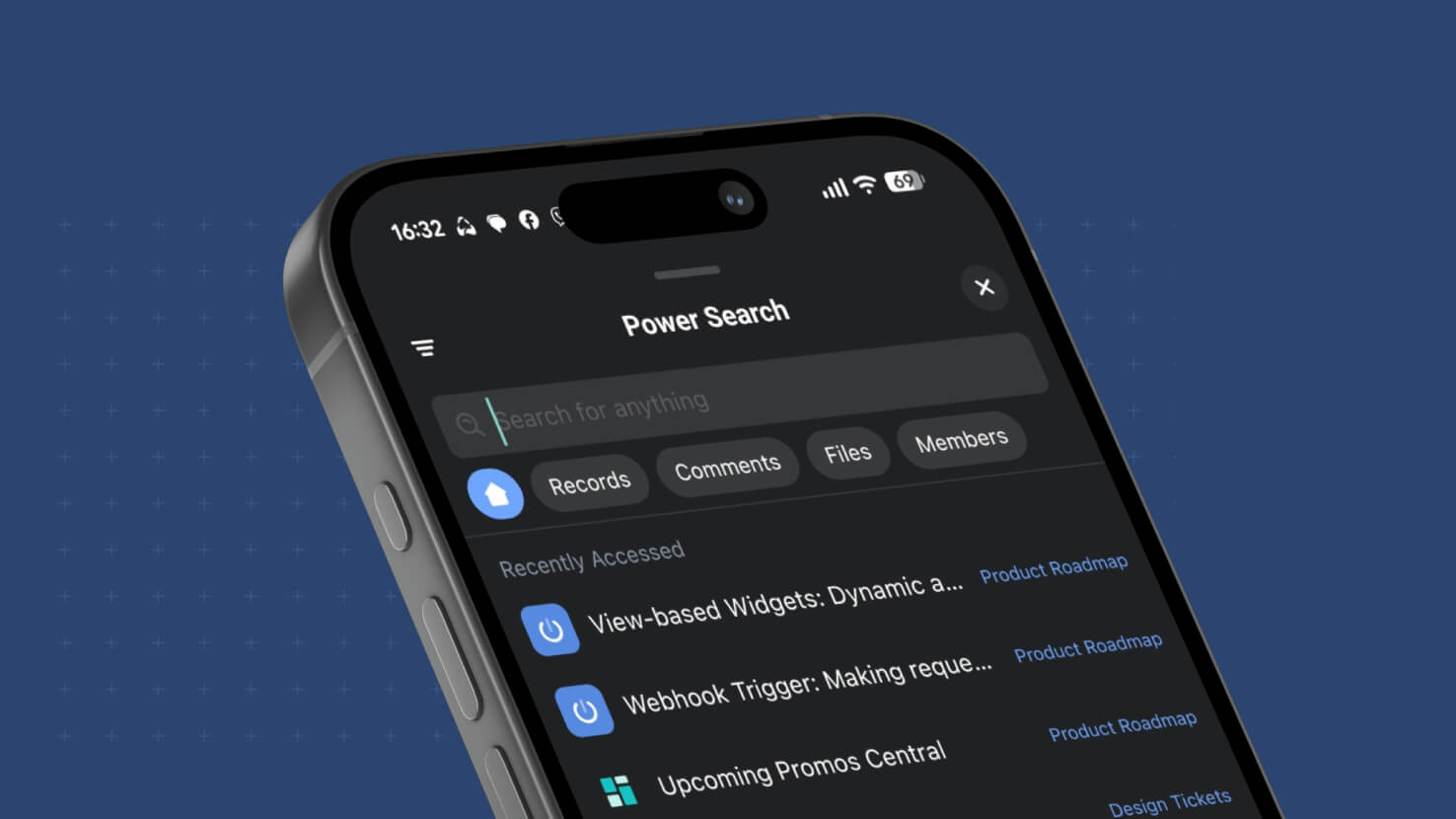
Power Search comes to SmartSuite Mobile. Tapping the Search icon on iOS or Android now opens a Power Search modal that reproduces the desktop experience — workspace-wide record search across every Solution and Table, with the same filter set that the desktop Power Search provides. Field service techs looking up a work order without remembering which Solution it's in, ITSM agents pulling up an incident from a customer name typed at the pump, and PMO leads finding a task assigned to a specific member across every project all get the same "find anything from anywhere" experience mobile that they already had at their desk.
Dashboards: View-Based Widget Preset Filters
View-Based dashboard widgets pick up a third filter layer: Preset Filters on the widget itself, configured in a new Filters tab. Solution Managers choose Static (fixed conditions the viewer can't change) or Dynamic (viewer-facing filter controls on the widget so dashboard consumers can slice the data themselves). Preset Filters combine with the existing Filter Widget and the widget's own Filter Control using AND logic. Shareable dashboards expose Dynamic Filter controls to recipients with the full record set intact.
Learn More | Watch Product Video
Linked Records: Dynamic Filters
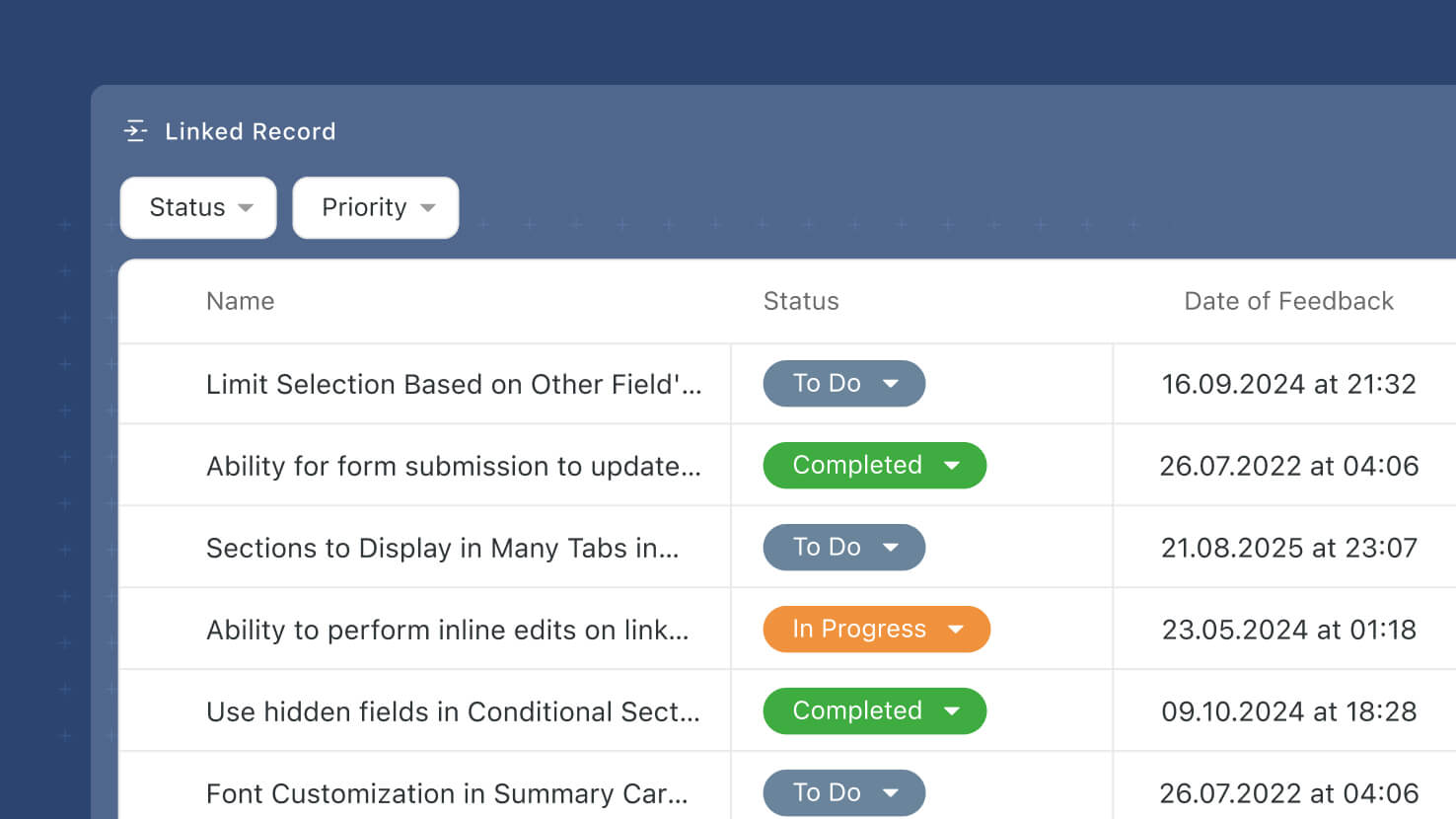
Linked Record fields pick up Dynamic Filters — viewer-facing filter controls that let end users slice the linked-record list without editing the field configuration. Configured on the new Filters tab of the Advanced Settings modal, Dynamic Filters render as a filter picker at the top of the Linked Record display surface so viewers can filter by any field on the target table at view time.
Learn More | Watch Product Video
Linked Records: Static Filters
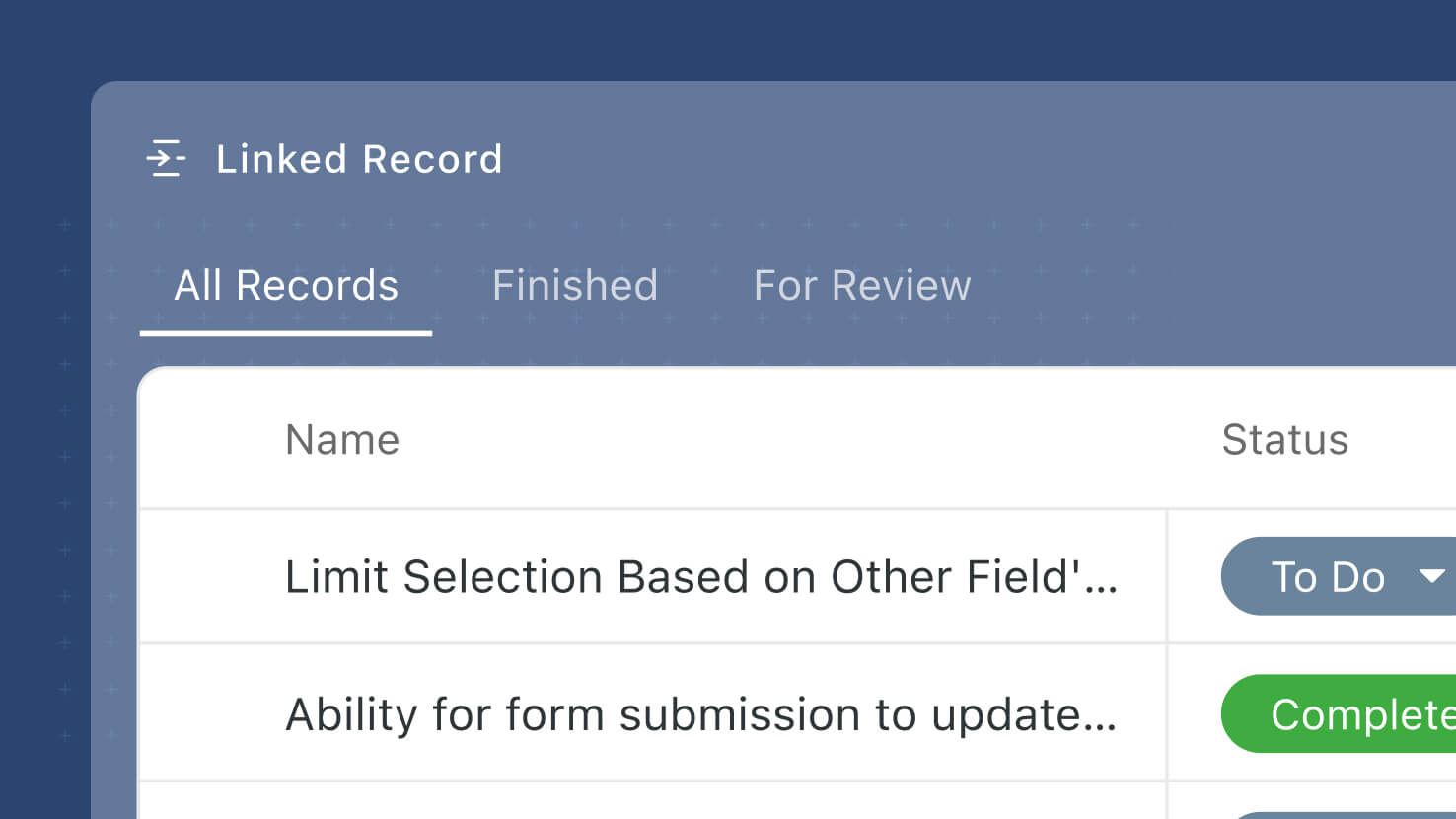
Linked Record fields pick up Static Filters — preset filter conditions on the field itself that let Solution Managers control which linked records display, without touching how records are actually linked. Configured on the new Filters tab of the Advanced Settings modal, Static Filters use the same condition builder that already drives Filter widgets and view controls. A default "All {record name}" filter is added automatically so users can always see the full set of linked records; additional filter sets can be added for common slices.
Learn More | Watch Product Video
Linked Records: Advanced Settings
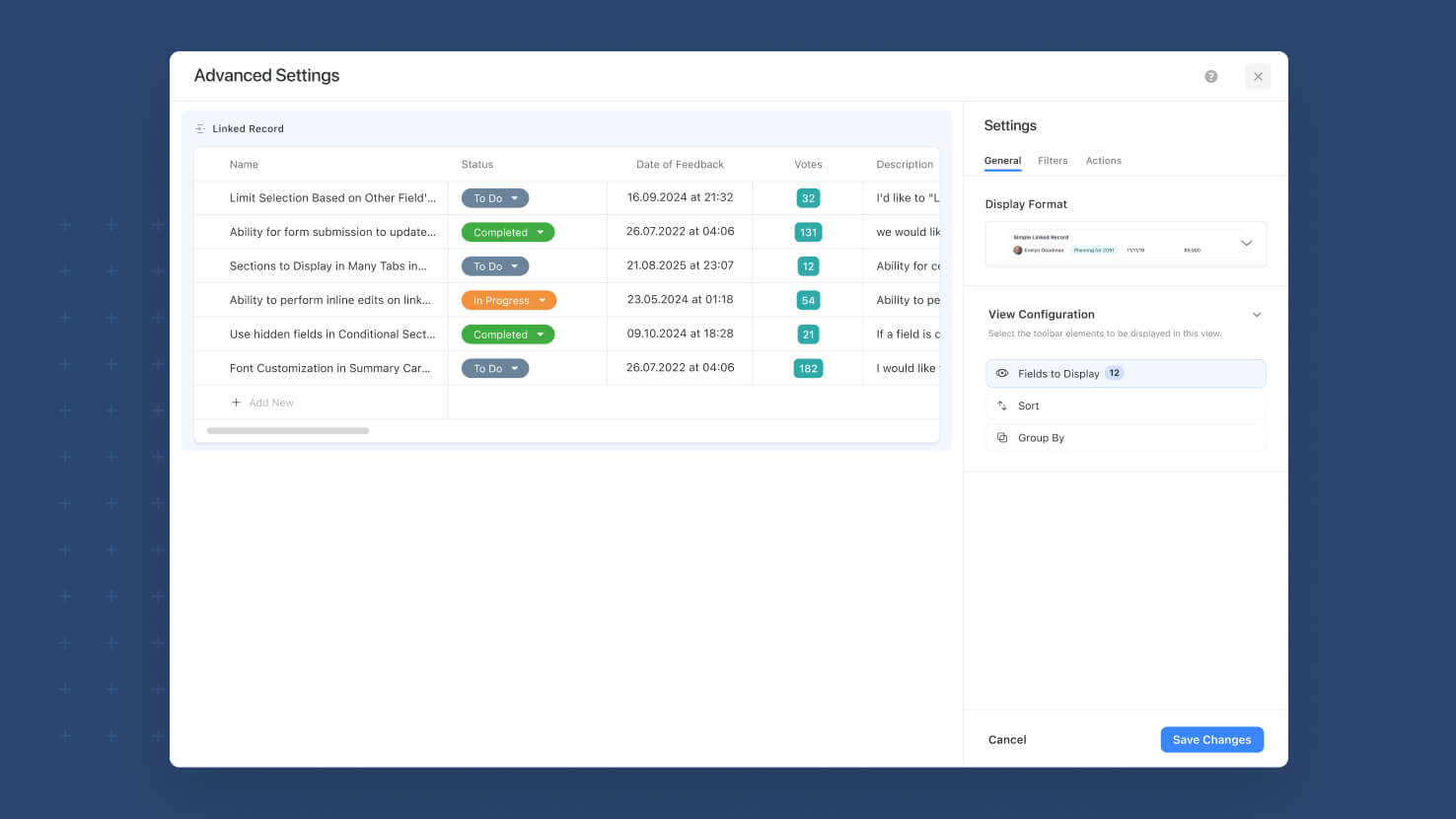
The Linked Record field settings pick up a new Advanced Settings modal that consolidates the display-configuration controls (Fields to Display, Group, Sort) and adds new capabilities on their own tabs. The modal opens with a live Preview on the left rendered from the last 50 records of the target table, and organizes settings across General (display format + Fields / Group / Sort), Filters (new — Static and Dynamic filters, ships alongside this release), and Actions (later phase) tabs. Simplifies the main Linked Record field settings screen while making the advanced surface much easier to configure.
Learn More | Watch Product Video
Forms: Support for Checklist Field Type

The Checklist field type is now supported on Form Views. Solution Managers can drag a Checklist field onto a form and configure it with all the standard form field settings plus Checklist-specific settings for entry creation, default-entry editing, Due Dates, and Assignments.
Learn More | Watch Product Video
Mobile: Date Filters: Calendar Periods and Custom Units
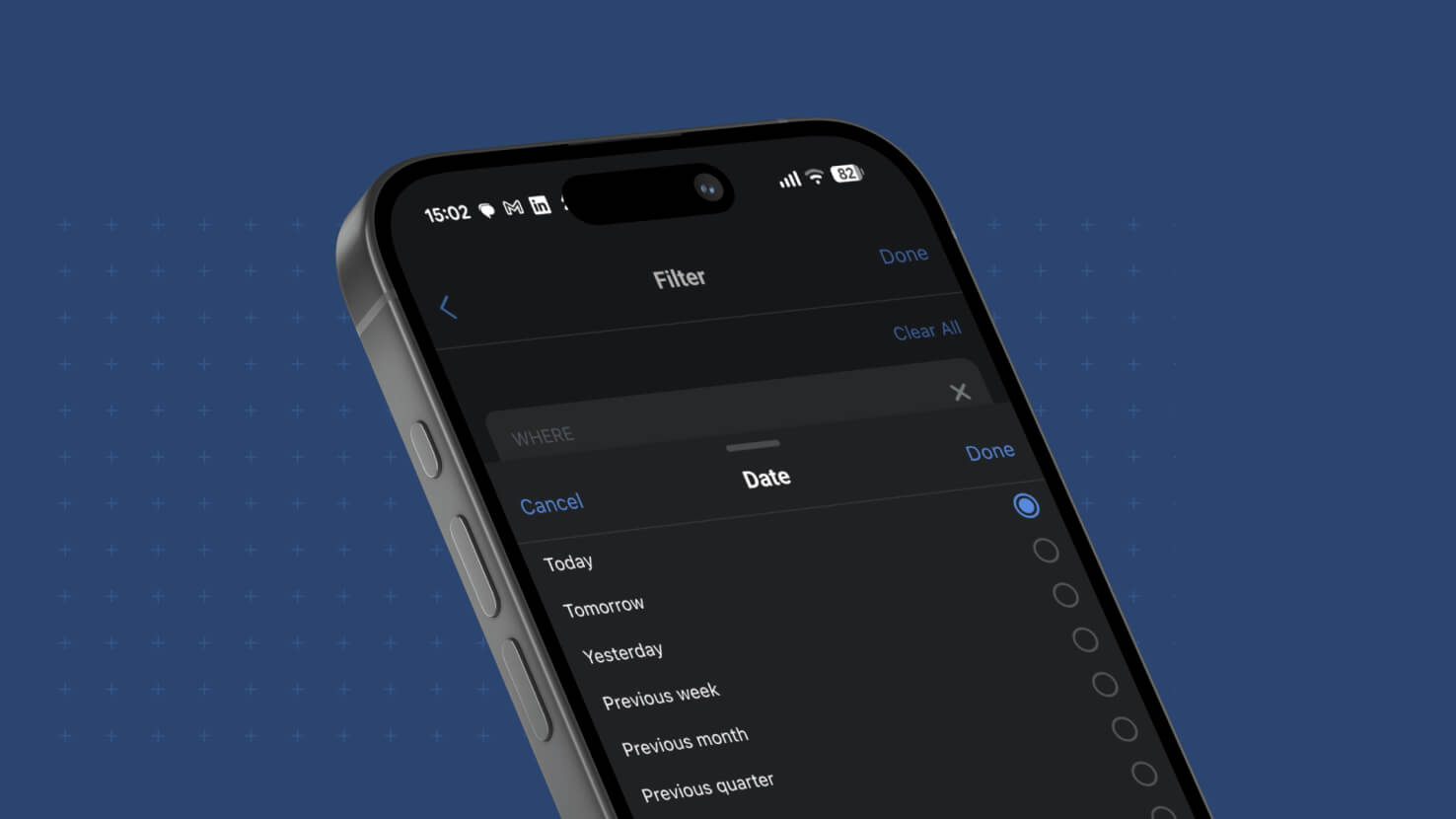
Date filtering in the SmartSuite mobile app gains the full calendar vocabulary. Twelve calendar periods are available across week, month, quarter and year — Previous, Current and Next for each — so "Next month" on your phone means the first through the last day of next month, and quarter filtering is available for the first time. The counted options are presented as "The next number of…" and "The past number of…", each pairing a count with a unit picker for days, weeks, months, quarters or years, which keeps the value sheet short enough to work on a small screen.
Sign-Up: Choose Your Data Region
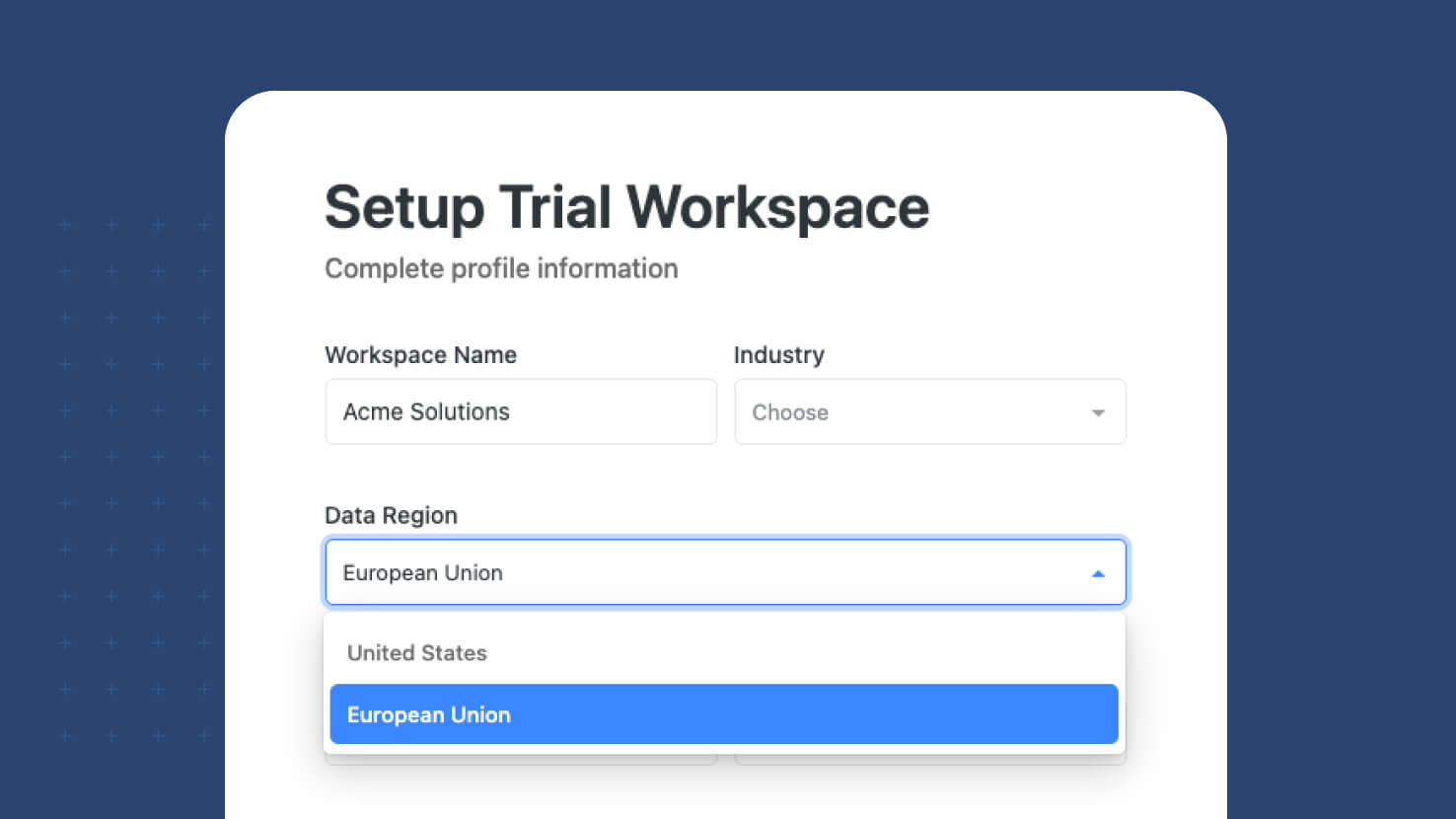
New SmartSuite workspaces now choose where their data lives. A region selector on the sign-up form lets you create your workspace in either the United States or the European Union, and the workspace is provisioned in the region you pick from the moment it is created rather than moved there later. The selector defaults to the region suggested by your location and appears on every path into a new workspace. Everything after that is automatic — the same address and the same login, with requests routed to your workspace's region behind the scenes.
Learn More | Watch Product Video
Date Filters: Calendar Periods and Custom Units
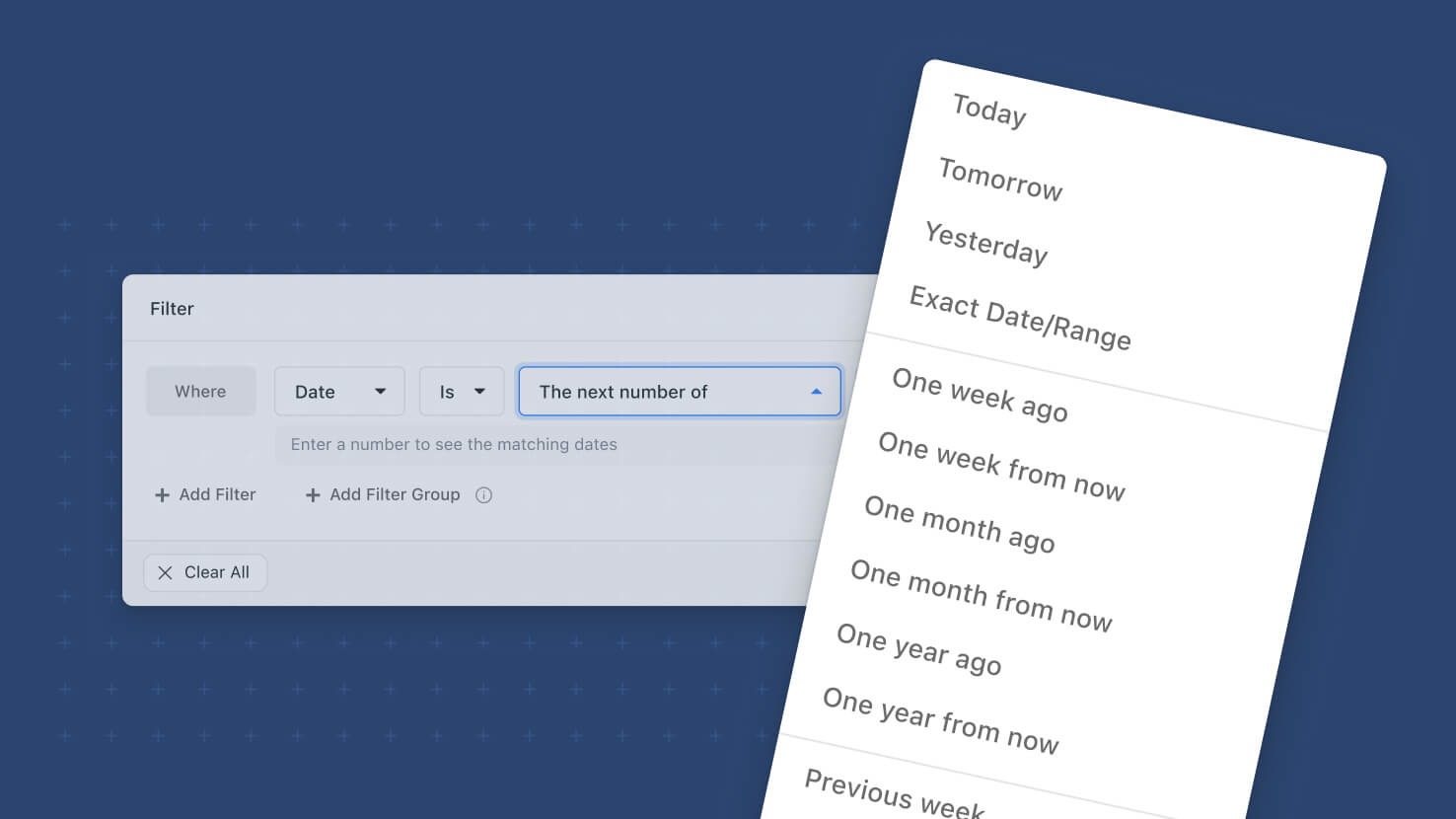
Date filter options now mean what their names say. Six options named after calendar periods — "The next week," "The past month" and their siblings — filtered rolling ranges anchored to today, so "next week" returned the next seven days rather than the upcoming calendar week. Those labels now carry true calendar meaning, "Past" becomes "Previous" to keep the distinction explicit, and twelve calendar periods are available across week, month, quarter and year. Quarters arrive as a filter unit for the first time. The rolling behavior moves to the parameterized options, which now pair a count with a unit picker for days, weeks, months, quarters or years.
Learn More | Watch Product Video
API: Turn off default fields for tables
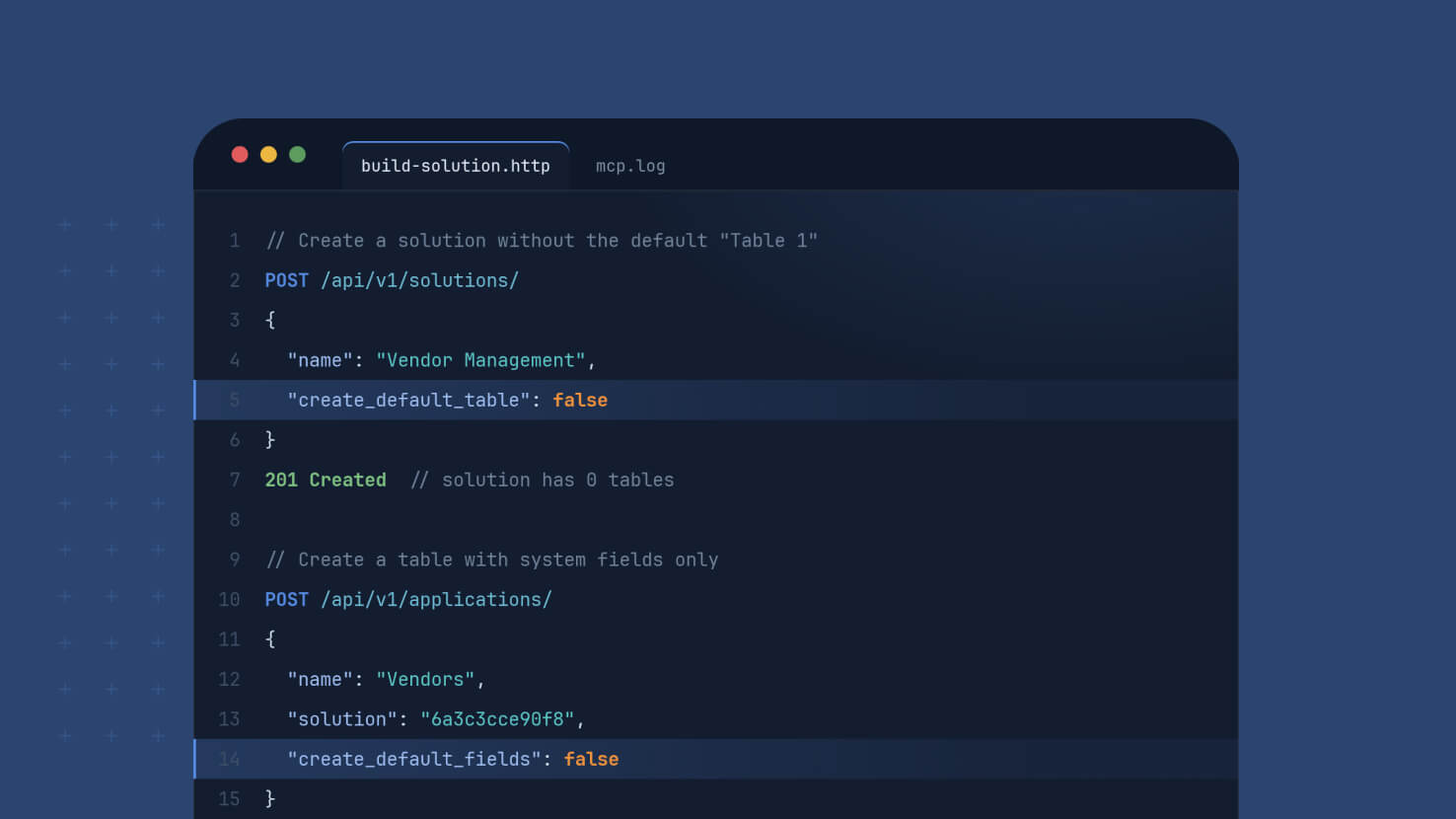
Building through the SmartSuite API used to start with cleanup. Every table created by the Create Table endpoint arrived with five default fields, and every solution created by the Create Solution endpoint arrived with a placeholder "Table 1", so any client that sent its own structure had to go back and remove what it never requested. Two optional flags now let a request skip those defaults entirely, so what you send is what gets built.
Learn More | Watch Product Video
View Widgets: New Settings Panel
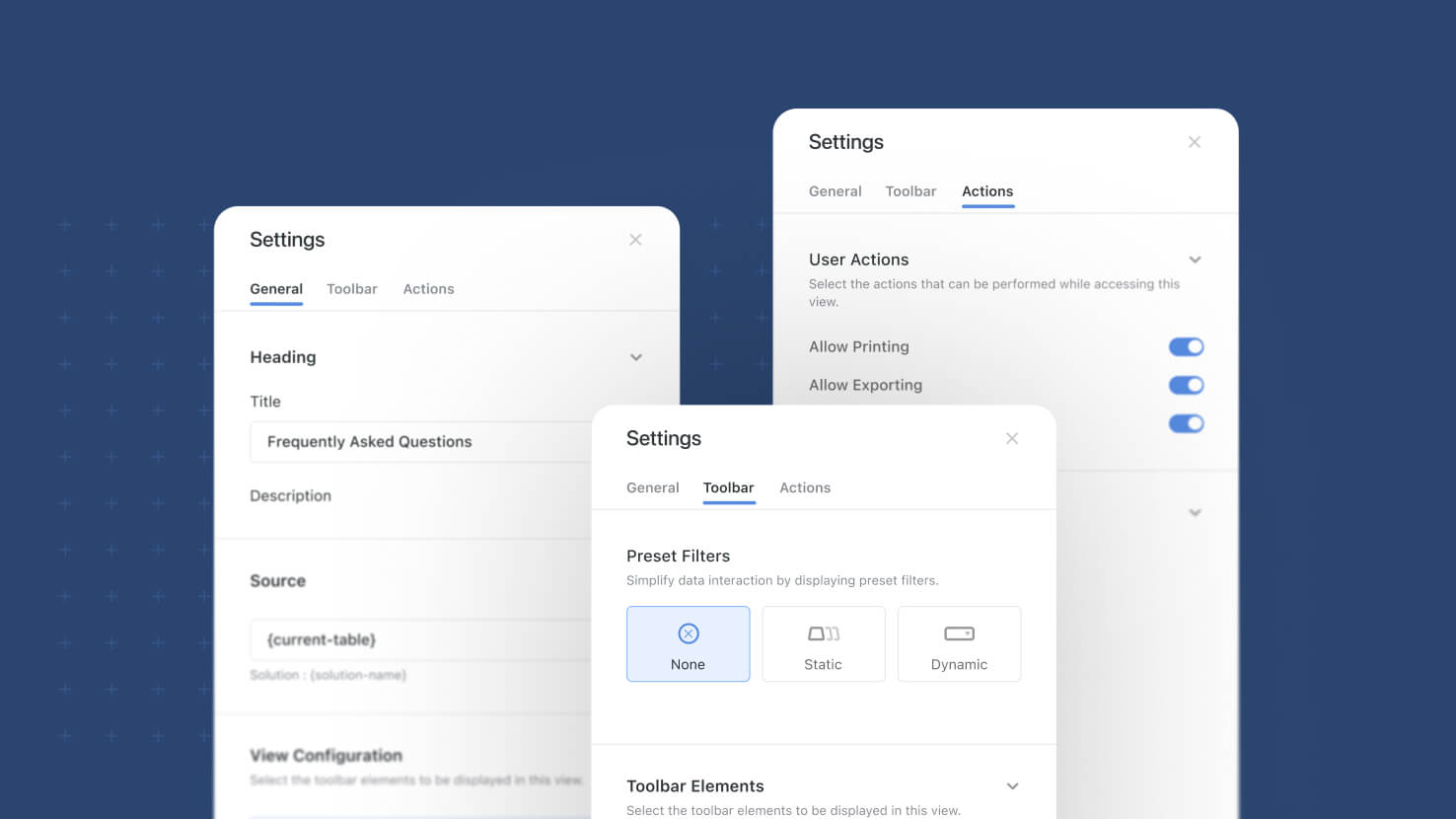
Configuring a dashboard view widget used to mean working through one flat panel where heading, source, display options and buttons all sat together. View widgets now open a three-tab settings sidebar, General, Toolbar and Actions, that groups every setting by what it actually does. The same structure applies across Grid, Card, Kanban, Timeline, Calendar and Gantt widgets.
Learn More | Watch Product Video
Visit the What's New page for a complete list of enhancements, and subscribe to stay up to date on future releases.

SmartSuite provides work platform for standardizing workflows in the following areas:
- Governance, Risk & Compliance
- IT & Service Ops
- Project / Portfolio Management
- Business Operations