



Assign and @-Mention Teams in Comments and Checklists
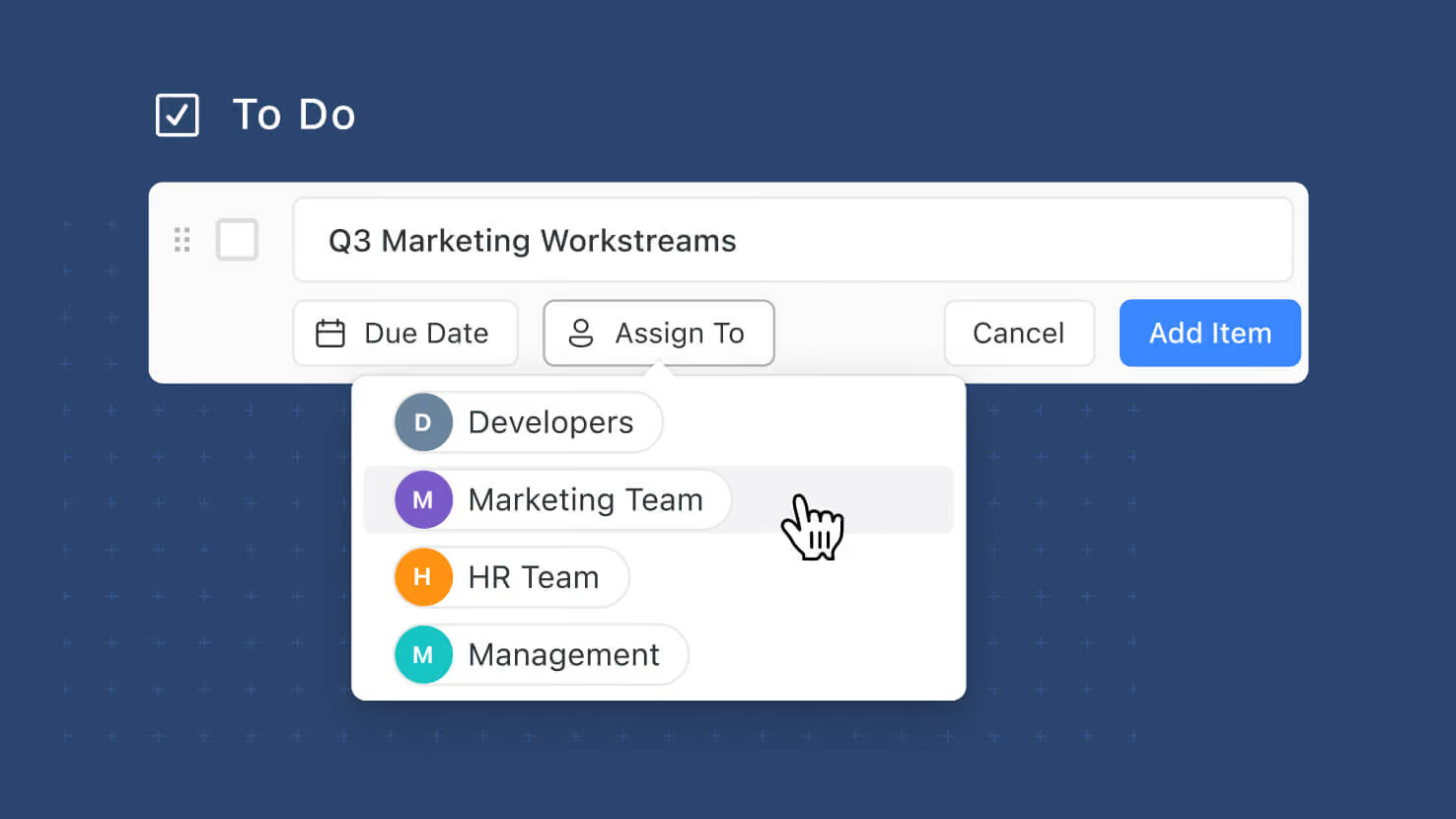
Comments and Checklist Items now support Team assignments and Team @-mentions, extending the Teams Field infrastructure from field-level assignments into the two most conversational surfaces in SmartSuite. Assign a Team to a comment or checklist item instead of picking a specific member, or @-mention a Team inline; every Team member gets an in-app notification and (if a Team Email is configured at the workspace level) one email goes to that address instead of individual member emails. ITSM service desks routing tickets to on-call teams, GRC compliance teams assigning control-review checklists to review committees, PMO leads @-mentioning cross-functional teams in project discussions, and HR teams distributing onboarding checklists across a Team all get first-class Team routing.
Key highlights
- Team Assignments on Comments and Checklists: Assign a Team to a comment or checklist item exactly the way you'd assign a member. Every Team member receives an in-app notification; email routing follows the workspace-level Team Email setting (single address if configured, individual members if not).
- Team @-Mentions on Comments and Checklists: Type @ followed by a Team name in a comment or checklist item; the mention resolves to the whole Team with matching notifications. Notification wording distinguishes mentions from assignments ("mentioned {Team} team" vs "assigned {Team} team").
- Same Governance as the Teams Field: Only active, non-deleted Teams that currently have Contributor or Assignee access to the record appear in the picker or @-mention list. Deleted or Inactive Teams are filtered out; the "Everyone" pseudo-team is never available.
- Team Email Deduplication: If a Team has a Team Email configured at the workspace level, that single address gets the email — no individual member emails. Multi-team memberships deduplicate cleanly so users aren't double-emailed when a Team Email address is in play.
- Full Audit Trail: Team assignments and mentions log in the record's activity history the same way Member assignments and mentions do — preserving traceability for compliance, incident post-mortems, and audit reviews.
How it works
- Open a record and go to the Comments panel (or open a Checklist field and target a checklist item).
- Type @ followed by a Team name in the comment field. The picker shows Teams that are active, non-deleted, and currently have Contributor or Assignee access to the record.
- Optionally check "Assign Comment" (or the equivalent on a checklist item) if you want the mention to be an assignment as well as a mention.
- Send the comment / save the checklist item. In-app notifications go to every Team member; email routes to the Team Email if configured, else to individual members (capped at 50 recipients).
- Resolve/reopen a Team-assigned comment the same way you'd resolve a member-assigned one. Team members see the resolution notification.
With Team assignments and @-mentions on comments and checklists, SmartSuite closes the gap between record-level Team routing (already available on the Teams Field) and conversation-level Team routing — the right responder can now be "whoever on this Team picks it up first" across every collaboration surface.
More updates
The newest releases and improvements across the platform, each with its video and help article.
See all updates


Put these ideas to work
Start a free trial, or book a demo and see how it runs in SmartSuite.