



Automations: Conditional Logic
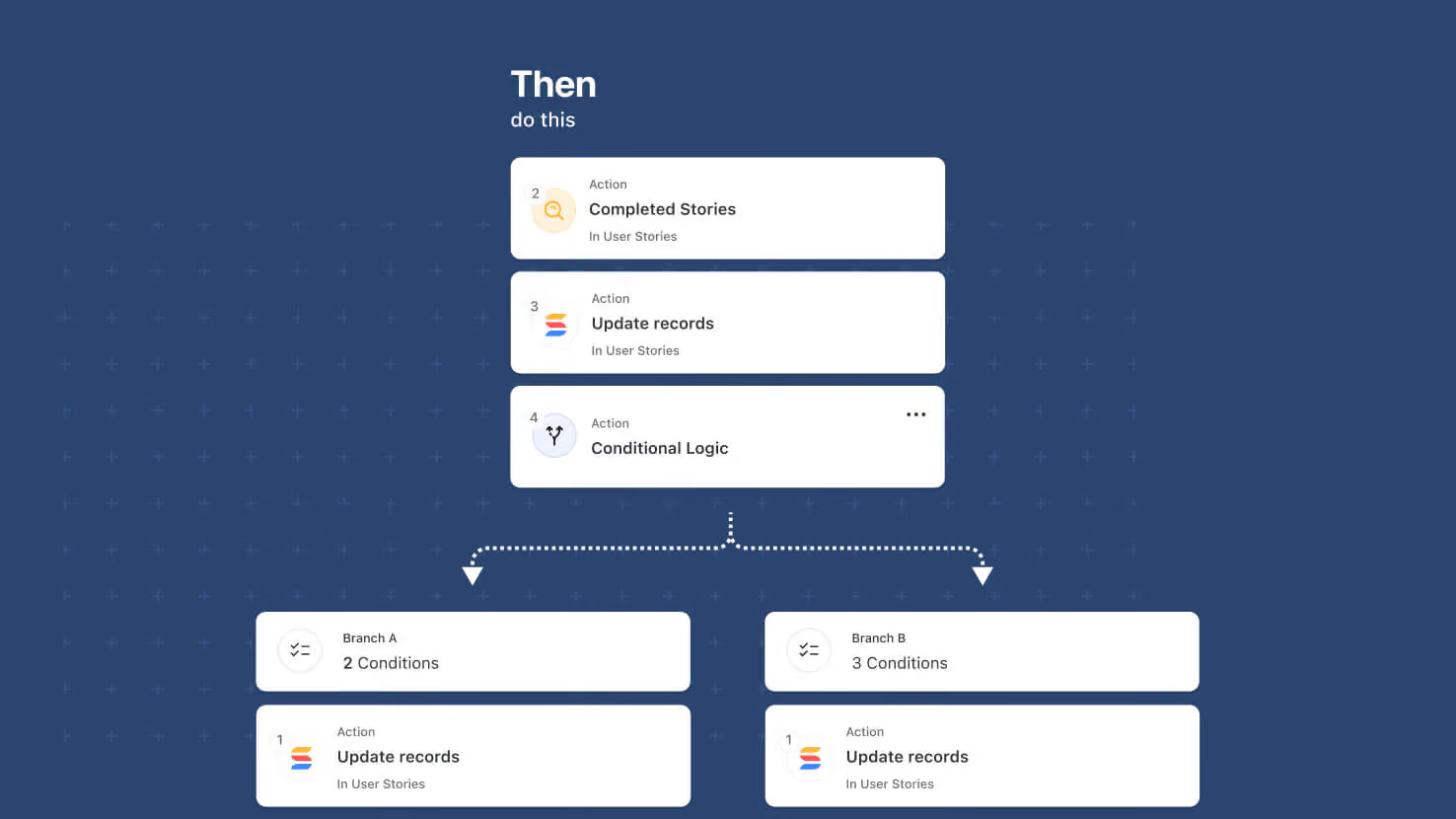
Automations pick up a new Conditional Logic action that lets a single automation take different paths depending on record data. Solution Managers build conditions with the standard condition builder, then place the actions that should run when conditions are met and the actions that should run when they aren't. Route ITSM tickets to the on-call team when priority is high, auto-approve purchase requests under a threshold and route larger ones for review, or send only backordered line items down a follow-up path inside a Repeating Action loop.
Key highlights
- Single Automation, Multiple Paths: Replace the pattern of duplicated automations with a single automation that branches based on record data.
- Standard Condition Builder: Conditions use the same control that already drives filters and automation conditions — AND/OR combinations, grouped condition sets, all field types supported.
- Any Action Type in Either Branch: Both branches accept any of SmartSuite's automation action types — updates, notifications, record creation, integrations, and more.
- Per-Item Evaluation Inside Repeating Actions: Placed inside a Repeating Action loop, Conditional Logic evaluates once per item in the loop.
- Nesting Support: Pairs with this same release's Advanced Logic Nesting to allow branches inside branches, loops inside branches, branches inside loops, and loops inside loops (two levels deep).
How it works
- Open an automation and add an action. Choose Conditional Logic from the action picker.
- Build the conditions in the standard condition builder.
- Add the actions that should run when the conditions are met to the first branch, and the actions that should run when they aren't to the second branch.
- To evaluate per item inside a loop, place the Conditional Logic action inside a Repeating Action.
- Save and enable. Open Run History to see which branch ran for each execution.
Solution Managers and Workspace Administrators can build and edit these automations. Available on all plans.
More updates
The newest releases and improvements across the platform, each with its video and help article.
See all updates


Put these ideas to work
Start a free trial, or book a demo and see how it runs in SmartSuite.