



Automations: Slack Actionable Notifications
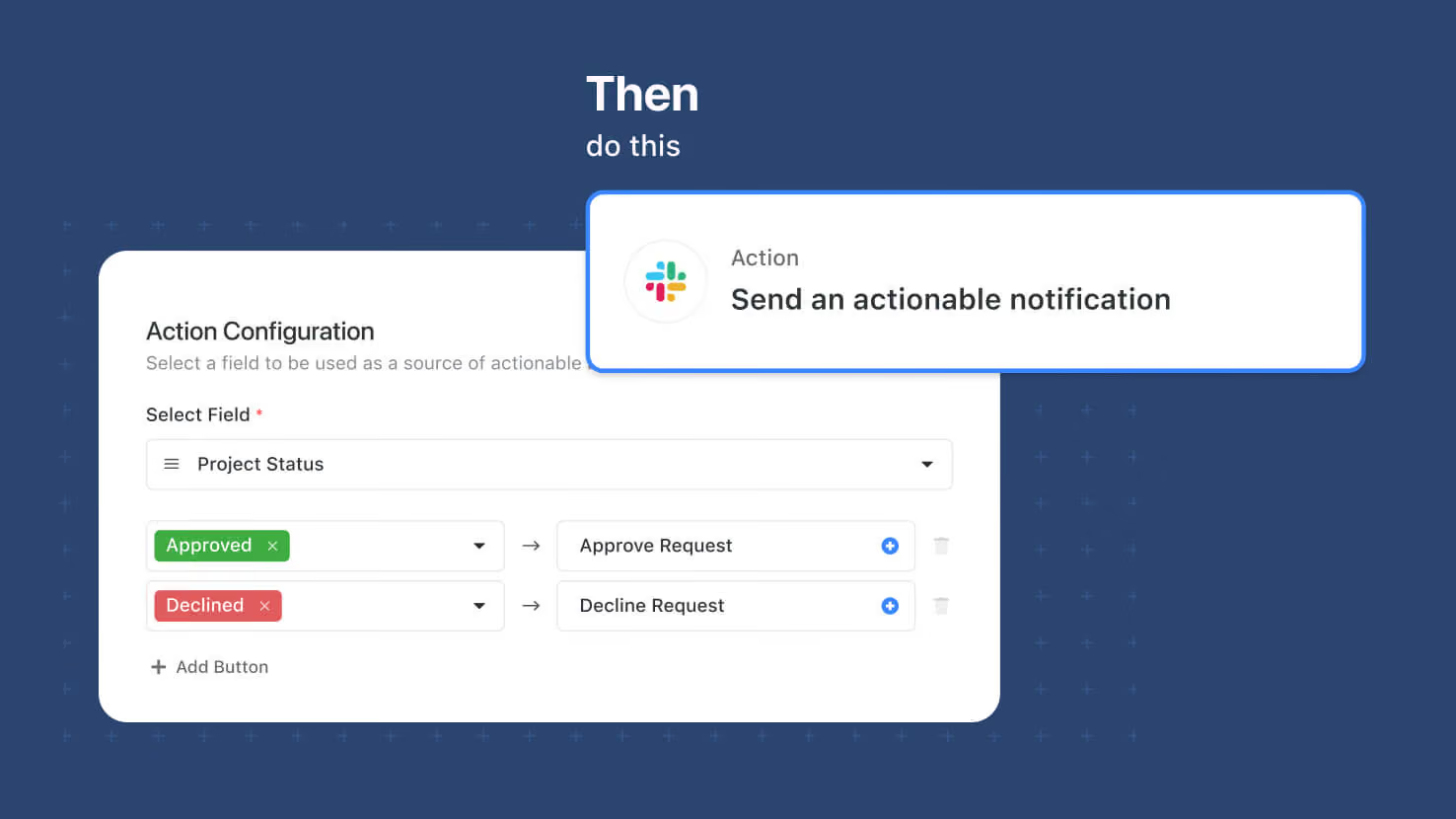
Automations can now send Slack messages with actionable buttons that update a SmartSuite record when clicked. Solution Managers pick a target record, compose the message, and choose a Status, Single Select, Multiple Select, or Yes/No field on the record as the button source — Slack recipients get up to three buttons and clicking one sets that field to the corresponding value in SmartSuite. Approval flows for contract sign-off, expense review, PTO requests, or GRC control attestations run entirely inside Slack while the audit trail lands on the SmartSuite record.
Key highlights
- New Automation Action: "Send an actionable notification" under Slack in the automation action picker.
- Up to Three Action Buttons: Buttons are sourced from a Status, Single Select, Multiple Select, or Yes/No field on the target record.
- Channel or DM: Send to a Slack Channel or an Individual Slack user.
- Permission-Aware: The Slack user who clicks a button is matched to a SmartSuite Member by email, and their record permissions are checked before the update runs.
- Full Audit Trail: Successful updates land on the record's activity history with the Slack user's name and the automation name attached. Failed attempts are captured as comments on the record on behalf of SmartSuite Automation.
How it works
- A Workspace Administrator enables the Slack integration from Workspace Settings → Security → Access.
- Solution Managers add the "Send an actionable notification" action to an automation and pick the target record.
- Compose the message title and content — rich text formatting and inline field values supported.
- Pick the field on the target record to drive the buttons. Add up to three buttons with field values and labels.
- Save and enable. When it fires, the recipient sees the message with buttons in Slack.
Requires the Slack integration enabled at the workspace level. Available on Enterprise and Signature plans.
More updates
The newest releases and improvements across the platform, each with its video and help article.
See all updates


Put these ideas to work
Start a free trial, or book a demo and see how it runs in SmartSuite.