



New Feature
Automations: Support for Team Field
All plans
Summarize with
In this article
Published
May 7, 2026
The new Team field works end-to-end in automations: triggers, actions, loops, and notification routing. Service desks running approval workflows, GRC teams notifying ownership groups of compliance events, and any automation that previously had to fan out to individual members one at a time gets a more direct path.
Key highlights
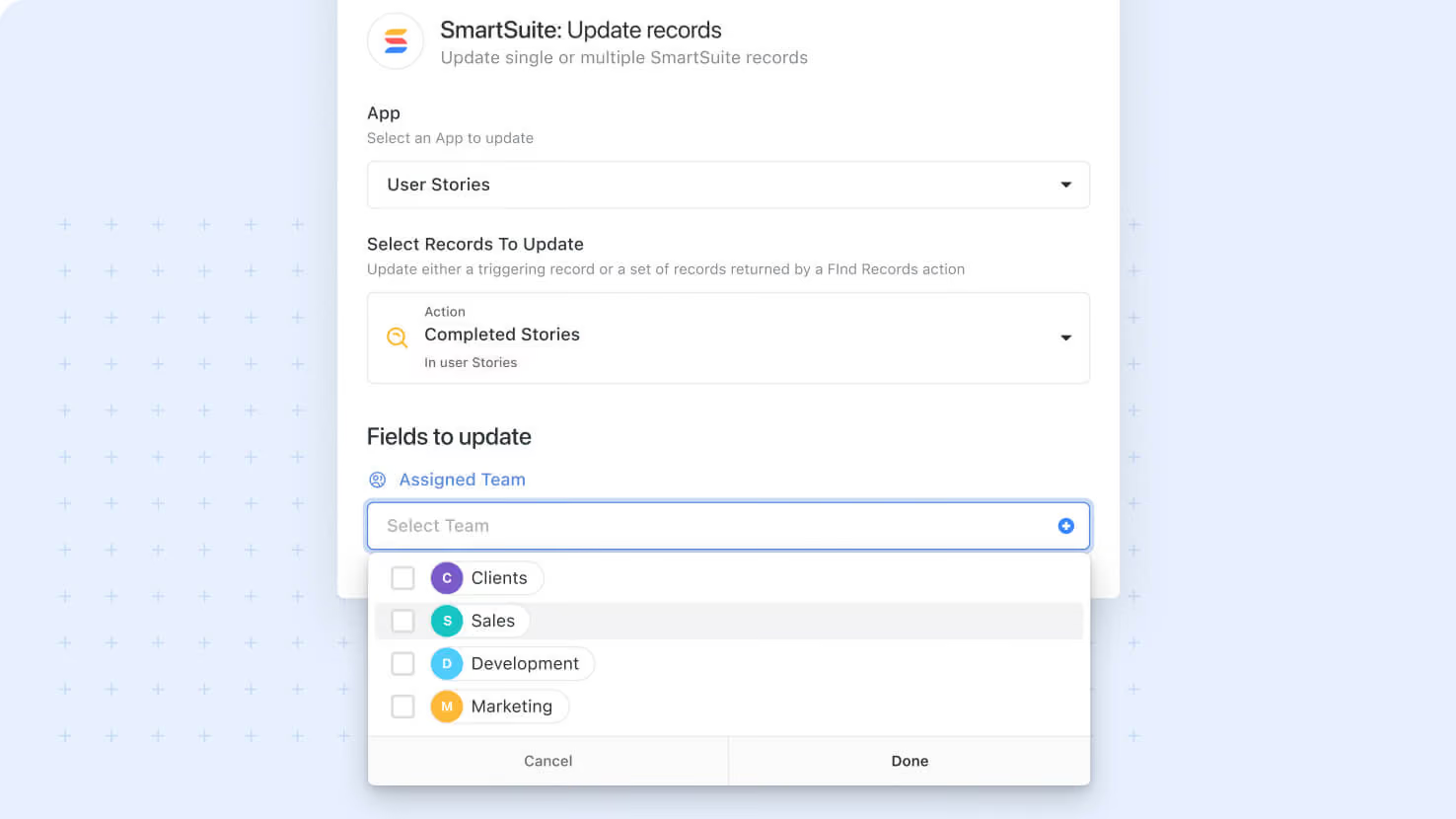
- Team as Action Input: Set a Team field's value from a static team name, a lookup, a formula, or any text source the field picker accepts.
- Team-to-User Mapping: Setting an Assigned To field from a Team field writes all team members to the destination, with the first member used when the destination is single-value.
- Smart Email Routing: Send Email actions go to the Team Email when set, or fall back to deduplicated individual member emails when targeting multiple teams.
- Notification Fan-Out: Send Notification actions reach every team member directly without per-member configuration, mirroring how individual assignment notifications work today.
- Loop Support: Use a Team field in a Loop step to iterate over team members and run per-member follow-up actions like creating tasks, sending personal updates, or generating reports.
How it works
- In any automation action that targets a Team field, use the standard text input control to map the value, with field picker support for dynamic resolution.
- The Send Email action checks each target team for a Team Email, with the team email handling distribution when present and individual member emails sent (with deduplication across multiple selected teams) when not.
- Inactive or deleted teams encountered at runtime are skipped silently, consistent with how Assigned To handles deactivated members, so workflows stay running rather than failing on stale references.
- Validation respects table permissions: a team without explicit access to the target table is skipped at runtime rather than written, with the skip recorded in run history.
- Triggers fire when a Team field value changes, the same way they do for any other tracked field.
This release closes the loop on the Team field type: configure it once on the table, and every automation surface treats it as a first-class assignment source.
Released
May 7, 2026
New Feature
More updates
The newest releases and improvements across the platform, each with its video and help article.
See all updates


Put these ideas to work
Start a free trial, or book a demo and see how it runs in SmartSuite.