



Feature Improvement
Charts: Full Support for Lookup Fields
All plans
Summarize with
In this article
Published
September 4, 2025
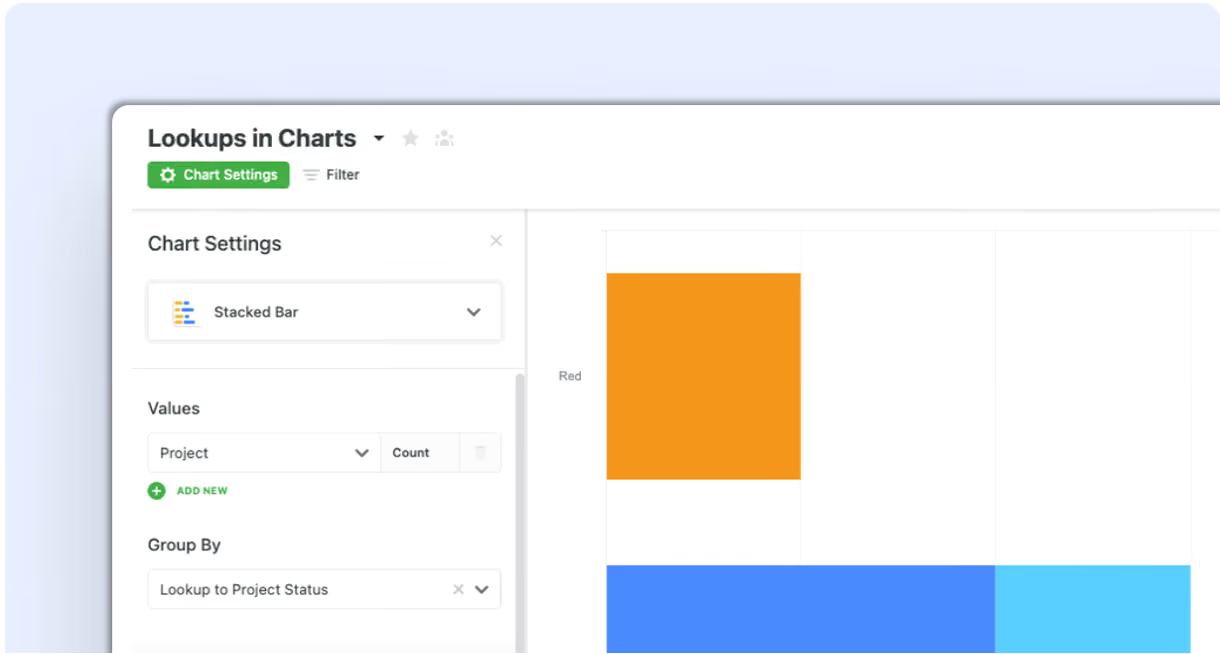
We’re excited to roll out a new update designed to make your charts and visualizations more powerful and flexible. With this enhancement, you can now use Lookup fields across values and groups, giving you deeper insights into your connected data.
Key Highlights
- Lookup to Numbers: Use Lookups as values (Sum, Average, Count) or group by number Lookups for more granular reporting.
- Lookup to Dates: Group chart data by Lookup dates to easily track trends and timelines.
- Lookup to Linked Records & Assigned To: Aggregate and group chart results based on linked record references or assigned users.
- Lookup to Lists: Full support for grouping and aggregating by Lookup to list-type fields.
- Mobile Ready: All functionality is fully supported in the mobile app for insights on the go.
How It Works
- Select Lookups in Chart Settings: Choose a Lookup field as your value or grouping option.
- Define Aggregations: Apply functions like Sum, Average, or Count to number-based Lookups.
- Drill Into Groups: Click any grouped value (date, number, user, or linked record) to see the underlying records.
With full Lookup support in charts, you’ll have a clearer, more comprehensive view of your data relationships — all within the visualization tools you already use.
Released
September 4, 2025
Feature Improvement
More updates
The newest releases and improvements across the platform, each with its video and help article.
See all updates


Put these ideas to work
Start a free trial, or book a demo and see how it runs in SmartSuite.