



Feature Improvement
Dashboards: Deep links for tabs
All plans
Summarize with
In this article
Published
February 24, 2026
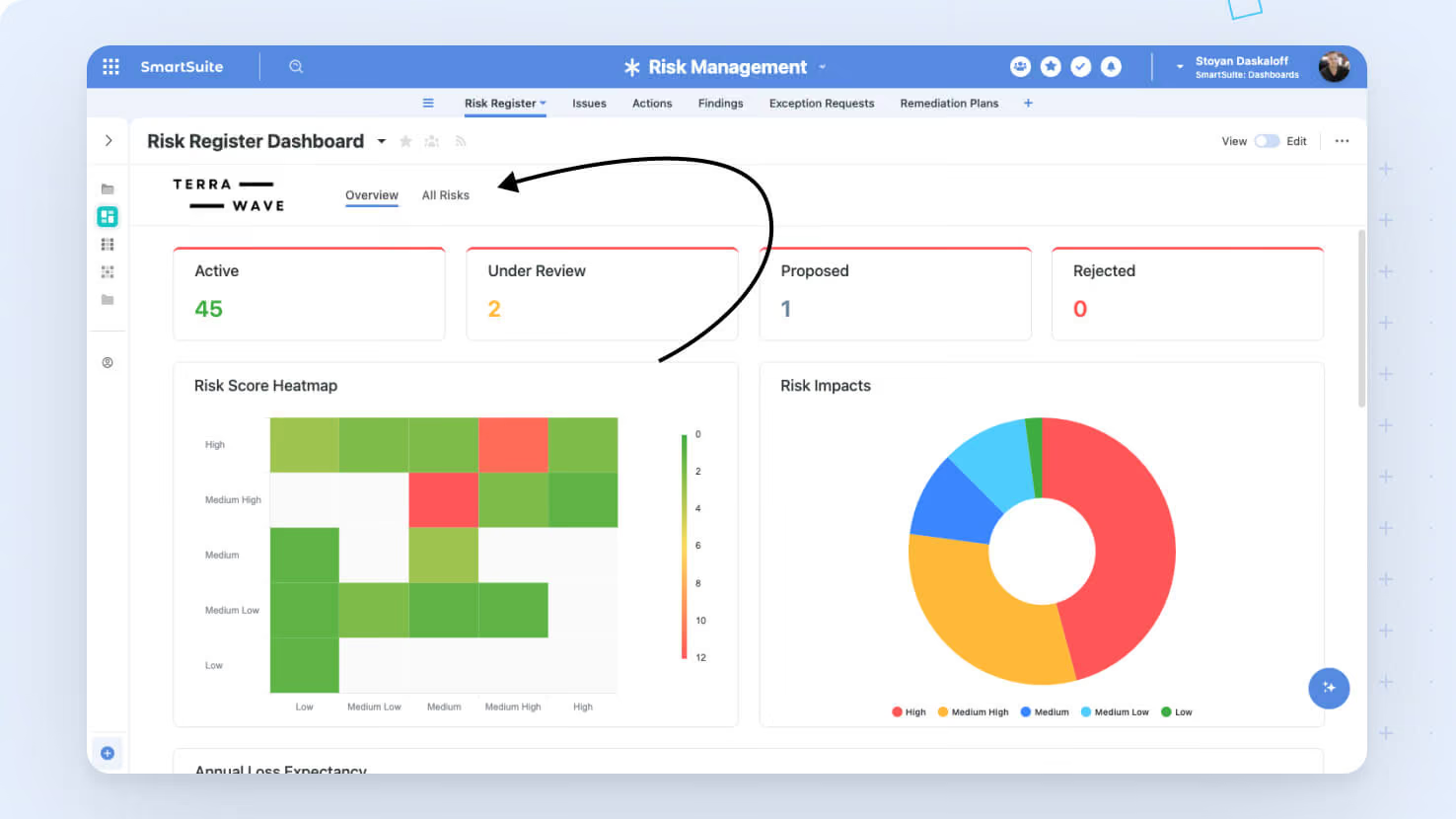
Introducing Dashboards: Deep links for tabs – a new feature designed to help you navigate your dashboards more efficiently. Now you can share or bookmark direct links that take you straight to the desired dashboard tab.
Key highlights
- Direct Linking: Jump directly to a specific dashboard tab using URLs.
- URL Tracking: The browser’s URL updates whenever you switch tabs.
- Seamless Navigation: Enter a deep link in a new session and the dashboard opens with the designated tab.
- Reliable Routing: Tab renaming won’t disrupt existing deep links, ensuring your links remain valid.
- Sharing Made Easy: Copy and share deep links across your team or other SmartSuite features.
How it works
- When you switch between dashboard tabs, the URL in your browser updates to reflect the active tab.
- Our ID-based routing ensures that even if a dashboard tab’s name changes, any previously generated deep link will still work.
- Simply paste a deep link into your browser, and the dashboard will open with the specified tab active.
You can now enjoy a smoother, more customizable navigation experience across your dashboards.
Released
February 24, 2026
Feature Improvement
More updates
The newest releases and improvements across the platform, each with its video and help article.
See all updates


Put these ideas to work
Start a free trial, or book a demo and see how it runs in SmartSuite.