



New Feature
Gantt View: Editable Dependency Sub-Fields
All plans
Summarize with
In this article
Published
March 11, 2024
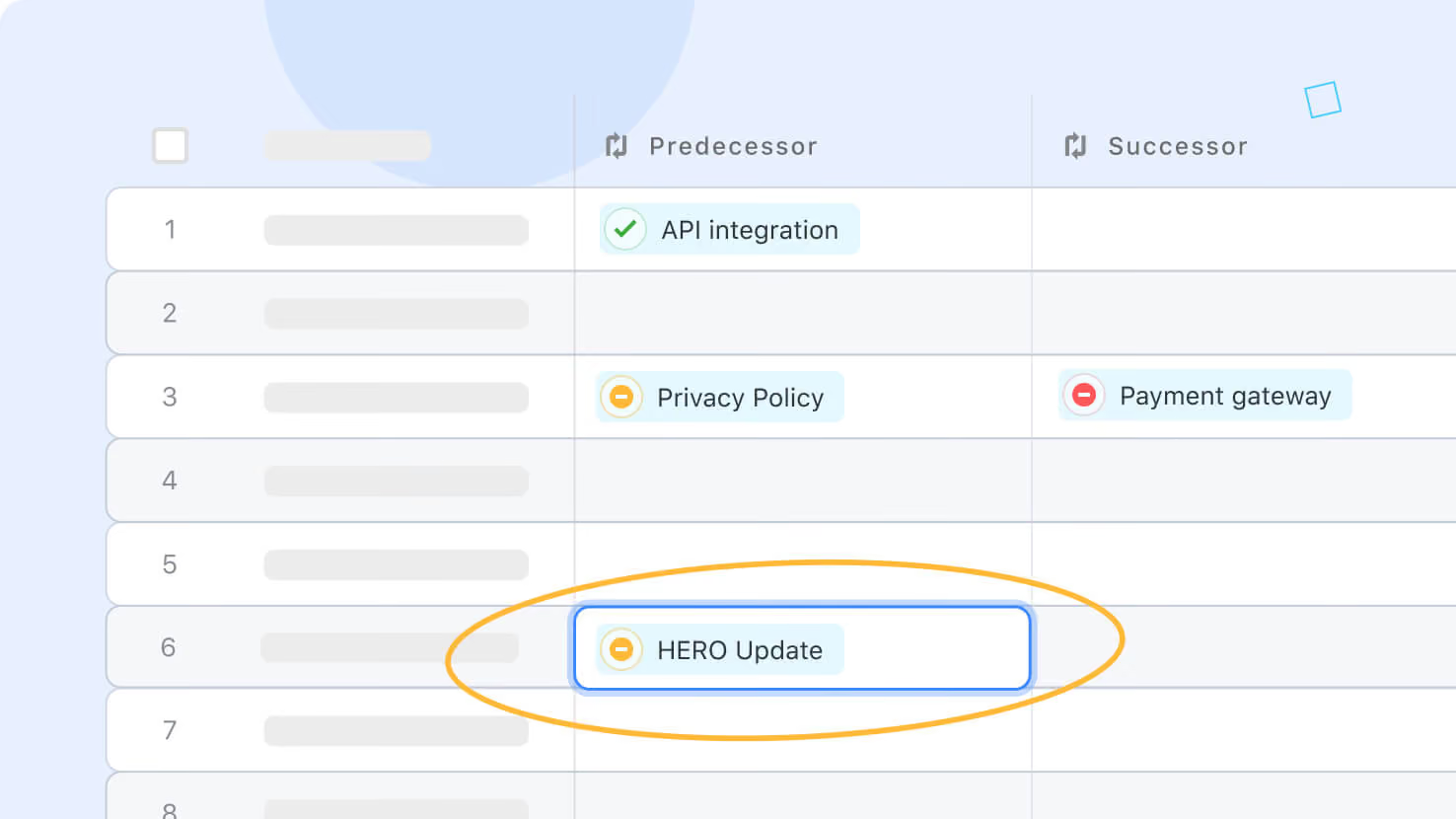
The Dependency Field’s Predecessor and Successor information can now be displayed independently in grid, allowing you to edit and interact with them in the same way you would a Linked Record.
You can add Dependency subfields to the Grid View by opening Fields to Display, clicking the plus (+) icon to the left of Dependency, and then clicking Predecessor or Successor.
Released
March 11, 2024
New Feature
More updates
The newest releases and improvements across the platform, each with its video and help article.
See all updates


Put these ideas to work
Start a free trial, or book a demo and see how it runs in SmartSuite.