



Feature Improvement
Grid View: Disable Inline Edit Toggle
All plans
Summarize with
In this article
Published
March 26, 2026
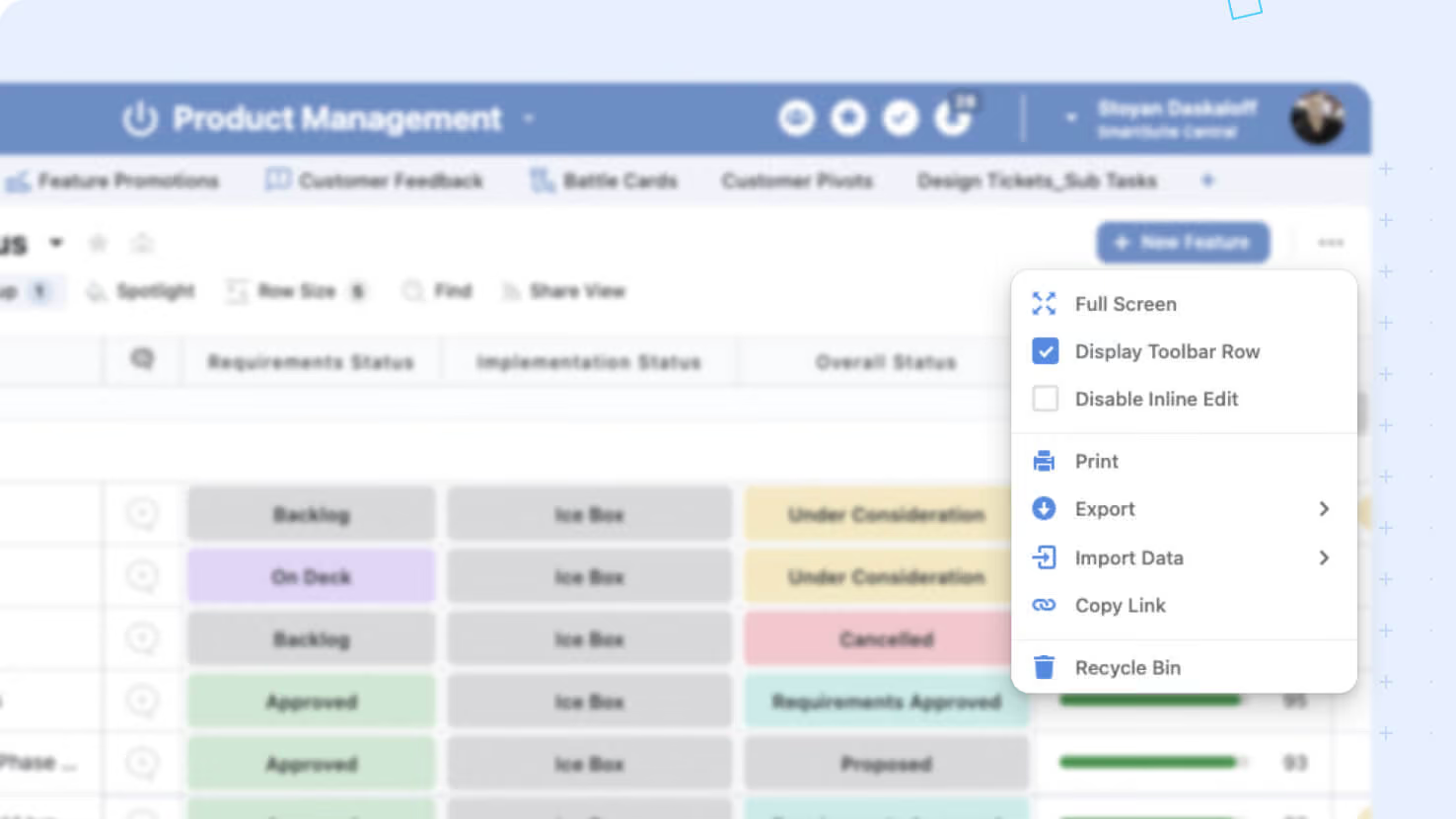
We've introduced a new update to make your grid views safer and easier to manage. Now, you can quickly toggle your Grid View to a read-only state - ensuring data is only viewed and not accidentally edited.
Key highlights
- Disable Inline Edit Option: A new checkbox in the Grid View 3-dot menu lets you disable inline editing with a single click.
- Accidental Edit Prevention: Once enabled, users can view and explore records without the risk of making unintended changes.
- Consistent Experience: This setting only affects inline editing in the grid view, leaving permissions and other editing options intact.
- Persistent Setting: The chosen setting will remain active across sessions for a consistent user experience.
How it works
- Administrators can enable the new read-only mode by checking the Disable Inline Edit option in any grid view’s menu.
- When toggled on, inline editing is turned off: cells no longer support direct interaction for edits, though users can continue to sort, filter, group, and perform bulk actions.
- This feature acts solely as a presentation control at the view level, preserving underlying record and field permissions as well as functionality in other areas of the platform.
Released
March 26, 2026
Feature Improvement
More updates
The newest releases and improvements across the platform, each with its video and help article.
See all updates


Put these ideas to work
Start a free trial, or book a demo and see how it runs in SmartSuite.