



New Feature
Hide Tables in Solutions
All plans
Summarize with
In this article
Published
February 26, 2024
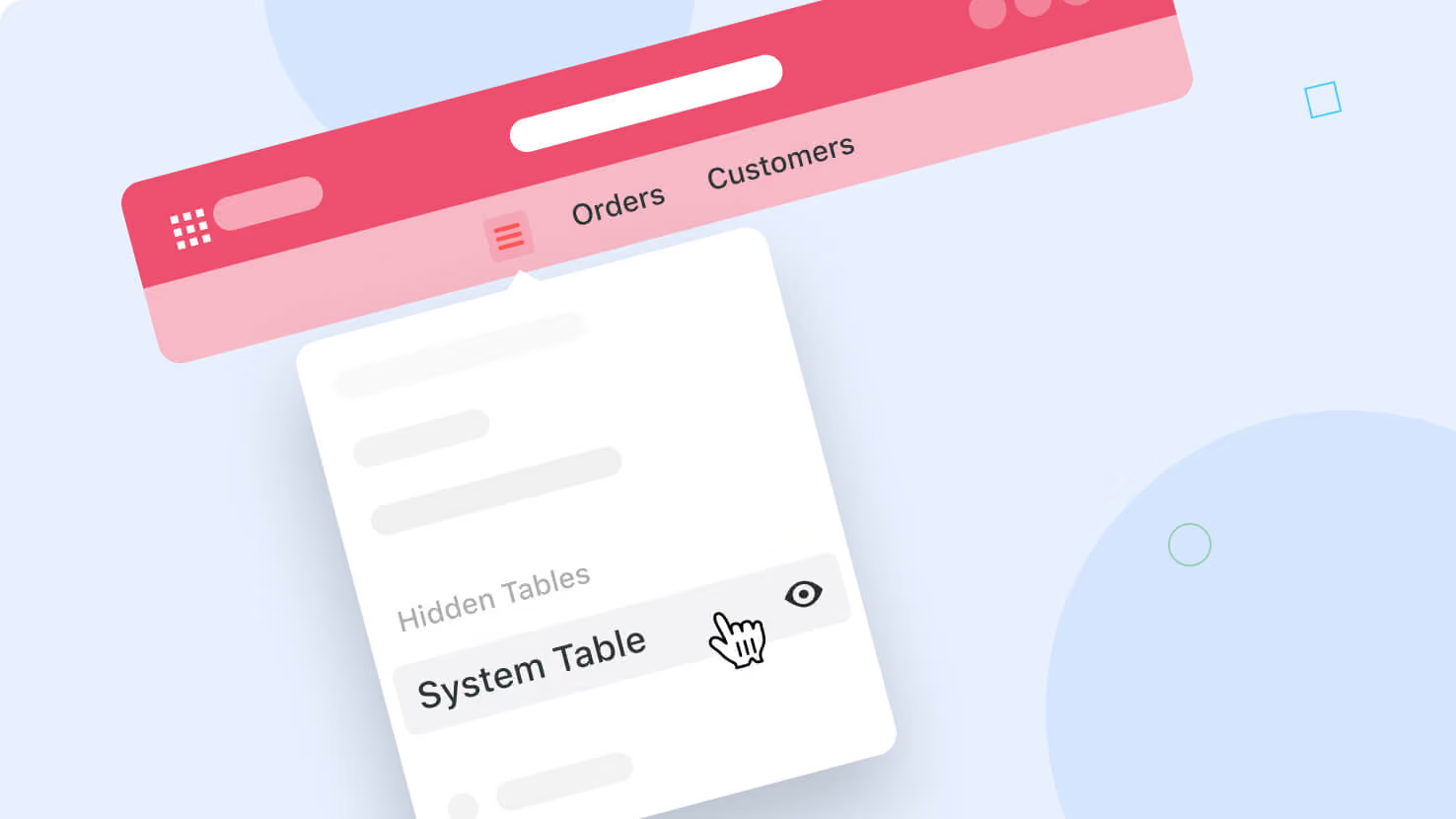
Sophisticated Solutions often require multiple supporting tables. You can now choose to hide supporting tables, removing them from the table selector.
All tables and their data remain active and available for use with Linked Records, without cluttering the user experience.
Access hidden tables from the new table selector icon. Click the display icon next to the table name to hide or unhide the table.
Released
February 26, 2024
New Feature
More updates
The newest releases and improvements across the platform, each with its video and help article.
See all updates


Put these ideas to work
Start a free trial, or book a demo and see how it runs in SmartSuite.