



Internal Forms
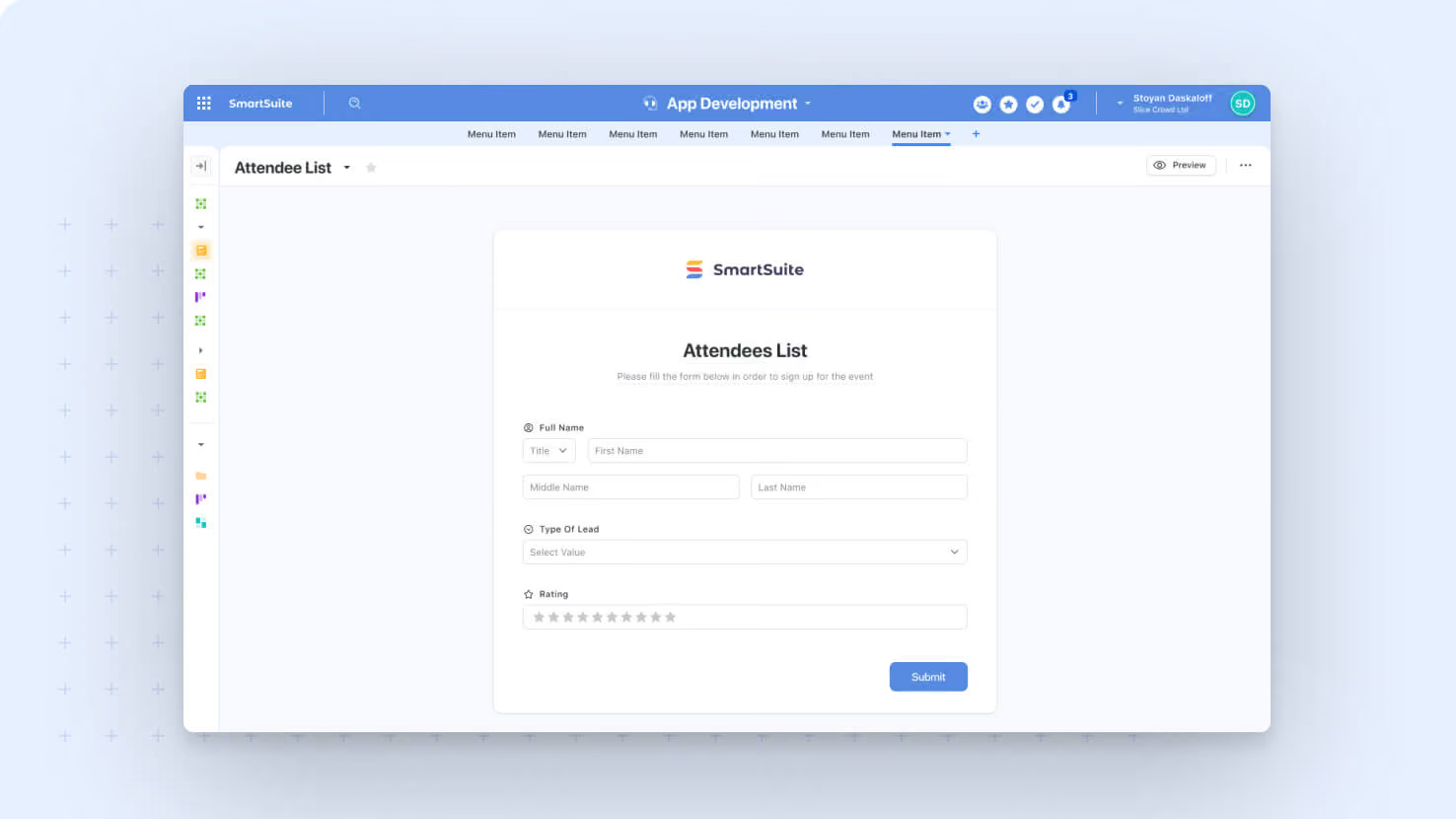
Forms now support an Internal mode designed for authenticated, in-app submissions. ITSM service desk teams, GRC compliance leads, and any builder running an internal intake workflow can collect data with full awareness of the signed-in user, complete with field-level permission enforcement and submitter attribution captured on the record.
Key highlights
- Two Operational Modes: Every form can run as Internal (in-app, authenticated) or Shared (public link), independent of one another, with both modes available on the same form simultaneously.
- Authenticated Submissions: Internal forms know which SmartSuite user is filling them out, opening the door to user-aware logic, permission enforcement, and per-user defaults.
- Permission-Aware Fields: Field-level view and edit restrictions apply to internal forms; fields a user cannot view are hidden, and fields they cannot edit are read-only.
- Service Desk Intake: ITSM teams can build authenticated intake forms that capture the requester's identity automatically, with no manual entry of who submitted.
- Submitter Attribution: An extended Created By model captures the submitter, the form title, and the source type, displayed as 'Created by [Member] via [Form Title] Form' in the activity history and on the record page.
How it works
- Open any form's configuration; Internal mode is automatically available without any toggle, and the Shared (public link) state remains independent.
- Internal forms can be opened from a Form View inside the app or launched from the new Open a Form button action on dashboards.
- When a user opens an internal form, the system loads it inside the SmartSuite app context, applies their permissions, and pre-resolves any user-aware defaults.
- On submission, the record is created with the submitter as Created By, plus a Source Type (Form) and Source Title (the form's name) for full traceability.
- Automation triggers that listen for 'When a form is submitted' fire for both internal and shared submissions, so existing automations work unchanged.
This release is the foundation for richer in-app form workflows, underpins the new Open a Form button action shipping alongside it, and the Created By extension carries forward to upcoming workflow actions like MS Teams Actionable Notifications.
More updates
The newest releases and improvements across the platform, each with its video and help article.
See all updates


Put these ideas to work
Start a free trial, or book a demo and see how it runs in SmartSuite.