



Linked Records: Static Filters
Linked Record fields pick up Static Filters, preset filter conditions on the field itself that let Solution Managers control which linked records display.
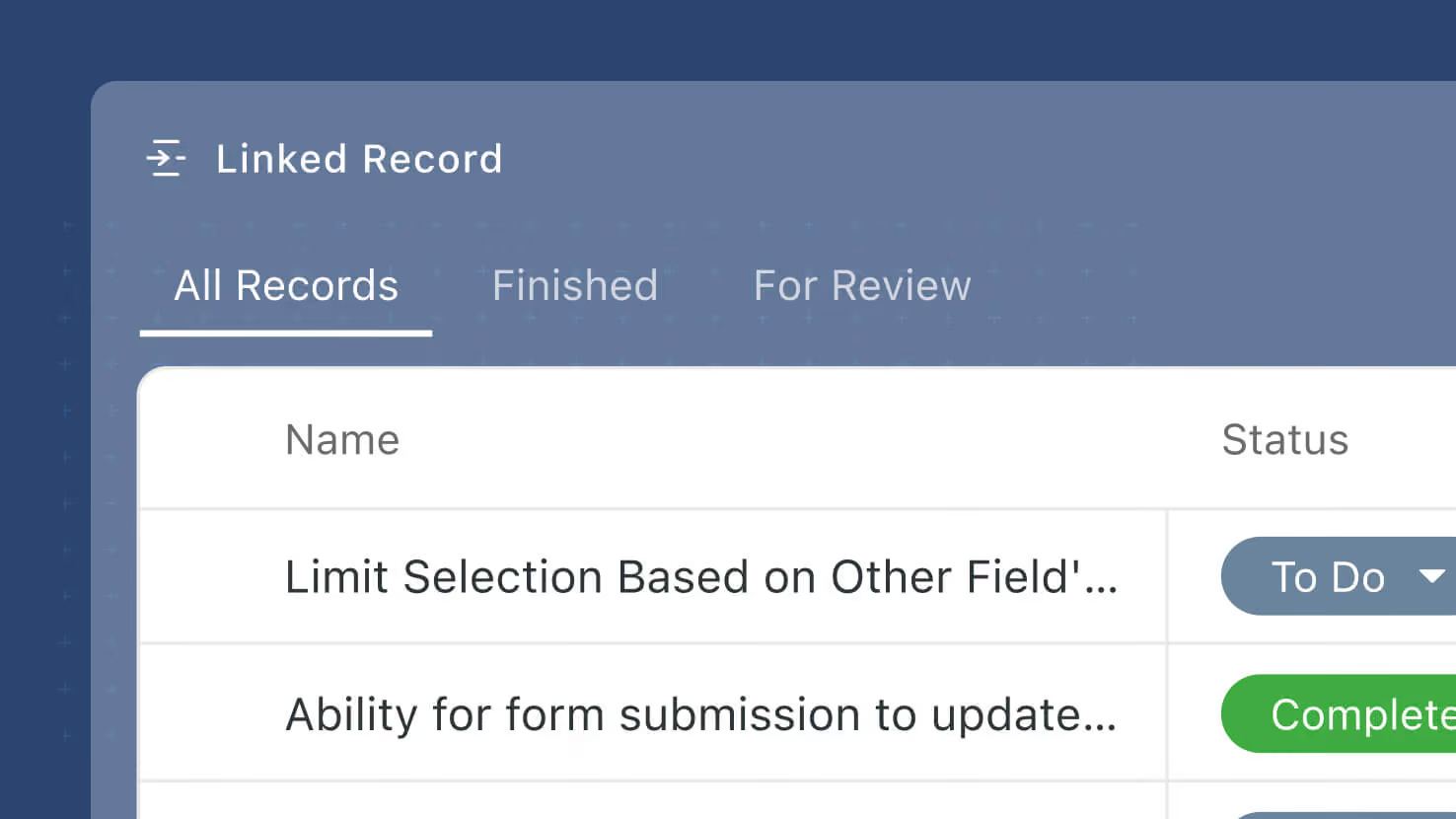
Linked Record fields pick up Static Filters — preset filter conditions on the field itself that let Solution Managers control which linked records display, without touching how records are actually linked. Configured on the new Filters tab of the Advanced Settings modal, Static Filters use the same condition builder that already drives Filter widgets and view controls. A default "All {record name}" filter is added automatically so users can always see the full set of linked records; additional filter sets can be added for common slices.
Key highlights
- New Filters Tab: Under the Linked Record field's new Advanced Settings modal (also shipping this release), a Filters tab lets Solution Managers pick None, Static, or Dynamic.
- Static Filter Sets: Configure any number of named filter sets on a Linked Record field. Each filter set uses the same condition builder that already drives Filter widgets and view controls — no new syntax.
- Automatic "All" System Filter: When Static Filters is enabled, a system filter labeled "All {record name}" is added automatically. It shows every linked record, has a read-only label, and can't be removed — so users always have a way back to the full set. Solution Managers can reposition it in the list.
- Same Condition Builder: The Filter widget's condition builder is reused verbatim — no code duplication, no new UX to learn.
- Viewer Sees a Filter Picker: Configured Static Filters appear as a picker at the top of the Linked Record's display surface. Users switch between filters to see the corresponding slice of linked records.
- Preserves Underlying Links: Static Filters change what displays, not what's linked. Every linked record is preserved on the record; the filter is a display-time overlay.
How it works
- Open a Linked Record field's settings and click Advanced Settings.
- Switch to the Filters tab and choose Static. The system adds an "All {record name}" filter automatically (read-only, non-removable).
- Add additional named filter sets using the standard condition builder — filter by field values, sort, group, whatever narrows the display to a useful slice.
- Save. On the Record Page and other Linked Record display surfaces, users see a filter picker at the top of the field and can switch between the configured filter sets.
- All linked records remain linked at the data layer; Static Filters only change what's displayed.
Second of the three Linked Record enhancements shipping this release, alongside Advanced Settings (the container modal) and Dynamic Filters (viewer-driven filter controls). Available on all plans.
More updates
The newest releases and improvements across the platform, each with its video and help article.
See all updates


Put these ideas to work
Start a free trial, or book a demo and see how it runs in SmartSuite.