



Mobile: Internal Forms Support
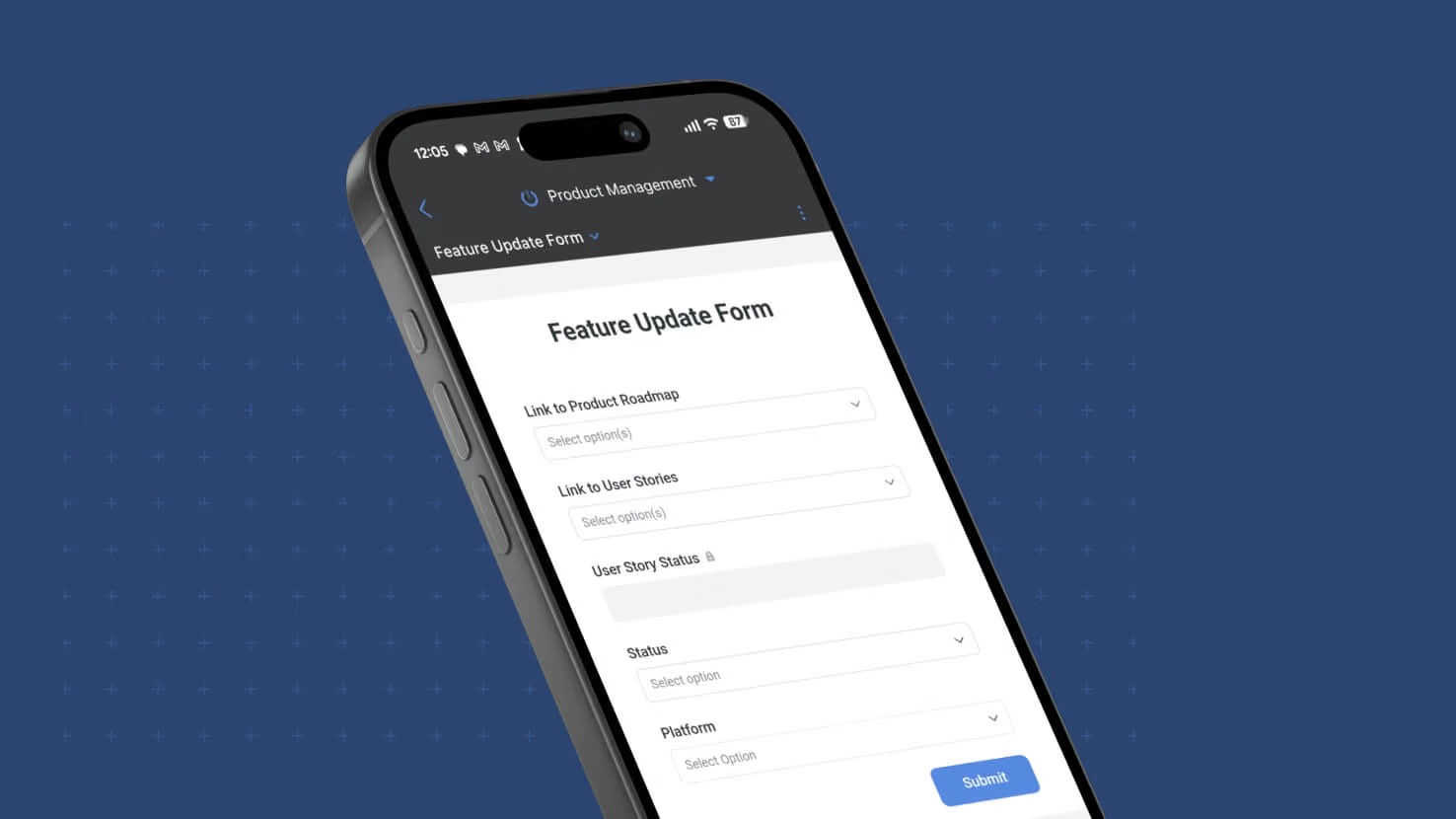
Internal Forms — the logged-in-member form mode that respects field and record permissions and captures the submitting member as Created By — now work natively on SmartSuite Mobile. Previously desktop-only; this release brings the full Internal Form experience to iOS and Android with no separate configuration required. Field service techs submitting inspection forms from the job site, HR managers filing employee change requests on the road, and ITSM operators opening tickets from a phone all get the same permissioned form experience on mobile they already had on desktop.
Key highlights
- Full Internal Form Behavior on Mobile: Same field permissions (hidden fields removed, view-only fields read-only, editable fields fillable), same record permissions (creation gated by the member's permission on the target table, dynamic record permissions honored), same Created By attribution (the submitting logged-in member, not "SmartSuite Form") as on desktop.
- Two Entry Points Preserved: Members open Internal Forms on mobile from either a Button field configured with the Open a Form action, or from a Form View in the mobile app — matching the desktop entry-point model.
- Automatic Availability: An Internal Form is available for mobile use as soon as it's created. No separate mobile toggle or mobile-only configuration to manage — the same form that works internally on desktop works internally on mobile.
- Login-Required URLs: If someone opens an Internal Form URL and isn't logged in, SmartSuite requires them to log in first — same behavior as on desktop, preserving the member-attribution guarantee that distinguishes Internal Forms from Shared Forms.
- Independent from Shared Form Sharing: A form can be used internally on mobile even when its public sharing toggle is off. The two form modes stay independent — no need to expose an internal-only form to the public just to make it mobile-accessible.
How it works
- Update to the latest SmartSuite mobile app on iOS or Android.
- Open a Dashboard, Record Page, or Form View in the mobile app that contains a Button configured with Open a Form, or navigate directly to a Form View for a form you have permission to fill out.
- Tap the Button or open the Form View. The Internal Form loads with the member's field permissions applied, dynamic record permissions evaluated, and standard form fields presented as configured.
- Fill in the form and submit. The record is created with the submitting member as Created By, source details captured (Form title, submission date, submission source), and any downstream "When a form is submitted" automations fire the same way they would for a desktop submission.
With Internal Forms working natively on mobile, the last major gap between mobile and desktop form workflows closes — permissioned form submission with member attribution now works wherever the submitter is.
More updates
The newest releases and improvements across the platform, each with its video and help article.
See all updates


Put these ideas to work
Start a free trial, or book a demo and see how it runs in SmartSuite.