



New Feature
Record Cover Image
All plans
Summarize with
In this article
Published
January 12, 2024
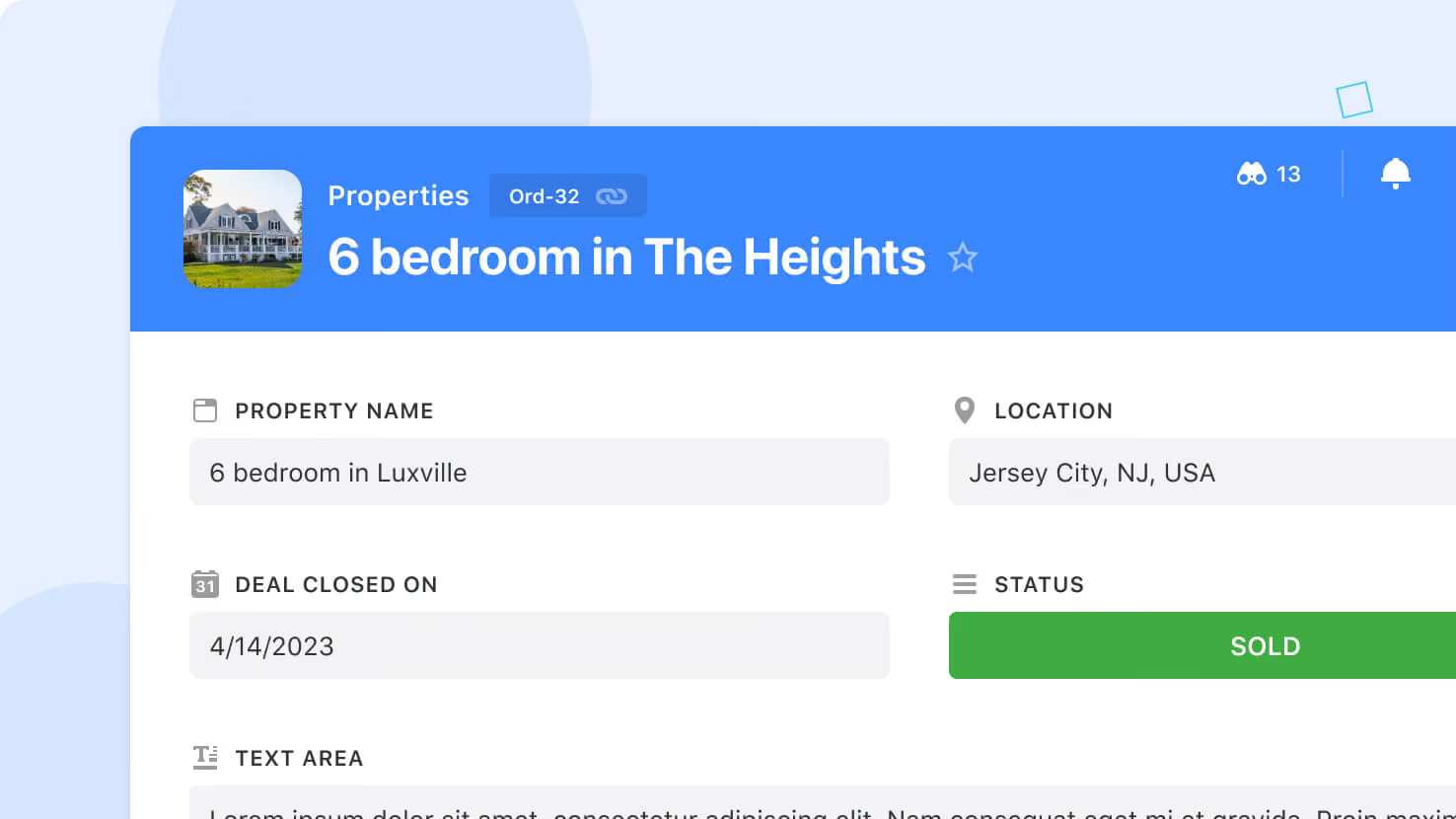
Cover Images extend our existing record display, bringing a personalized touch to your data. Pull images from existing fields to add visual engagement and help users quickly identify information as they navigate records.
To enable Cover Images, open the Page Settings dialog and select the Settings tab. Choose the Files and Images Field you want as the source for your Cover Image, then close the panel.
Released
January 12, 2024
New Feature
More updates
The newest releases and improvements across the platform, each with its video and help article.
See all updates


Put these ideas to work
Start a free trial, or book a demo and see how it runs in SmartSuite.