



New Feature
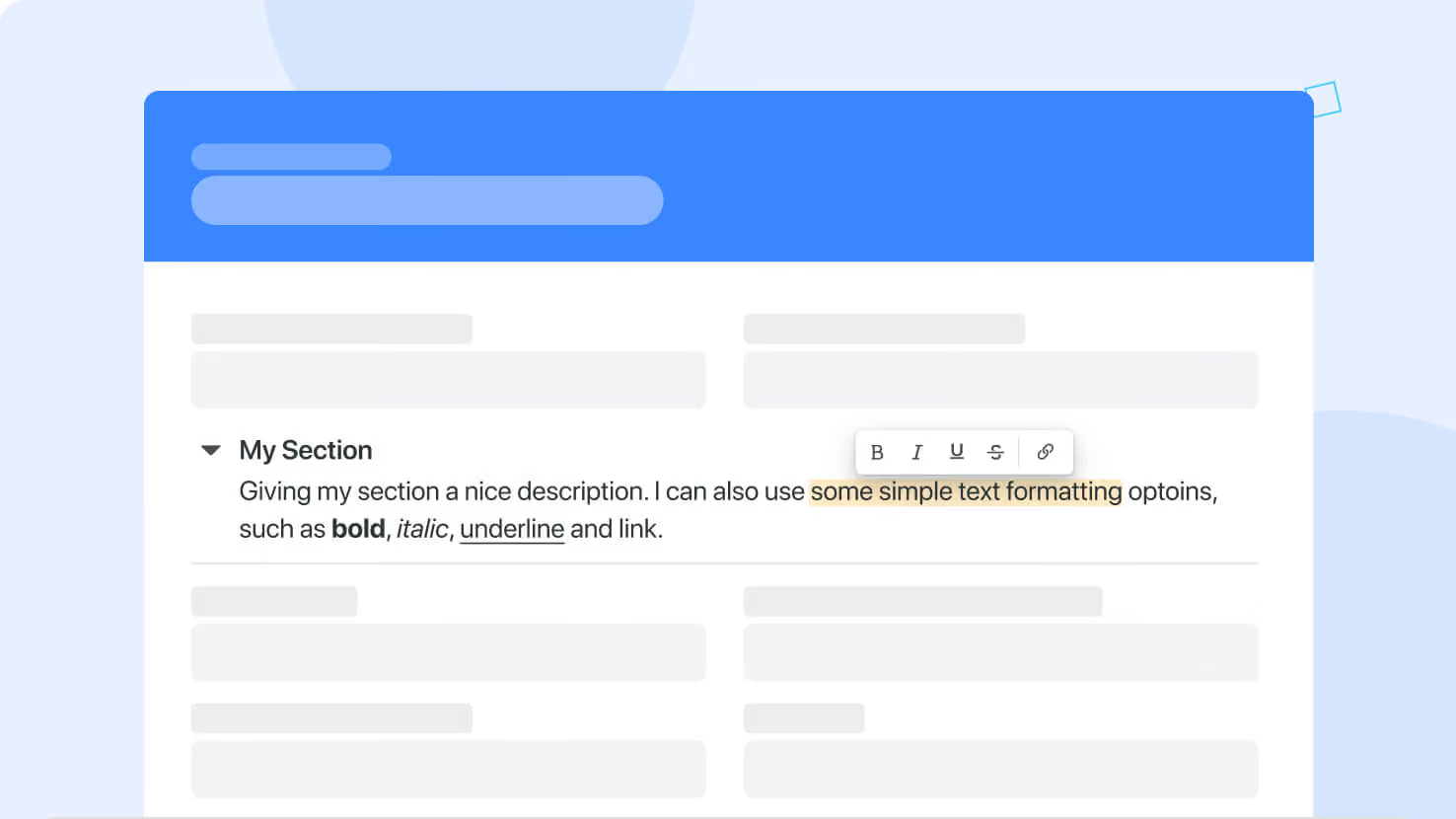
Record Page: Section Descriptions
All plans
Summarize with
In this article
Published
March 4, 2024
You can now set up and manage conditions for sections’ visibility.
The feature is available on all plans and Solution Managers can access it from the Page Settings menu. Look for the Sections Visibility tab.
Click on the Section’s name to open a dialog where you can configure criteria that will be evaluated to determine if the Section should be displayed on the page.
Released
March 4, 2024
New Feature
More updates
The newest releases and improvements across the platform, each with its video and help article.
See all updates


Put these ideas to work
Start a free trial, or book a demo and see how it runs in SmartSuite.