



New Feature
View Description
All plans
Summarize with
In this article
Published
January 11, 2024
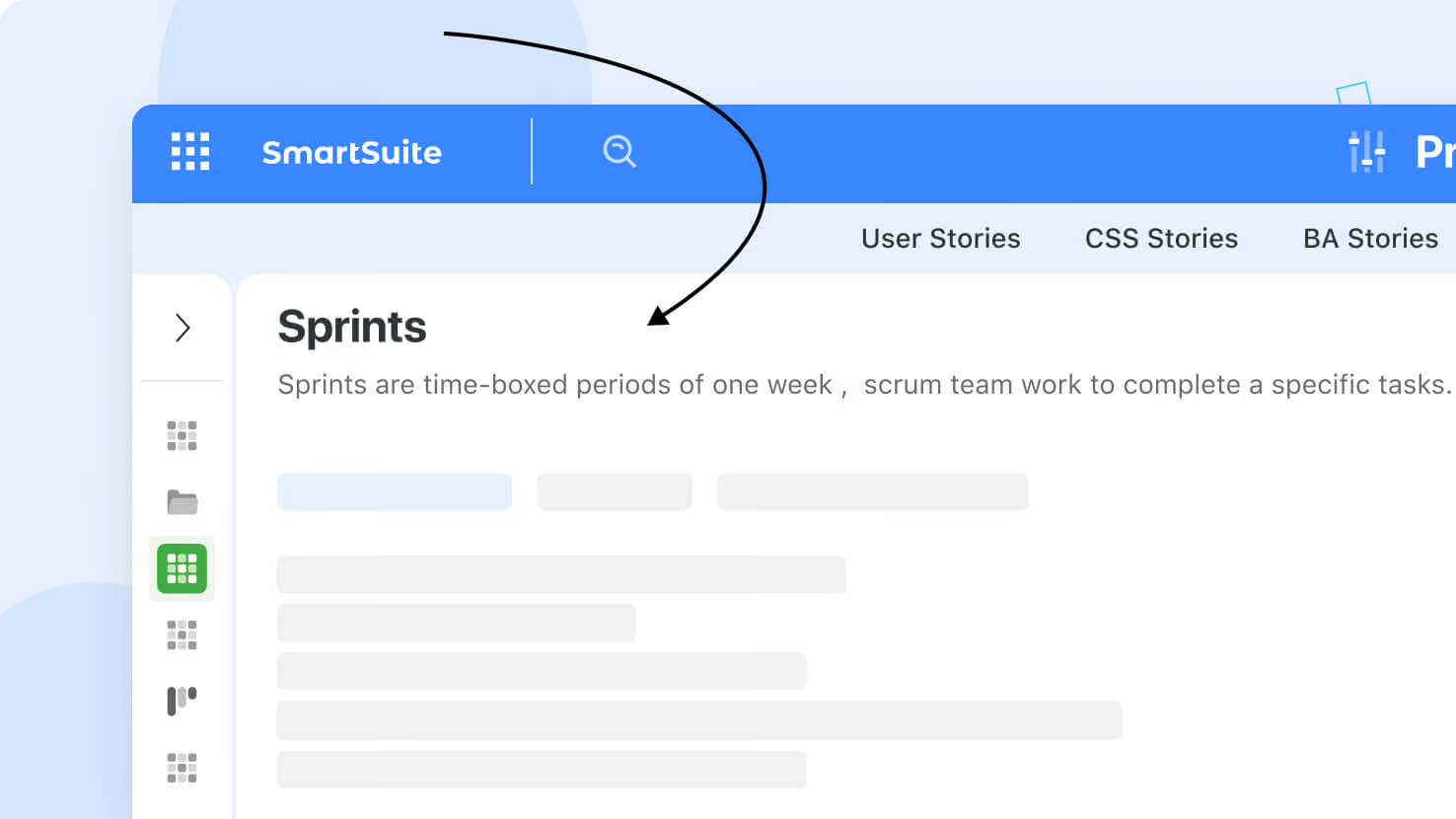
You will have the option to include descriptions for Views, which can either appear as icons to the right of the View name, or be displayed below the View name when clicked for increased accessibility.
To add a description, click the arrow icon to the right of the View name and select Add Description. Enter your descriptive text, specify how it should be displayed, and then save.
Released
January 11, 2024
New Feature
More updates
The newest releases and improvements across the platform, each with its video and help article.
See all updates


Put these ideas to work
Start a free trial, or book a demo and see how it runs in SmartSuite.