


SmartSuite Demo Center
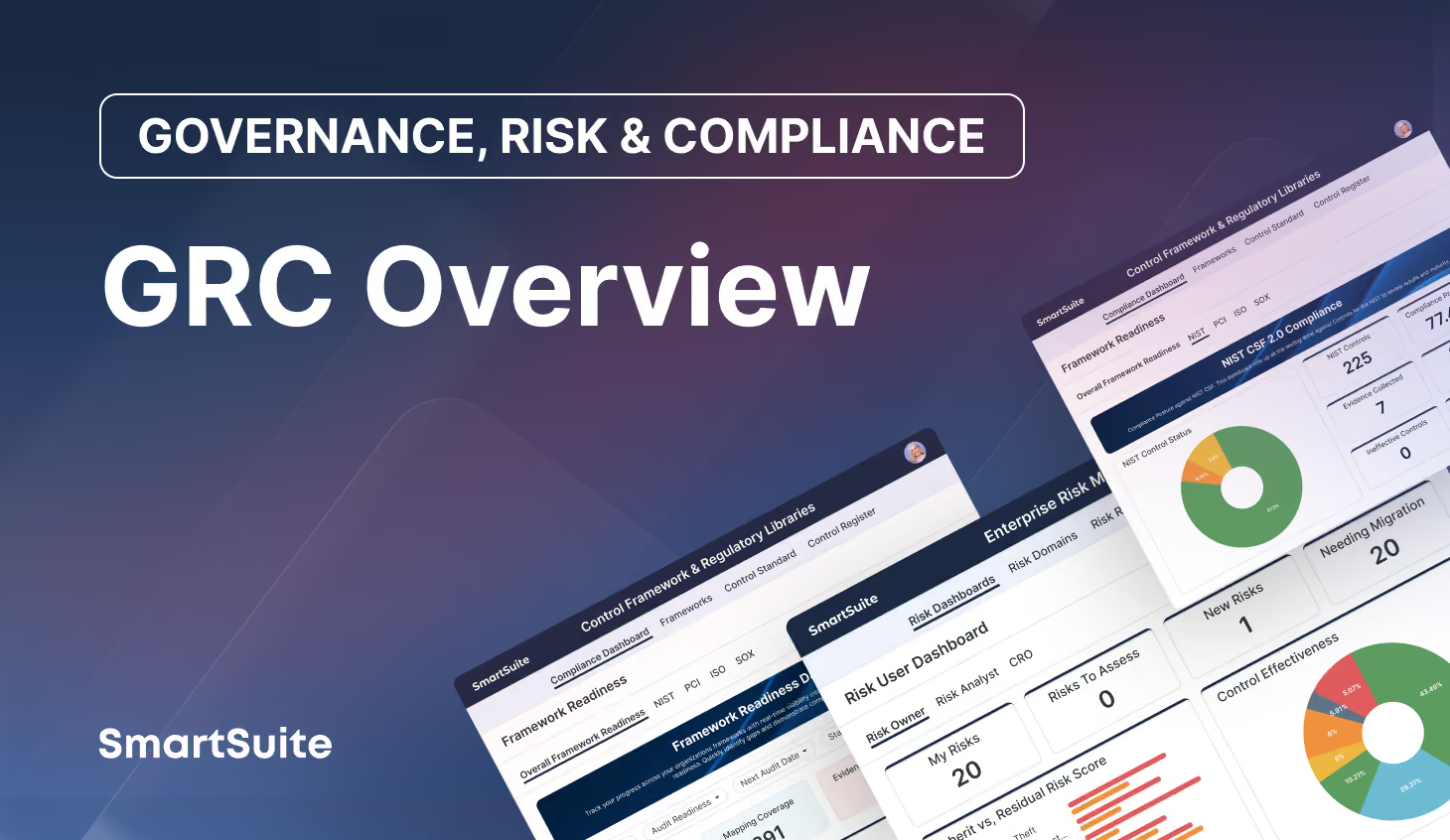
Watch real product demonstrations across SmartSuite’s Solutions, including GRC, IT service delivery, project management, and business operations—so you can see how teams manage workflows and deliver results.

.avif)
.avif)
.avif)











SmartSuite Resources
Everything you need to learn, build, connect, and grow with SmartSuite — from expert guidance and self-paced learning to community collaboration and continuous innovation.
SmartSuite Academy
Demo Center
Support
Customer Stories
Feature Requests
Community
Developer Resources
Frequency Asked Questions
Frequently Asked Questions
Answers to the most common questions about SmartSuite’s pre-built solutions and how they can be customized for your business.
SmartSuite Solutions are pre-built, customizable workflows designed to help teams manage specific business processes — from GRC and ITSM to Project Management and CRM. Each solution includes templates, automations, dashboards, and reports that can be tailored to match your organization’s structure, terminology, and workflows
Yes. Every SmartSuite solution is fully customizable using our no-code platform.
You can add fields, modify workflows, set permissions, and automate processes without relying on developers — ensuring each solution fits your business exactly.
SmartSuite’s Integration Framework and open APIs make it easy to connect with your existing tools — including Slack, Microsoft Teams, Jira, Salesforce, ServiceNow, HubSpot, and more.
These integrations ensure your data flows seamlessly across departments and systems, reducing duplication and improving visibility.
Yes. SmartSuite is built for enterprise-grade security with SOC 2 Type II certification, role-based access, encryption at rest and in transit, and full audit logging.
Whether you operate in financial services, healthcare, or the public sector, SmartSuite provides the security, governance, and control your organization requires.
Implementation is fast and flexible. Most teams can deploy a solution in a matter of days or weeks, depending on complexity.
Pre-built templates, step-by-step setup guides, and onboarding support make it easy to get started and realize value quickly.
Absolutely. In addition to pre-built solutions, SmartSuite allows you to create your own workflows using drag-and-drop configuration.
Teams can build fully custom solutions for any business process, then scale or replicate them across departments — all within the same platform.
Getting Started with SmartSuite

Learn the SmartSuite layout: workspace, Solutions, Views, Records. See how to navigate, search, filter, and create items to get productive fast.

Understand the Homepage layout: sidebar, header, search, and activity. Pin favorites, review assignments, and launch Solutions with one click. Make it your daily command center.

See your data from every angle. Learn Grid, Kanban, Calendar, and more. Switch views, sort and filter, group records, and save personal or shared views for repeatable workflows.

Explore SmartSuite field types: text, number, date, select, user, files, links, formulas, lookups, and more. Learn when to use each to capture, calculate, relate, and display data clearly.

Your command center: one Dashboard to track goals, tasks, and dependencies. Mix charts with lists, watch trends over time, and click through to fix issues immediately.

Automations do the busywork. Set a trigger, choose actions—notify people, update fields, create records, send webhooks—and let SmartSuite run it whenever conditions are met.

Set permissions once, scale safely. Use solution roles, table permissions, and saved views with filters to expose only relevant records to each team or stakeholder group.

Prompt-driven automations. Provide instructions with placeholders for record fields; AI uses that context to produce exactly what you need, then the automation stores or sends it.

Use Formula fields to calculate values from other fields. Combine math, logic, and text to automate totals, statuses, scores, and dynamic results across records. Quickly.

Use Power Search to instantly find records across fields and Solutions. Combine keywords, filters, and operators to pinpoint exactly what you need in seconds.

Stay informed with SmartSuite notifications. Get real-time alerts for updates, assignments, comments, and changes so you never miss important activity.
Star items you use most to access them fast. Keep important Solutions, Views, and records pinned for quick access and a more focused daily workflow.
Let’s Talk About Transforming Your Workflows
Discover how SmartSuite’s productized Solution Suites, AI automation, and no-code tools can streamline your most critical processes—tailored to your organization.