




Are you looking for the best Centraleyes alternatives to obtain and maintain compliance with global information security standards?
Centraleyes is a cloud-based GRC and risk management platform that centralizes risk assessment, compliance automation, control mapping, vendor risk, and executive-ready reporting across frameworks such as ISO 27001, SOC 2, NIST, GDPR, and HIPAA.
However, some users of the tool have not been too happy with its reporting capabilities, initial learning curve, and UI that can be problematic.
In this comprehensive buyer guide, I’ll go over the 10 best Centraleyes alternatives for GRC on the market in 2026 that can help you manage your compliance workflows.
TL;DR
- SmartSuite is the best overall alternative to Centraleyes in 2026 thanks to its true no-code automation, flexible GRC workflows, dynamic reporting, and ready-to-use templates that let compliance teams scale risk, compliance, and vendor management without long set-up times or heavy maintenance.
- Enterprise-grade GRC platforms like ServiceNow, IBM OpenPages, SAI360, and Protecht are better suited for large, highly regulated organizations that need deep configurability, AI-driven risk insights, and cross-department workflows.
- Compliance-first tools such as Drata, Vanta, Hyperproof, and Onspring focus on faster audit readiness, automated control monitoring, and multi-framework compliance.
Before I begin, I wanted to cover the reasons why some compliance leaders have been looking to switch from Centraleyes: ⤵️
Why are some compliance leaders looking to switch from Centraleyes?
Centraleyes has built a strong reputation as an enterprise-grade GRC and compliance automation platform.
I saw teams being more than happy with its centralized risk and compliance dashboards, structured control mapping across multiple frameworks, and risk assessment workflows.
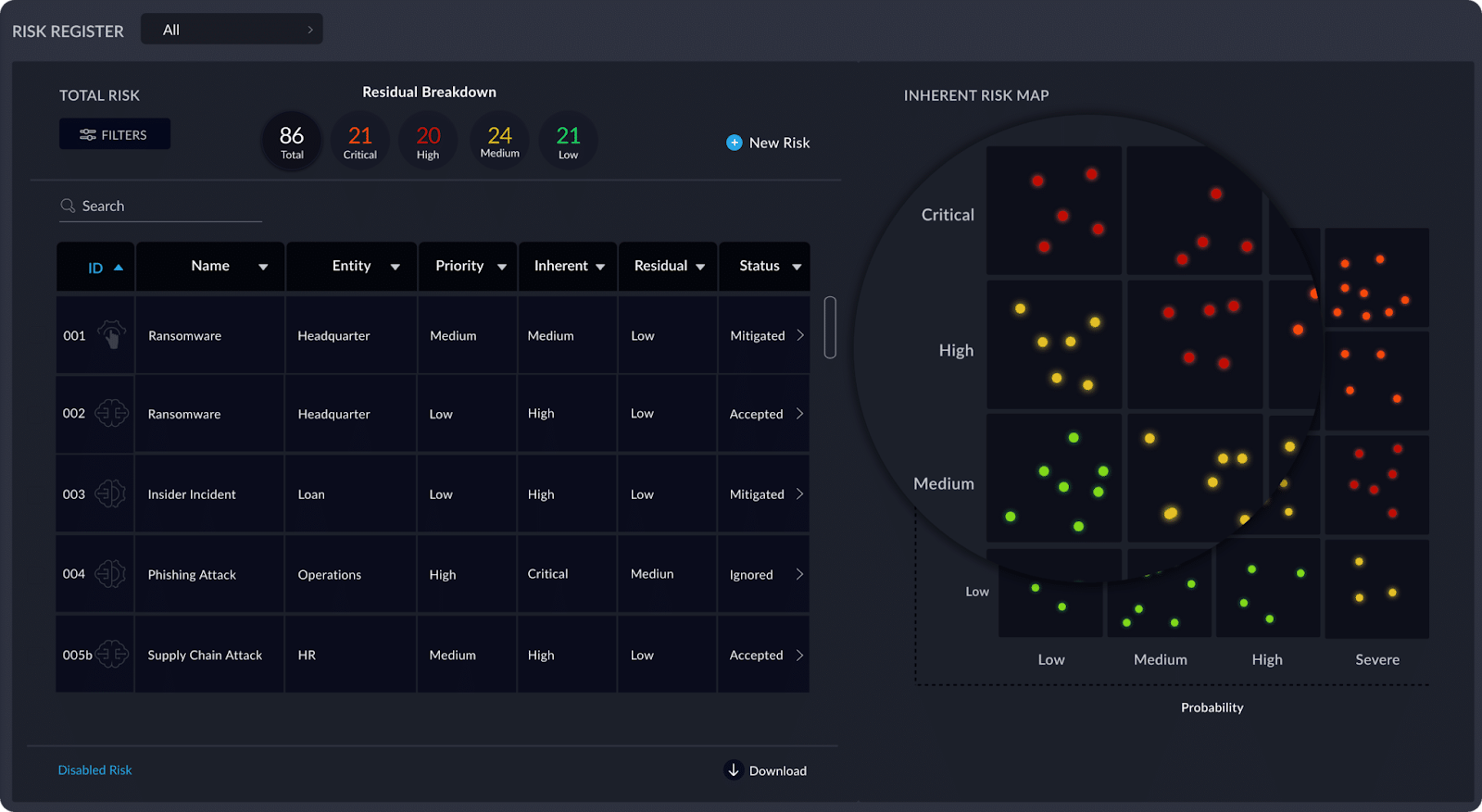
That said, as compliance programs scale, several recurring limitations tend to surface.
Here are the most common reasons compliance teams start looking for Centraleyes alternatives:
#1: Allegedly poor reporting capabilities
Some users of the tool are not happy with Centraleyes’ reporting capabilities.
One enterprise-grade customer mentions that it might be difficult for the platform to write reports in a manner that satisfies the needs of all the stakeholders within their company.
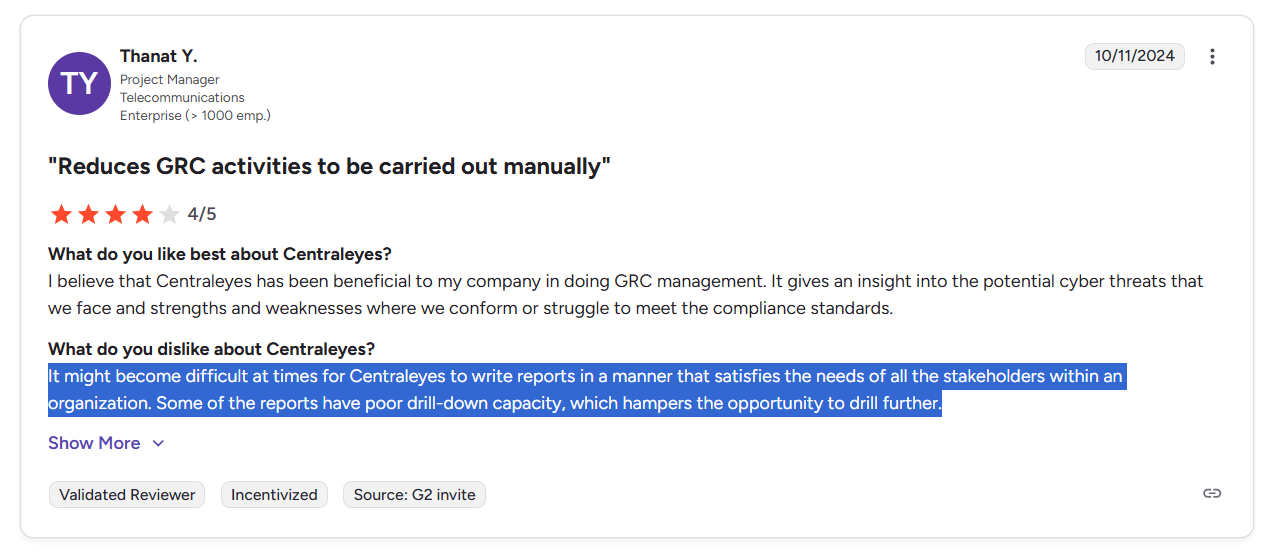
‘’It might become difficult at times for Centraleyes to write reports in a manner that satisfies the needs of all the stakeholders within an organization. Some of the reports have poor drill-down capacity, which hampers the opportunity to drill further.’’ – G2 Review.
#2: An initial learning curve
Next up, there is a user review that goes over Centraleyes’ initial learning curve when using the platform for the first time.
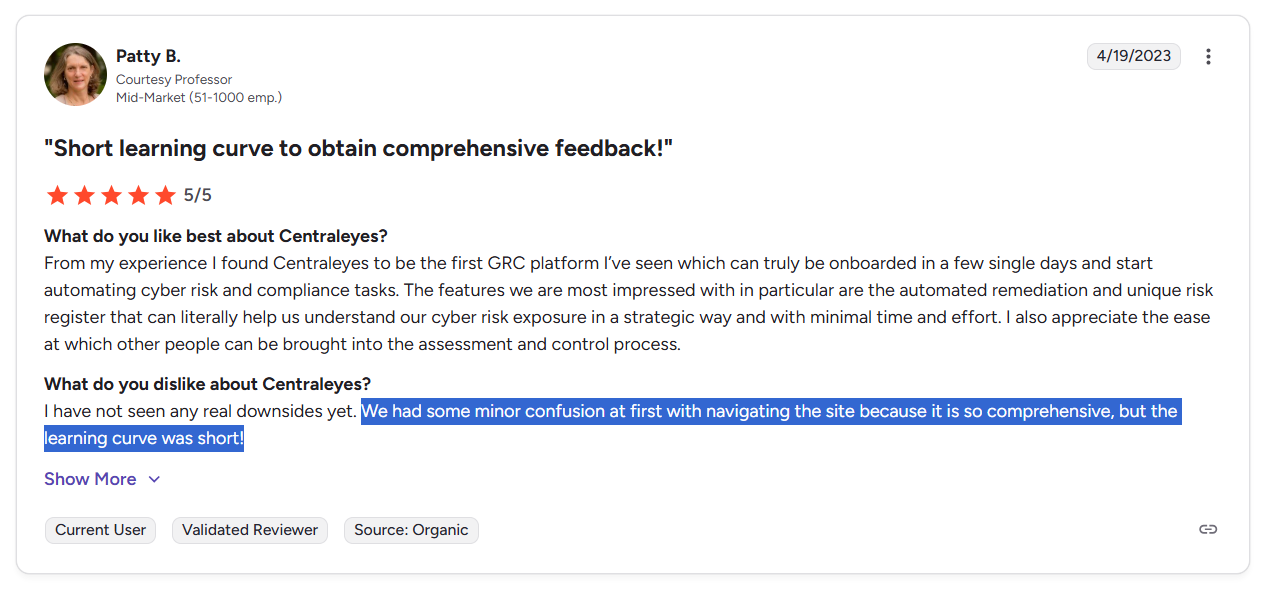
‘’We had some minor confusion at first with navigating the site because it is so comprehensive, but the learning curve was short!’’ – G2 Review.
#3: The UI can be problematic
Last but not least, I saw some reported issues with Centraleyes’ user interface, where the platform can be a bit slow when moving between areas of the application.
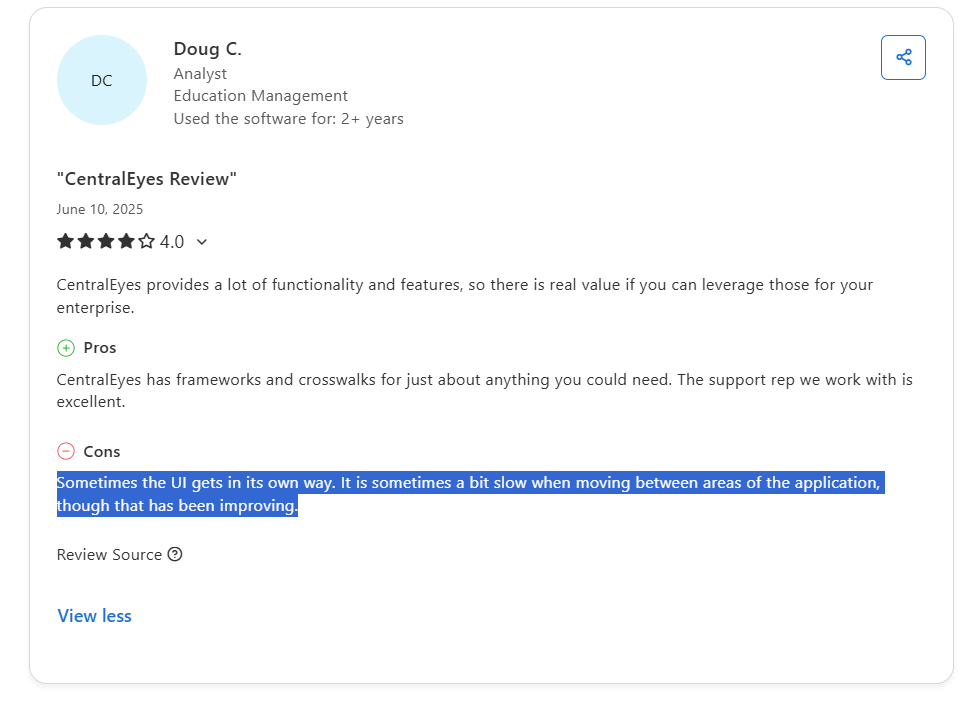
‘’Sometimes the UI gets in its own way. It is sometimes a bit slow when moving between areas of the application, though that has been improving.’’ – Capterra Review.
What are the best alternatives to Centraleyes for GRC in 2026?
The best alternatives to Centraleyes are SmartSuite, ServiceNow, and Drata.
Here’s my shortlist of the 10 best Centraleyes alternatives on the market for compliance management:
#1: SmartSuite
SmartSuite offers the best Centraleyes alternative on the market in 2026 for compliance teams looking to get started in days with an easy-to-use interface.
Our tool is a fully configurable, end-to-end governance operating system that connects risk, compliance, internal controls, incidents, vendors, and remediation work into one live, automated platform.

SmartSuite helps you move faster, manage policies smarter, and adapt easily, without having to get dedicated training on how to use the tool.
💡 We’ve also recently partnered with the Cyber Risk Institute to deliver a CRI profile for U.S. Banks' compliance needs.
Learn about how SmartSuite is transforming the way financial institutions approach CRI Profile implementation to replace the FFIEC CAT and modernize a broader GRC integration in your organization:
Let’s go over the features that make SmartSuite the best option for compliance leaders looking to switch from Centraleyes: 👇
All-In-One GRC
Tools like Centraleyes make it so that best-in-class compliance software can be accessible only to the biggest of enterprises.
However, I think that compliance should be simple, automated, and accessible to all financial institutions, regardless of their size.
SmartSuite’s no-code, easy-to-use platform helps compliance managers and CISOs automate all GRC processes with ease.
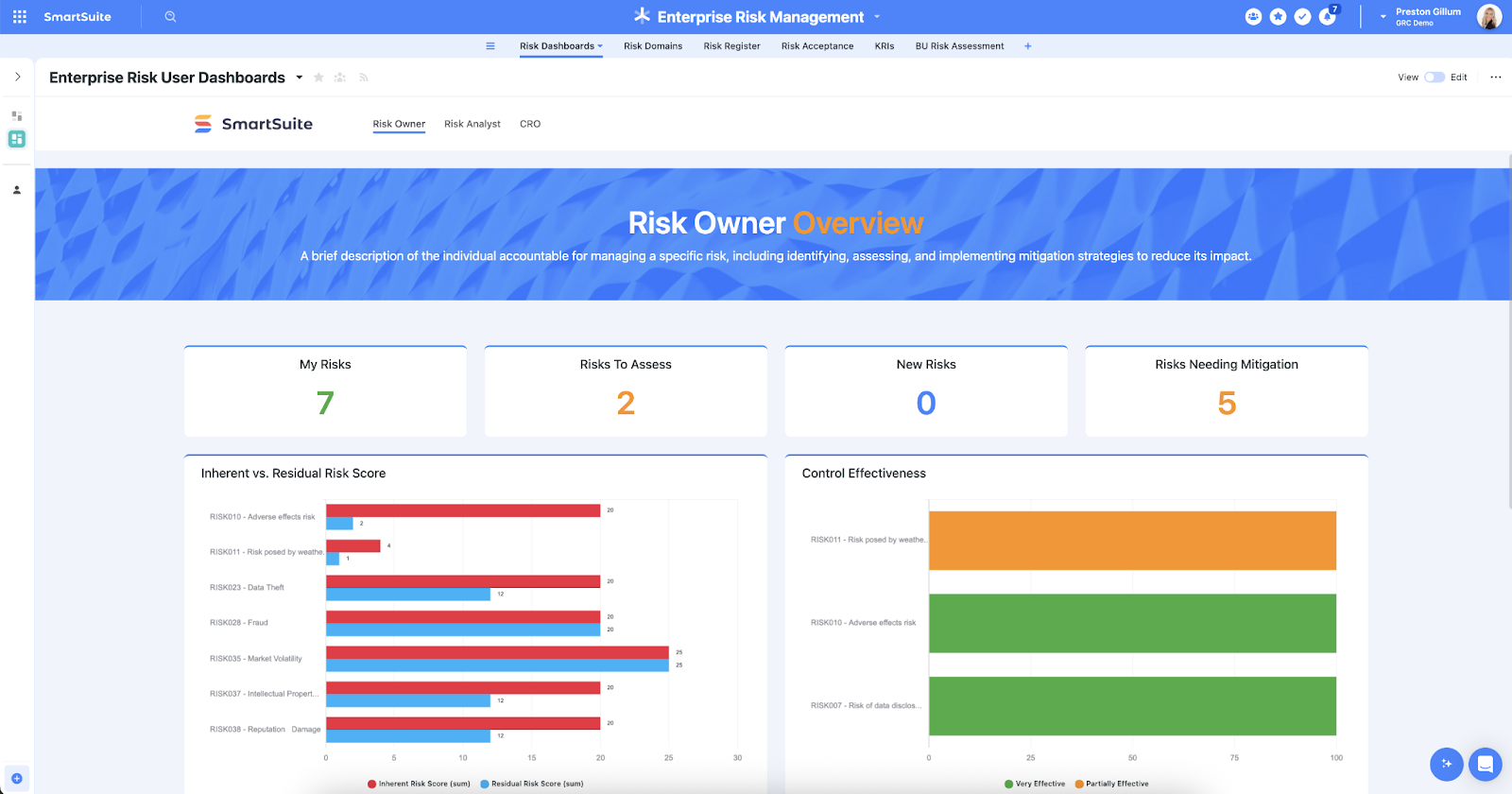
Our platform helps you achieve and maintain compliance without the costs and difficulty of adapting legacy GRC solutions to accommodate new compliance requirements.
Here are the use cases that you’ll get with SmartSuite:
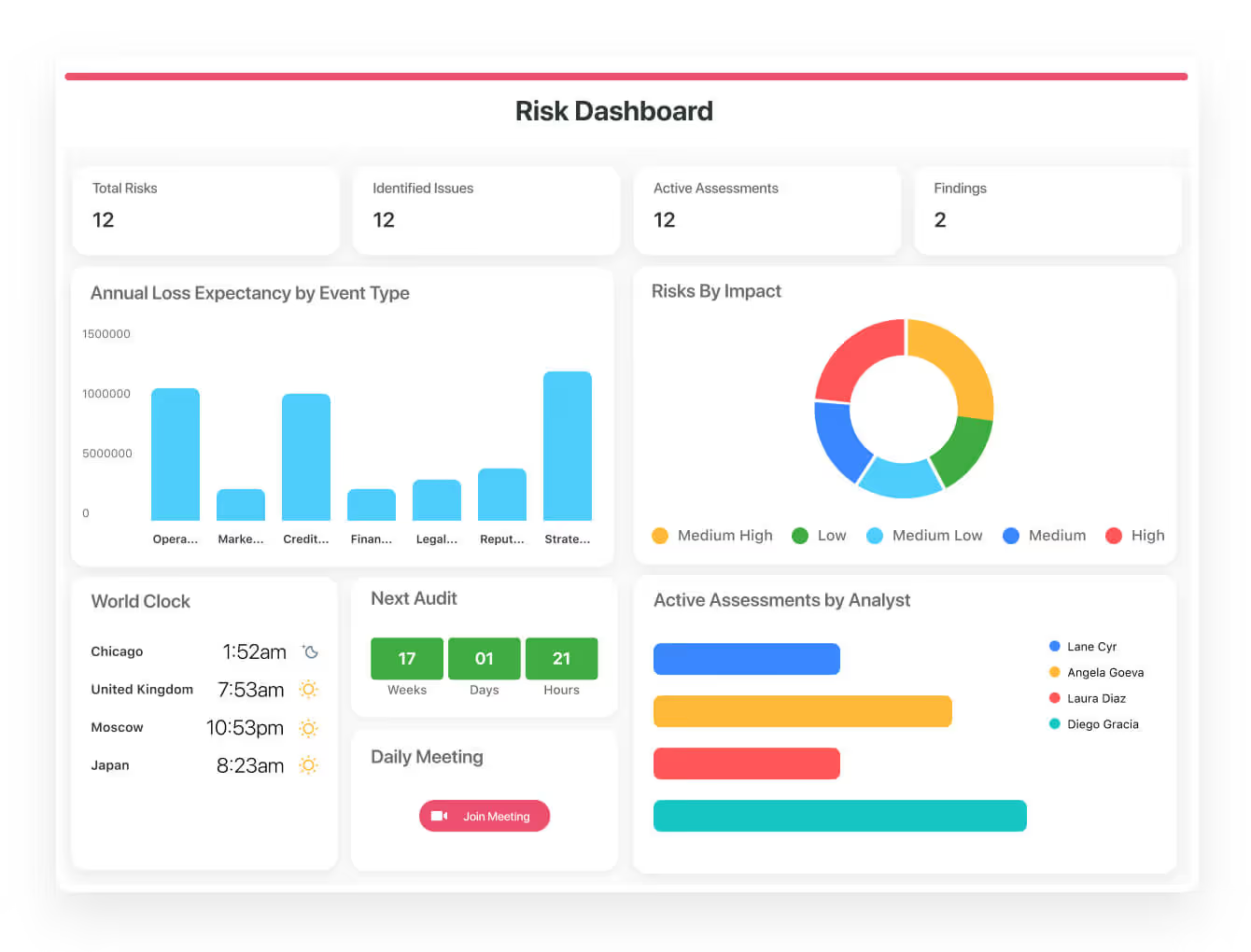
- Create reports and dynamic dashboards: Monitor executive views into your organization's overall risk profile with powerful charting and metrics widgets.
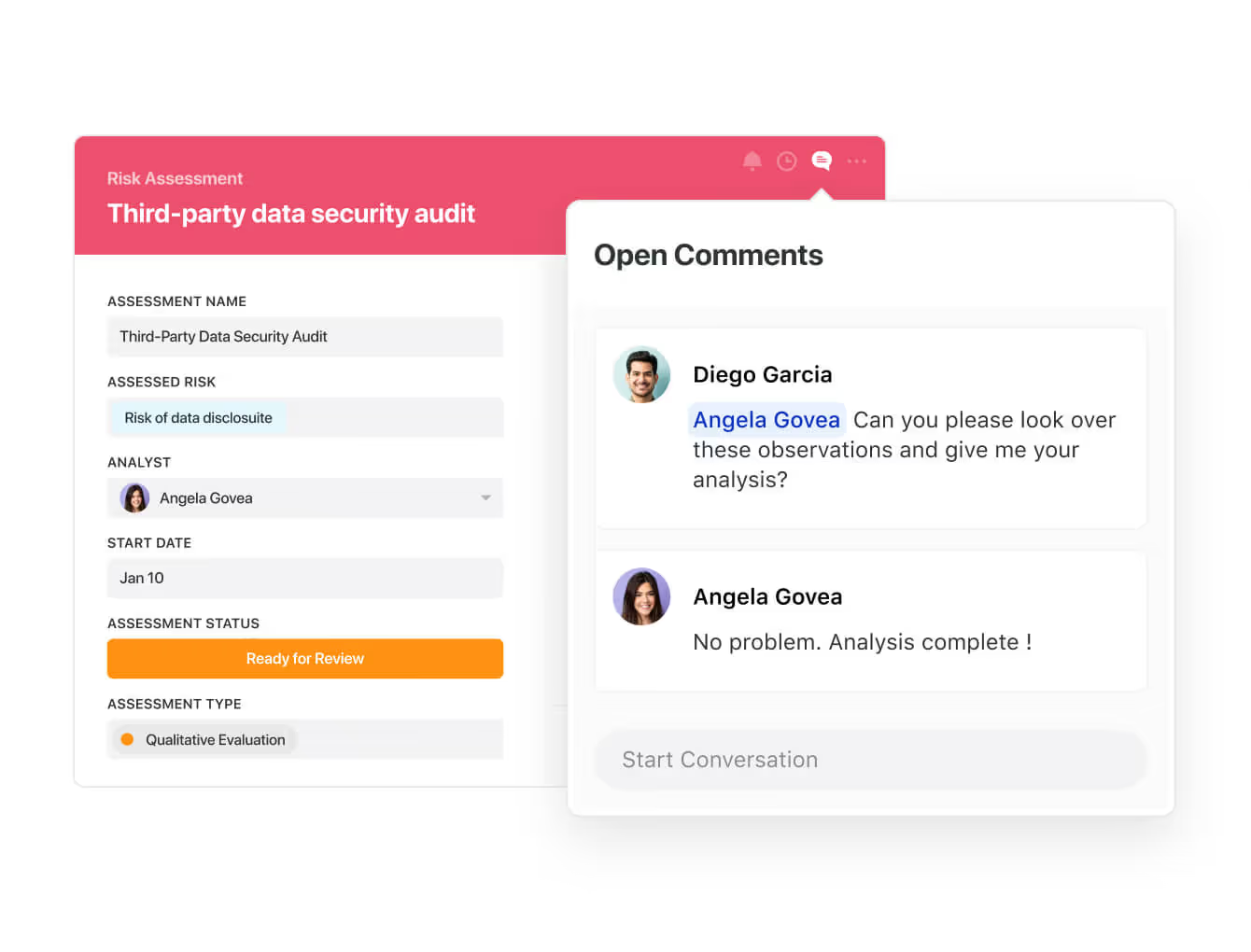
- Collaborate and respond to risks in real-time: Instantly engage key stakeholders in a real-time discussion of potential threats or vulnerabilities.
Our tool will also let you get immediate updates when critical information is available.
- Automate policy creation, real-time approval, and control assessments: You can streamline risk management by building an integrated program on a single platform.
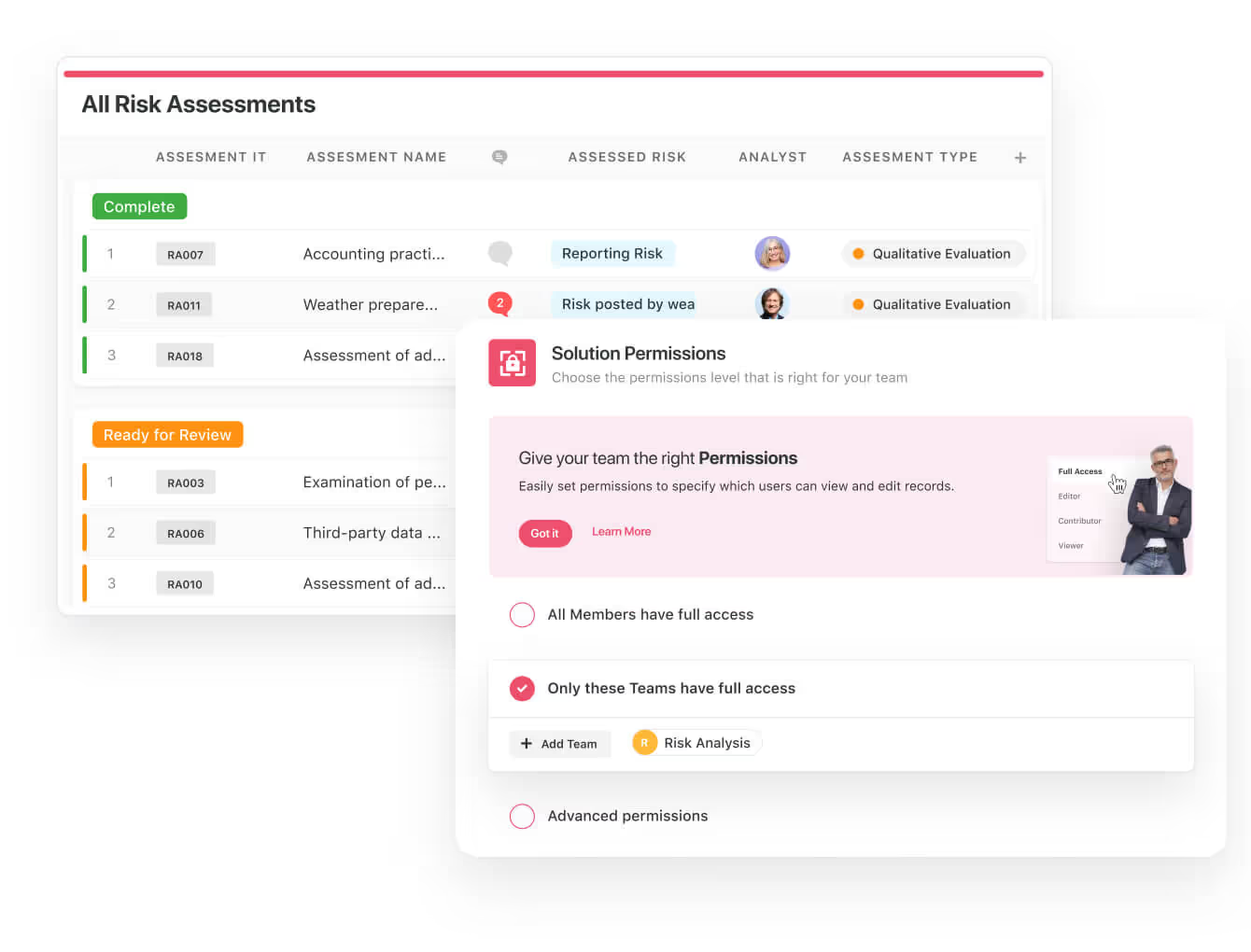
- Keep your risk and compliance data secure: You can define your teams and manage access to information across all GRC practice areas.
- Integrate with your existing systems: Our GRC tool lets you integrate with existing systems and data to consolidate and centralize your data.
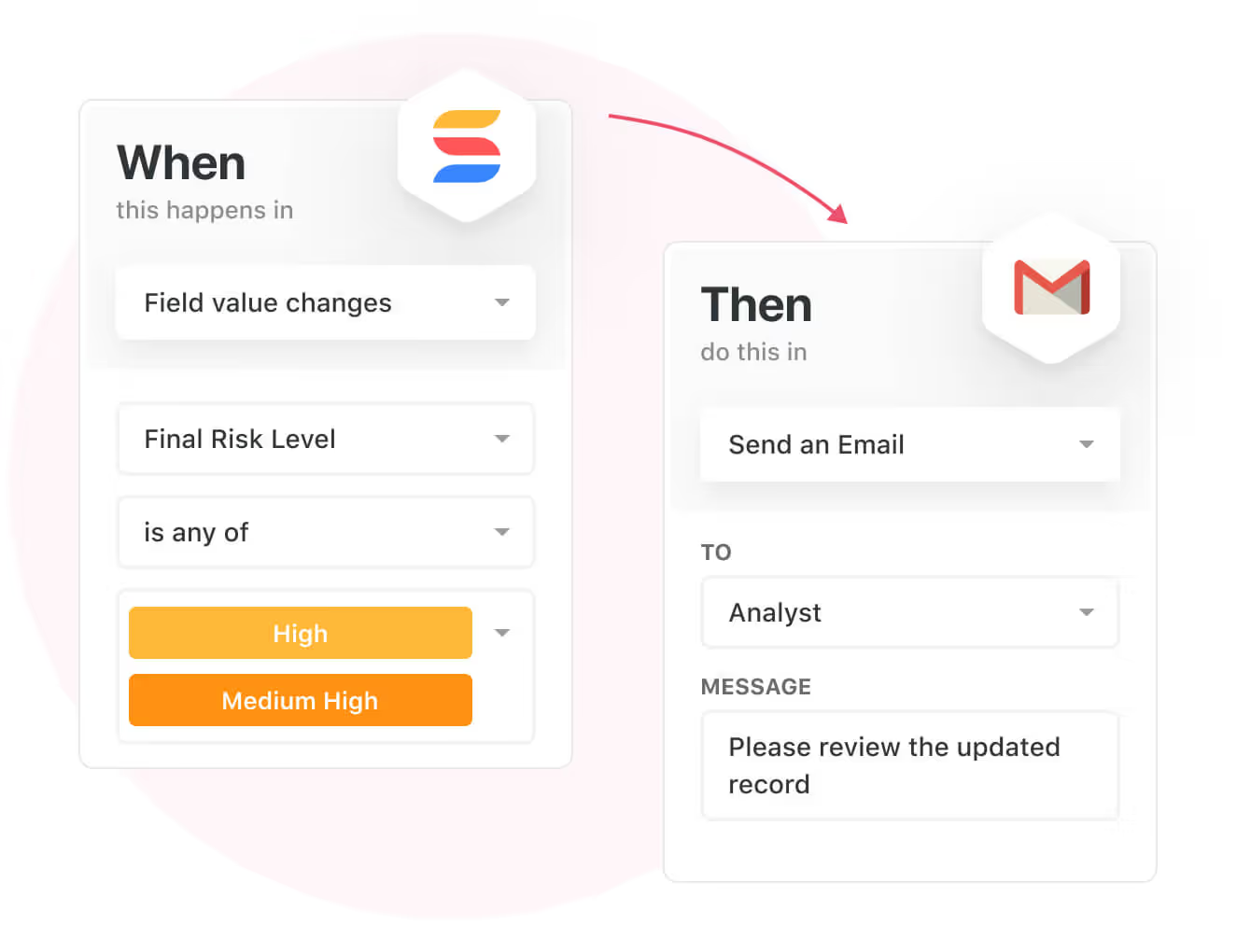
- Automate for accuracy and efficiency: Remove inefficiencies and the chance for human error by automating repeatable workflows.
SmartSuite's no-code automation builder provides you with a visual interface that makes it easy to respond to events and take action.
You will be able to customize your GRC workflows without technical resources.
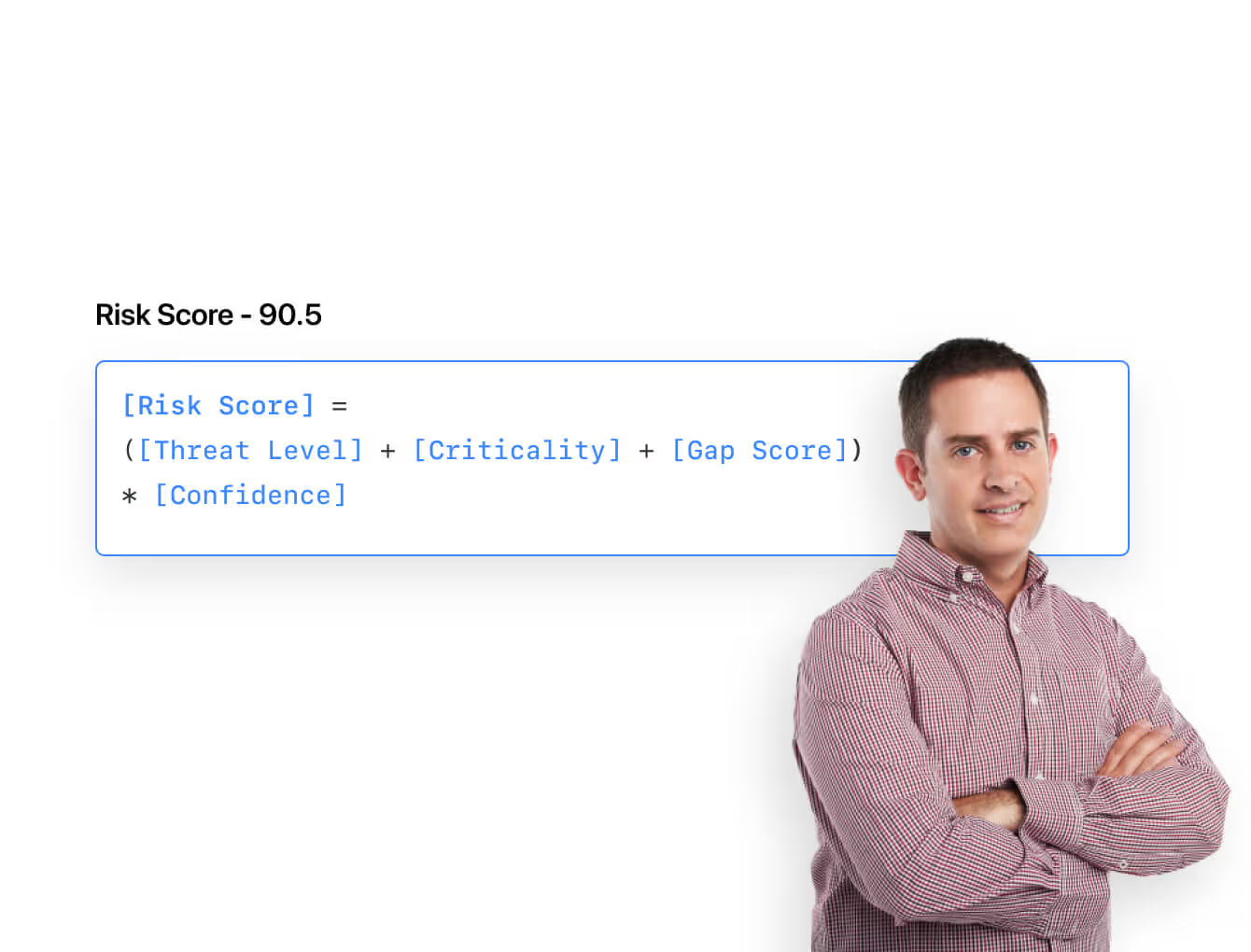
- Monitor, measure and score: Create risk calculations and metrics to evaluate every aspect of risk.
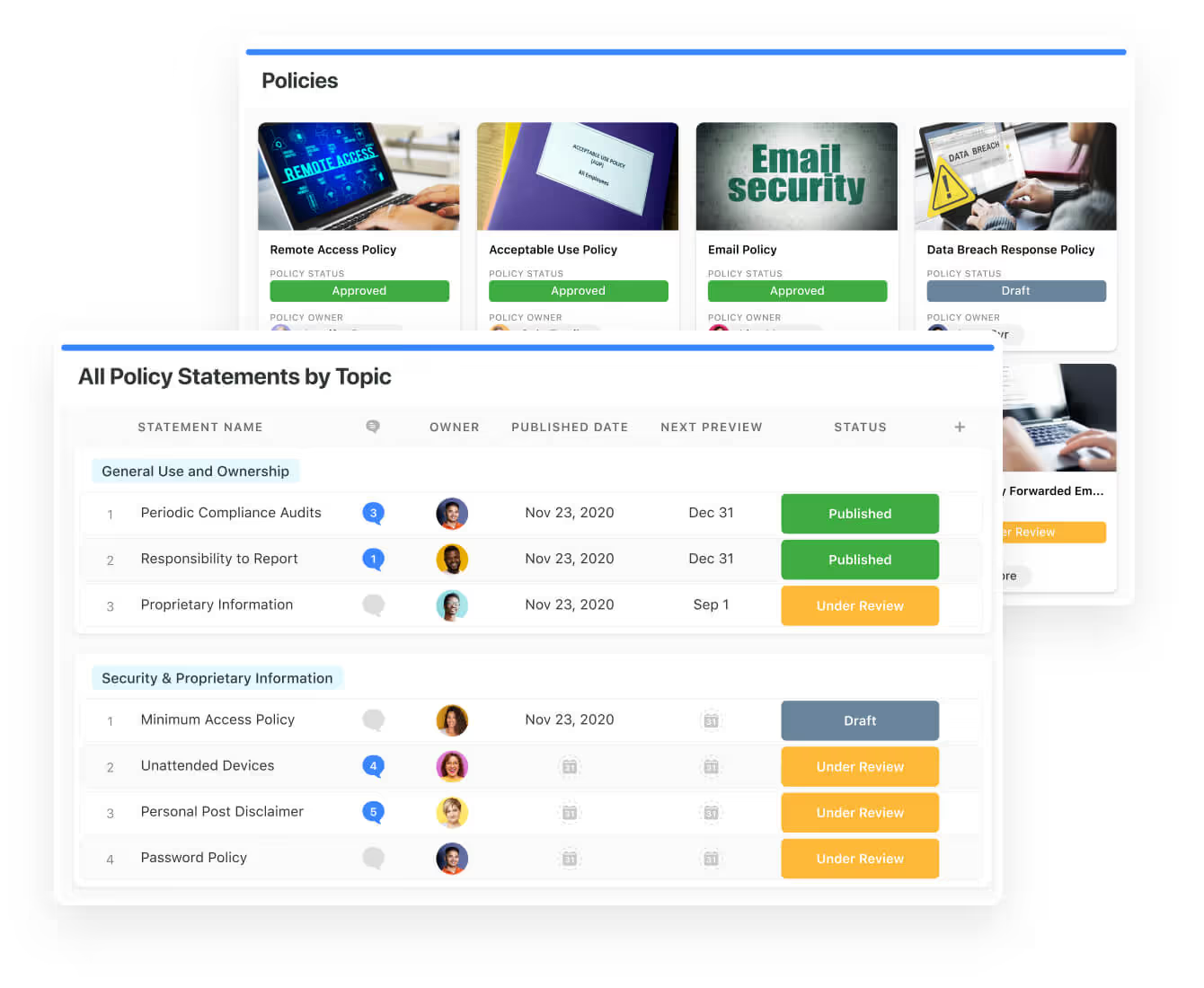
- Policy management: Establish a strong foundation from the get-go with streamlined and flexible policy management.
You can assign ownership, manage revisions, and ensure your policies consistently align with key business initiatives and regulatory requirements.
- PSTOS Compliance Tracker: Designed for regulatory compliance and built on SmartSuite.
This solution focuses on data security as the core of compliance frameworks with services such as compliance readiness, virtual CISO, and IT security implementation.
Learn more about it from this webinar that we did on the topic:
Prioritize & Mitigate Risks
With SmartSuite, you can create a centralized risk register to effectively identify potential risks to your organization.
You can also properly assess threats and establish risk mitigation strategies inside SmartSuite.
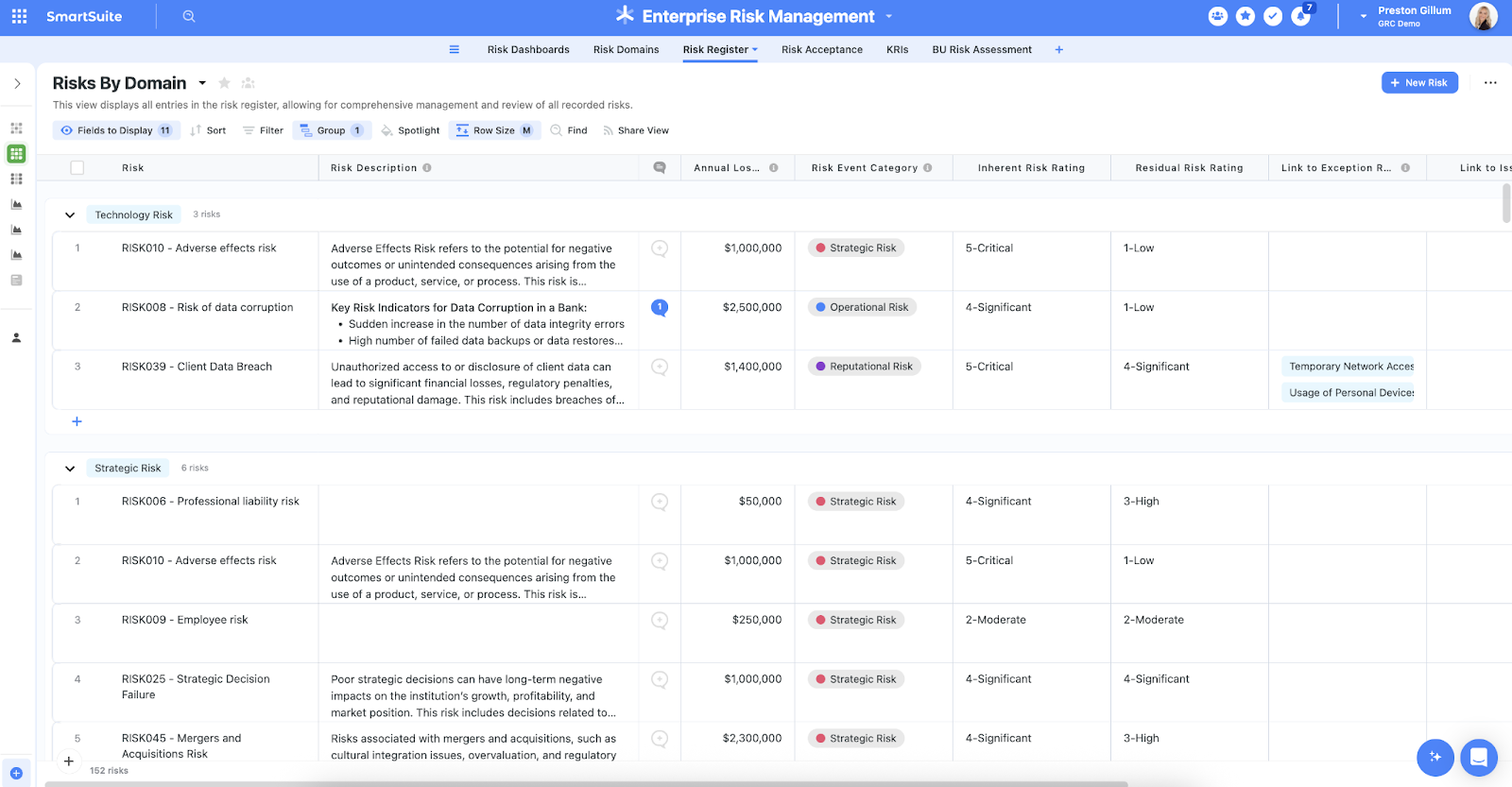
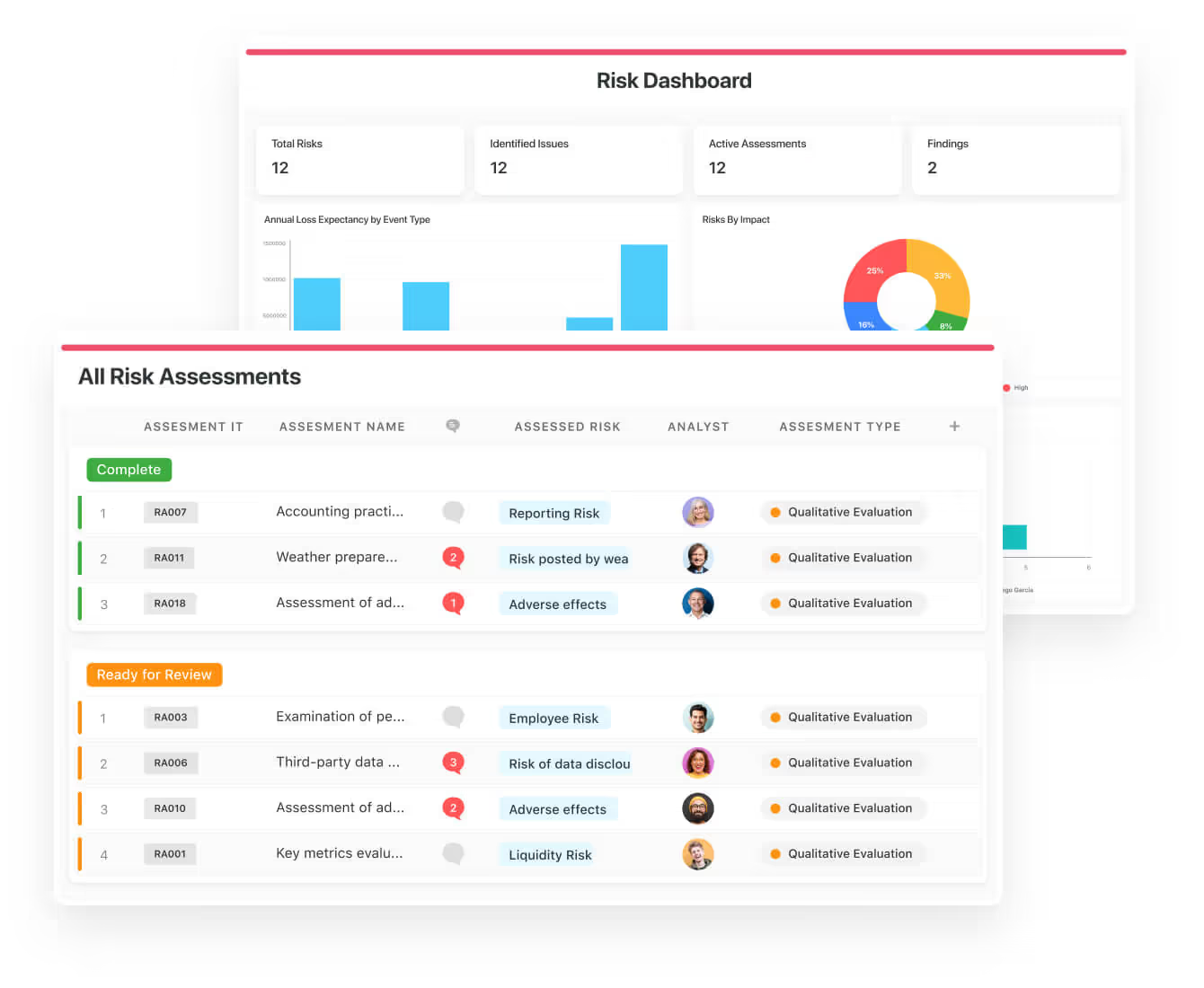
Your team can ensure that the appropriate controls are in place and measure their effectiveness by evaluating risk indicators and displaying results in SmartSuite’s rollup reports and dashboards.
💡 Pro Tip: Teams that use our tool use automation to move tasks through defined workflow stages that comply with their policies and procedures.
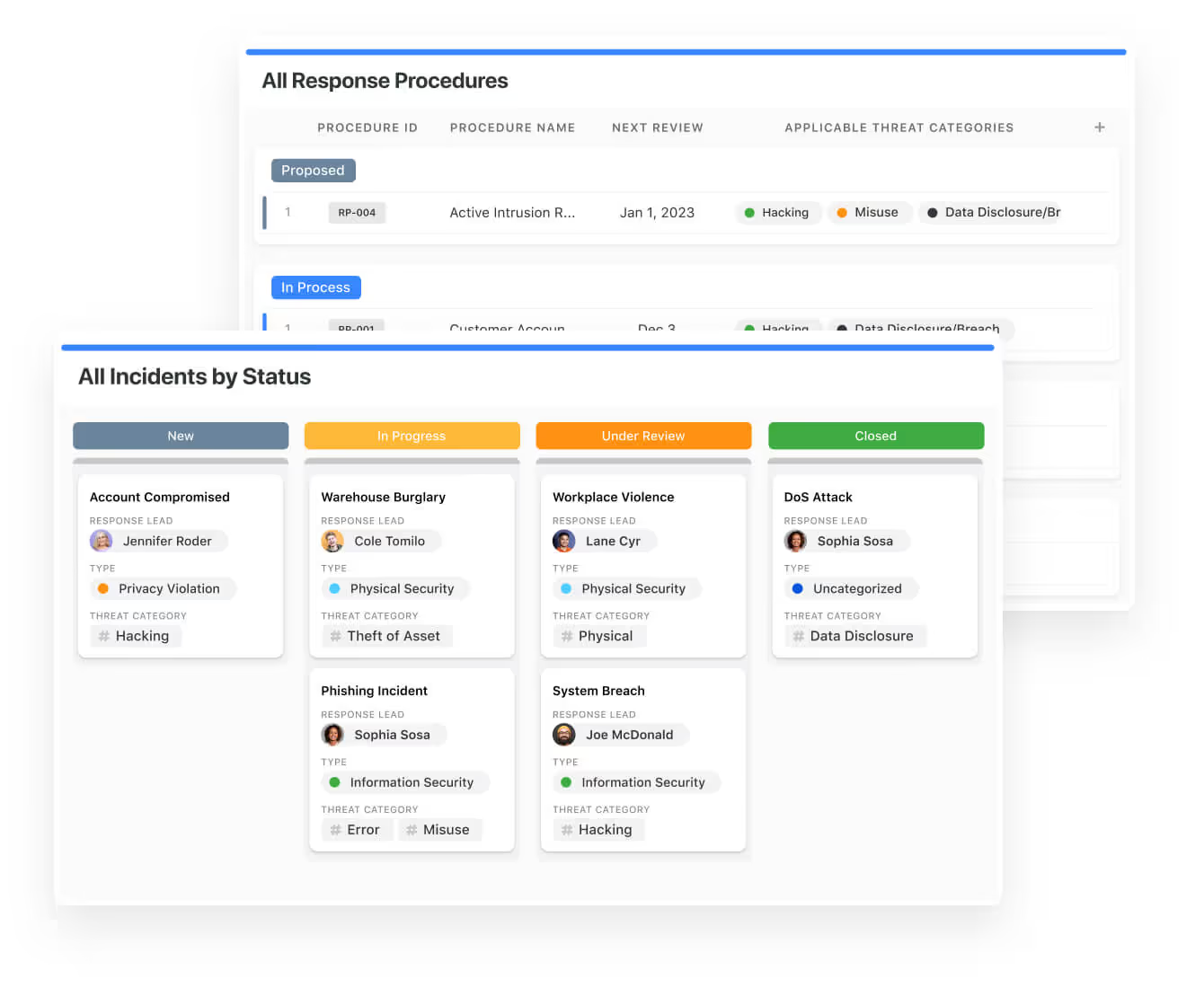
We understand how crucial threat management is and the need to respond quickly to incidents.
SmartSuite lets you centralize incident response and threat mitigation by linking incidents to assets and organizational data to offer context during your investigations.
Your compliance team can also set up automation with our no-code automation builder to escalate critical events to make sure that your team is aware of active risks to your organization.
Out-of-the-box GRC Templates
We have prepared a few GRC templates for compliance teams looking to get started right away, instead of building everything from scratch.
Our general risk management template includes:
- Risk register, where you can break down the risks, the risk owner, the annual loss expectancy, risk event category, risk type, volatility, and status.
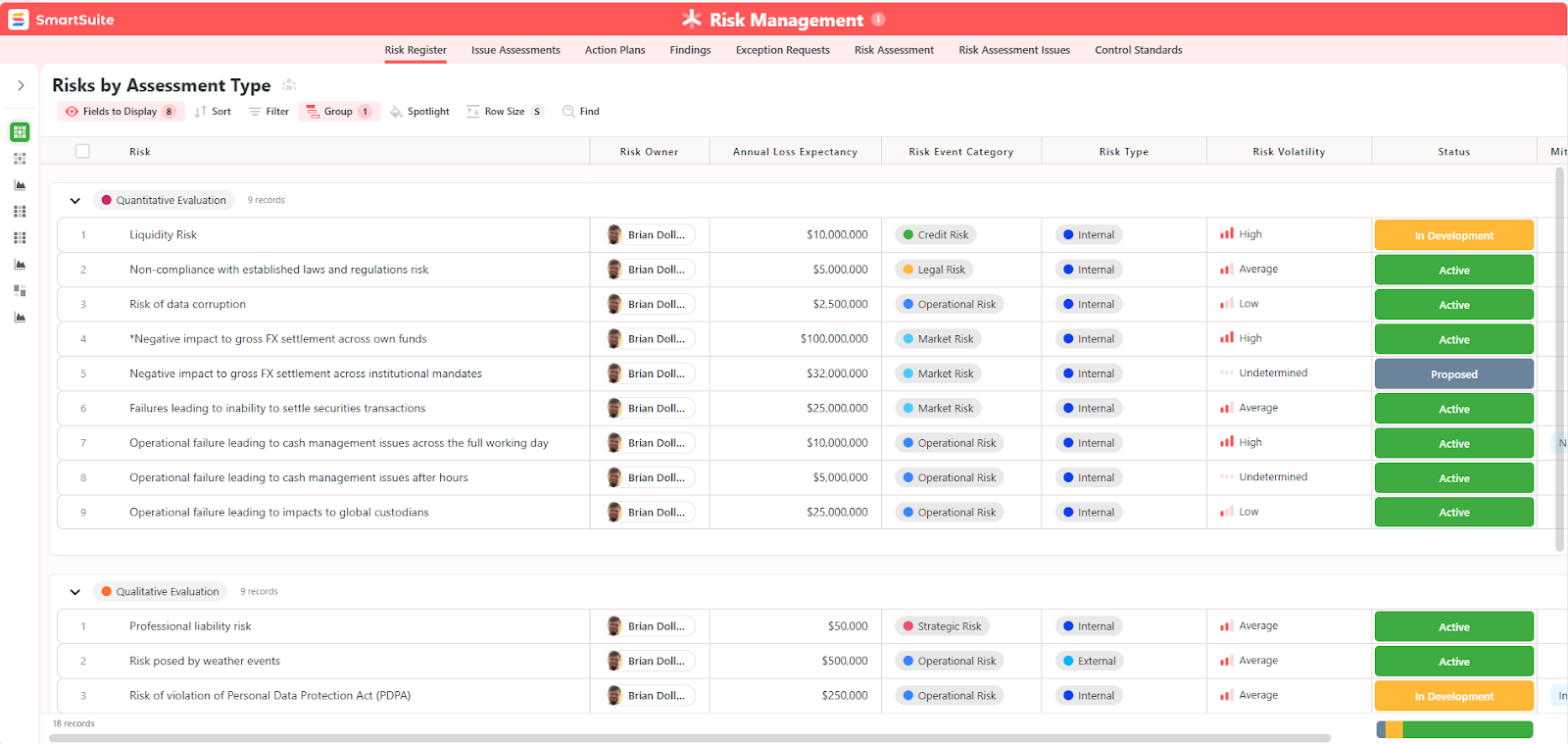
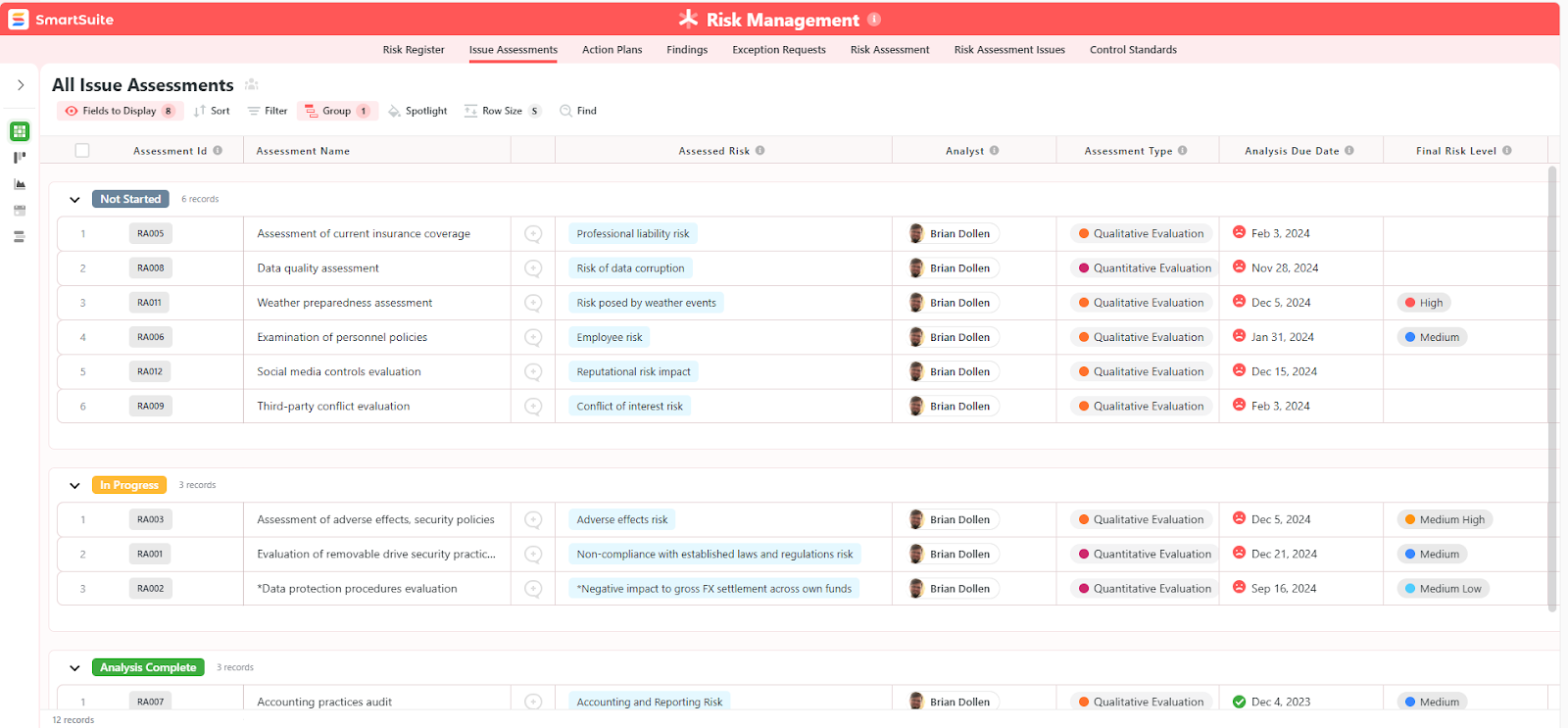
- Issue assessments, where you’ll be able to see a comprehensive breakdown of each risk.
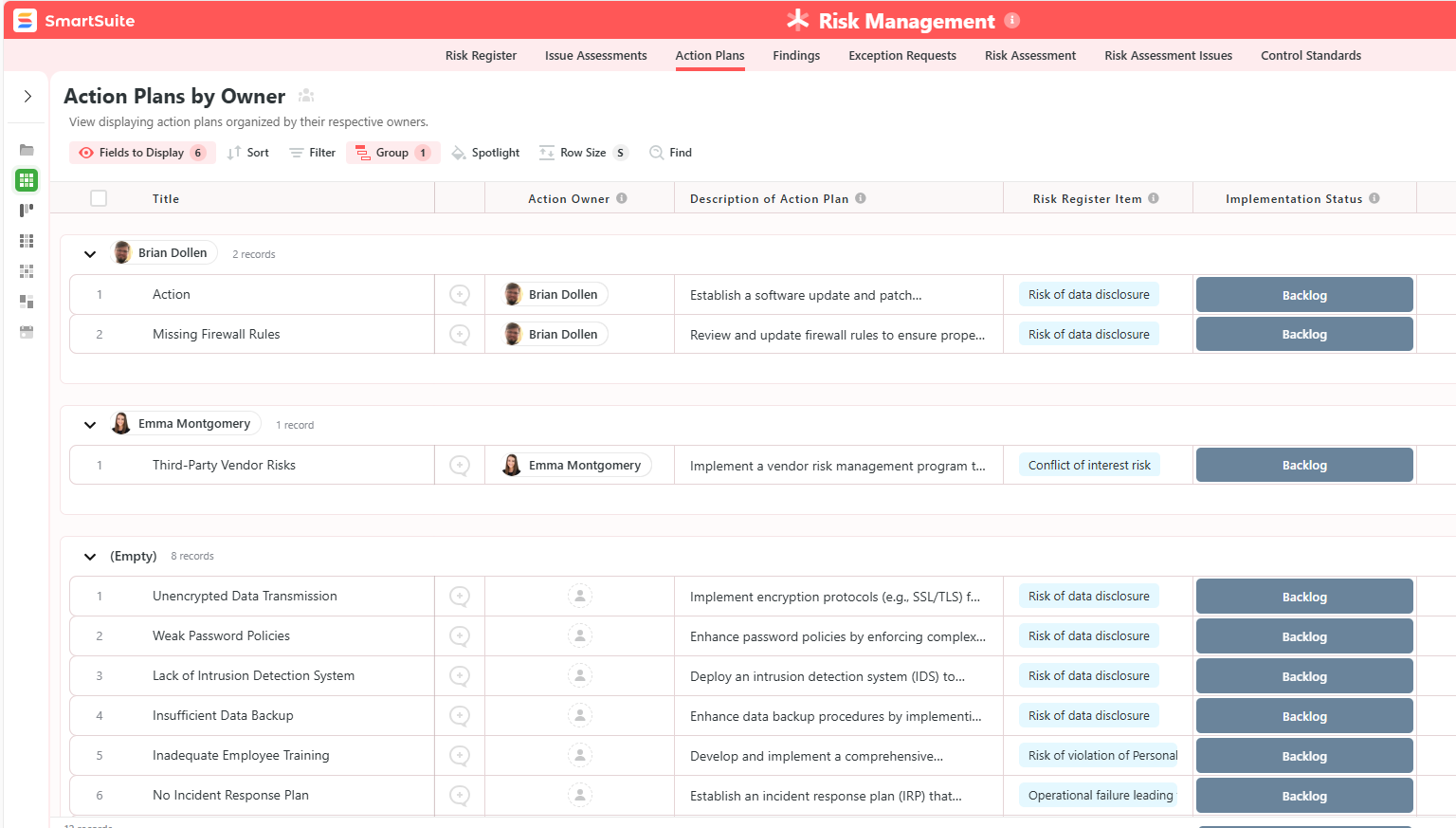
- Action plans, where you can describe the actions (best practices) to mitigate the risks.
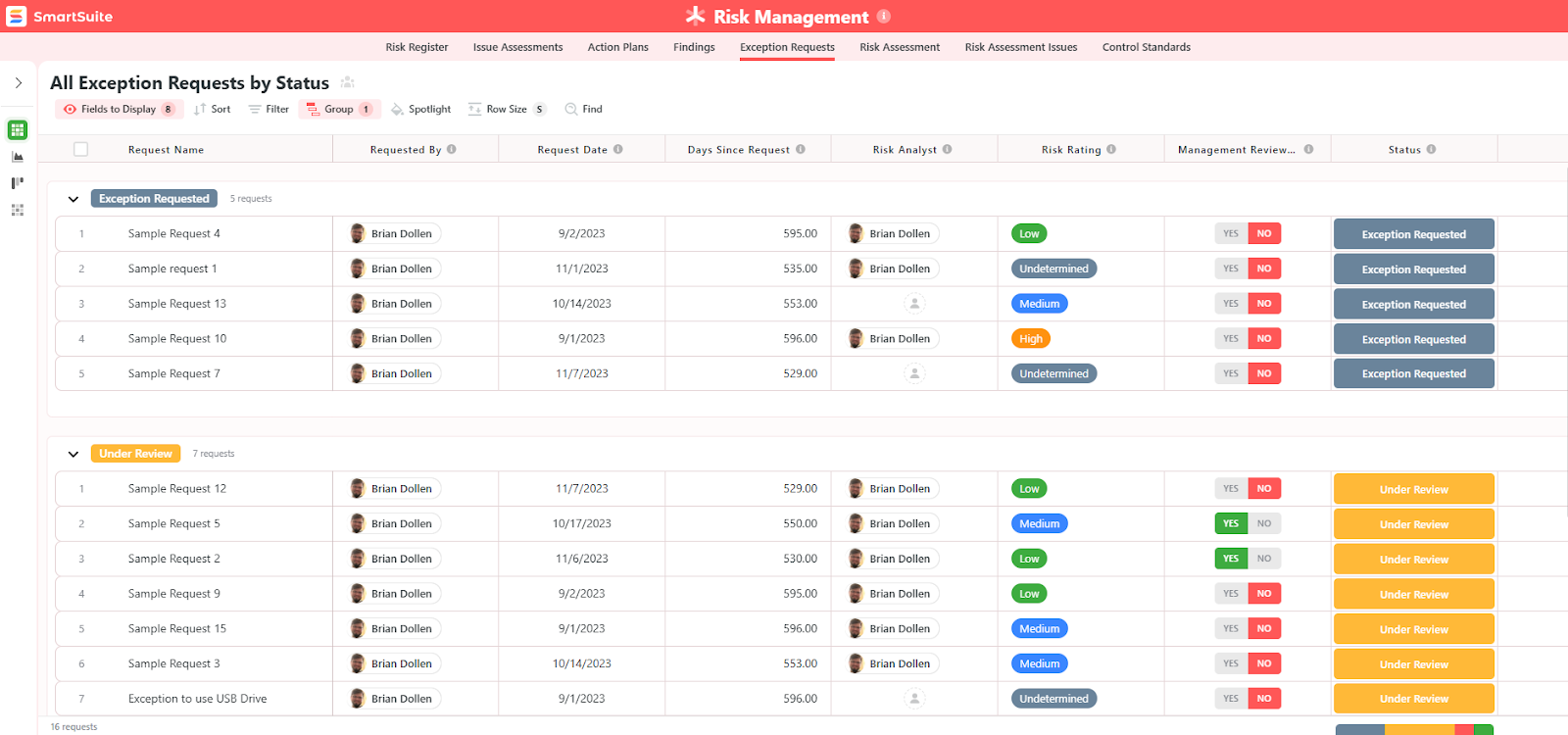
- A separate tab for control standards, your findings, exception requests, risk assessment by type, and risk assessment issues.
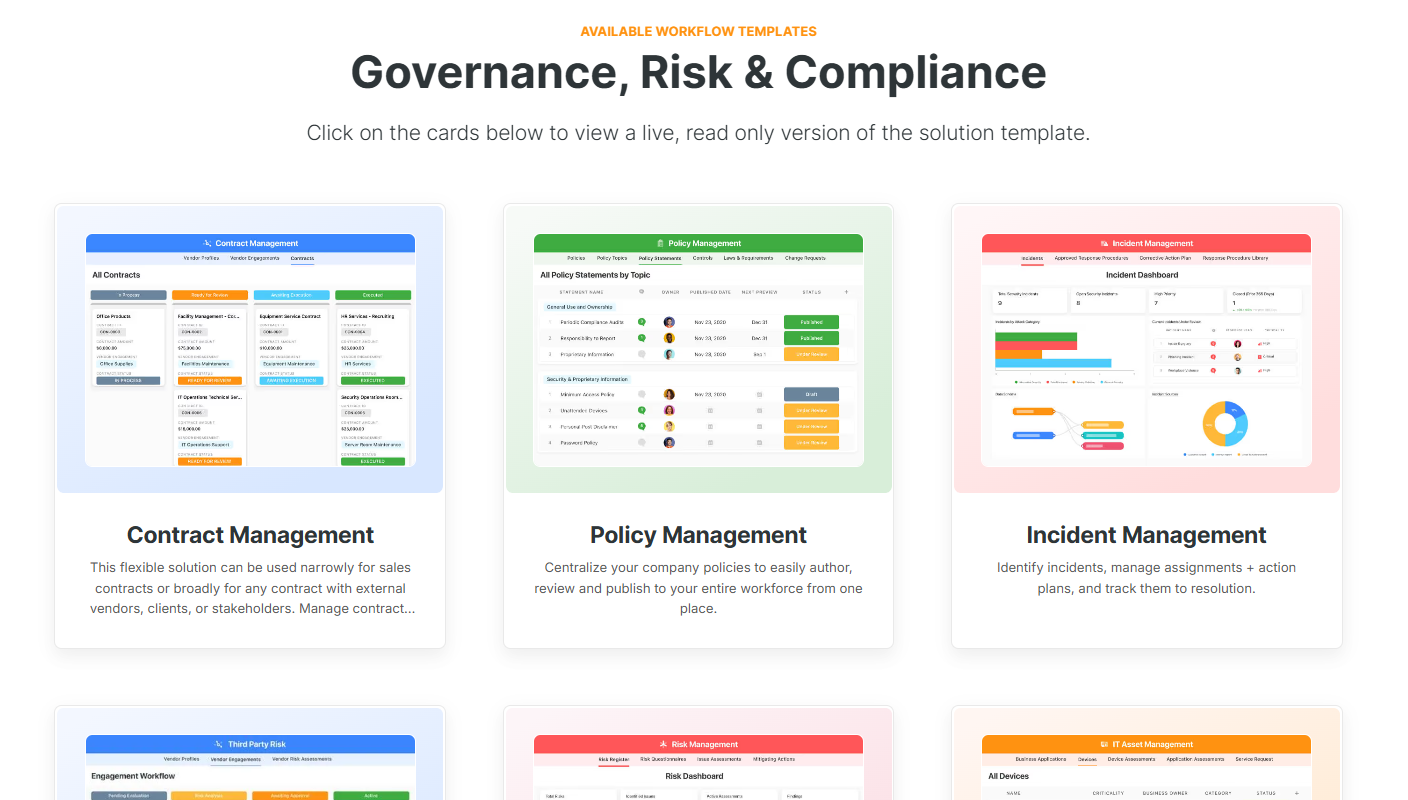
You can customize our risk management template here.
Alternatively, check out and customize our 14 other risk management templates for various use cases, such as contract management, policy management, and incident management.
How does SmartSuite compare to Centraleyes?
Centraleyes does an amazing job at what it’s designed for: vendor risk and third-party assessments.
However, SmartSuite works a bit differently from traditional GRC platforms.
Our platform is a configurable GRC operating system that adapts to how your enterprise manages risk, compliance, and governance.
The difference between the 2 tools comes down to this:
- Centraleyes helps you collect vendor risk data and monitor third-party compliance so you can check the GRC box.
- SmartSuite helps your team design, automate, and govern your entire GRC lifecycle, from risk identification and controls to incidents, audits, vendors, and executive reporting, in one flexible platform.
💡 Case Study: Learn how MediaLab transformed operations, minimized risk, and saved $40,000+ per year by cutting software costs.
SmartSuite’s Pricing
SmartSuite doesn’t have a free plan for its project management platform.
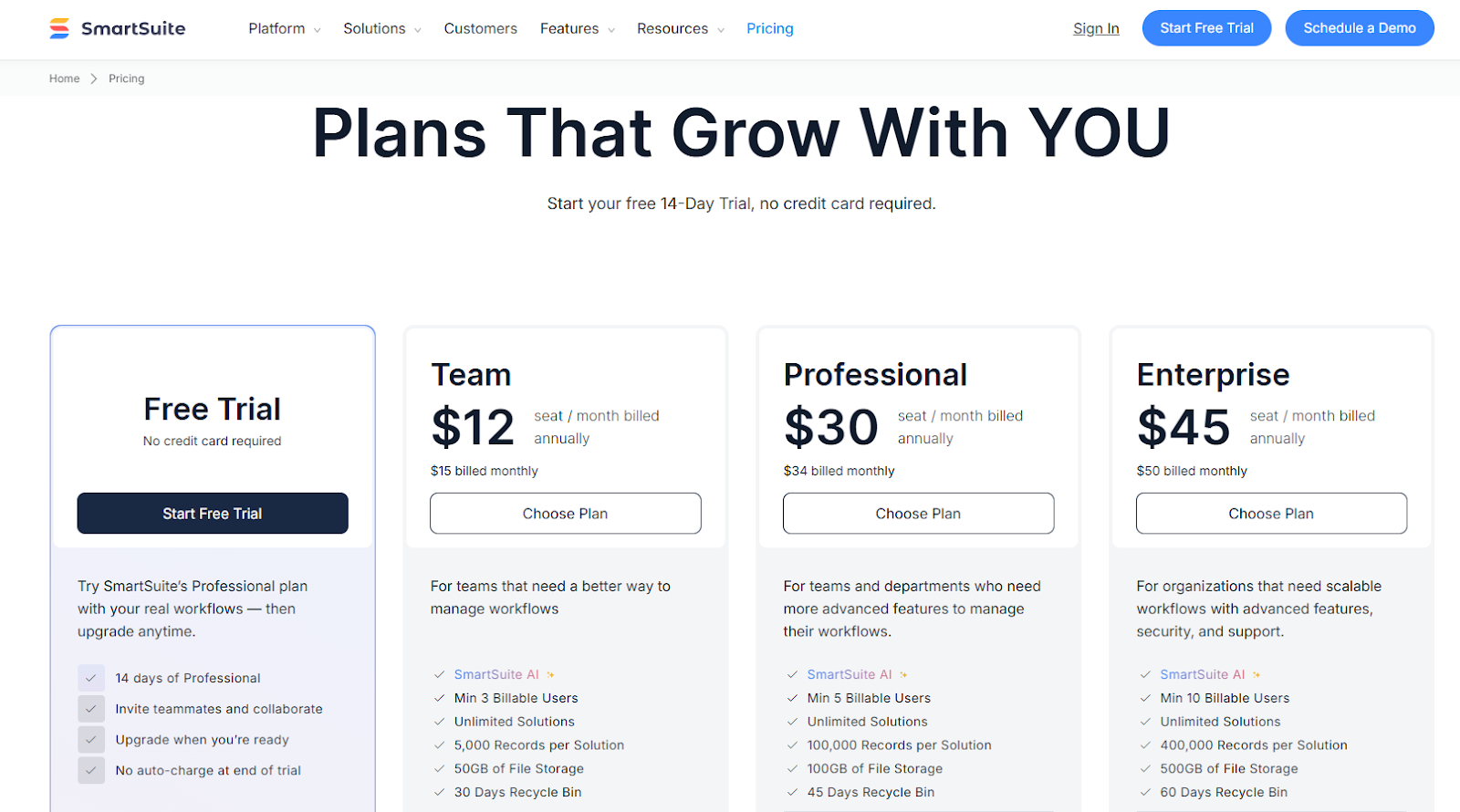
We do, however, have a 14-day free trial of our Professional plan, where you can invite teammates and collaborate.
There are four paid plans that you can choose from:
- Team: Starts at $12/user/month when billed annually, including SmartSuite AI, 8+ dashboard views, 5,000 automation runs, time tracking, and collaborative SmartDocs.
- Professional: Starts at $30/user/month when billed annually, including two-factor authentication, Gmail & Outlook integrations, and unlimited editors.
- Enterprise: Starts at $45/user/month when billed annually, including audit logs, data loss prevention, and 50,000 API calls monthly.
- Signature: Customized plan tailored to your organization’s needs and team size.
Pros & Cons
✅ 15 pre-built GRC templates for various use cases.
✅ Dynamic dashboards and reports that are easy to build and navigate, unlike some alternatives that require you to hire consultants to do it.
✅ All-in-one document and file management.
✅ Automate risk scoring, compliance tracking, audits, and vendor reviews.
✅ A modern solution with an intuitive user interface.
❌ Fewer native integrations when compared to other tools in this list.
#2: ServiceNow GRC
Best for: Enterprises already on ServiceNow that want GRC deeply integrated with operational workflows.
Similar to: Hyperproof.
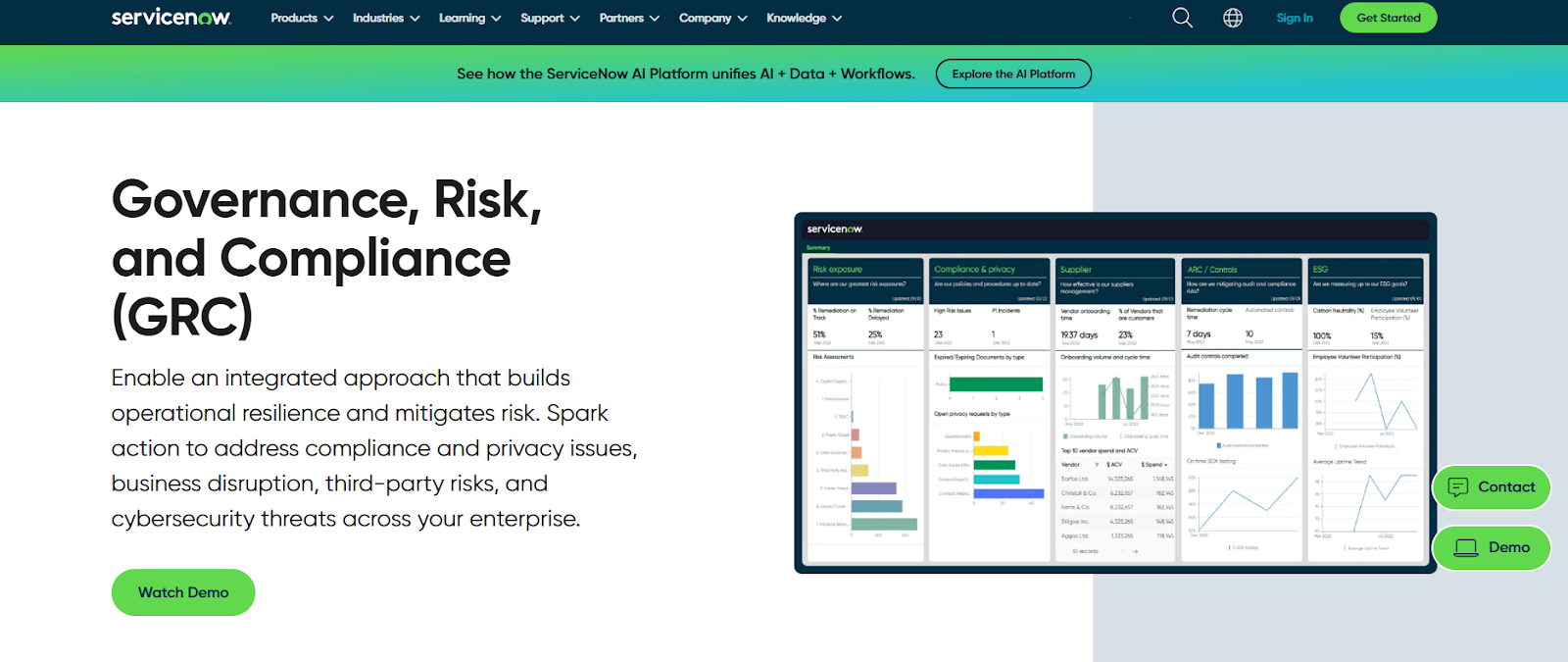
ServiceNow brings GRC into its ServiceNow tool so risk, control and compliance processes are embedded in the same workflows that run IT, security and business ops.
The tool’s strength is cross-workflow automation and enterprise scale, turning risk signals into actions across teams, making it a good enough alternative to Centraleyes.
Features
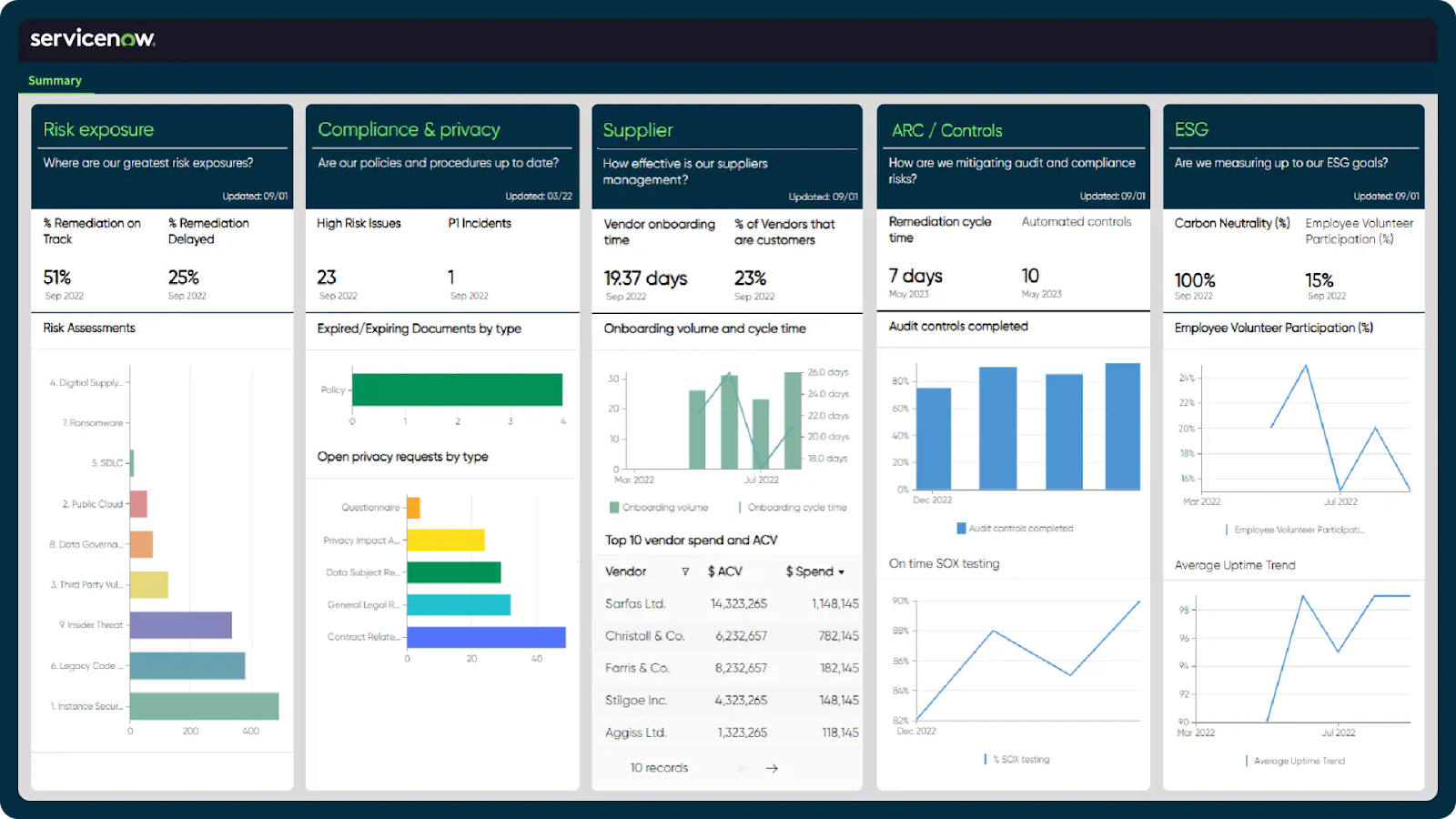
- Automated, workflow-driven risk and compliance orchestration that connects issues, audits, and remediation tasks into one traceable lifecycle.
- The GRC platform operates on ServiceNow’s Now Platform, which enables seamless data sharing and real-time collaboration across all GRC products.
- Third-party risk management that lets you identify and mitigate risks from external vendors and partners.
➡️ Learn more about ServiceNow in our in-depth ServiceNow review.
Pricing
ServiceNow’s pricing is not currently disclosed, so you’d have to book a demo with their team.
However, we looked at ServiceNow customer and public reviews, which show that the average cost of ServiceNow contracts can range between $50,000 and $500,000 annually.
The pricing structure depends on the number of licenses, features, and other configuration requirements.
Pros & Cons
✅ Comprehensive GRC management capabilities.
✅ Real-time risk monitoring and prioritization.
✅ A comprehensive range of native integrations with other tools.
❌ Steep learning curve and complexity, unlike some ServiceNow alternatives.
❌ Training, skills development, and ongoing support can be expensive.
#3: Drata
Best for: Teams that need to automate controls, manage multiple frameworks, and scale their GRC program with deep real-time visibility.
Similar to: Vanta.

Drata is a cloud-native compliance and GRC automation solution that’s a reasonable alternative to Centraleyes for teams that want continuous control monitoring, audit readiness, and a single pane of glass across frameworks like SOC 2, ISO 27001, HIPAA and GDPR.
From automated evidence collection to customizable risk scoring and control mapping, the platform positions itself as a modern upgrade from manual or checklist-based compliance workflows.
Features
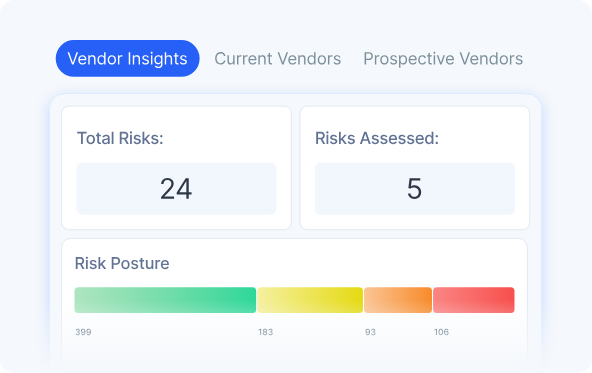
- Drata connects to hundreds of systems (cloud providers, ID-providers, HRIS, DevOps tools) and automatically maps configurations such as MFA, access reviews or encryption status to compliance controls.
- Live control health dashboards, an audit hub for external reviewers, and direct evidence access.
- Supports a wide range of frameworks (e.g., SOC 2, ISO 27001, HIPAA, GDPR, NIST 800-53) and lets you scale from one compliance framework to many.
Pricing
Drata doesn’t publish its pricing structure.
You can request a demo to get more details about its modules and costs, or look into our in-depth Drata pricing guide.
Pros & Cons
✅ Best-in-class compliance automation capabilities.
✅ Connects easily with tools like AWS, Microsoft 365, Intune, and other core business systems, keeping compliance fully embedded in daily operations.
✅ You’ll be able to centralize your GRC and assurance into a single platform.
❌ Limited customization of various GRC templates.
❌ The tool may not be as intuitive as you’d expect.
#4: Vanta
Best for: Enterprises that want to automate compliance and build trust fast via continuous monitoring.
Similar to: Drata.
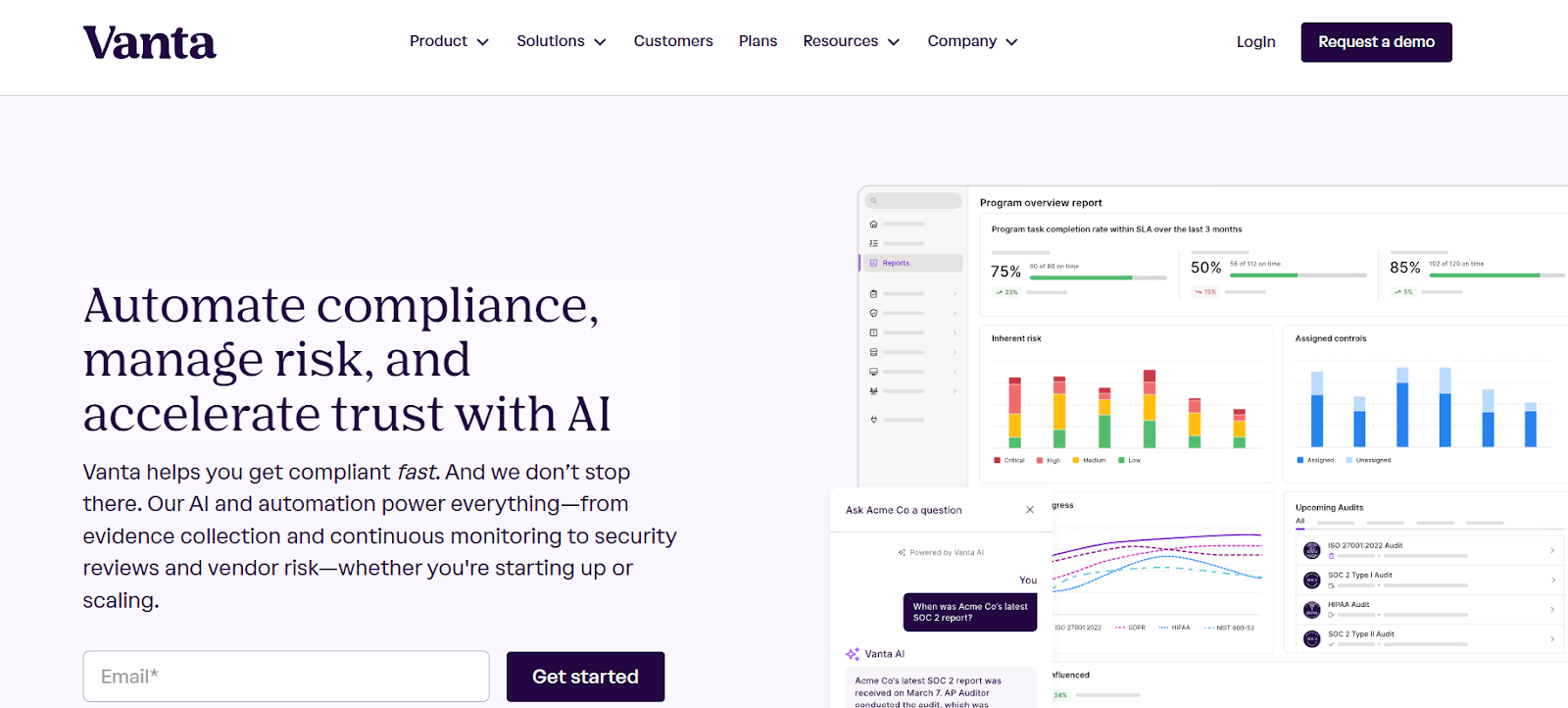
Vanta centralizes compliance operations with its automated control monitoring and continuous evidence gathering across your entire tech stack.
This real-time visibility is what I think makes it a good enough Centraleyes alternative, as it can help you adopt a scalable compliance workflow.
Features
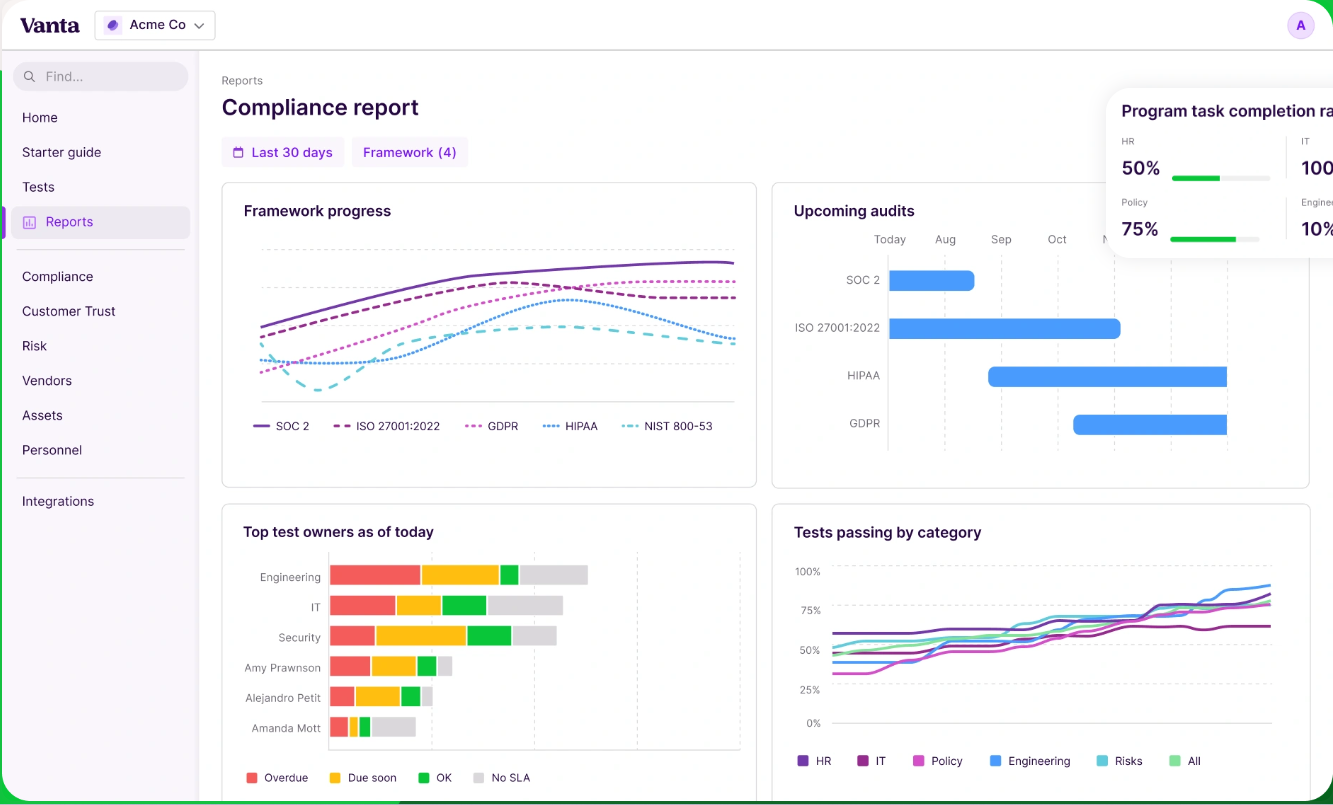
- Continuously tests controls, pulls evidence, and lets you cross-map requirements across 35+ pre-built frameworks (or your custom ones).
- It’s possible to segment your own controls, risks, and workflows within the same account, so that distributed teams can customize compliance while staying centrally governed.
- You can log issues, assign owners, collaborate on fixes, and track remediation to closure.
Pricing
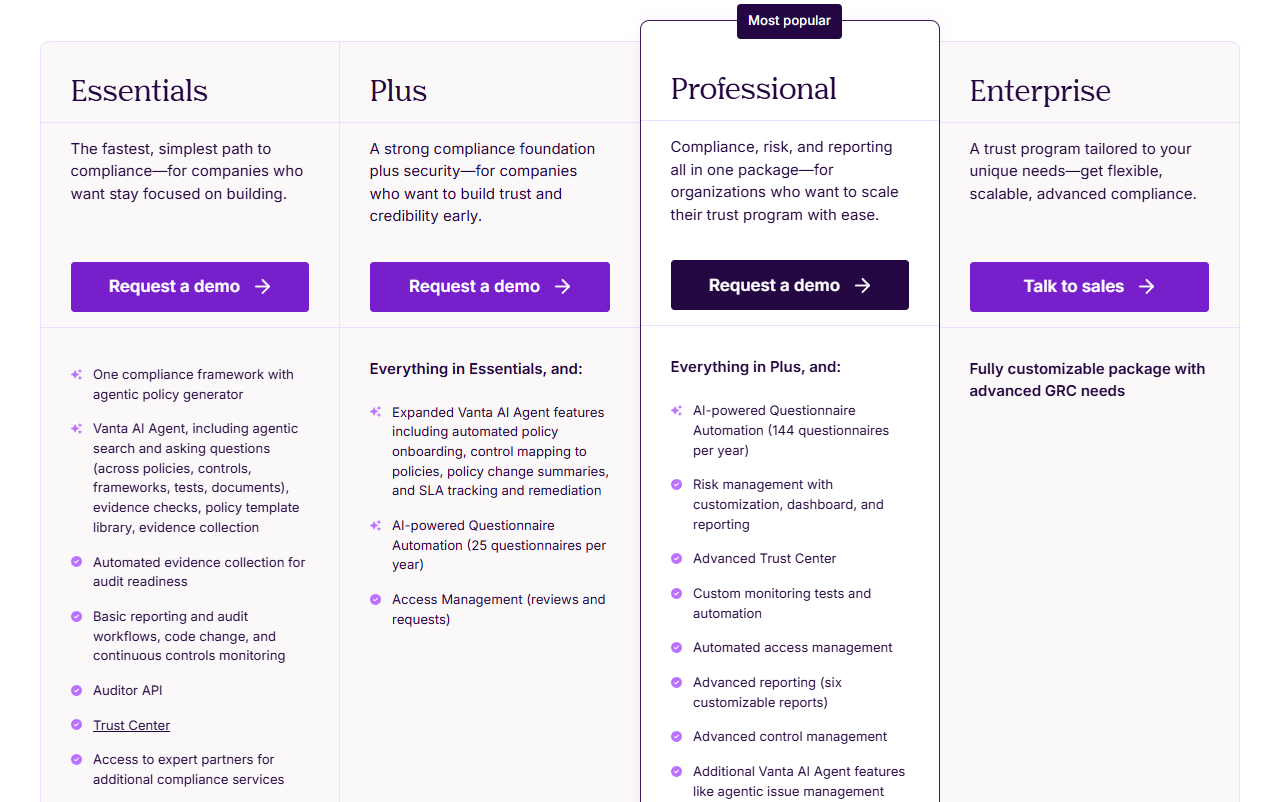
While Vanta doesn’t publish fixed pricing on its website, it offers four clearly defined packages designed for teams of various sizes and compliance needs.
All tiers include Vanta AI, continuous monitoring, automated evidence collection, templates, and core audit workflows, with higher tiers unlocking more automation, customization, and scale.
Here’s how the plans break down:
- Essentials: Includes one compliance framework, automated evidence collection, Vanta AI Agent (policy generation, search, evidence checks), continuous monitoring, basic reporting, auditor API access, and a standard Trust Center.
- Plus: Includes everything in Essentials plus expanded Vanta AI features (automated policy onboarding, control mapping, policy change summaries), SLA tracking, Access Management, and 25 AI-powered questionnaire automations per year.
- Professional: Includes everything in Plus plus full Risk Management with dashboards and reporting, Advanced Trust Center, custom monitoring tests, automated access management, six customizable reports, and 144 AI-powered questionnaire automations per year.
- Enterprise: A fully customizable package tailored for organizations with complex, multi-framework, or global GRC requirements.
If you want the full breakdown, you can feel free to read our complete guide to Vanta’s pricing.
Pros & Cons
✅ Powerful Trust Centre that helps streamline customer reviews and strengthen security transparency.
✅ Clean and easy to use interface.
✅ A comprehensive range of integrations when compared to other tools on the market.
❌ Pricing is on the higher side, especially as companies grow or need add-ons like pentesting, vendor risk, or additional questionnaire automation.
❌ A reported steep learning curve.
#5: IBM OpenPages
Best for: Highly-regulated enterprises that need a scalable, extensible, AI-powered GRC backbone.
Similar to: SAI360.
IBM OpenPages is a good Centraleyes alternative for large enterprises that need a scalable GRC platform with modular deployment across risk, compliance, audit, and best-in-class policy management.
What I like about the platform is that it centralizes siloed risk functions with AI and analytics to support enterprise-wide risk aggregation and reporting.
Features
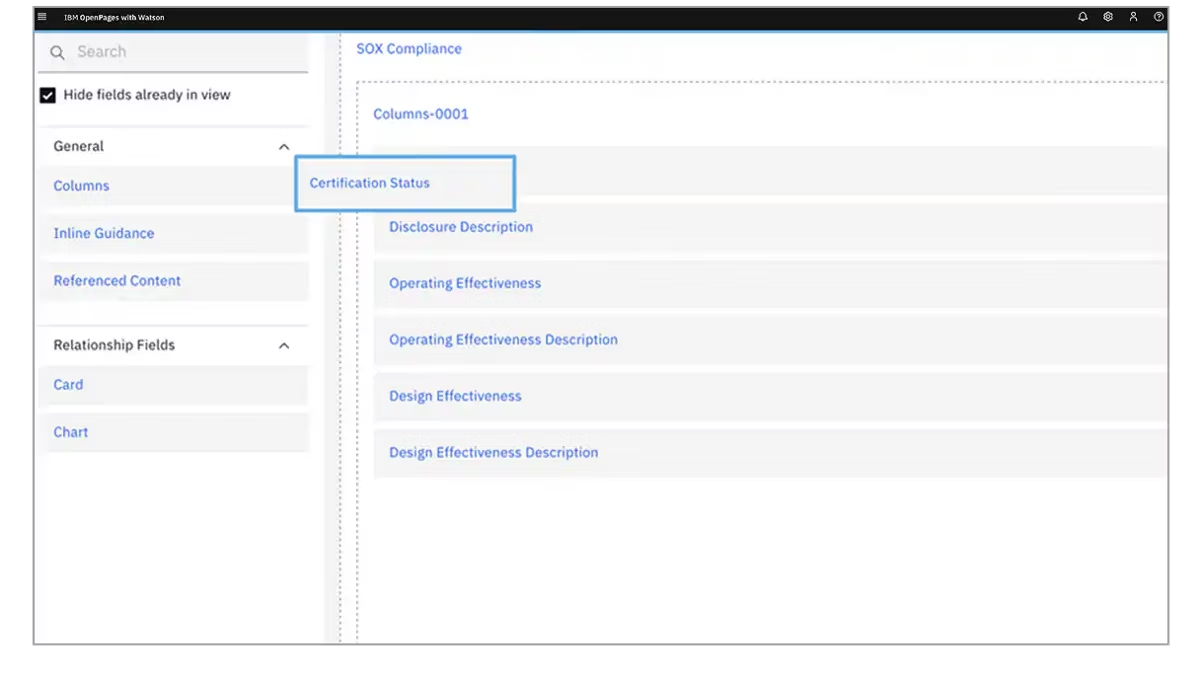
- Specialized modules for operational risk, regulatory compliance, policy management, IT governance, internal audit, and third-party risk management.
- The platform uses IBM Watson to provide predictive analytics and automate classifications.
- Enterprise-grade, AI-infused risk analytics and a modular architecture that can centralize many siloed risk programs.
Pricing
IBM OpenPage’s pricing can be a little confusing to get at first, but there are 4 ways to purchase the solution:
- As a SaaS solution: Essentials Edition starts at $3,300, and the Standard one starts at $6,050.
- As an On-cloud solution: the Single Solution starts at $6,250, and the Enterprise one starts at $9,000.
- As part of IBM Cloud Pak for Data: the Single Solution starts at $162,000, and the Solution Bundle starts at $207,000.
- As On-Premises: You need to contact their team for a quote.
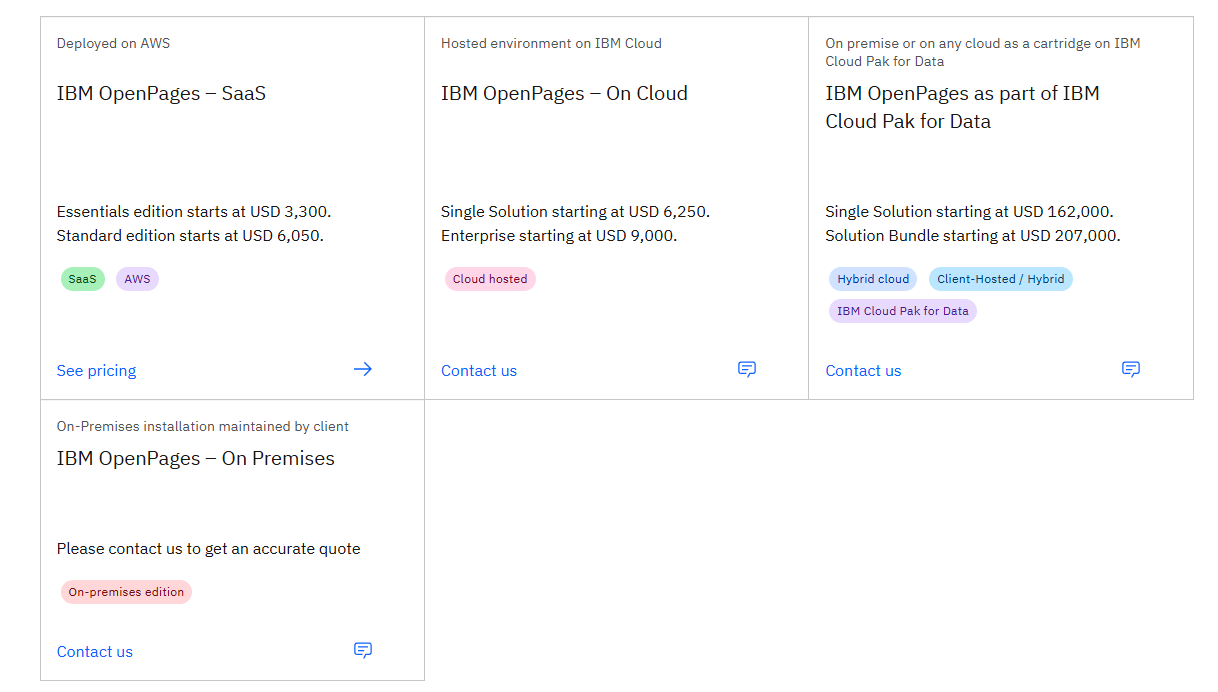
Regardless of which package you go for in the end, each one will include a core set of IBM OpenPages features, such as its AI features, workflow automation, integrated reports, etc.
Pros & Cons
✅ Scalable architecture with advanced analytics and AI-assisted risk insights.
✅ Enhances efficiency and accuracy through bespoke AI models and automated processes.
✅ Valuable insights into the state of risk across the organization with its IBM Cognos Analytics.
❌ The tool’s high implementation costs can make it prohibitive for SMEs.
❌ Limited customization options, which is why some users have been looking for IBM OpenPages alternatives.
#6: SAI360
Best for: Companies that need an integrated GRC and compliance solution to drive policy adoption.
Similar to: AuditBoard.
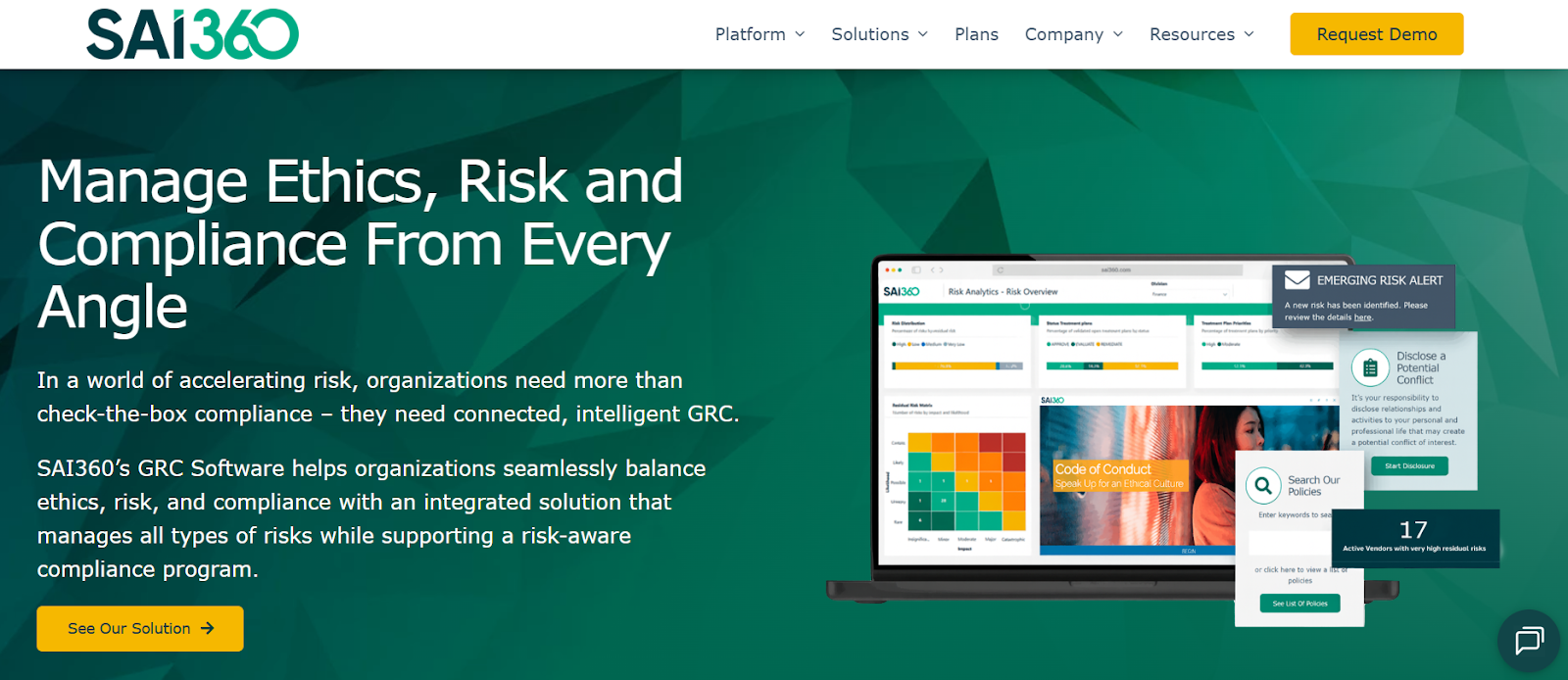
SAI360 is a proper Centraleyes alternative with its integrated risk, ethics, and compliance management with strong regulatory content and industry frameworks built in.
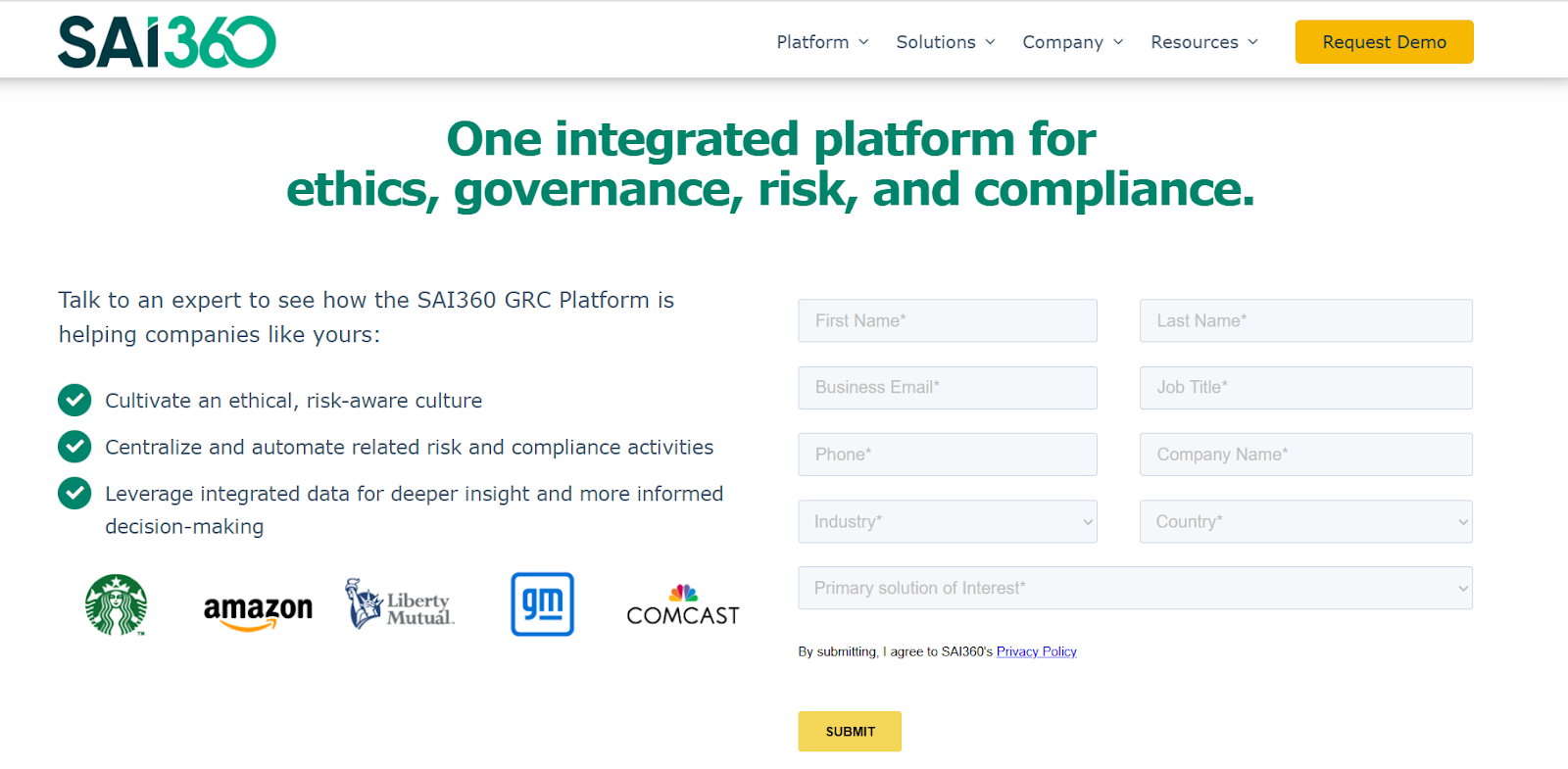
The tool lets you connect compliance, 3rd-party risk, and audit processes to provide end-to-end program management.
Features
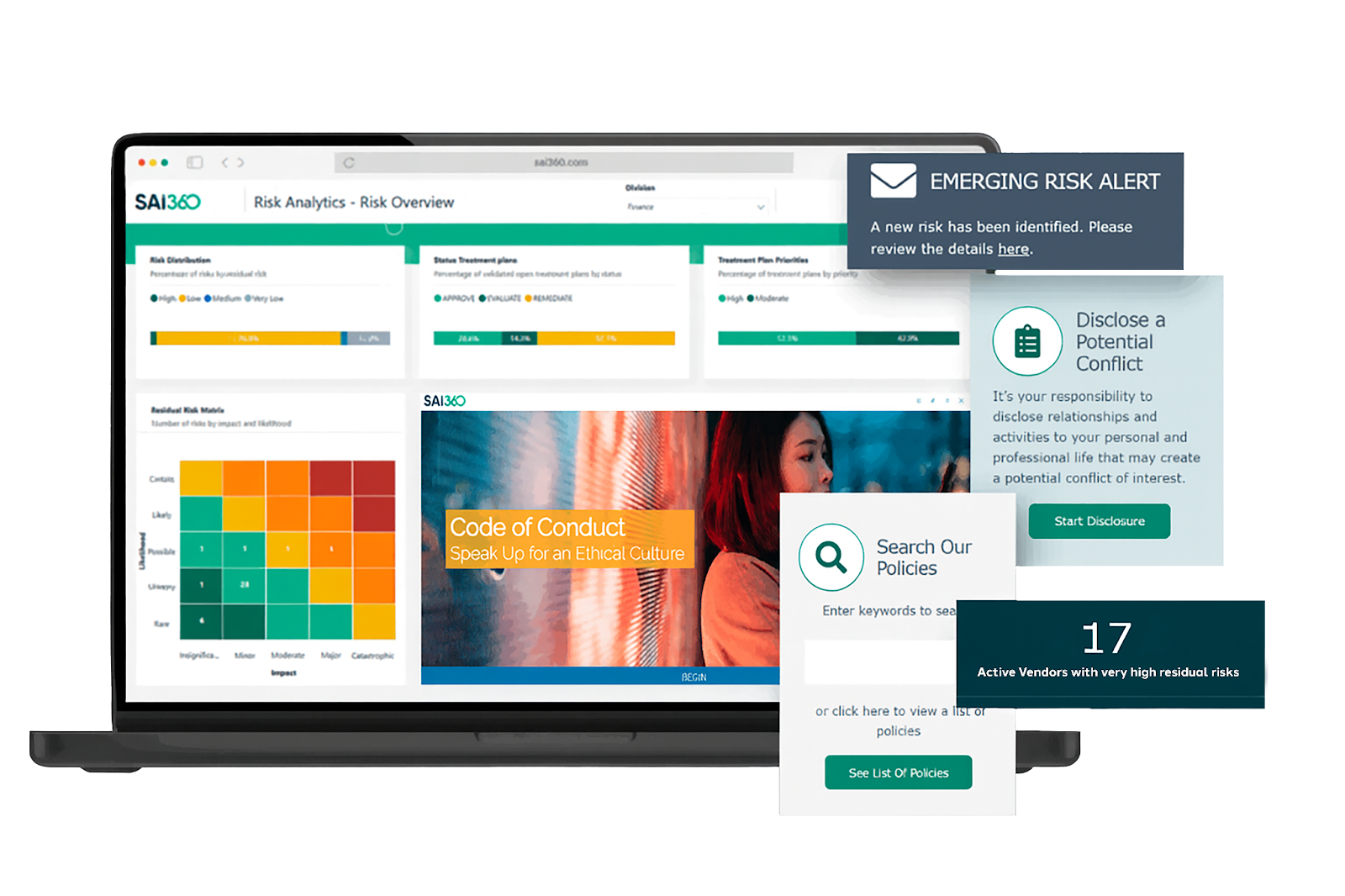
- Integrated compliance and third-party risk modules with regulatory content and reporting to manage obligations end-to-end.
- Use AI to improve reporting, risk assessment, and operational efficiency.
- Pre-mapped frameworks and controls aligned with global regulations for faster deployment and easier compliance.
Pricing
SAI360 does not currently disclose its pricing, so you’d have to contact them to get a product demo and a quote.
However, I was able to research SAI360’s pricing and found some reported numbers, so do check out our guide on it.
Pros & Cons
✅ Reporting, risk assessment, and operational efficiency for enterprises.
✅ Broad, integrated coverage (i.e., ethics, compliance, third-party risk) with ready-made regulatory content.
✅ 20+ ready-to-use GRC modules that your team can get started with without having to set up the platform for months.
❌ The tool is described as outdated and difficult to manage by users, which is why some compliance leaders have been looking for SAI360 alternatives.
❌ Admins cannot easily modify fields or workflows.
#7: Pathlock
Best for: Companies that need strong ERP access control, SOD enforcement and continuous monitoring.
Similar to: SmartSuite, ServiceNow.
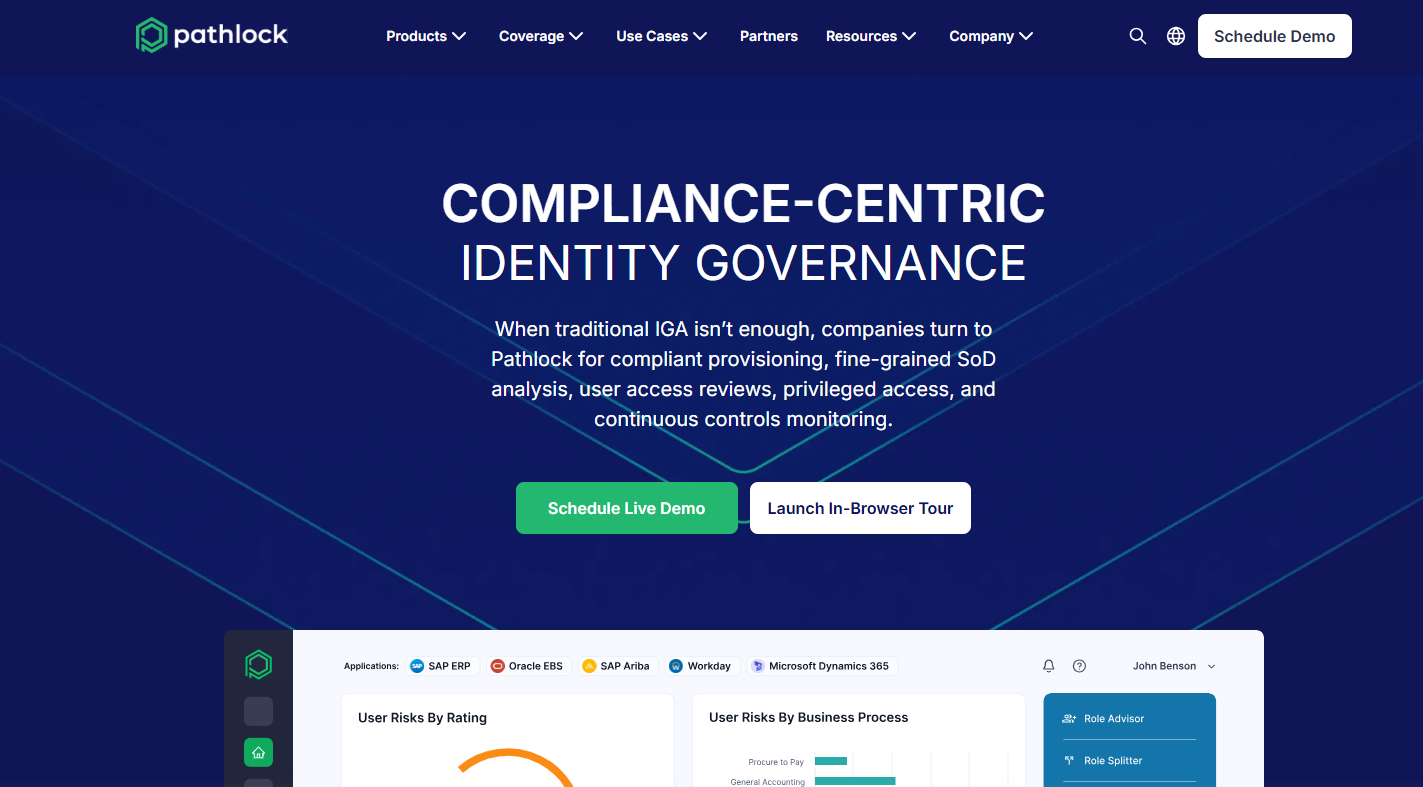
Pathlock’s GRC solution lets you automate segregation of duties (SoD) analysis, compliant provisioning, and continuous controls monitoring.
The tool is a good Centraleyes alternative for compliance teams looking to reduce compliance costs while enforcing security policies across 100+ connected systems.
Features
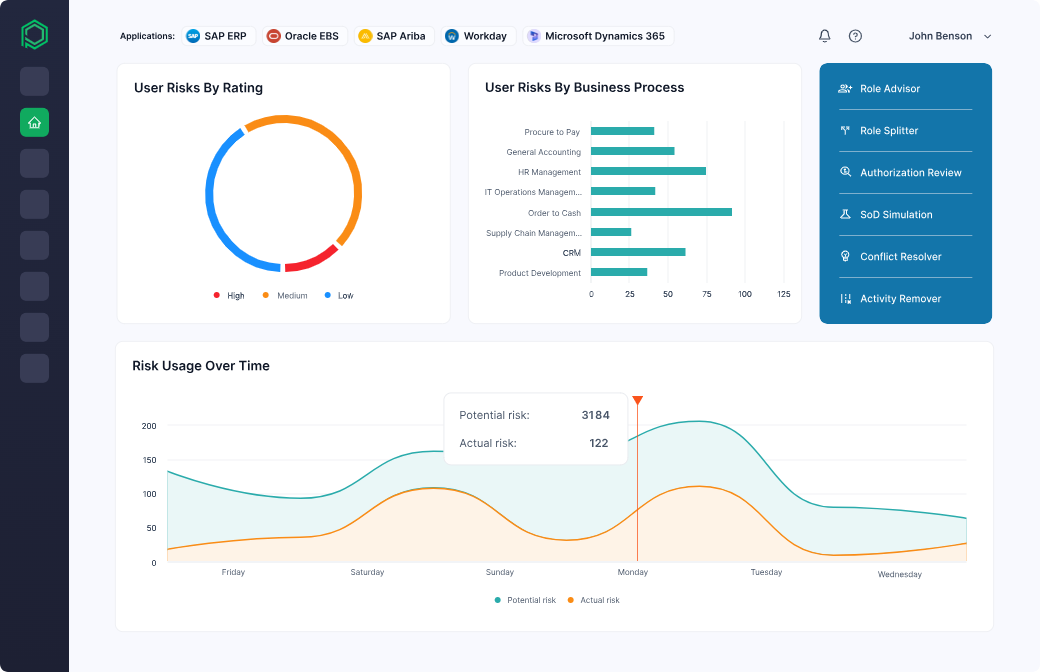
- You’ll get access to cross-application risk analysis with rulesets and connectors that can be customized for major enterprise systems, such as SAP and Oracle.
- Continuous, application-level entitlement and SoD analysis with automated remediation workflows.
- Compliant provisioning workflows that aim to enforce access policies during user onboarding and role changes.
Pricing
Pathlock does not currently disclose its pricing on its website, so you’d have to book a demo with their team to learn more about the tool and get a quote.
Pros & Cons
✅ Best-in-class security features, including data masking.
✅ Automated audit and compliance processes that simplify regulatory requirements and improve financial transparency.
✅ User-friendly interface with easy navigation.
❌ Users mention that documentation and guidance can be lacking.
❌ Implementation and configuration can be complex and time-consuming, according to G2 reviews.
#8: Hyperproof
Best for: Enterprises looking for a modern, flexible compliance and GRC solution that supports multiple frameworks and scales risk & audit management.
Similar to: Onspring.
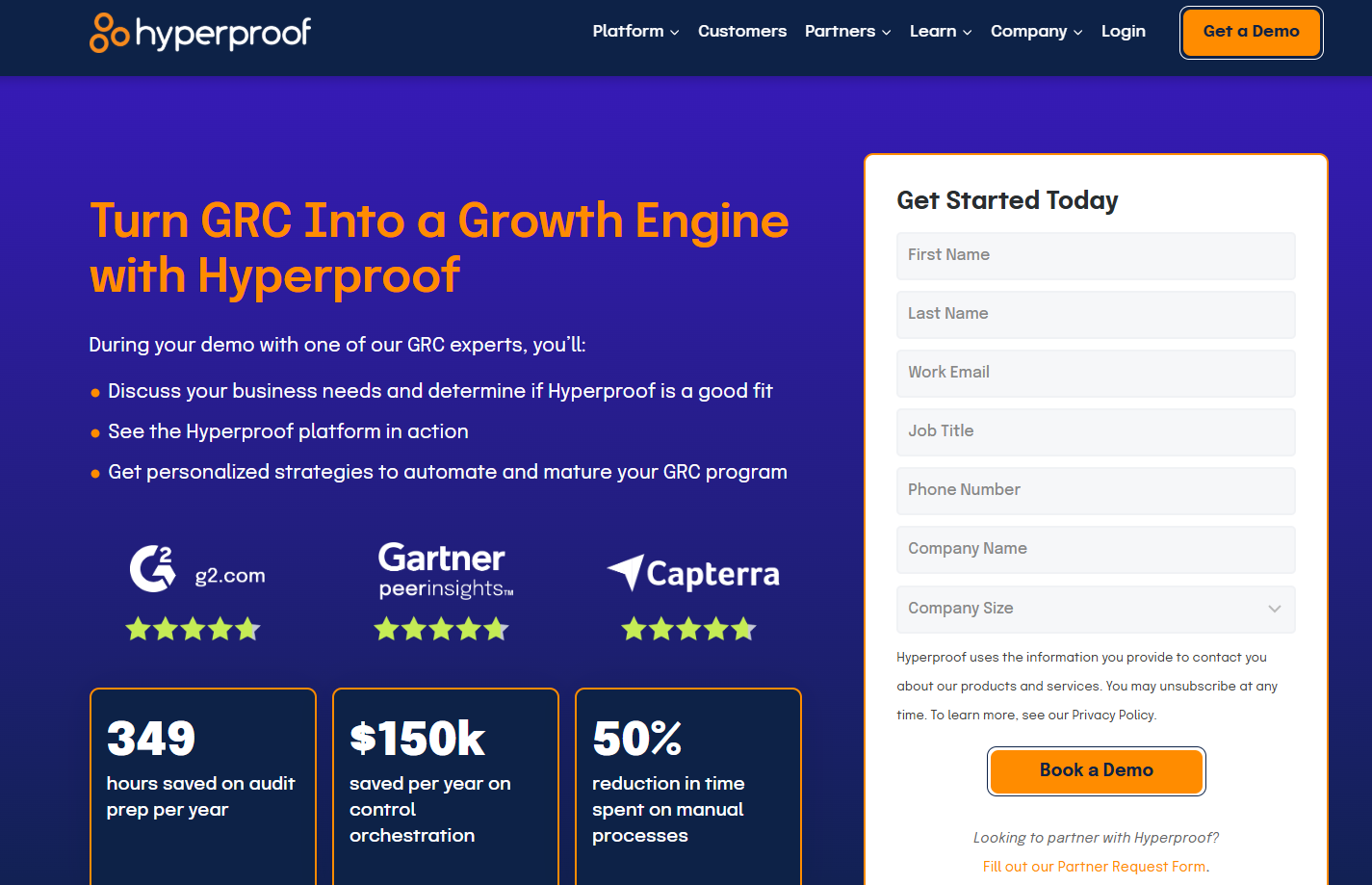
Hyperproof is built as a unified compliance-operations platform designed to reduce the burden of managing multiple regulations, audits, risks, and controls.
The tool combines ease of use with enterprise-capable features: clean UI, strong integrations, and a modern workflow engine.
At the same time, what I like about the platform is that it supports risk, audit, vendor, and control workflows, making it a strong alternative for GRC teams looking to switch from Centraleyes.
Features
- Makes it easier to map a single control to multiple regulations (e.g., ISO, SOC 2, NIST) so you avoid duplication and achieve efficiency.
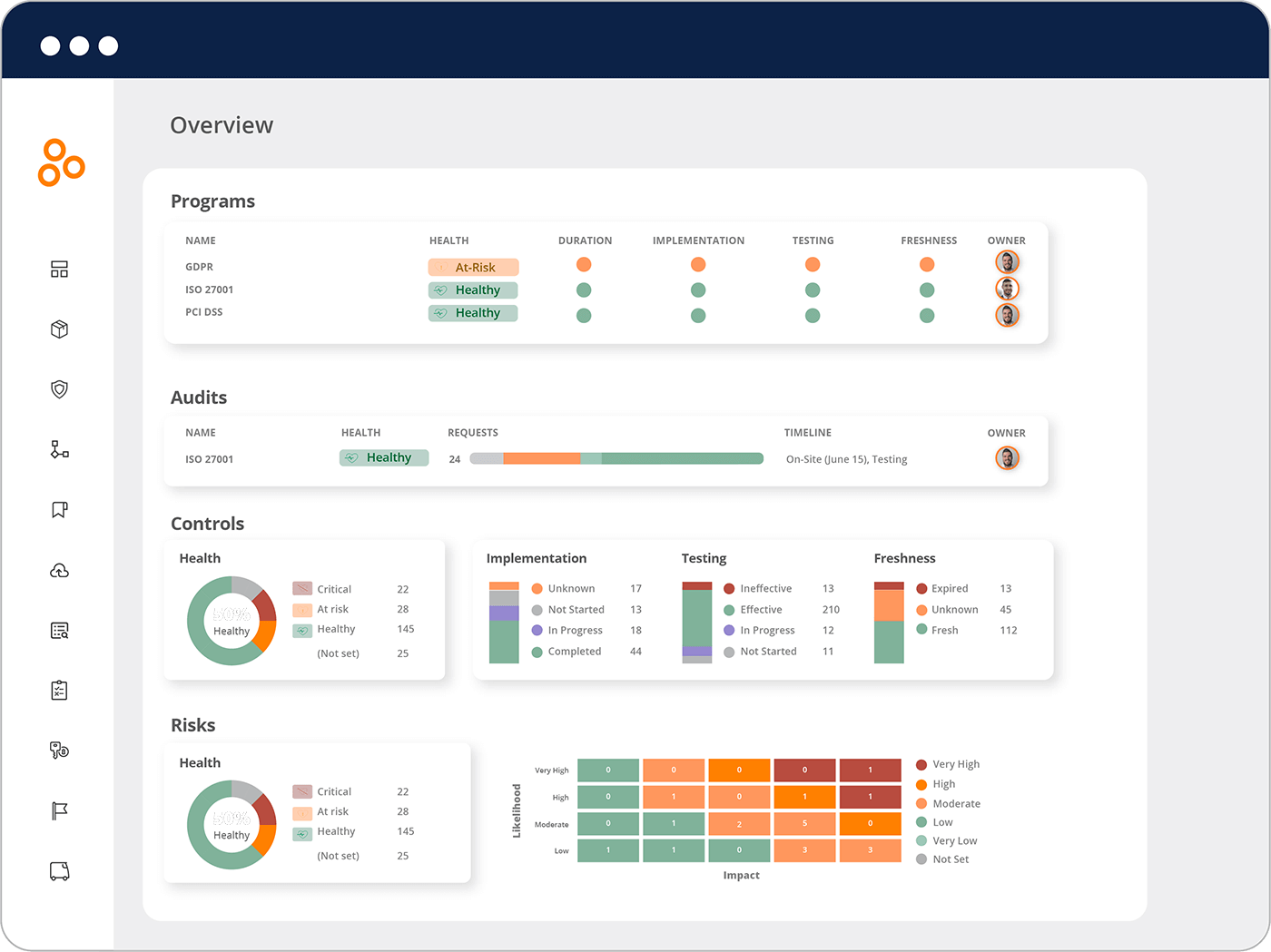
- The tool provides visibility of your compliance posture, showing which controls are in the red, tasks overdue, risks rising, and audit readiness at a glance.
- Hyperproof automates parts of the evidence and proof gathering to help you reduce manual audit prep.
Pricing
Hyperproof doesn’t disclose its pricing.
To understand how Hyperproof can fit in your budget, you can book a personalized demo or review our full Hyperproof pricing guide: it covers everything you need to know before making a decision.
Pros & Cons
✅ Clean, intuitive interface.
✅ Built-in task assignment and workflow tools help decentralize compliance ownership.
✅ Visibility of your compliance posture
❌ Limited dashboard customization.
❌ The tool can get really expensive for the full GRC solution.
#9: Onspring
Best for: Enterprise compliance teams who need flexibility and quick configuration without custom development.
Similar to: ArcherIRM.
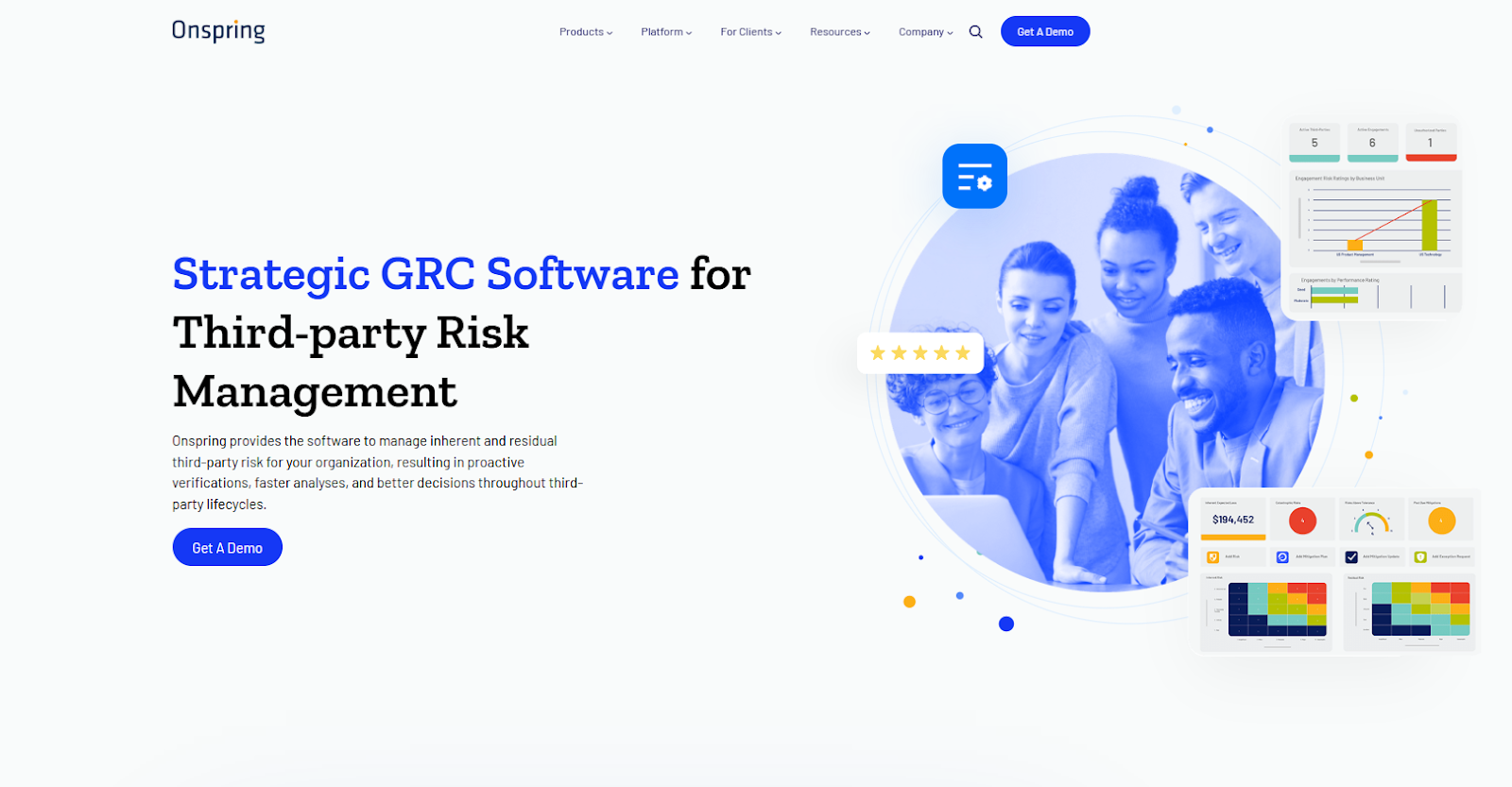
Onspring is a good enough Centraleyes alternative when you want a highly configurable, no-code GRC system that teams can tailor quickly.
The platform stands out with its quick configuration, workflow automation, and dashboards, so you can build the processes you need and iterate fast.
Features
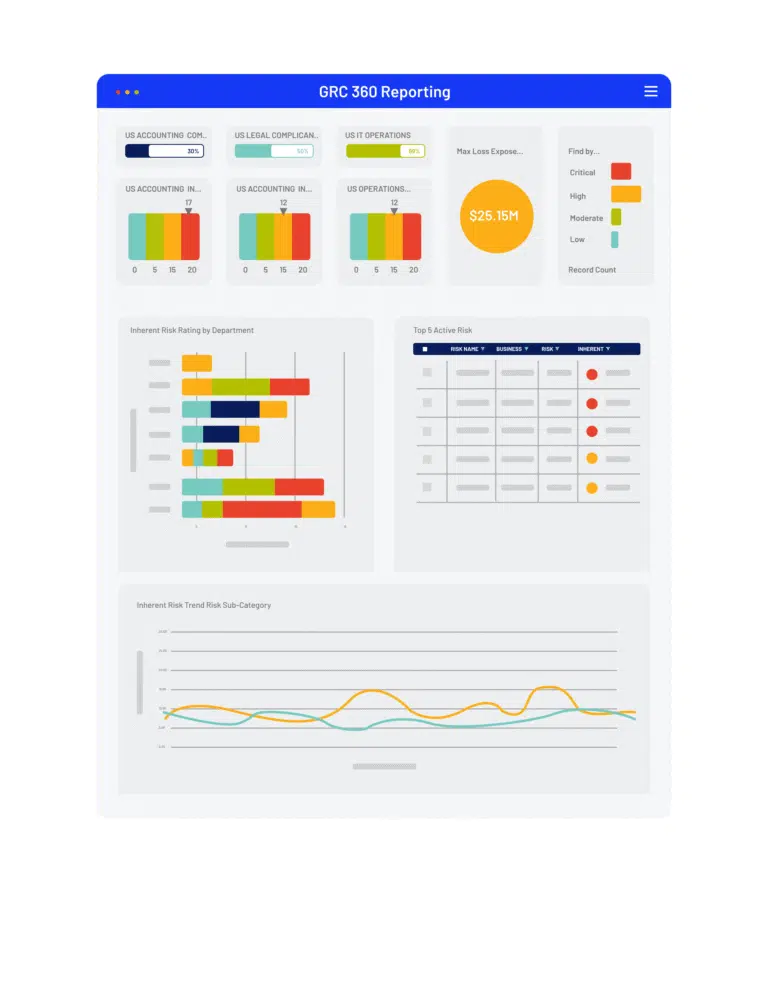
- No-code configuration and workflow automation that lets compliance teams build custom processes and dashboards without IT.
- Assess, tier, and track vendors and integrate criticality ratings from cyber and financial monitoring services.
- Advanced reporting that helps you gauge performance with live dashboards of key metrics, risk scores, and audit activity status.
Pricing
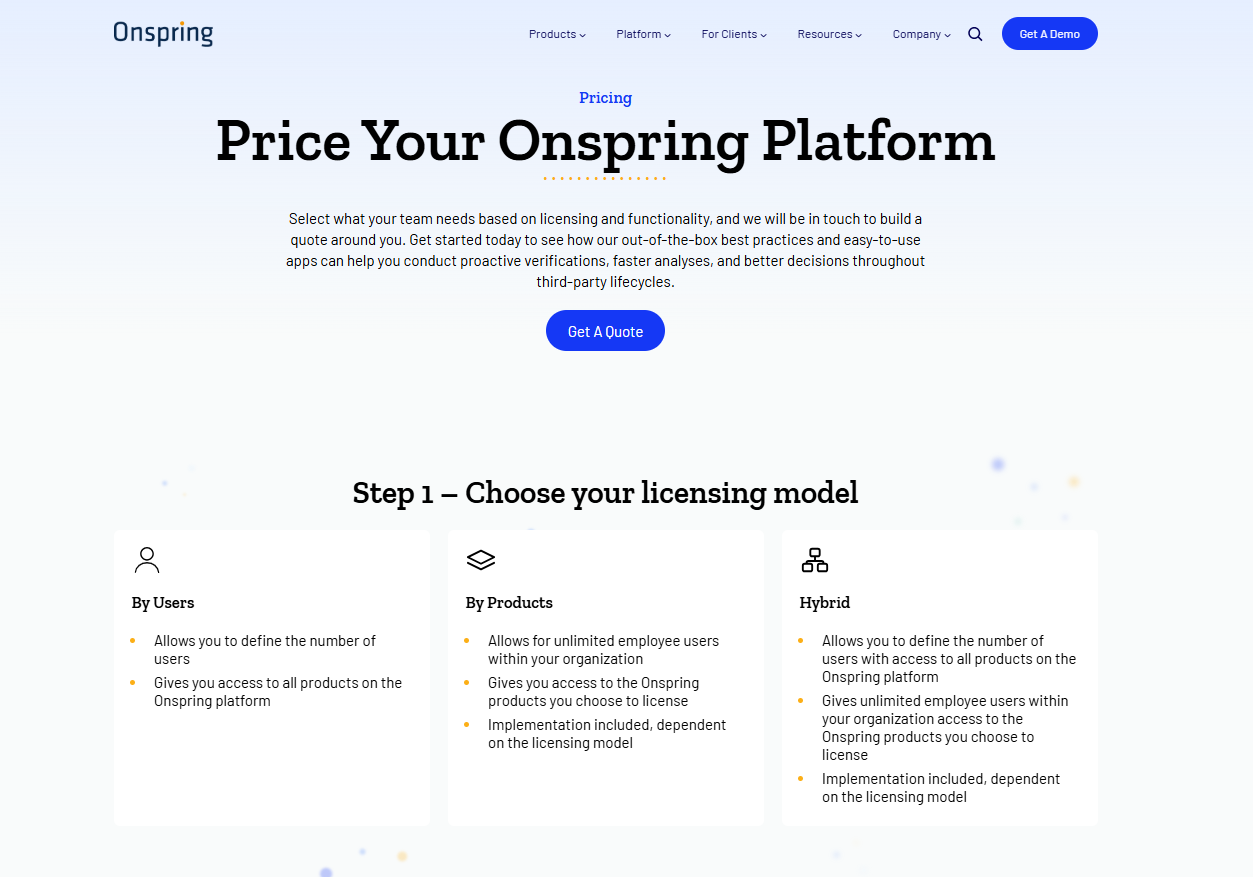
Onspring offers 3 different pricing models that you can choose from based on which one better fits your needs:
- Pricing per user seat, where all users get access to all products on the Onspring platform.
- Pricing by product, where your team (with unlimited users) selects only a portion of the features to access.
- A hybrid model, where some users have unlimited access to the platform, while other users have limited access to other features.
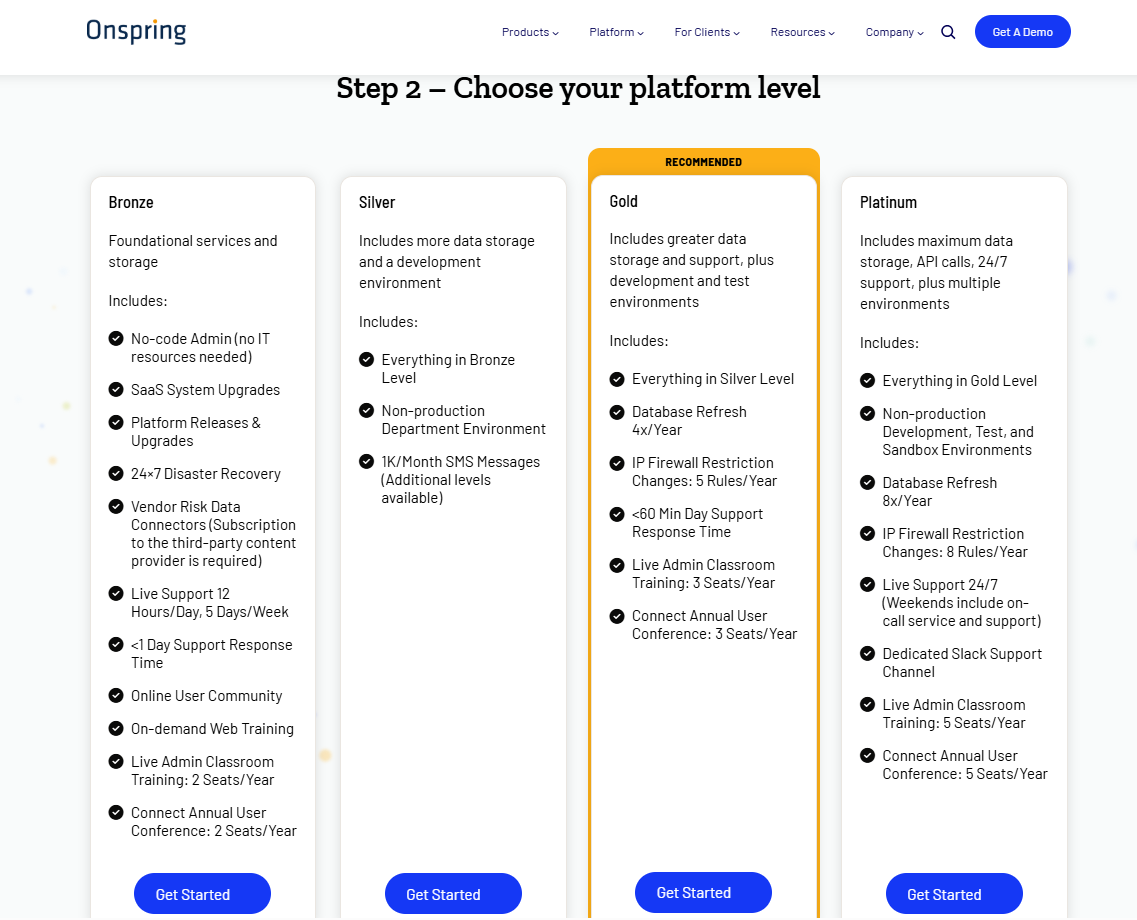
After choosing your pricing structure, Onspring offers four paid tiers, Bronze, Silver, Gold, and Platinum, each adding more capacity and features:
- The Bronze plan includes core no-code workflow tools, basic reports, and modest storage limits.
- Upgrading to Silver and Gold adds increased database & attachment storage, extra API call capacity, additional admin training seats, and development/test environments.
- The Platinum tier provides maximum storage, the highest API limits, priority support, and all non-production environments (dev, test, sandbox).
Pros & Cons
✅ Configurable and quick to deploy for specific GRC processes.
✅ The platform is easy to learn, and the no-code build makes it easier to set up the solution.
✅ Best-in-class reporting with live dashboards.
❌ Expensive per-seat pricing, according to reviews on G2, which is why some compliance leaders have been looking for Onspring alternatives.
❌ The tool allegedly has an outdated interface that can be hard to use for some users.
#10: Protecht
Best for: Organizations looking for a highly configurable, enterprise-grade GRC platform where risk, controls, compliance, audit and incident workflows are unified.
Similar to: ServiceNow GRC.
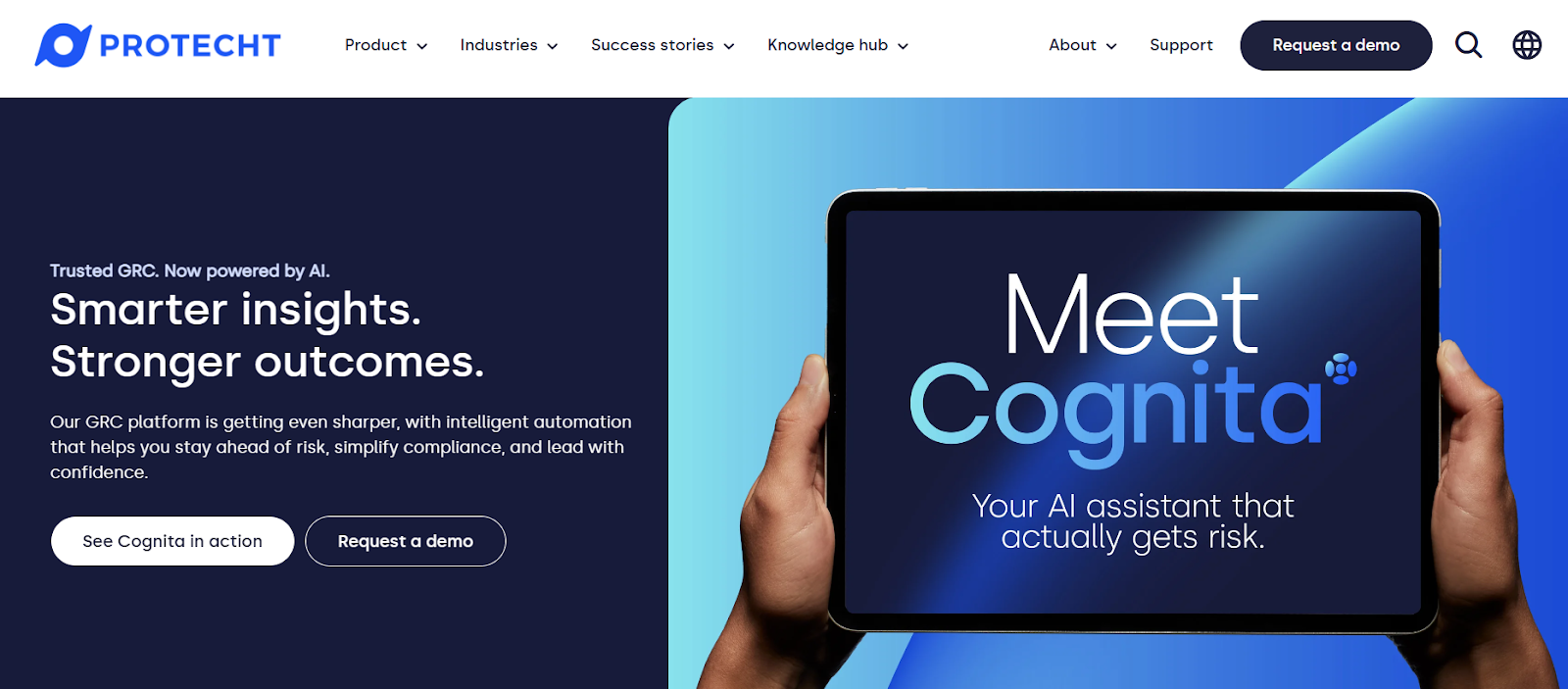
Protecht offers a single, scalable GRC platform that lets you capture, assess and respond to risk across the entire organization, helping link risks to controls, incidents, KRIs and business objectives.
What I like about the solution is that it’s designed for teams that want deep flexibility without being locked into rigid workflows or coding-heavy customizations.
Features
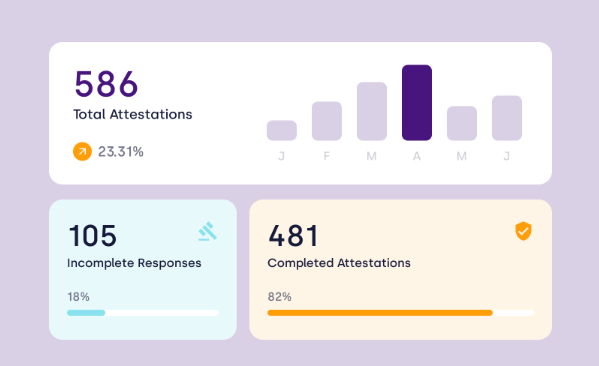
- Cognita: Protecht’s AI-powered risk assistant that blends deep risk expertise with automation.
- Connected risk lifecycle view: Protecht ties together risk appetite, risk registers, incidents, controls, KRIs and issues into one structured system.
- You can build data capture forms, workflows, taxonomies, dashboards and reports without technical support.
Pricing
Protecht doesn’t list public pricing tiers or pre-defined packages.
Instead, the platform uses a custom-quote model, with annual licensing fees determined by the number and type of users in your company.
Extra charges apply for advanced modules - like Operational Resilience or pre-built templates from the Protecht Marketplace - depending on your configuration needs.
To get more information, you can request a demo from its team or take a look at our in-depth Protecht pricing review.
Pros & Cons
✅ Highly customizable and flexible without coding.
✅ Offers a variety of customizable dashboards that give stakeholders clear visibility into risk exposure and performance.
✅ An AI-powered risk assistant that combines deep risk expertise with automation.
❌ Steep learning curve and allegedly outdated UI.
❌ Dashboards and reporting require extra setup or cost.
Get started with SmartSuite & our pre-built GRC templates for free
If you feel like you’ve outgrown or are not willing to invest in Centraleyes, you’re not short on alternative options.
From compliance-first platforms like Vanta to GRC suites like ServiceNow, there are plenty of GRC solutions promising more automation, deeper reporting, and better user interface than what you’re getting today.
However, if you’re looking for a tool that actually helps your compliance team scale workflows, adapt processes on the fly, and centralize risk and vendor management without rigid reporting, admin bottlenecks, or unexpected pricing, you can give SmartSuite a chance with our out-of-the-box GRC templates.
SmartSuite’s platform offers just the right customization, native collaboration capabilities and a library of 200+ project management templates to help compliance teams create and maintain a project management workflow.
Here’s what's in it for your team when you try SmartSuite:
- Access to a generous free trial with features including multi-board views (Kanban, Chart, Map, Timeline, Card, and Calendar), 40+ field types, including formula and linked record fields.
- No-code automation builder to set up to 500,000 trigger/action workflows.
- Built-in productivity tools, including time tracking, status tracking, and checklists.
- Team collaboration and planning tools such as whiteboards and SmartSuite docs.
- Resource management across projects and teams.
- 40+ field types, including the option to add your custom fields.
Get a 14-day free trial to explore all its amazing features.
Or, if you’d like to talk to our team of experts, schedule a demo.
Read More
- 10 Best Riskonnect Alternatives For GRC In 2025
- Riskonnect Pricing: Is It Worth It In 2025?
- 10 Best MetricStream Alternatives for GRC in 2025
- MetricStream Pricing: Is It Worth It In 2025?
- Top 10 Compliance AI Alternatives & Competitors
- Compliance AI Pricing: Is It Worth It?

SmartSuite provides work platform for standardizing workflows in the following areas:
- Governance, Risk & Compliance
- IT & Service Ops
- Project / Portfolio Management
- Business Operations







