




Have you been looking for the best TeamDynamix alternatives to manage your ITSM better?
TeamDynamix delivers an enterprise-grade IT service and project management platform that unifies ticketing, asset management, workflows, and PPM, with strong automation, self-service portals, and end-to-end service lifecycle management.
However, some users of the software have not been happy with its steep learning curve, limited customization capabilities, and the fact that the solution is not entirely no-code.
In this article, I’ll go over the 10 best TeamDynamix alternatives for ITSM in 2026 that can help your team better manage ITSM workflows.
TL;DR
- SmartSuite offers the best alternative to TeamDynamix with its true no-code automation, customizable ITSM workflows, and ready-to-use templates that let teams launch and adapt fast without developers.
- Enterprise ITSM tools like ServiceNow, Ivanti, and HaloITSM are ideal for large organizations that need ITIL alignment, deep automation, CMDBs, and cross-department service management, despite higher cost and complexity.
- On the other hand, tools like Startly, Jira Service Management, Freshservice, and NinjaOne can help you deploy faster, reduce overhead, and support smaller or DevOps-centric teams with simpler setups and clearer pricing.
Before we start, I wanted to cover the reasons why some IT leaders have been looking to make the switch from TeamDynamix: ⤵️
Why are some IT managers looking to switch from TeamDynamix?
TeamDynamix is widely recognized as an enterprise-grade ITSM and PPM platform designed to support complex service management environments.
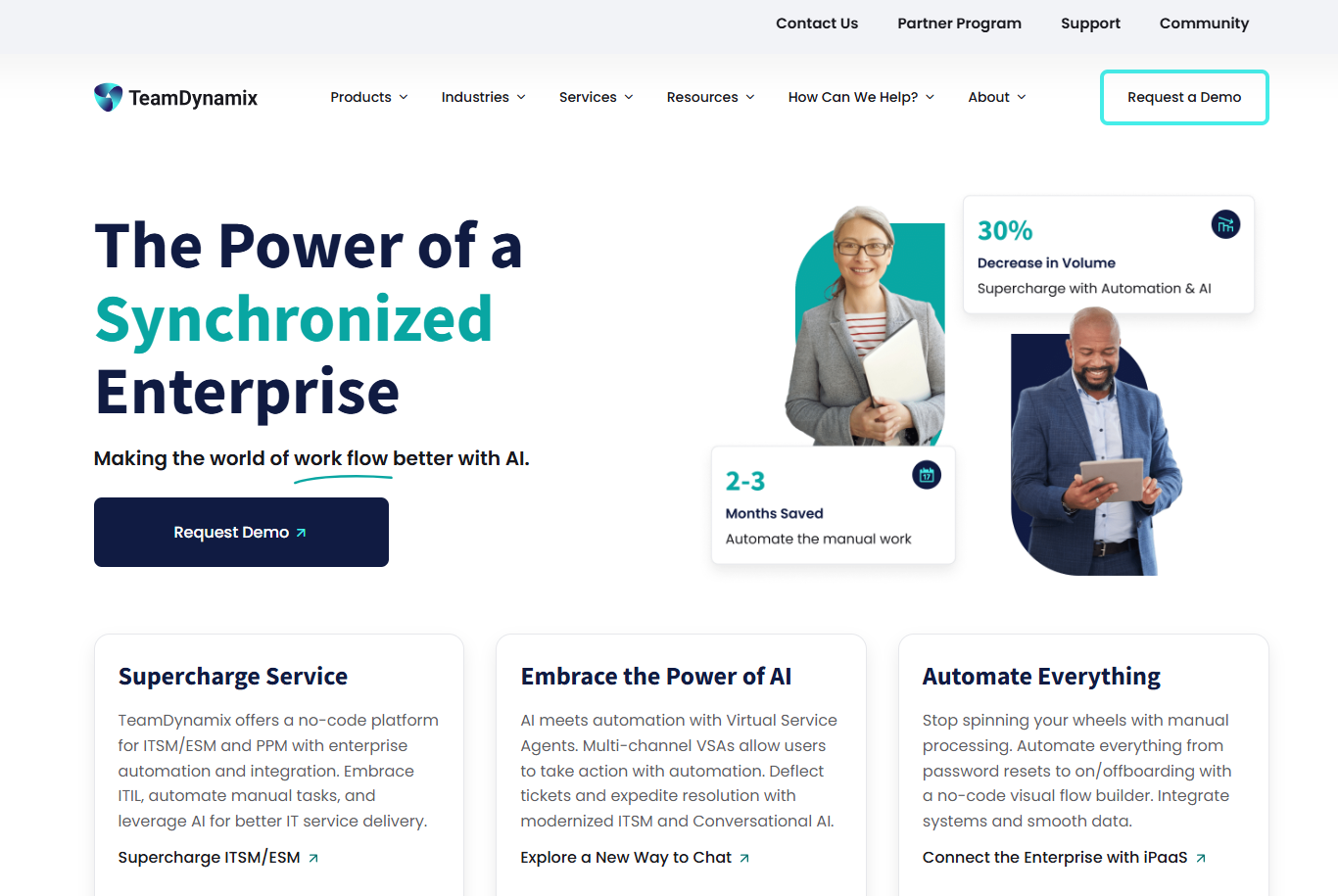
In fact, organizations often praise its broad functionality, strong workflow capabilities, and ability to support multiple departments beyond IT, including HR and facilities.
That said, as teams scale and aim for greater agility and autonomy, a few recurring challenges tend to emerge.
These don’t mean TeamDynamix is a weak solution that you should run from, but they can slow teams down if ease of use, deep customization, or true no-code administration are top priorities.
Here are the most common reasons IT teams start exploring alternatives:
#1: Steep learning curve
Starting off with using the platform itself, one of the most common complaints about TeamDynamix has been its steep learning curve.
Several reviewers mention that while the platform is powerful, getting up to speed can feel cumbersome, especially for new users and administrators.
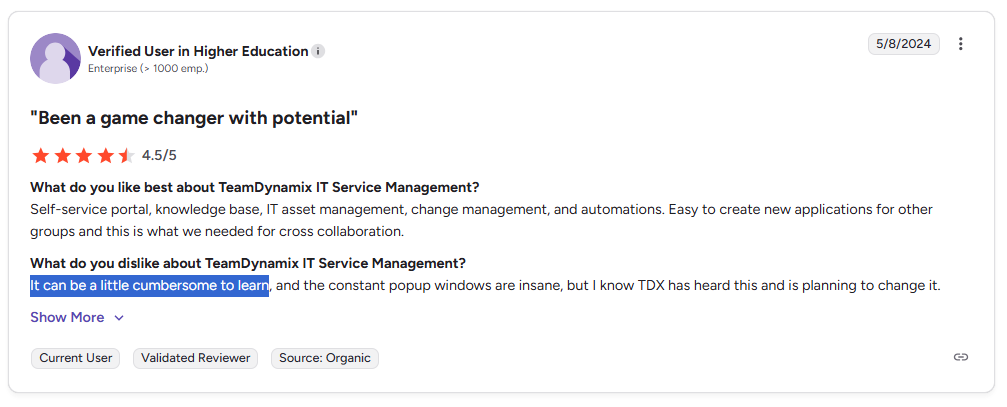
‘’It can be a little cumbersome to learn.’’ – G2 Review.
#2: Limited customization capabilities
Another issue has been TeamDynamix’s limited ability to fully adapt to specific organizational needs.
Some users feel constrained by the platform’s customization options and note that it doesn’t always align perfectly with their internal processes.
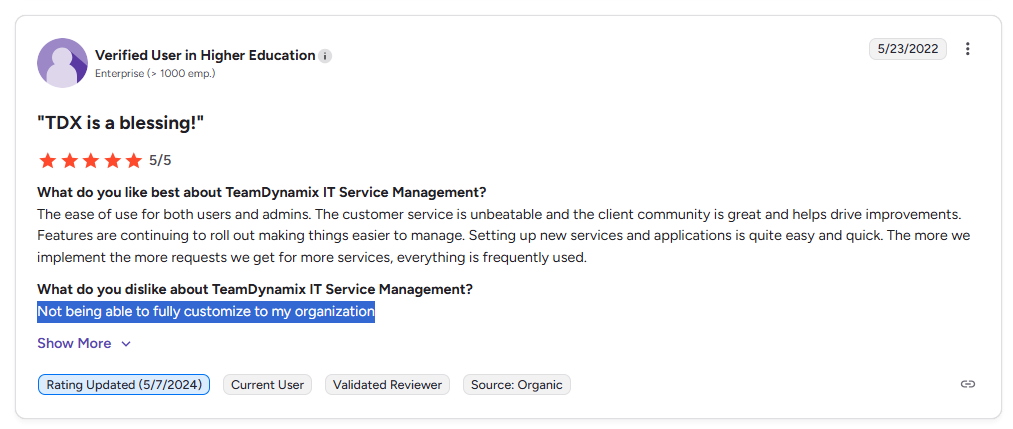
‘’Not being able to fully customize to my organization.’’ – G2 Review.
#3: The solution is not completely no-code
Last but not least, some users are not happy with the fact that TeamDynamix is not a completely no-code solution.
An enterprise-grade reviewer points out that certain functions require HTML or JavaScript knowledge.
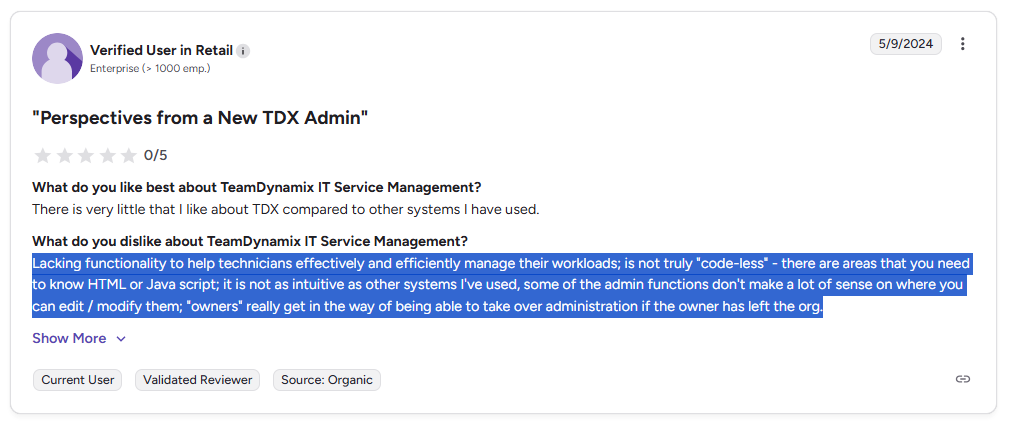
‘’Lacking functionality to help technicians effectively and efficiently manage their workloads; is not truly "code-less" - there are areas that you need to know HTML or Java script; it is not as intuitive as other systems I've used, some of the admin functions don't make a lot of sense on where you can edit/modify them; "owners" really get in the way of being able to take over administration if the owner has left the org.’’ – G2 Review.
What are the best alternatives to TeamDynamix for ITSM in 2026?
The best alternatives to TeamDynamix are SmartSuite, with its all-in-one customizable & true no-code ITSM solution that can be set up in days, ServiceNow and Startly.
Here’s a breakdown of my shortlist of the top 10 TeamDynamix alternatives on the market for ITSM after evaluating 30+ vendors on the market:
#1: SmartSuite
SmartSuite is the top TeamDynamix alternative in 2026 because it solves a much bigger problem than just managing tickets and service requests.
Instead of giving you a complex, admin-heavy ITSM system that requires training, SmartSuite delivers a fully no-code, flexible service operations platform: one that lets teams design, automate, and evolve their workflows in real-time without relying on developers or consultants.
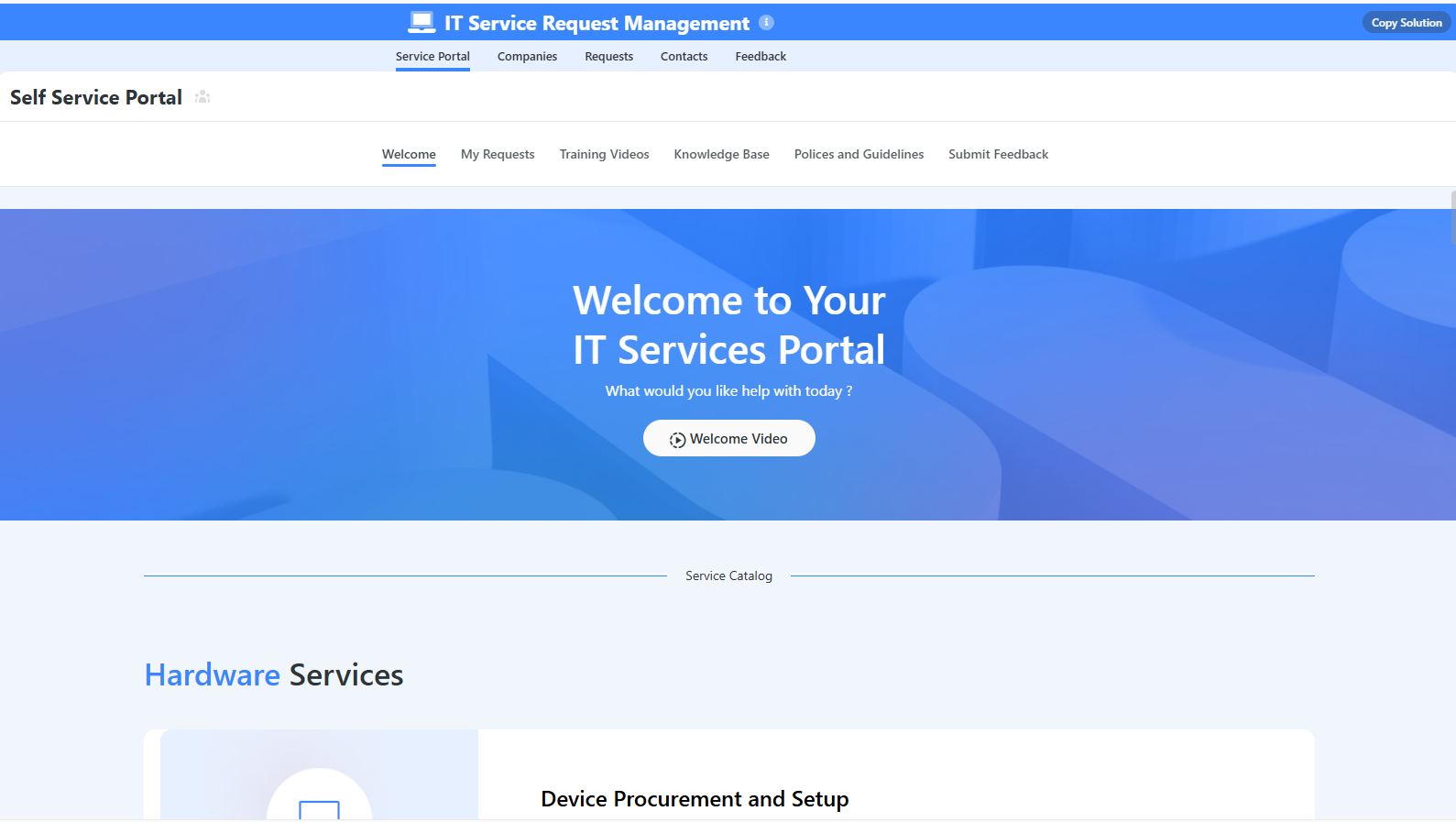
Here’s a quick walkthrough of the tool and our solution for IT leaders:
Let’s go over the features that make SmartSuite the best choice for small and large IT teams looking for a TeamDynamix alternative: 👇
All-In-One IT Service Management
SmartSuite helps IT teams manage their IT processes, projects, and assets in a single, unified solution.
Our no-code, easy-to-use ITSM platform lets you automate all technical processes with ease.
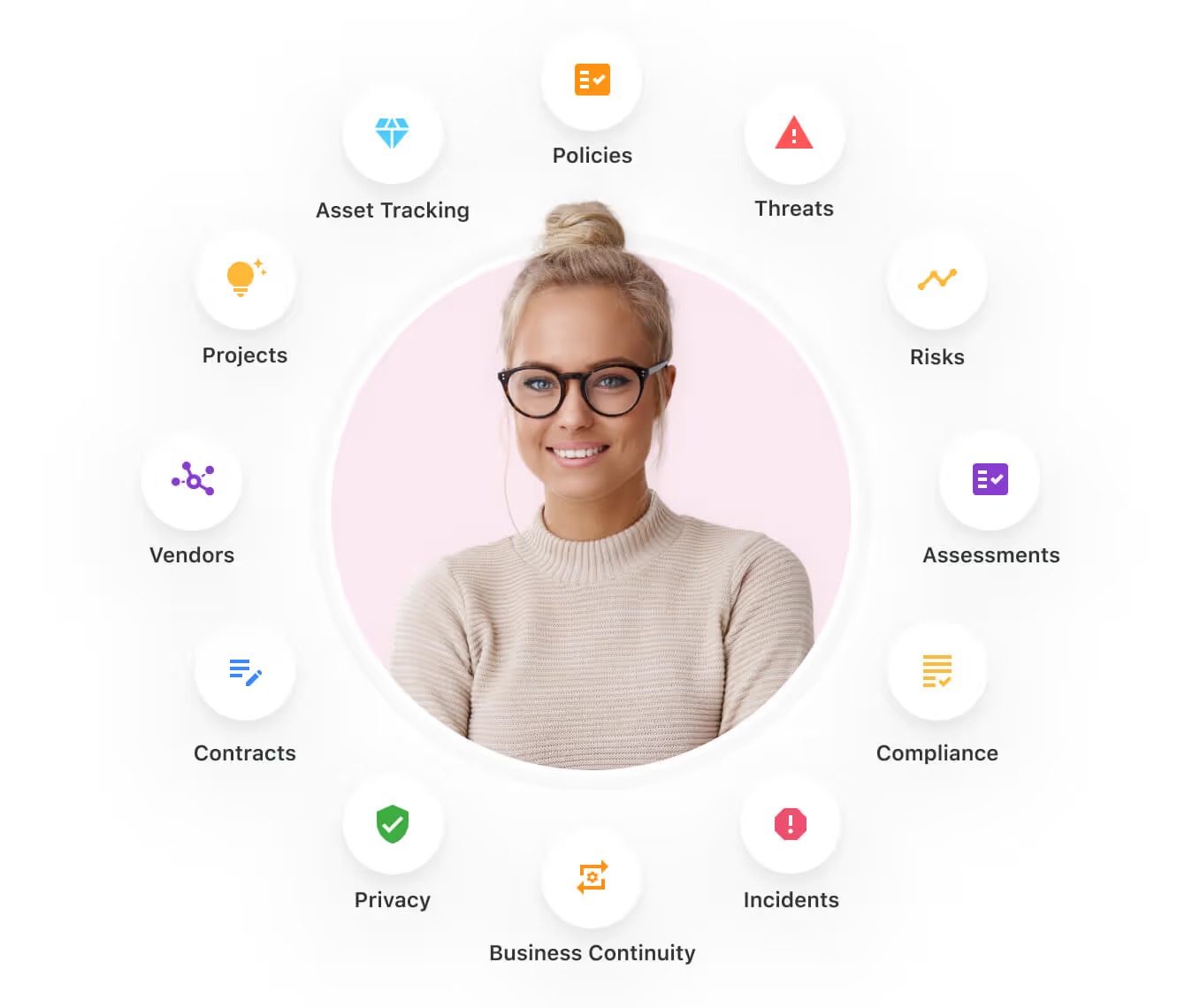
Here are the capabilities and use cases that your team will get with SmartSuite:
- Manage critical IT processes: Manage IT data and workflows in one place, from deploying help desk and issue management solutions to ensuring core business operations stay uninterrupted.

- Track tickets & issues: Deploy a help desk and issue management solutions to ensure your business operations are not interrupted.

- Manage your IT assets and licenses: Track all of your IT assets, to whom they are deployed to and what software versions are deployed.

- Manage internal IT projects: You can plan deployments, schedule your teams, and monitor progress to ensure you deliver on time and under budget.

- Integrate with your existing systems: Your team can integrate with existing systems and data to consolidate and centralize your data.

- Automate for accuracy and efficiency: It’s possible to remove inefficiencies and the chance for human error by automating repeatable workflows.
- Monitor and report on your work with customizable IT dashboards: You can slice and dice data, track help tickets, work requests, and more in dynamic interactive dashboards.

Standardize Your Team’s IT Workflows
Your team can standardize your IT request workflow with a centralized work request process.
Our tool lets you prioritize tasks, assign IT staff and ensure that you achieve SLAs.

You’ll also be able to monitor your team with flexible reports and dashboards that keep you updated in real time.
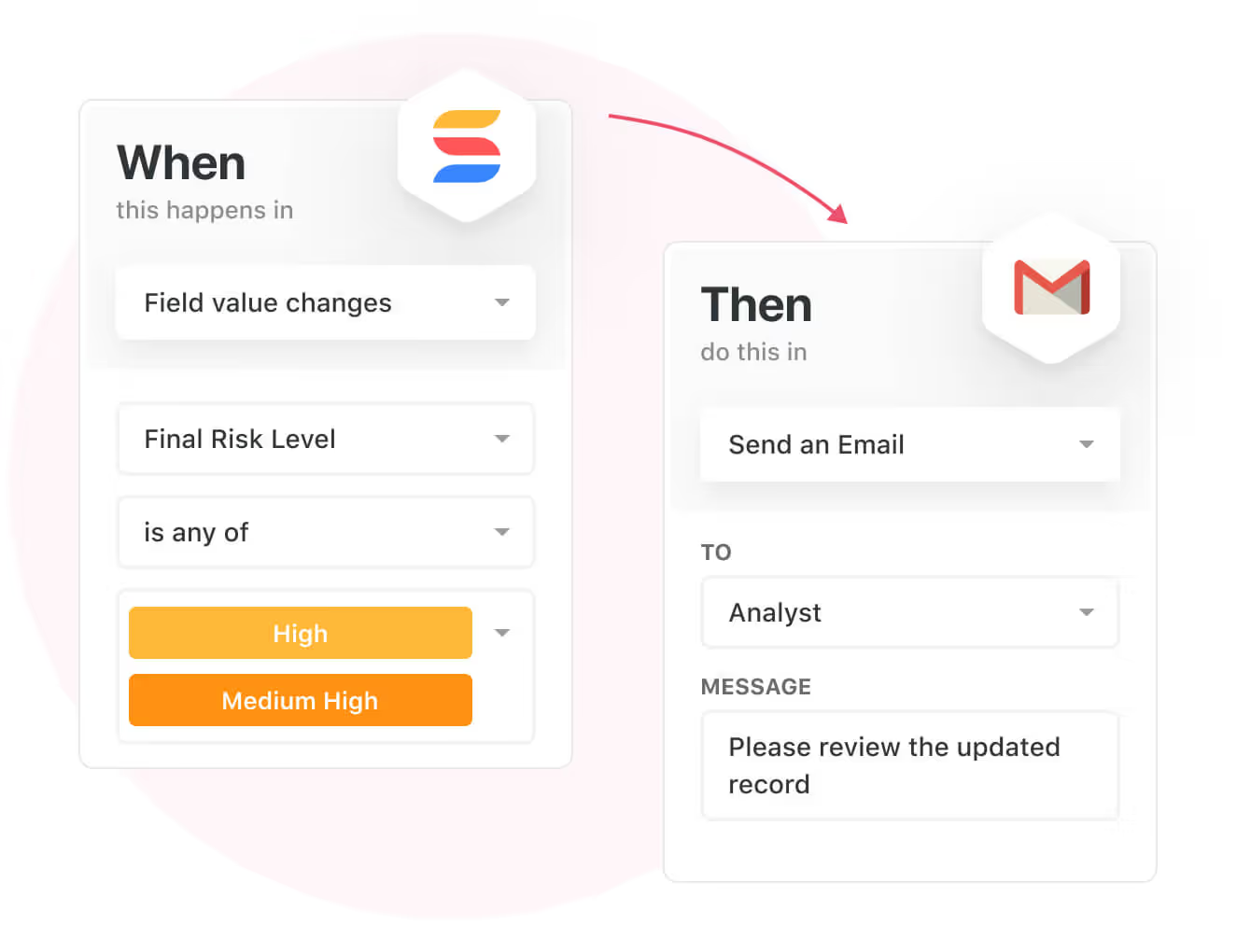
Apart from that, SmartSuite's no-code automation builder provides IT teams with a visual interface that makes it easy to respond to events and take action.
That means you can customize your ITSM workflows without technical resources.
💡 Are you working from mobile? Stay connected to critical IT information, tickets and device information with our native iOS and Android apps.
Your team can use our mobile apps to share files, images, updates and other feedback to resolve problems and close tickets.

Ready-To-Use ITSM Templates
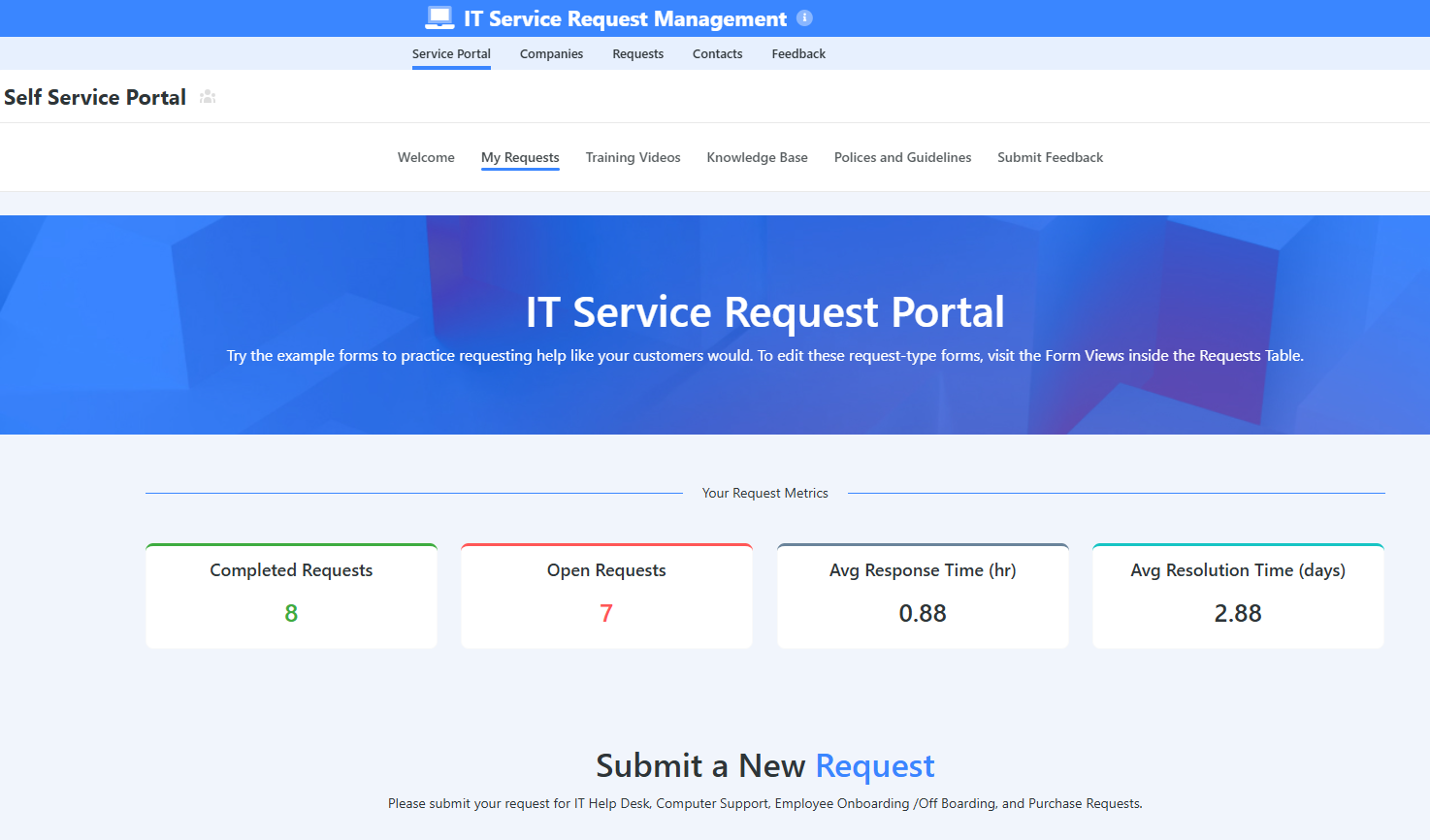
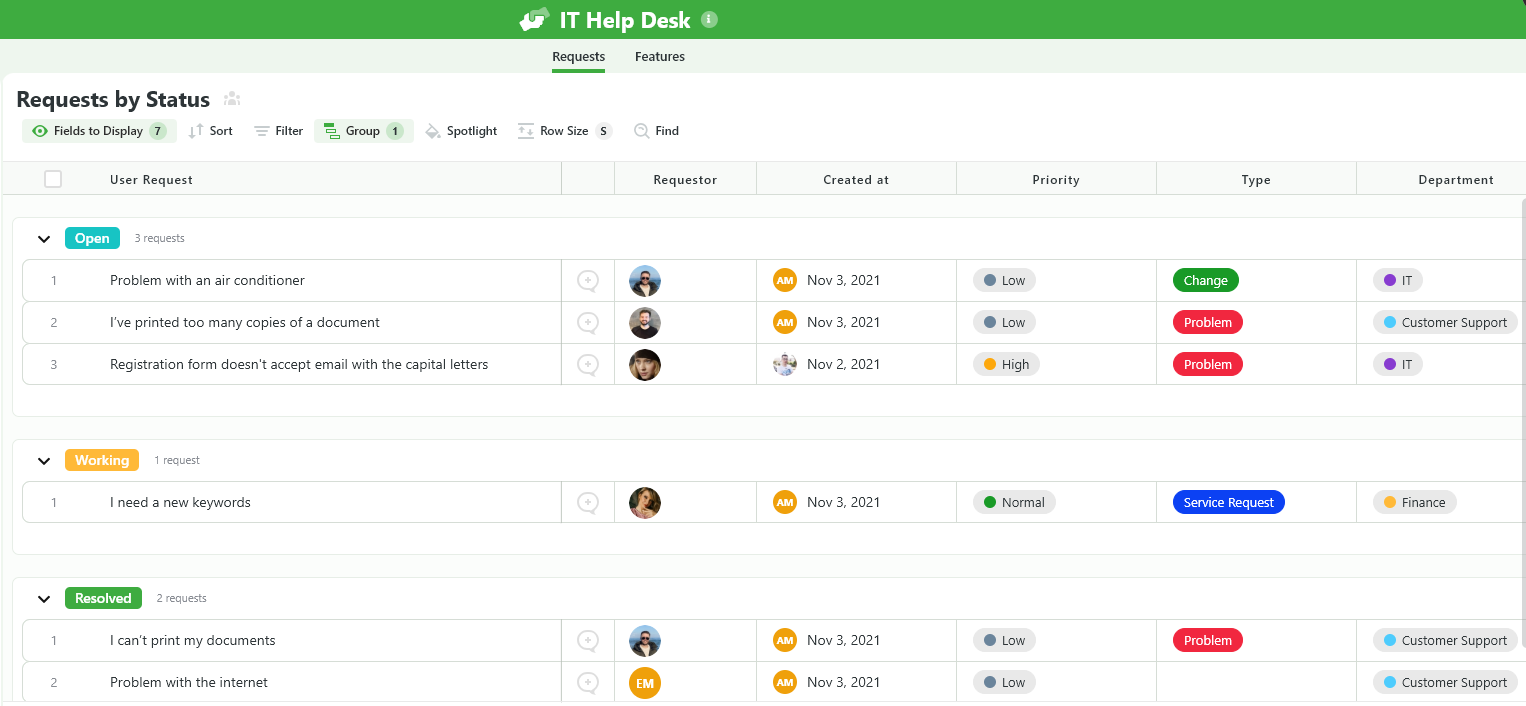
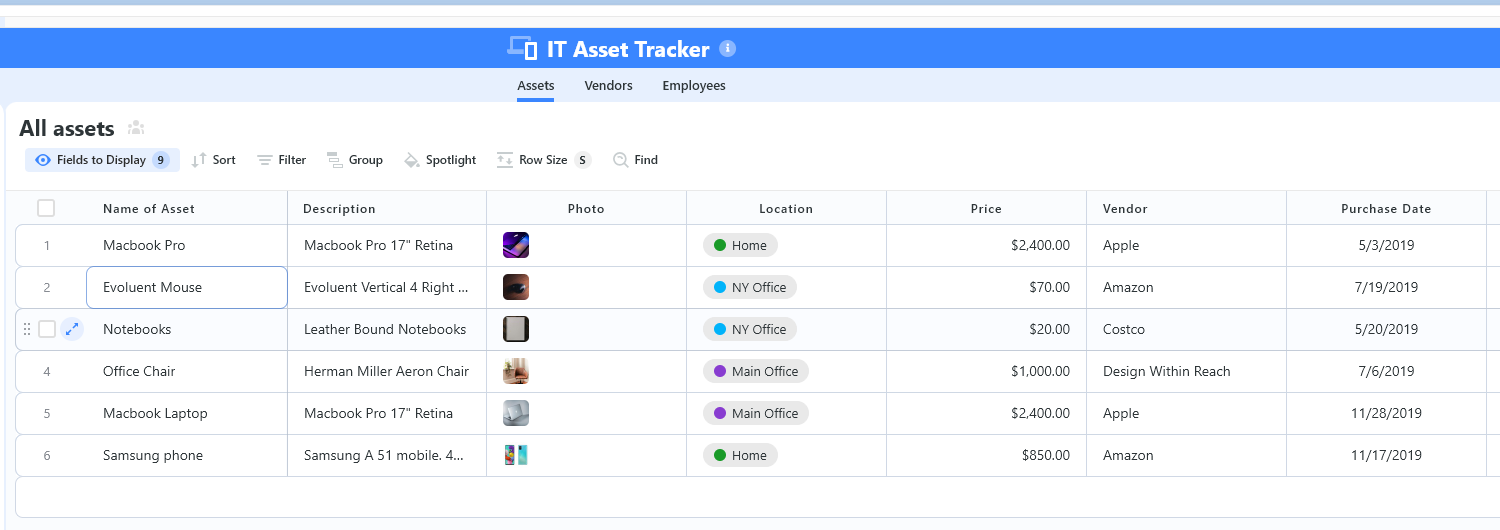
We have prepared a few ITSM templates for IT teams looking to get started right away, instead of building everything from scratch, such as an IT Help Desk.
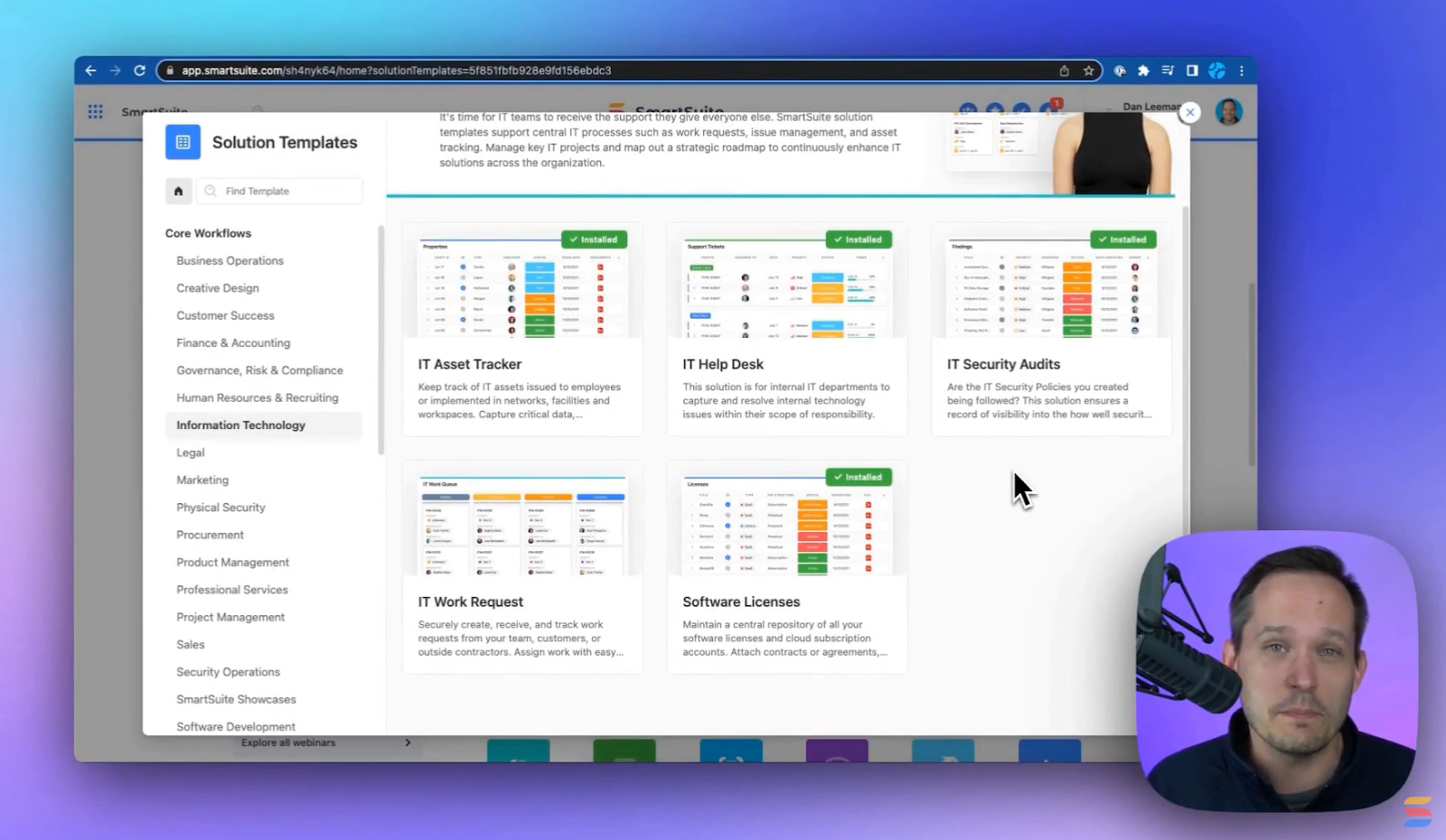
Our ITSM template includes:
- IT Service Request Management, where you can streamline work requests, automate repetitive tasks, and manage IT assets.
- IT Help Desk, which we built for internal IT departments looking to capture and resolve internal technology issues.
- IT Asset Tracker, where you can keep track of IT assets issued to employees or implemented in networks, facilities and workspaces.
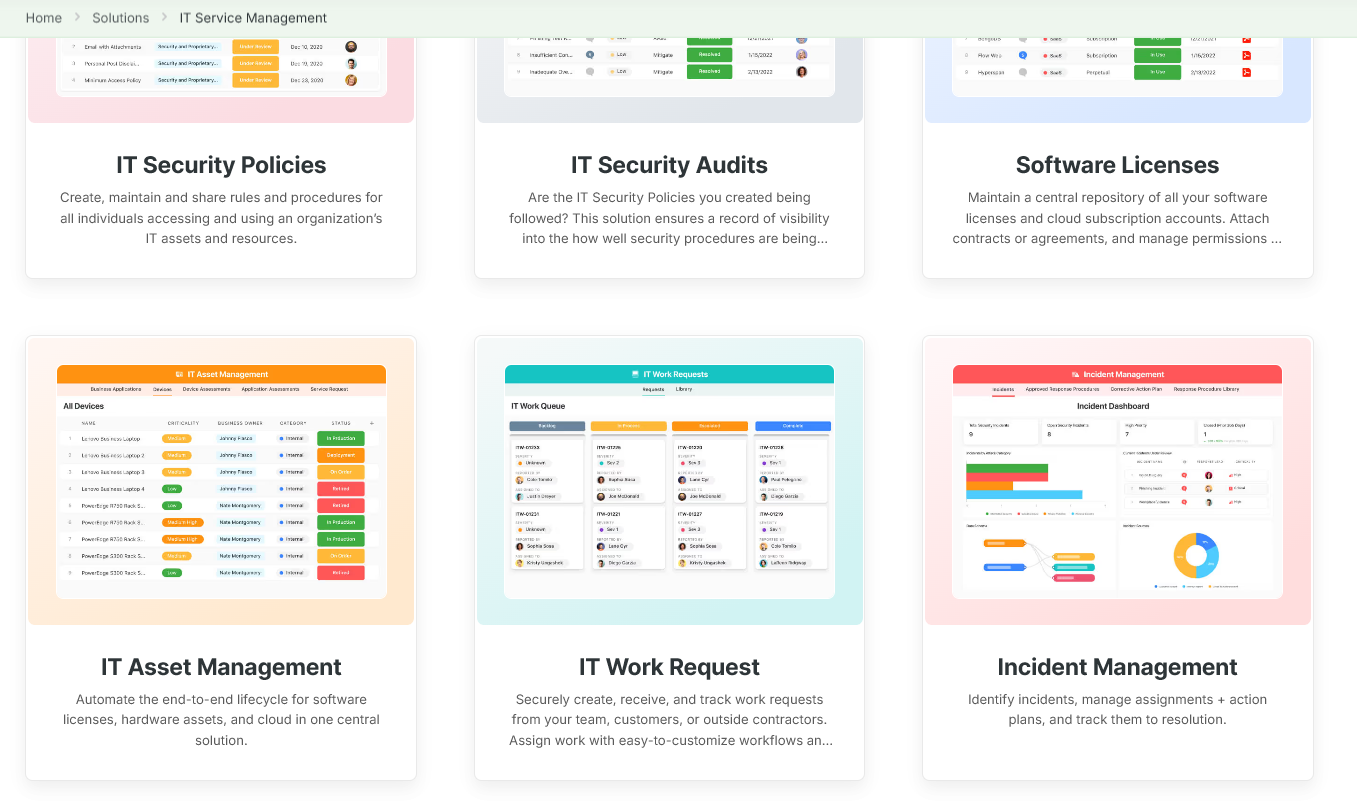
You can customize our ITSM management templates here for various use cases, such as IT Security Policies, IT Security Audits, and IT Work Requests.
Pricing
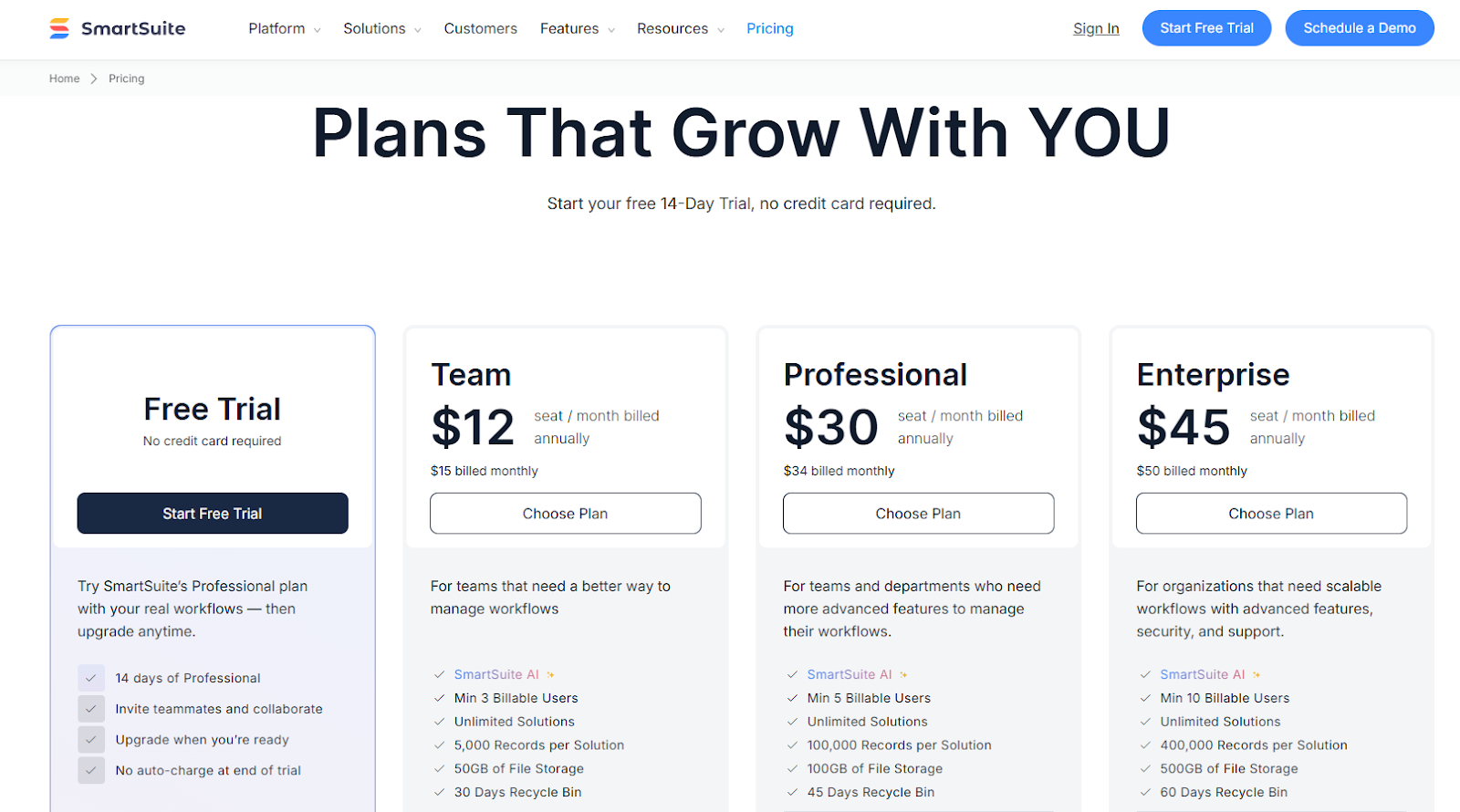
SmartSuite doesn’t have a free plan for its project management platform.
We do, however, have a 14-day free trial of our Professional plan, where you can invite teammates and collaborate.
There are four paid plans that you can choose from:
- Team: Starts at $12/user/month when billed annually, including SmartSuite AI, 8+ dashboard views, 5,000 automation runs, time tracking, and collaborative SmartDocs.
- Professional: Starts at $30/user/month when billed annually, including two-factor authentication, Gmail & Outlook integrations, and unlimited editors.
- Enterprise: Starts at $45/user/month when billed annually, including audit logs, data loss prevention, and 50,000 API calls monthly.
- Signature: Customized plan tailored to your organization’s needs and team size.
How does SmartSuite compare to TeamDynamix?
Both SmartSuite and TeamDynamix aim to give internal service teams a centralized system for managing tickets, requests, assets, and cross-department workflows, but they are built with very different philosophies in mind.
TeamDynamix is a powerful, enterprise-focused ITSM and PPM platform designed for complex, multi-department organizations.
However, many teams start looking elsewhere due to its steep learning curve, limited no-code flexibility, and reliance on more technical configuration for customization.
SmartSuite, on the other hand, is as a modern, no-code alternative that prioritizes speed, clarity, and adaptability, without sacrificing core ITSM functionality.
Here’s how they compare across the areas that matter most to IT teams:
Implementation & onboarding
- TeamDynamix: Feature-rich but often challenging to implement. Users frequently cite a steep learning curve, non-intuitive admin controls, and a setup process that can require training, documentation, or external help.
- SmartSuite: No-code, visual builders and ready-to-use ITSM templates (Help Desk, IT Service Requests, Asset Tracking) allow teams to launch quickly without technical expertise.
Feature breadth & templates
- TeamDynamix: Extremely broad functionality across ITSM, PPM, and enterprise service management, supporting IT, HR, facilities, and more, but much of this depth comes with added complexity.
- SmartSuite: Covers core ITSM (tickets, assets, projects) in a single workspace and ships with editable ITSM templates so small and large teams can get running immediately.
Automation & customization
- TeamDynamix: Supports advanced workflows, but many customizations require HTML, JavaScript, or deep platform knowledge. Some users note that it’s not truly no-code.
- SmartSuite: No-code automation builder with visual rule creation so non-developers can automate workflows, reduce manual errors, and customize processes quickly.
Reporting & dashboards
- TeamDynamix: Offers solid reporting and data visibility, though configuring dashboards can be time-consuming and less intuitive for everyday users.
- SmartSuite: Highly customizable, interactive dashboards that let you slice SLA performance, ticket trends, and asset health in real-time.
Scaling & integrations
- TeamDynamix: Designed to scale for large enterprises, but expanding usage often adds administrative overhead and licensing complexity. Also, I saw some users mention that using integrations (iPaaS and AI) requires additional fees and subscriptions.
- SmartSuite: Integrations to consolidate existing systems and a pricing model that scales features within the plan (fewer add-on surprises). Enterprise plans include large API call volumes (e.g., 50k/month).
User experience
- TeamDynamix: Can be cumbersome for users new to the platform.
- SmartSuite: Clean, intuitive UI with template-driven onboarding, reducing dependency on support and making the platform easier for both admins and end users to adopt.
Pros & Cons
✅ 9 ready-to-use ITSM templates that you can get started with right away.
✅ Dynamic dashboards and reporting that are easy to navigate.
✅ Integrated document and file management.
✅ Automate risk scoring, compliance tracking, audits, and vendor reviews.
✅ Modern and intuitive UI.
❌ Fewer native integrations when compared to other competitors on the market.
#2: ServiceNow ITSM
Best for: Enterprises looking for full-lifecycle service management, heavy automation, and broad integrations.
Similar to: Jira Service Management.
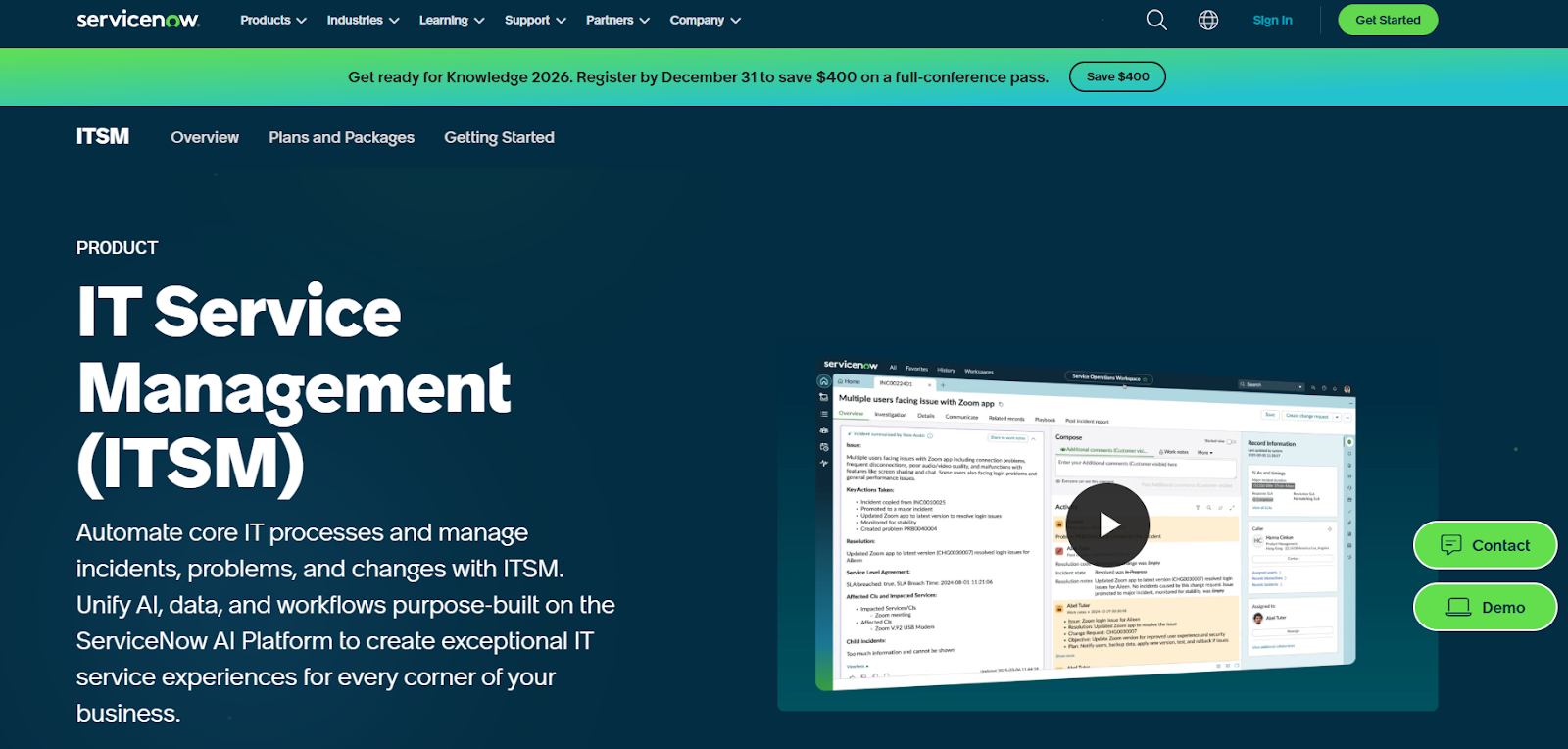
ServiceNow is built around ITSM, ITOM and workflow automation that makes a good alternative to TeamDynamix where enterprises need end-to-end service delivery, automation and a single authoritative CMDB.
The tool scales across IT, HR, security and customer workflows so service processes become highly automated and auditable.
Features
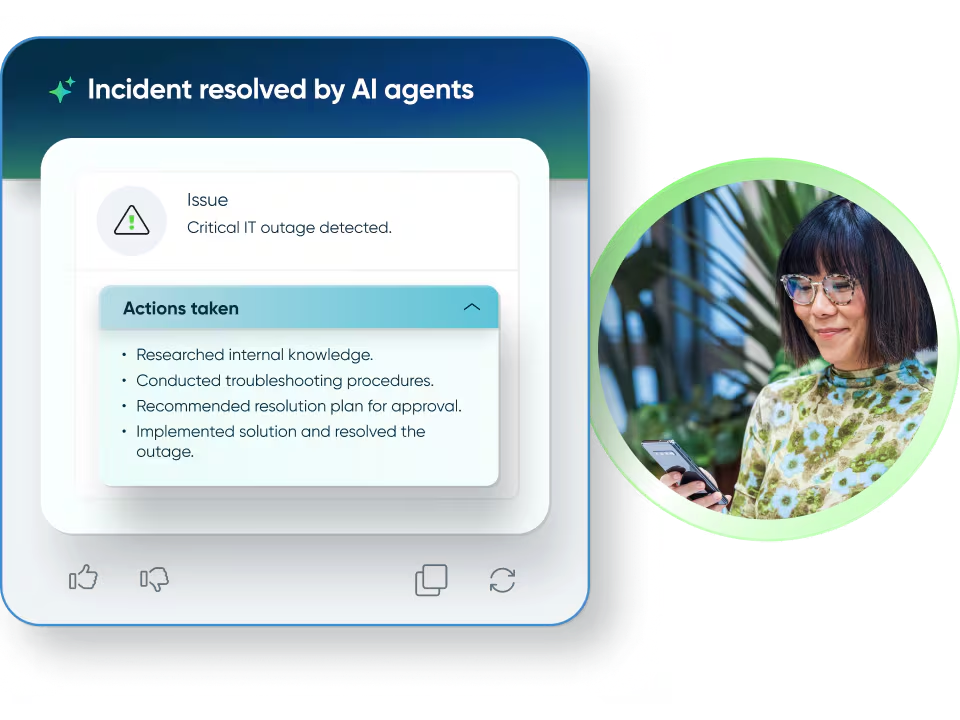
- A strong low-code workflow engine and a single-source CMDB that support complex, cross-team orchestration.
- Now Assist for IT service management to help your IT team accelerate productivity with generative AI on the Now Platform.
- A management database that helps your team track the dependencies and relationships of supported IT services to maintain continuity.
Pricing
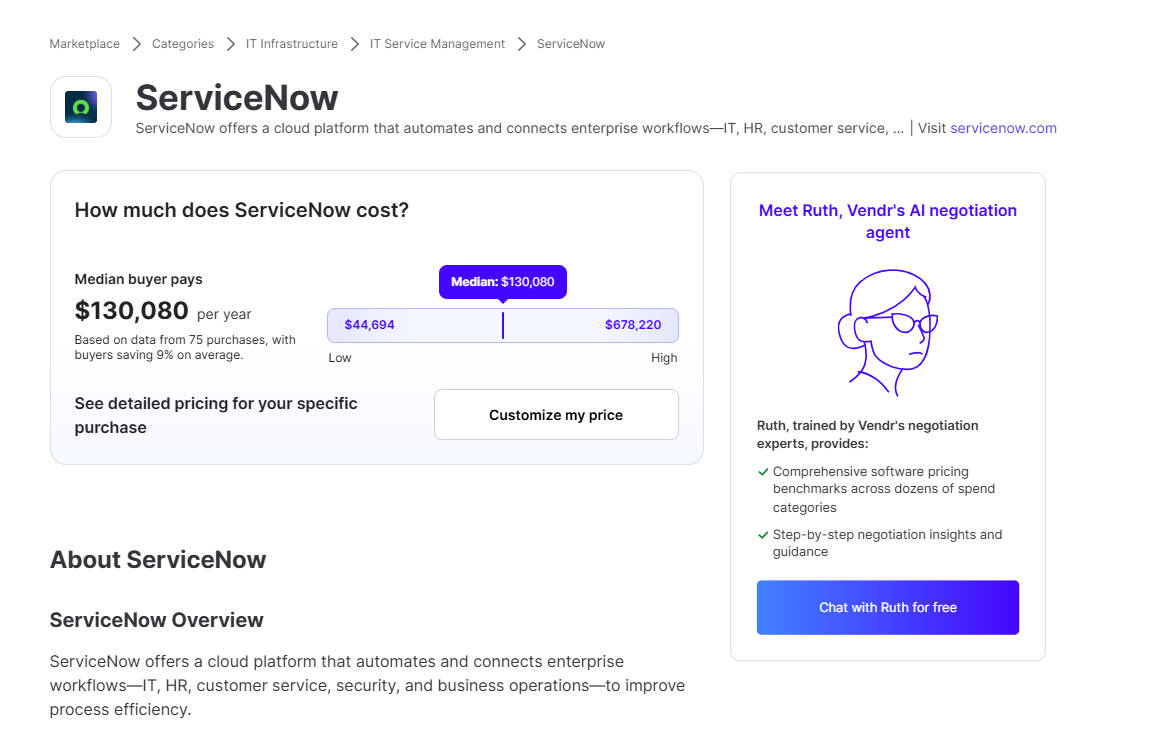
ServiceNow’s pricing is not publicly disclosed, so you’d have to book a demo with their team.
I was able to find ServiceNow customer and public reviews, which show that the average cost of ServiceNow contracts can range between $44,694 and $678,220 annually.
The pricing structure depends on the number of licenses, features, and other configuration requirements.
Pros & Cons
✅ Configurable with rich automation capabilities and extensibility.
✅ Relevant, contextual, and conversational exchanges with a chatbot.
✅ Integrations with other tools and centralized management of alerts and IT service management tickets.
❌ Steep learning curve and complexity, which is why some IT teams have been looking for ServiceNow alternatives.
❌ High licensing and implementation costs.
#3: Startly
Best for: Small teams looking for an inexpensive, unified ITSM + PSA stack with minimal integration overhead.
Similar to: SolarWinds, Ivanti.
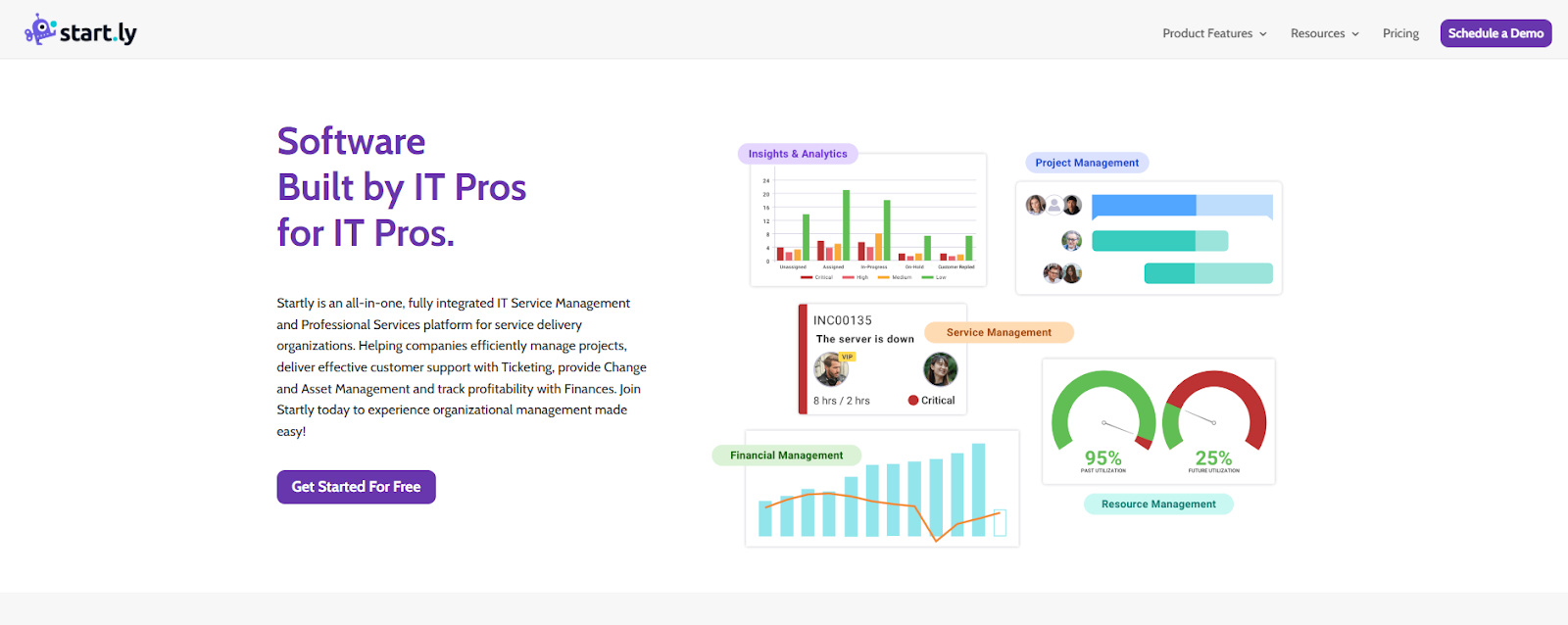
Startly is an all-in-one ITSM and Professional Services tool that targets service delivery organizations with its ticketing, change, asset and project management capabilities in a single package.
It’s a good enough TeamDynamix alternative for teams that want integrated project and service operations without stitching multiple tools together.
Features
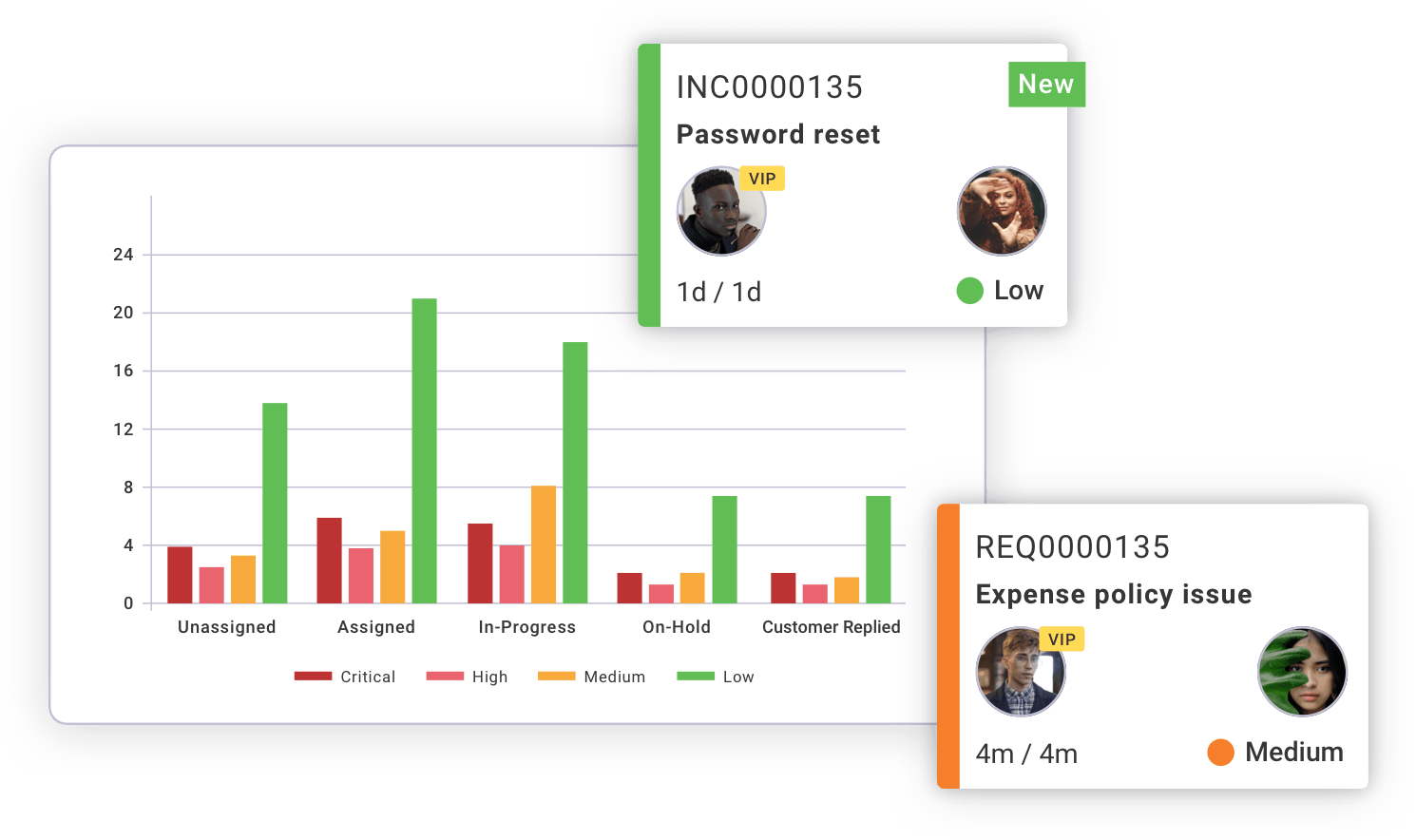
- Ticketing system for tracking your organization’s incidents, service requests, and problems across multiple channels.
- Integrated billing & PSA that is tied to tickets and projects to close the loop from ticket > time > invoice.
- CMDB (Configuration Management Database) to manage asset relationships and prevent downtime.
- Built-in survey tool for collecting feedback without needing third-party software.
Pricing
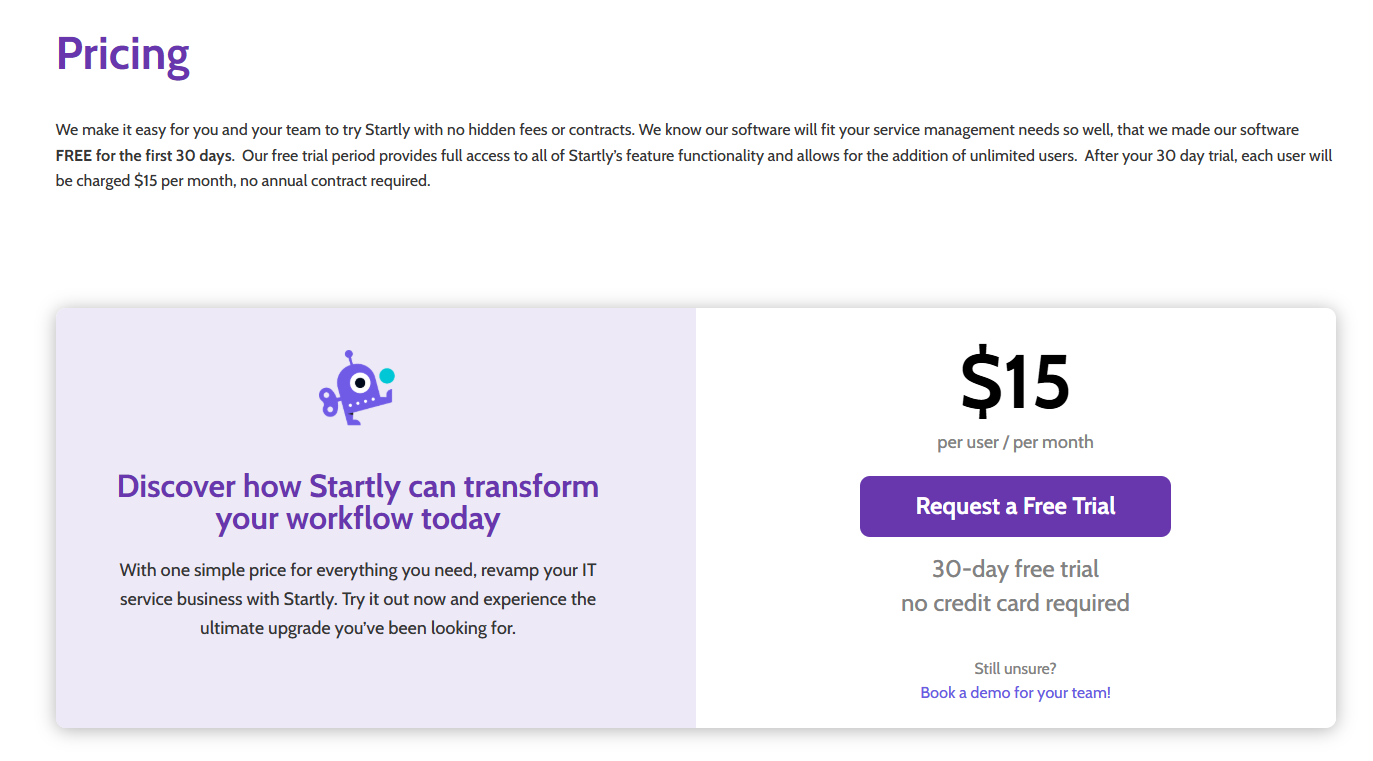
Startly’s pricing structure is rather simple:
It costs $15/month/seat for all features with unlimited users, no annual contract requirement, and a 30-day free trial.
Pros & Cons
✅ The tool comes with a user-friendly interface, unlike some of the other tools on this list.
✅ You can integrate time tracking, finances, and ticketing into one system.
✅ Fixed $15/month/seat pricing for all features of the platform.
❌ Occasional bugs and errors, according to G2 reviews.
❌ The platform offers limited reporting capabilities, which is why some people have been looking for Startly alternatives.
#4: HaloITSM
Best for: Enterprise IT teams looking for highly customizable ITIL-aligned workflows, strong automation, and a user-friendly interface.
Similar to: Ivanti.
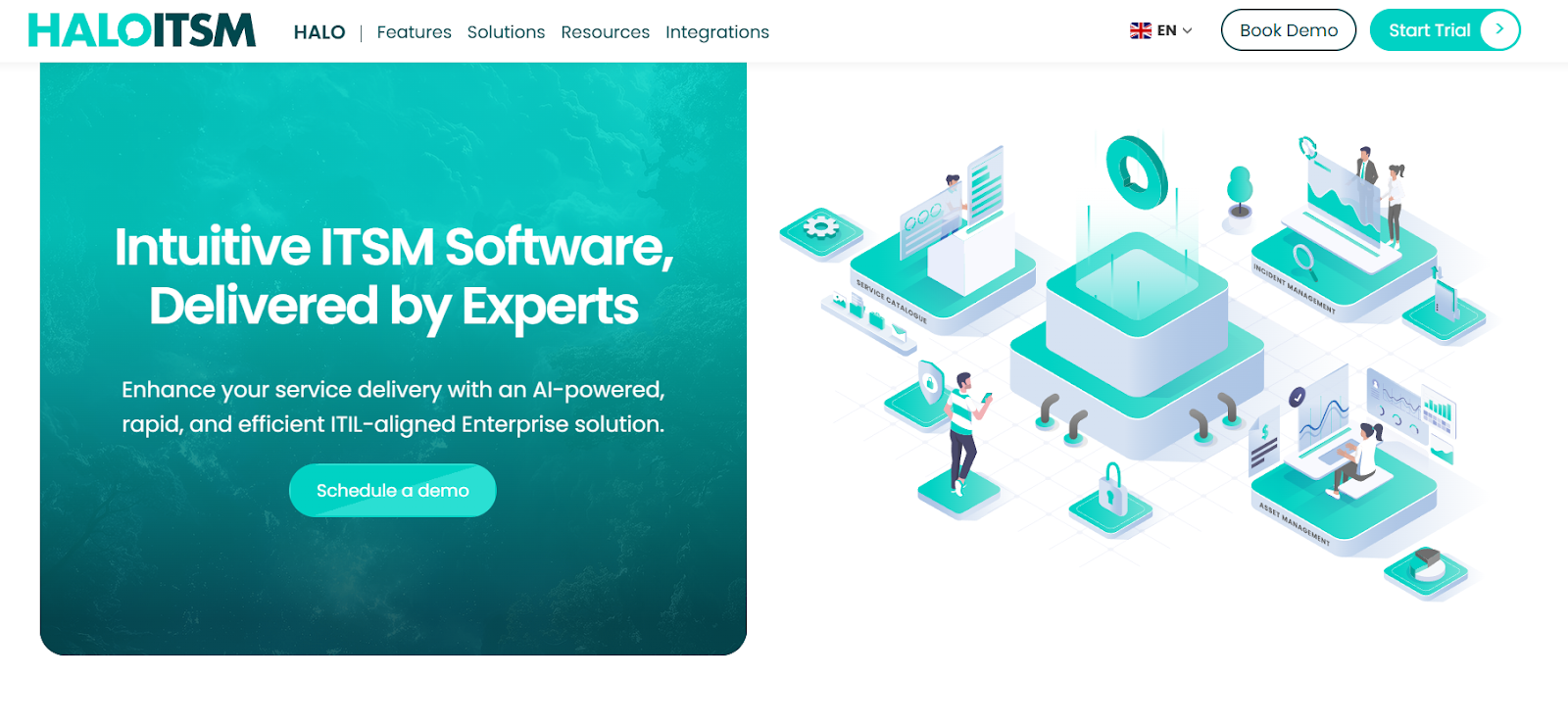
HaloITSM is a fully ITIL-certified service management solution that gives IT teams a modern, flexible workspace.
What I think makes it a strong TeamDynamix alternative is that it helps organizations deliver faster, more consistent service across incidents, requests, changes, assets, and operations within a clean, easy-to-use UI.
Features
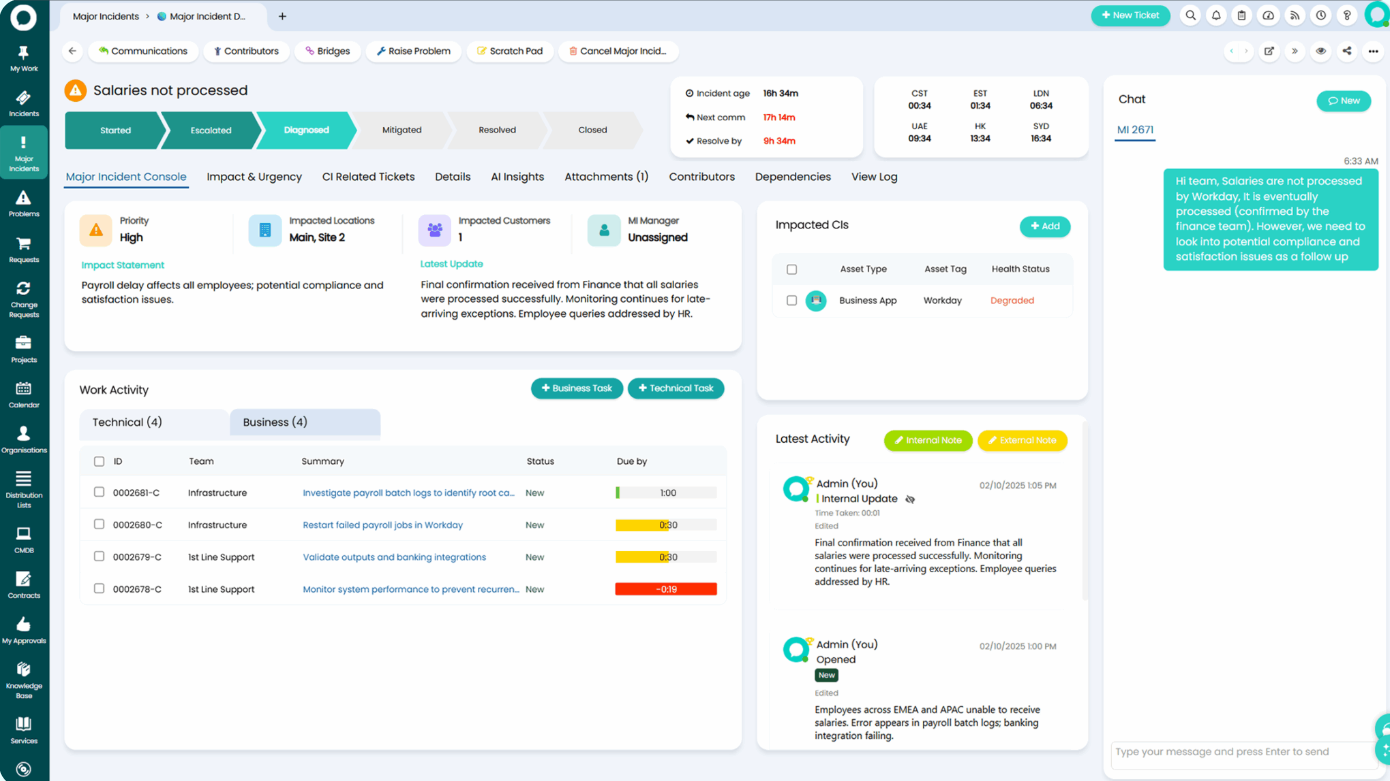
- Built-in AI that clusters related tickets, summarizes cases, triages and categorizes issues, generates knowledge articles, and surfaces answers via RAG.
- Major incident management that includes a dedicated major incident command centre that mobilizes on-call teams instantly, and coordinates tasks in real-time.
- A full knowledge lifecycle system that captures solutions directly from resolved tickets, publishes articles to self-service, and enhances everything with AI-generated articles and RAG-powered knowledge discovery to help you speed resolutions and reduce repeat tickets.
Pricing
HaloITSM doesn’t publish standalone ITSM pricing on its website, so you need to request a custom quote based on your agent count, industry, and specific requirements.
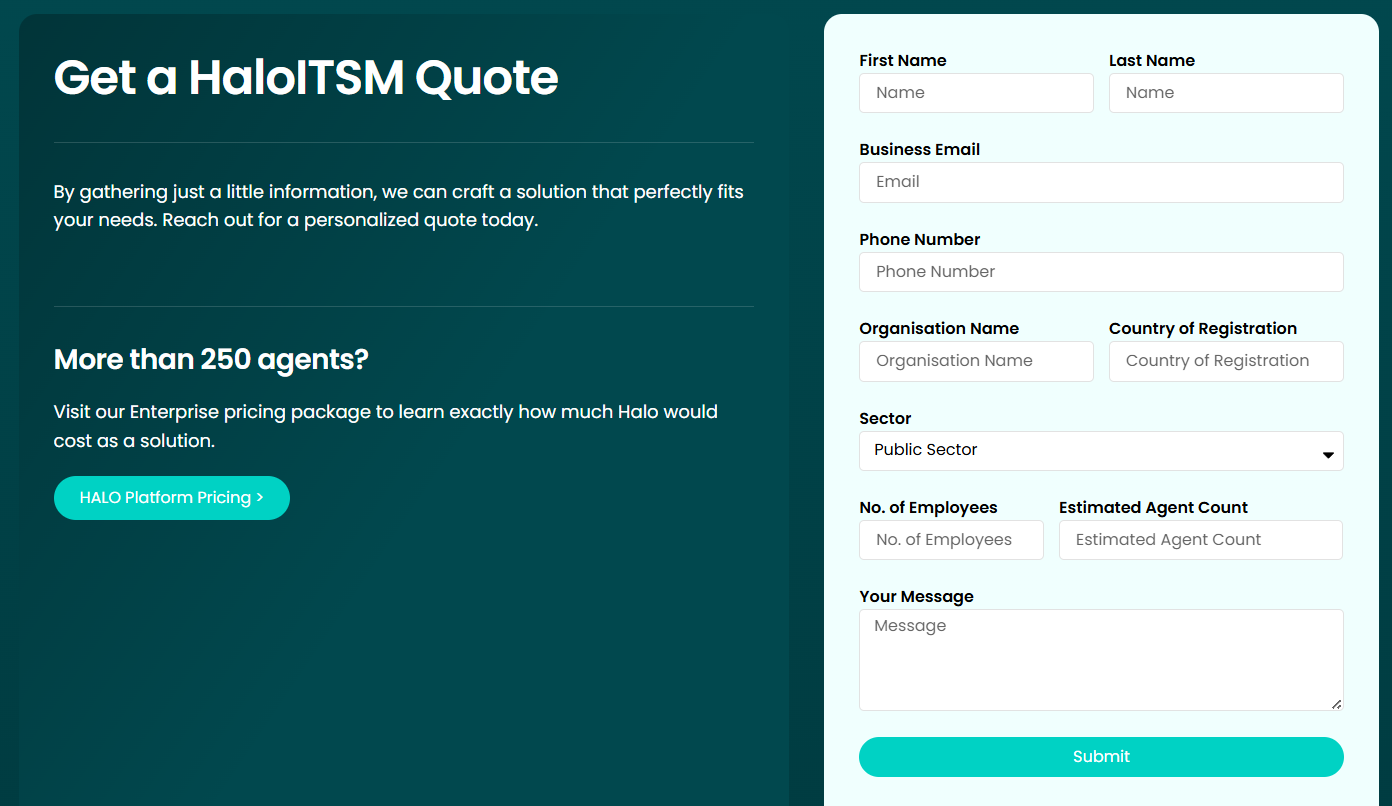
However, there are more details on pricing for the Halo Platform as a whole (bundle of ITSM with PSA and CRM capabilities)
The pricing starts at an estimated €70 per agent/month, billed annually, with a minimum of 250 agents required, which amounts to €210,000.
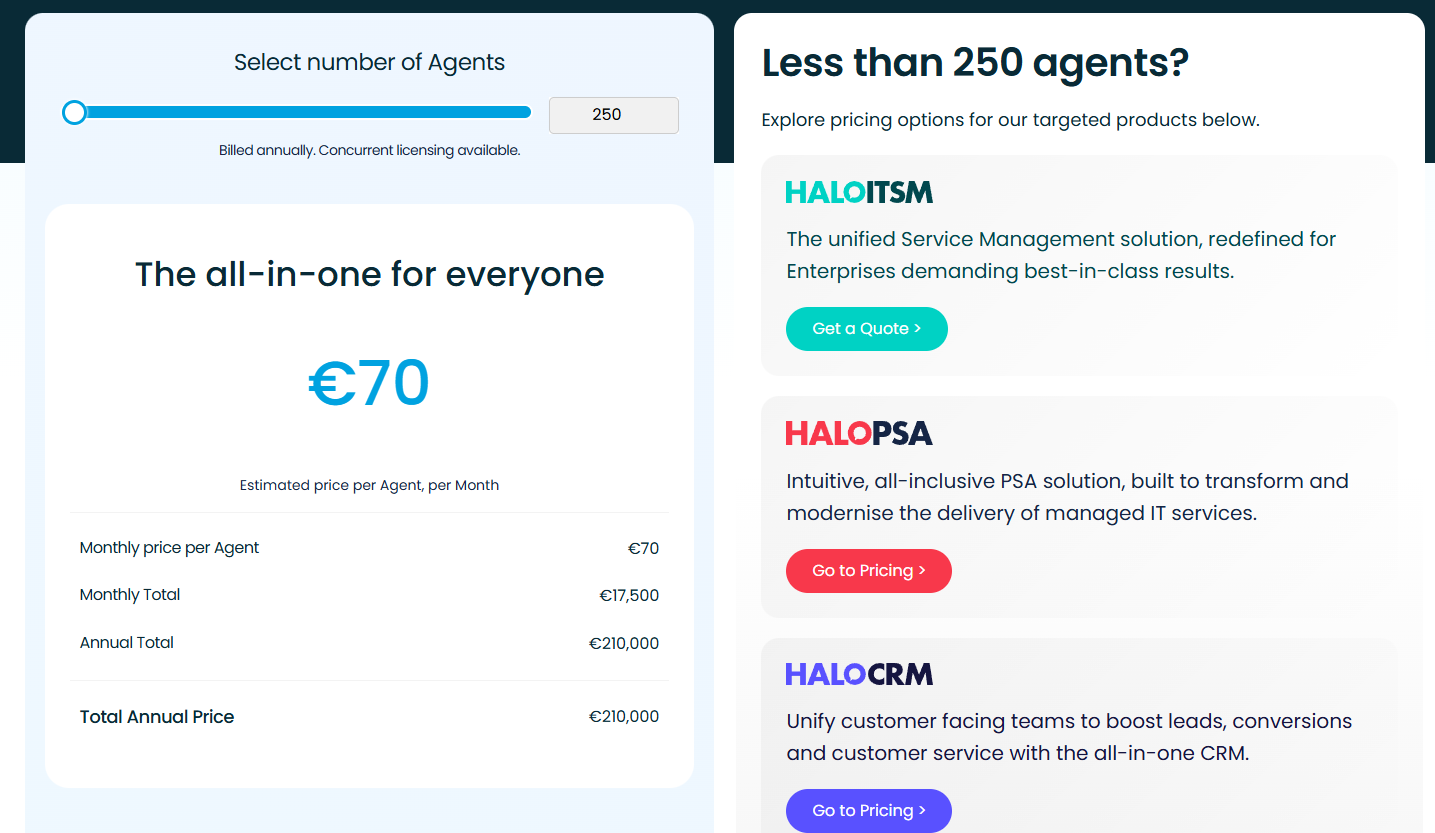
➡️ It’s safe to assume that even its standalone solutions are on the higher end of the pricing range.
Pros & Cons
✅ Extremely easy to use, with a clean, modern interface that both technicians and end users can navigate with little to no learning curve.
✅ Highly customizable.
✅ A full knowledge lifecycle system that captures solutions from resolved tickets.
❌ Reporting and dashboards could be stronger, especially given its price point.
❌ Can be more expensive than other platforms on the market.
#5: Ivanti
Best for: Mid-sized enterprises that are looking for a configurable, automation-heavy ITSM platform.
Similar to: HaloITSM.
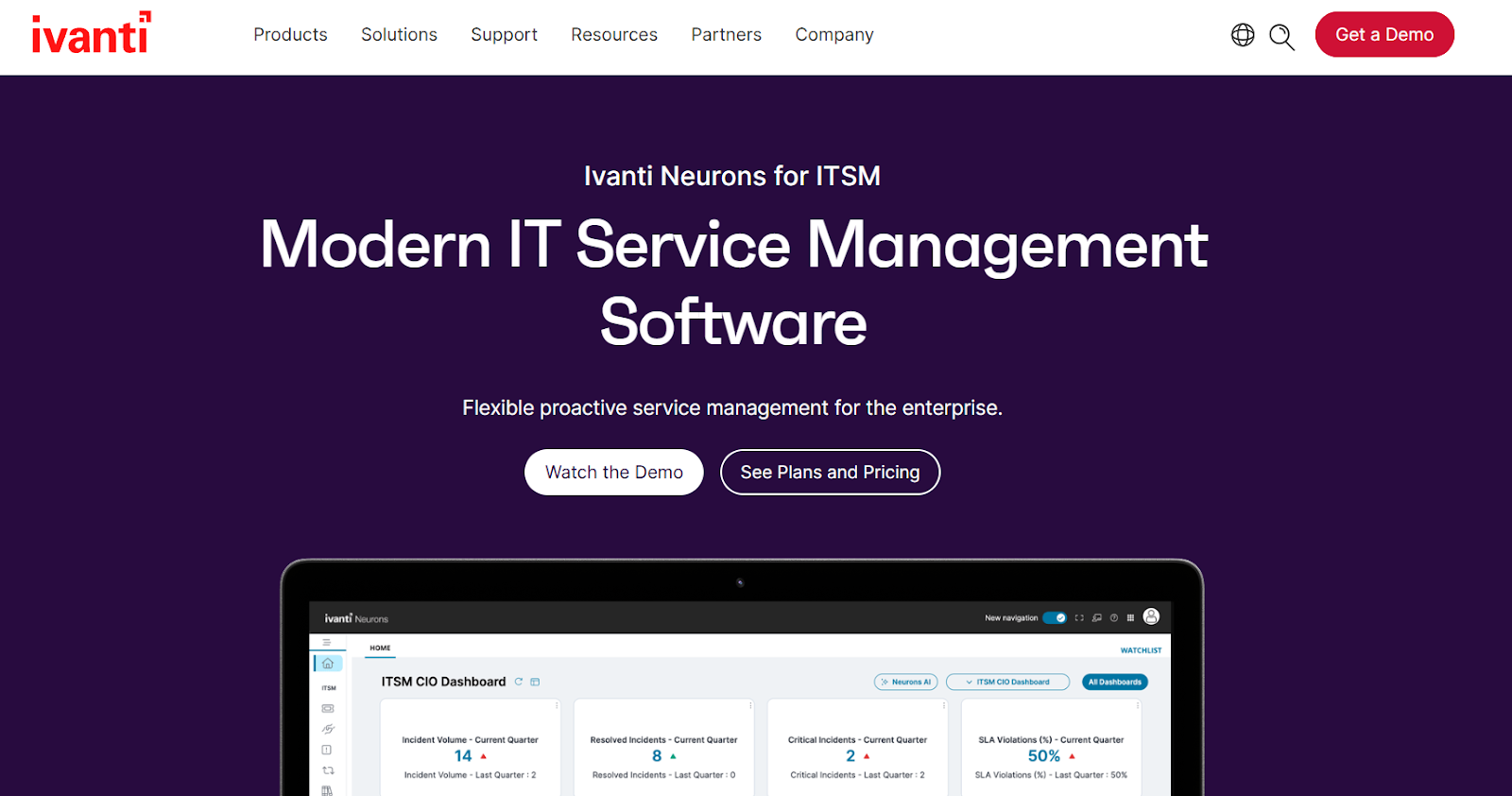
Ivanti offers an enterprise-grade service management solution that combines ITIL-aligned workflows, automation, self-service, asset intelligence, and AI-assisted resolution in one highly configurable system.
The platform is a viable alternative to TeamDynamix, as it’s been designed for complex environments where teams want to unify IT operations, automate repetitive tasks, and improve service delivery across IT and non-IT departments.
Features
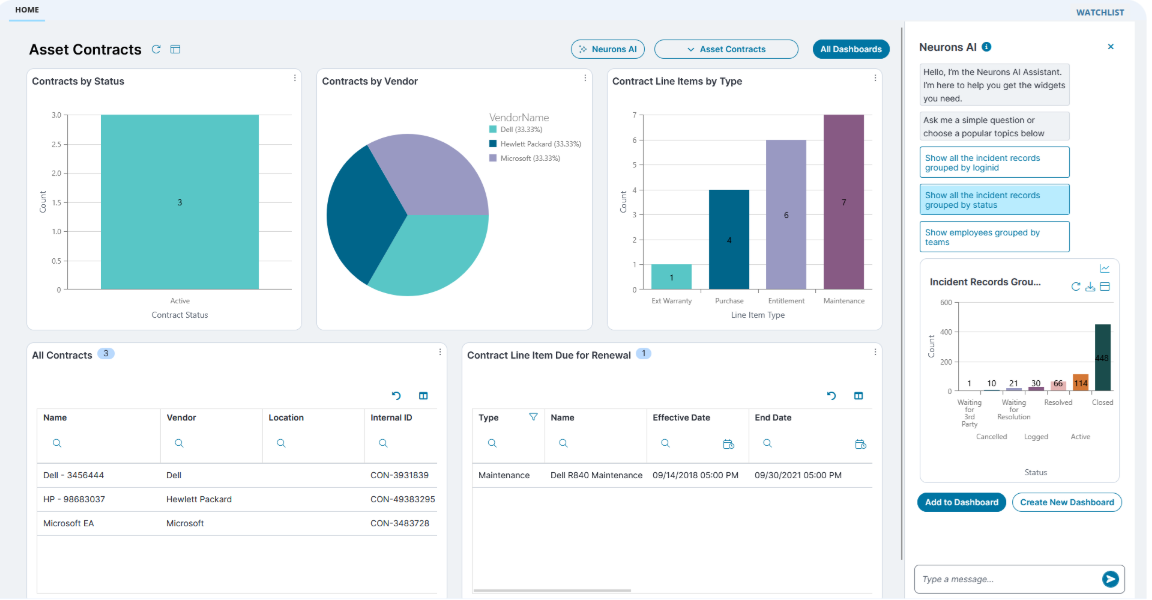
- Detects and resolves endpoint issues automatically before users notice them, minimizing incidents and improving uptime.
- Best-in-class asset & configuration management: Tracks hardware, software, contracts, lifecycle stages, and relationships through built-in discovery and CMDB capabilities.
- Continuously scans the environment to build a complete inventory of endpoints, devices, and software across on-prem and cloud environments.
Pricing
Ivanti doesn’t publish pricing for its ITSM solution, so all plans require contacting sales for a custom quote.
What is clear from its website is that there are four plans:

- ITSM Professional: Includes incident, change, request, and knowledge management, SLAs, service catalogue, asset management, CMDB, discovery, etc.
- ITSM Enterprise: Everything in Professional, plus HR service delivery, facilities management, project & portfolio management, GRC, and security operations workflows.
- ITSM Premium: Everything in Professional, and adds AI-guided ITSM, self-healing capabilities, proactive service operations, and digital experience (DEX) tools.
- ITSM Enterprise Premium: Everything in Professional + Enterprise + Premium (non-IT workflows, AI automation, DEX monitoring, and self-healing capabilities in one fully unified suite).
Pros & Cons
✅ Highly flexible and customizable.
✅ Easy to use and implement.
✅ Detects and resolves endpoint issues automatically.
❌ Customization can take significant time and effort.
❌ The platform can get expensive in comparison to other solutions on the market.
#6: ManageEngine
Best for: IT teams looking for a mature, full-featured help desk and ITSM solution that works on-premises or in the cloud.
Similar to: Ivanti.
ManageEngine offers an all-in-one IT help-desk and ITSM suite that covers incident, problem, change, asset, contract, and request management.
I think of the platform as particularly well-suited for organizations that are looking for a well-established TeamDynamix alternative.
Features
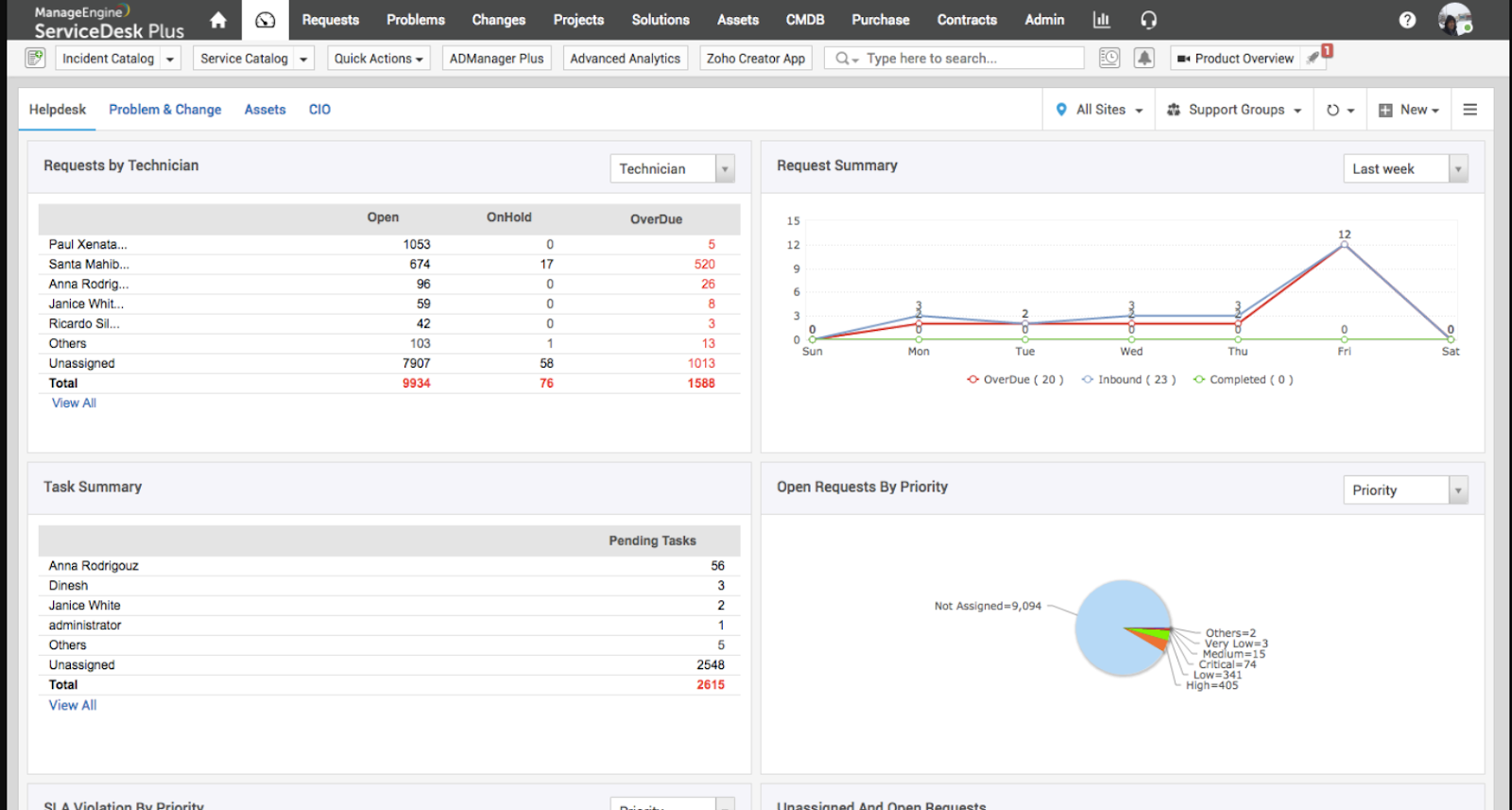
- Incident & request management that lets teams log, track, and resolve service requests and outages with SLA definitions and escalation rules.
- Visually map every dependency in your IT infrastructure with an auto-synced CMDB that links CIs to incidents, problems, changes, and services.
- The software runs detailed root-cause analysis and links related incidents to eliminate repeat issues.
Pricing
Pricing for ManageEngine ServiceDesk Plus isn’t listed publicly.
However, it’s clear from the request quote form that costs change based on technician volume and deployment model.
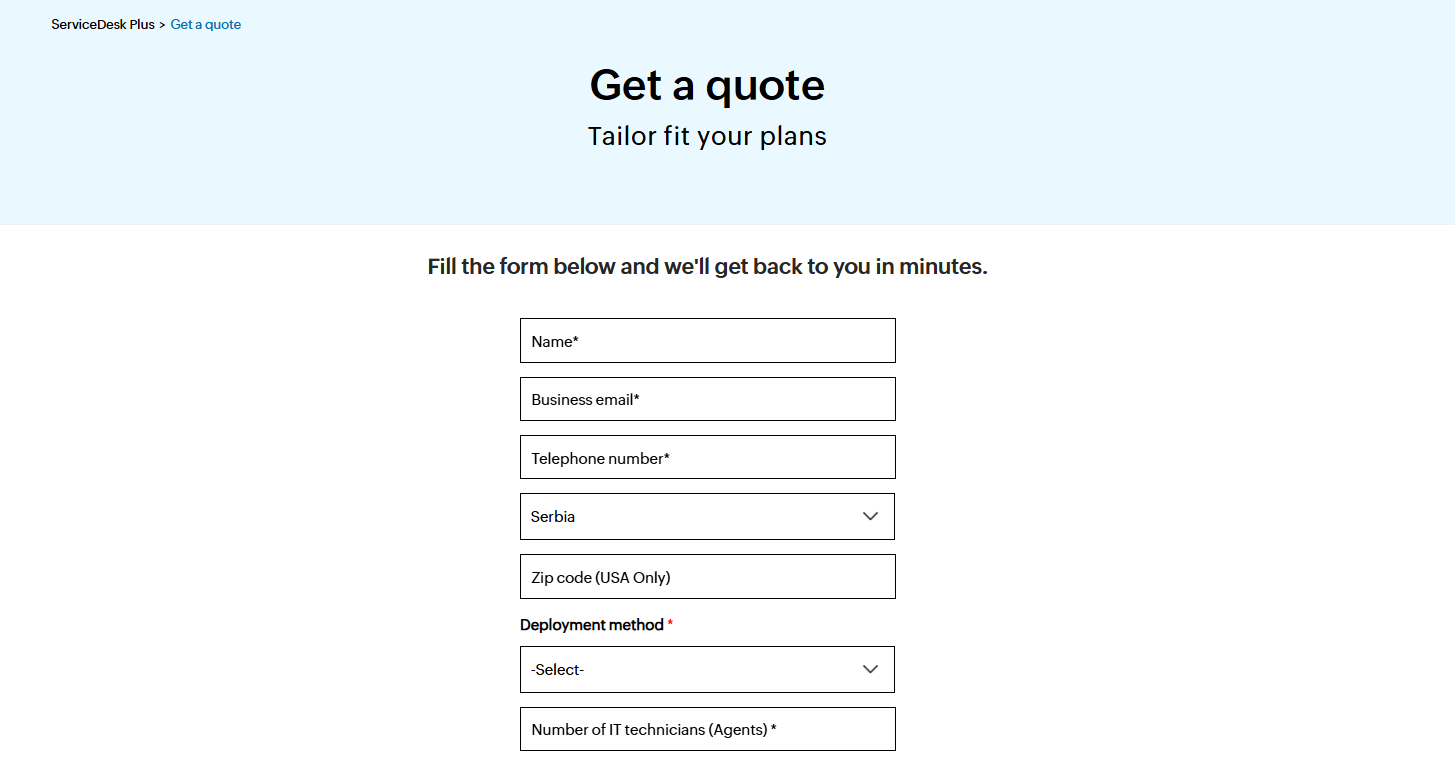
To know what your organization would pay, you’ll have to reach out for a tailored quote.
Pros & Cons
✅ Strong integrations across the ManageEngine ecosystem.
✅ Flexible deployment options, with easy basic setup for both cloud and on-prem.
✅ You can visually map every dependency in your IT infrastructure.
❌ The initial implementation can be tricky and complex, according to a G2 review.
❌ Some customers of the software are not happy with the tool’s customer support, according to users of the tool.
#7: Jira Service Management
Best for: Enterprises that need tight integration between IT service management and DevOps teams.
Similar to: Freshservice, Zendesk.
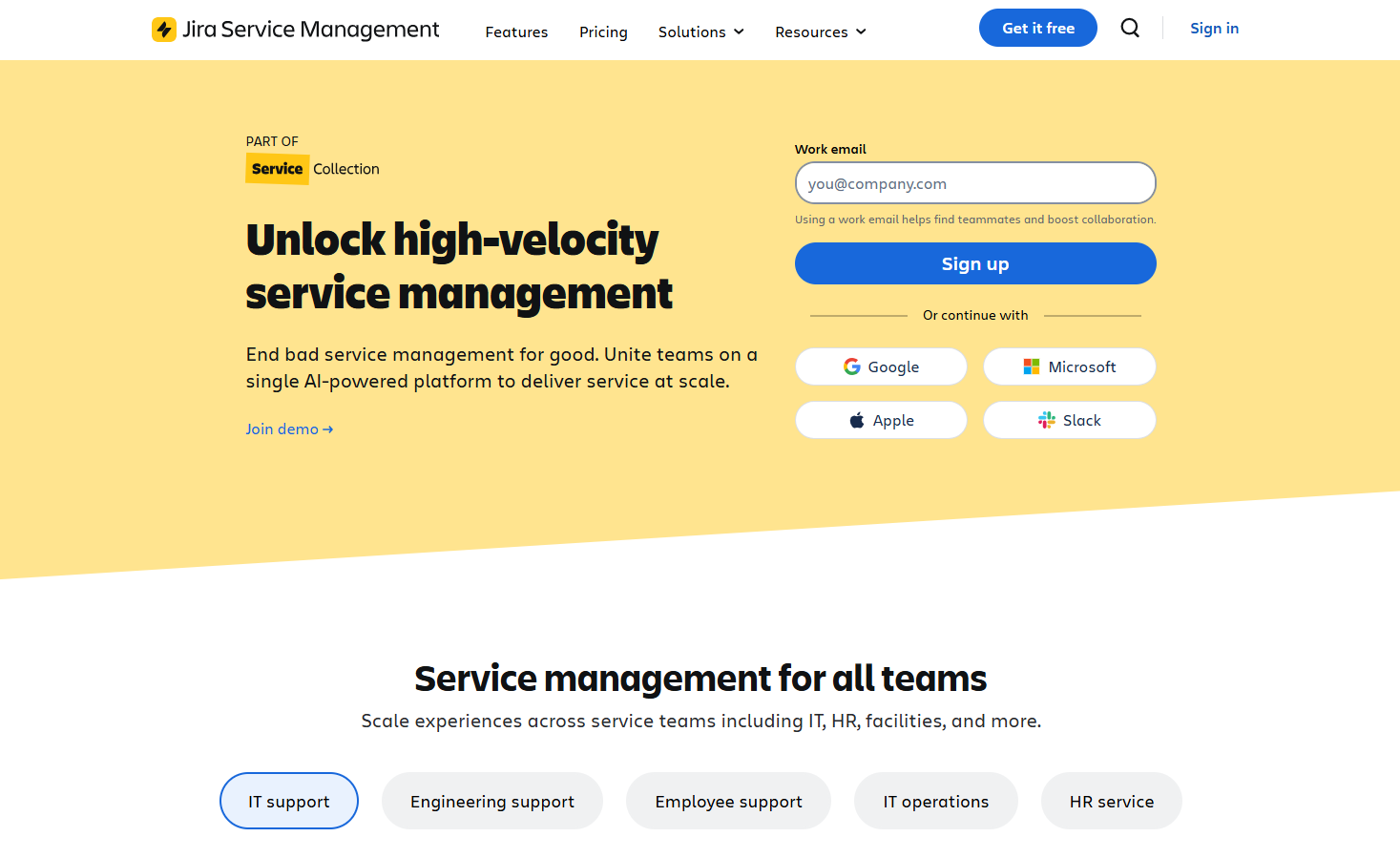
Jira Service Management offers developer-friendly IT service management with strong incident, change and problem workflows that tightly integrate with Jira Software and DevOps pipelines.
The tool is an ideal alternative to TeamDynamix for teams looking to combine service requests and incident response with developer triage.
Features
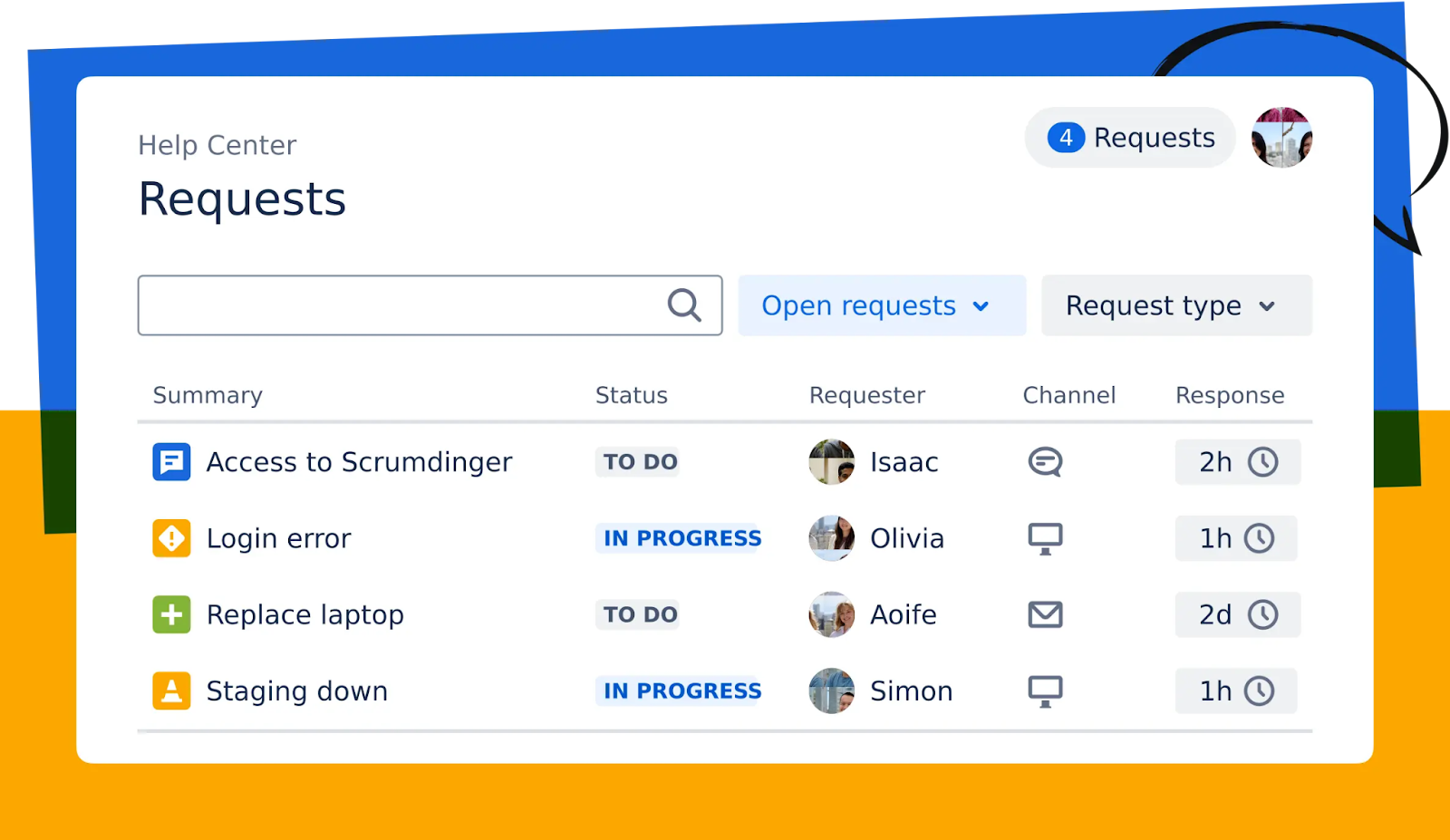
- You’ll be able to manage work across various channels, so that your employees and customers will receive the help they need quickly.
- The platform empowers development and IT operations teams to respond rapidly to incidents, resolve them, and continuously learn from them.
- DevOps-friendly change and incident workflows with automation and Confluence-backed knowledge to speed resolution and reduce change risk.
Pricing
Jira Service Management offers four pricing plans for IT teams:
- Free: $0, for up to 3 agents, with access to basic features.
- Standard: Starts from $25 per agent/month, includes custom-branded help centre, alerts, on-call schedules, unlimited email notifications, and 9/5 support.
- Premium: Starts from $57.30 per agent/month, adds AI-powered services, virtual agent, asset and configuration management, advanced alert integrations, and 24/7 support.
- Enterprise: Custom pricing, adds advanced analytics, security, and unlimited automations, with up to 150 instances and 24/7 dedicated support.
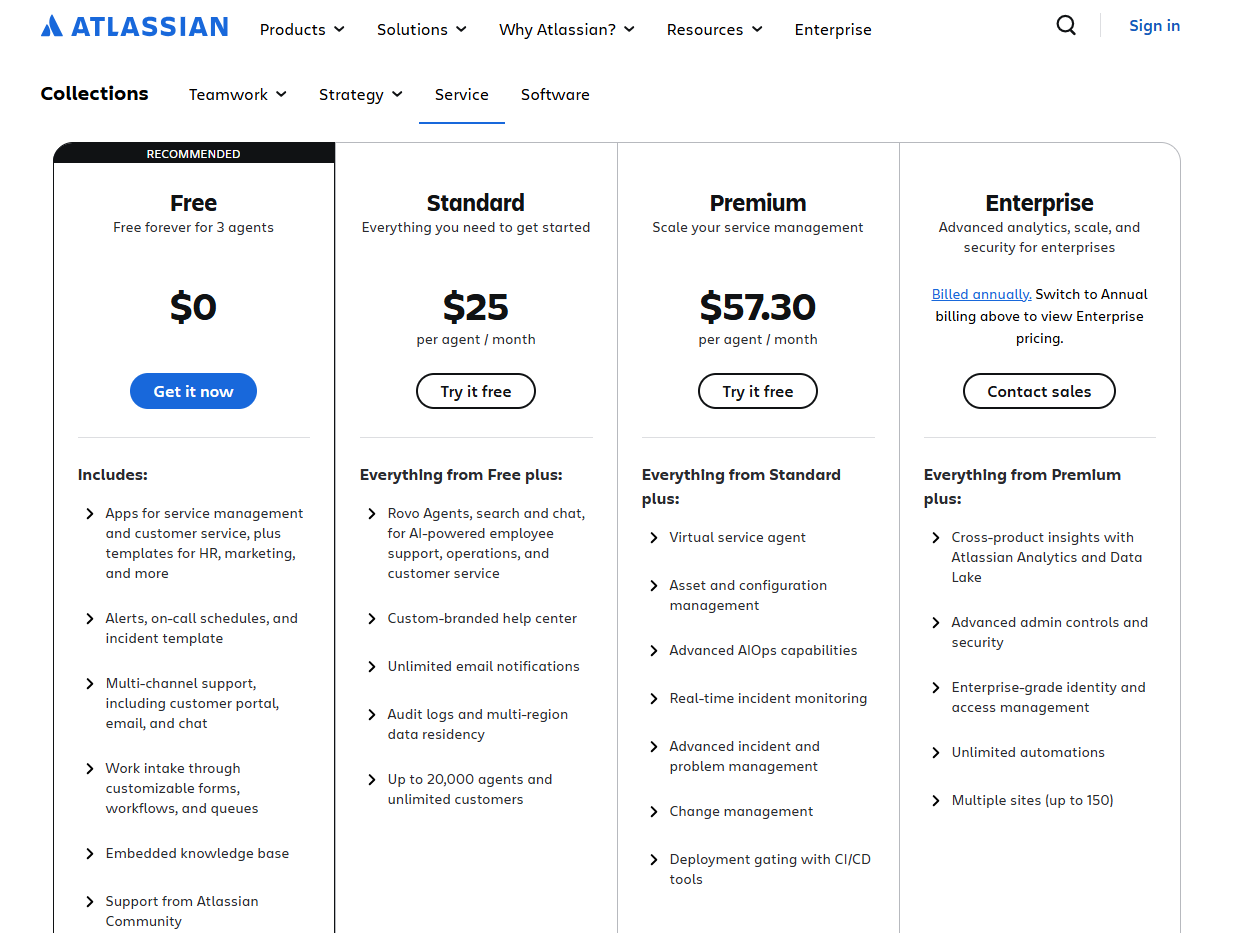
➡️ Note that the more users you add to the platform, the more affordable per-seat pricing you’d get (e.g., the Standard plan will cost $25/agent/month for 10 agents, but $10.13/agent/month for 1,000 agents).
Pros and Cons
✅ Excellent for integrating ITSM with software development and incident-to-change processes.
✅ Advanced automation capabilities to establish predefined workflows and triggers.
✅ Ready-to-use ITSM templates that you can start with.
❌ Dependence on plugins for certain features, which some users find inconvenient.
❌ Non-technical users might find Jira’s interface confusing, similar to TeamDynamix, which is why some people have been looking for Jira Service Management alternatives.
#8: SysAid
Best for: Mid-sized organizations looking for an easy-to-manage ITSM tool with solid core features.
Similar to: Atera, SolarWinds Service Desk.
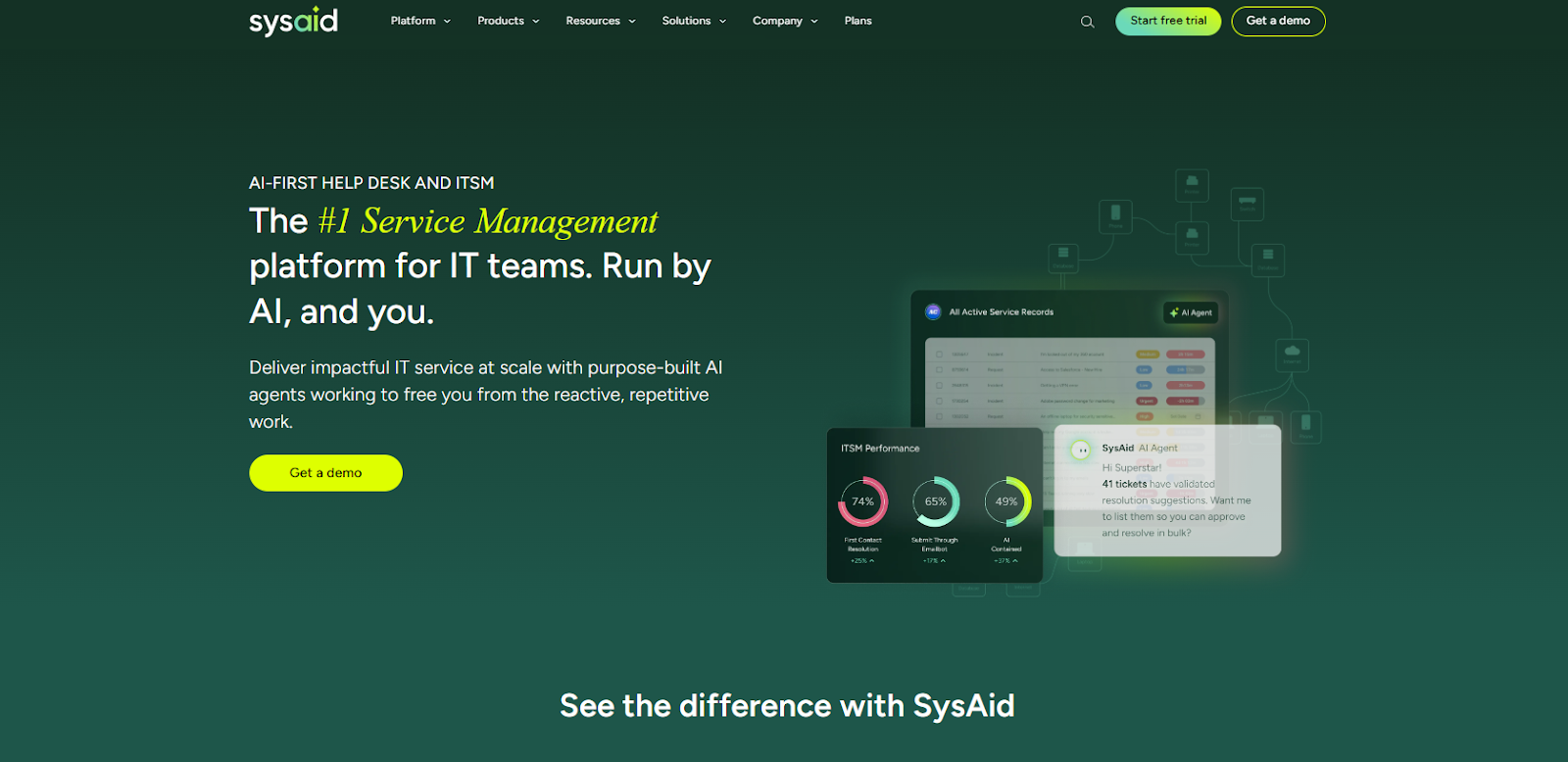
SysAid offers a traditional, configurable ITSM stack with options for cloud or on-premise deployment and strong automation and AI assistants to speed triage and resolution.
The tool offers a solid TeamDynamix alternative for IT teams that need a classic ITIL-capable tool without enterprise lock-in.
Features

- Built-in ITSM modules (service desk, assets, self-service portal) plus automation rules to triage and route tickets.
- Tracking and management of hardware, software, and other IT assets across the organization.
- Access to AI agents and workflow automation that streamline routing, escalation and common remediation tasks.
Pricing
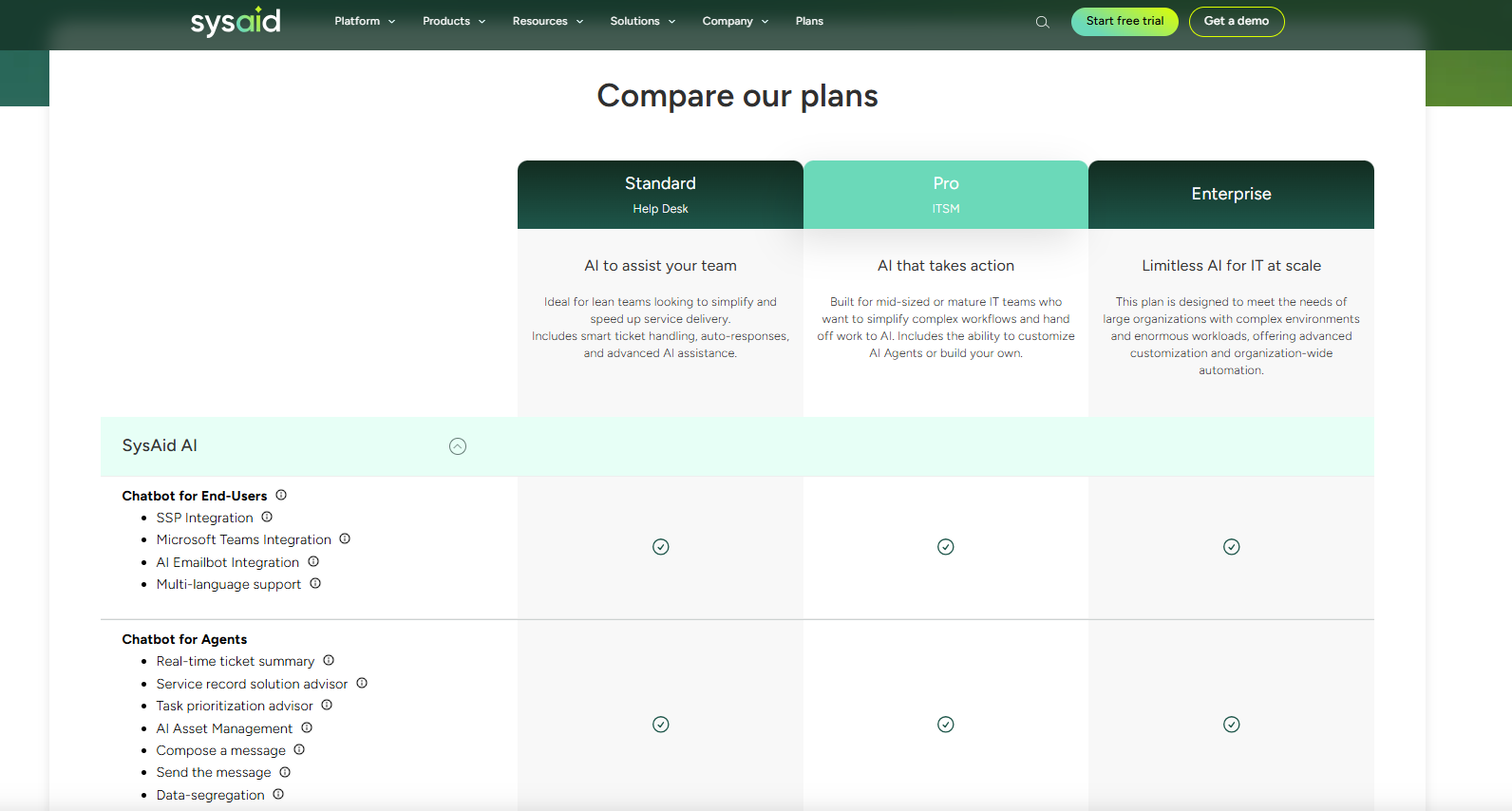
SysAid offers three main pricing plans, but has not disclosed its pricing for them:
- Help Desk: Designed for lean teams, includes incident management, self-service portal, service catalog, asset management, and basic reporting.
- ITSM: For mid-sized organizations, it adds workflow automations, third-party integrations, and advanced SLA management.
- Enterprise: For large teams, includes all IT service management features with unlimited agents, automation rules, and custom columns.
Pros and Cons
✅ Advanced help desk functionality for managing incidents, requests, and problems.
✅ The tool lets you customize workflows and reports to meet your needs.
✅ Enterprise-grade ITSM solution.
❌ Fewer enterprise-scale integrations and advanced capabilities than larger platforms.
❌ A long implementation process, according to user reviews, which is why some users have been looking for SysAid alternatives.
#9: NinjaOne
Best for: Small IT teams that want an easy-to-use RMM with basic service desk capabilities.
Similar to: Startly.
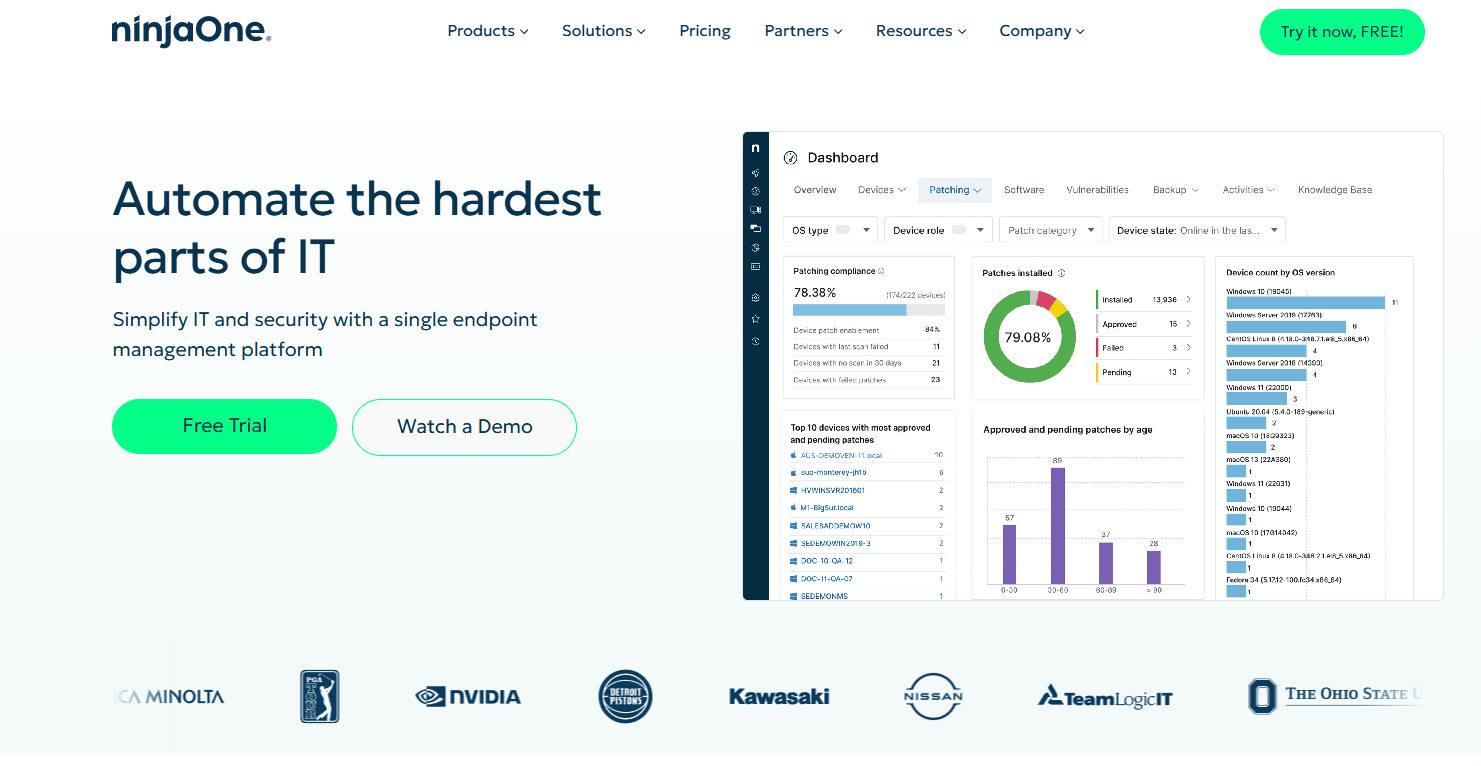
NinjaOne offers a modern RMM platform that includes ticketing and endpoint management, making it a viable TeamDynamix alternative when teams are looking for speed, simplicity and efficient remote management.
I think of the tool as especially useful when you want fast agent deployment, scripted remediation and lightweight ticketing in one place.
Features
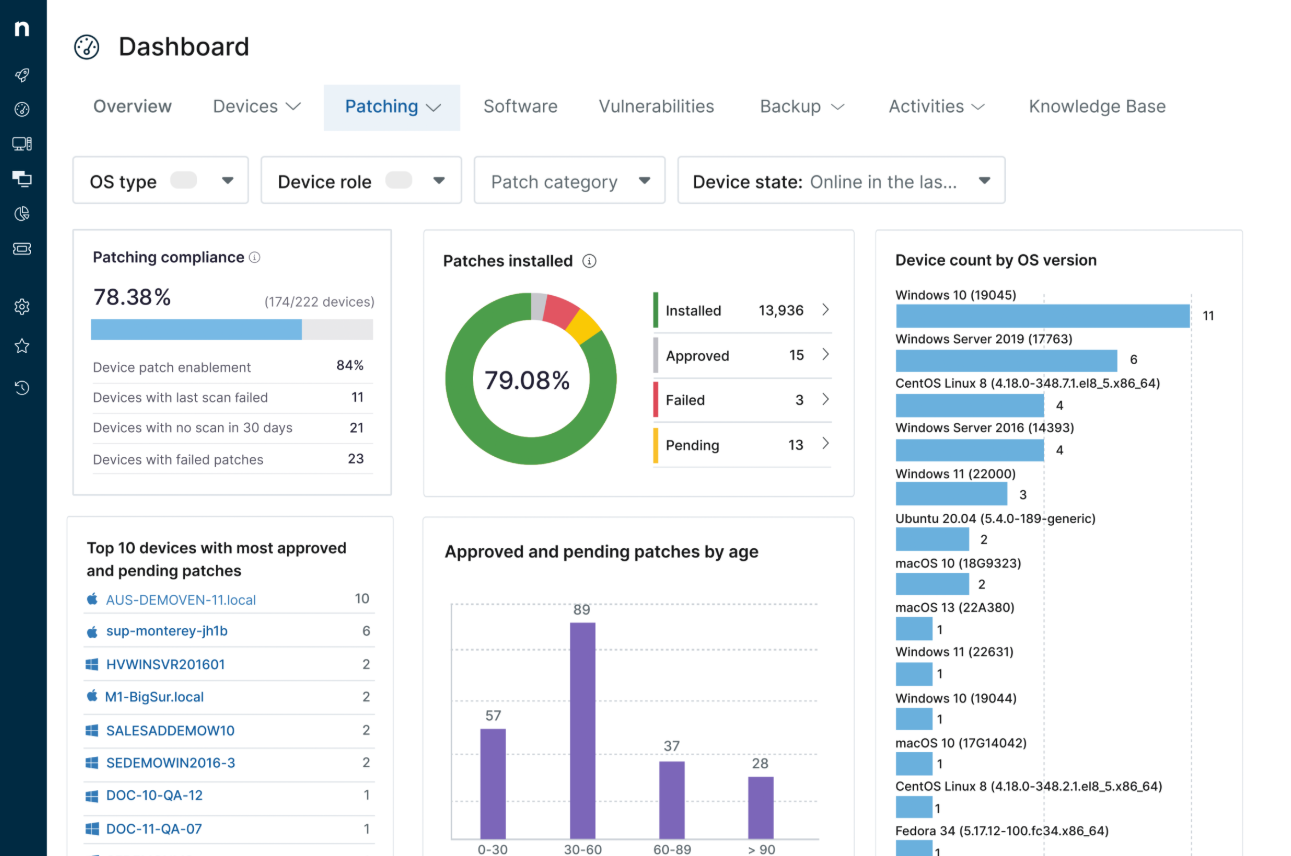
- Remote monitoring and alerting that provides real-time status of devices across Windows, macOS, and Linux, with smart notifications.
- Automated patch management that automatically deploys OS and third-party updates across endpoints to help you reduce manual maintenance and improve system security compliance.
- Integrated service desk that offers ticket logging, workflow automation, and remote support all within the same interface.
Pricing
NinjaOne doesn’t publish subscription prices, as each price is custom-tailored to each team and their unique needs.
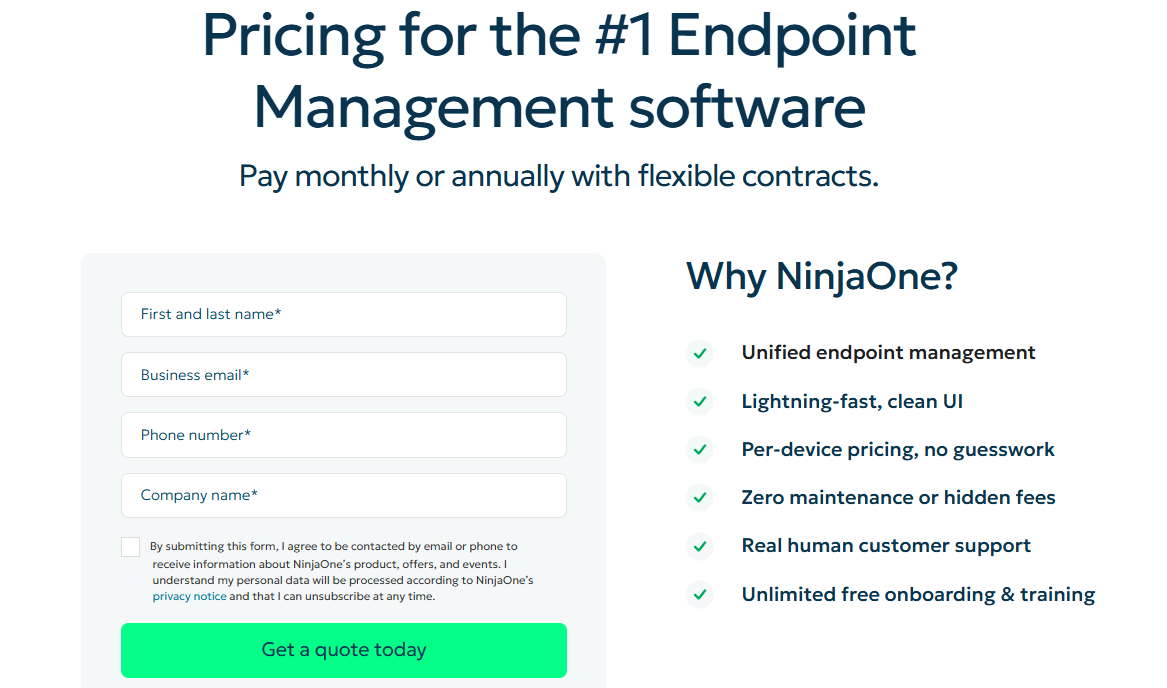
However, its website does state that NinjaOne follows a per‑device pricing model with monthly or annual contracts, with the pricing depending primarily on the number of endpoints you manage.
➡️ The tool’s pricing scales with volume, starting at around $3.75 USD per device/month for smaller environments and dropping to about $1.50 USD per device/month at very high volumes (10,000 endpoints or more).
Pros & Cons
✅ User-friendly user interface with an intuitive dashboard that reduces training time and speeds adoption.
✅ Unified view of IT operations, with service desk, patching, asset inventory, and backup all accessible from a single console.
✅ Fast onboarding and strong remote management tools.
❌ Limited reporting customization in comparison to other tools on the market.
❌ The tool relies on integrations for some advanced ITSM processes.
#10: Freshservice
Best for: IT teams looking for a fast-to-deploy, user-friendly ITSM with scalable automation and asset management capabilities.
Similar to: Jira Service Management, Zendesk.
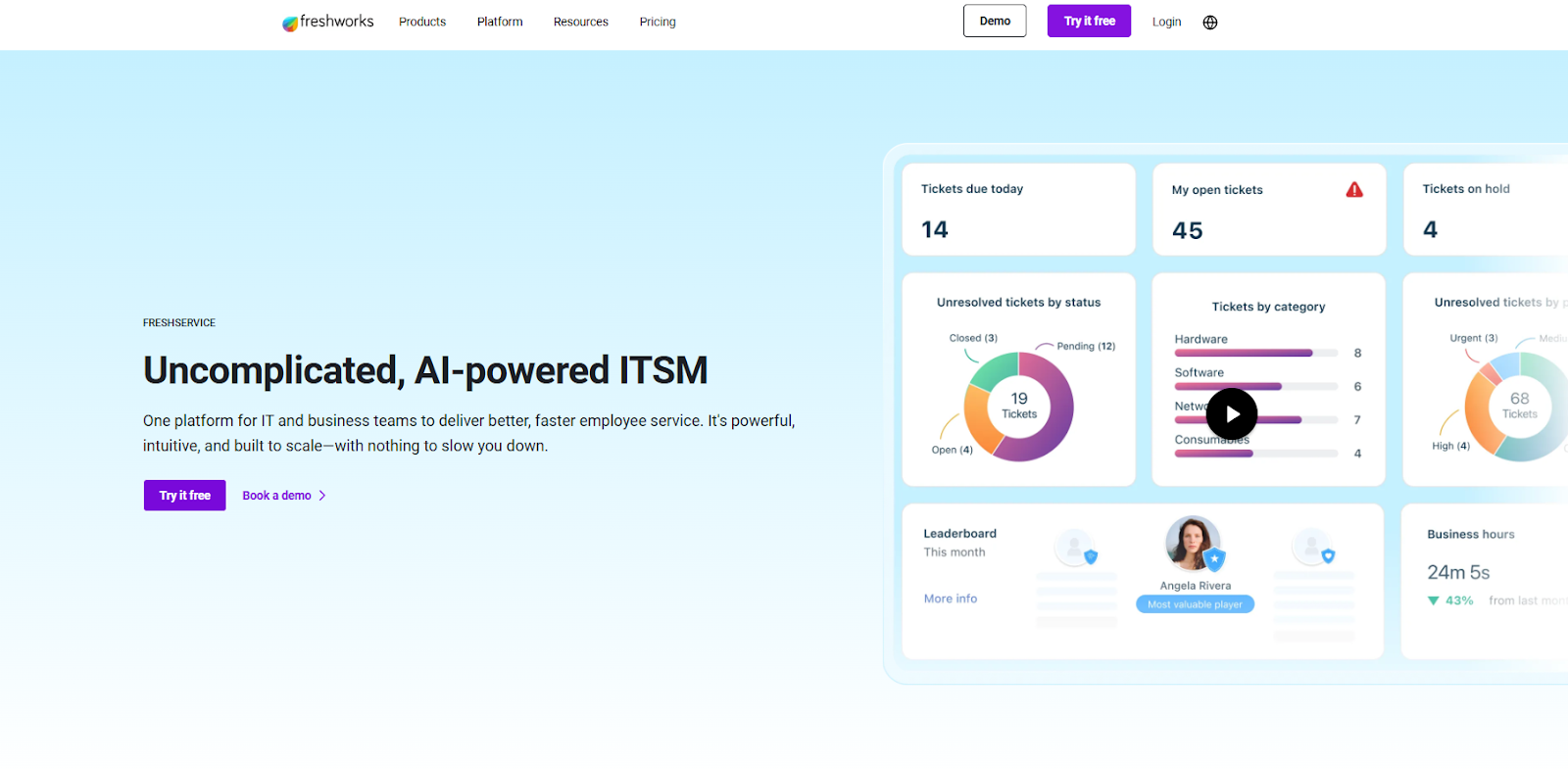
Freshservice offers a modern, easy-to-deploy ITSM solution that blends ITIL best practices with user-friendly service catalogues, automation and AI suggestions.
The tool is a good enough TeamDynamix alternative, as it’s been built to be used by non-technical admins while still offering advanced automation, discovery and asset management capabilities.
Features
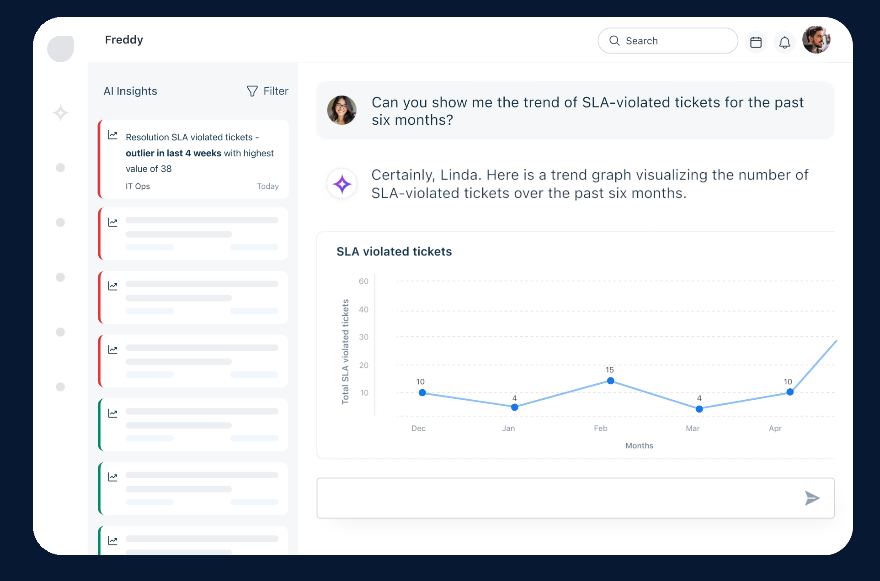
- AI-powered ticket routing and suggested resolutions combined with an intuitive service catalogue that reduces agent workload.
- A self-service portal that can help your IT team independently find solutions and submit requests.
- Monitor and manage your IT assets, including hardware and software.
Pricing
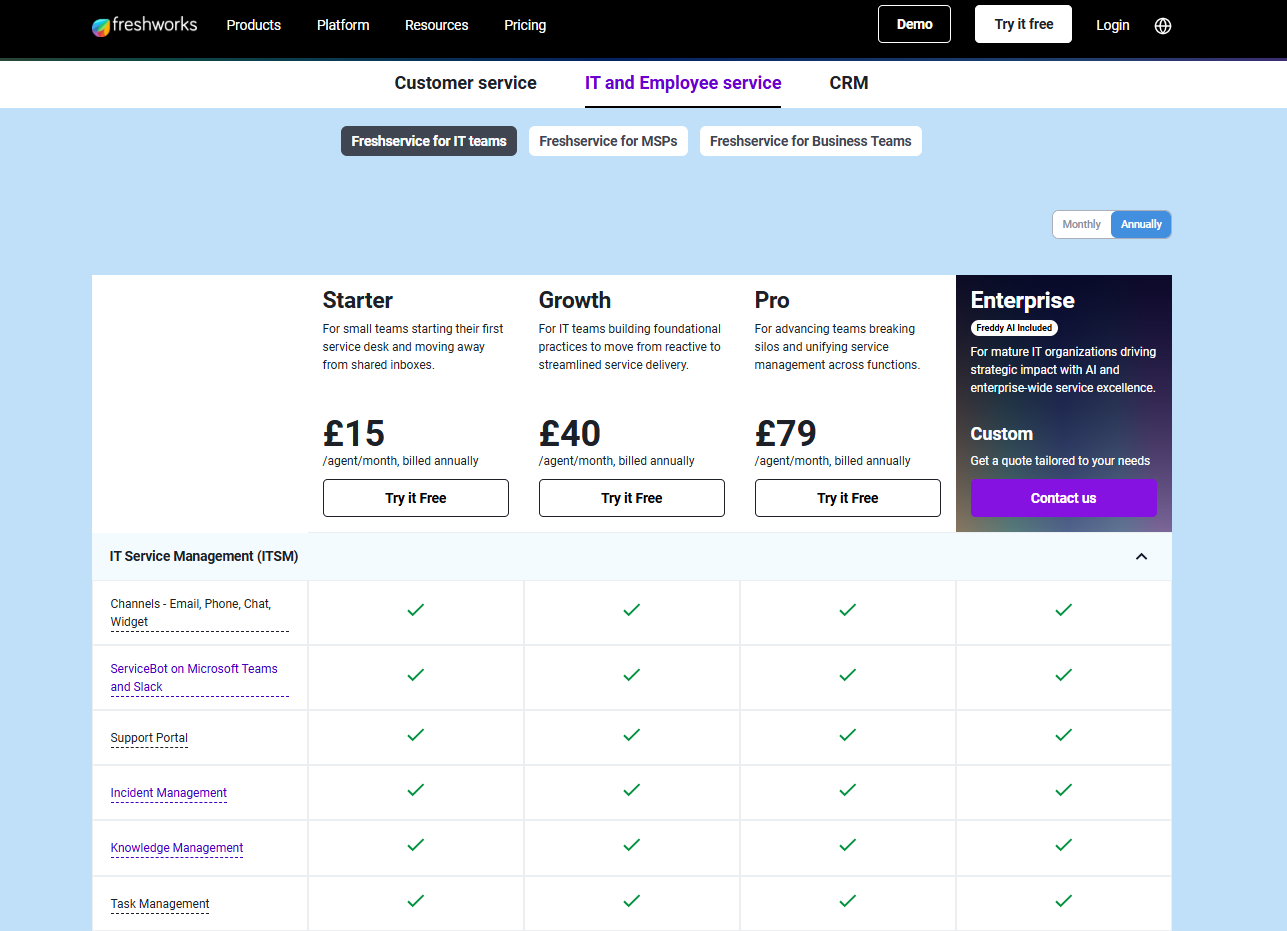
Freshservice offers 4 paid plans with no free version, all of which have a free trial:
- Starter: $19/agent/month billed annually, or $29 billed monthly, which includes workspaces, incident management, and a self-service portal.
- Growth: $49/agent/month billed annually, or $59 billed monthly, which adds asset management, purchase order management, and business rules.
- Pro: $95/agent/month billed annually, or $115 billed monthly, which adds problem management, change management, and release management.
- Enterprise: Custom pricing, which adds a sandbox, audit logs, and access to beta features.
Pros and Cons
✅ The tool’s interface is easy to set up and use daily.
✅ Advanced automation capabilities that are easy to set up.
✅ Native integrations with other Freshworks products and third-party tools.
❌ Fewer native integrations when compared to Freshservice alternatives.
❌ The customer support has been reported to be slow by verified users on G2.
Get Started With SmartSuite For Free & Set Up Your ITSM Workspace In Days
If you’ve outgrown TeamDynamix, or you’re simply looking for a change, you’re definitely not short on options.
From heavyweight enterprise platforms like ServiceNow and Ivanti to ITSM-first tools like Jira Service Management and SysAid, there’s no shortage of vendors promising deeper customization, better user-friendliness, and more advanced service management capabilities.
However, if you’re looking for a tool that helps your team move faster, adapt workflows without code, and deliver measurable value, without steep learning curves, admin bottlenecks, or opaque pricing, SmartSuite stands out as the most practical TeamDynamix alternative.
Here’s what's in it for your team when you try SmartSuite:
- No-code automation builder to set up to 500,000 trigger/action workflows.
- Built-in productivity tools, including time tracking, status tracking, and checklists.
- Team collaboration and planning tools such as whiteboards and SmartSuite docs.
- Resource management across projects and teams.
- 40+ field types, including the option to add your custom fields.
Get a 14-day free trial to explore all its amazing features.
Or, if you’d like to talk to our team of experts, schedule a demo.
Read More
- ServiceNow Review: Is It Worth It?
- BMC Helix Pricing: Is It Worth It?
- 10 Best BMC Helix Alternatives For ITSM
- ServiceNow vs. Jira Service Management vs. SmartSuite: Which One Is Better?
- Atera Pricing: Is It Worth It

SmartSuite provides work platform for standardizing workflows in the following areas:
- Governance, Risk & Compliance
- IT & Service Ops
- Project / Portfolio Management
- Business Operations







